




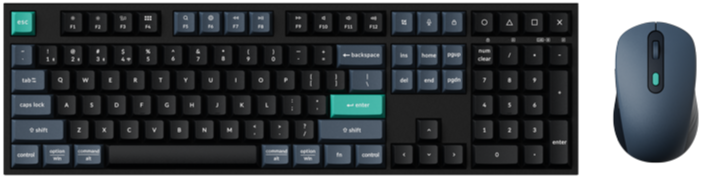
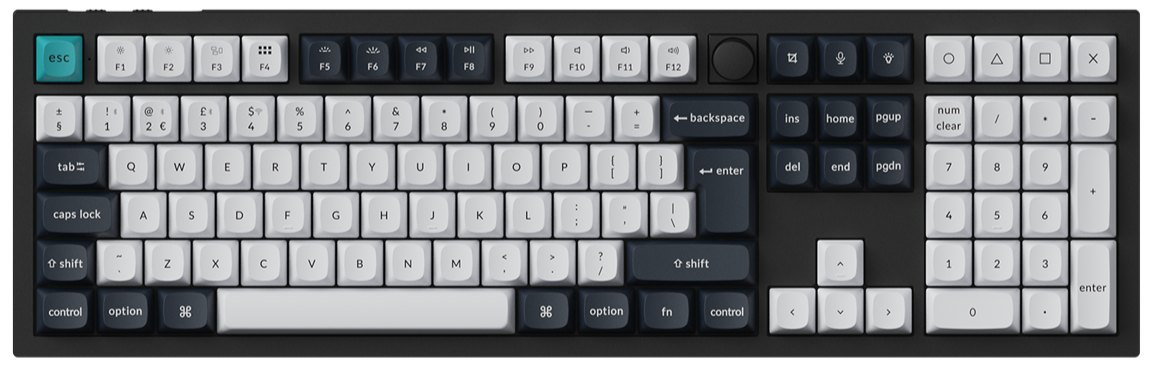
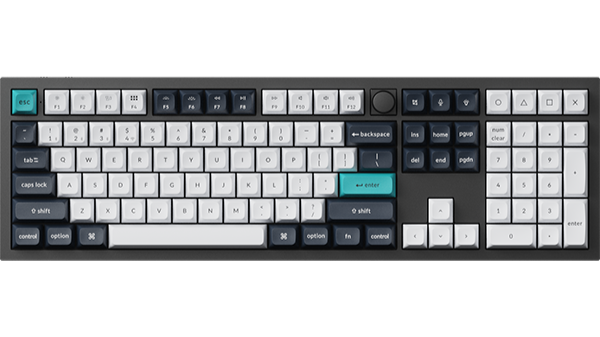
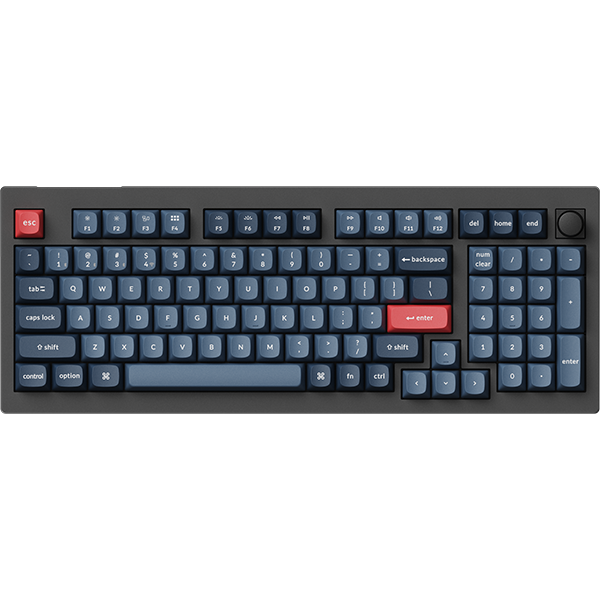
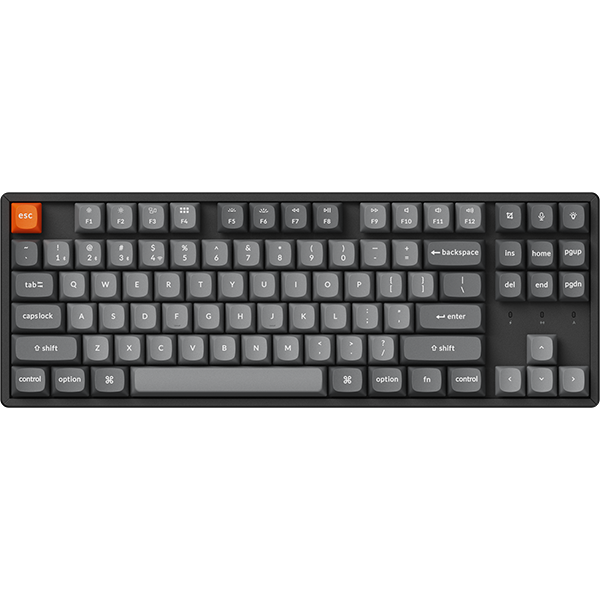

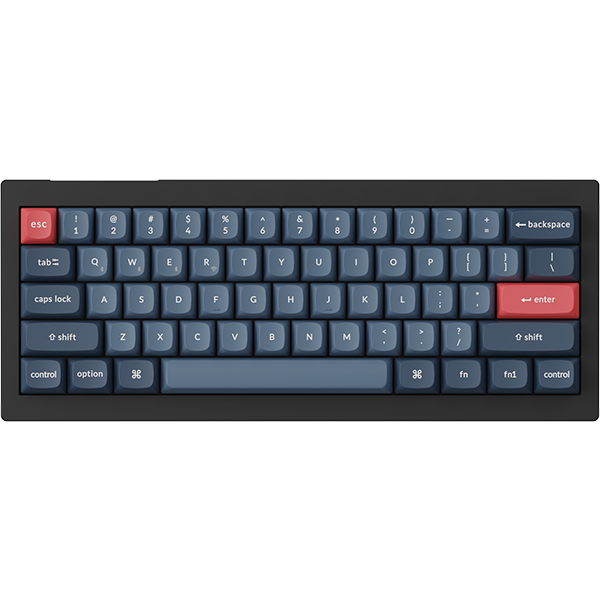


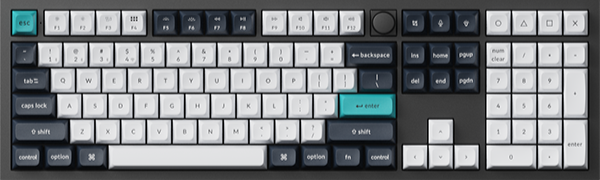
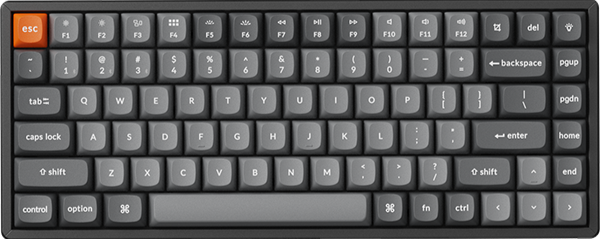
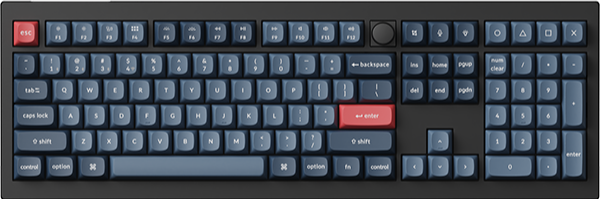
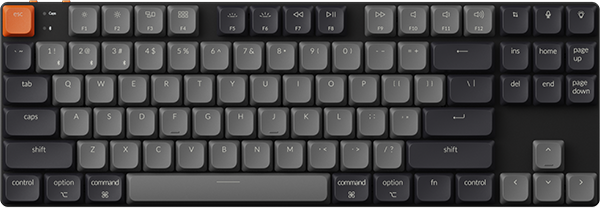
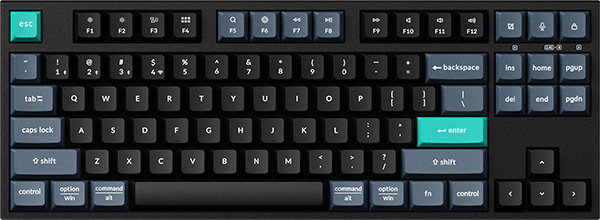
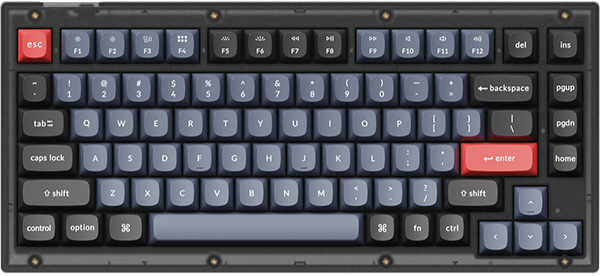
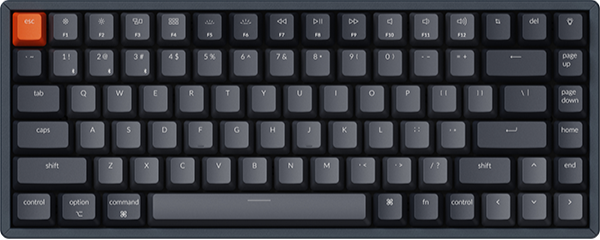
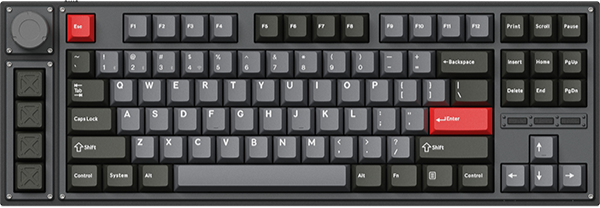

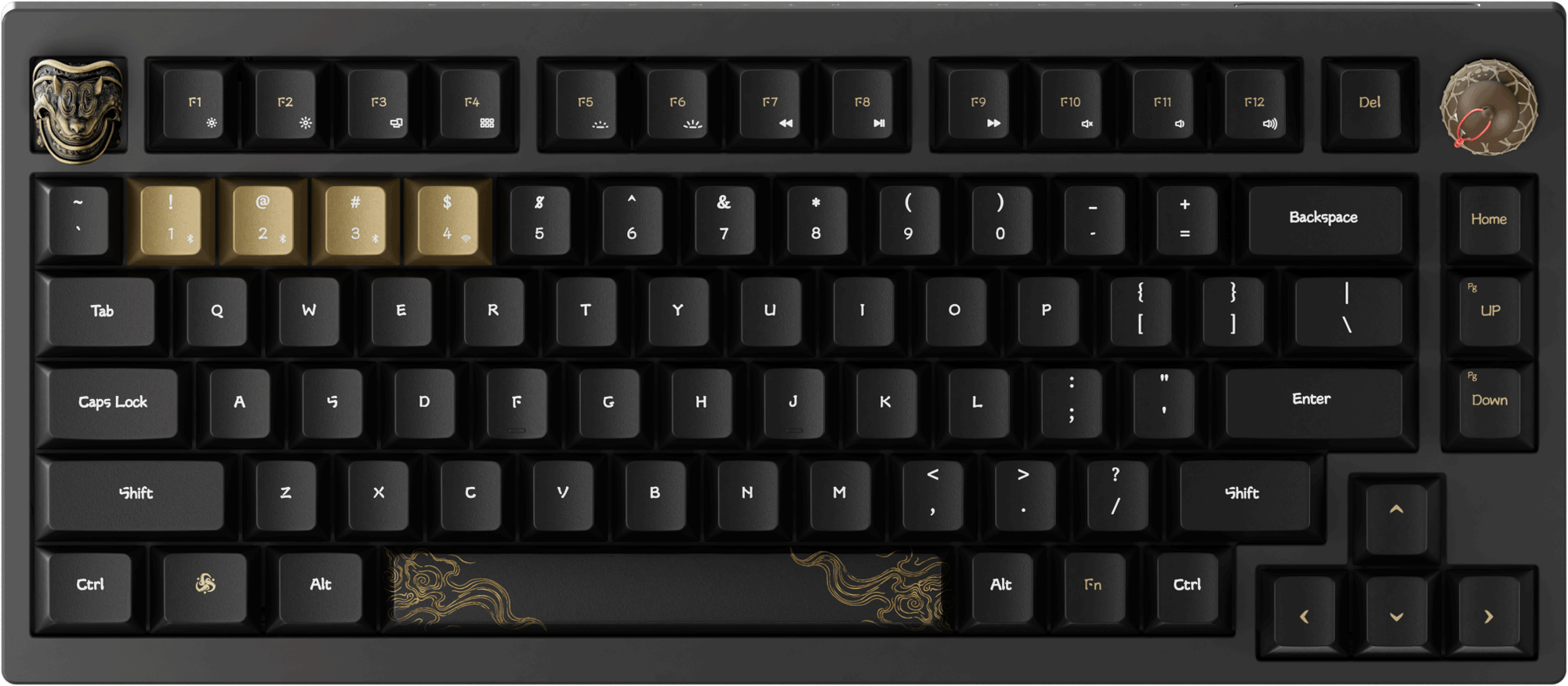


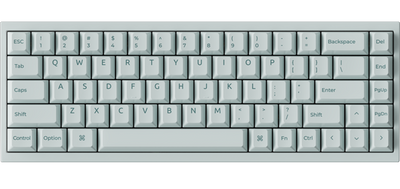


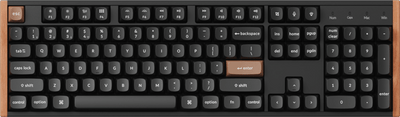
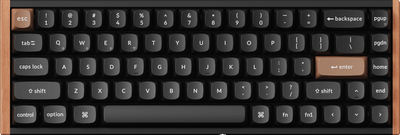
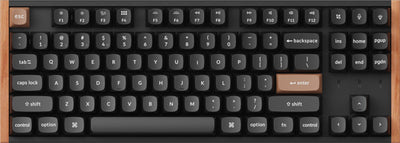
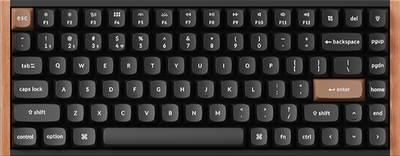

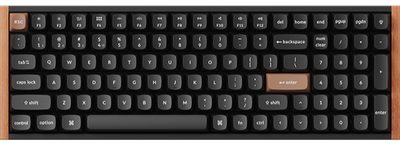

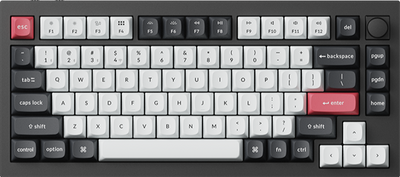

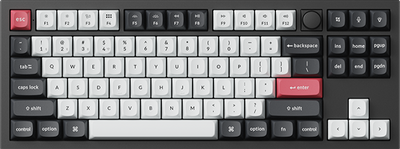
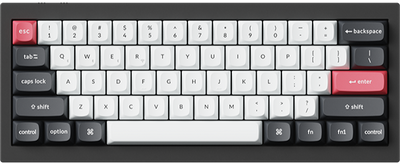
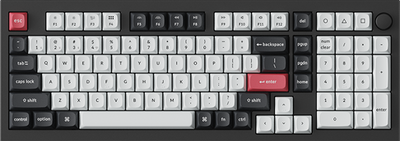
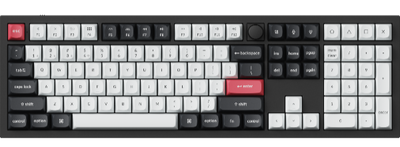
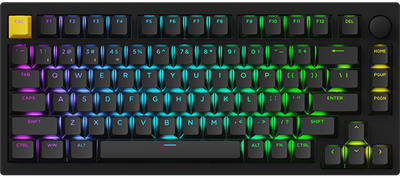
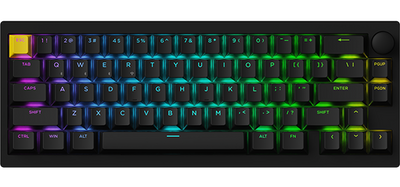
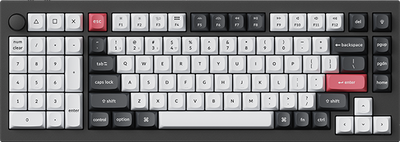

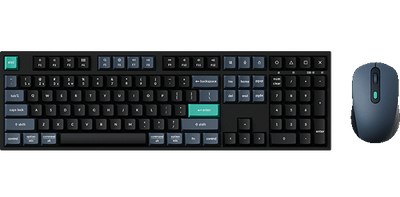
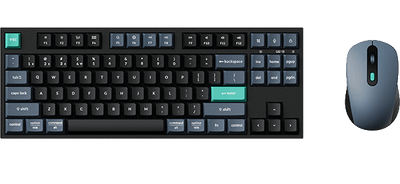
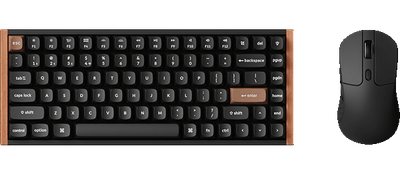
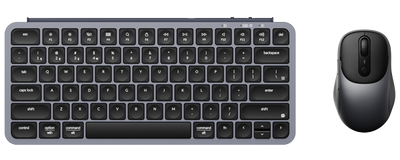
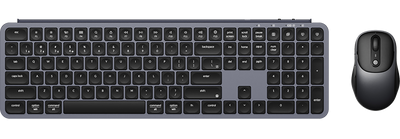
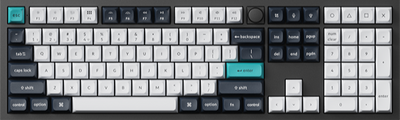
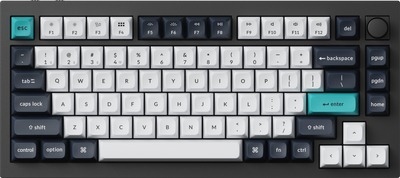
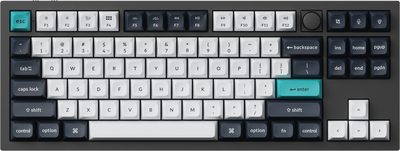
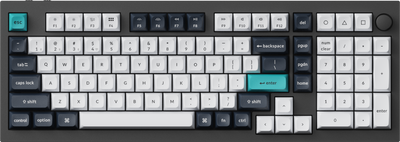
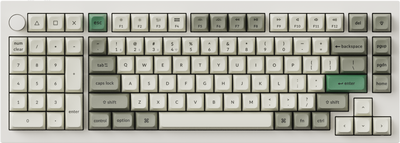
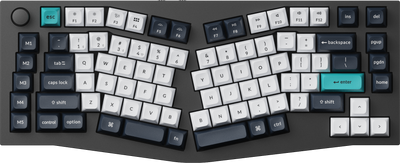
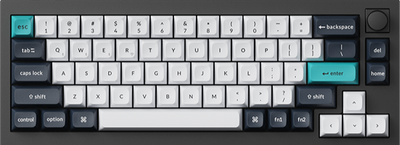
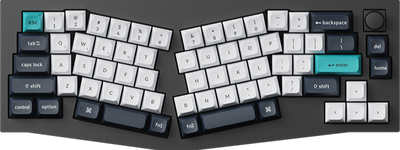
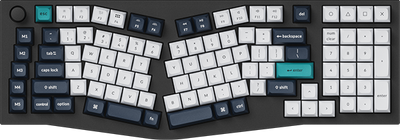
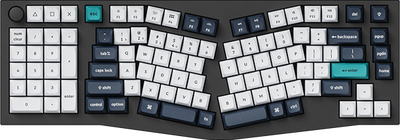
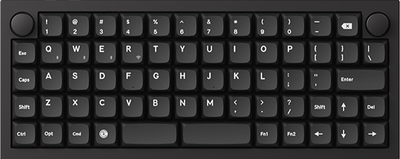
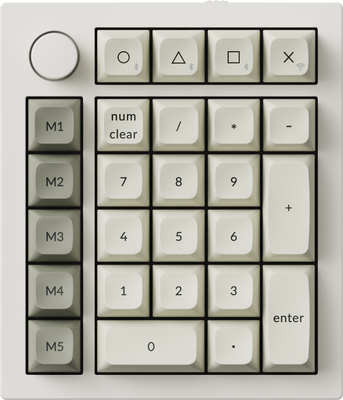
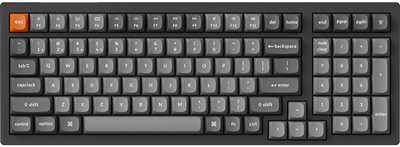
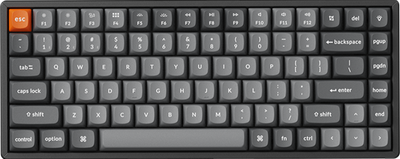
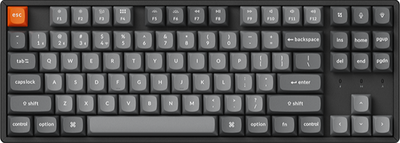
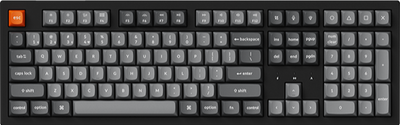
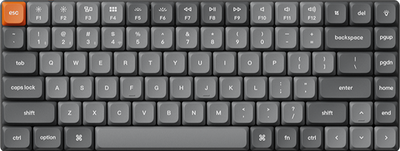

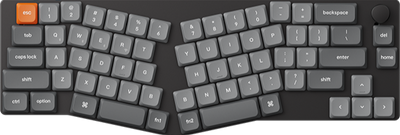
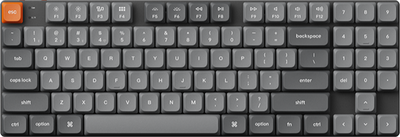
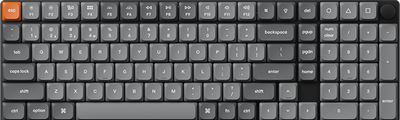
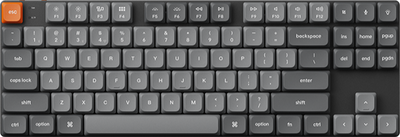
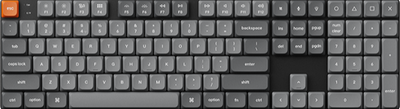
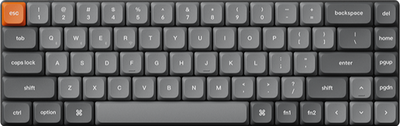
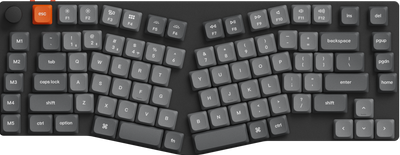
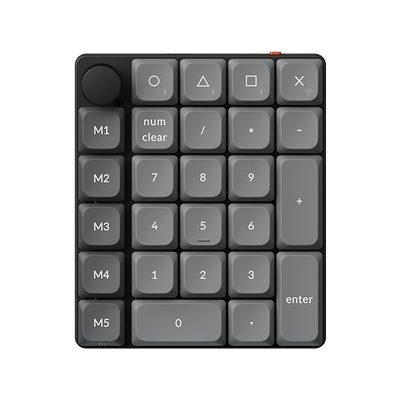
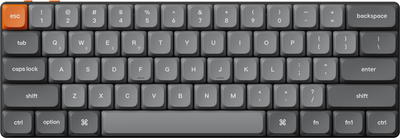
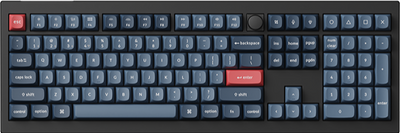
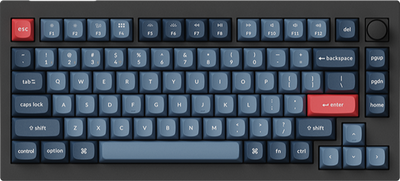
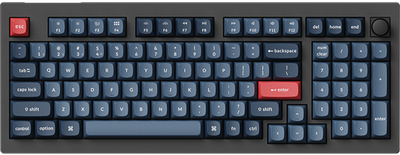
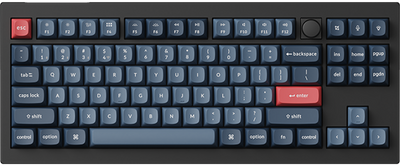
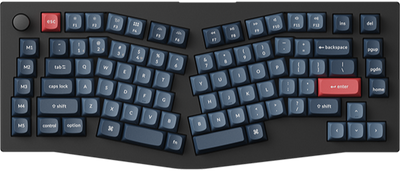
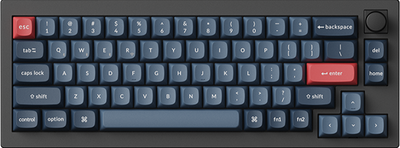
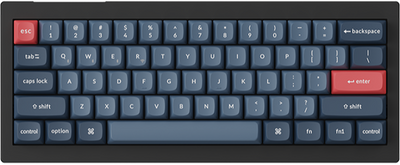
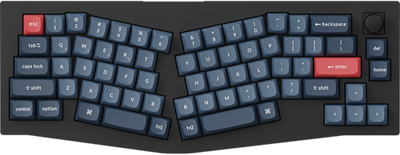
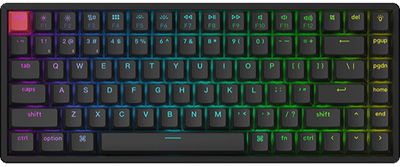
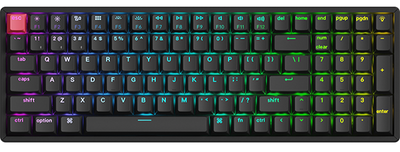
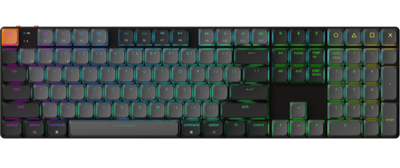
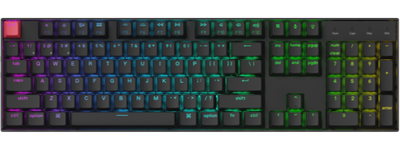
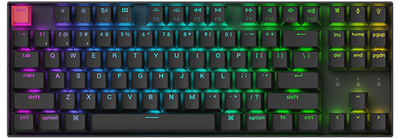
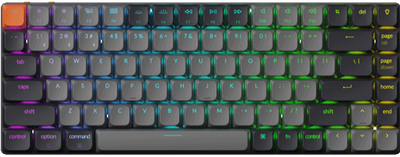
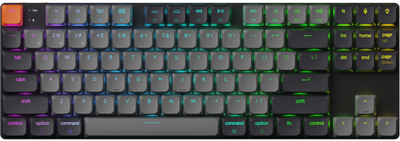


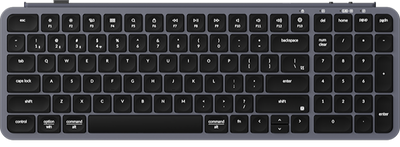
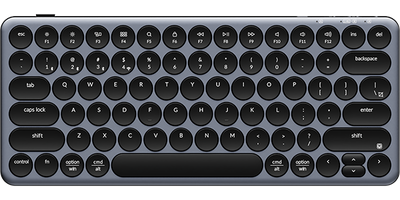
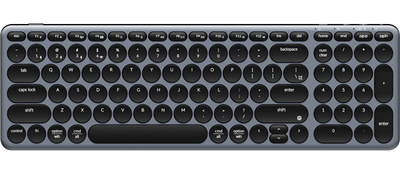
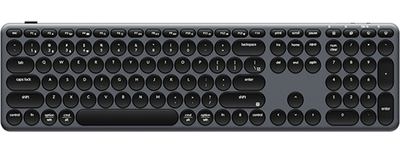
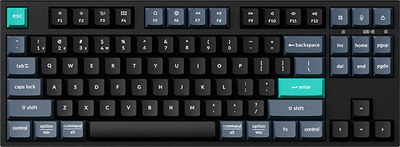
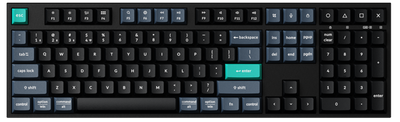


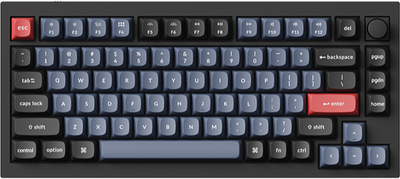
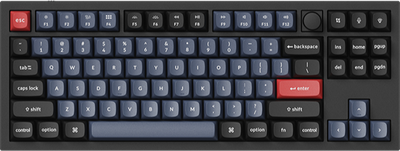
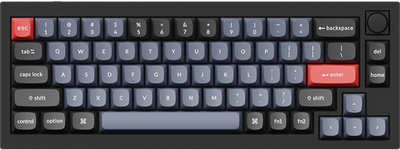
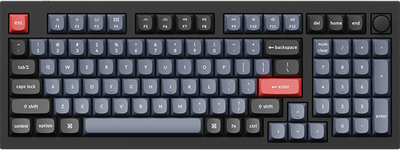
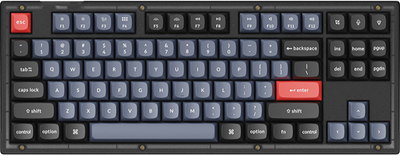
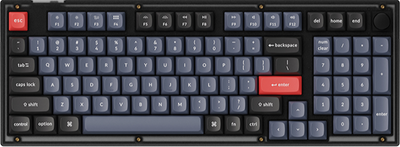
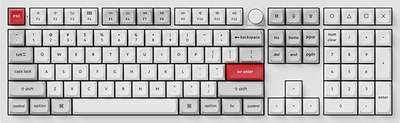
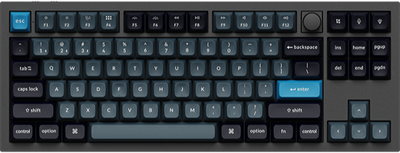
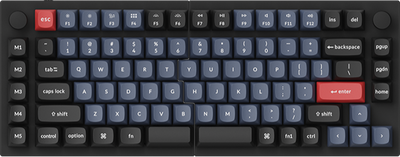
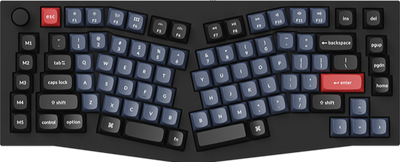
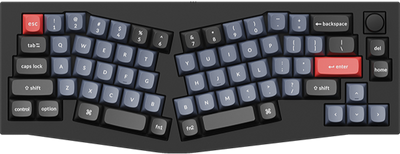
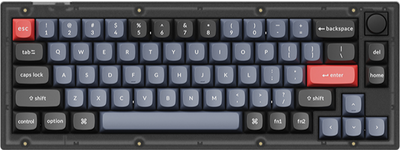
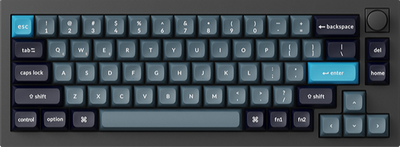
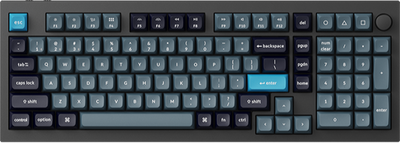
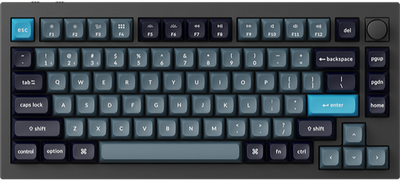
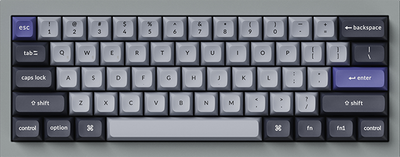
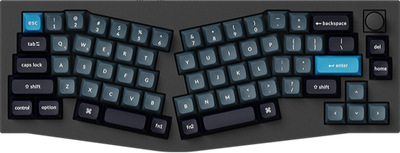
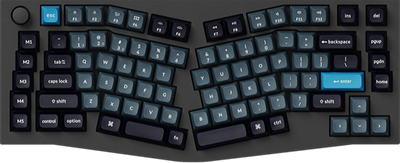
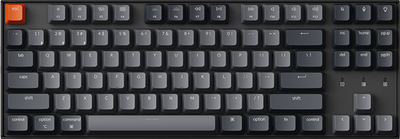
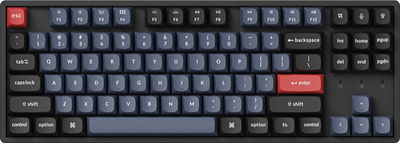
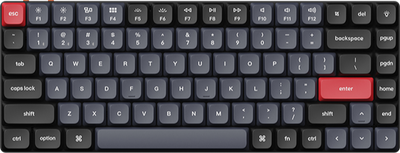
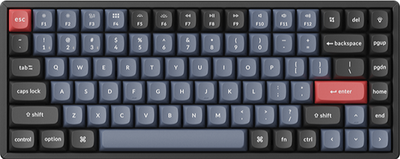
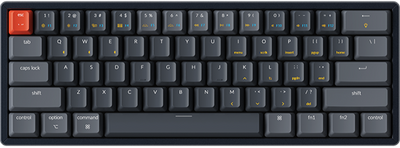
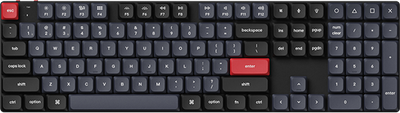
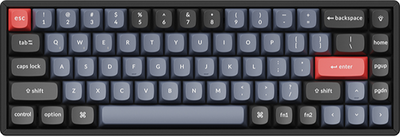
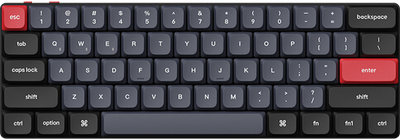
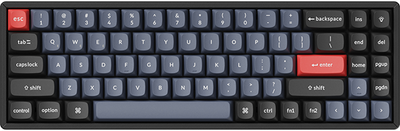
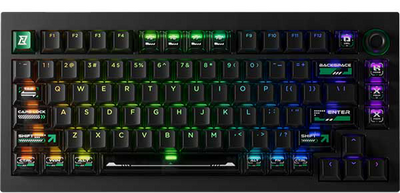

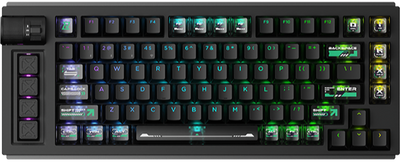
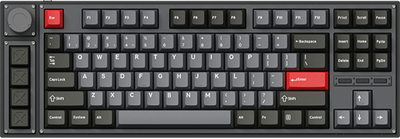
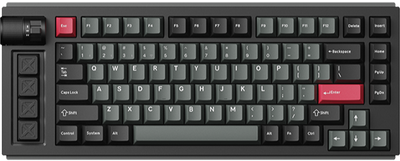
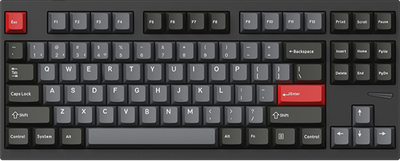
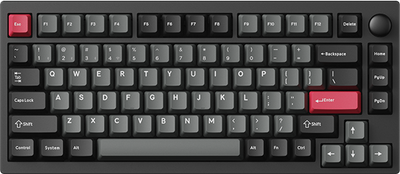
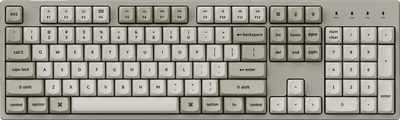
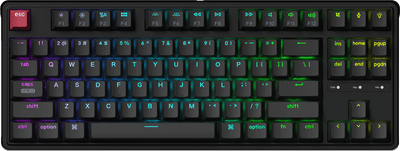
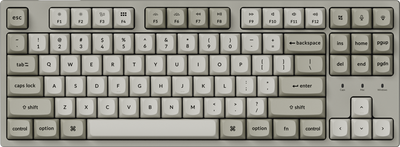
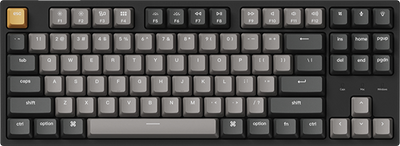
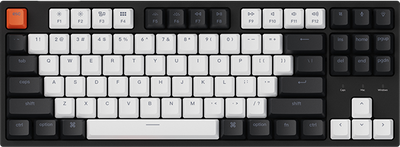
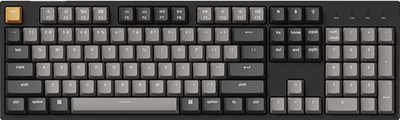
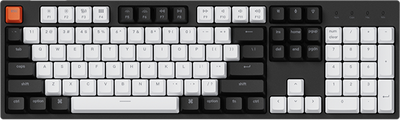
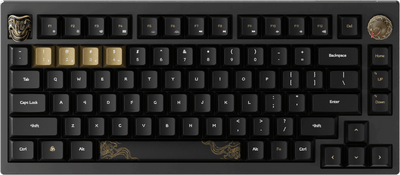
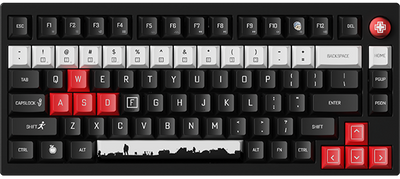
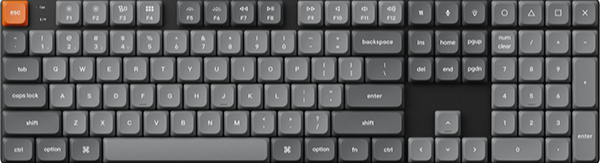
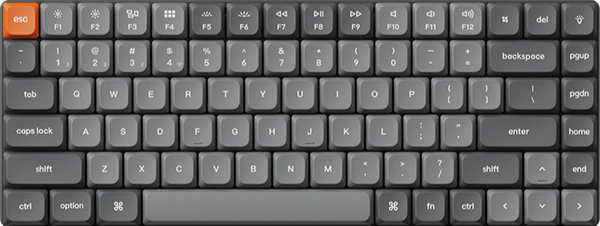
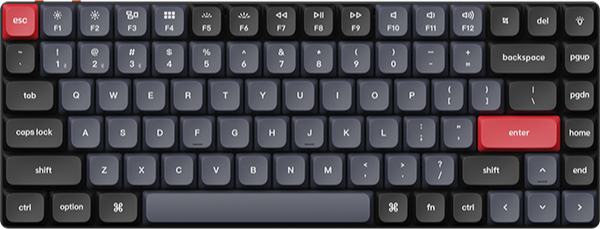
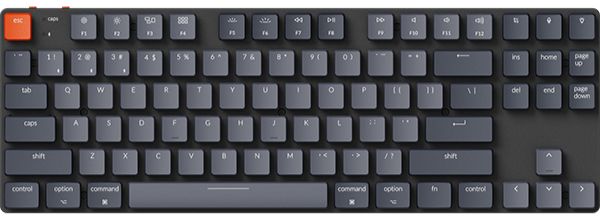
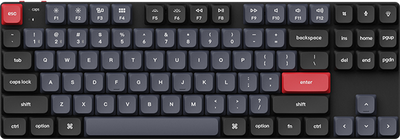
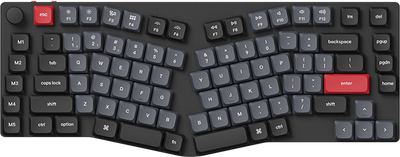
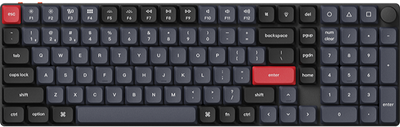
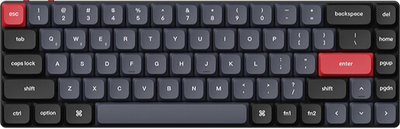
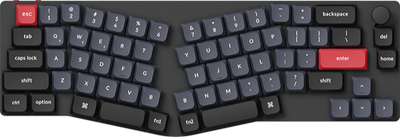
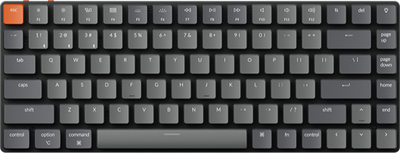
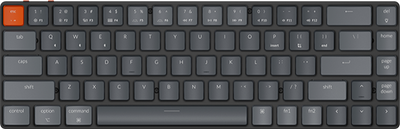
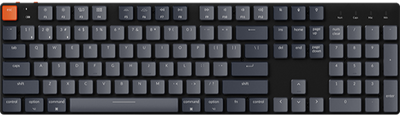
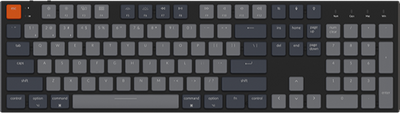













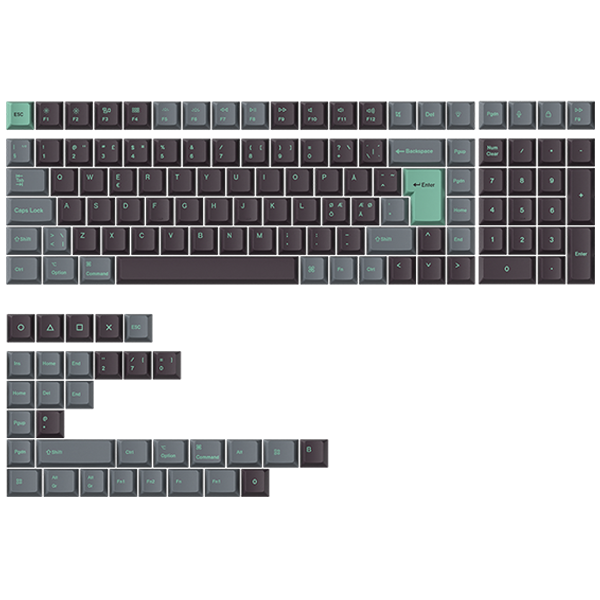
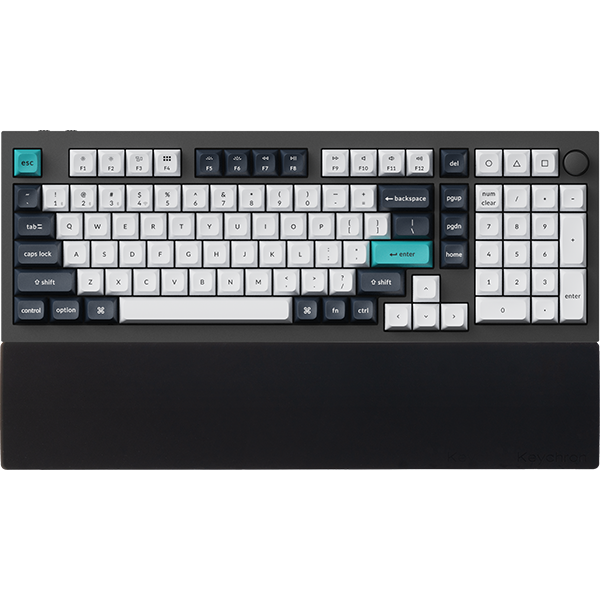
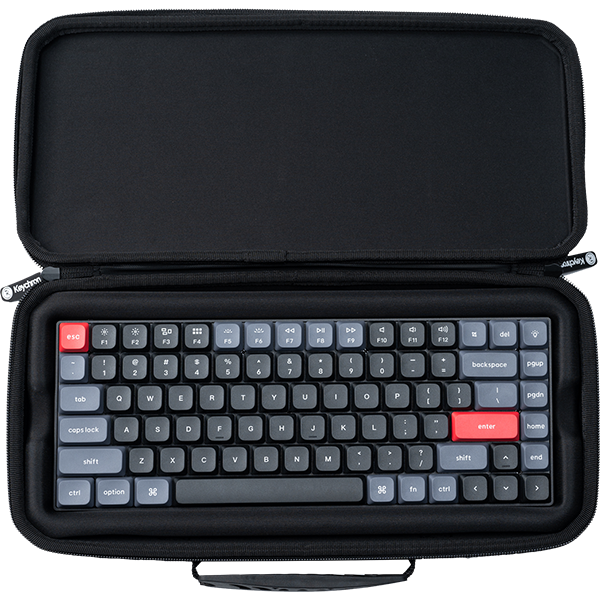


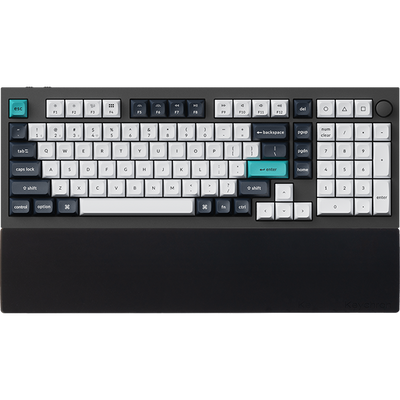


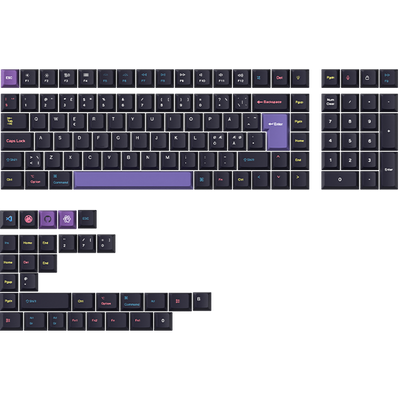
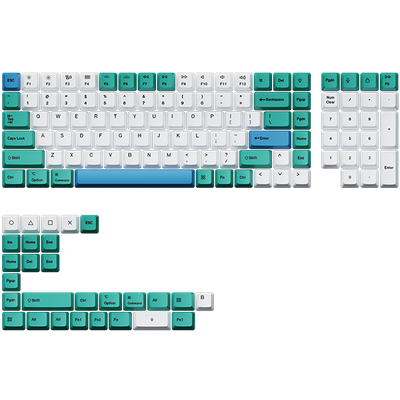
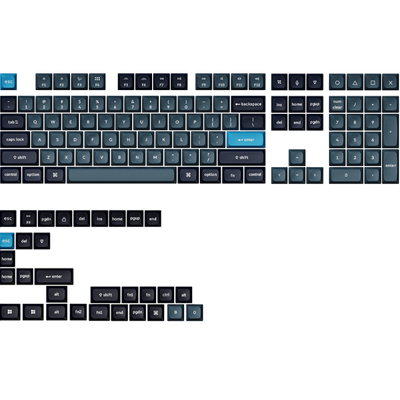
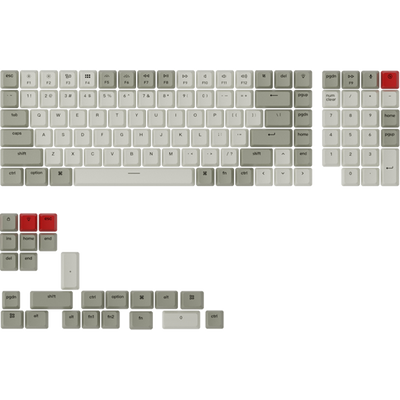
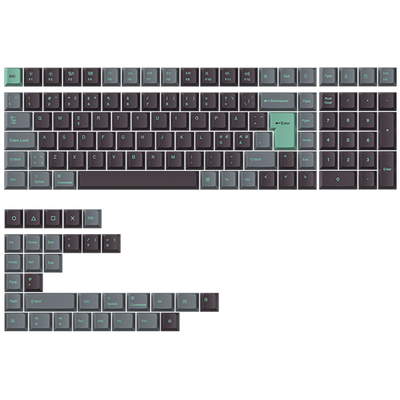
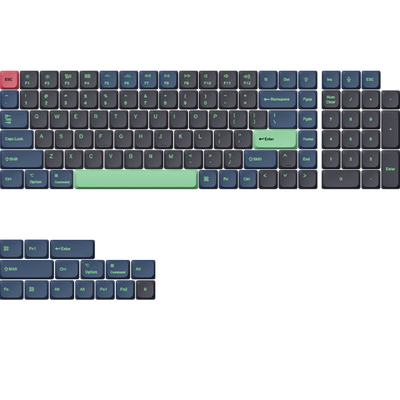
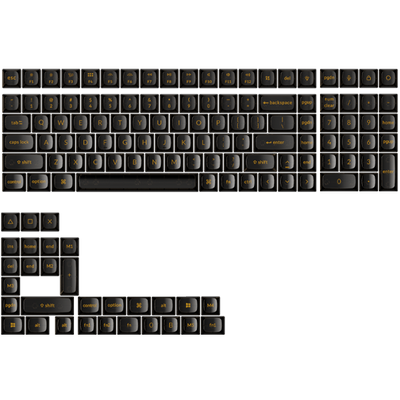









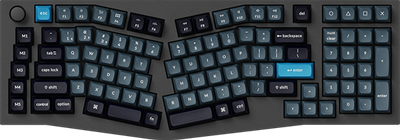
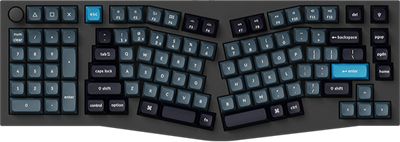

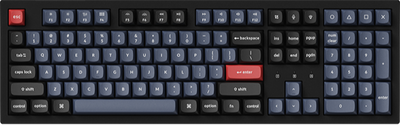
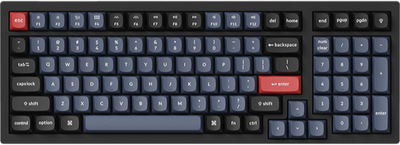
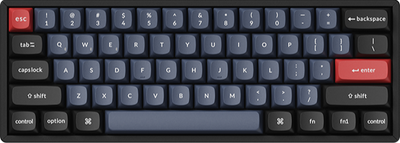
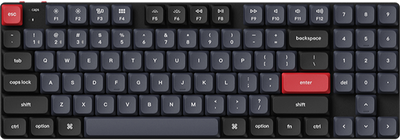

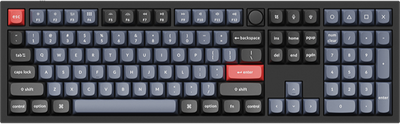
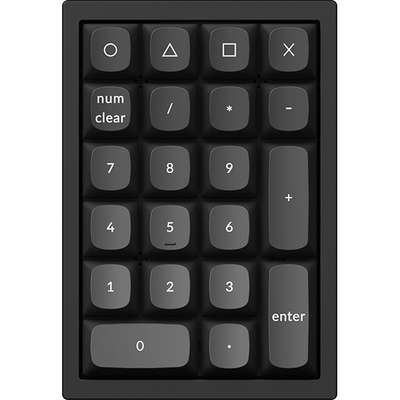
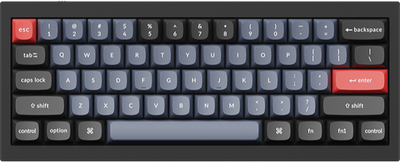
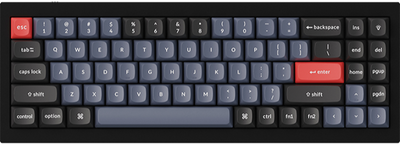
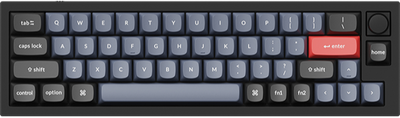
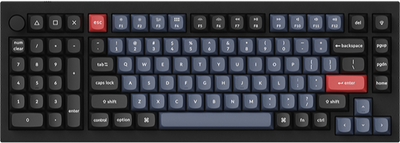
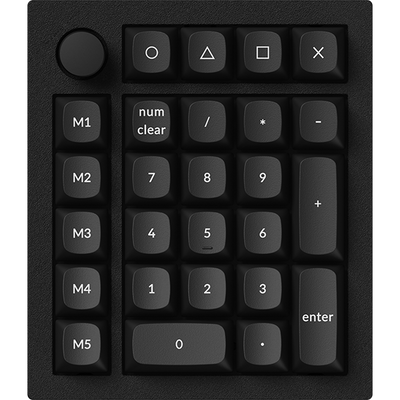
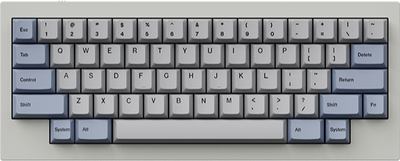
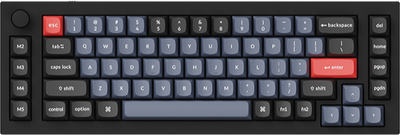
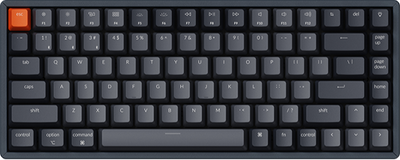
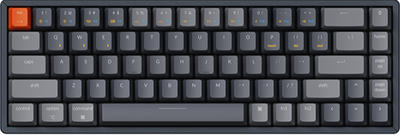
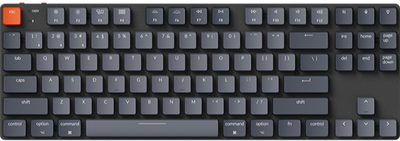
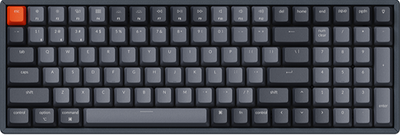
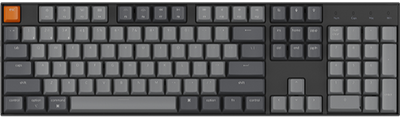
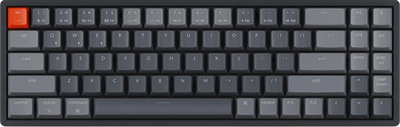
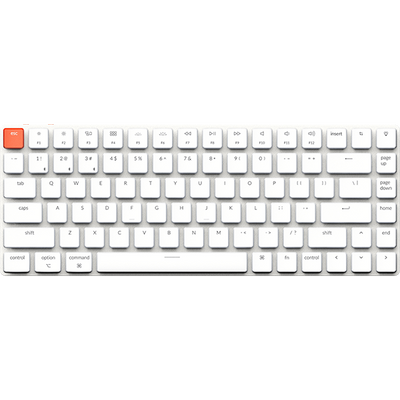
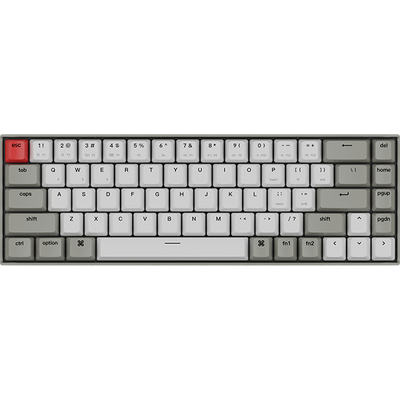
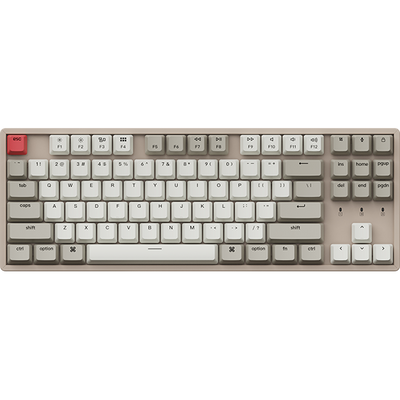

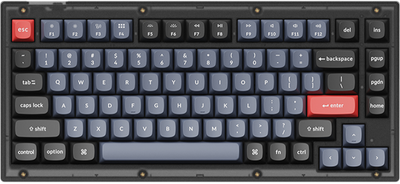
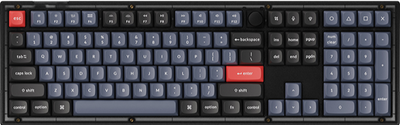
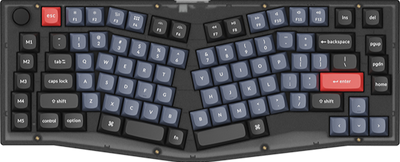
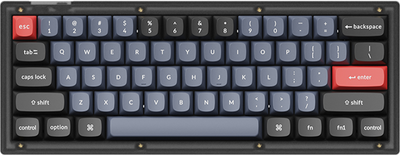
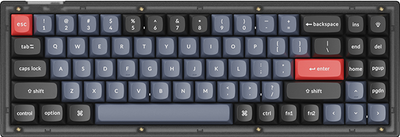
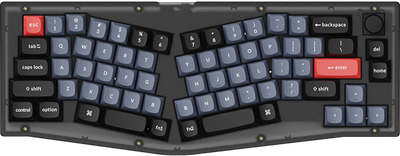



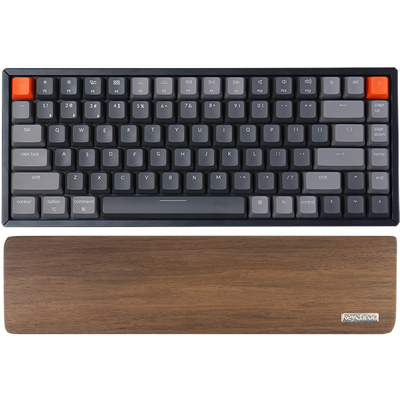






For the Keychron B11 Pro, we’ve included all the normal and useful function keys that can be accessed via the key combinations. Here is the table for all the key combinations and functions it can access.
Keychron B1 Pro Key Combinations
fn1+keys
Keys
Function
fn1 + F1 (Mac mode)
Screen Brightness Decrease
fn1 + F2 (Mac mode)
Screen Brightness Increase
fn1 + F3 (Mac mode)
Task View
fn1 + F4 (Mac mode)
File Explore
fn1 + F5 (Mac mode)
Search
fn1 + F6 (Mac mode)
Screen Lock in Mac
fn1 + F7 (Mac mode)
Previous
fn1 + F8 (Mac mode)
Play / Pause
fn1 + F9 (Mac mode)
Next
fn1 + F10 (Mac mode)
Mute
fn1 + F11 (Mac mode)
Volume Decrease
fn1 + F12 (Mac mode)
Volume Increase
fn1 + F1 (Windows mode)
F1
fn1 + F2 (Windows mode)
F2
fn1 + F3 (Windows mode)
F3
fn1 + F4 (Windows mode)
F4
fn1 + F5 (Windows mode)
F5
fn1 + F6 (Windows mode)
F6
fn1 + F7 (Windows mode)
F7
fn1 + F8 (Windows mode)
F8
fn1 + F9 (Windows mode)
F9
fn1 + F10 (Windows mode)
F10
fn1 + F11 (Windows mode)
F11
fn1 + F12 (Windows mode)
F12
fn2+keys
Keys
Function
fn2 + F1 (Mac mode)
F1
fn2 + F2 (Mac mode)
F2
fn2 + F3 (Mac mode)
F3
fn2 + F4 (Mac mode)
F4
fn2 + F5 (Mac mode)
F5
fn2 + F6 (Mac mode)
F6
fn2 + F7 (Mac mode)
F7
fn2 + F8 (Mac mode)
F8
fn2 + F9 (Mac mode)
F9
fn2 + F10 (Mac mode)
F10
fn2 + F11 (Mac mode)
F11
fn2 + F12 (Mac mode)
F12
fn2 + F1 (Windows mode)
Screen Brightness Decrease
fn2 + F2 (Windows mode)
Screen Brightness Increase
fn2 + F3 (Windows mode)
Task View
fn2 + F4 (Windows mode)
File Explore
fn2 + F5 (Windows mode)
Search
fn2 + F6 (Windows mode)
Screen Lock in Windows
fn2 + F7 (Windows mode)
Previous
fn2 + F8 (Windows mode)
Play / Pause
fn2 + F9 (Windows mode)
Next
fn2 + F10 (Windows mode)
Mute
fn2 + F11 (Windows mode)
Volume Decrease
fn2 + F12 (Windows mode)
Volume Increase
More Key Combinations
Keys
Function
fn1 / 2 + Right Shift (Mac Mode)
Control + Command + space
fn1 / 2 + Right Shift (Windows Mode)
Win + .
fn1 / 2 + Right Command (Windows Mode)
Right Control
fn1 / 2 + ← (Windows Mode)
home
fn1 /2 + ↑ (Windows Mode)
pgup
fn1 / 2 + → (Windows Mode)
end
fn1 / 2 + ↓ (Windows Moode)
pgdn
fn1 / 2 + i (Windows Mode)
insert
fn1 /2 + \
Screenshot
fn1 /2 + Win (Windows mode, long press for 3s)
Lock or uklock the Win keys
fn1+keys
Keys
Function
fn1 + F1 (Mac mode)
Screen Brightness Decrease
fn1 + F2 (Mac mode)
Screen Brightness Increase
fn1 + F3 (Mac mode)
Task View
fn1 + F4 (Mac mode)
File Explore
fn1 + F5 (Mac mode)
Search
fn1 + F6 (Mac mode)
Screen Lock in Mac
fn1 + F7 (Mac mode)
Previous
fn1 + F8 (Mac mode)
Play / Pause
fn1 + F9 (Mac mode)
Next
fn1 + F10 (Mac mode)
Mute
fn1 + F11 (Mac mode)
Volume Decrease
fn1 + F12 (Mac mode)
Volume Increase
fn1 + F1 (Windows mode)
F1
fn1 + F2 (Windows mode)
F2
fn1 + F3 (Windows mode)
F3
fn1 + F4 (Windows mode)
F4
fn1 + F5 (Windows mode)
F5
fn1 + F6 (Windows mode)
F6
fn1 + F7 (Windows mode)
F7
fn1 + F8 (Windows mode)
F8
fn1 + F9 (Windows mode)
F9
fn1 + F10 (Windows mode)
F10
fn1 + F11 (Windows mode)
F11
fn1 + F12 (Windows mode)
F12
fn2+keys
Keys
Function
fn2 + F1 (Mac mode)
F1
fn2 + F2 (Mac mode)
F2
fn2 + F3 (Mac mode)
F3
fn2 + F4 (Mac mode)
F4
fn2 + F5 (Mac mode)
F5
fn2 + F6 (Mac mode)
F6
fn2 + F7 (Mac mode)
F7
fn2 + F8 (Mac mode)
F8
fn2 + F9 (Mac mode)
F9
fn2 + F10 (Mac mode)
F10
fn2 + F11 (Mac mode)
F11
fn2 + F12 (Mac mode)
F12
fn2 + F1 (Windows mode)
Screen Brightness Decrease
fn2 + F2 (Windows mode)
Screen Brightness Increase
fn2 + F3 (Windows mode)
Task View
fn2 + F4 (Windows mode)
File Explore
fn2 + F5 (Windows mode)
Search
fn2 + F6 (Windows mode)
Screen Lock in Windows
fn2 + F7 (Windows mode)
Previous
fn2 + F8 (Windows mode)
Play / Pause
fn2 + F9 (Windows mode)
Next
fn2 + F10 (Windows mode)
Mute
fn2 + F11 (Windows mode)
Volume Decrease
fn2 + F12 (Windows mode)
Volume Increase
More Key Combinations
Keys
Function
fn1 / 2 + Right Shift (Mac Mode)
Control + Command + space
fn1 / 2 + Right Shift (Windows Mode)
Win + .
fn1 / 2 + Right Command (Windows Mode)
Right Control
fn1 / 2 + ← (Windows Mode)
home
fn1 /2 + ↑ (Windows Mode)
pgup
fn1 / 2 + → (Windows Mode)
end
fn1 / 2 + ↓ (Windows Moode)
pgdn
fn1 / 2 + i (Windows Mode)
insert
fn1 /2 + \
Screenshot
fn1 /2 + Win (Windows mode, long press for 3s)
Lock or uklock the Win keys
Keys
Function
fn1 / 2 + Right Shift (Mac Mode)
Control + Command + space
fn1 / 2 + Right Shift (Windows Mode)
Win + .
fn1 / 2 + Right Command (Windows Mode)
Right Control
fn1 / 2 + ← (Windows Mode)
home
fn1 /2 + ↑ (Windows Mode)
pgup
fn1 / 2 + → (Windows Mode)
end
fn1 / 2 + ↓ (Windows Moode)
pgdn
fn1 / 2 + i (Windows Mode)
insert
fn1 /2 + \
Screenshot
fn1 /2 + Win (Windows mode, long press for 3s)
Lock or uklock the Win keys