















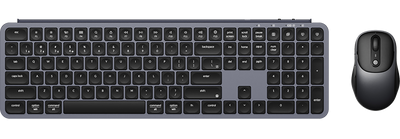








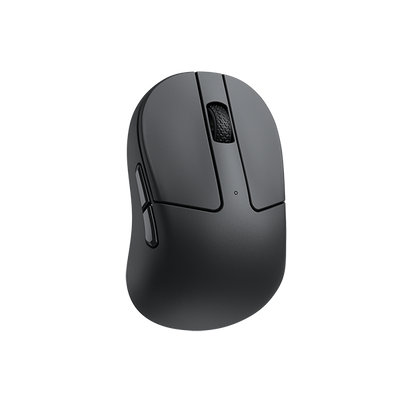
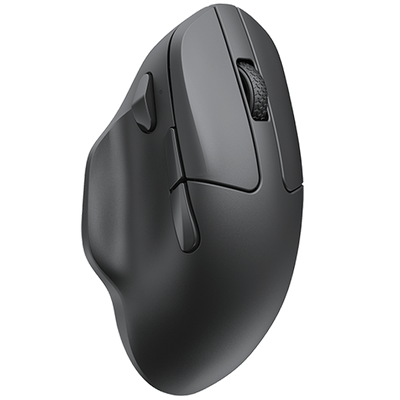
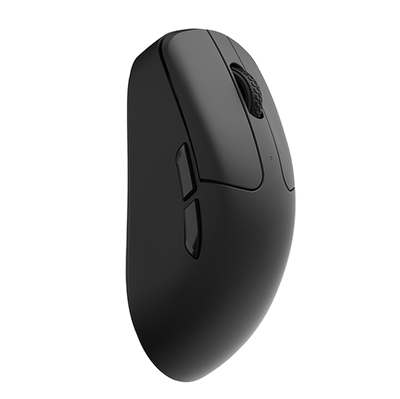
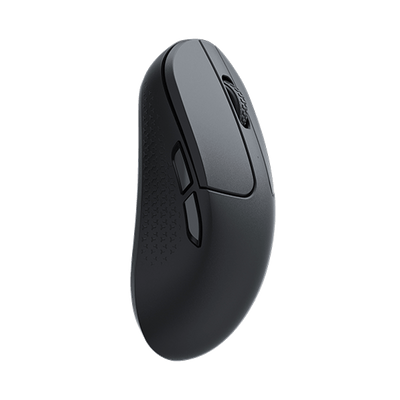

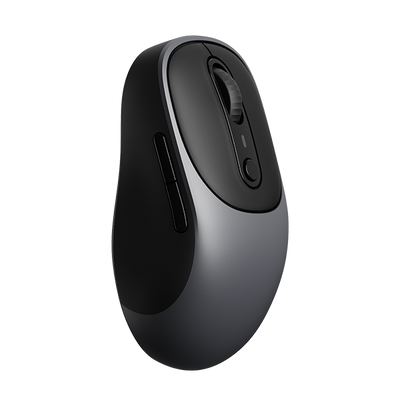
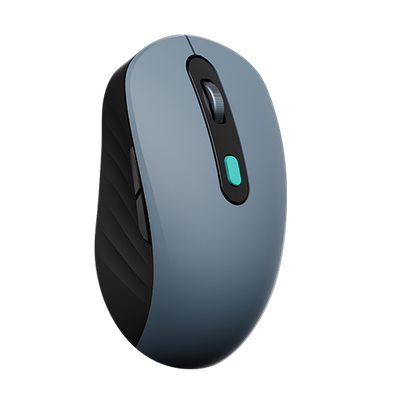





















Keychron regularly releases new firmware updates for our mice. Each update introduces new features or resolves known issues.
Below is a step-by-step guide on how to update the mouse firmware:
1. Use the latest version of Chrome/Opera/Edge browser to click here to open the launcher.
2. Connect your device via the dedicated cable or 2.4G receiver, then click the 'Connect' button on the Launcher to select your device.
Notice: If you need to update the device firmware, you must use a wired connection.
3. Click "Firmware Update" from the function bar on the left side.
This page will display your current firmware version, the latest available version, and some release notes for the latest firmware.

4. Click "Next".

5. Click "Firmware Update".

6. A progress bar will appear once the update begins. Please wait for the process to complete.
Note: Do not disconnect the cable during the update to prevent any device malfunctions.

7. Once the update is complete, a "Succeed" prompt will appear.