
















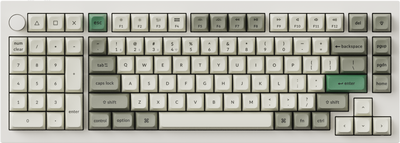
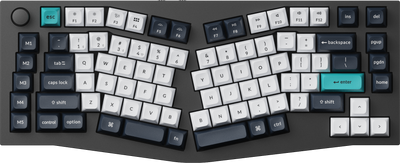
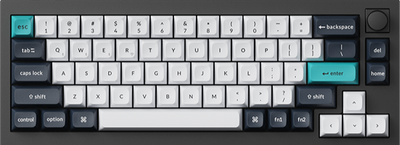
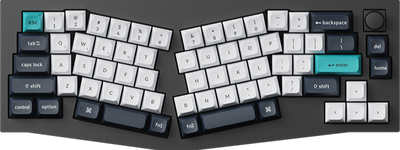
































- Sale
-
- Sale
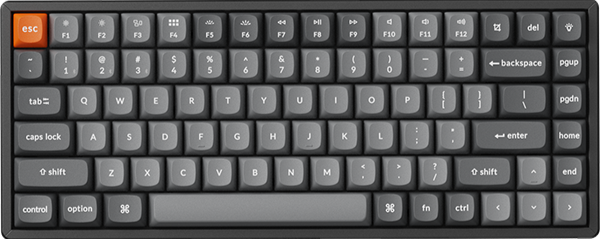
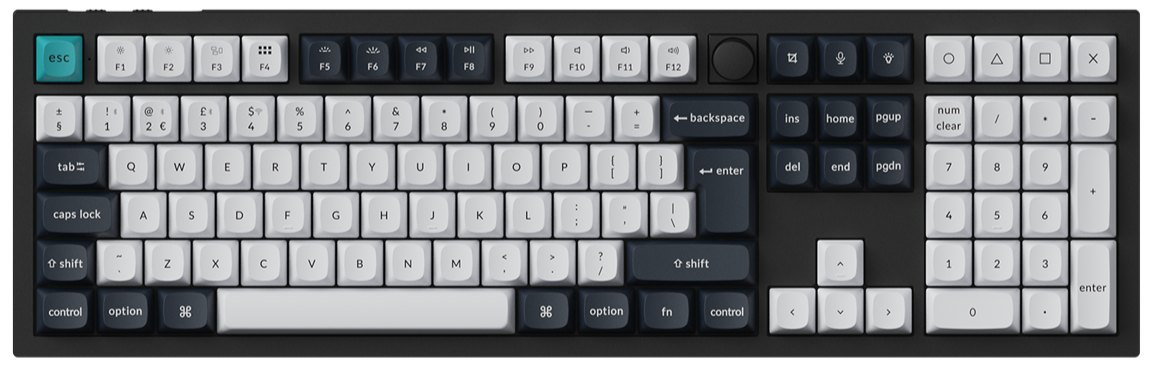
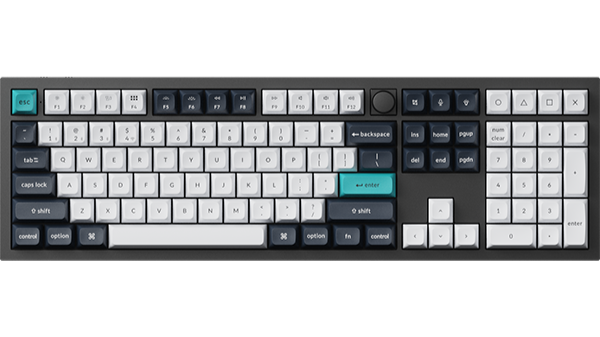
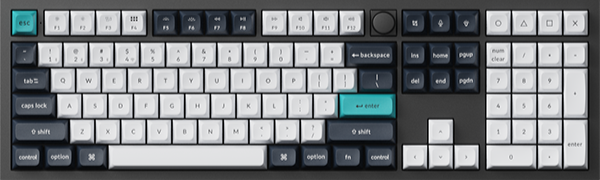
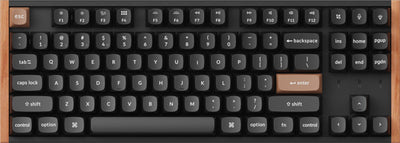
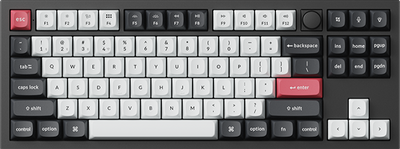
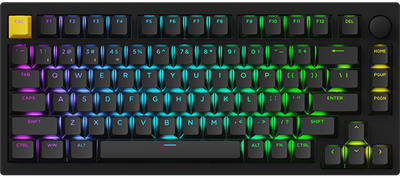
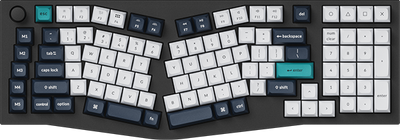
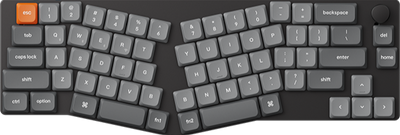
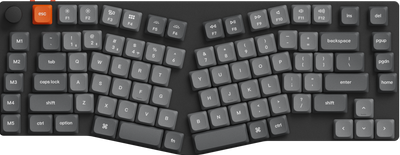
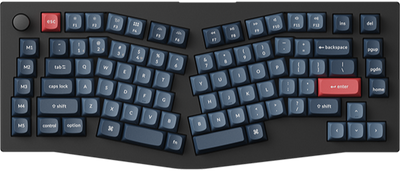
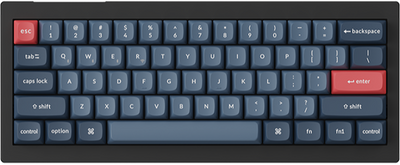
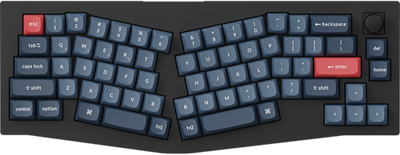
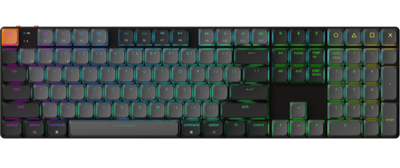
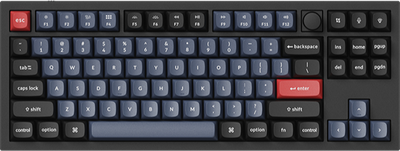
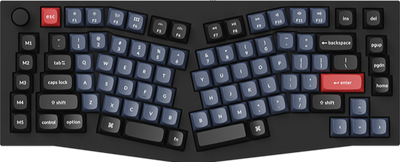
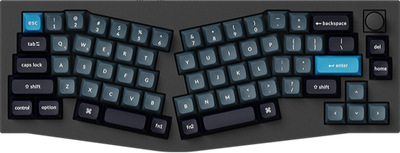
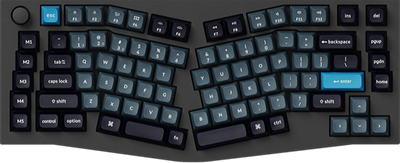
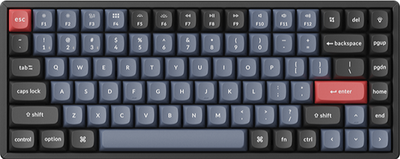
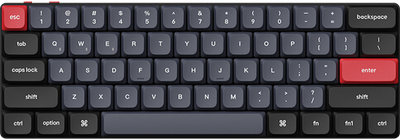
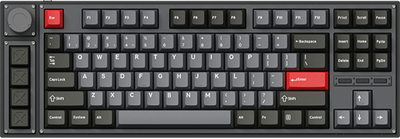
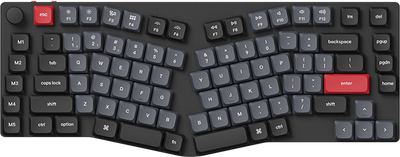
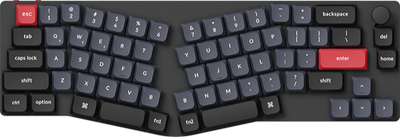
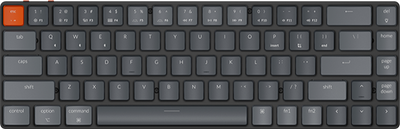
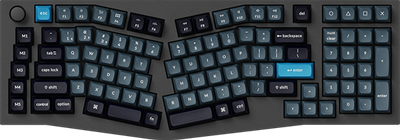
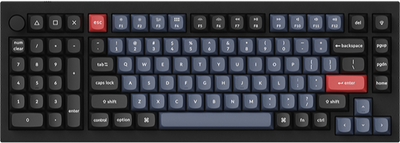
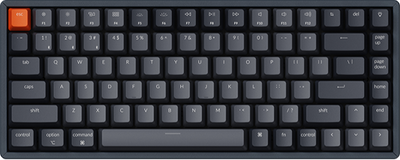
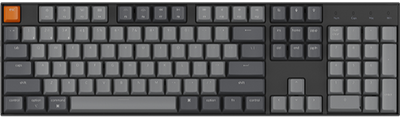
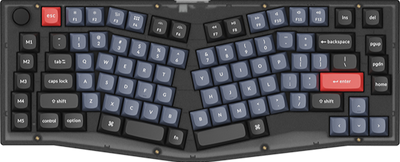
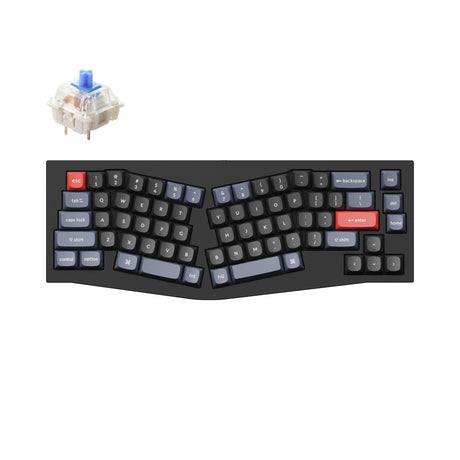
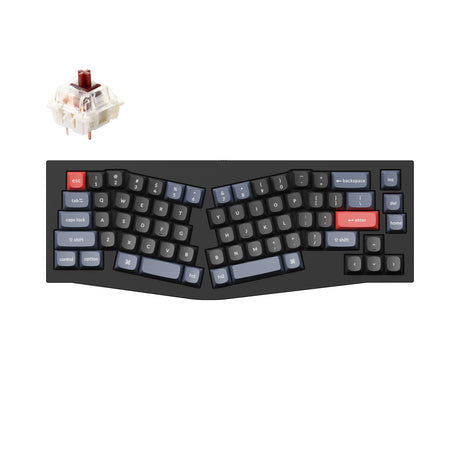
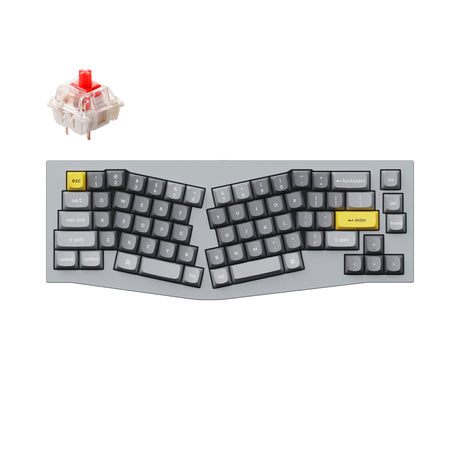
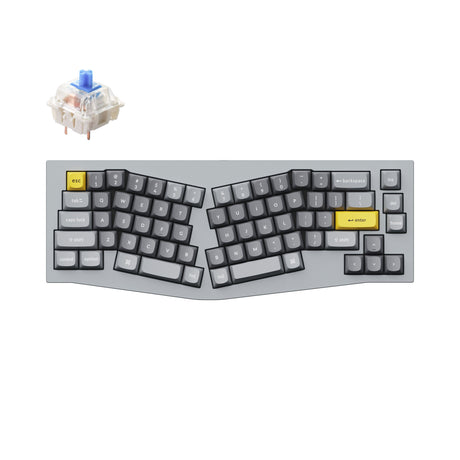
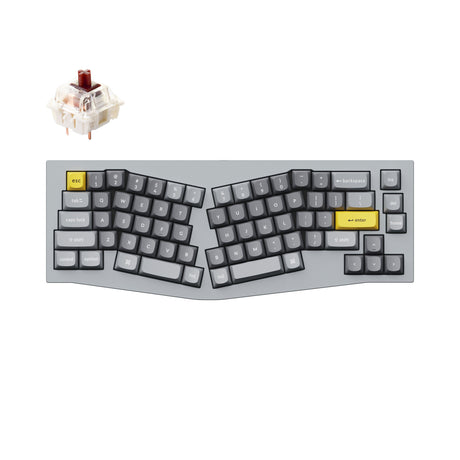
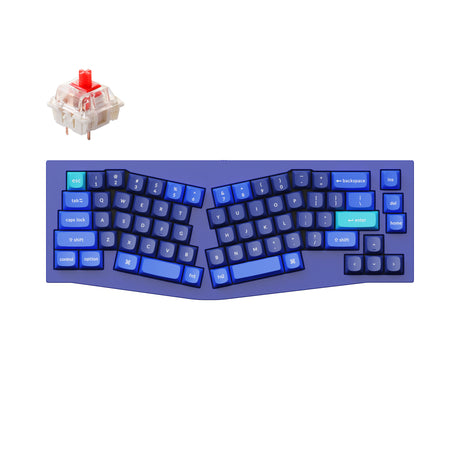
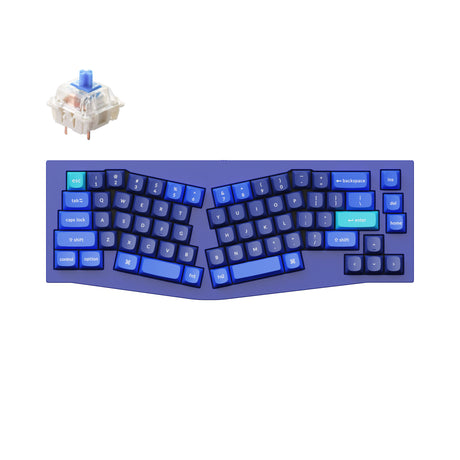
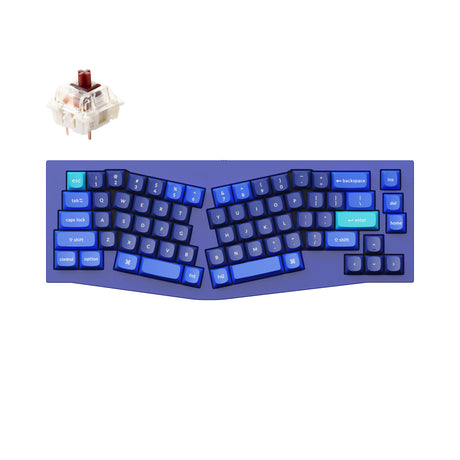
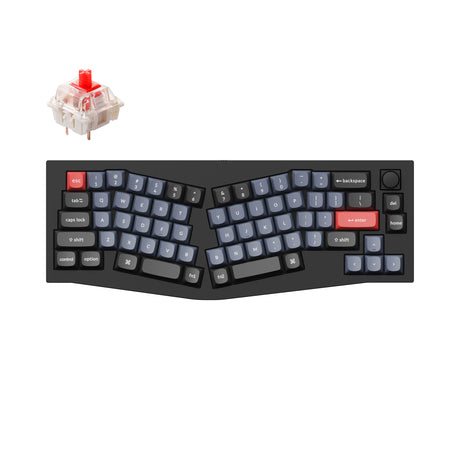
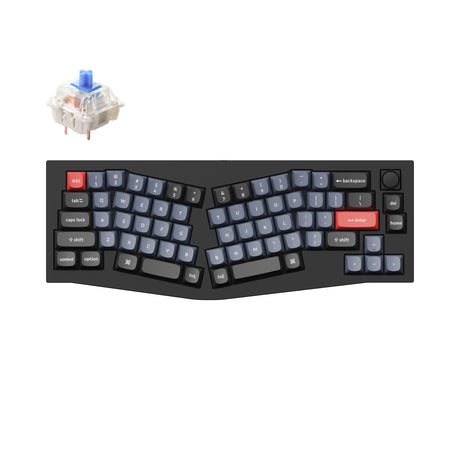
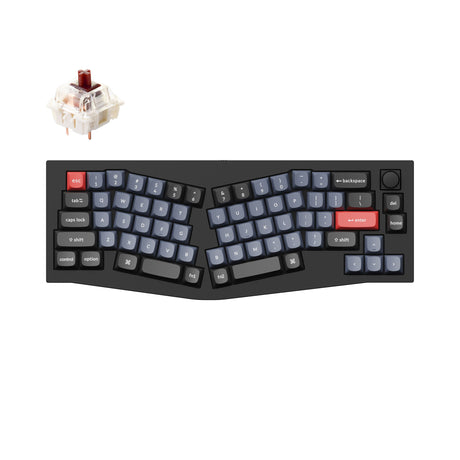
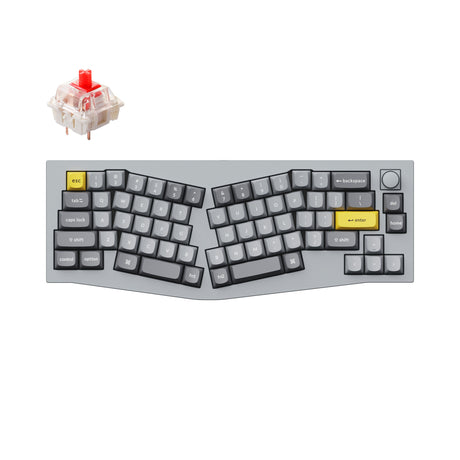
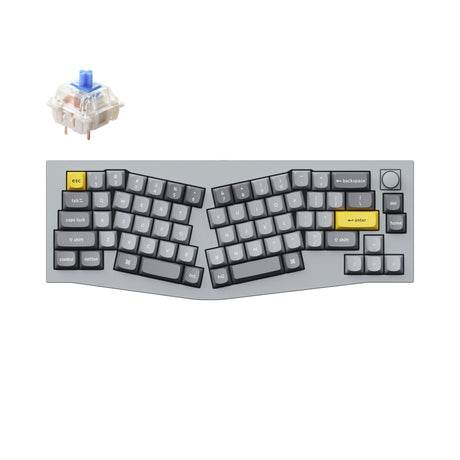
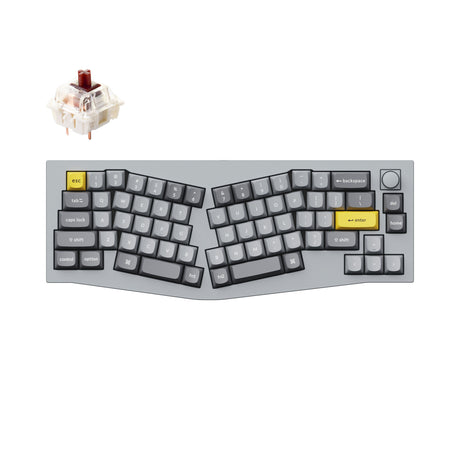
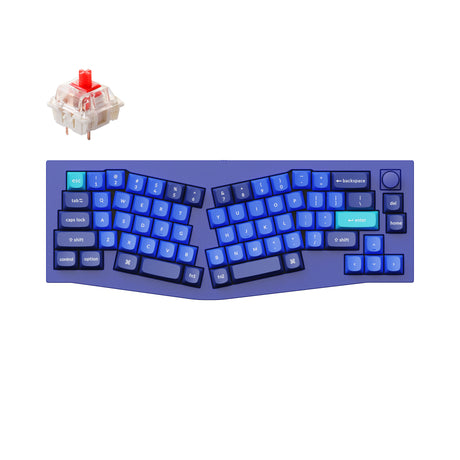
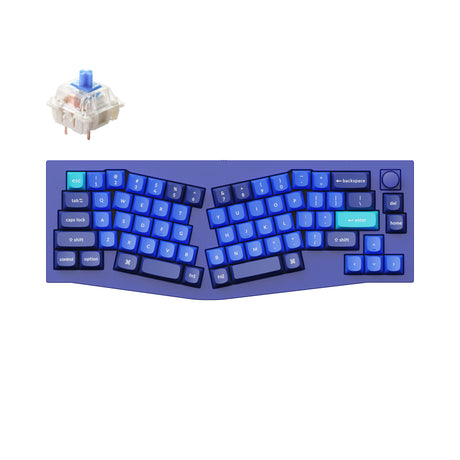
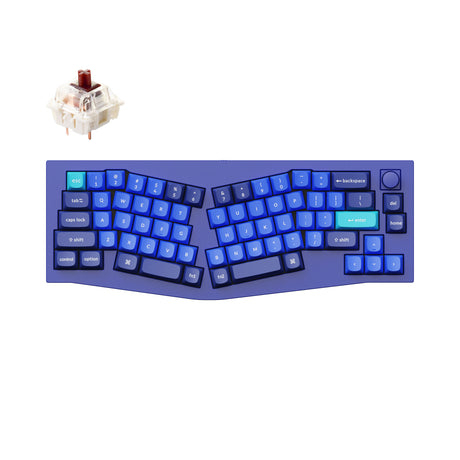
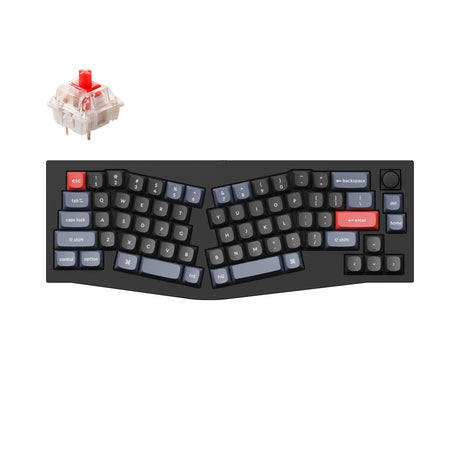
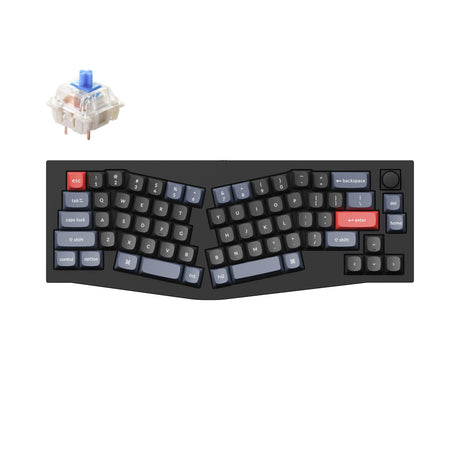
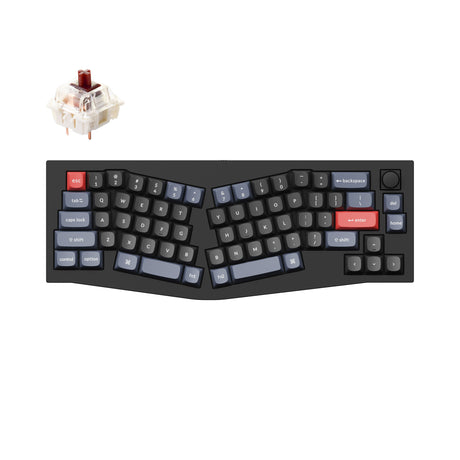
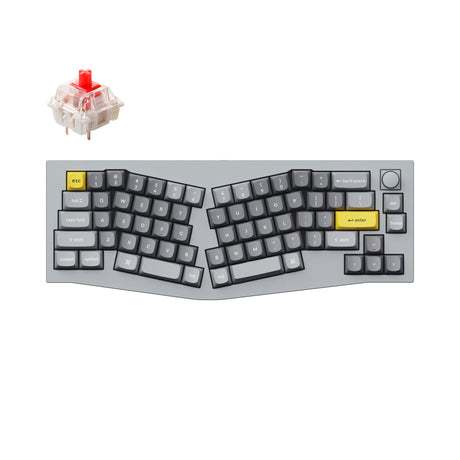
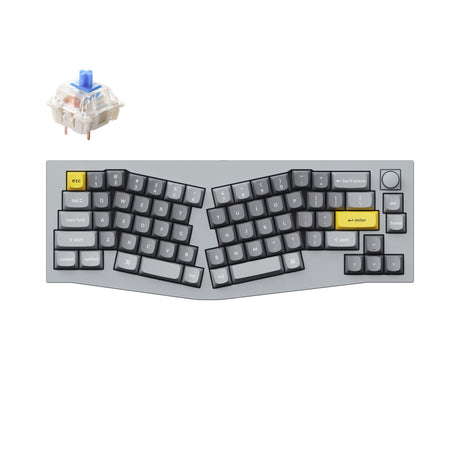
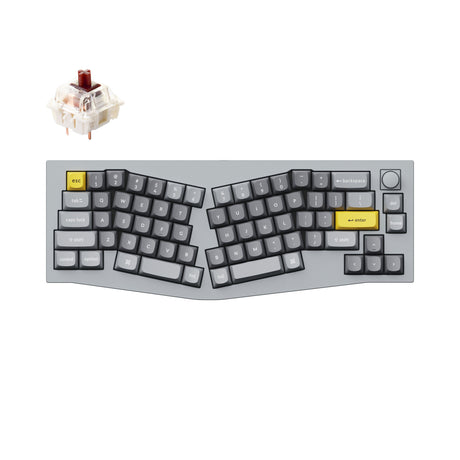
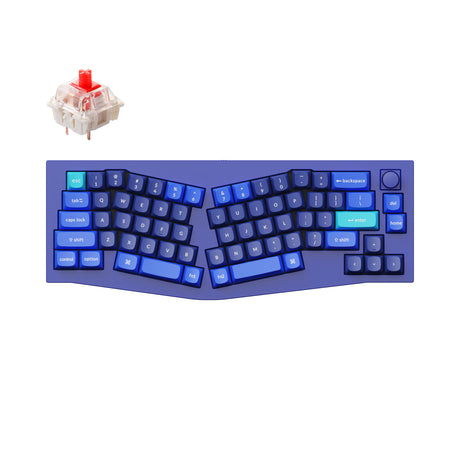
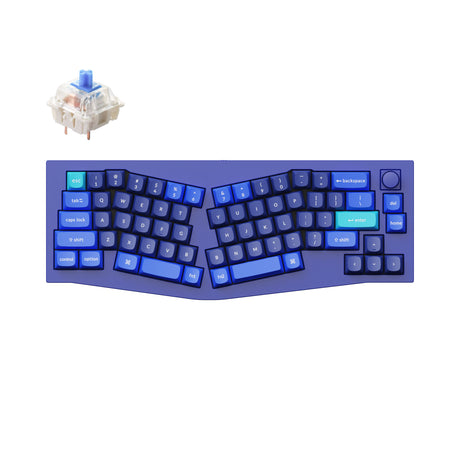
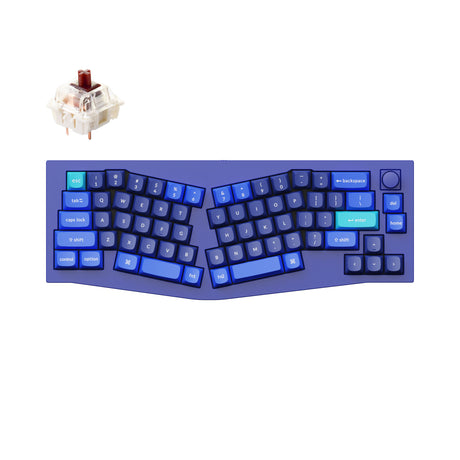
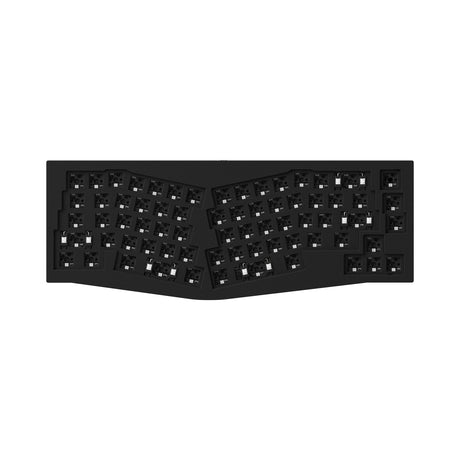
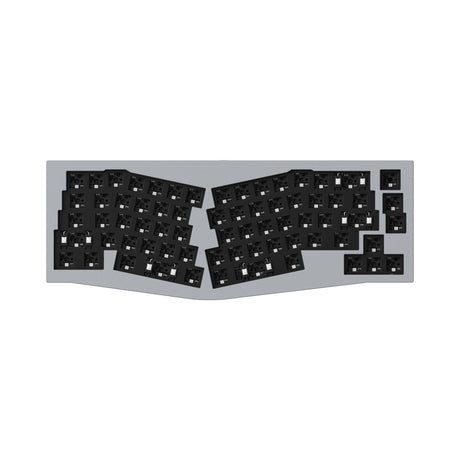
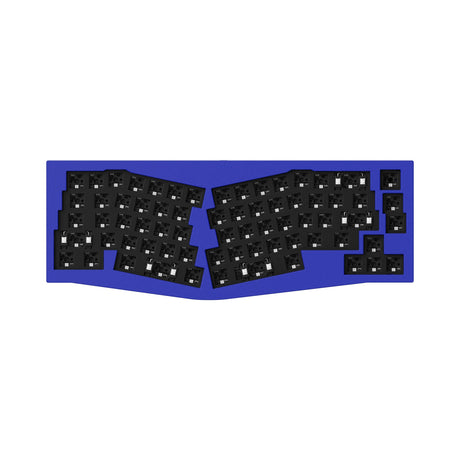
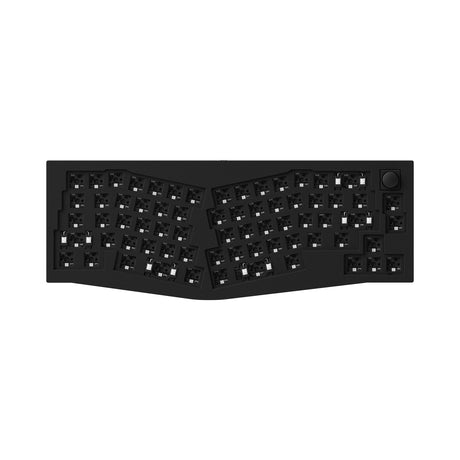
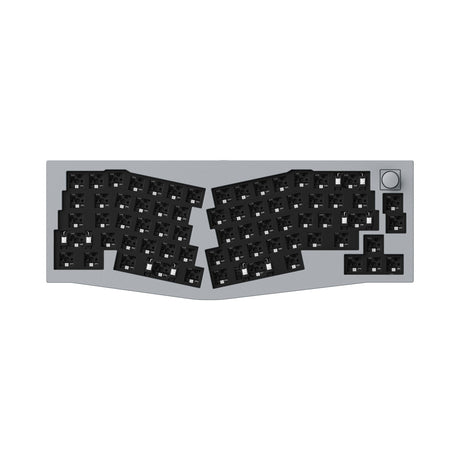
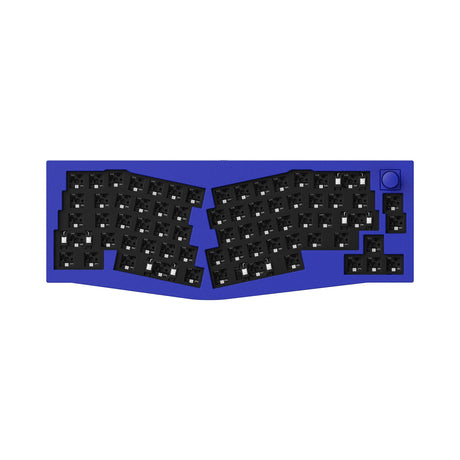
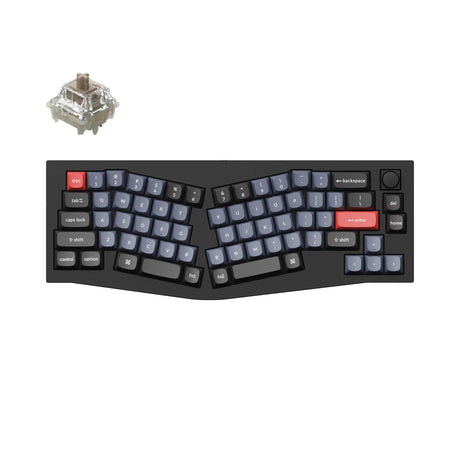
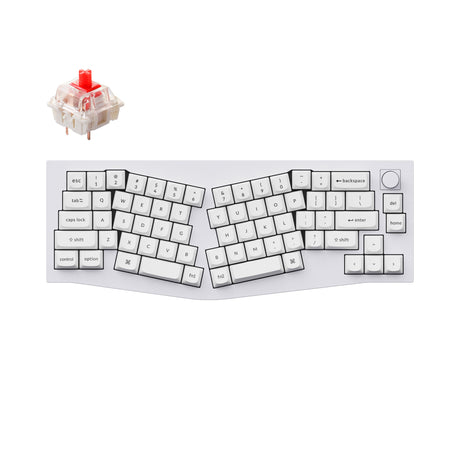
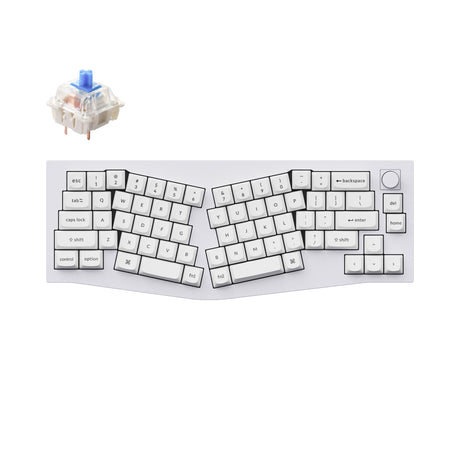
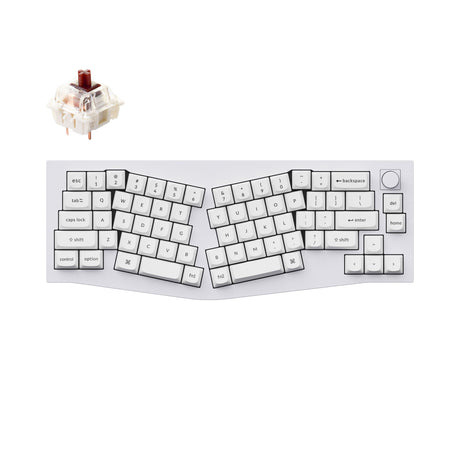
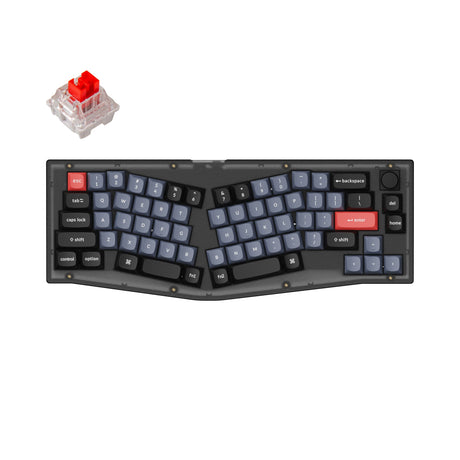
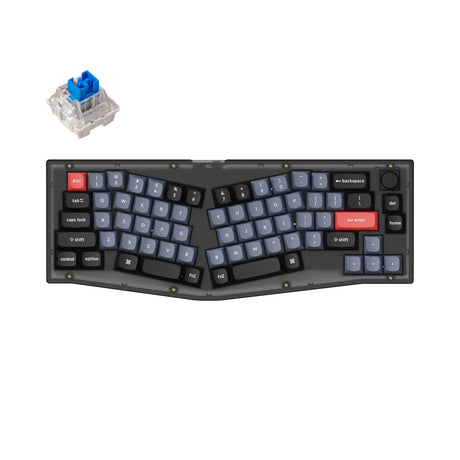
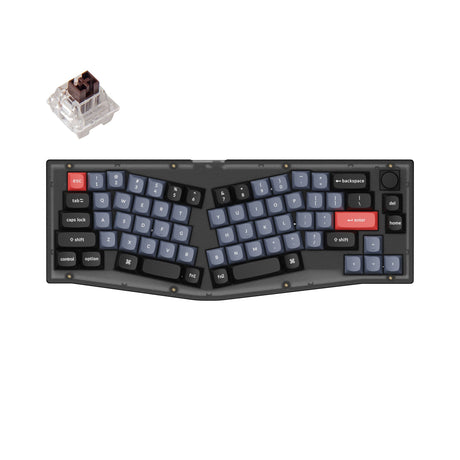
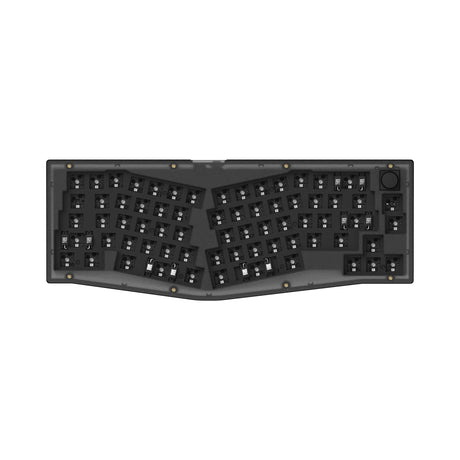
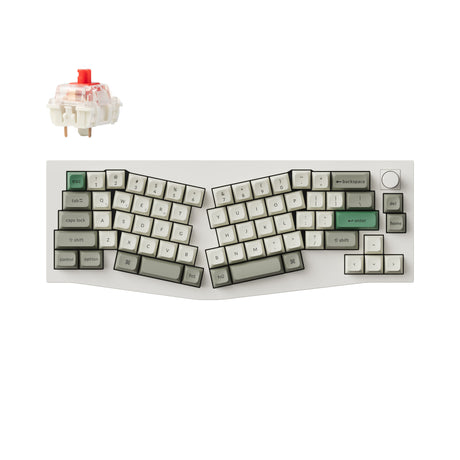
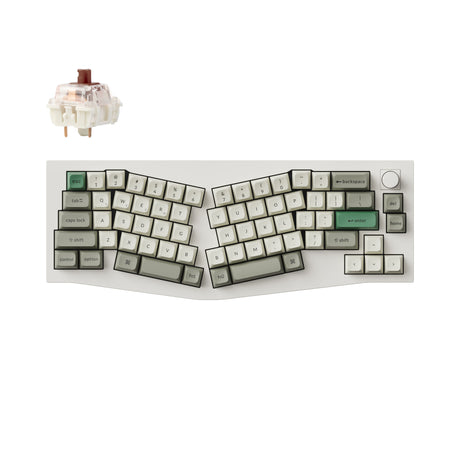
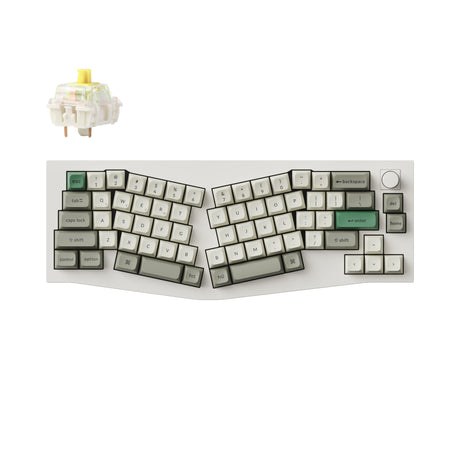
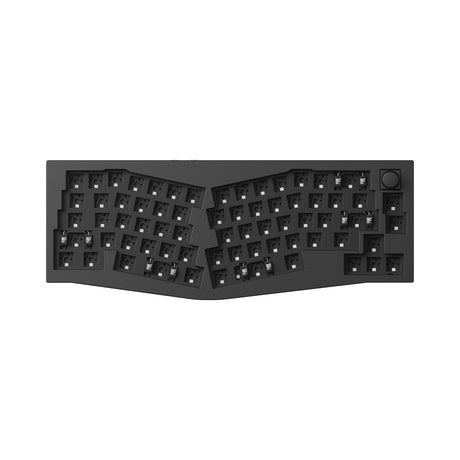
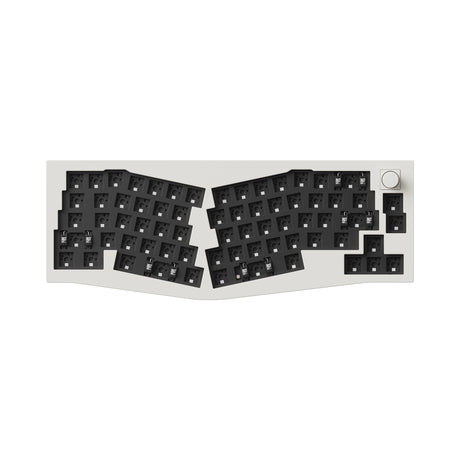
Keychron Q8 (Alice Layout) QMK Custom Mechanical Keyboard
From $59.99$169.99Unit price /Unavailable -
-
-
- Sale
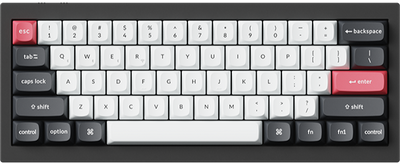
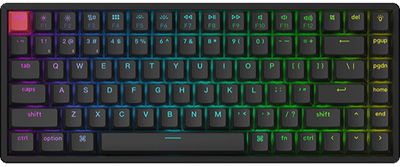
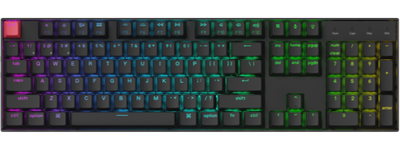
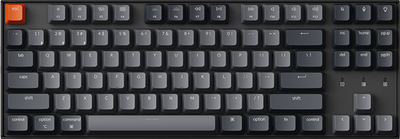
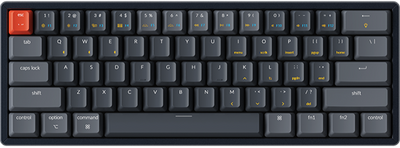
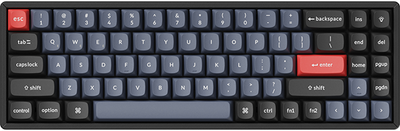
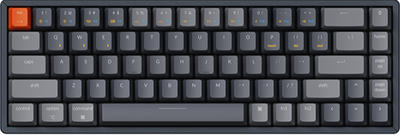
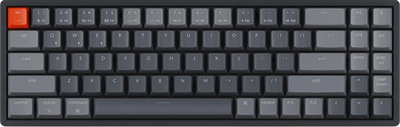
Keychron K6 Pro QMK/VIA Wireless Custom Mechanical Keyboard
From $67.99$89.99Unit price /Unavailable -
- Sold out
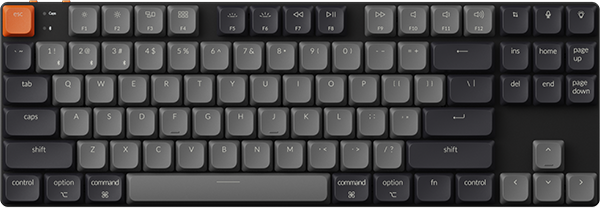
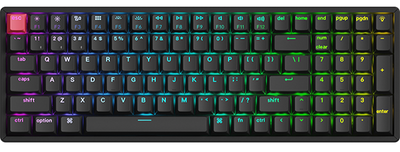
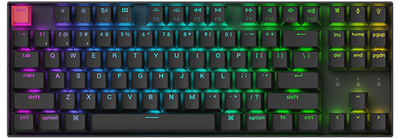
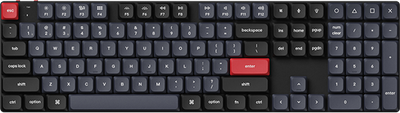
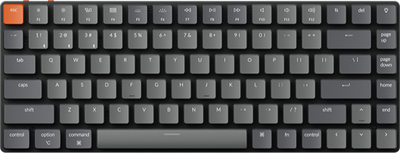
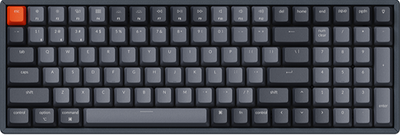
Keychron K7 Max QMK/VIA Wireless Custom Mechanical Keyboard
From $89.99Unit price /Unavailable -
- Sale
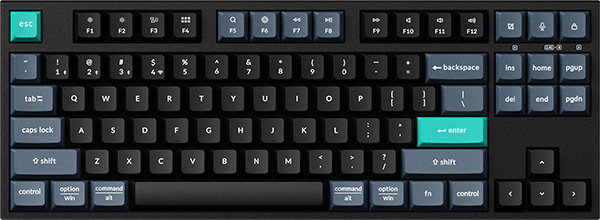
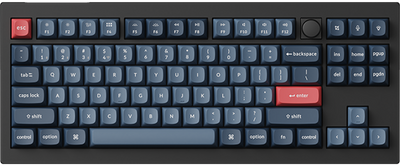
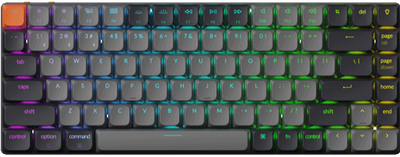
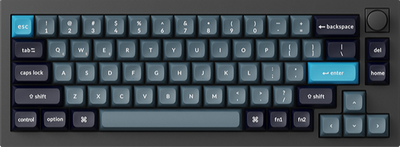
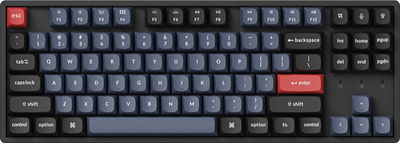
Keychron Q2 Pro QMK/VIA Wireless Custom Mechanical Keyboard
From $149.99$184.99Unit price /Unavailable -
- Sale
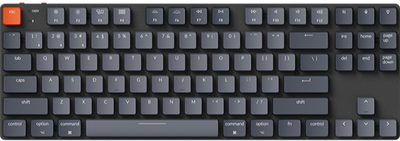
Keychron K7 Pro QMK/VIA Wireless Custom Mechanical Keyboard
From $83.99$114.99Unit price /Unavailable -
- Sale
-
- Sale
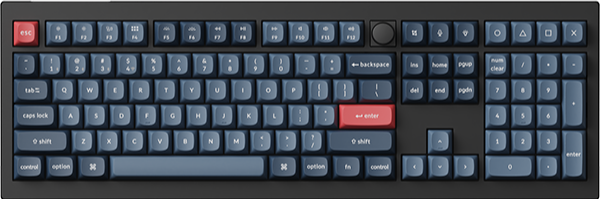
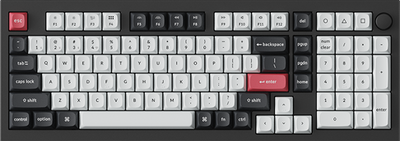
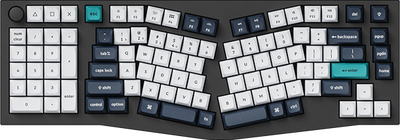
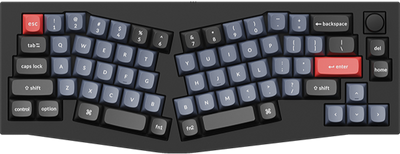
Keychron V8 (Alice Layout) QMK Custom Mechanical Keyboard
From $59.99$79.99Unit price /Unavailable -
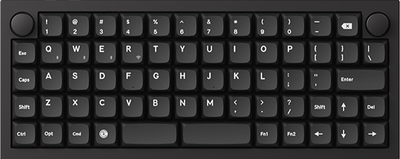
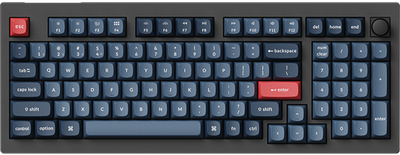
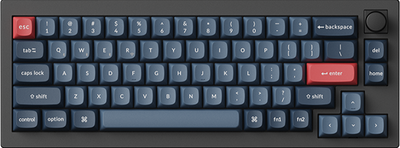
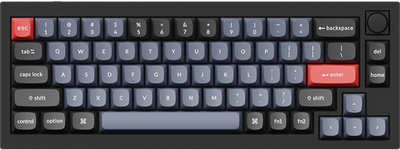
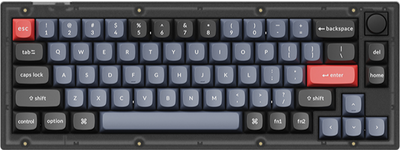
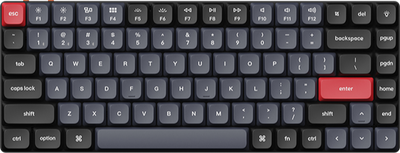
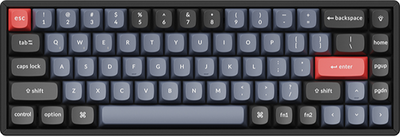
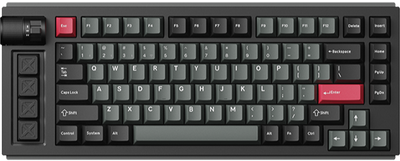
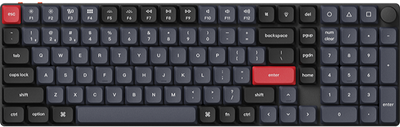
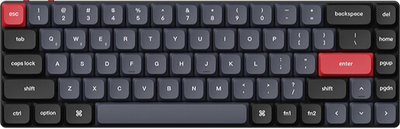
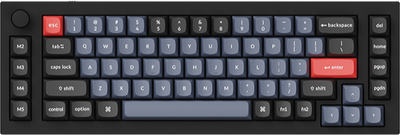
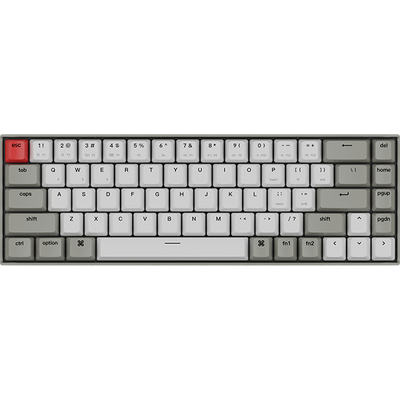
Keychron Q65 Max QMK/VIA Wireless Custom Mechanical Keyboard
From $209.99Unit price /Unavailable-
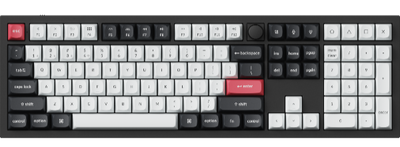
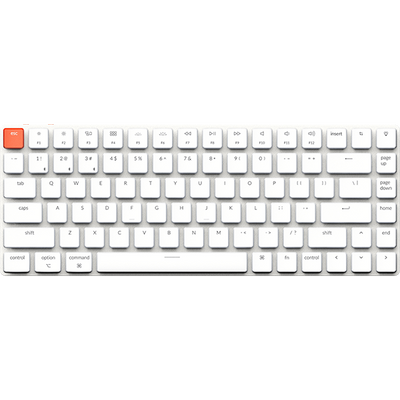
Keychron Q8 Max (Alice Layout) QMK/VIA Wireless Custom Mechanical Keyboard
From $219.99Unit price /Unavailable-
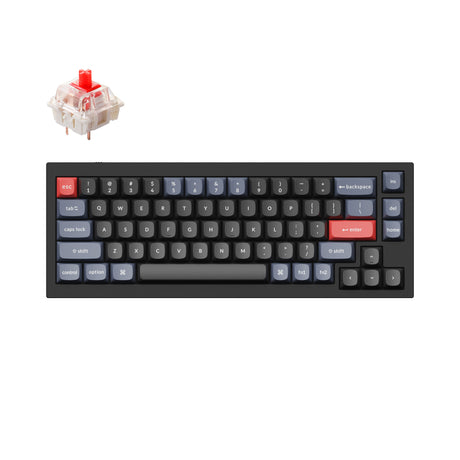
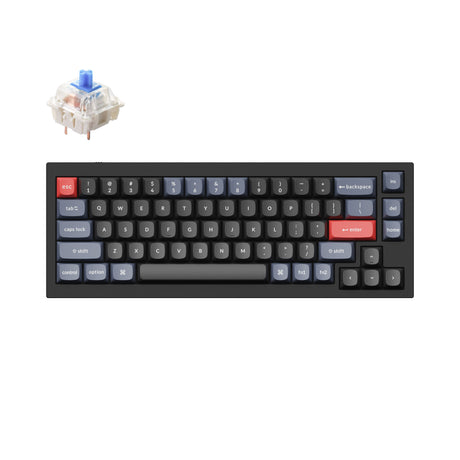
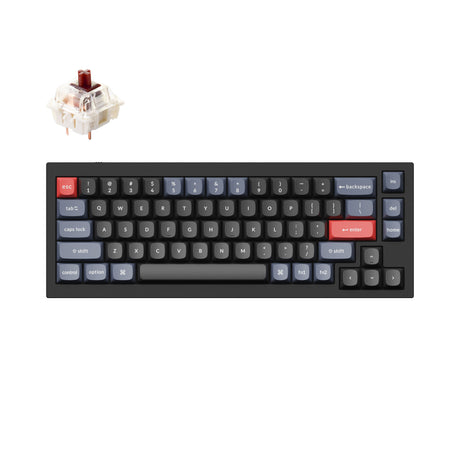
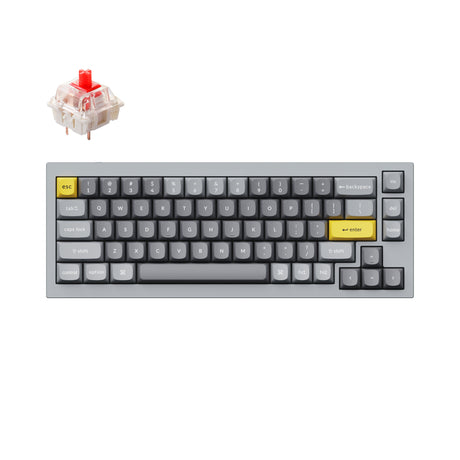
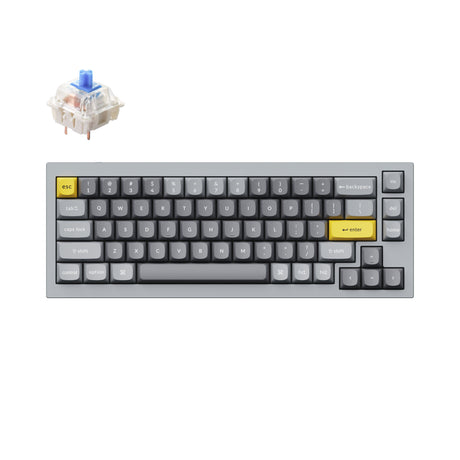
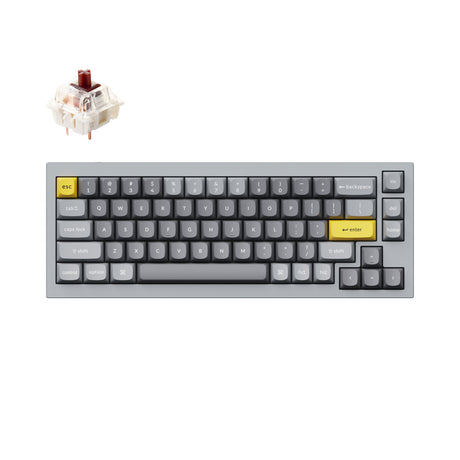
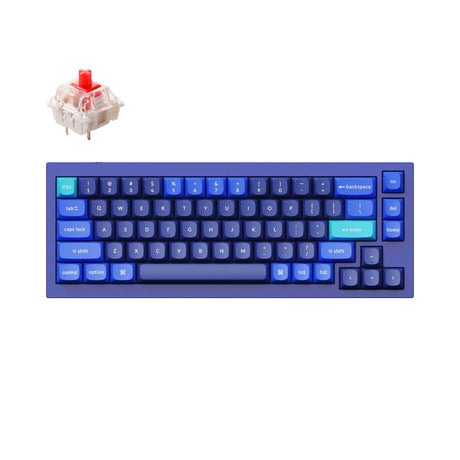
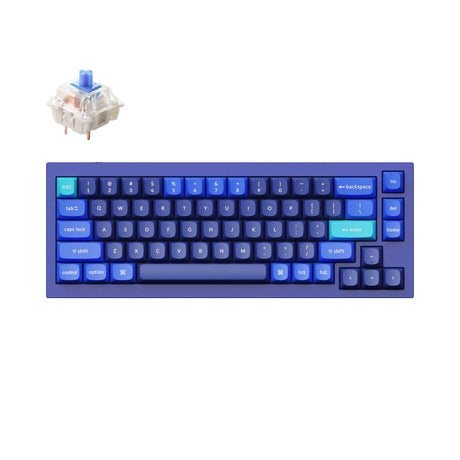
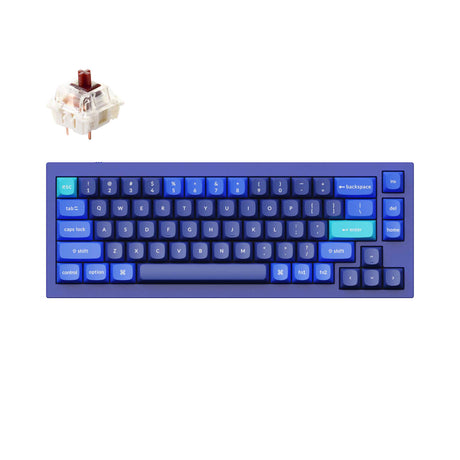
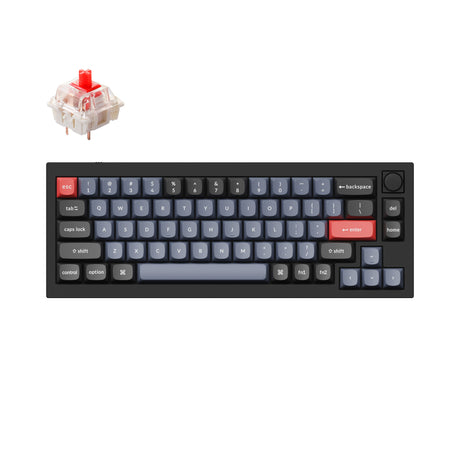
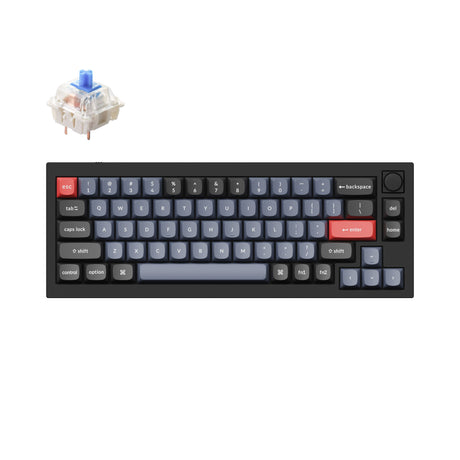
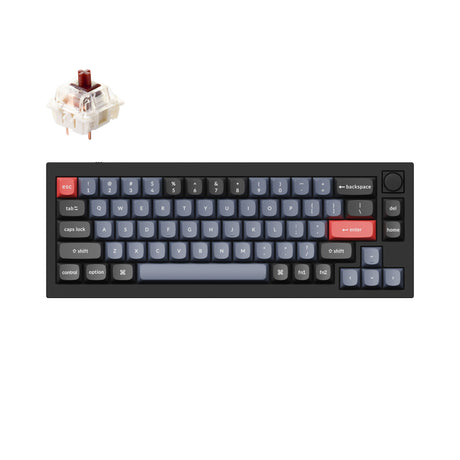
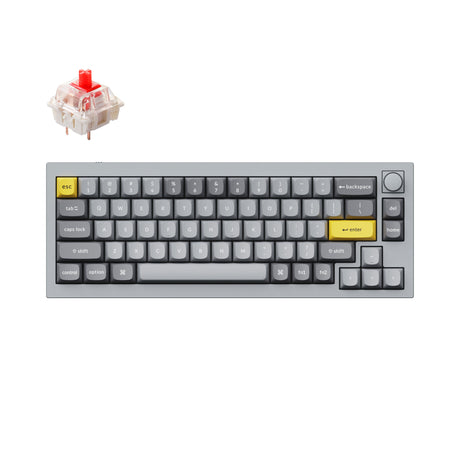
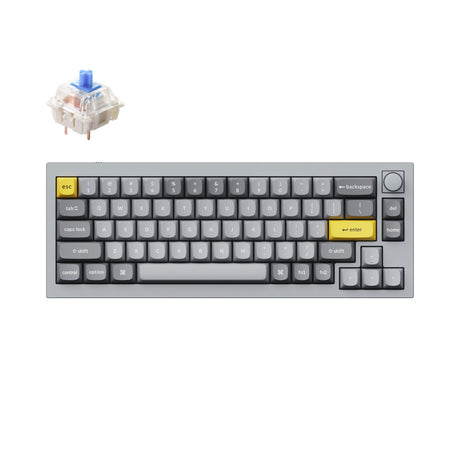
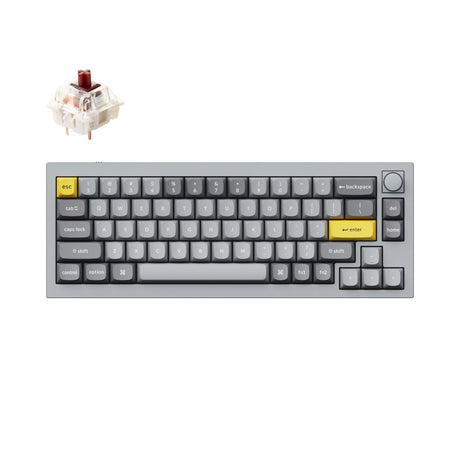
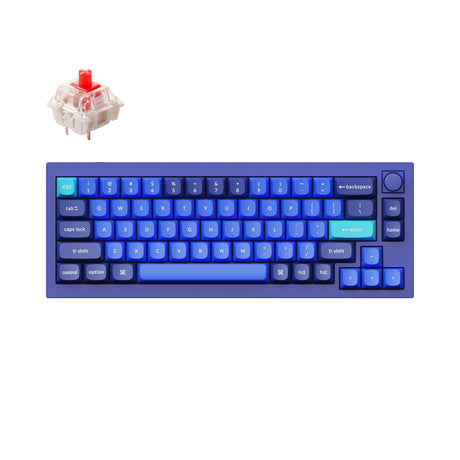
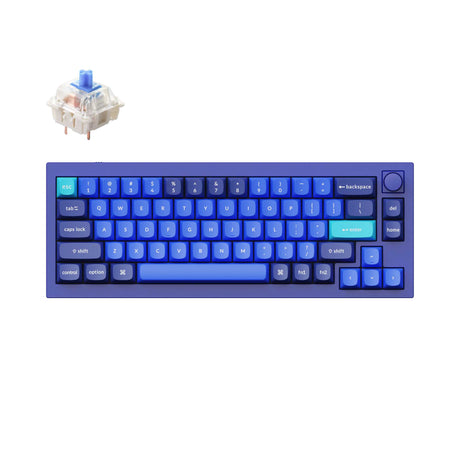
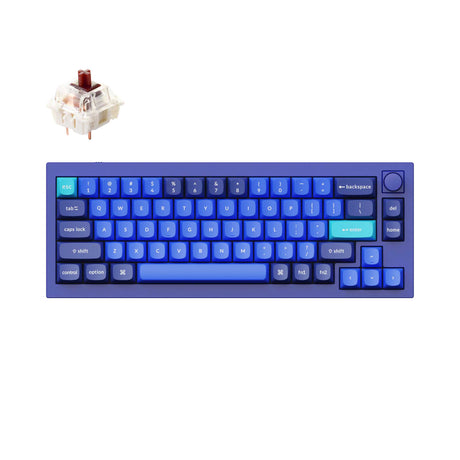
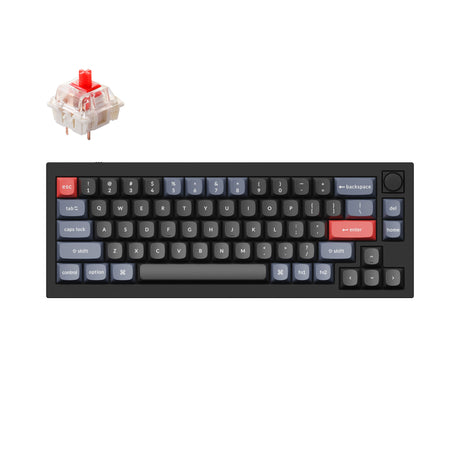
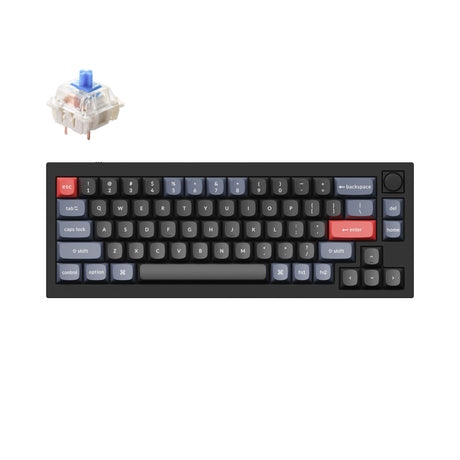
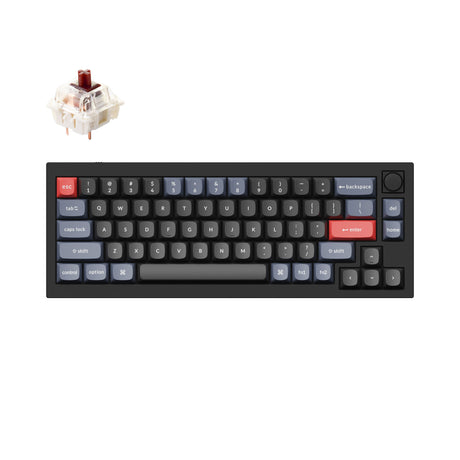
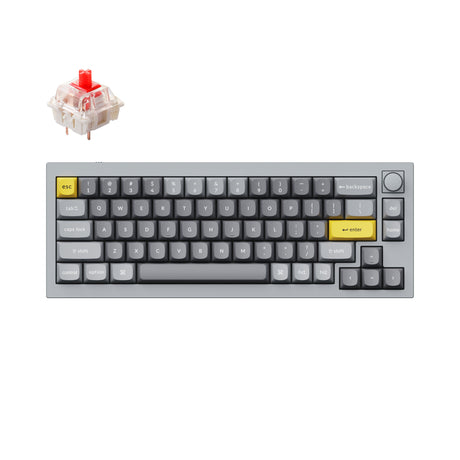
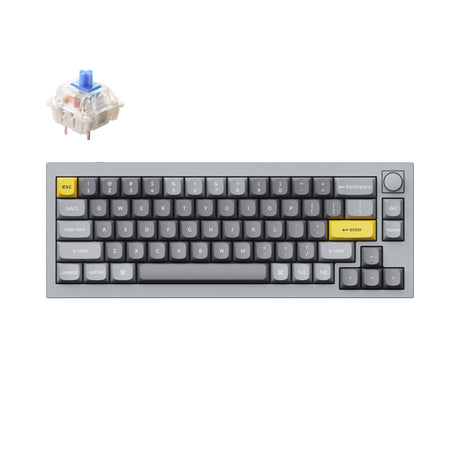
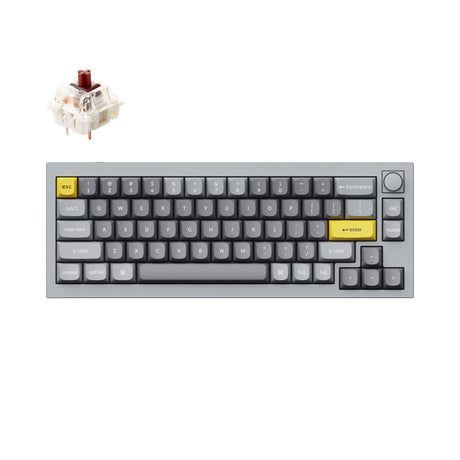
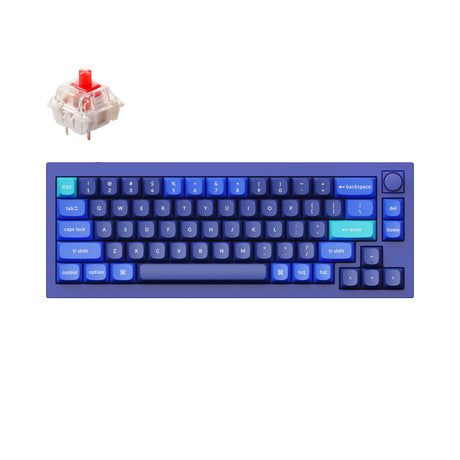
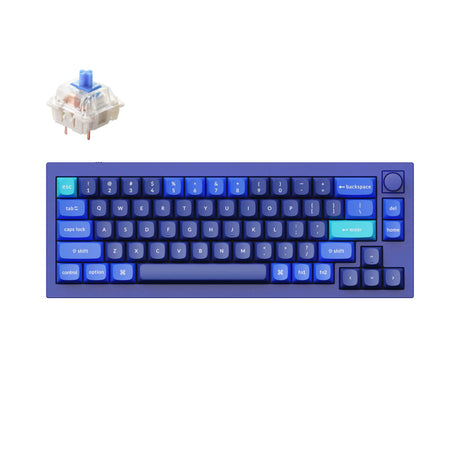
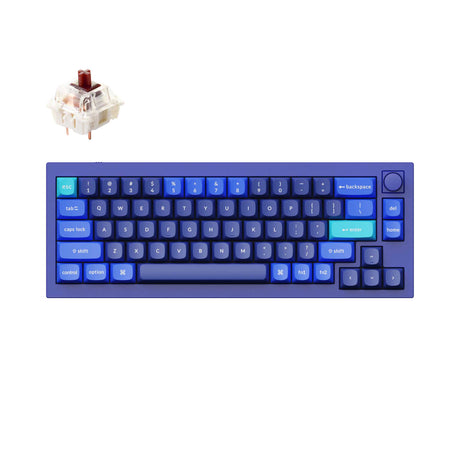
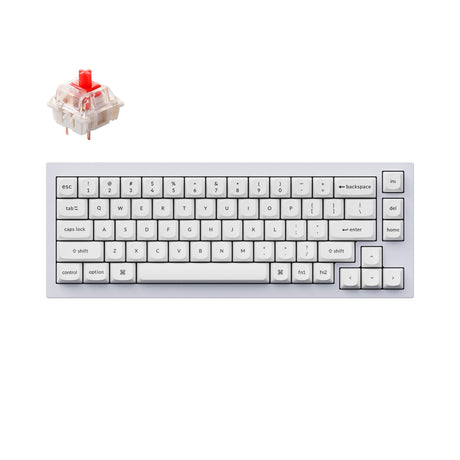
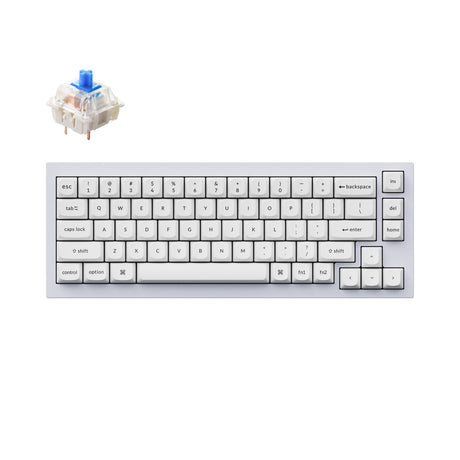
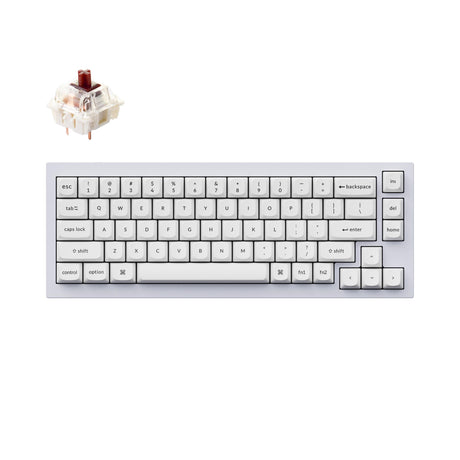

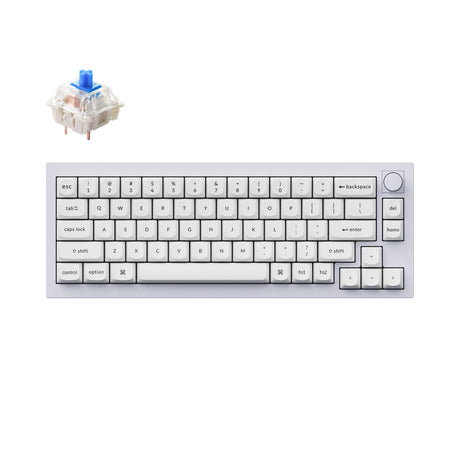
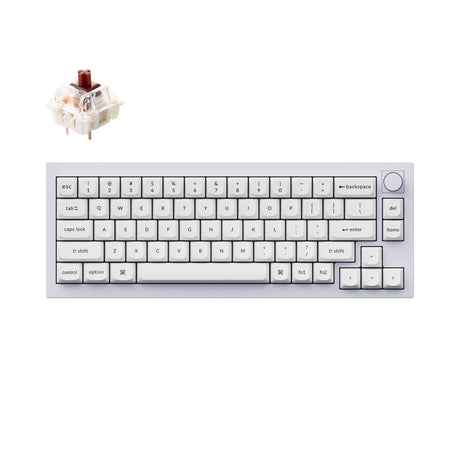
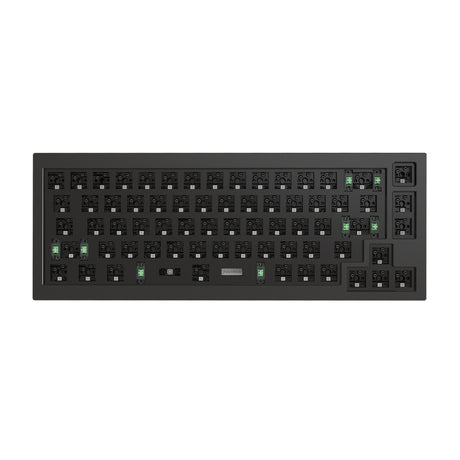
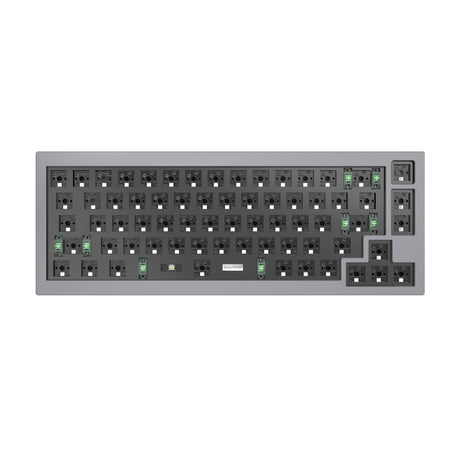
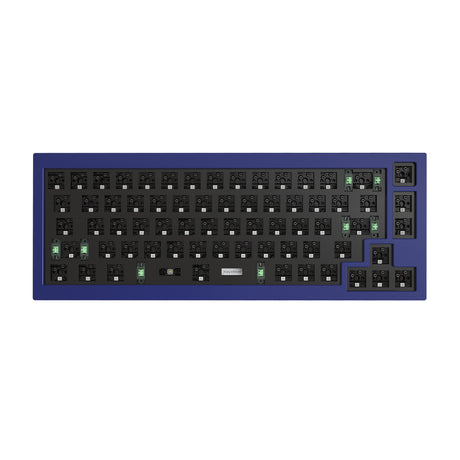
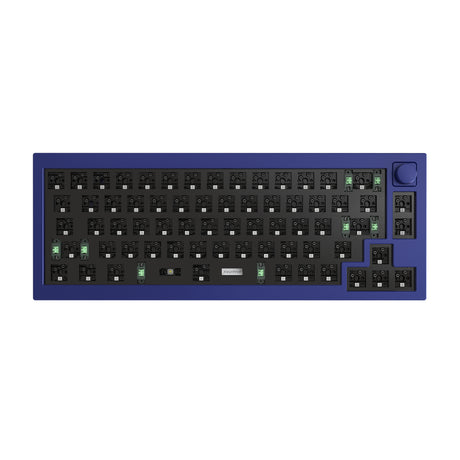

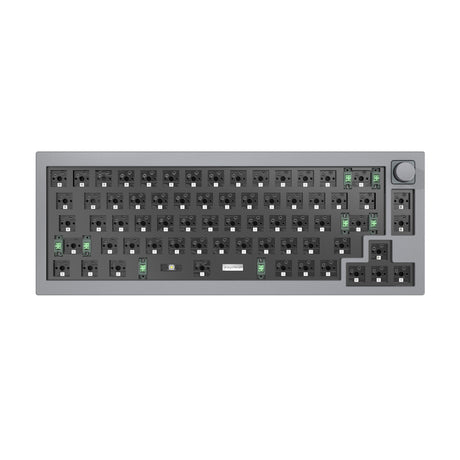
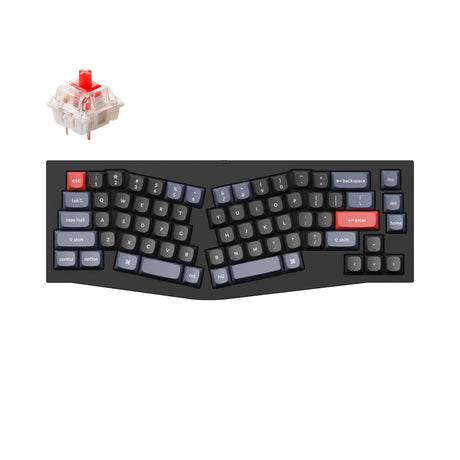

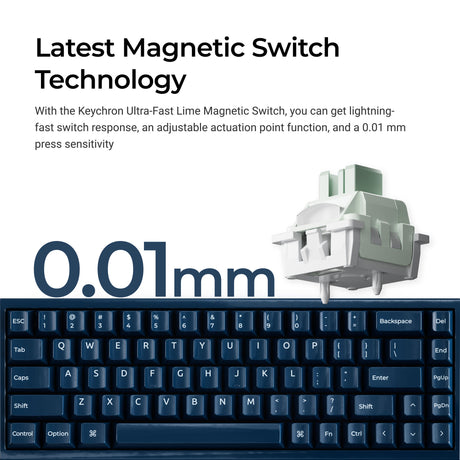
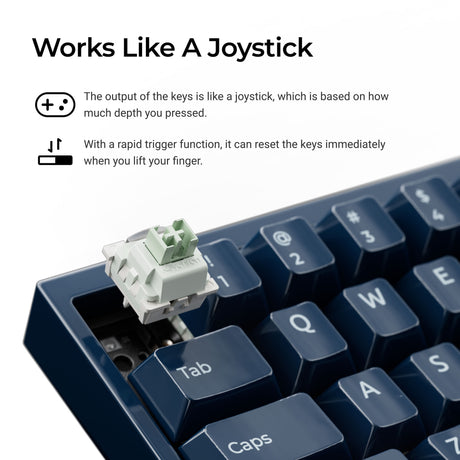
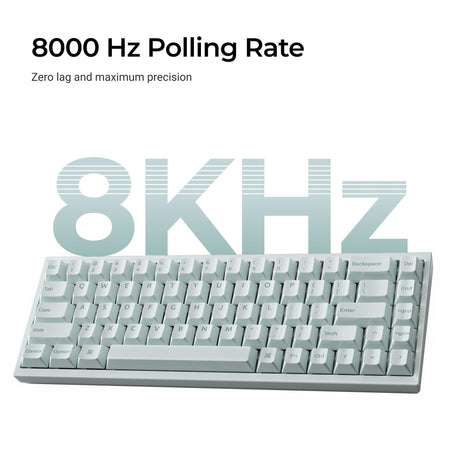

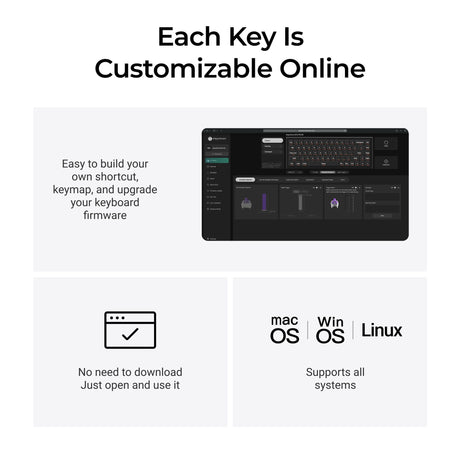
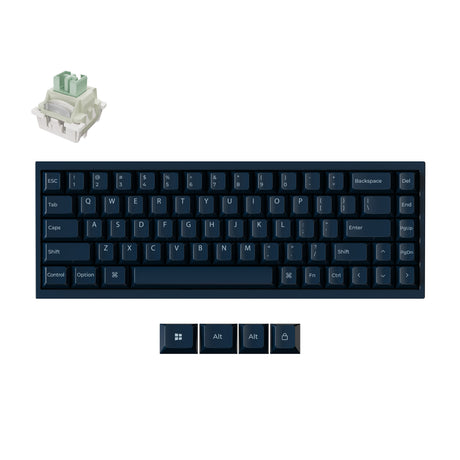
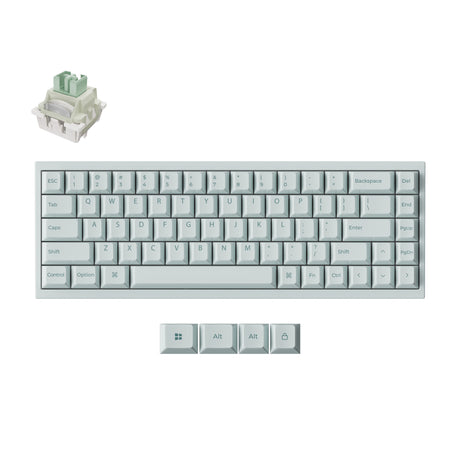


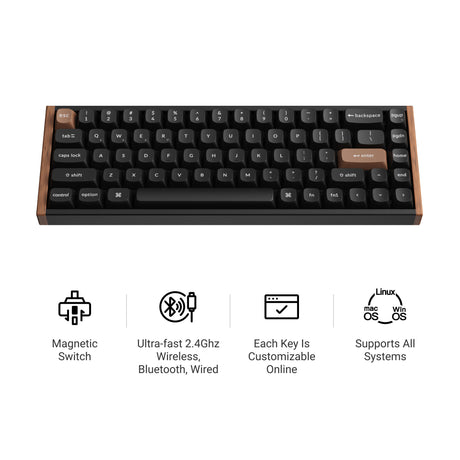
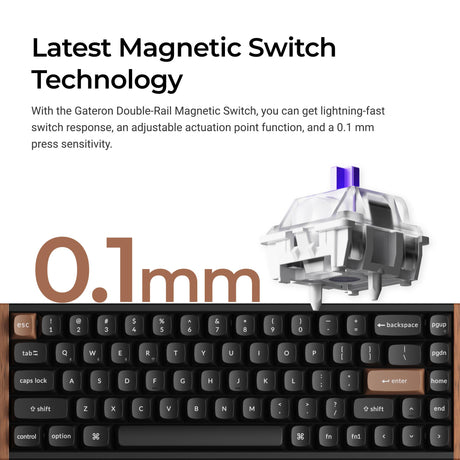
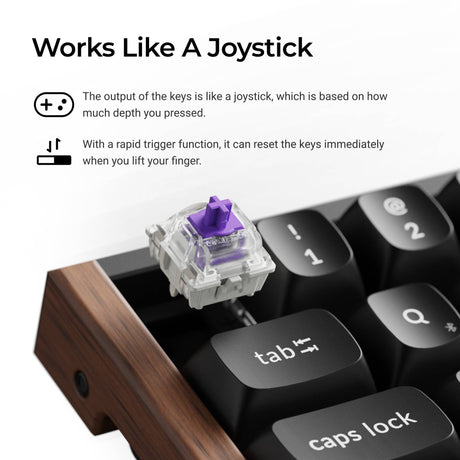
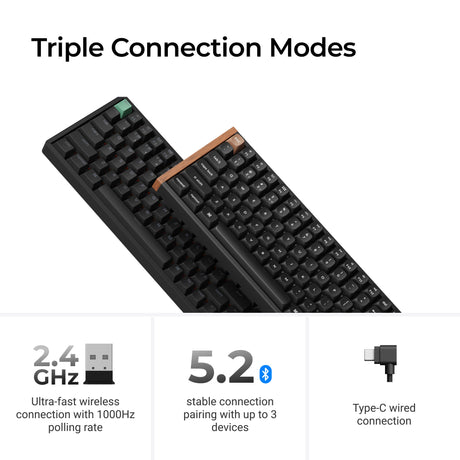

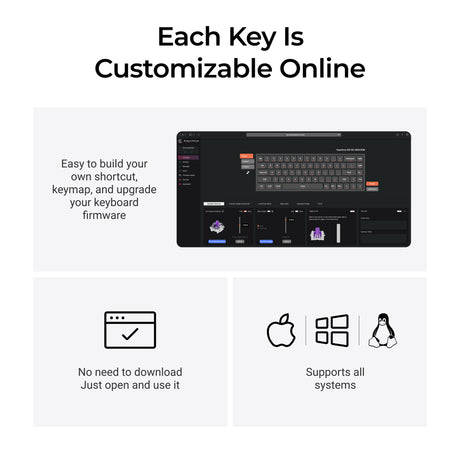
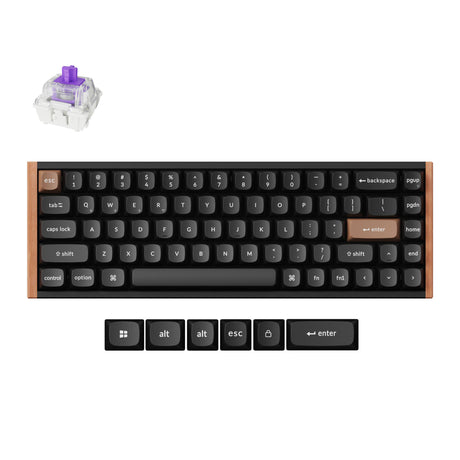
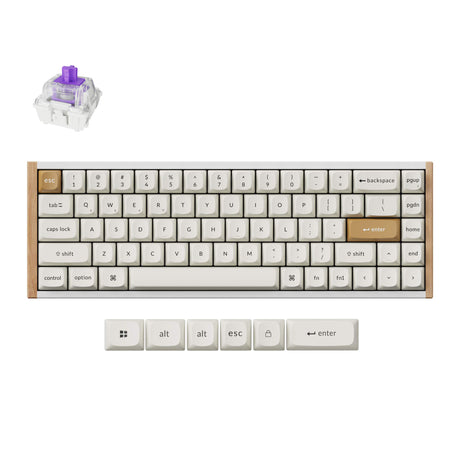
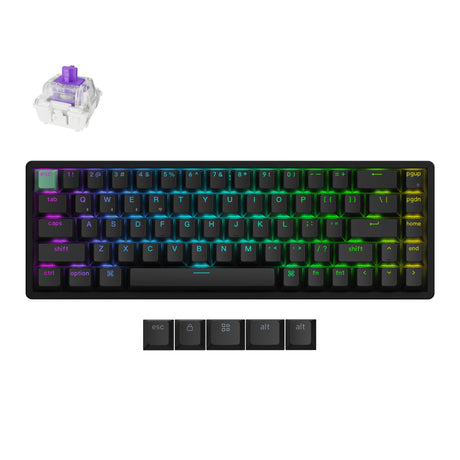
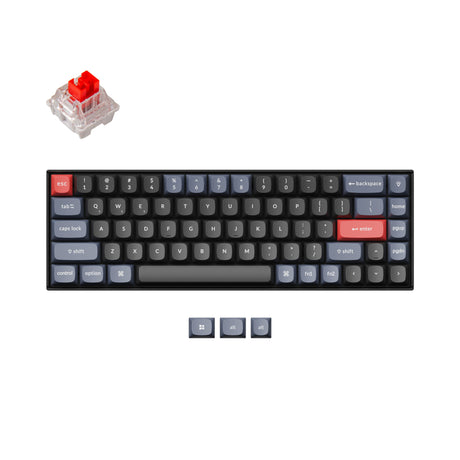
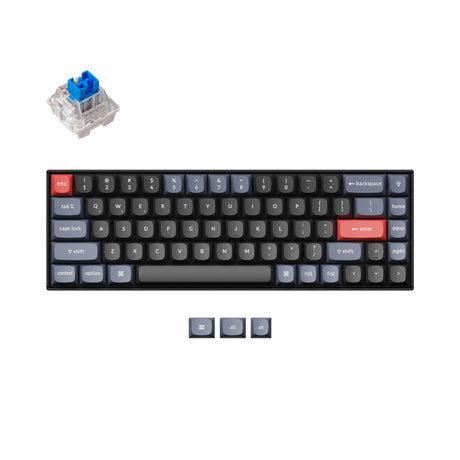
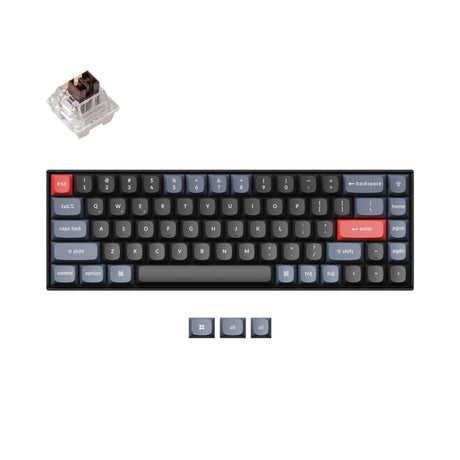
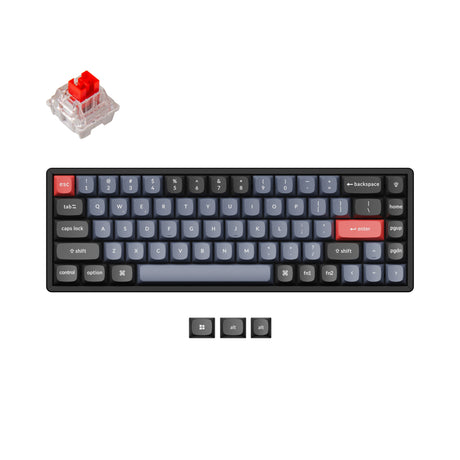
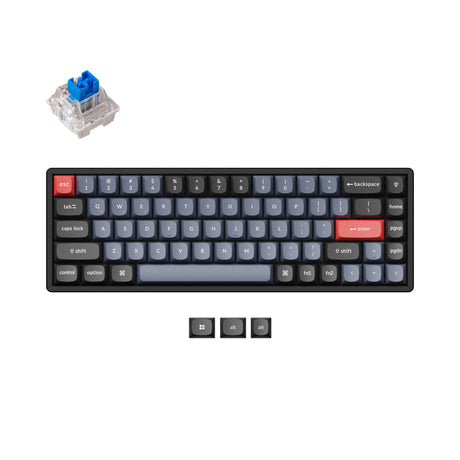
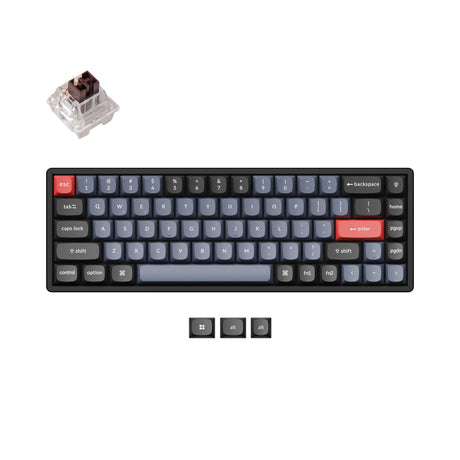
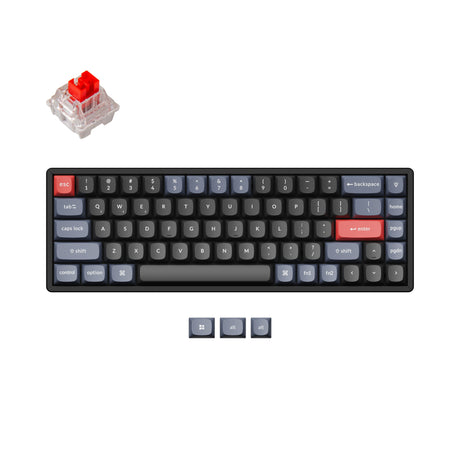
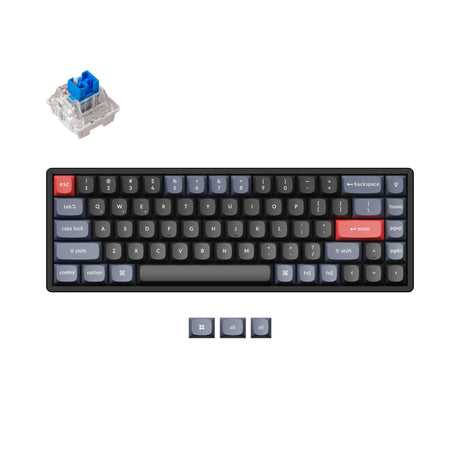
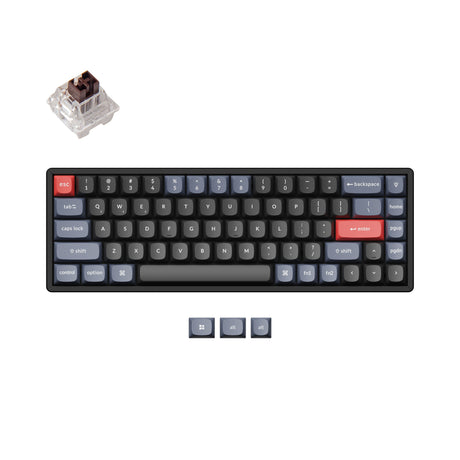
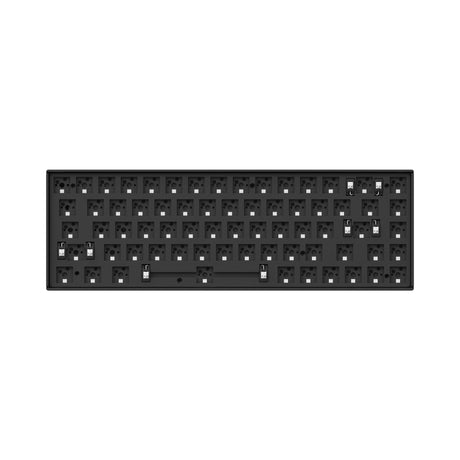
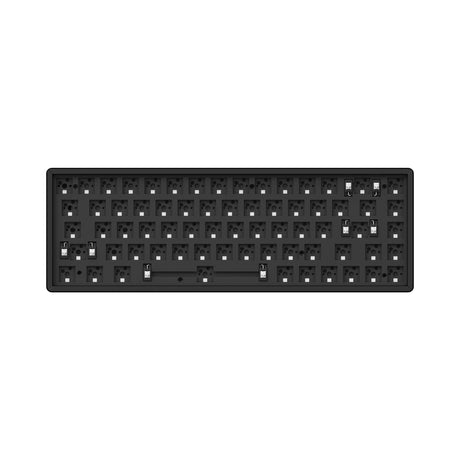


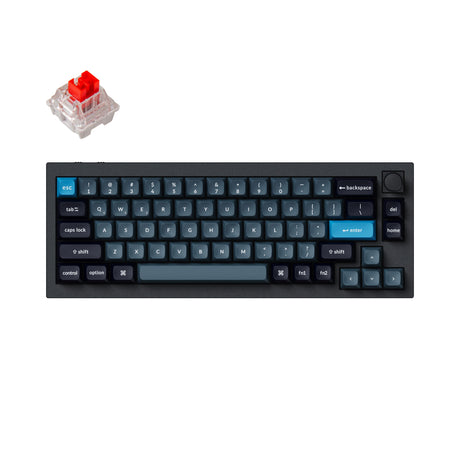
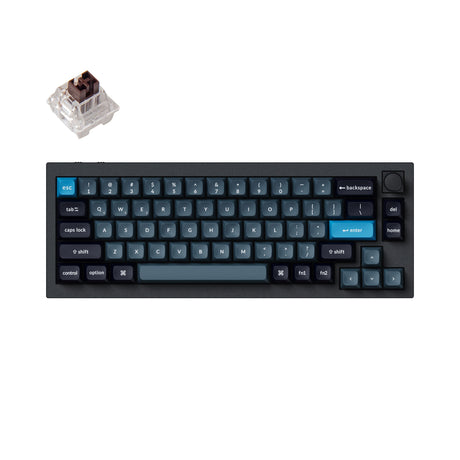
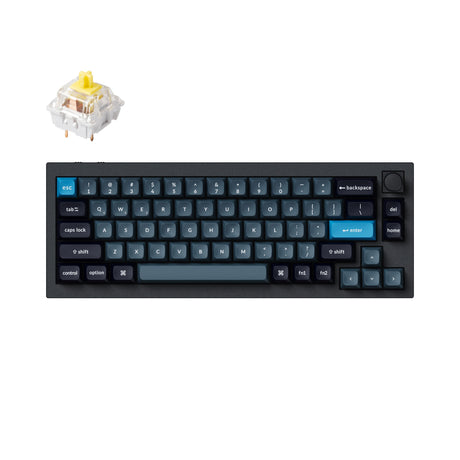
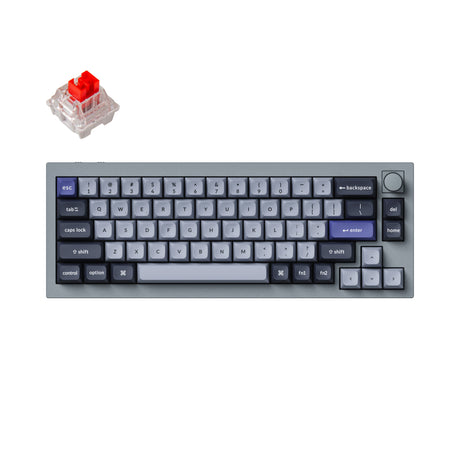
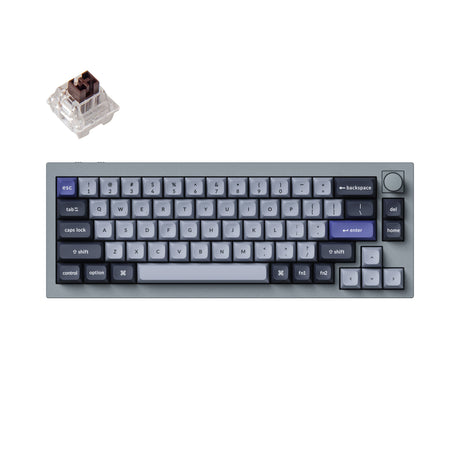
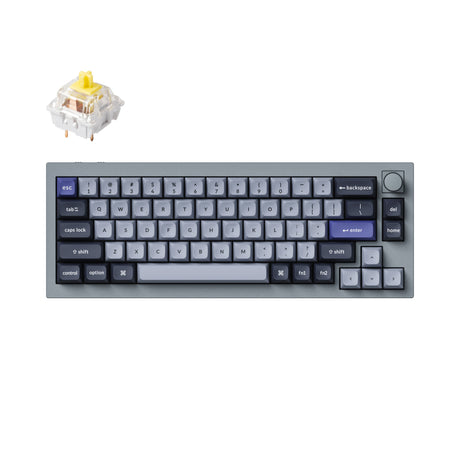
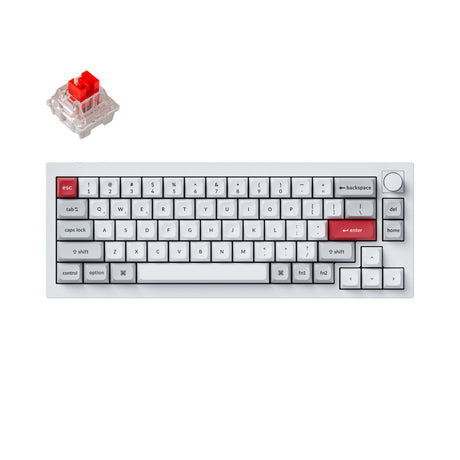
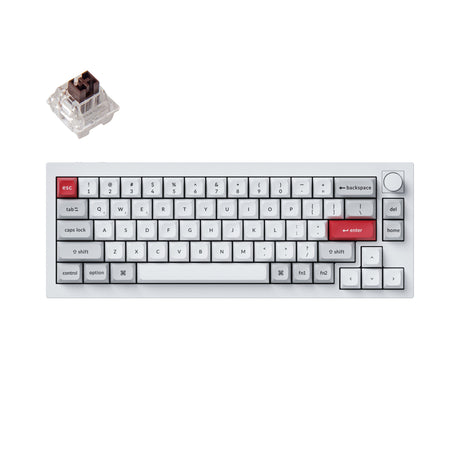
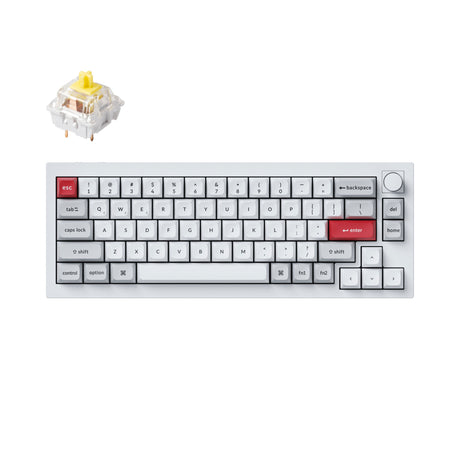
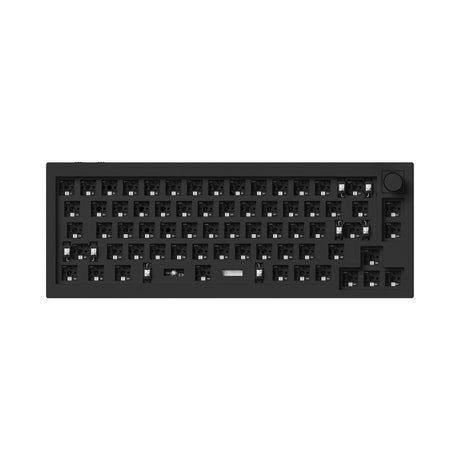
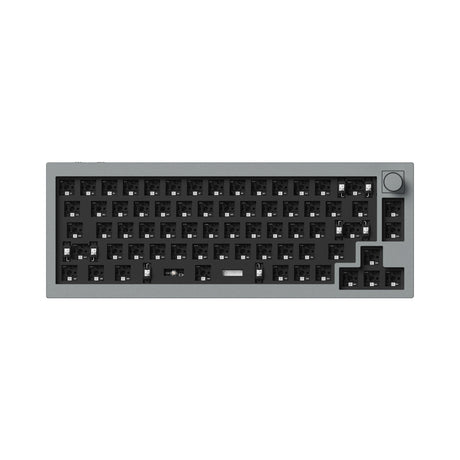
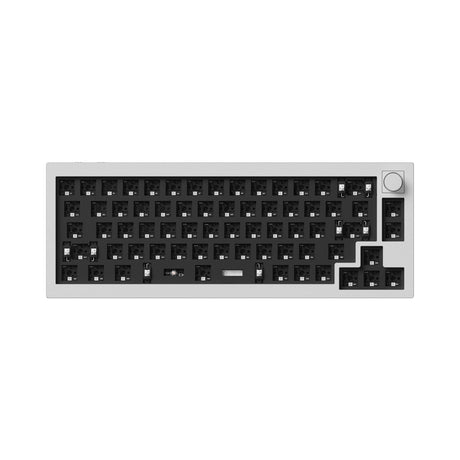
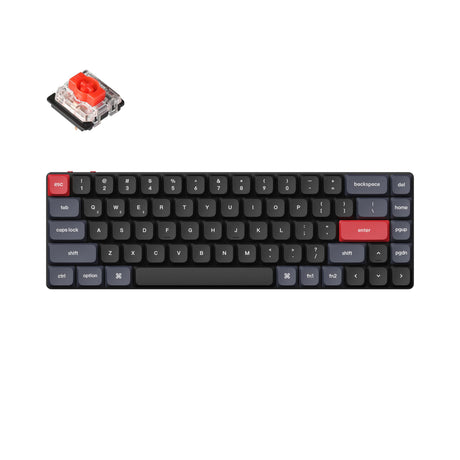
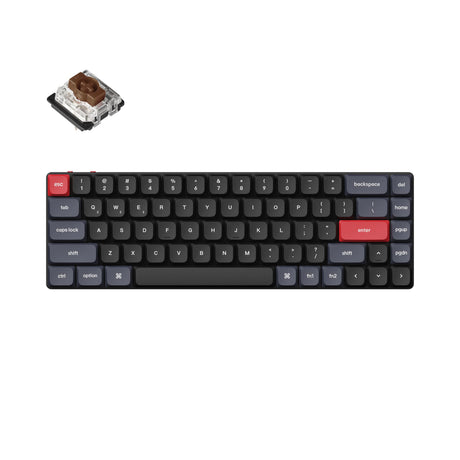
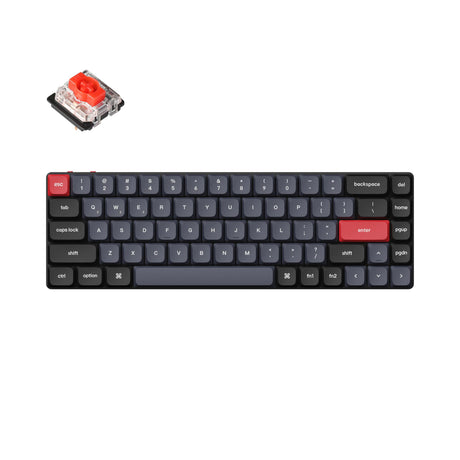
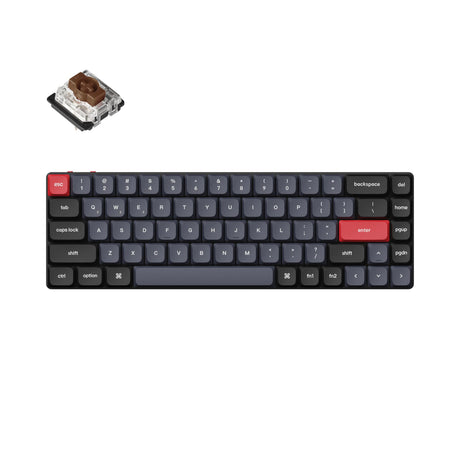
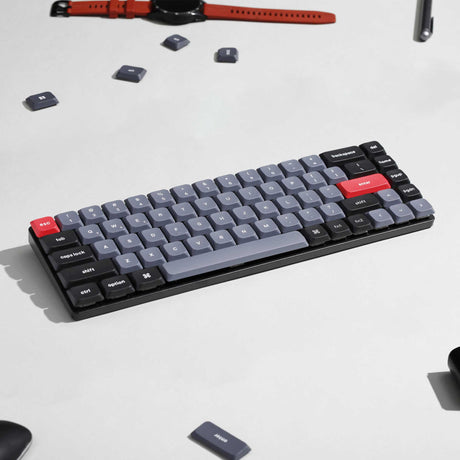
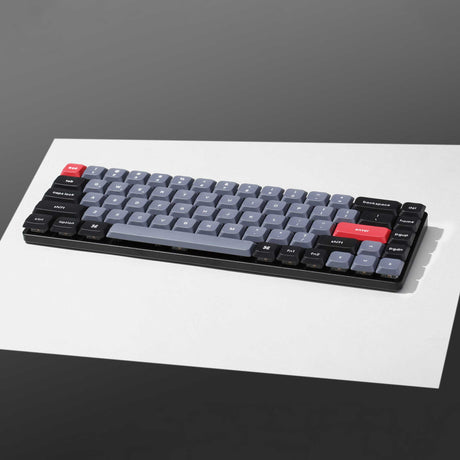
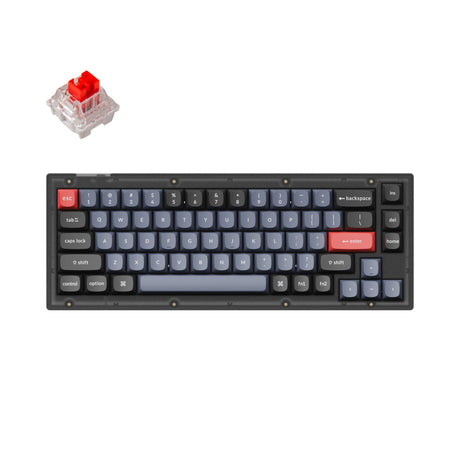
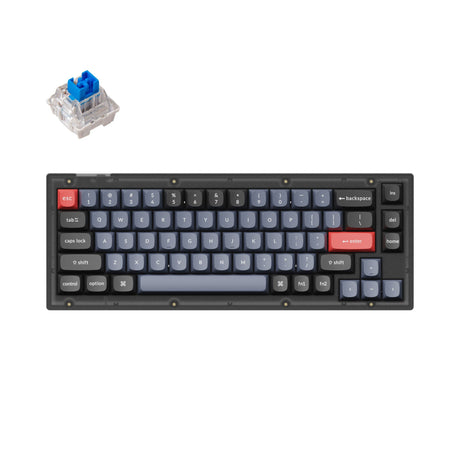
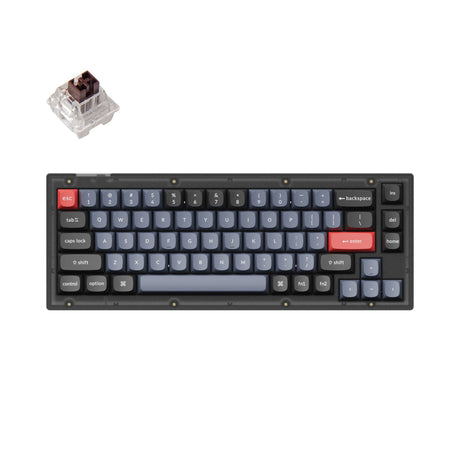

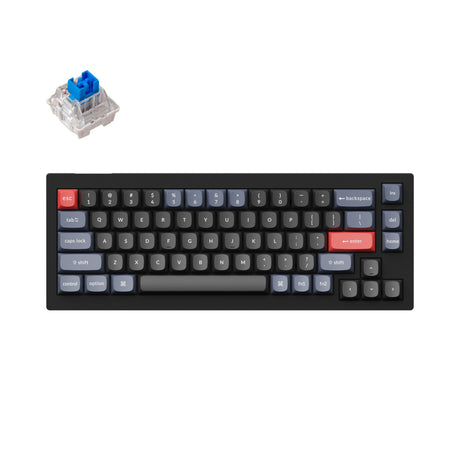
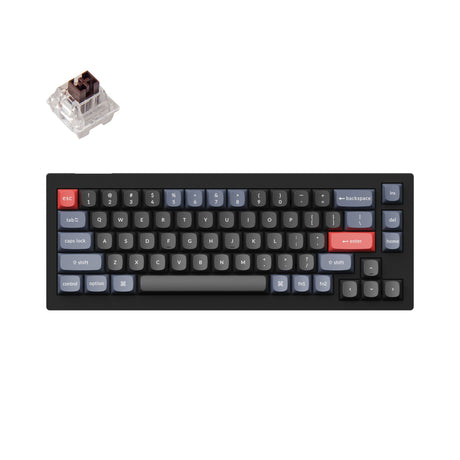
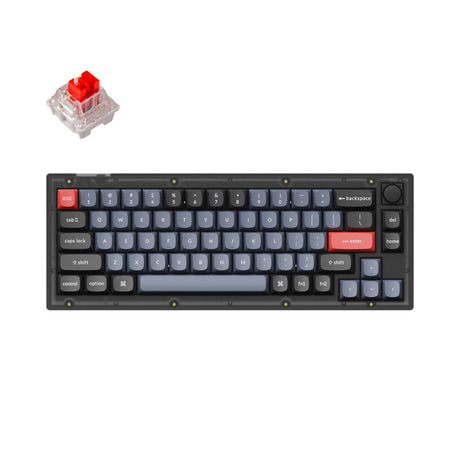
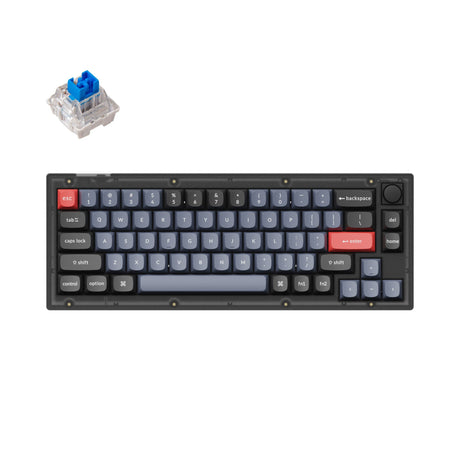
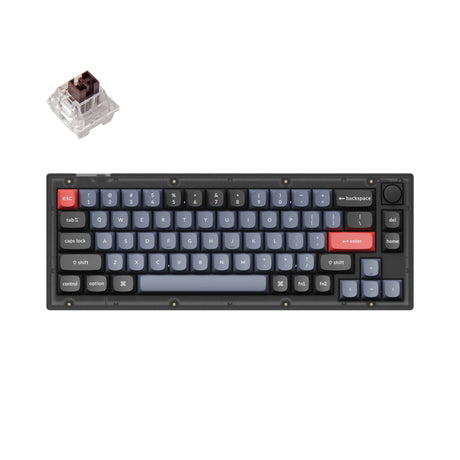
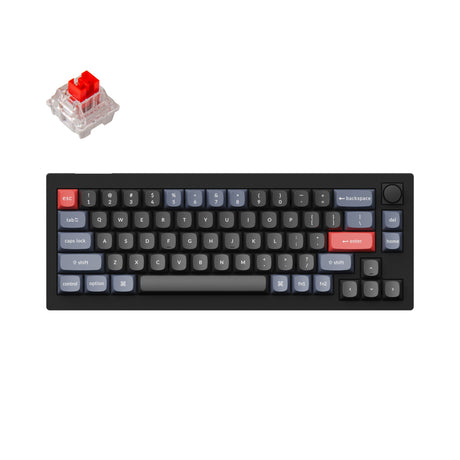
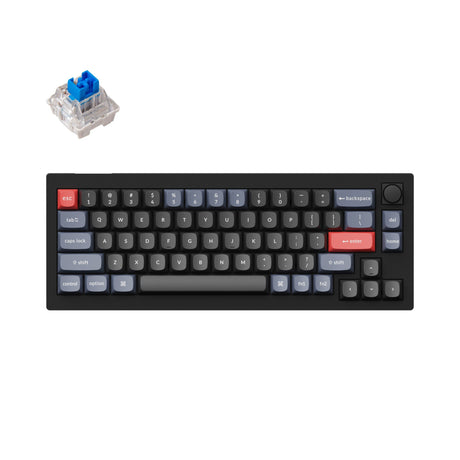
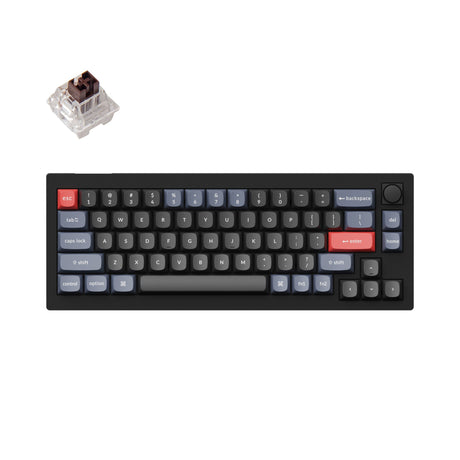

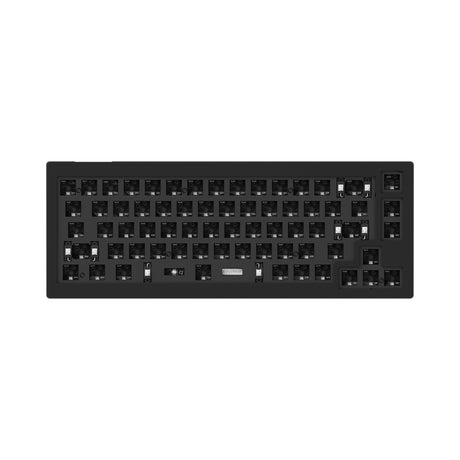
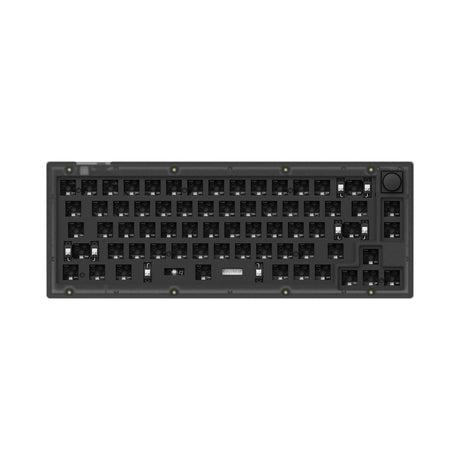
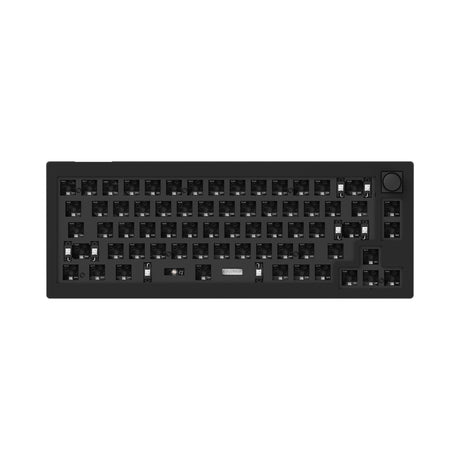
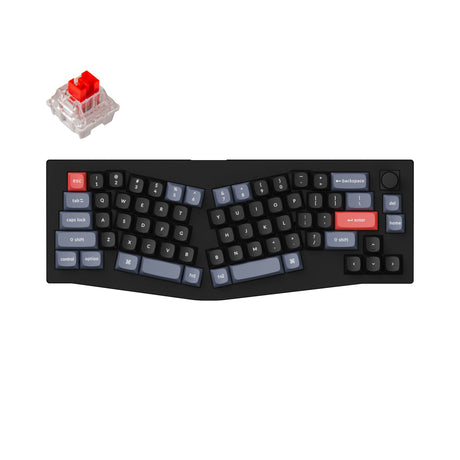
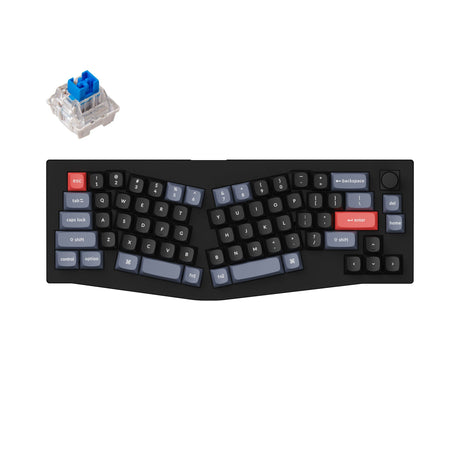
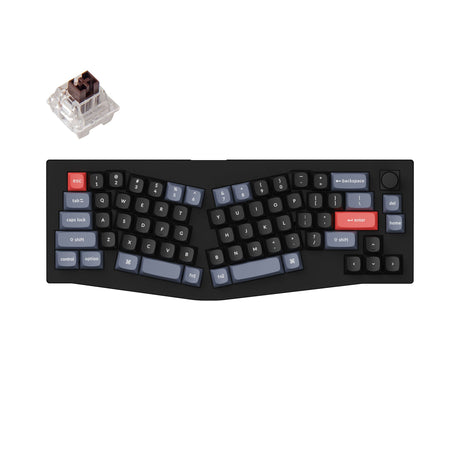
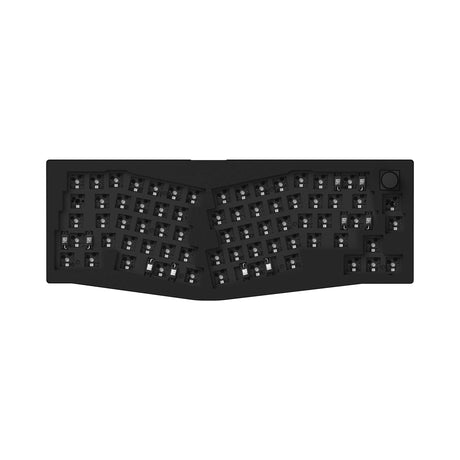
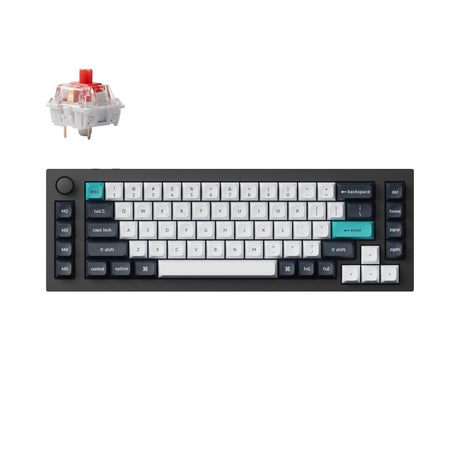
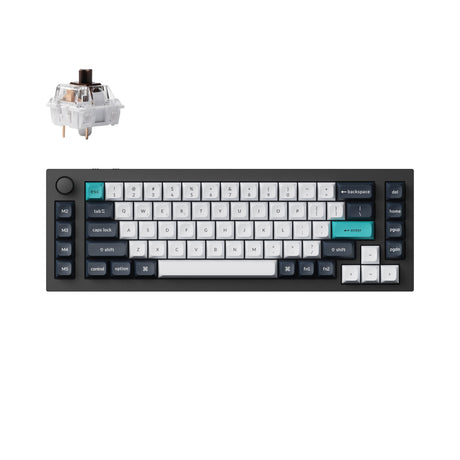
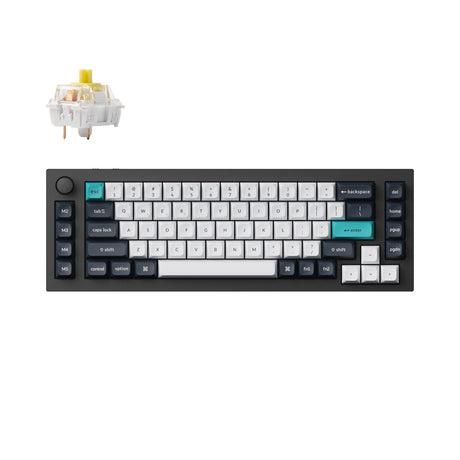
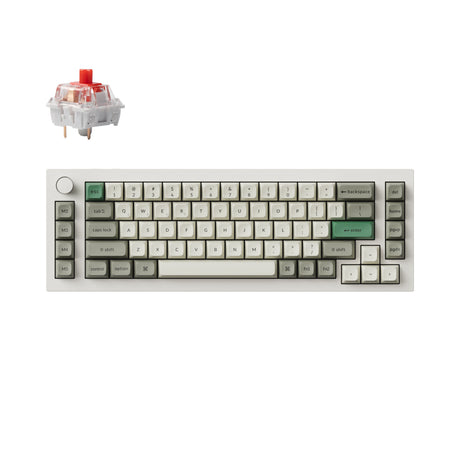
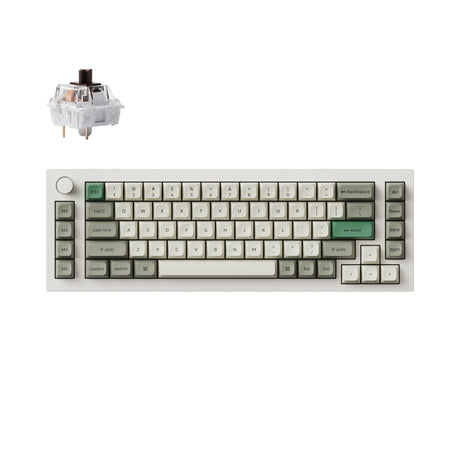
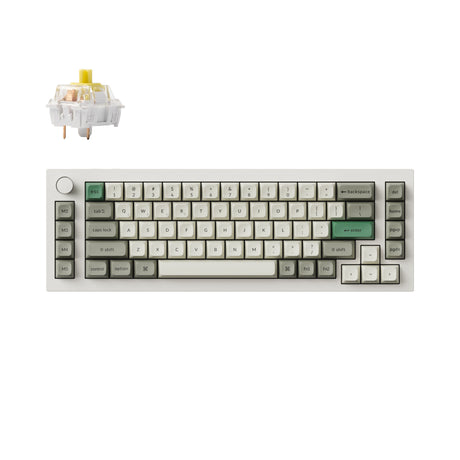
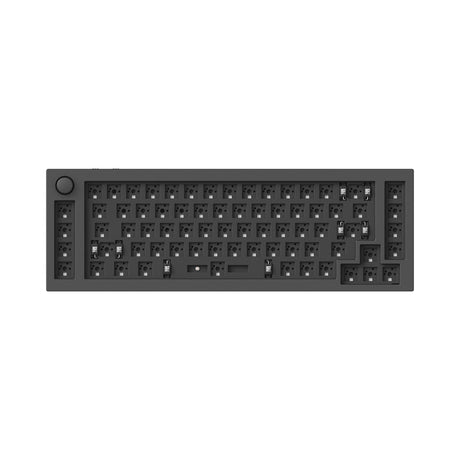
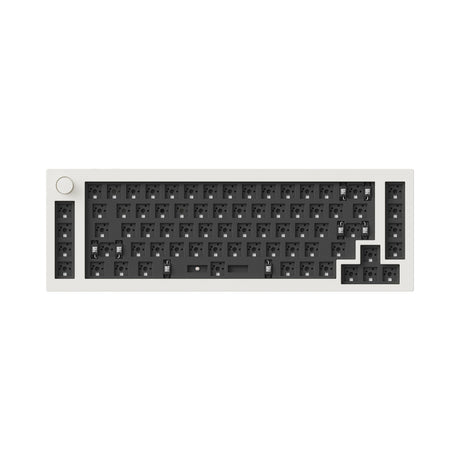
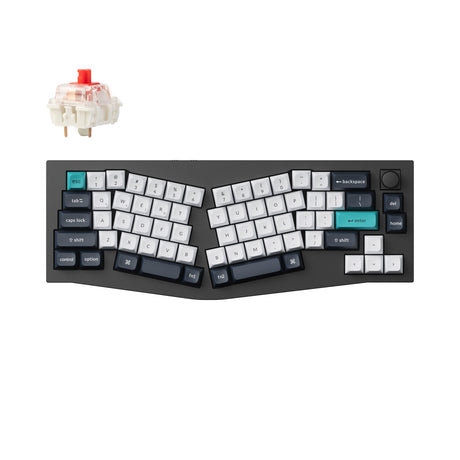
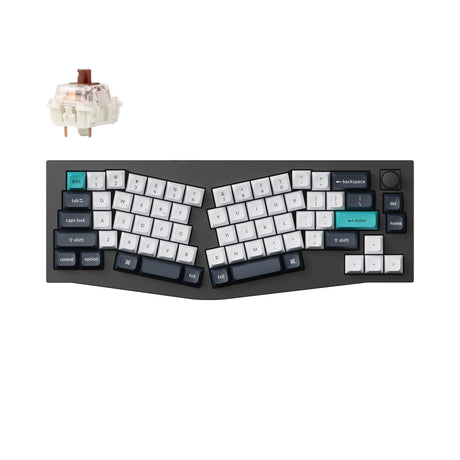
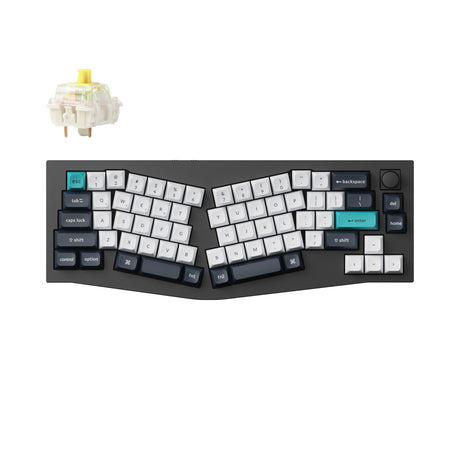
Keychron 65% Layout Keyboards: The Ultimate Blend of Portability & Utility
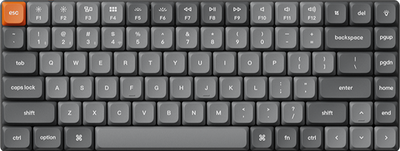
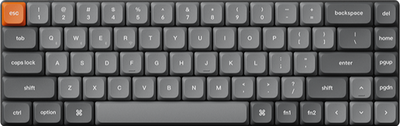
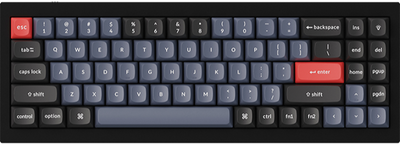
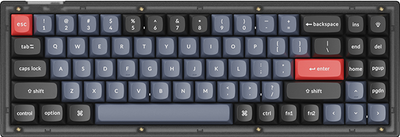
At Keychron, we design 65% layout keyboards that redefine what it means to be compact. By removing the function row and numeric keypad but retaining the dedicated arrow keys, we’ve created a layout that offers a significant space-saving advantage without sacrificing the navigation essentials.
Whether you are a minimalist desk enthusiast, a high-speed typist, or a frequent traveler, our 65% keyboards are engineered for efficiency. Through thoughtful hardware design and open-source firmware support, these boards work seamlessly with macOS, Windows, and Linux systems.
What is a 65% Layout Keyboard?
A 65% layout keyboard is a compact evolution of the traditional keyboard. It removes the top Function row (F1-F12) and the bulk of the navigation cluster, but crucially keeps the dedicated arrow keys and a vertical column of essential navigation keys (such as Delete, Page Up, and Page Down).
Typically featuring 67 to 68 keys, this layout is the bridge between the ultra-minimalist 60% and the larger 75%, offering a streamlined form factor with intuitive navigation.
Why Choose a 65% Layout?
Optimized Desk Real Estate
The narrow footprint provides maximum room for mouse movement, making it a favorite for gamers and professionals with limited workspace.
Dedicated Arrow Keys
Unlike 60% keyboards, you don't need to use complex key combinations for simple navigation. The physical arrow keys are always available at your fingertips.
Ultimate Portability
Its compact size makes it incredibly easy to toss into a bag, providing a premium typing experience at the office, at home, or in a coffee shop.
Designed for Efficient Minimalists
65% layout keyboards are the top choice for:
Gamers – who need maximum mouse space for sweeping movements while keeping arrow keys for menus.
Minimalist Professionals – who want a clutter-free desk without losing the ability to navigate documents quickly.
Linux Power Users – who appreciate the efficiency of layers while maintaining dedicated arrows for terminal control.
Travelers – who demand a mechanical typing experience that doesn't compromise on weight or size.
65% vs Other Keyboard Layouts
| Layout | Key Count | Key Feature |
| 65% Layout | ~67-68 keys | Dedicated Arrow Keys, No F-Row |
| 75% Layout | ~84 keys | Includes dedicated Function row |
| 60% Layout | ~61 keys | No physical Arrow keys |
| 80% (TKL) | ~87 keys | Classic spacing, larger footprint |
Advanced Customization & Performance
Every Keychron 65% keyboard is built for those who love to tweak and refine:
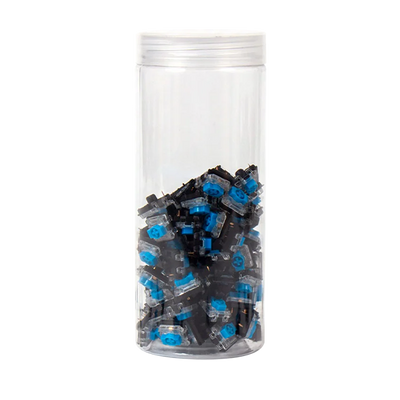
Hot-Swappable Versatility: Our 65% series features hot-swappable technology, allowing you to effortlessly swap and experiment with compatible switches to find your perfect tactile response—no soldering required.
QMK or ZMK Firmware: Take full control of your hardware. Remap any key and create custom layers for the missing F-row, ensuring your shortcuts work natively on Linux, Mac, and Windows.
Premium Materials & Versatility: Choose from our heavy-duty CNC aluminum Q series, or the versatile wireless K HE series designed for flexibility and everyday performance.
Why Choose a 65% Layout from Keychron?
Full OS Compatibility: Seamlessly toggle between macOS, Windows, and Linux with a physical switch and dedicated keycaps for each.
Smart Layering: Access the Function row and media controls easily through intuitive, pre-configured layers.
Reliable Connectivity: Options for low-latency 2.4GHz wireless, multi-device Bluetooth, or stable USB-C wired connections.
Open-Source Power: Support for QMK or ZMK means your custom keymaps are saved directly to the keyboard's hardware.
Frequently Asked Questions on 65% Layout Keyboards
Does a 65% keyboard have arrow keys?
Yes. The primary difference between a 65% and a 60% keyboard is that the 65% layout includes dedicated, physical arrow keys.
How do I use F1-F12 keys on a 65% keyboard?
While there is no dedicated row, you can easily access the Function keys through a "Function layer" by holding down the Fn key in combination with the number row.
Is a 65% keyboard good for Linux?
Absolutely. All Keychron 65% keyboards are fully compatible with Linux. With QMK or ZMK support, you can even customize your layers at the hardware level for specific terminal or coding workflows.
What is the benefit of a hot-swappable 65% keyboard?
It allows you to change the typing feel (from clicky to linear or tactile) in seconds by replacing the switches, making it easy to customize or repair your board without special tools.
Who should use a 65% keyboard?
It is ideal for anyone who wants the smallest possible keyboard without giving up the convenience of dedicated arrow keys for navigation and gaming.