


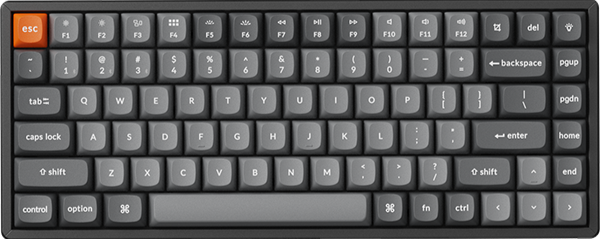


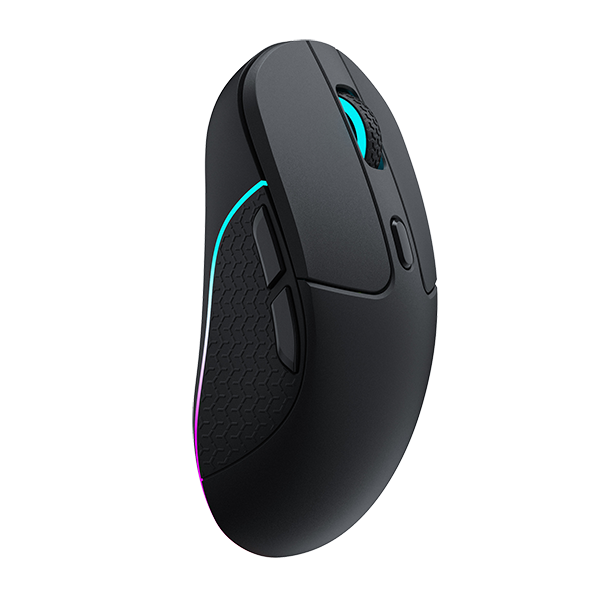

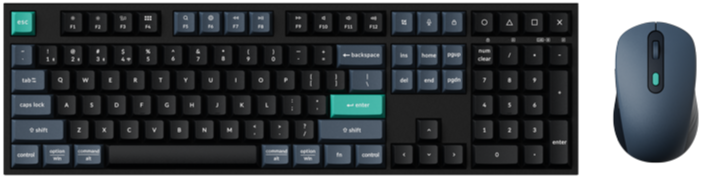
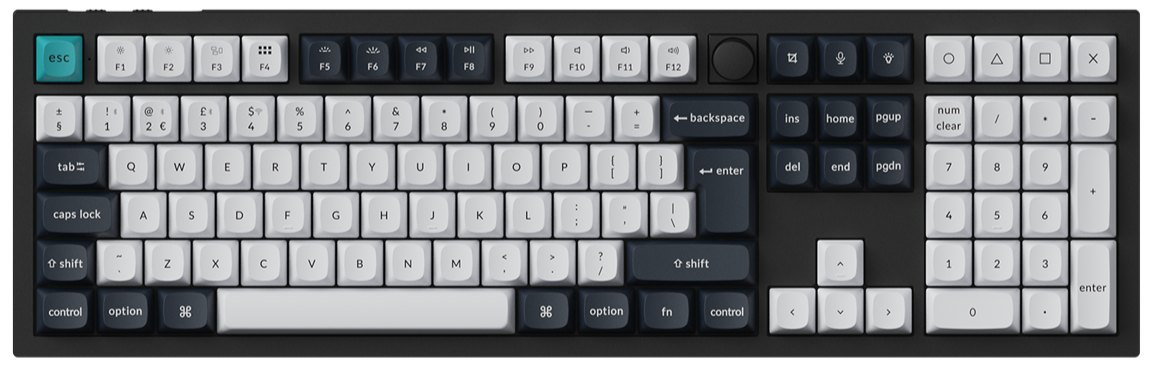
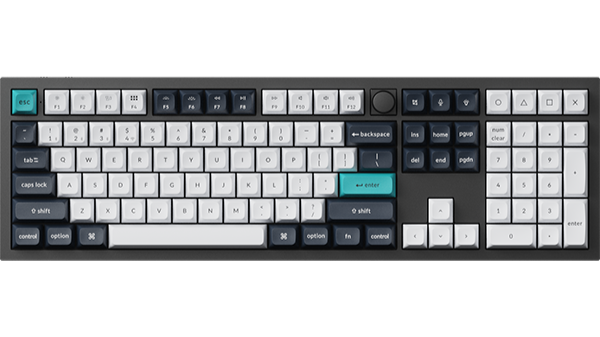
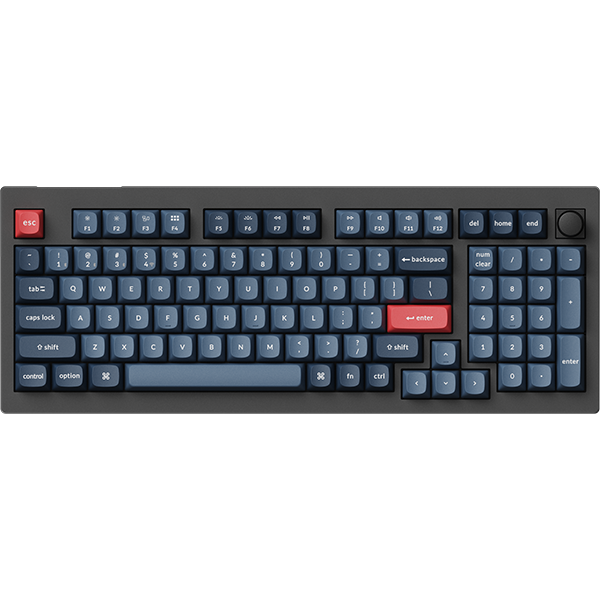
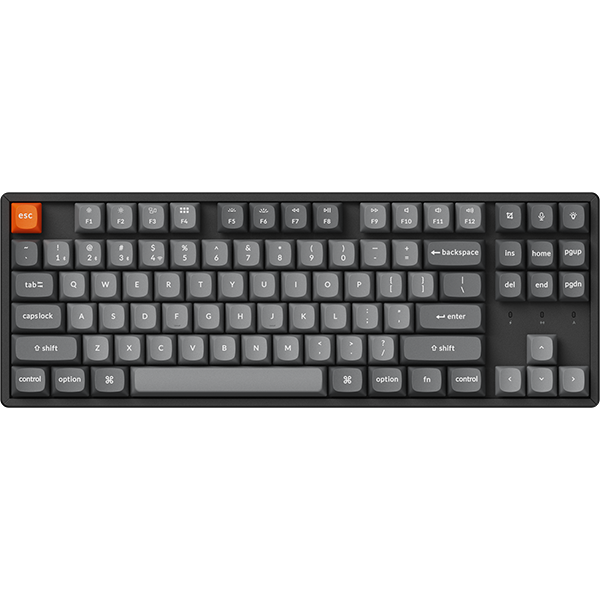

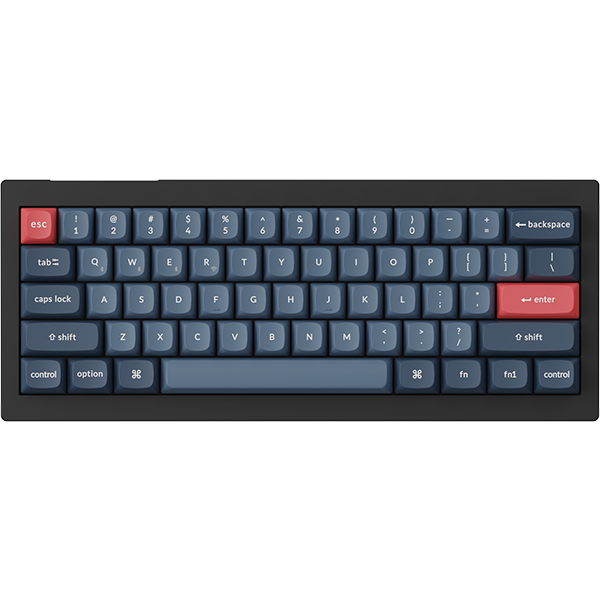


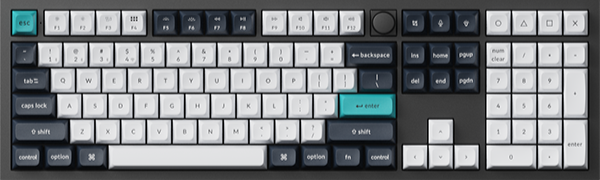
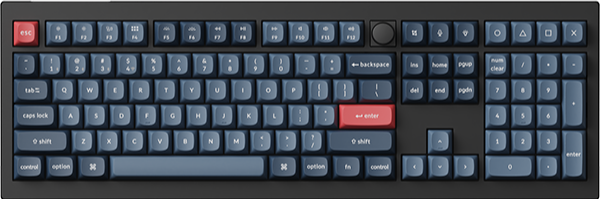
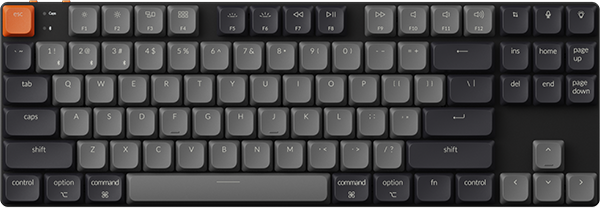
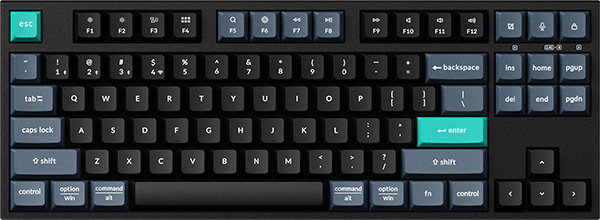
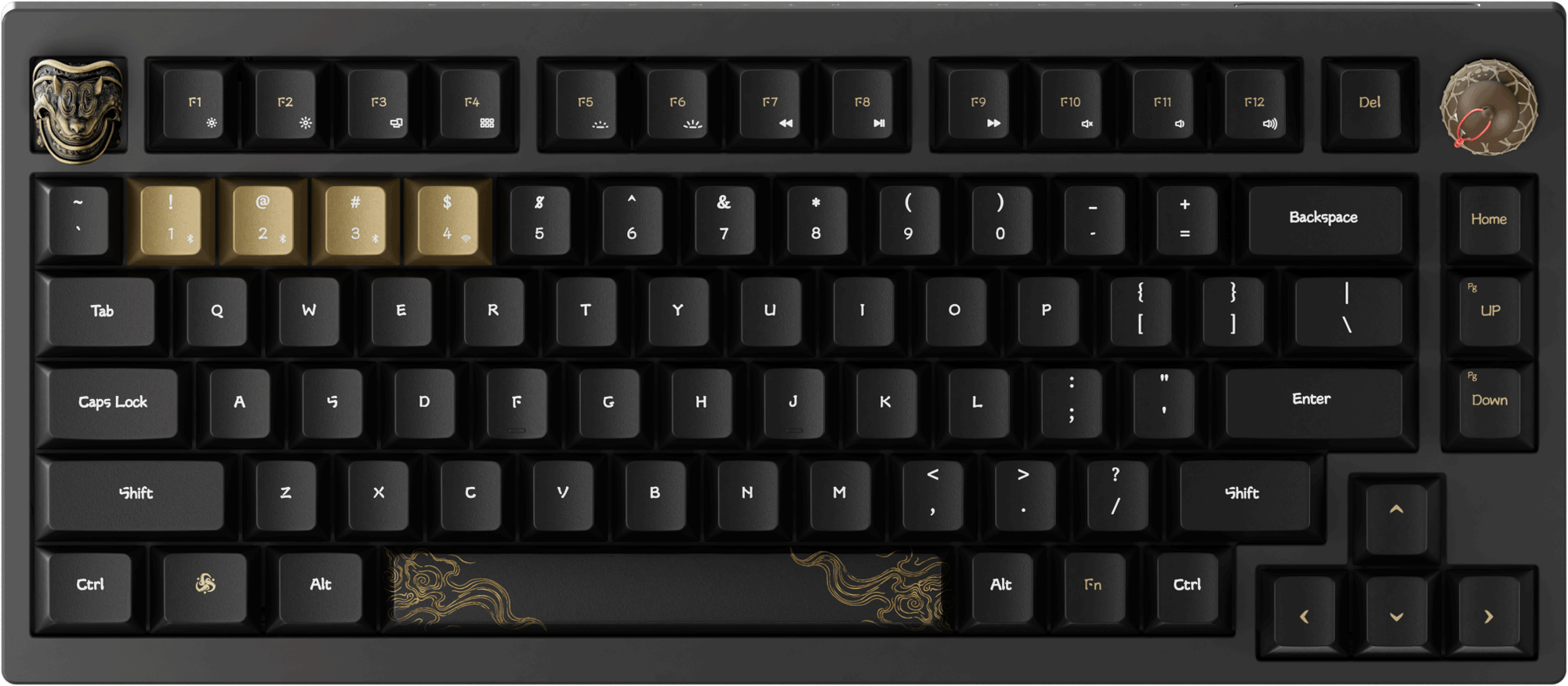




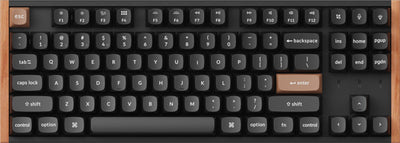
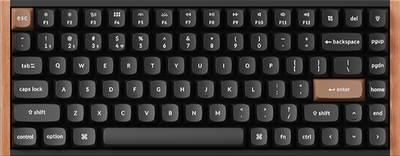

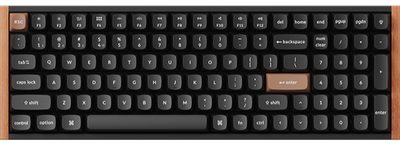

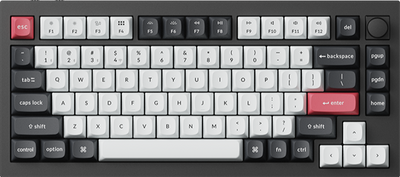

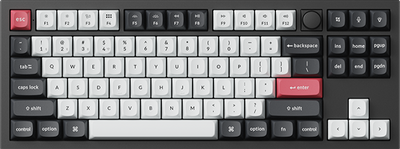
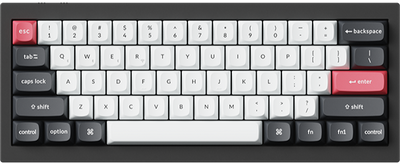
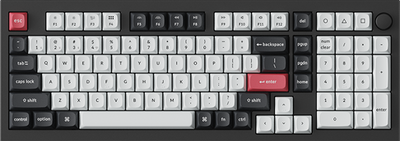
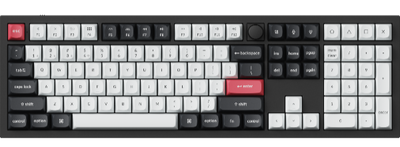
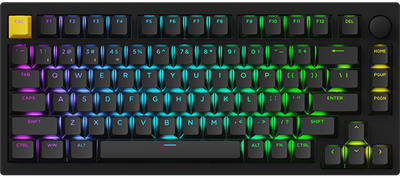
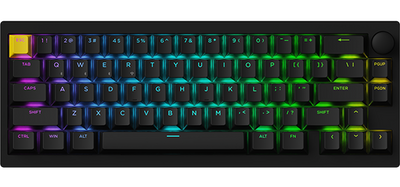
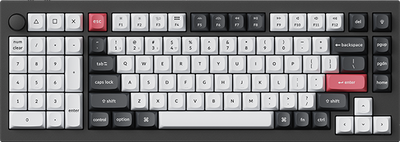

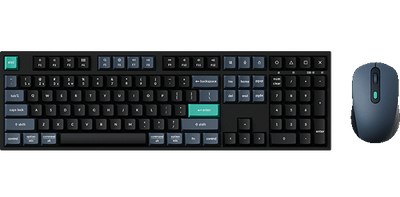
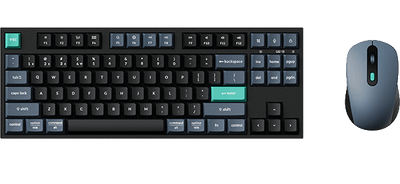
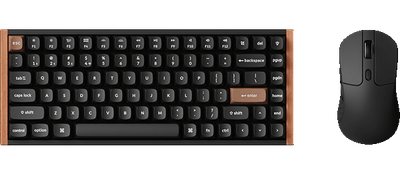
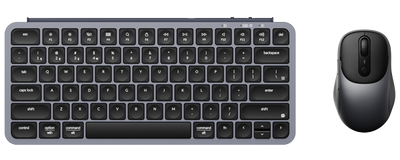
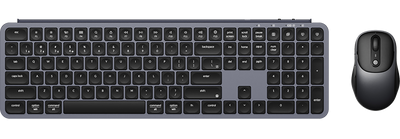
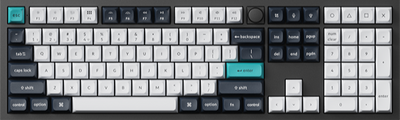
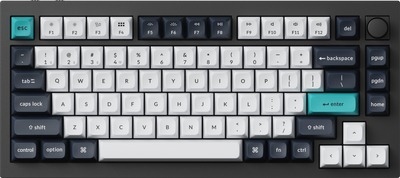
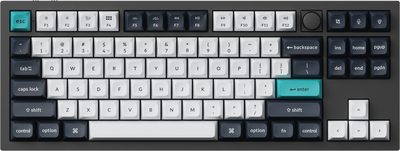
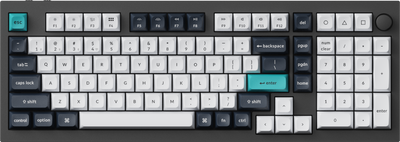
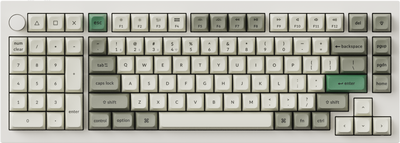
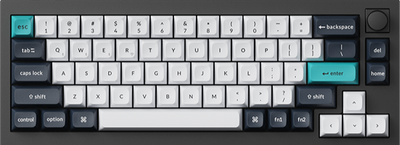
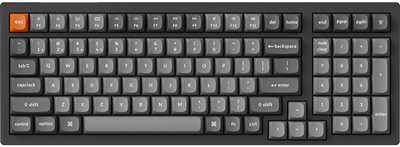
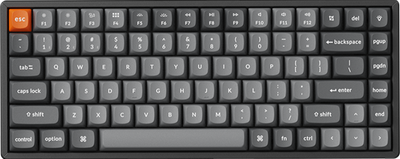
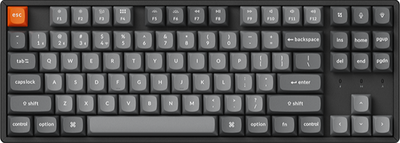
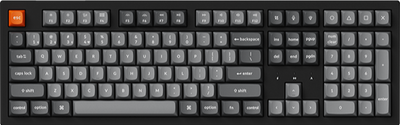
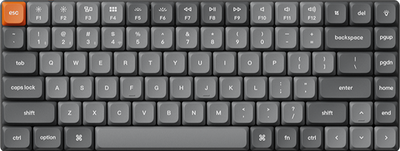

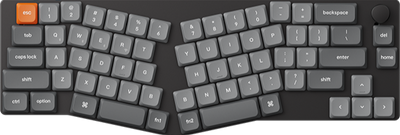
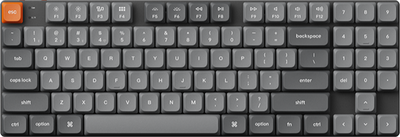
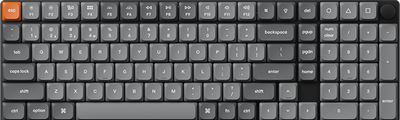
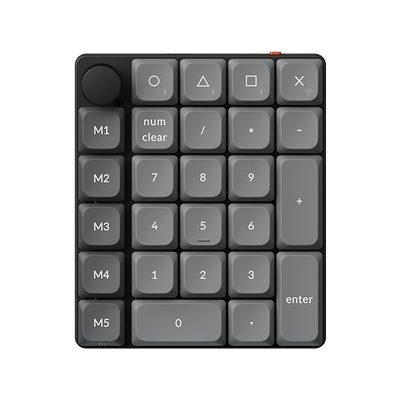
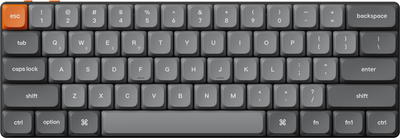
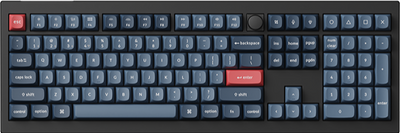
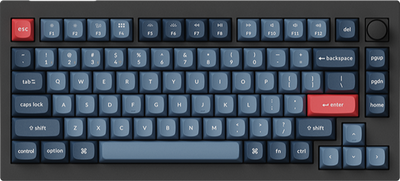
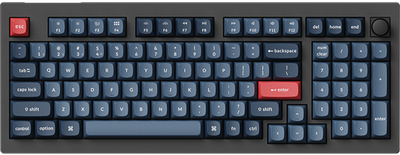
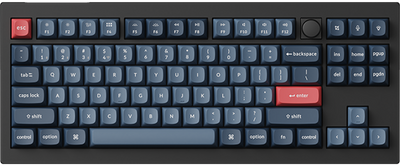
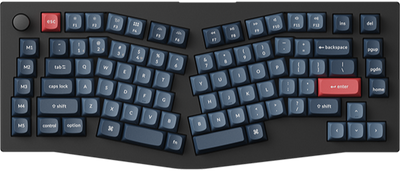
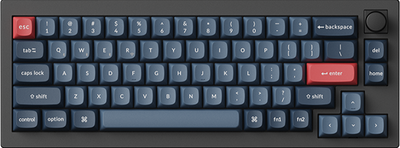
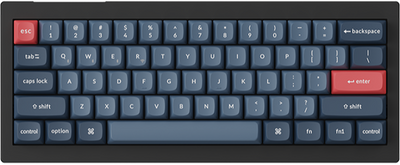
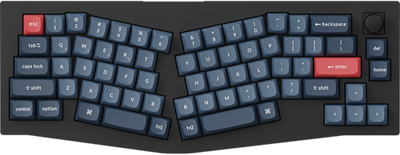
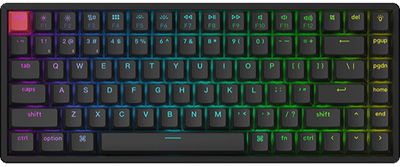
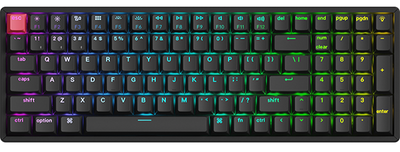
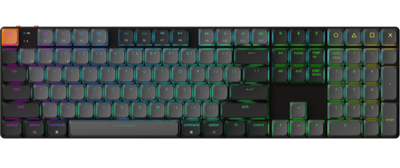
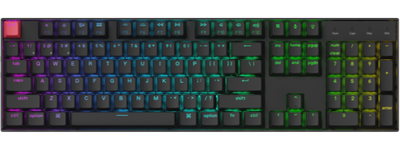
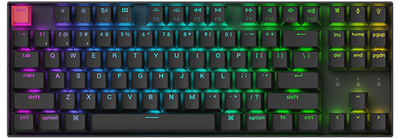
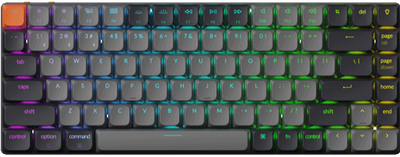
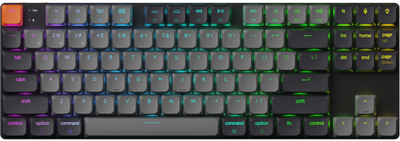


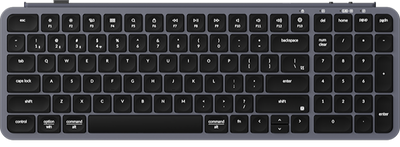
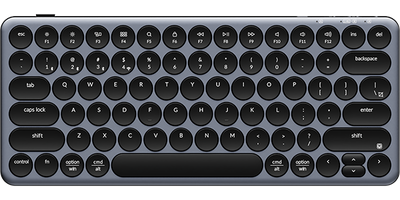
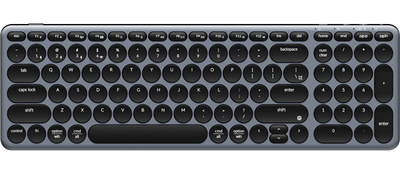
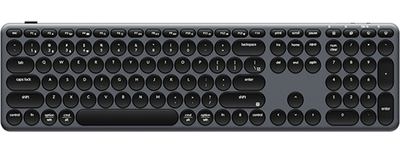
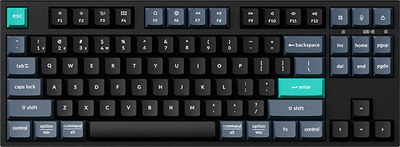
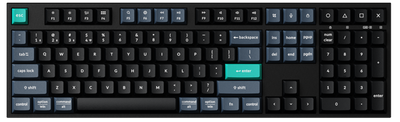


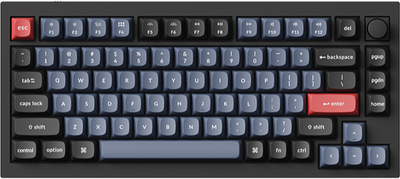
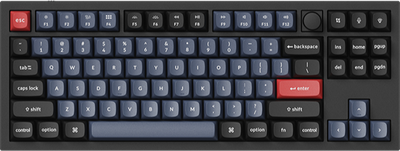
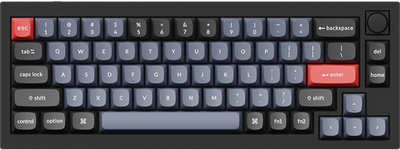
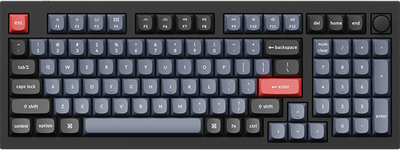
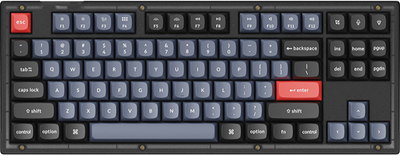
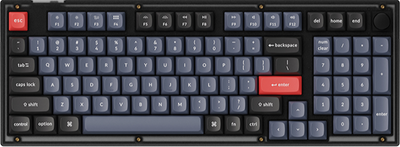
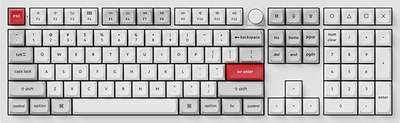
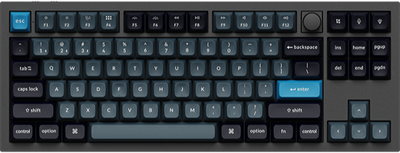
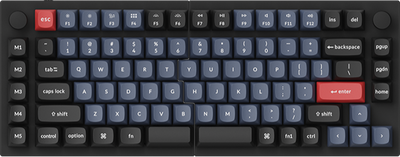
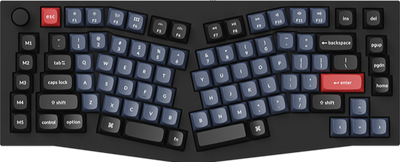
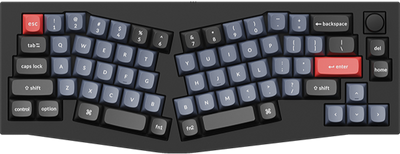
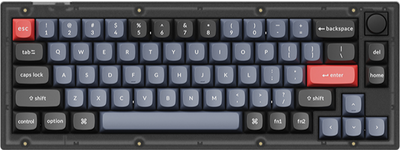
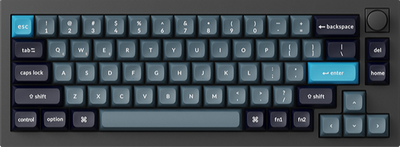
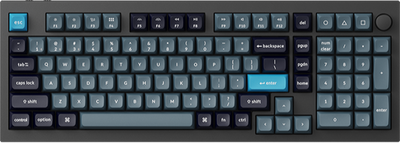
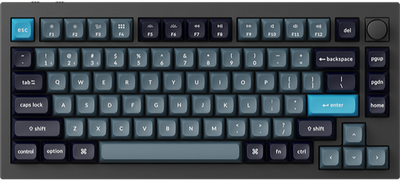
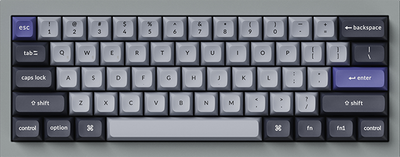
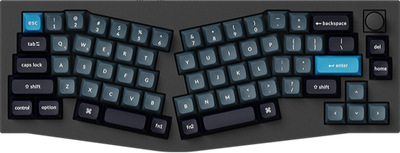
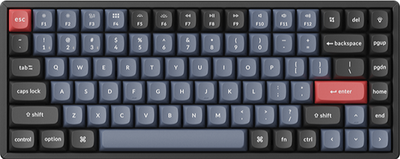
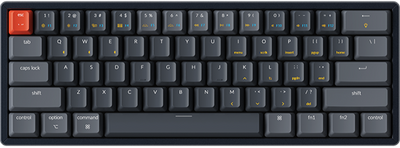
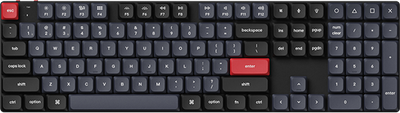
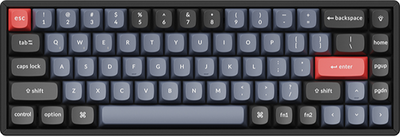
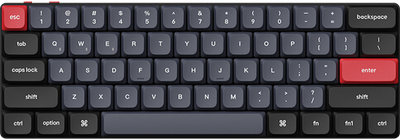
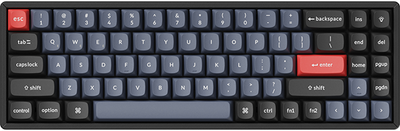
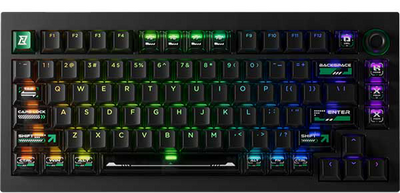

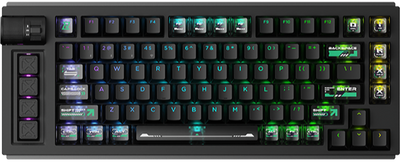
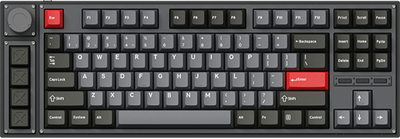
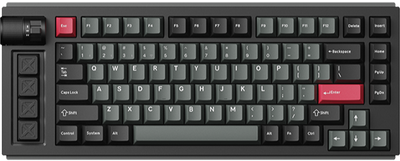
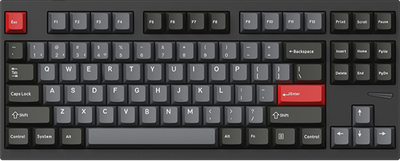
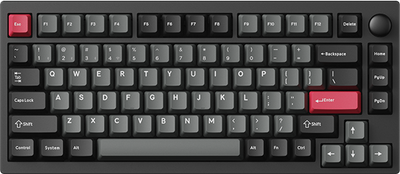
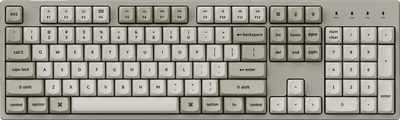
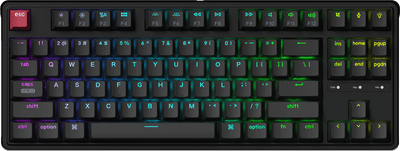
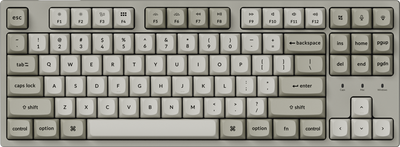
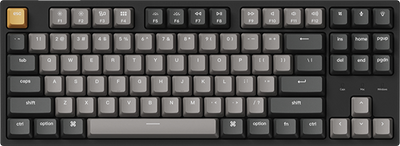
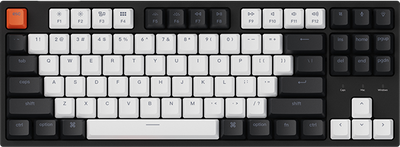
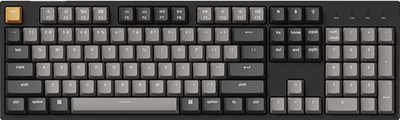
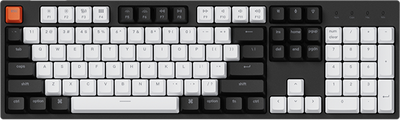
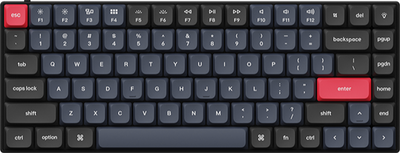
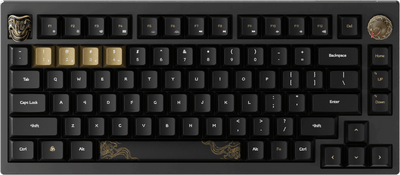
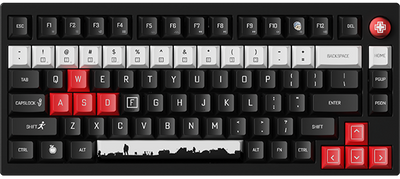
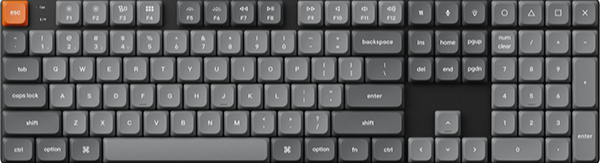
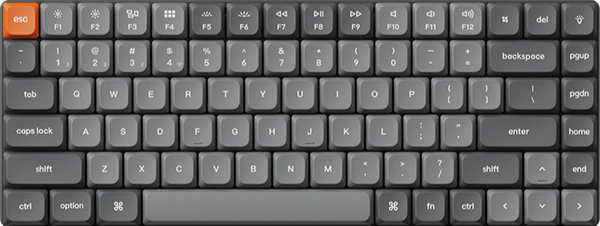
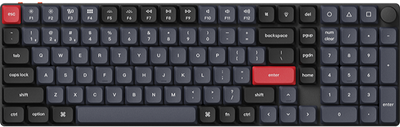
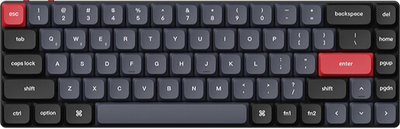
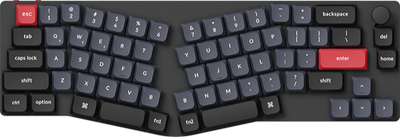
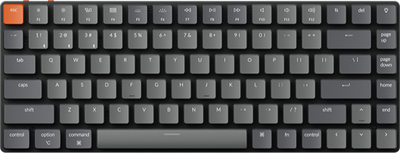
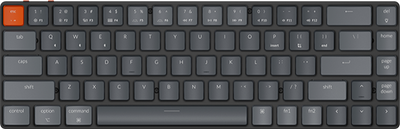
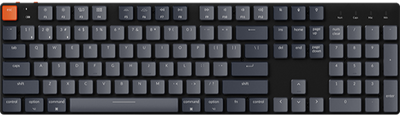
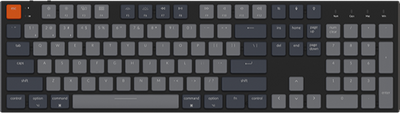







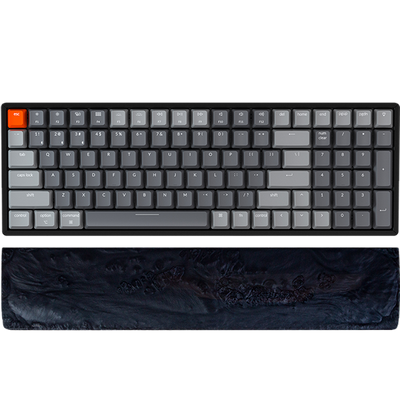
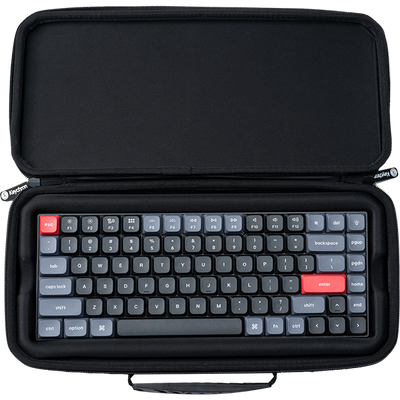
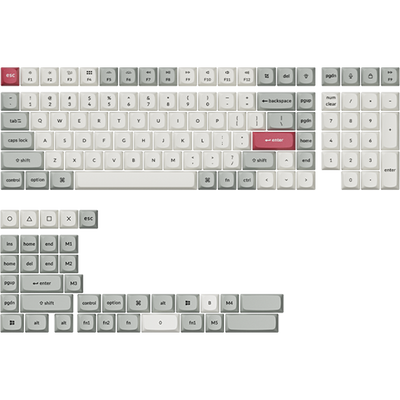
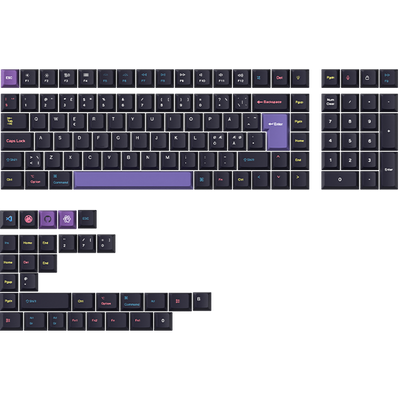
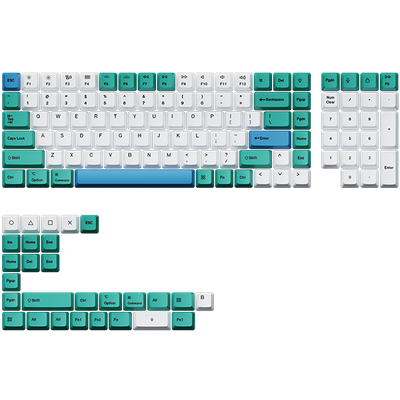
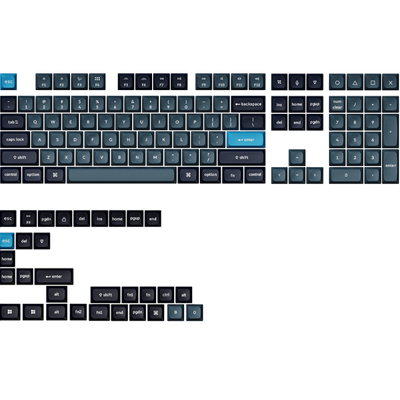
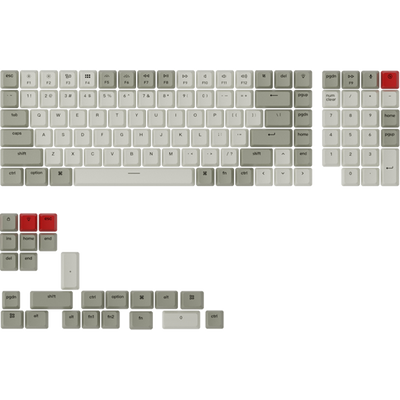
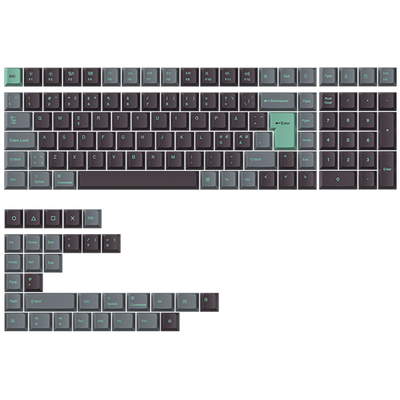
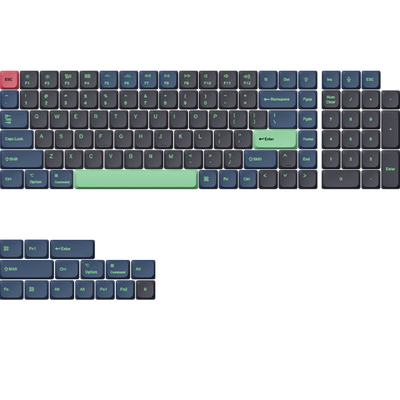
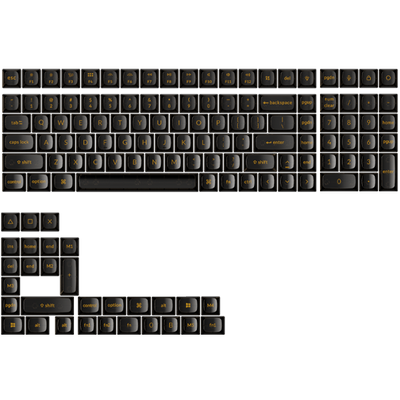
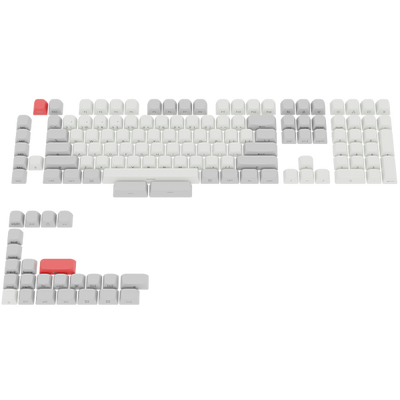








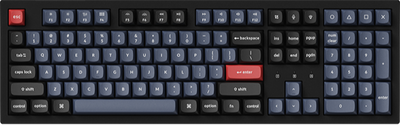
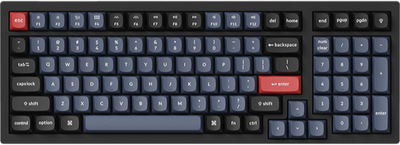
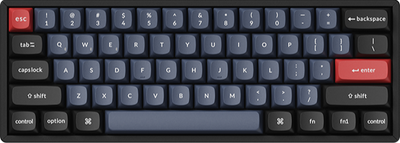
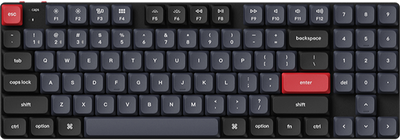

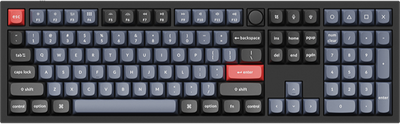
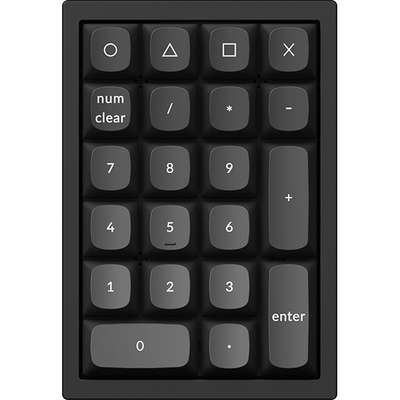
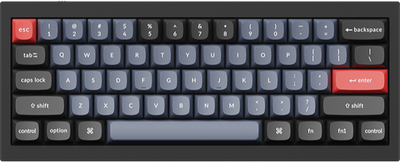
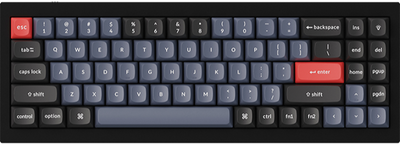
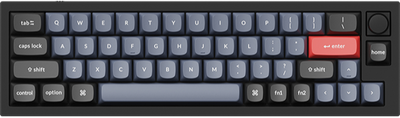
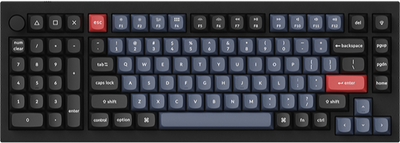
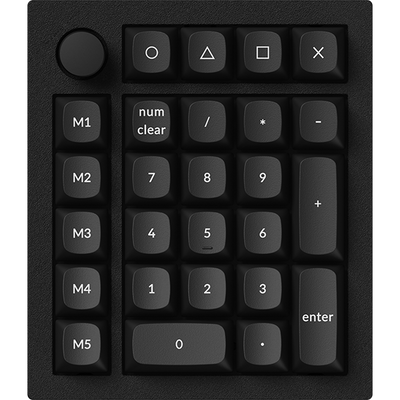
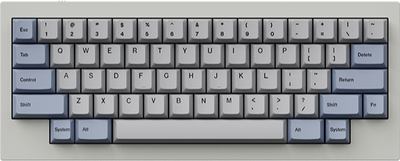
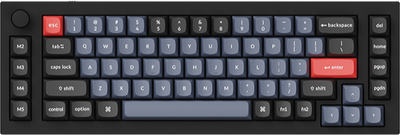
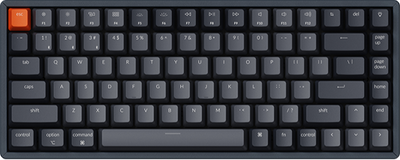
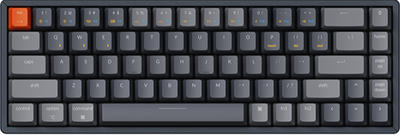
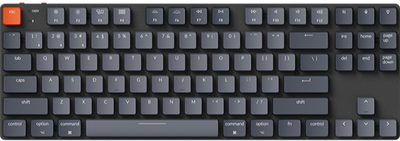
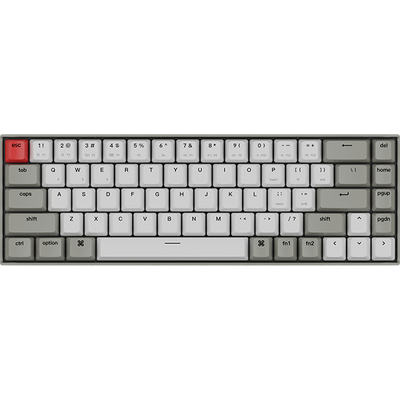
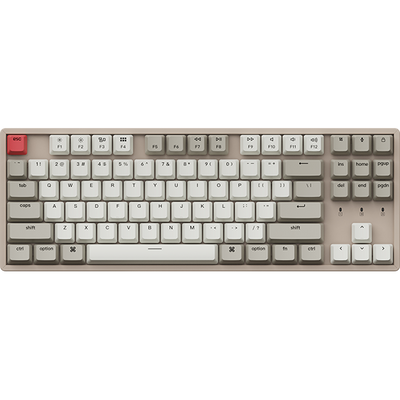

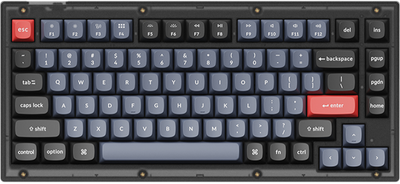
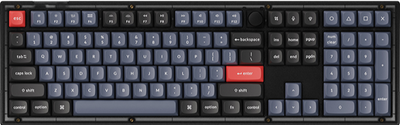
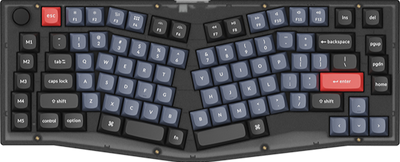
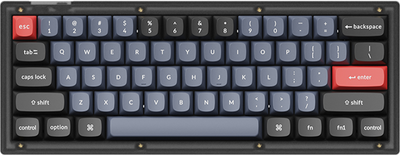
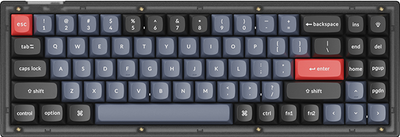
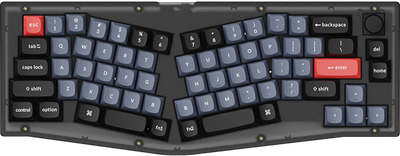



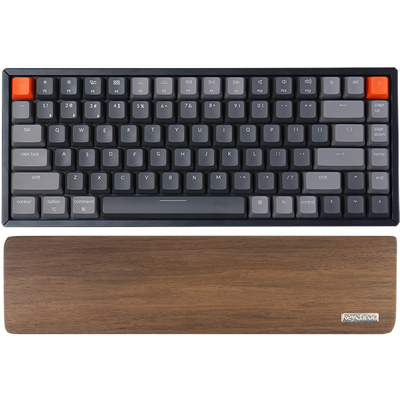





Keychron K3 Max SE QMK Wireless Custom Mechanical Keyboard
$104.99Unit price /Unavailable-
- Sale
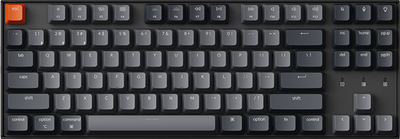
Keychron K3 Max QMK/VIA Wireless Custom Mechanical Keyboard
From $84.99$89.99Unit price /Unavailable -
-
-
-
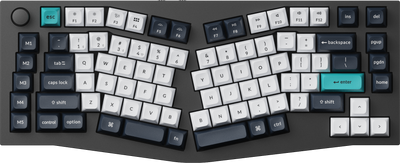
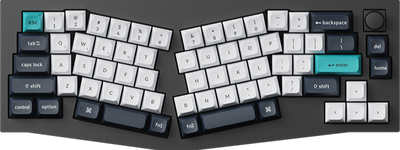
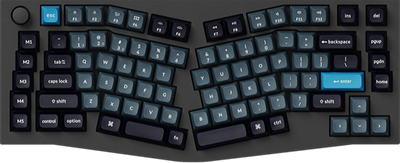
Keychron K15 Max (Alice Layout) QMK Wireless Custom Mechanical Keyboard
From $99.99Unit price /Unavailable-
-
Keychron K3 Max QMK Wireless Custom Mechanical Keyboard - All-Wood Special Edition
$124.99Unit price /Unavailable-
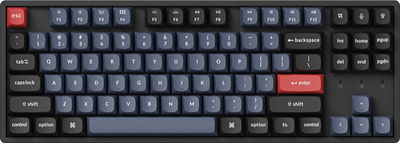
Keychron K8 Max QMK Wireless Mechanical Keyboard
From $94.99Unit price /Unavailable-
- Sold out
Keychron K7 Max QMK/VIA Wireless Custom Mechanical Keyboard
From $89.99Unit price /Unavailable -
- Sold out
Keychron K2 Max QMK Wireless Mechanical Keyboard
From $94.99Unit price /Unavailable -
- Sold out
Keychron K9 Max QMK Wireless Custom Mechanical Keyboard
From $99.99Unit price /Unavailable -


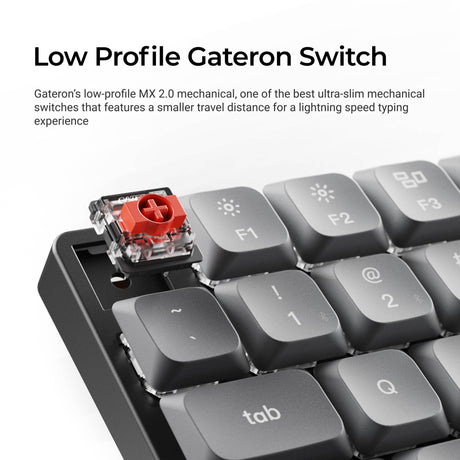
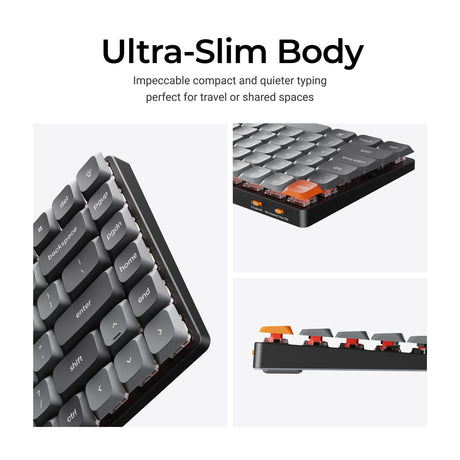
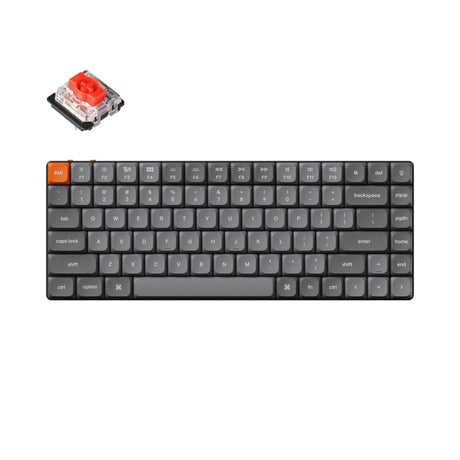
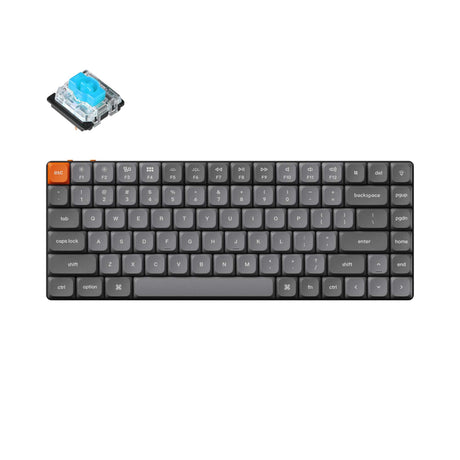
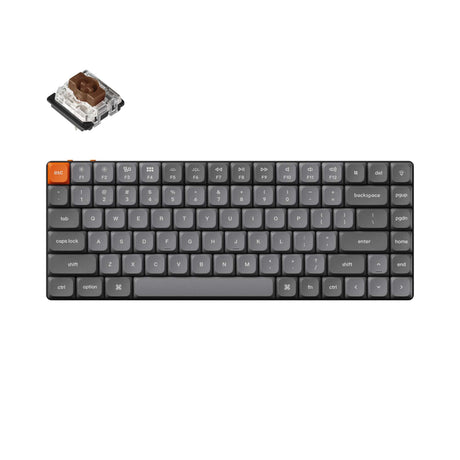
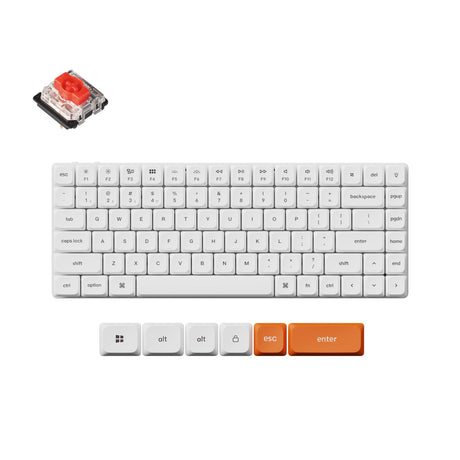
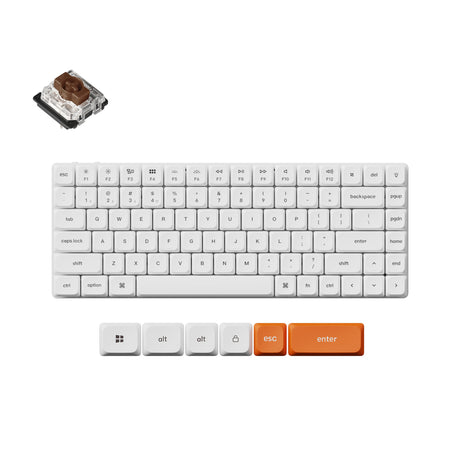
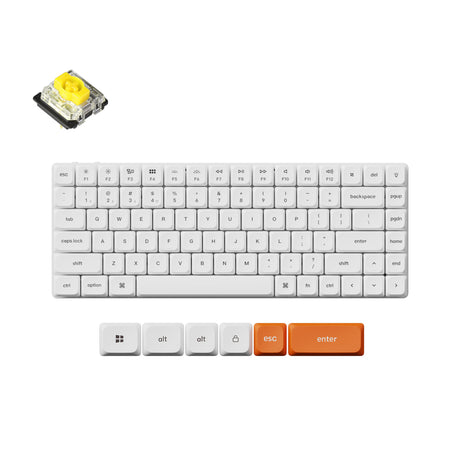

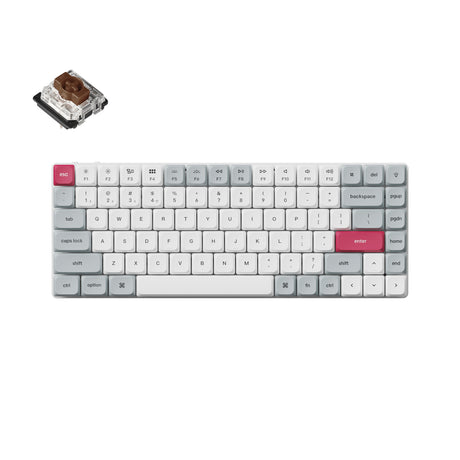

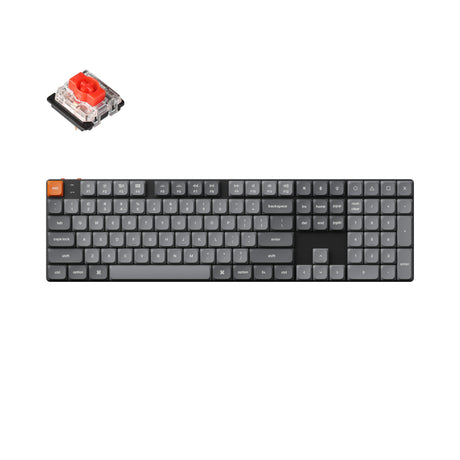
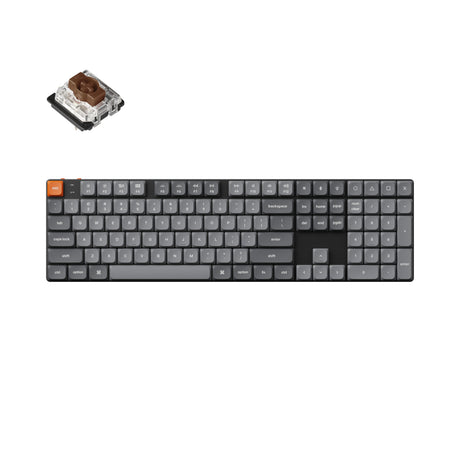
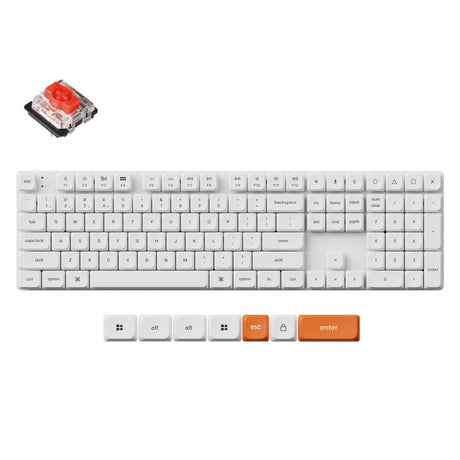
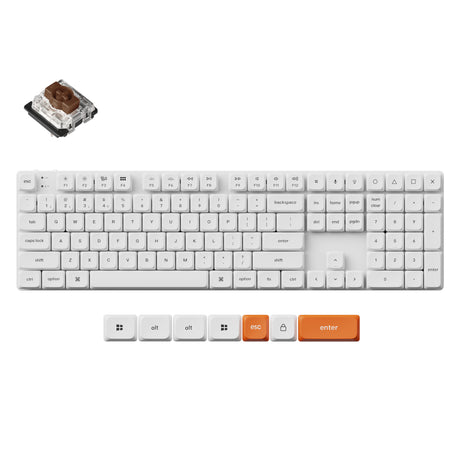
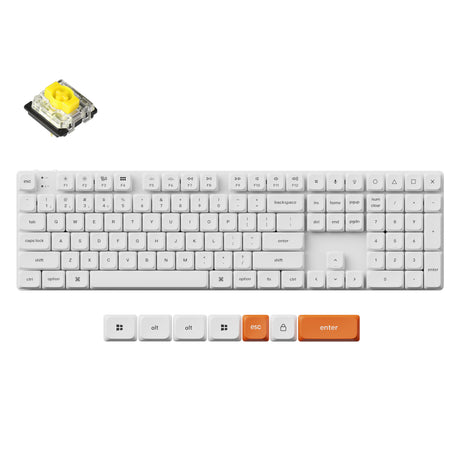


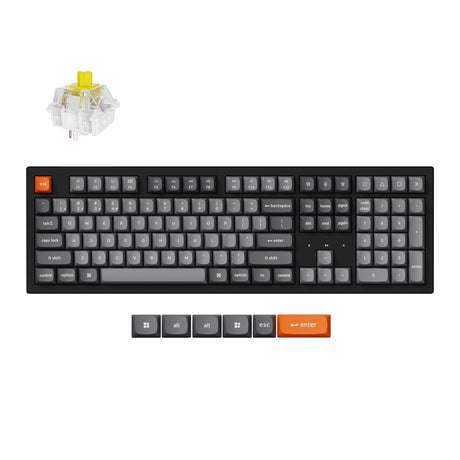
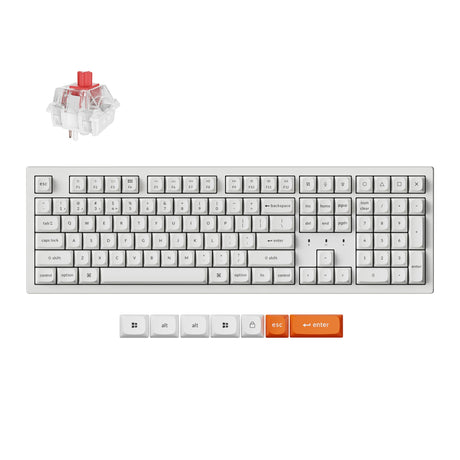
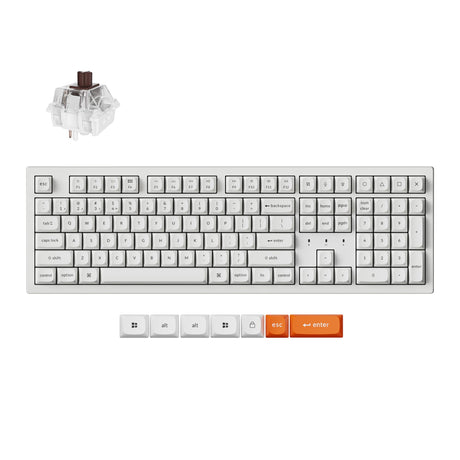
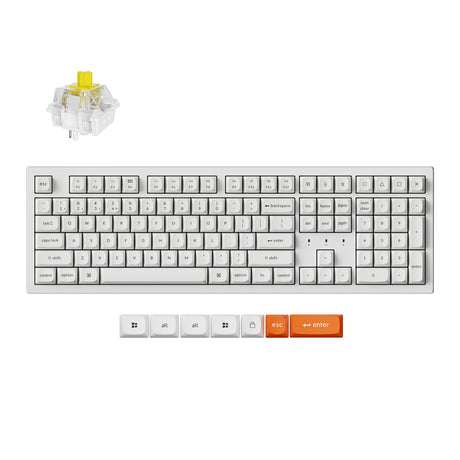


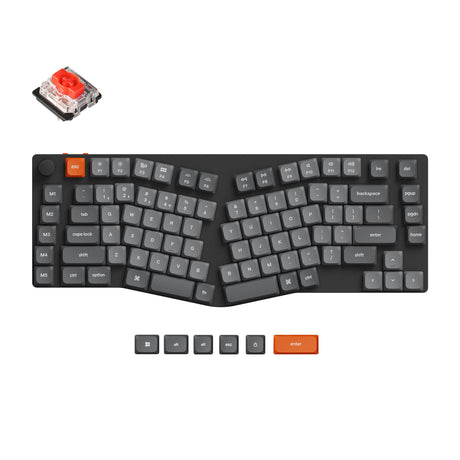
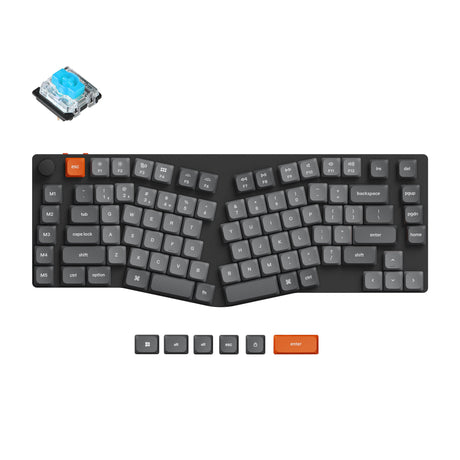
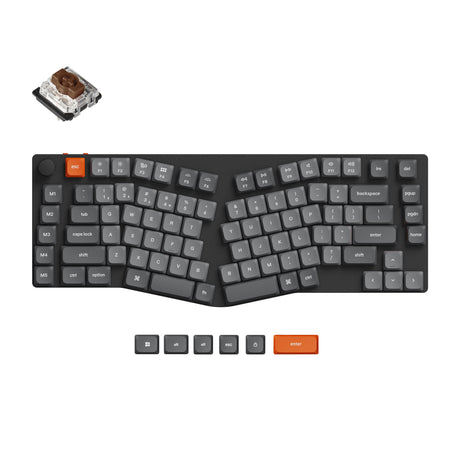
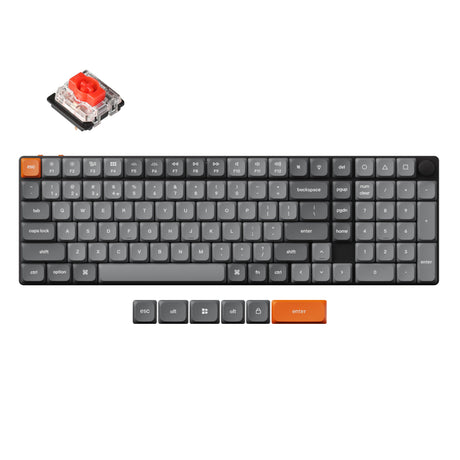
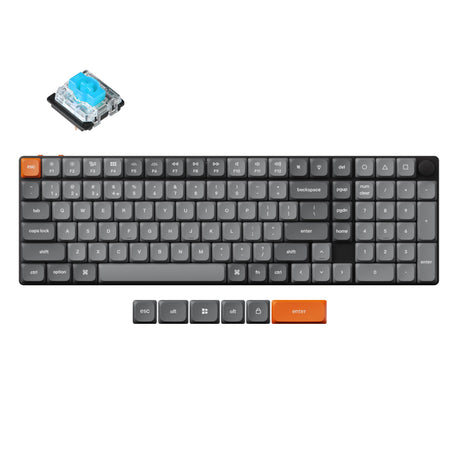
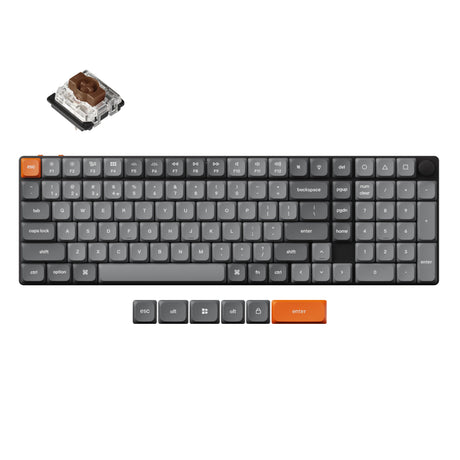


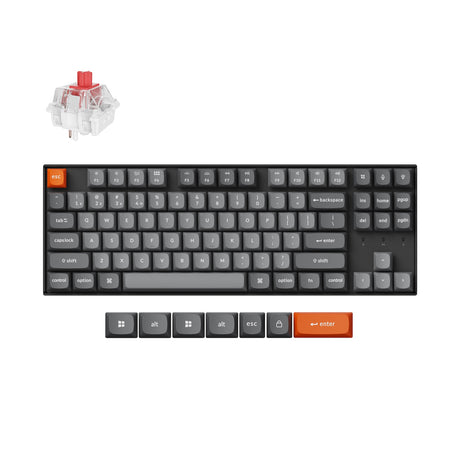
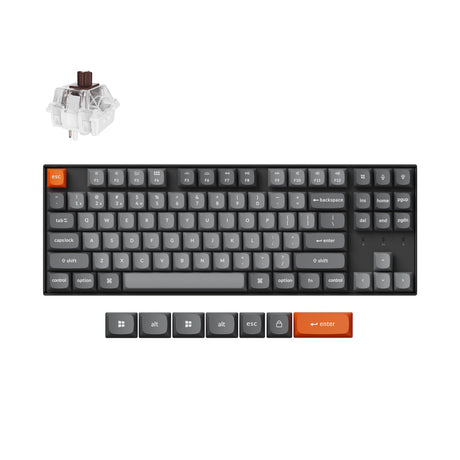
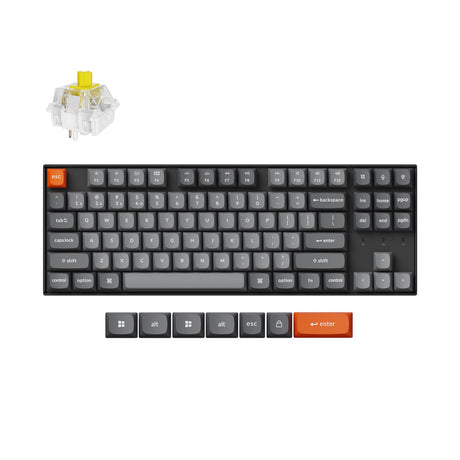
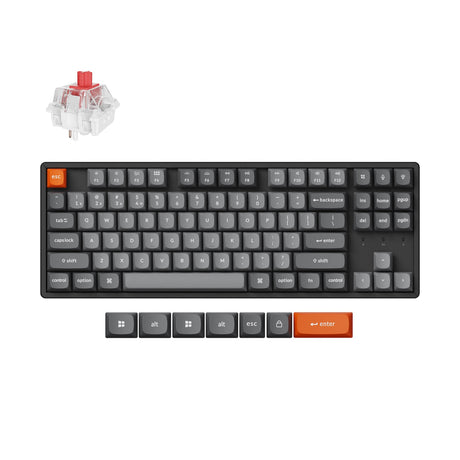
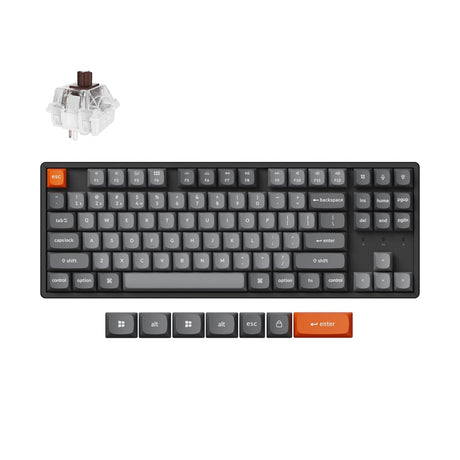
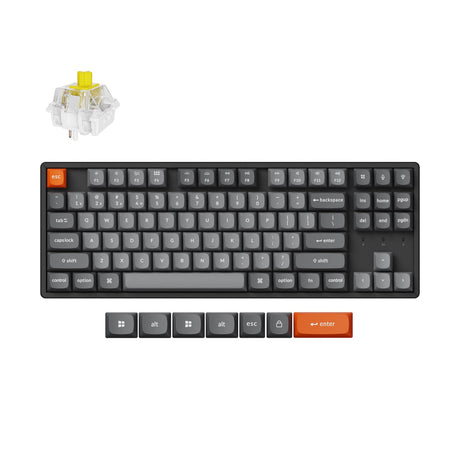
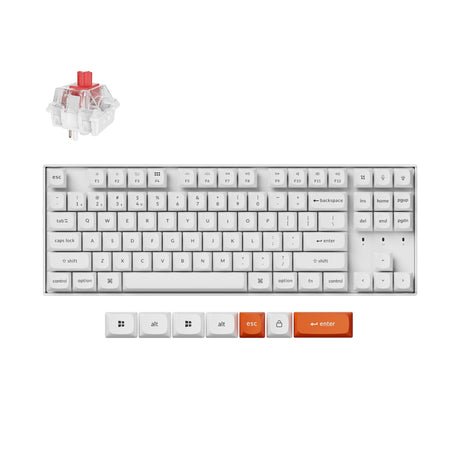
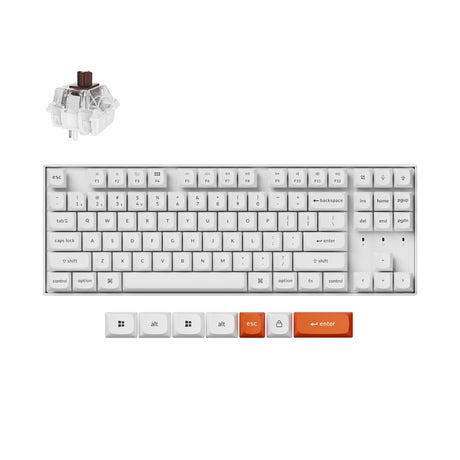
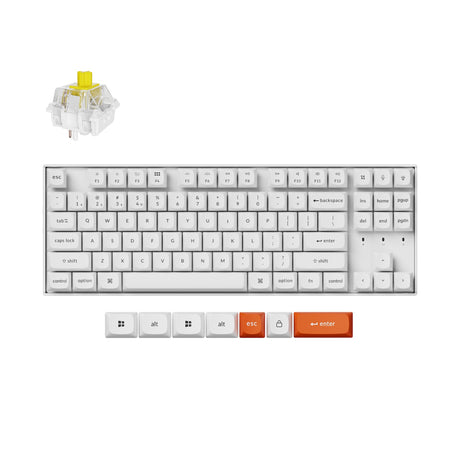
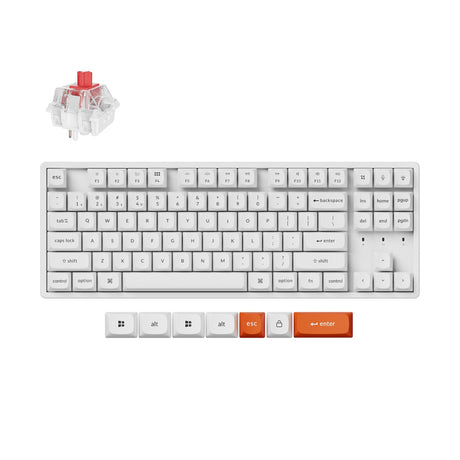
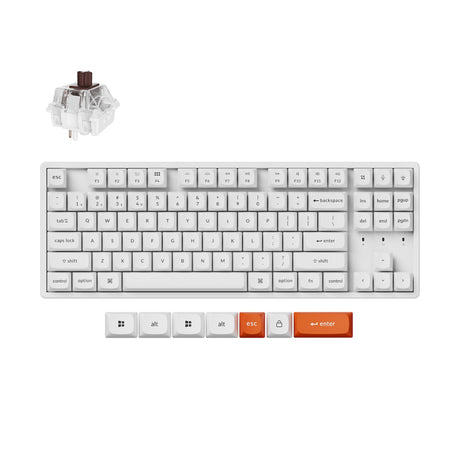
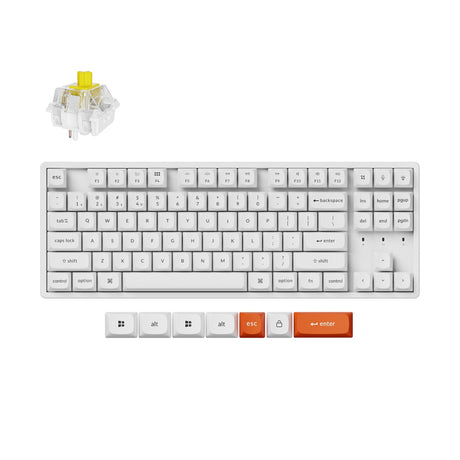


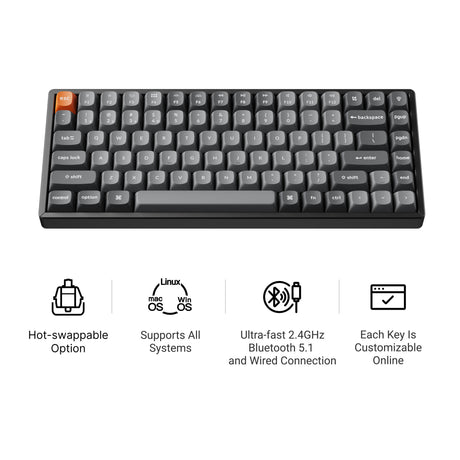
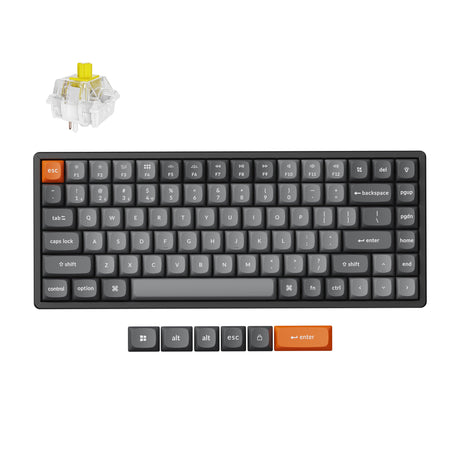
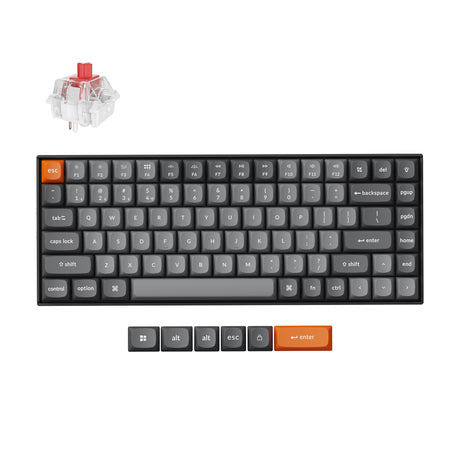
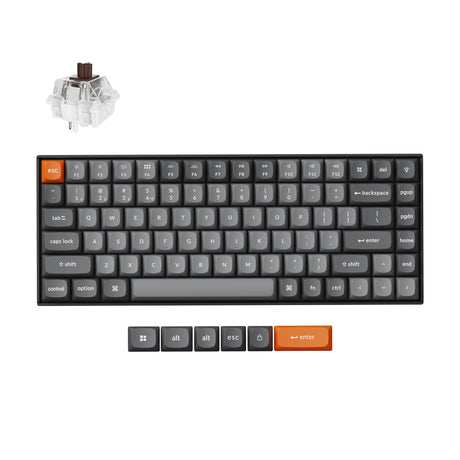
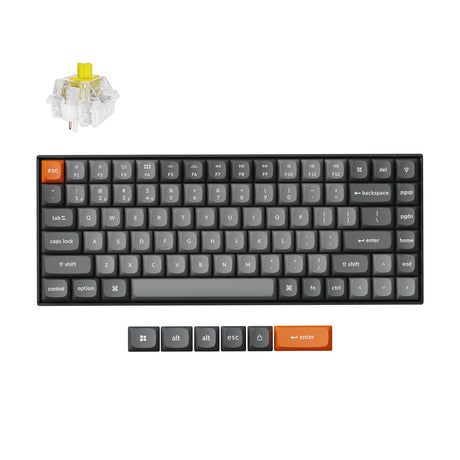
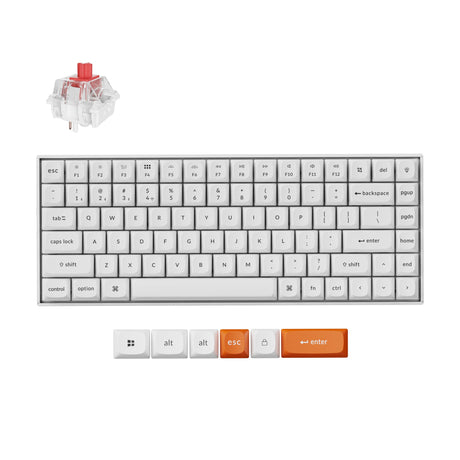
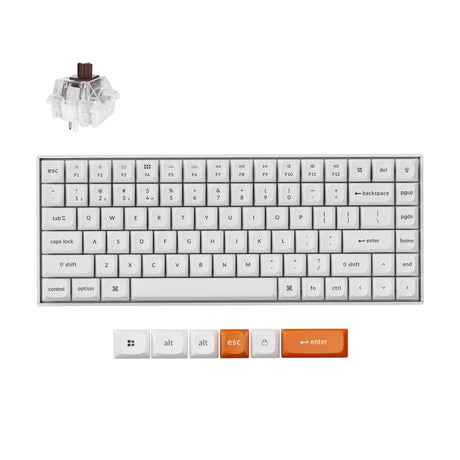
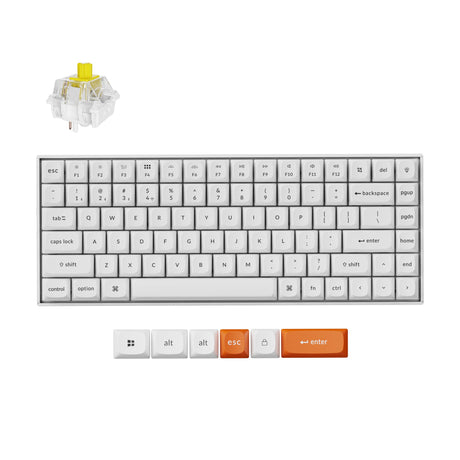
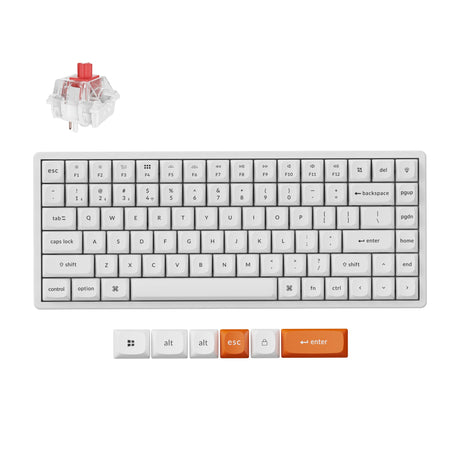
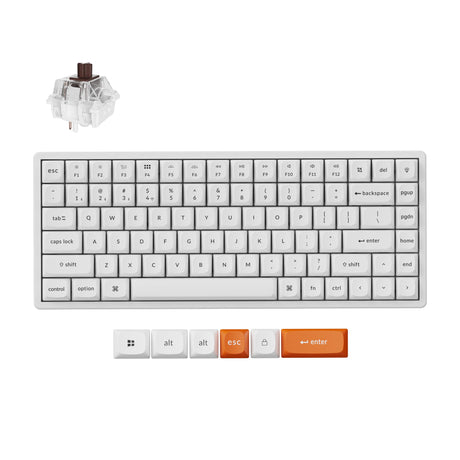
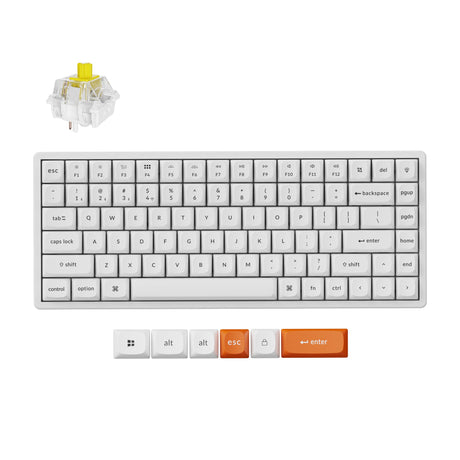
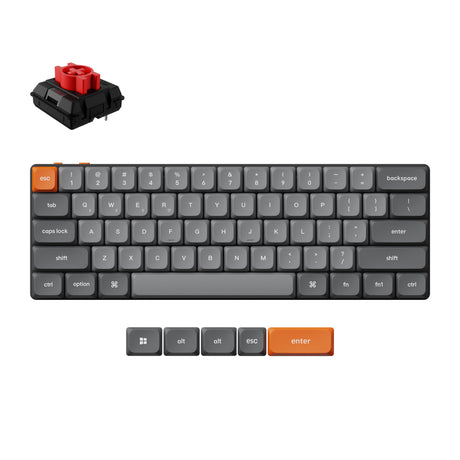
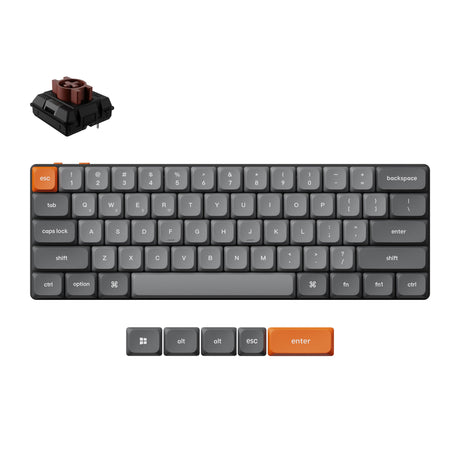
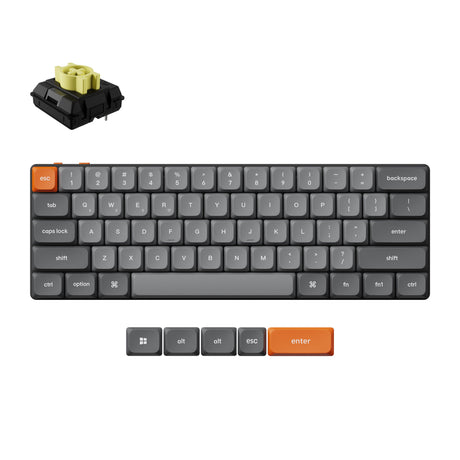
The Keychron K Max Series is designed for users who want a powerful, flexible, and customizable wireless mechanical keyboard without compromising performance or convenience. Whether you're working, gaming, or switching between multiple devices, it delivers a balanced experience across performance, portability, and personalization.
- Fast and stable performance for work and gaming
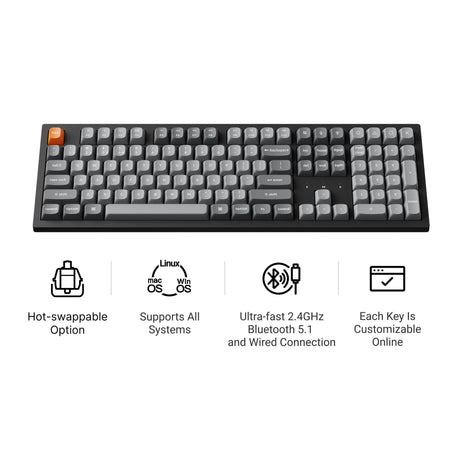
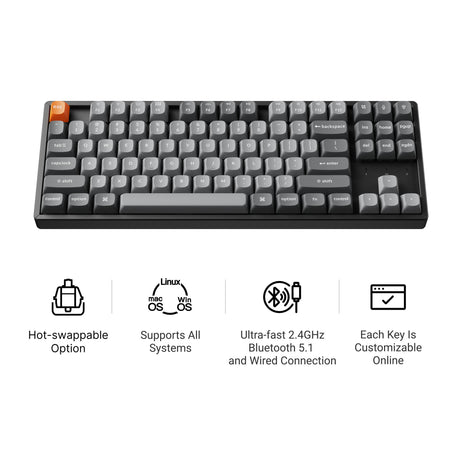
- Low-latency wireless with tri-mode connectivity
- Flexible layouts for different setups and workflows
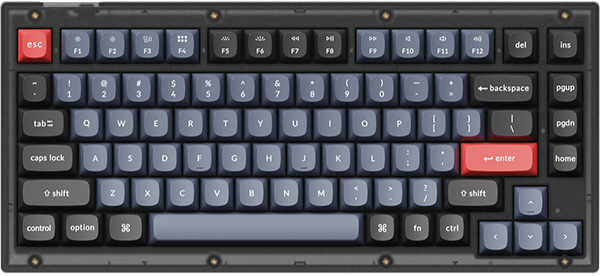
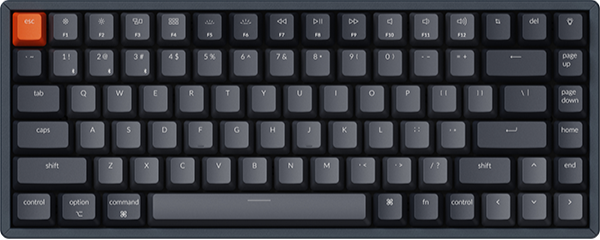
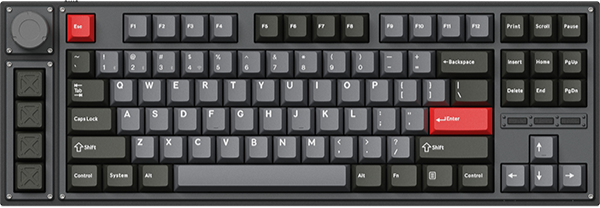
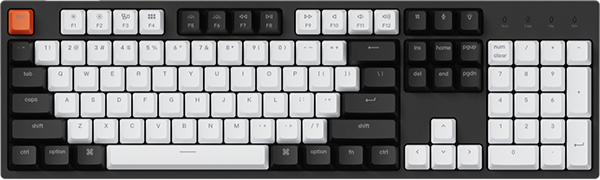
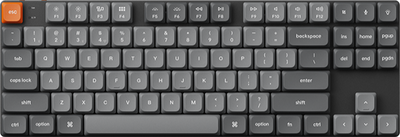
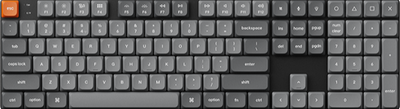
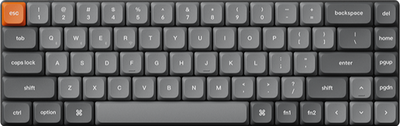
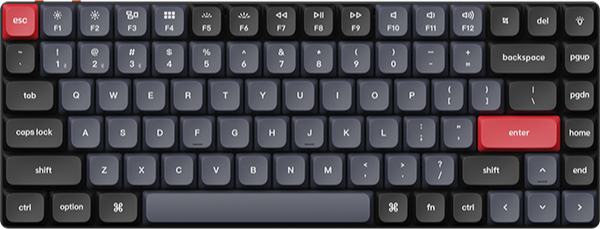
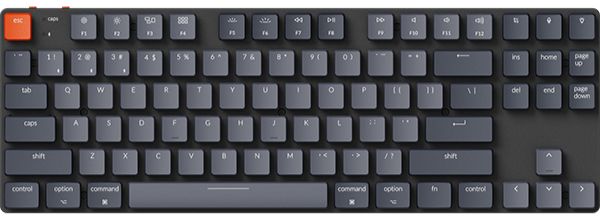
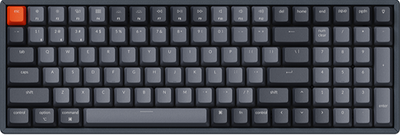
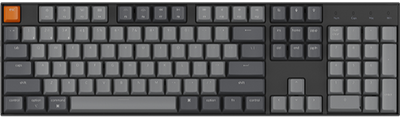
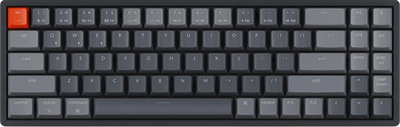
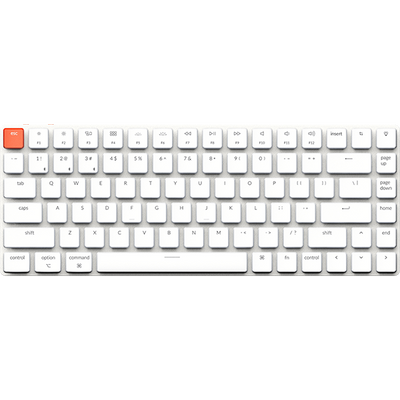
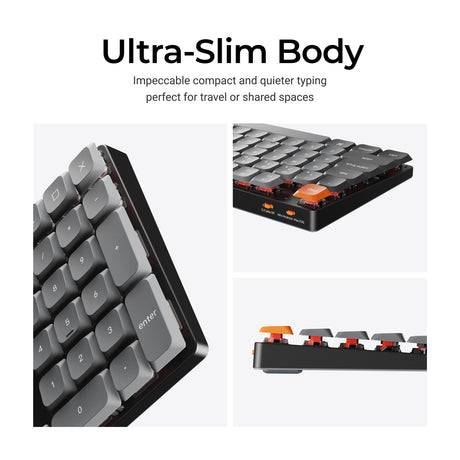
From ultra-slim low-profile mechanical keyboards to full-size keyboards, the K Max Series offers versatile options for different setups and workflows.
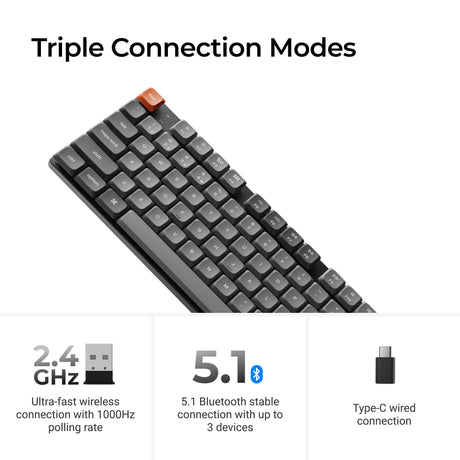
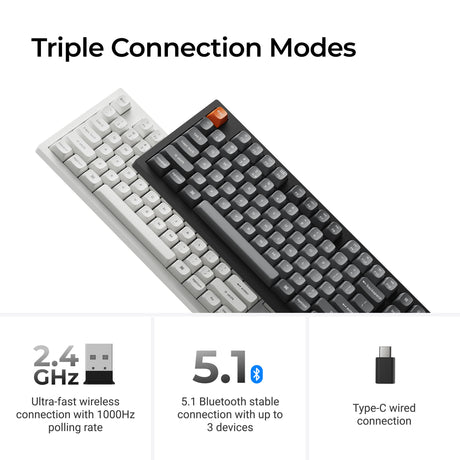
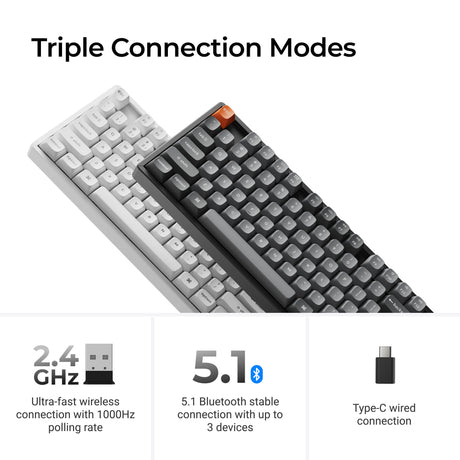
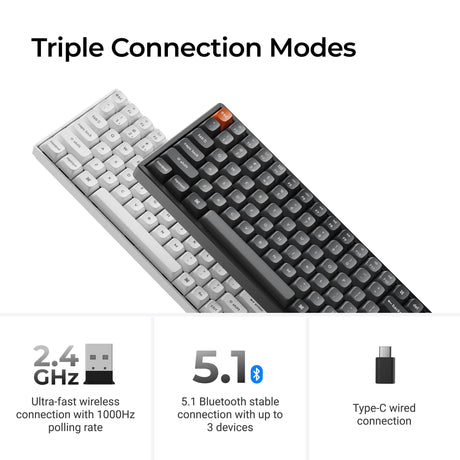
Stay Connected With Tri-Mode Wireless Performance
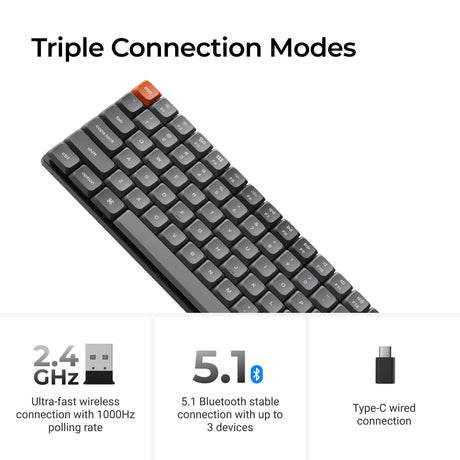
Switch seamlessly between devices and modes with tri-mode connectivity. The K Max Series is built for both productivity and gaming with stable, low-latency performance.
- 2.4GHz wireless with up to 1000Hz polling rate
- Bluetooth 5.1 for multi-device connections
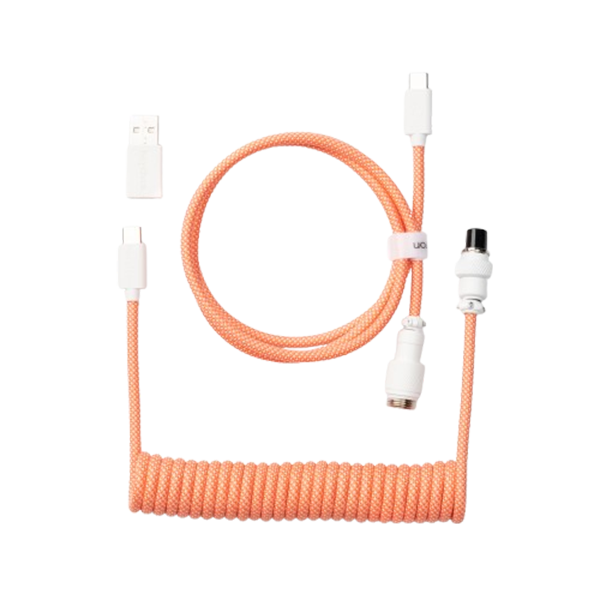
- Wired USB-C mode for maximum stability
No matter how you work or play, you get consistent responsiveness across all modes.
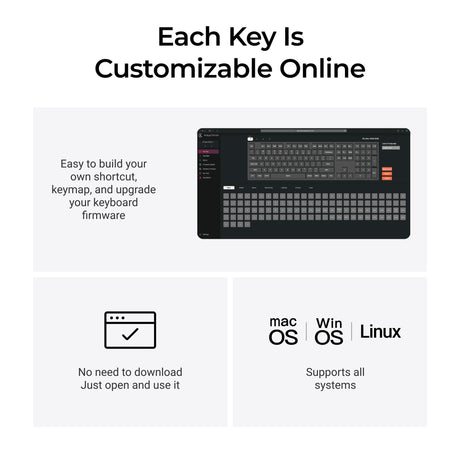
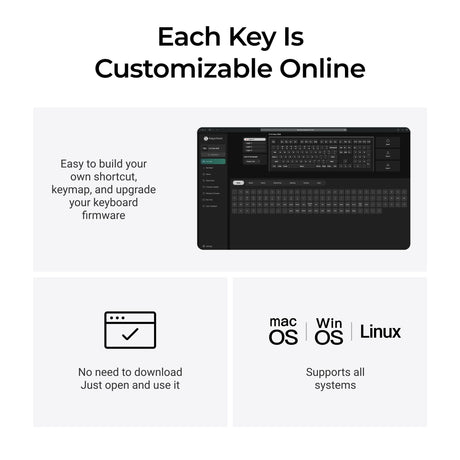
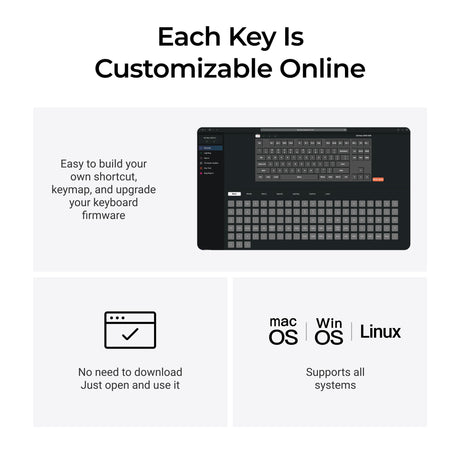
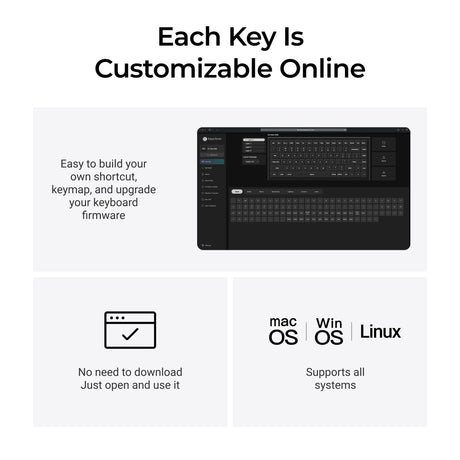
Full Customization With QMK and Keychron Launcher
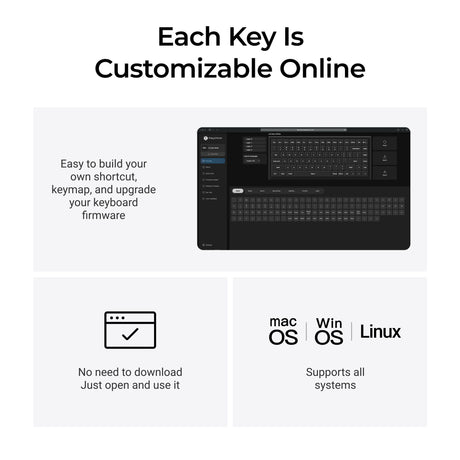
Every K Max keyboard is powered by QMK firmware, giving you full control over your setup and workflow.
- Key remapping for personalized layouts
- Macro programming for productivity and gaming
- Multi-layer configuration support
- Easy customization via Keychron Launcher web app
No complex software required—customization is fast and intuitive.
Multiple Layouts for Every Setup
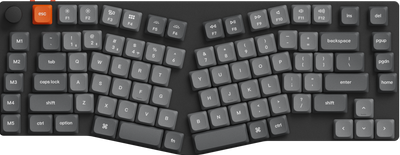
The K Max Series offers a wide range of layouts to match different needs and desk setups.
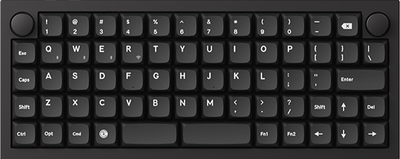
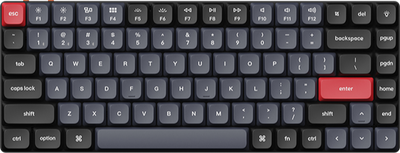
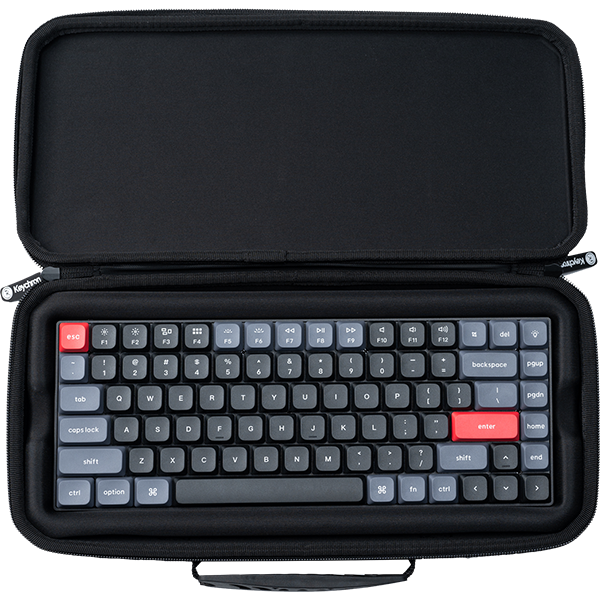
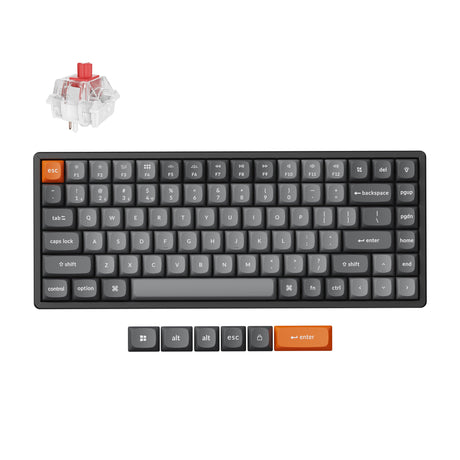
- Compact layouts (60%, 65%, 75%)
- Tenkeyless (TKL)
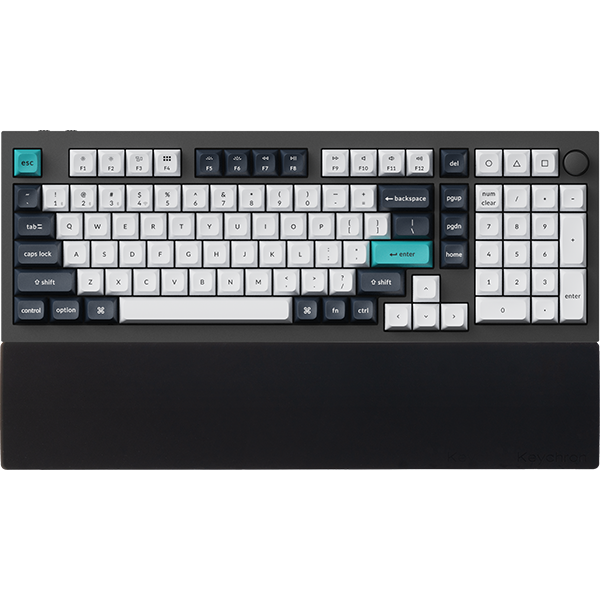
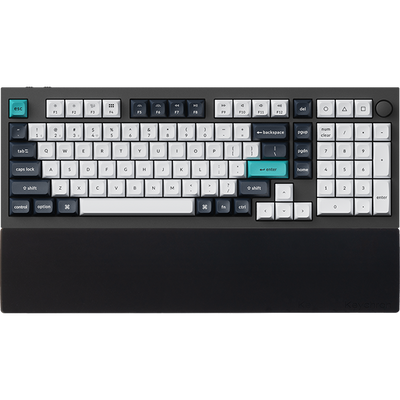
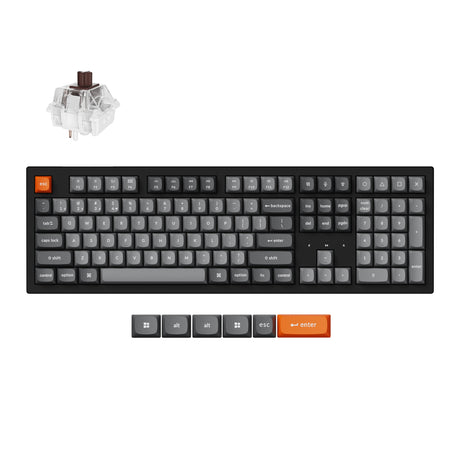
- Full-size (100%)
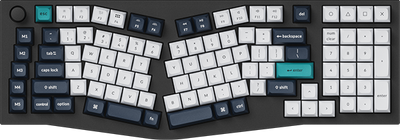
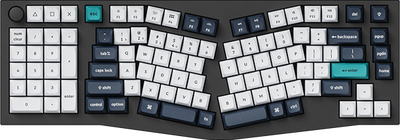
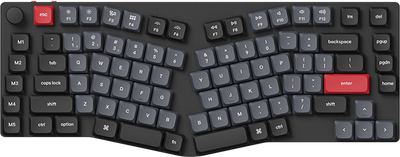
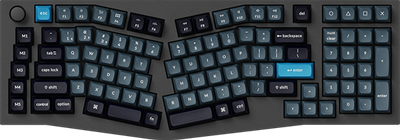
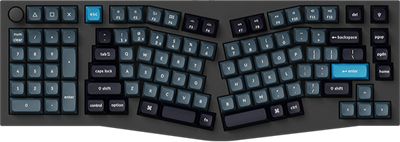
- Ergonomic layouts like Alice
Whether you prefer minimal space or full functionality, there is a layout that fits your workflow.
Low-Profile and Normal-Profile Mechanical Options
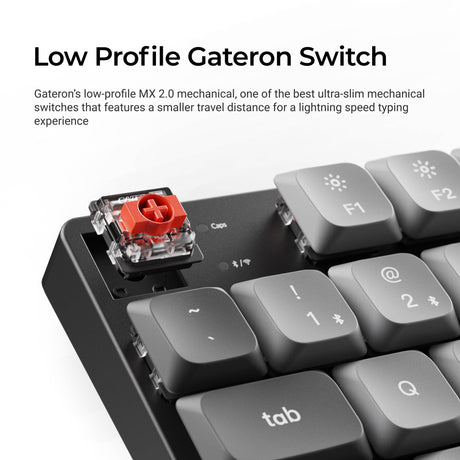
The K Max Series includes both low-profile and normal-profile mechanical keyboards to match different typing preferences.
Low-profile mechanical keyboards
- Ultra-slim and lightweight design
- Shorter key travel for faster actuation and quicker keystrokes
- More ergonomic typing with reduced finger movement
- Ideal for portability and clean desk setups
Normal-profile mechanical keyboards
- Deeper key travel with a traditional mechanical feel
- More tactile feedback and classic typing experience
- Preferred for long typing sessions and enthusiasts
Low-profile models are designed for speed and efficiency, while normal-profile models deliver a more traditional mechanical feel.
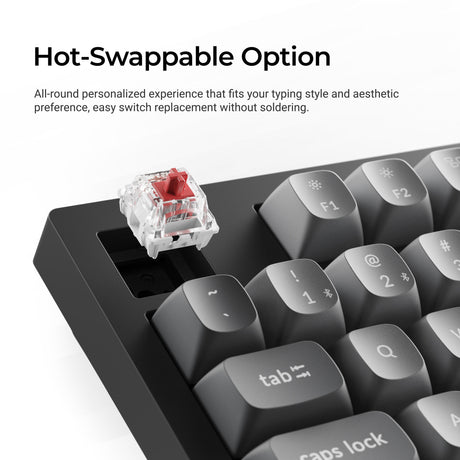
Hot-Swappable Flexibility
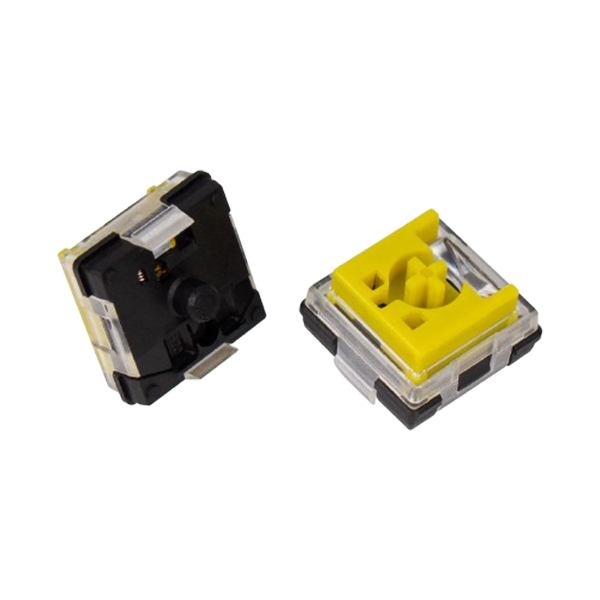
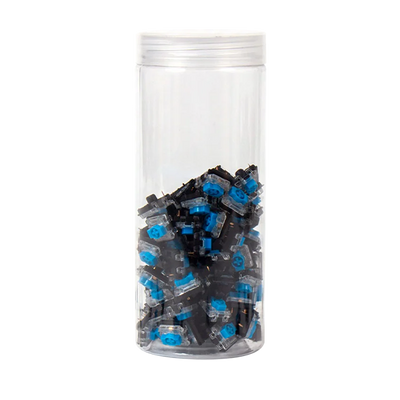
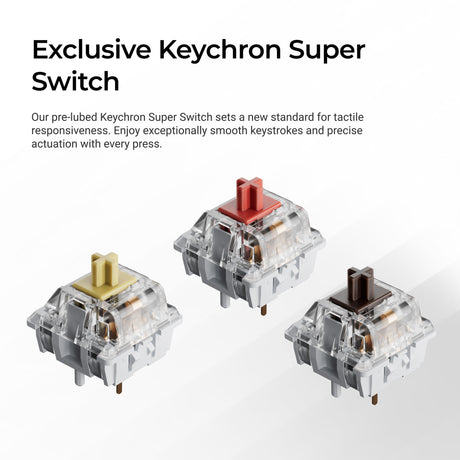
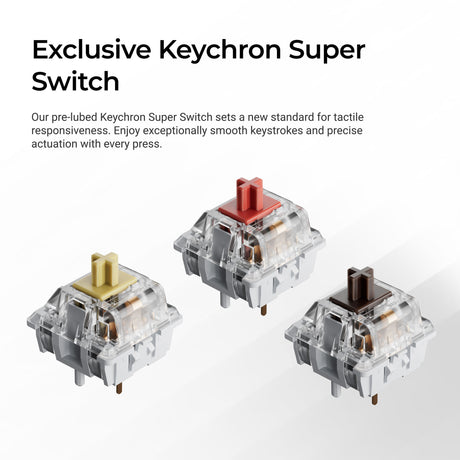
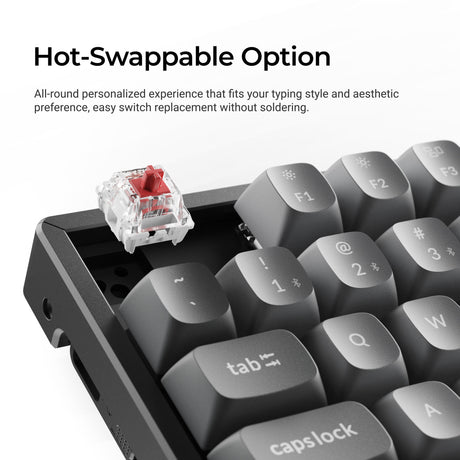
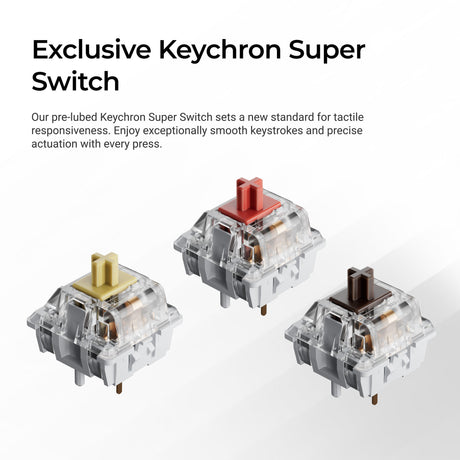
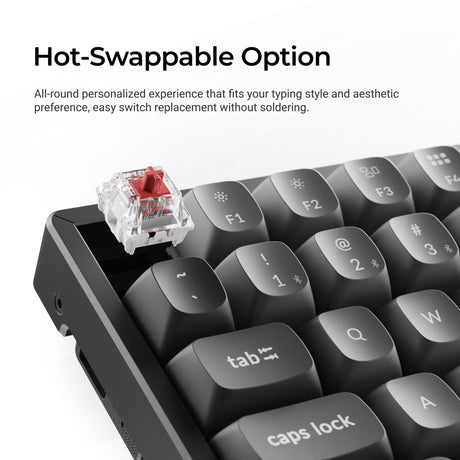
Many K Max models support hot-swappable switches, allowing you to fully customize your typing experience.
- Swap switches without soldering
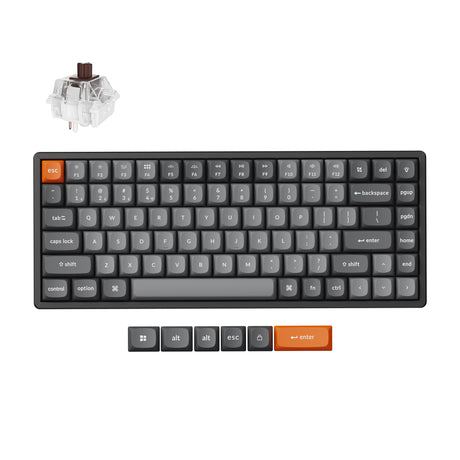
- Choose linear or tactile switch types
- Extend keyboard lifespan with easy upgrades
This makes the series flexible for both beginners and keyboard enthusiasts.
Enhanced Typing Experience
The K Max Series is engineered for comfort, stability, and acoustics.
- IXPE acoustic foam for quieter typing
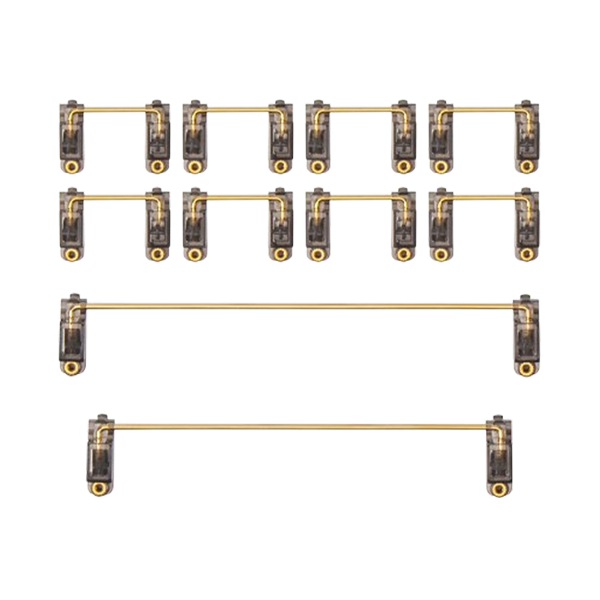
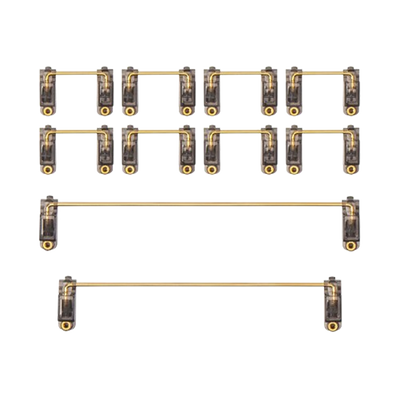
- Improved stabilizers for reduced key wobble
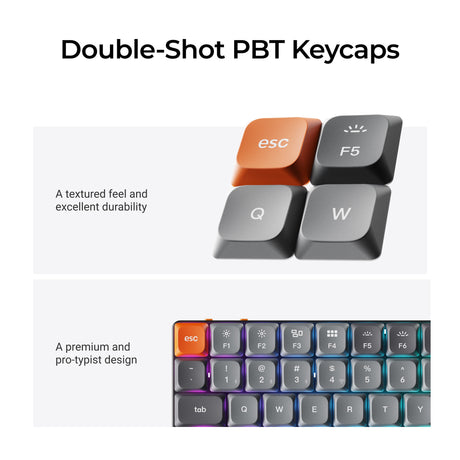
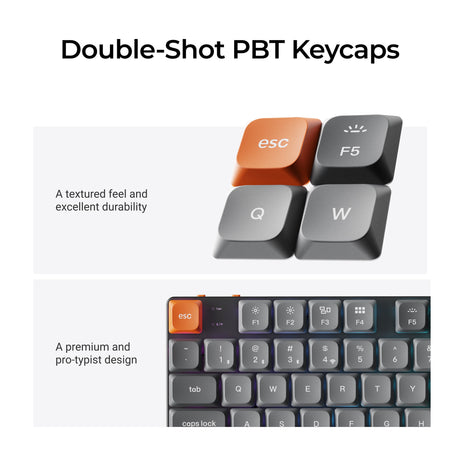
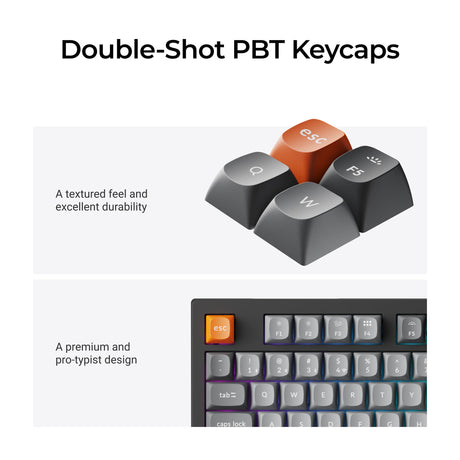
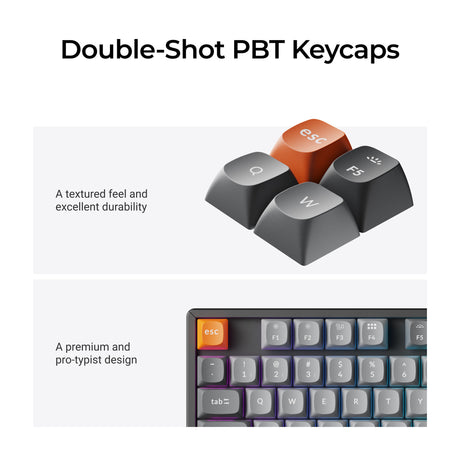
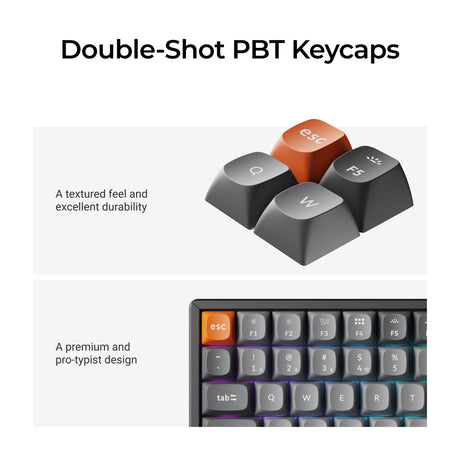
- Double-shot PBT keycaps for durability
- Adjustable typing angles for ergonomic comfort
The result is a smoother, quieter, and more stable typing experience.
Built for Work, Gaming, and Everything In Between
The K Max Series adapts to a wide range of use cases, making it a true all-in-one keyboard solution.
- Office and remote work setups
- Low-latency gaming performance
- Multi-device workflows
- Minimalist desk setups
It is designed for users who want one keyboard that can handle everything.
Why Choose the Keychron K Max Series?
A complete balance of performance, customization, and flexibility.
- Tri-mode connectivity for maximum flexibility
- QMK customization with Keychron Launcher
- Multiple layout options from compact to full-size
- Low-profile and normal-profile mechanical options
- Shorter key travel for faster and more responsive typing
- Hot-swappable support for switch customization
- Strong balance between portability and performance
In short, the K Max Series is a versatile all-in-one wireless mechanical keyboard lineup designed for different workflows, setups, and typing preferences.
Frequently Asked Questions on Keychron K Max Series Keyboard
What is the Keychron K Max Series?
The Keychron K Max Series is a lineup of wireless mechanical keyboards featuring QMK customization, tri-mode connectivity, and multiple layout options for work, gaming, and everyday use.
Does the K Max Series support wireless gaming?
Yes. With 2.4GHz wireless and up to 1000Hz polling rate, it delivers low-latency performance suitable for gaming and fast-paced tasks.
What are the benefits of low-profile mechanical keyboards?
Low-profile mechanical keyboards offer a thinner design, shorter key travel, and a more ergonomic typing experience. They are ideal for faster actuation, portability, and long typing sessions.
Is a low-profile keyboard better for typing speed?
For many users, yes. The shorter key travel allows faster key actuation and quicker keystrokes, making low-profile keyboards efficient for both typing and productivity.
What is the difference between low-profile and normal-profile keyboards?
Low-profile keyboards are slimmer with shorter key travel, while normal-profile keyboards offer deeper key travel and a more traditional mechanical typing experience.
Can I customize keys on K Max keyboards?
Yes. With QMK firmware and the Keychron Launcher, users can remap keys, create macros, and fully customize layouts.
Are K Max keyboards hot-swappable?
Many models support hot-swapping, allowing users to change switches without soldering and customize their typing experience.
Is the K Max Series compatible with Mac and Windows?
Yes. The keyboards support macOS, Windows, and Linux, with dedicated keycaps and layouts for both ecosystems.
Which layout should I choose?
- Compact layouts: best for small desks and portability
- TKL: balance between size and functionality
- Full-size: best for productivity and data entry