


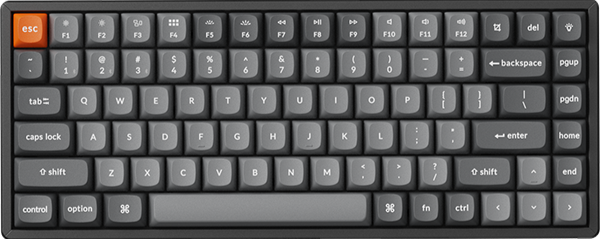


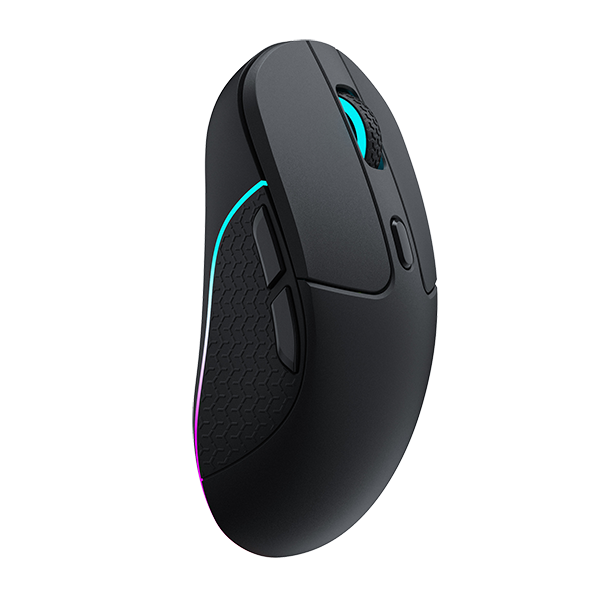

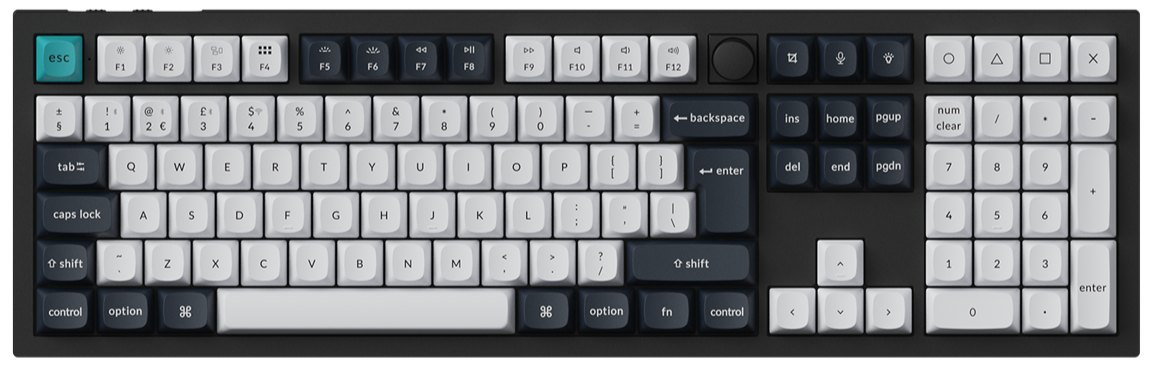
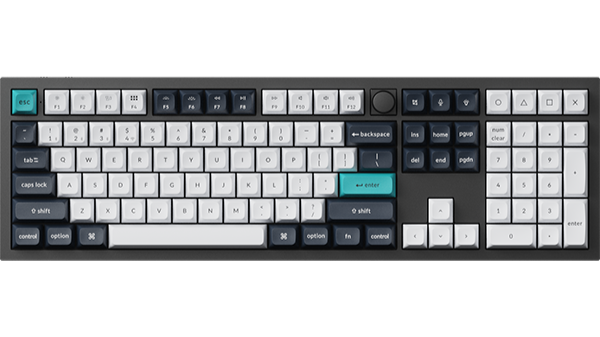
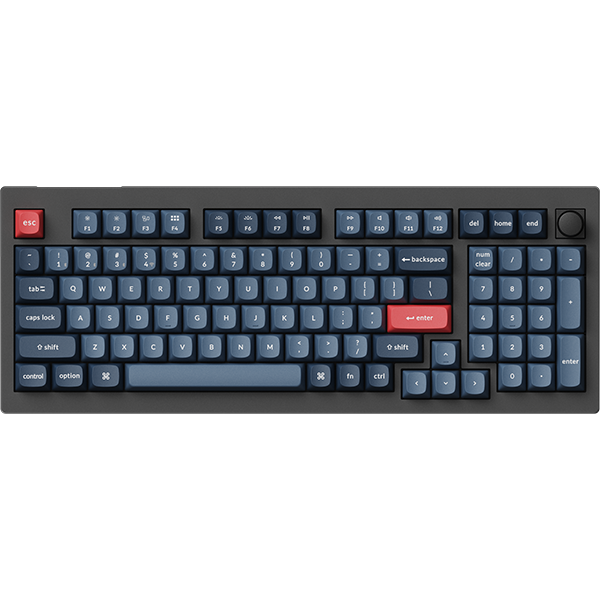
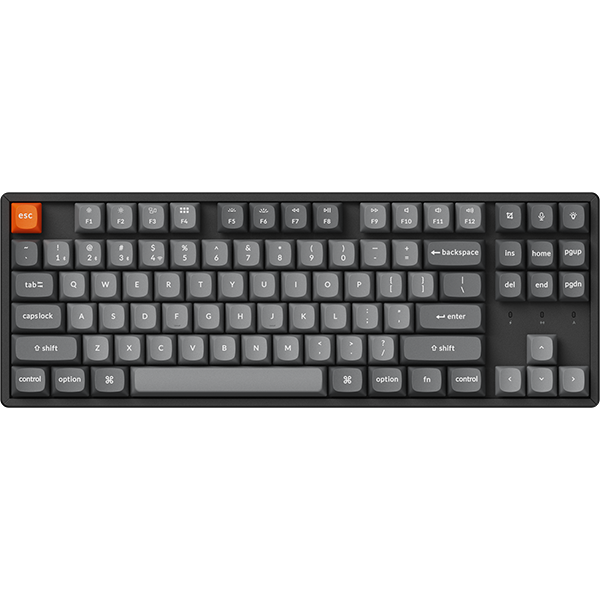

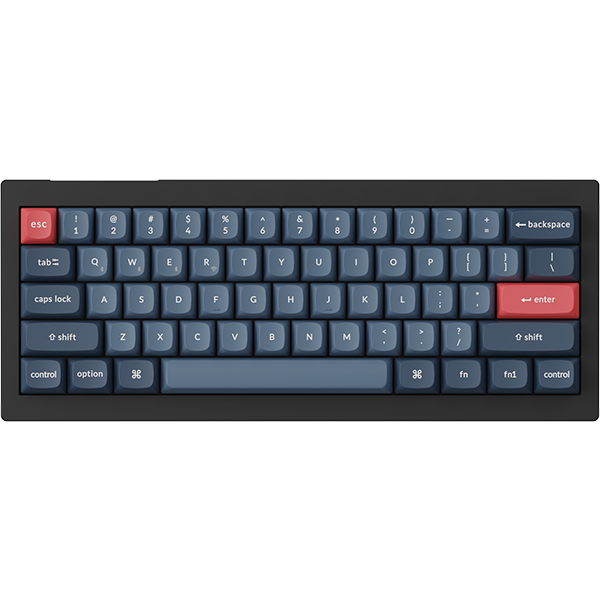


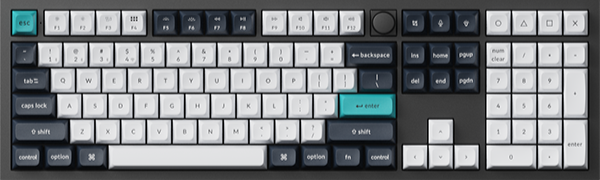
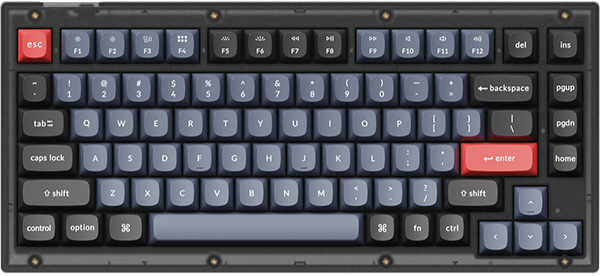
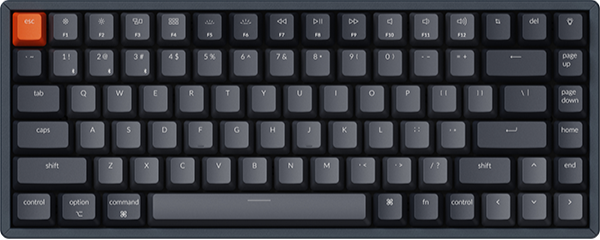
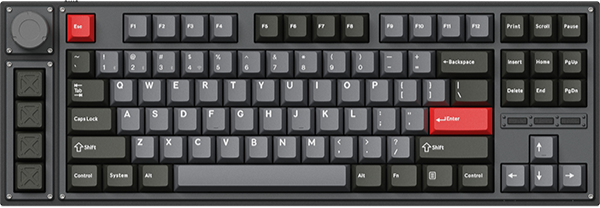
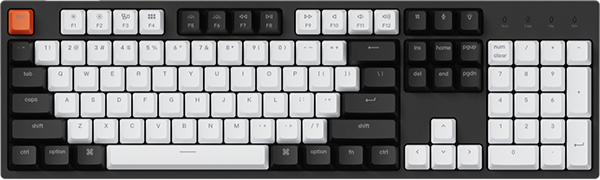




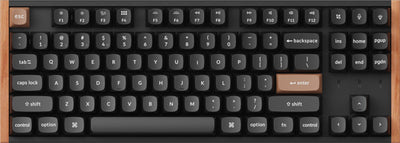
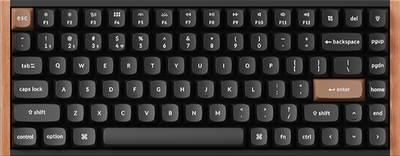

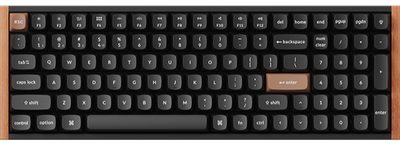

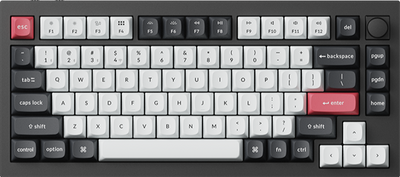

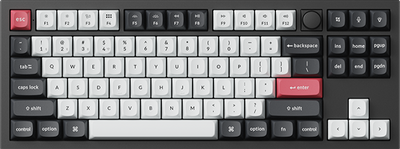
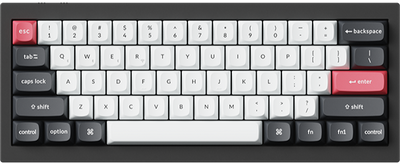
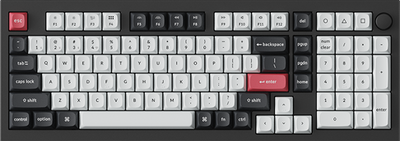
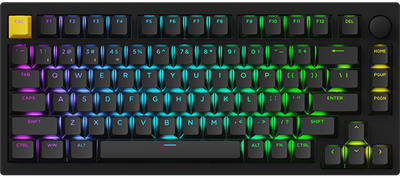
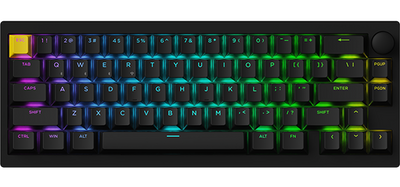
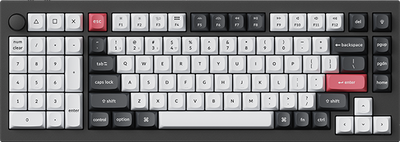

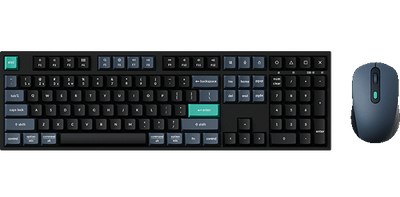
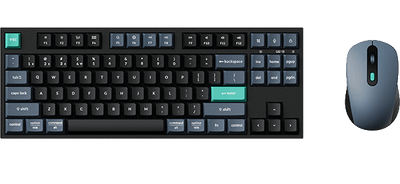
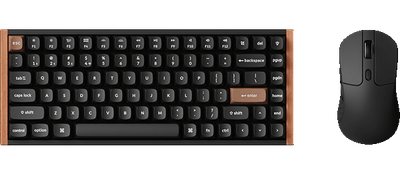
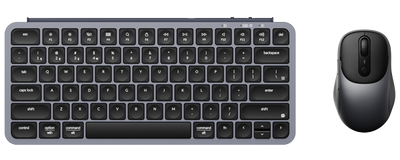
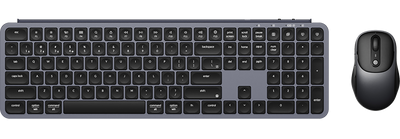
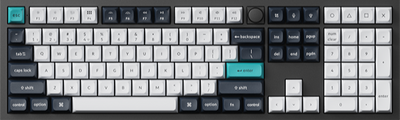
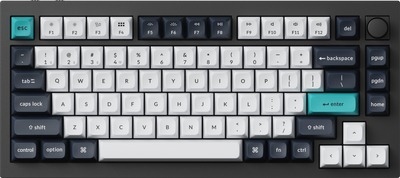
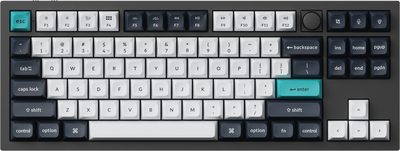
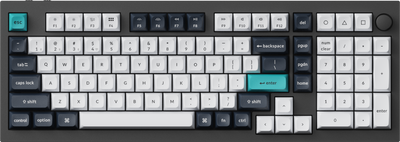
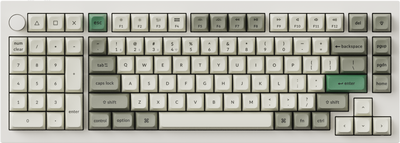
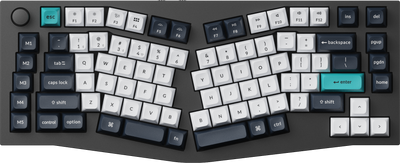
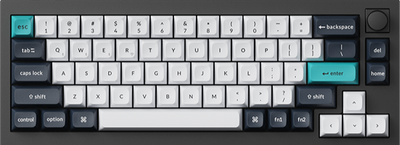
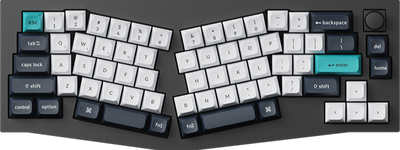
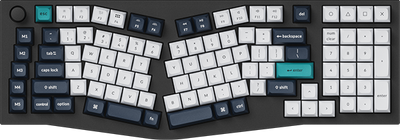
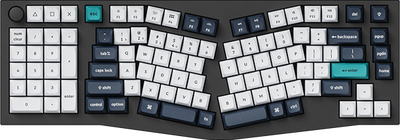
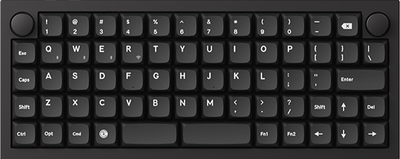
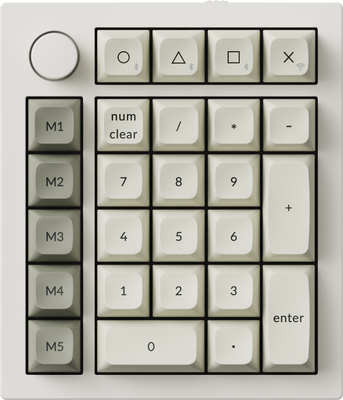
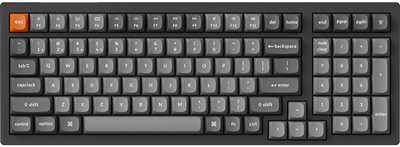
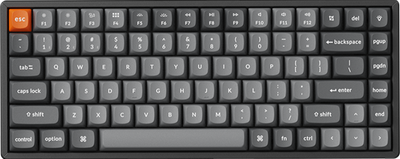
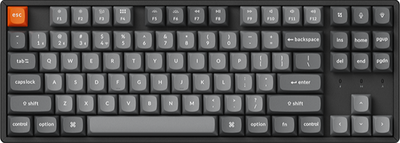
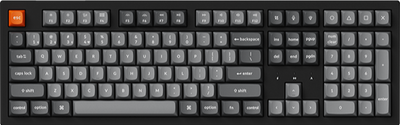
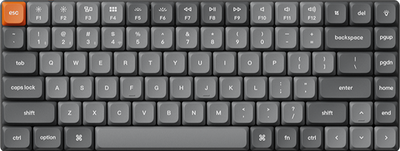

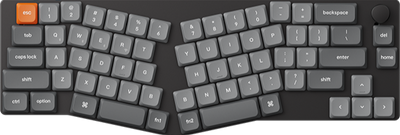
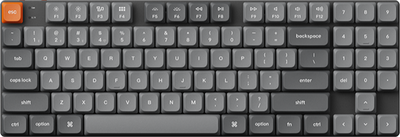
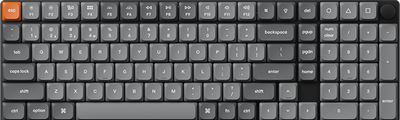
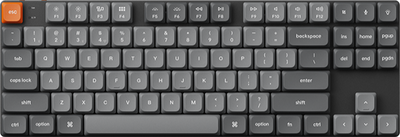
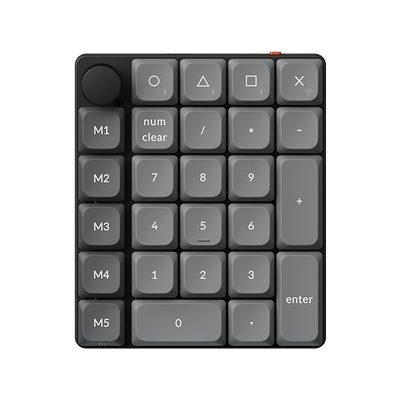
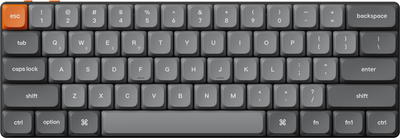
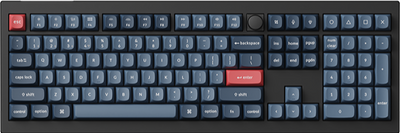
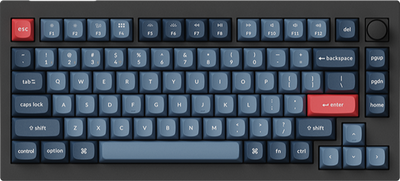
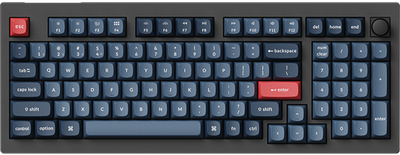
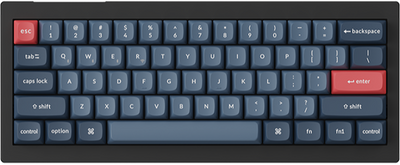
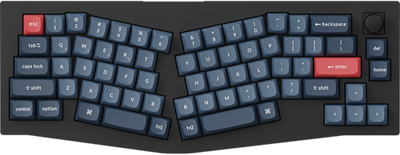
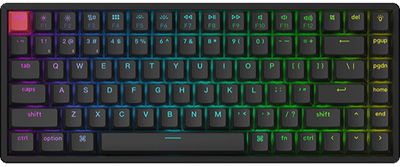
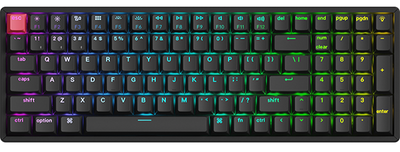
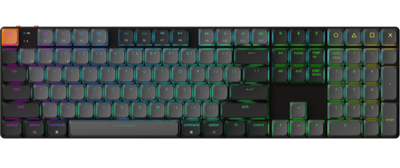
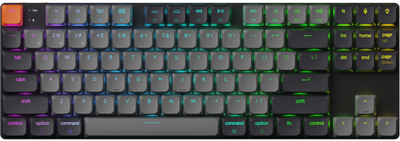


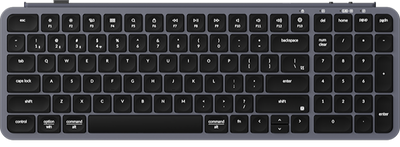
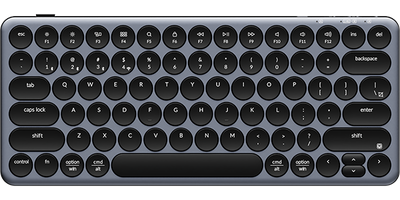
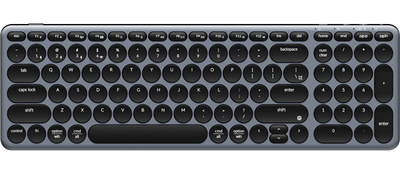
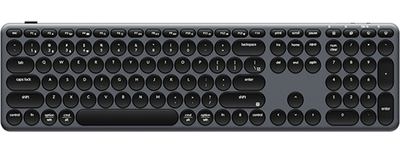
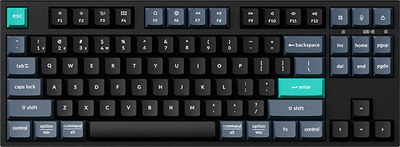
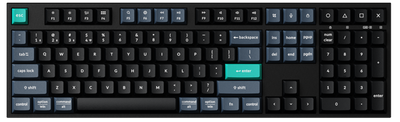


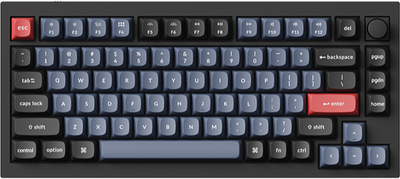
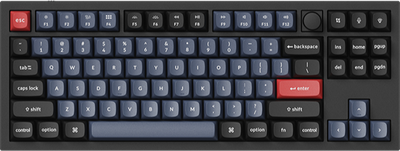
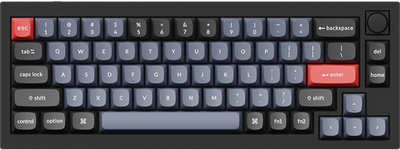
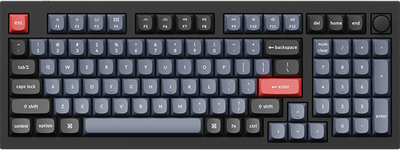
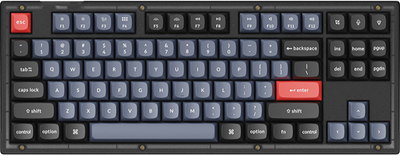
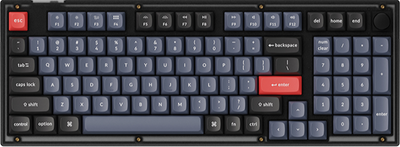
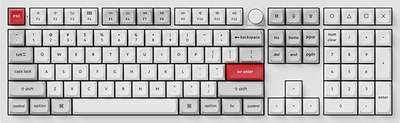
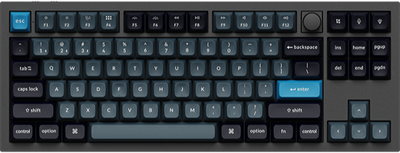
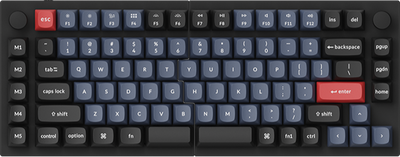
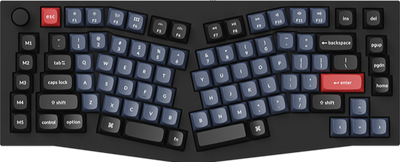
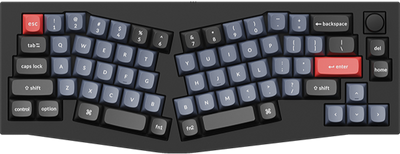
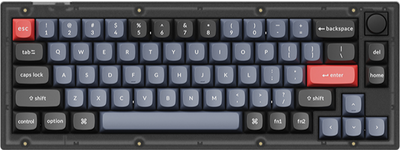
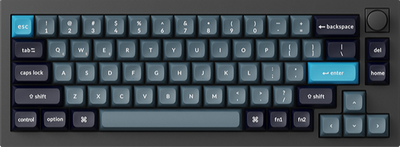
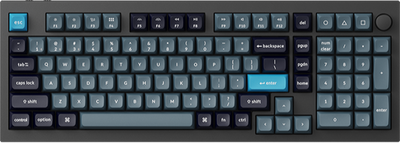
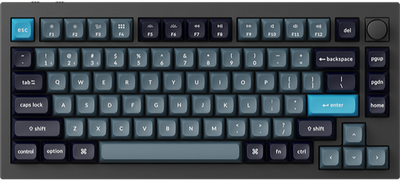
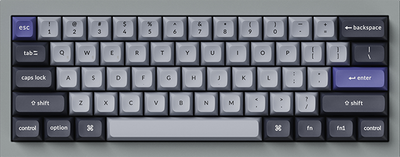
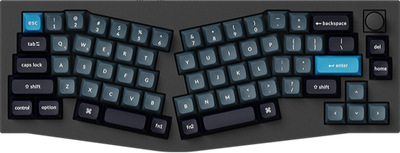
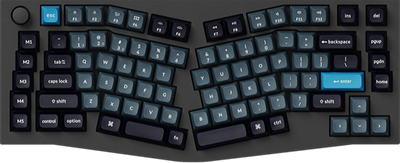
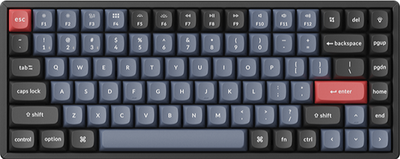
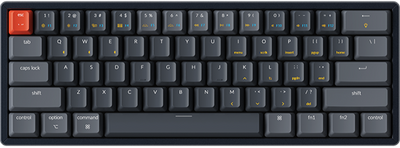
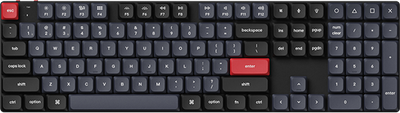
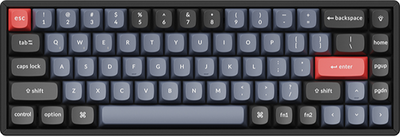
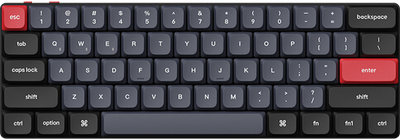
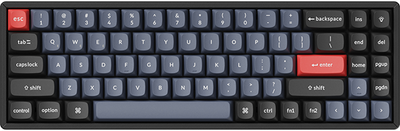

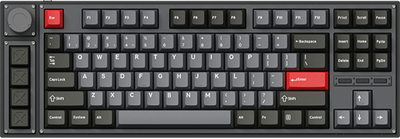
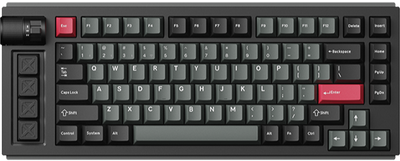
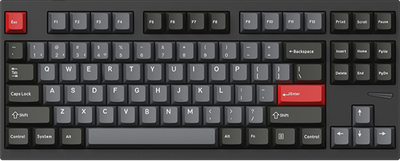
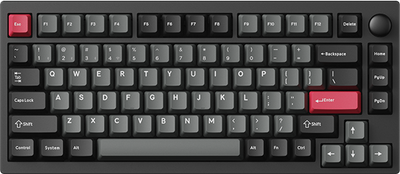
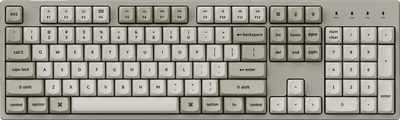
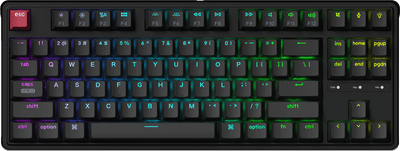
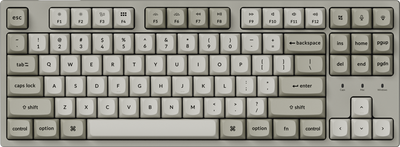
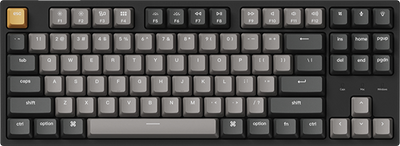
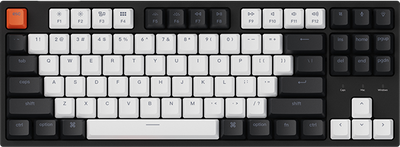
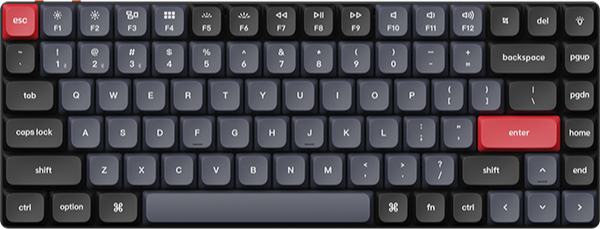
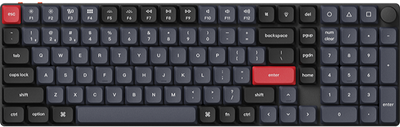
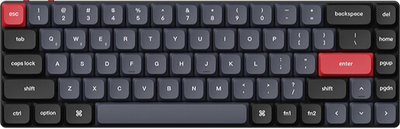
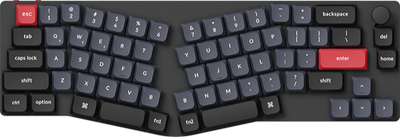
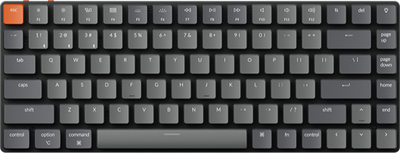
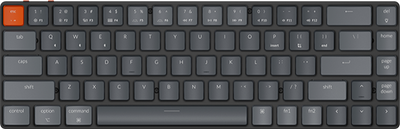
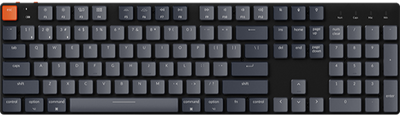
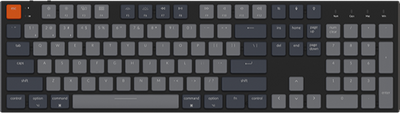







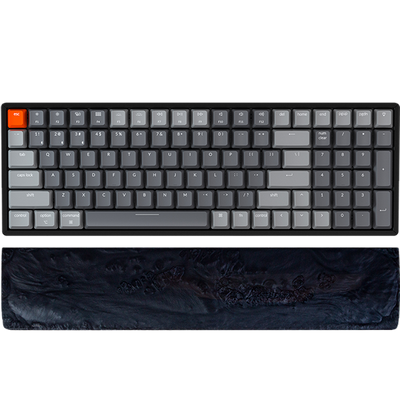
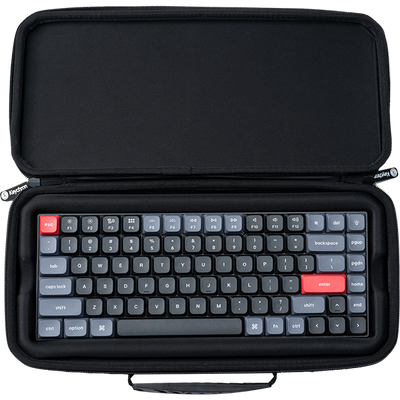
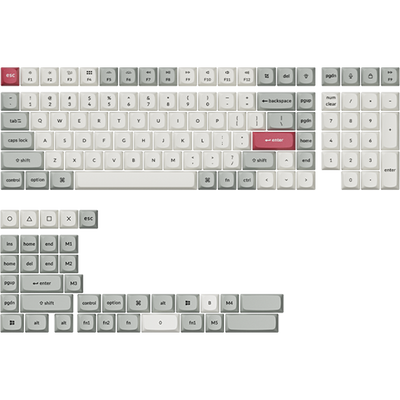
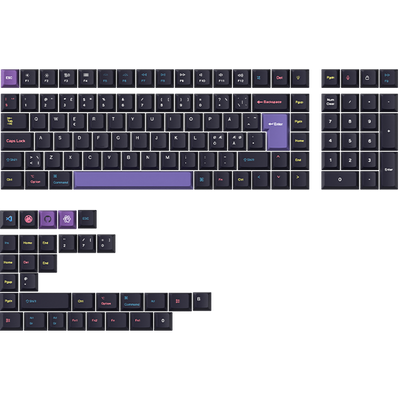









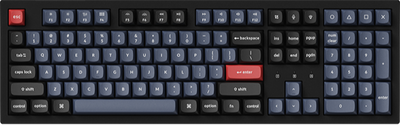
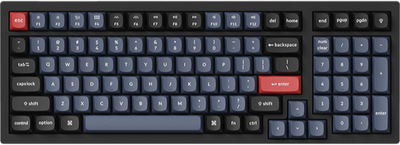
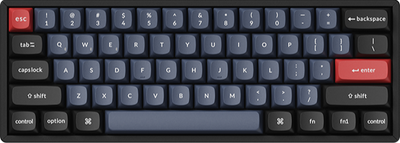
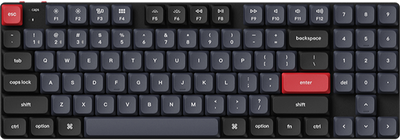

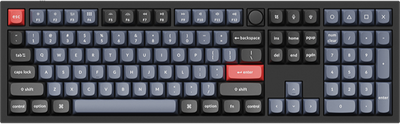
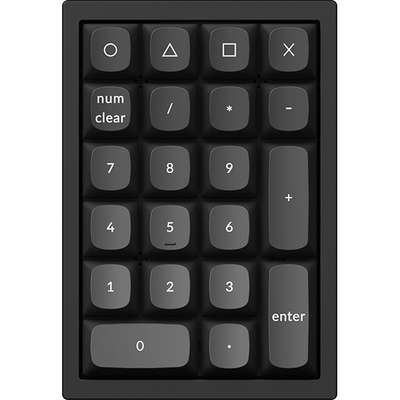
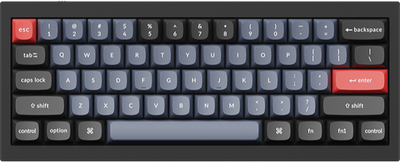
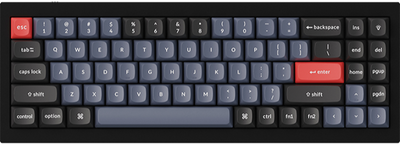
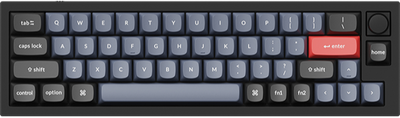
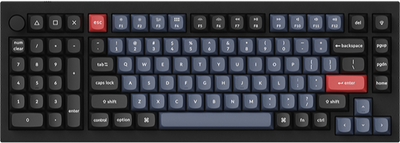
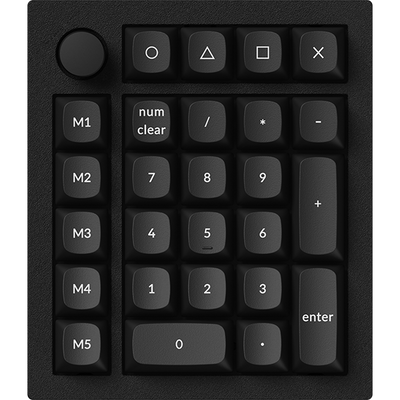
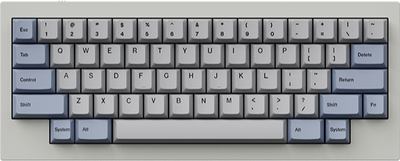
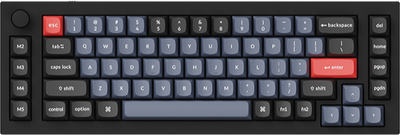
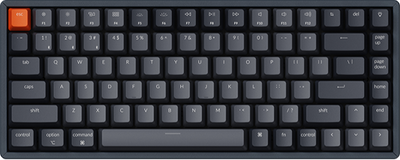
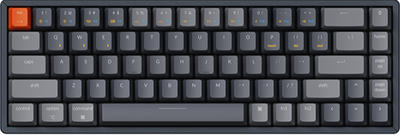
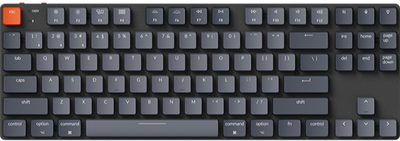
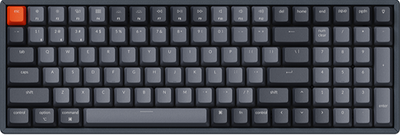
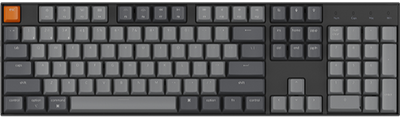
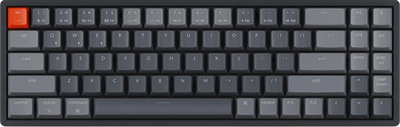
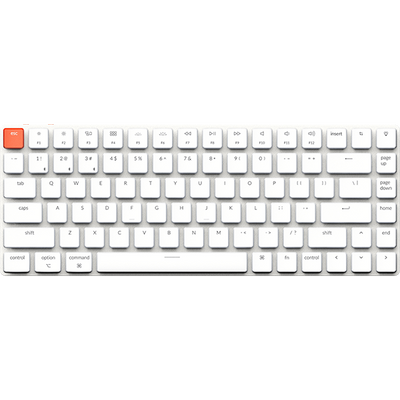
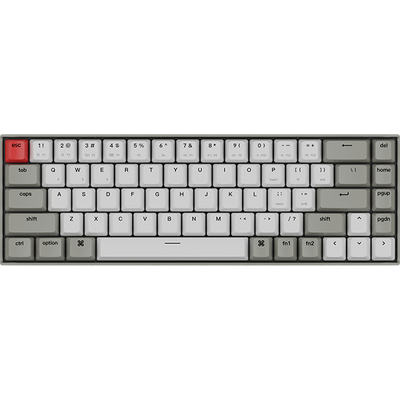
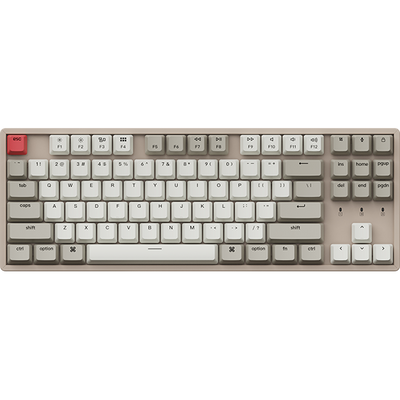

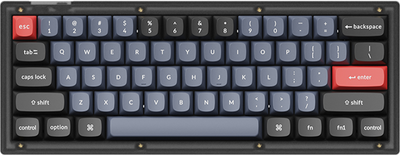
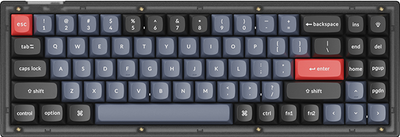
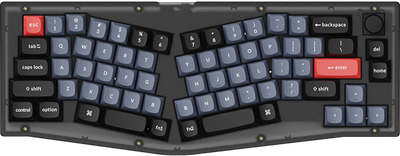



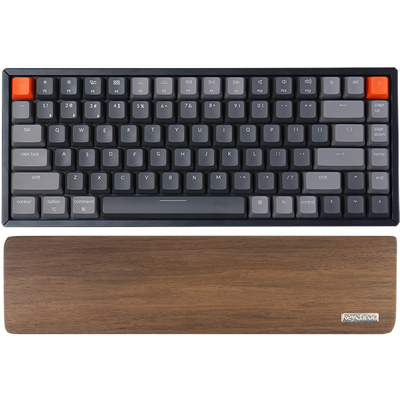





Keychron K1 QMK Wireless Mechanical Keyboard (ISO Layout) - Version 6
$94.99Unit price /Unavailable-
- Sold out
Keychron K1 QMK Wireless Mechanical Keyboard (Version 6)
From $74.99Unit price /Unavailable -
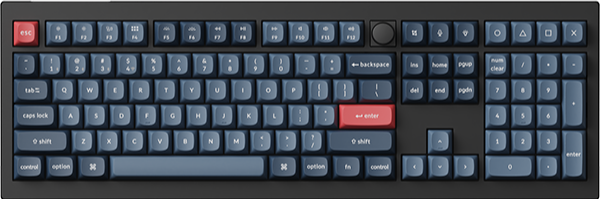
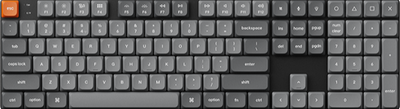
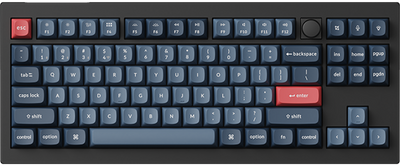
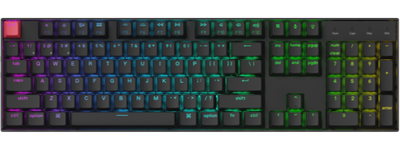
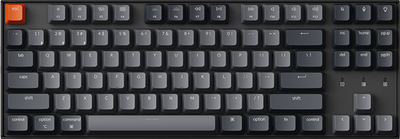
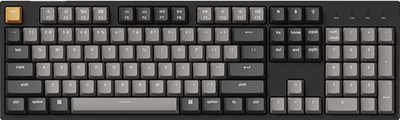
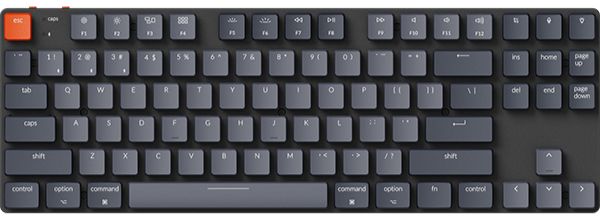
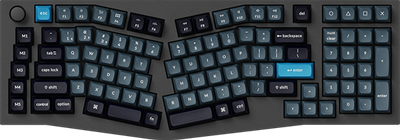
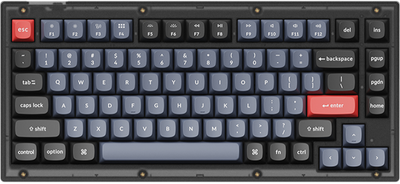
Keychron K10 QMK Wireless Mechanical Keyboard (ISO Layout) - Version 2
$114.99Unit price /Unavailable-
-
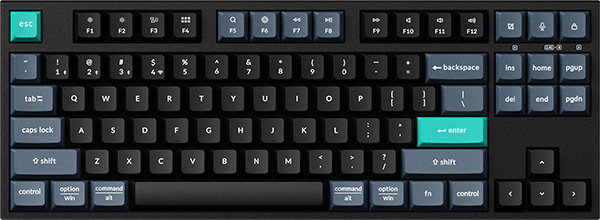
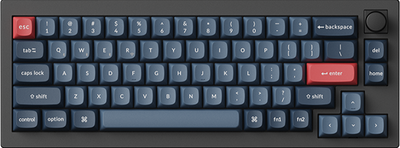
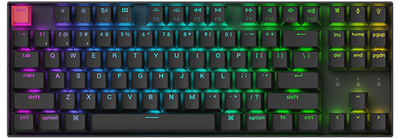
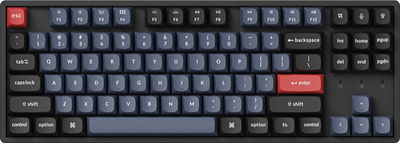
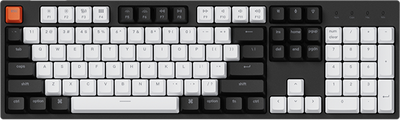
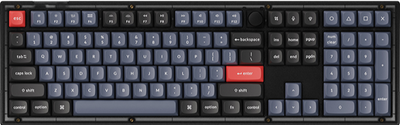
Keychron K2 QMK Wireless Mechanical Keyboard (ISO Layout) - Version 3
$109.99Unit price /Unavailable-
- Sold out
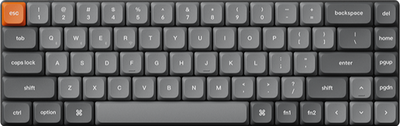
Keychron K2 QMK Wireless Mechanical Keyboard (Version 3)
From $79.99Unit price /Unavailable -
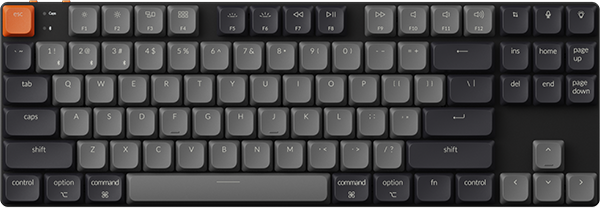
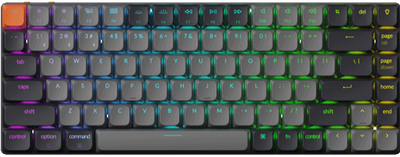
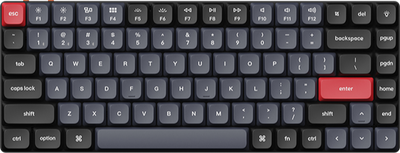
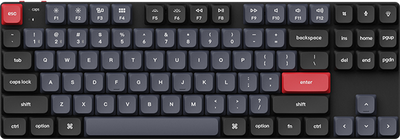
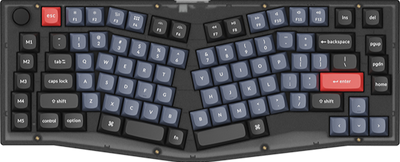
Keychron K3 QMK Wireless Mechanical Keyboard (ISO Layout) - Version 3
$94.99Unit price /Unavailable-
- Sold out
Keychron K3 QMK Wireless Mechanical Keyboard (Version 3)
From $74.99Unit price /Unavailable -
-
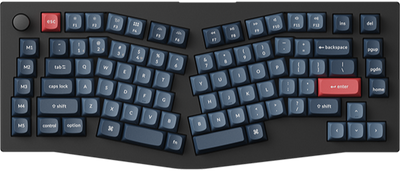
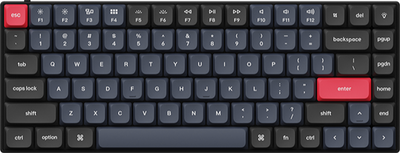
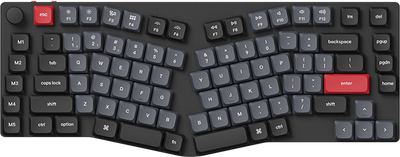
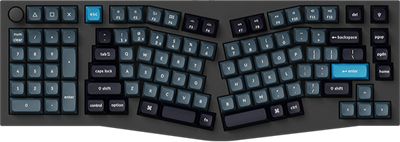
Keychron K5 QMK Wireless Mechanical Keyboard (ISO Layout) - Version 2
$99.99Unit price /Unavailable-
- Sold out
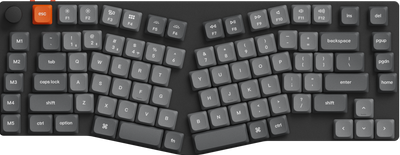
Keychron K5 QMK Wireless Mechanical Keyboard (Version 2)
From $79.99Unit price /Unavailable -
-
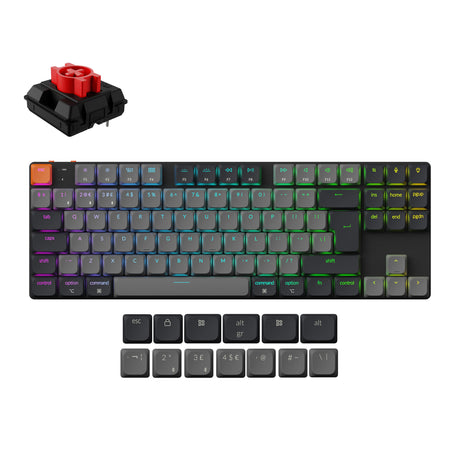
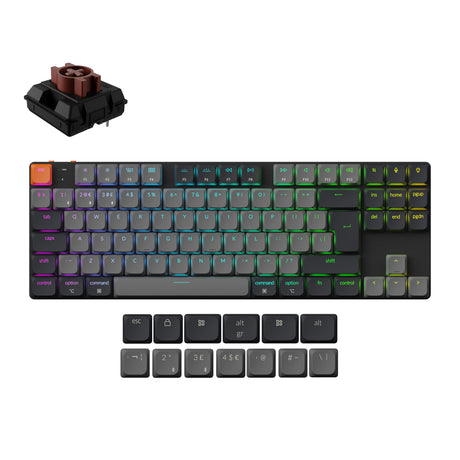
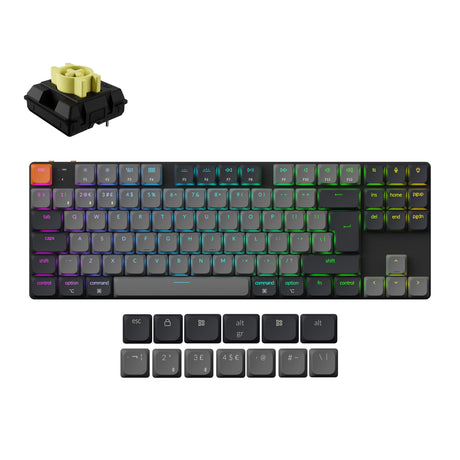
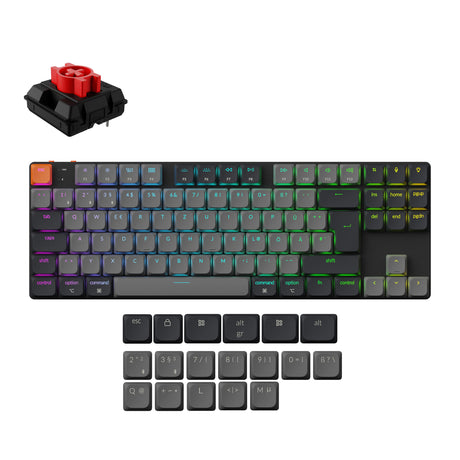
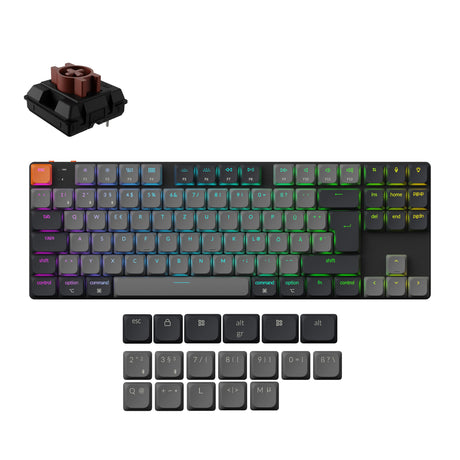
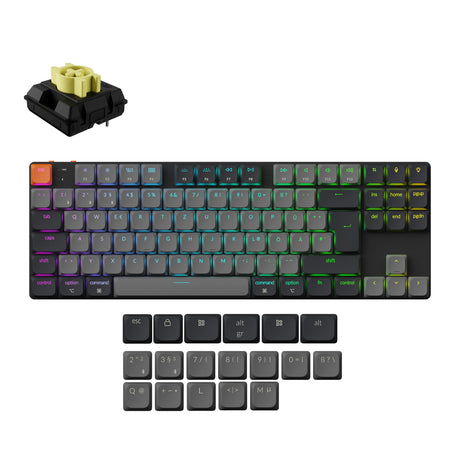

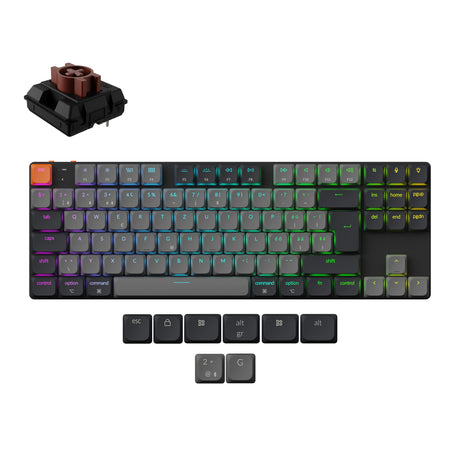
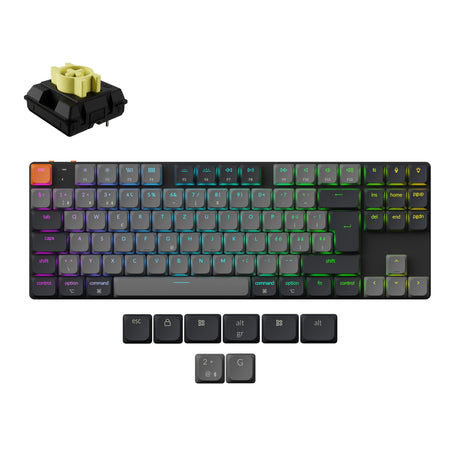


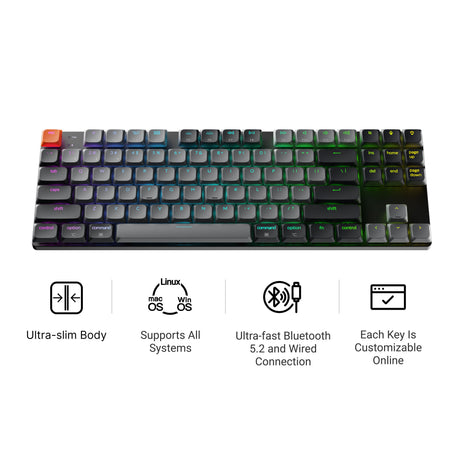
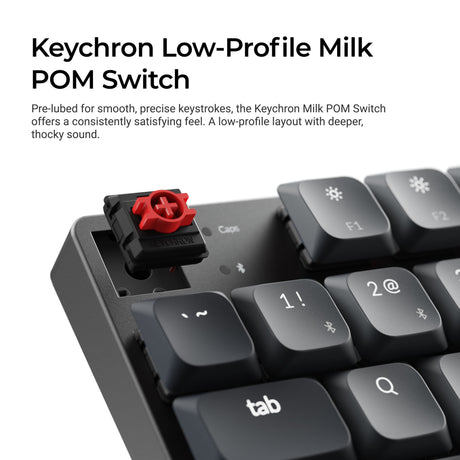

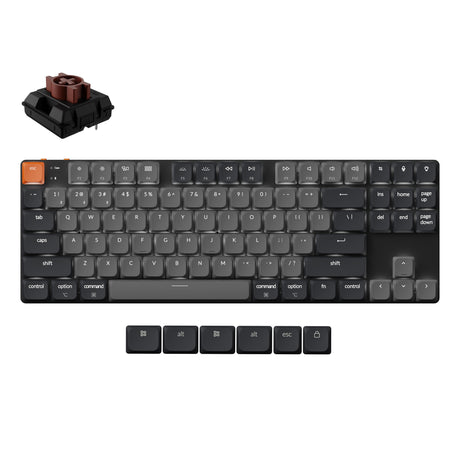
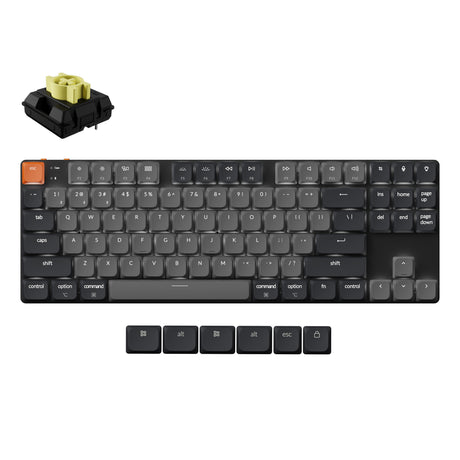
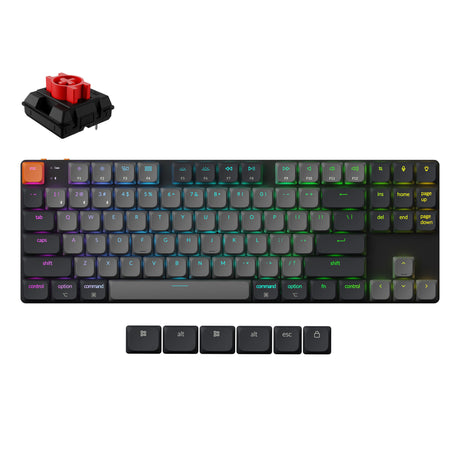
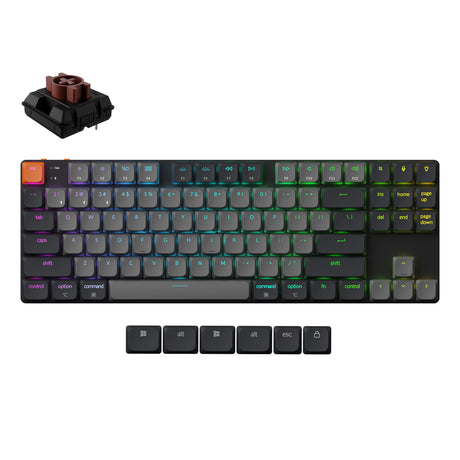
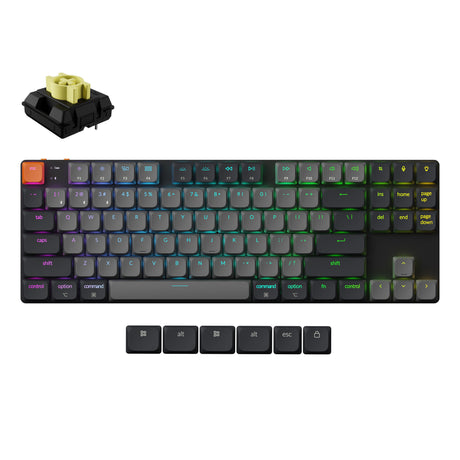
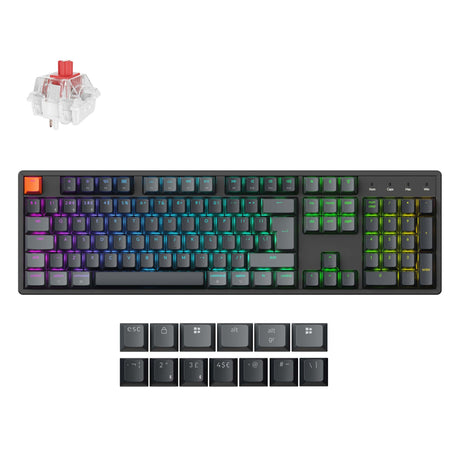
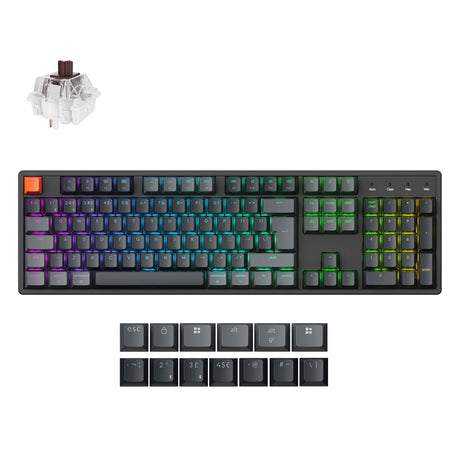
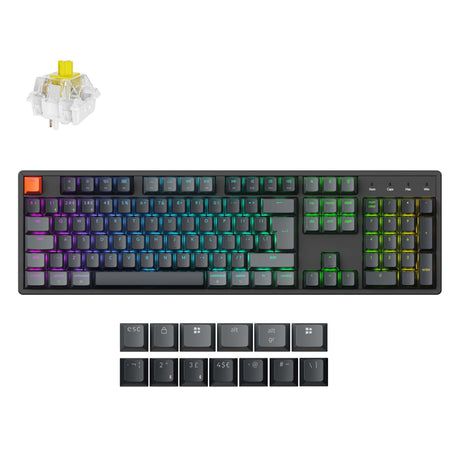
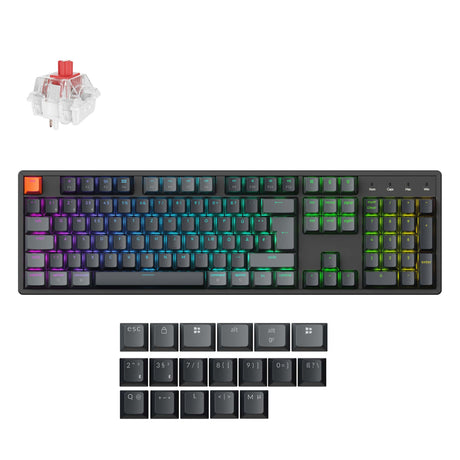
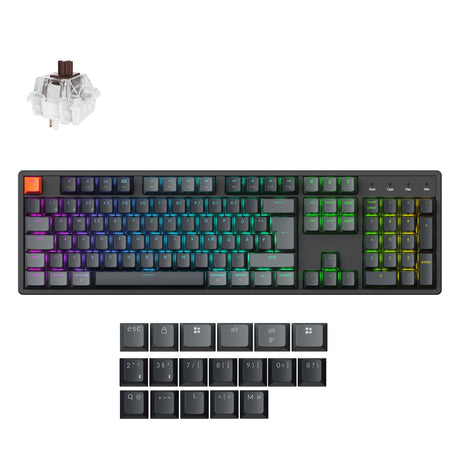
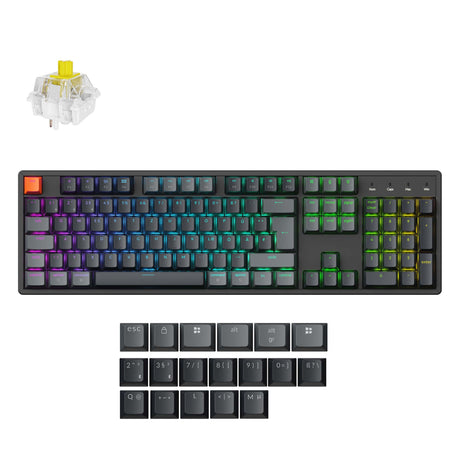
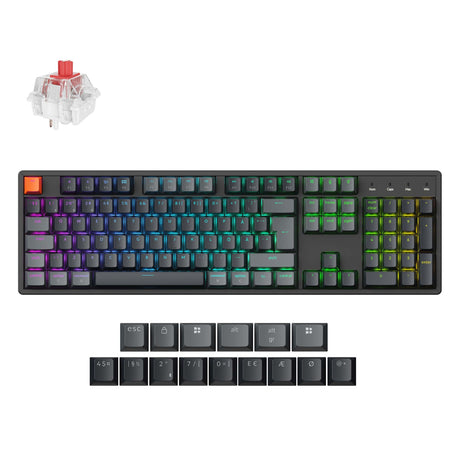
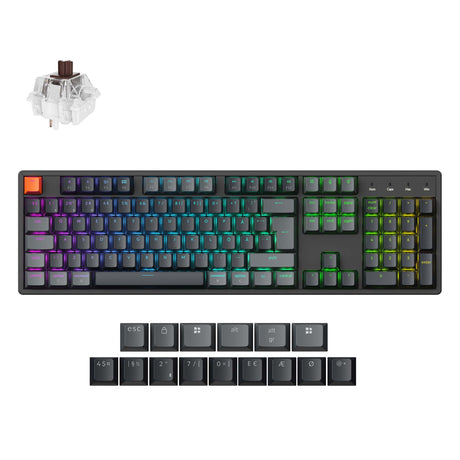
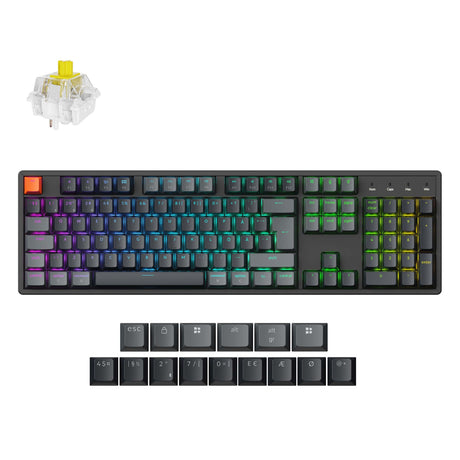
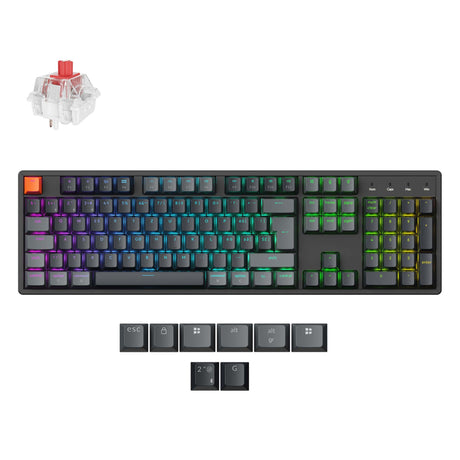
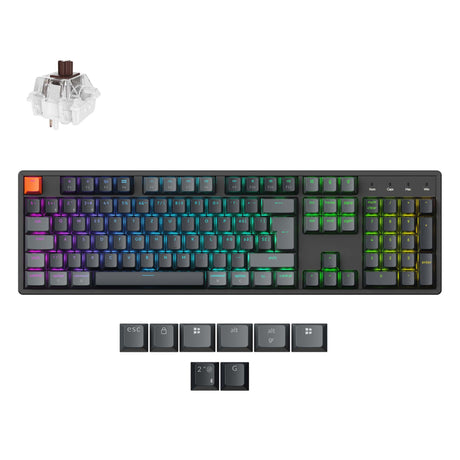
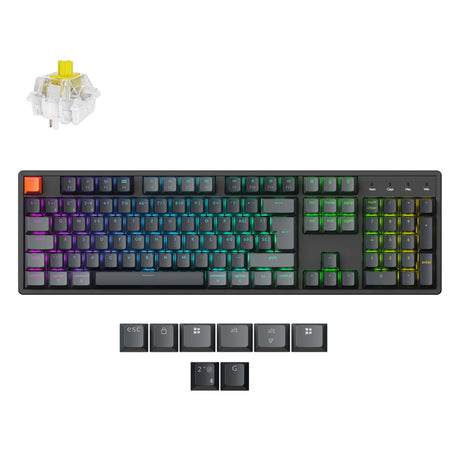
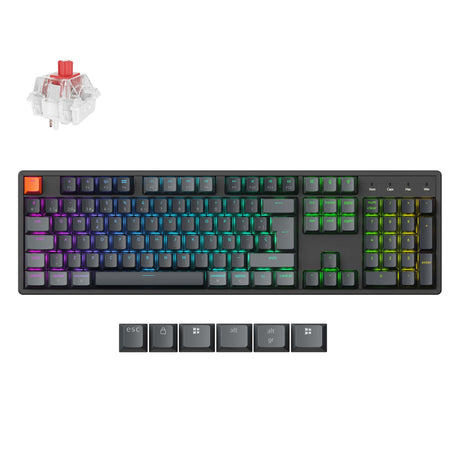
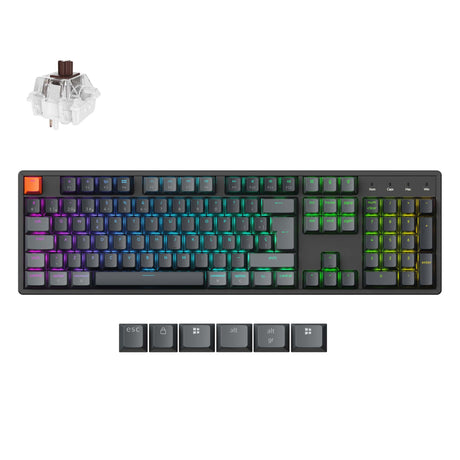
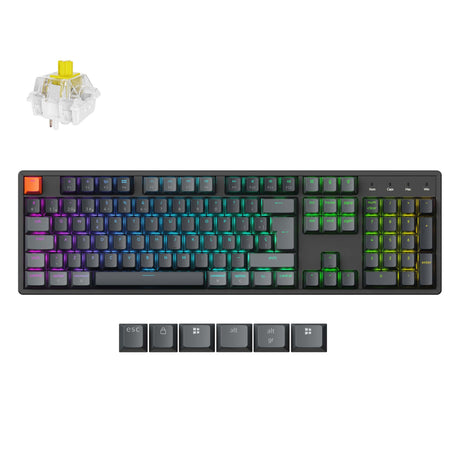
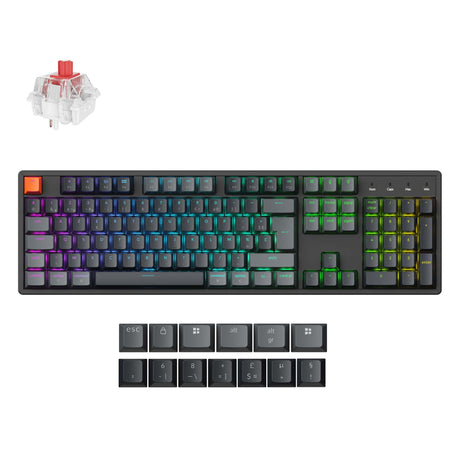
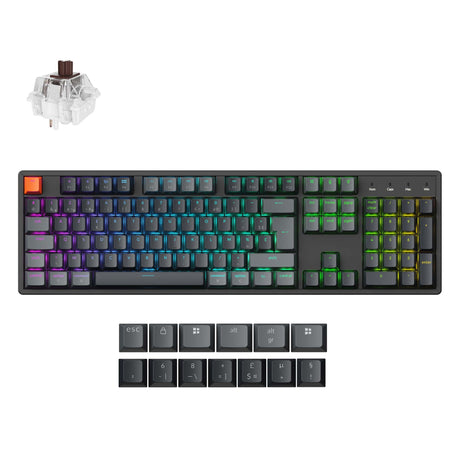
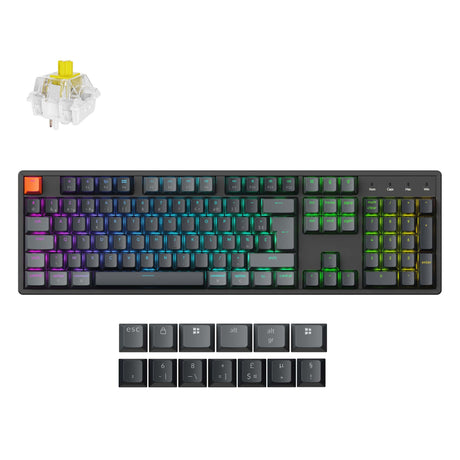


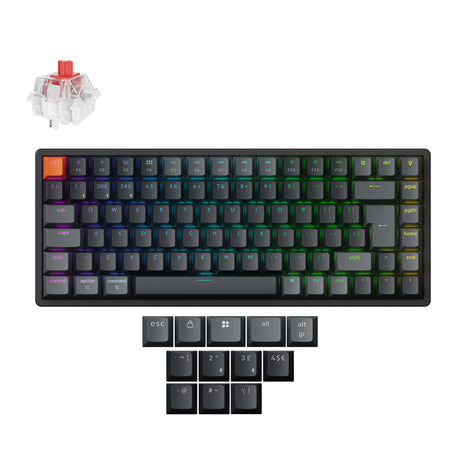
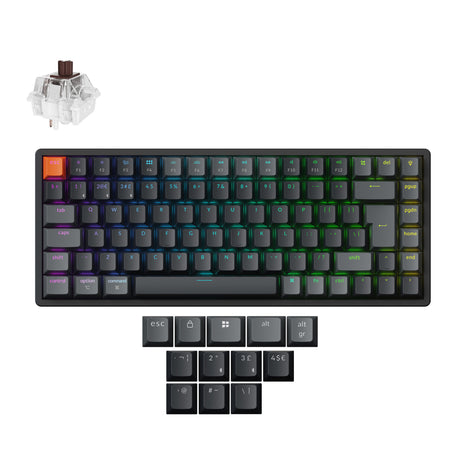
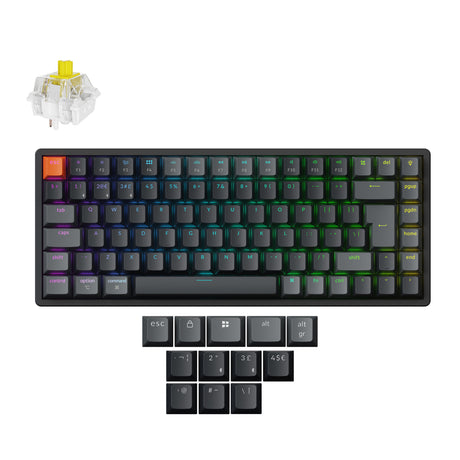
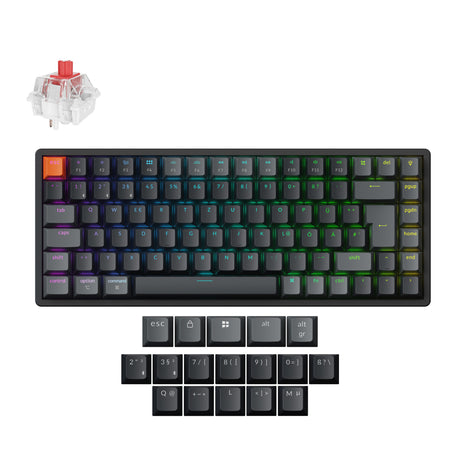
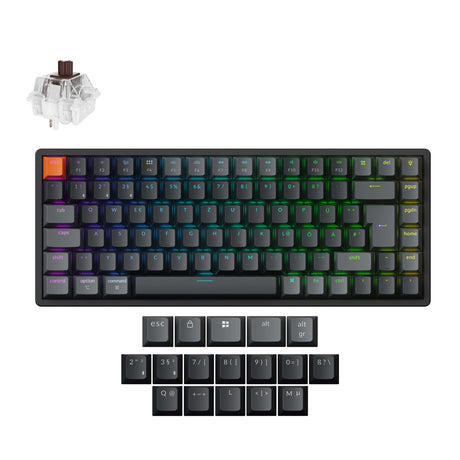
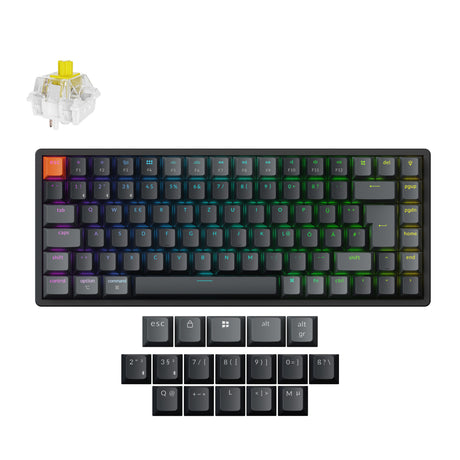
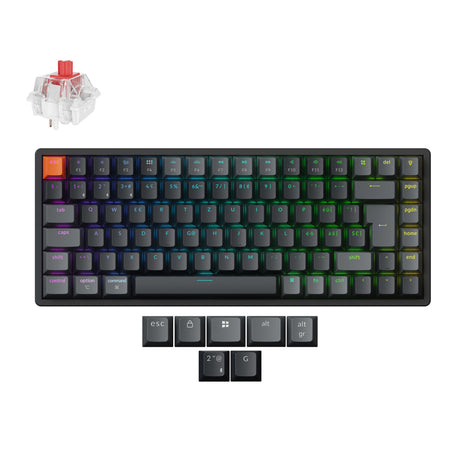
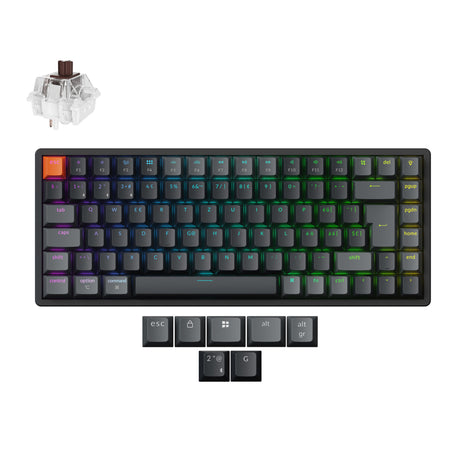
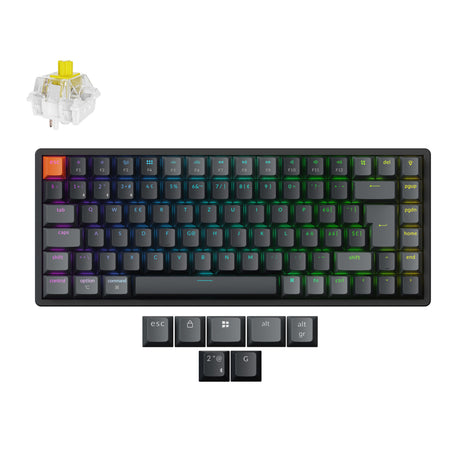
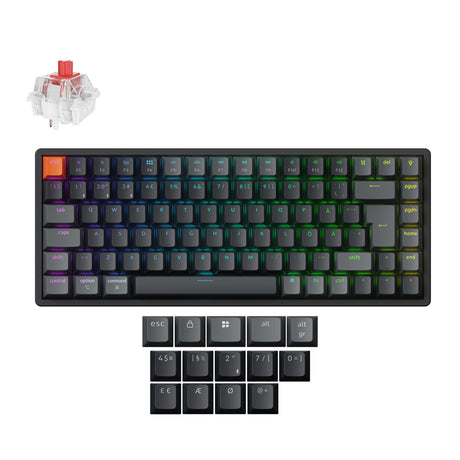
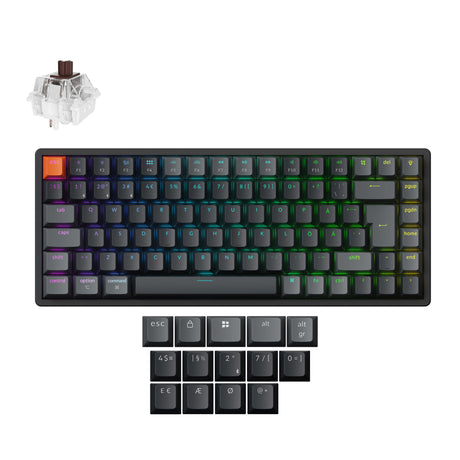
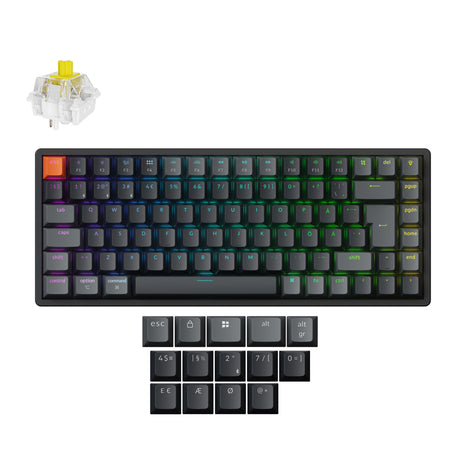
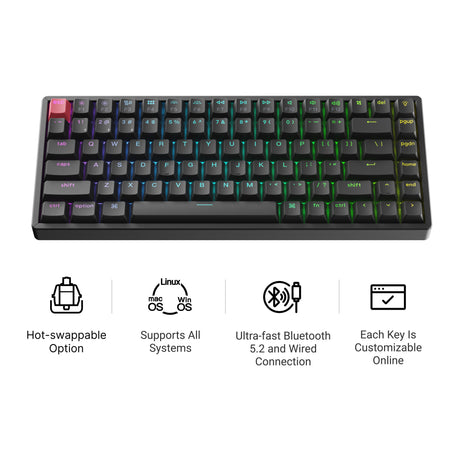
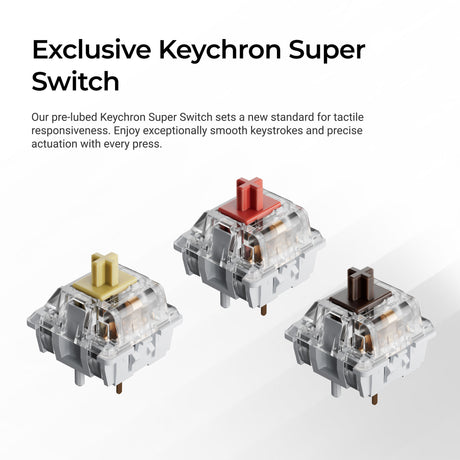
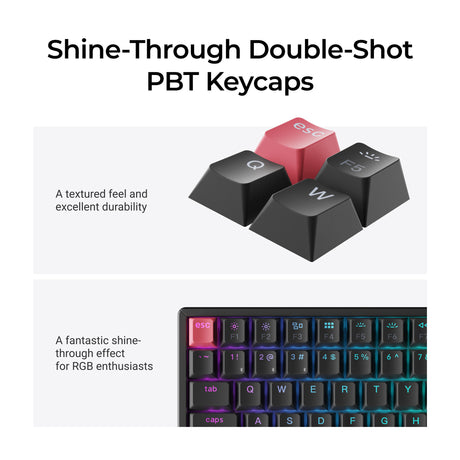
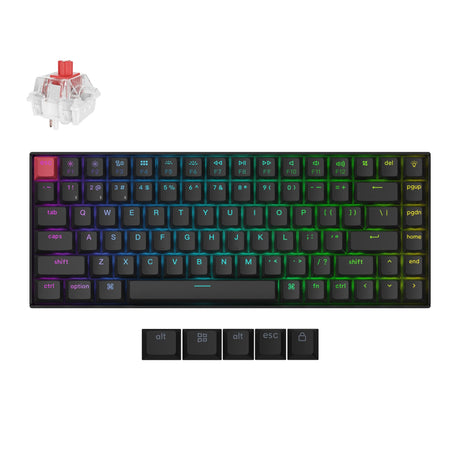
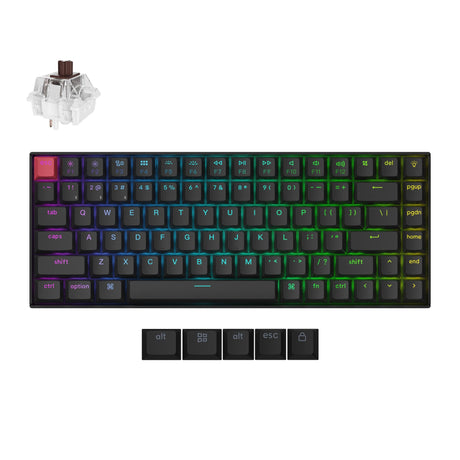
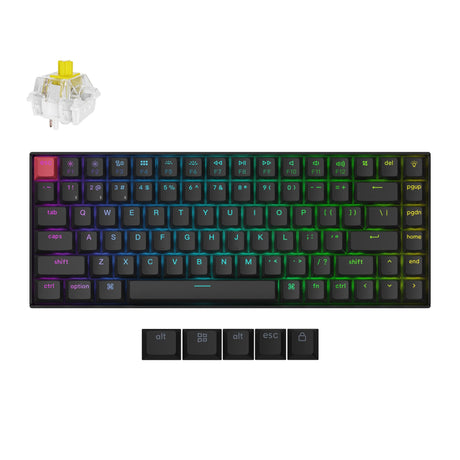
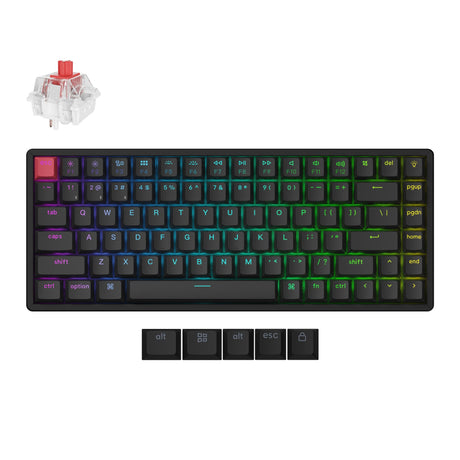
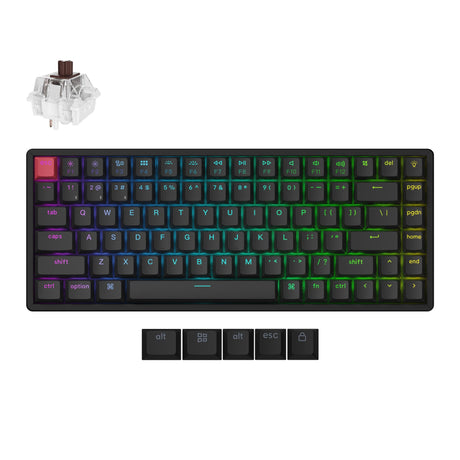
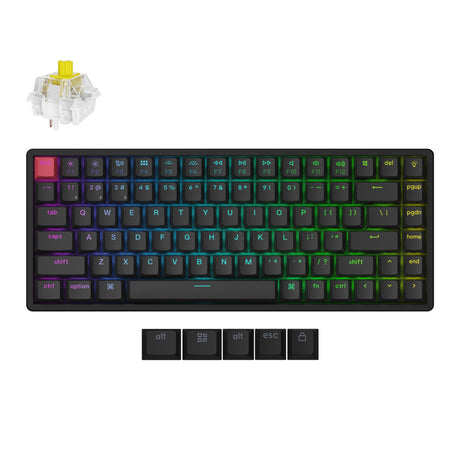
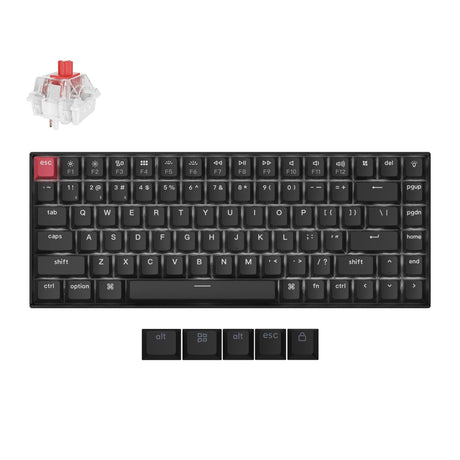
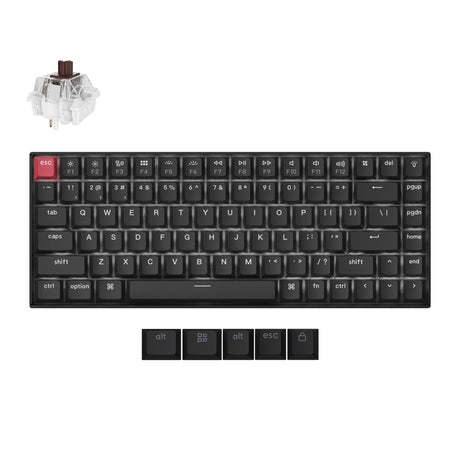
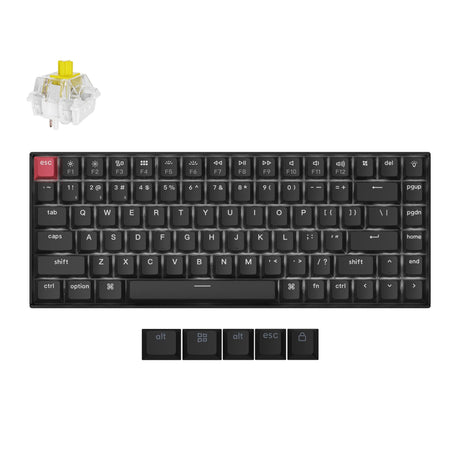
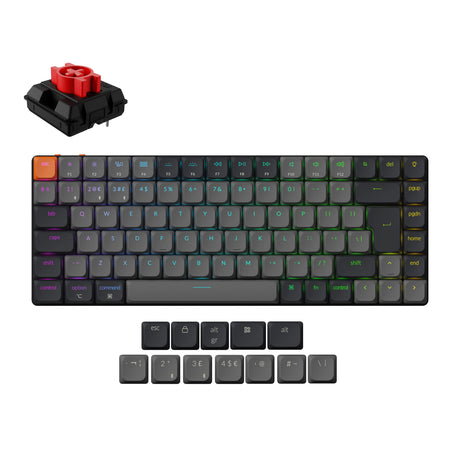
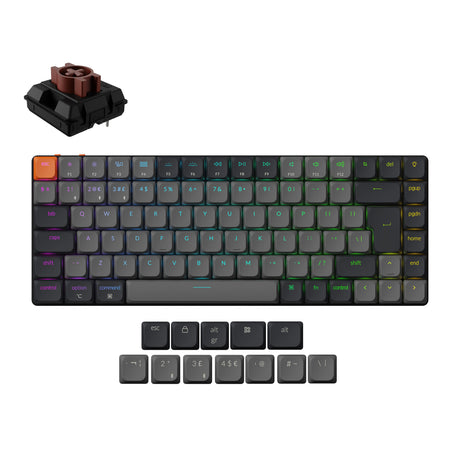
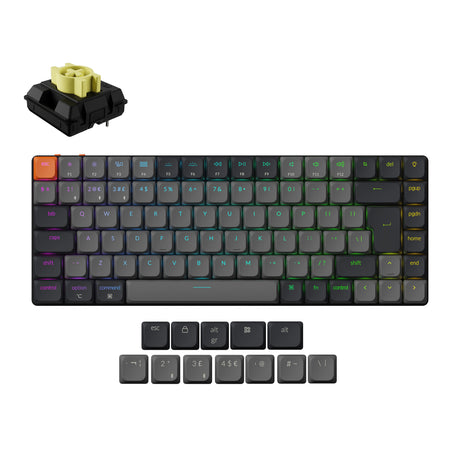
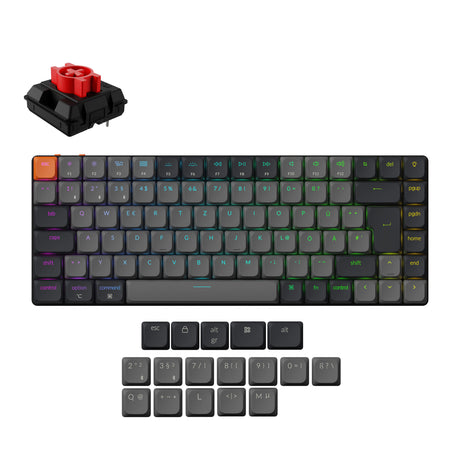
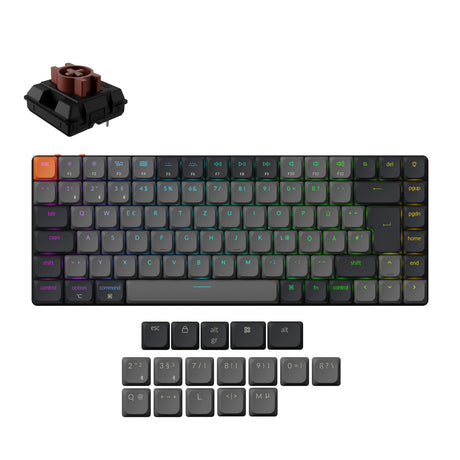
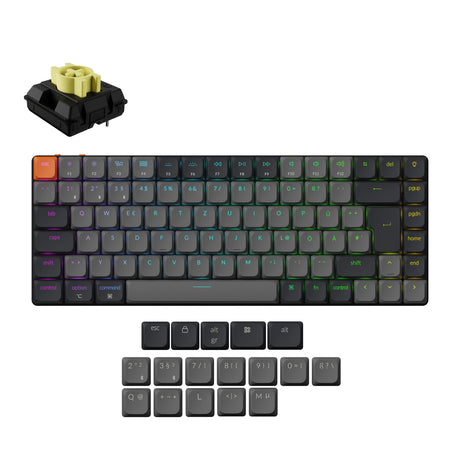
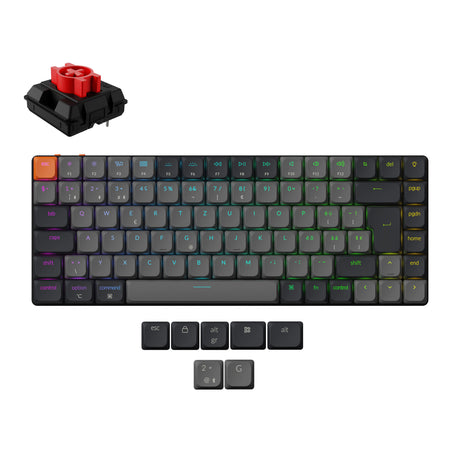
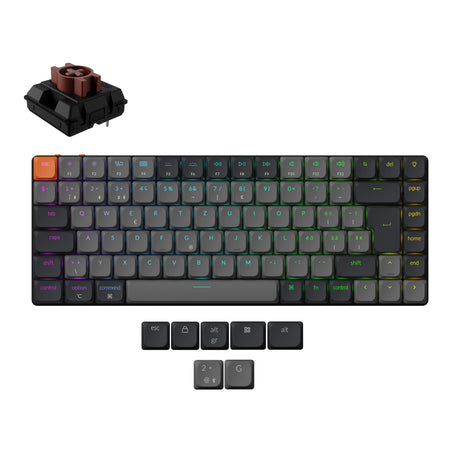
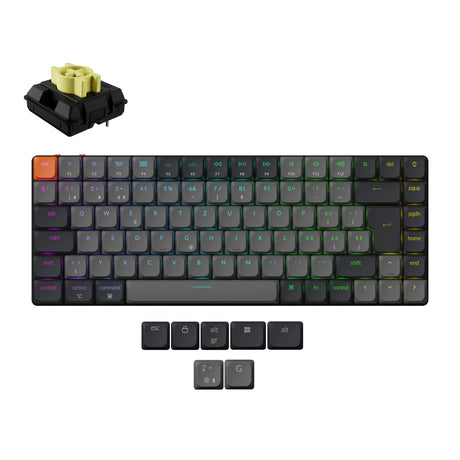
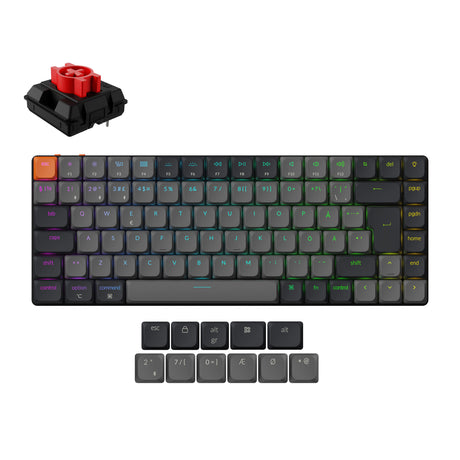
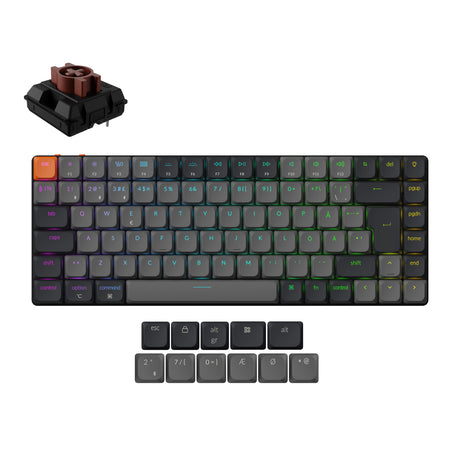
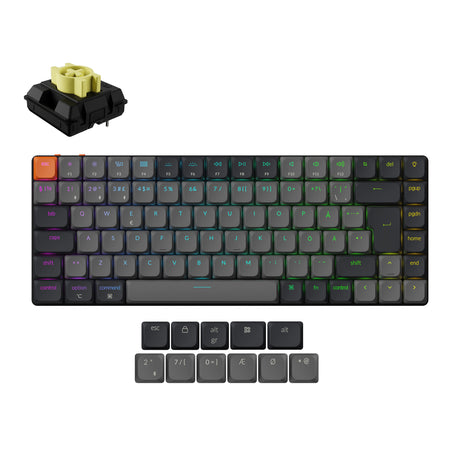


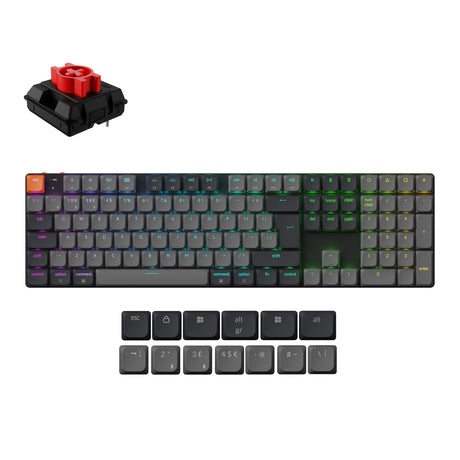
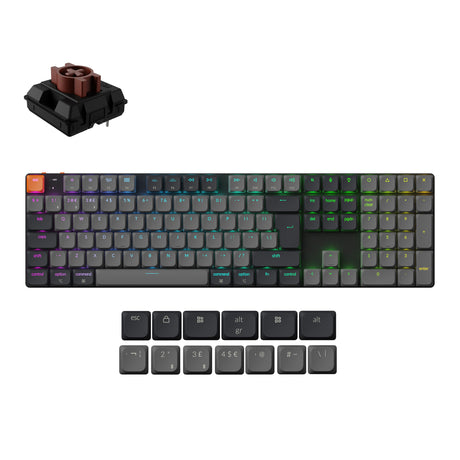
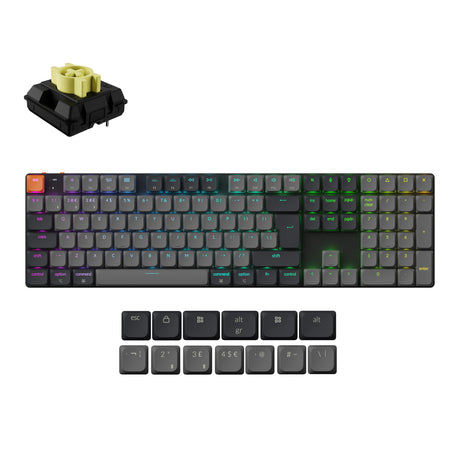
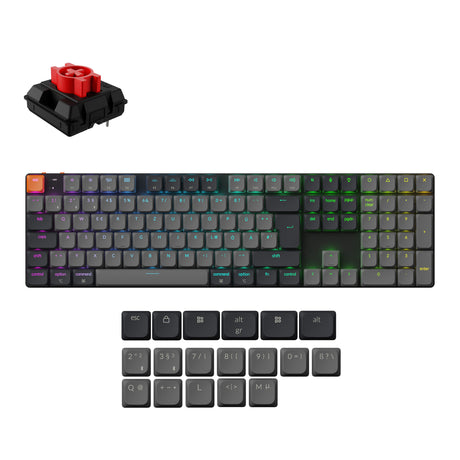
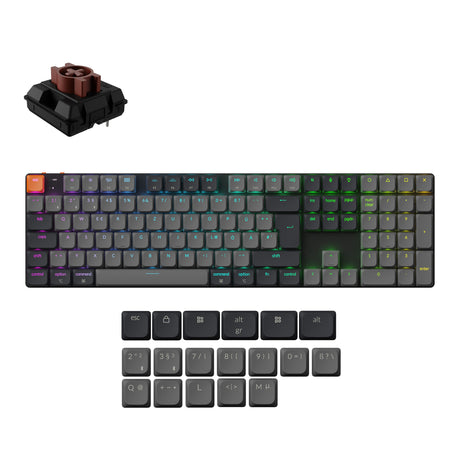
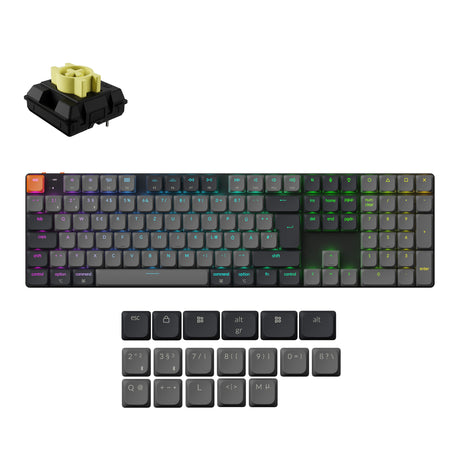
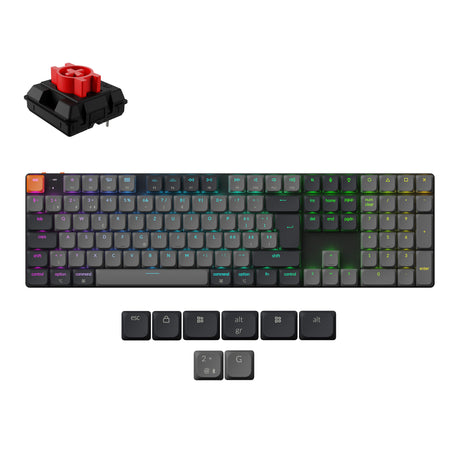
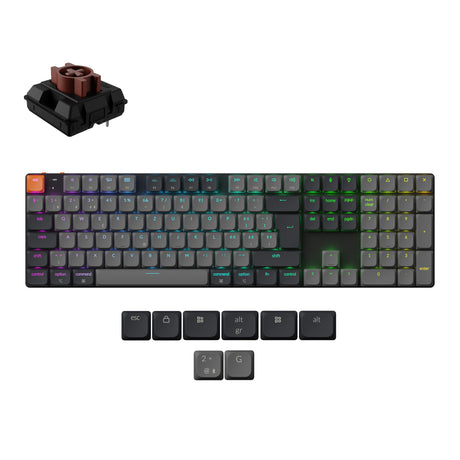
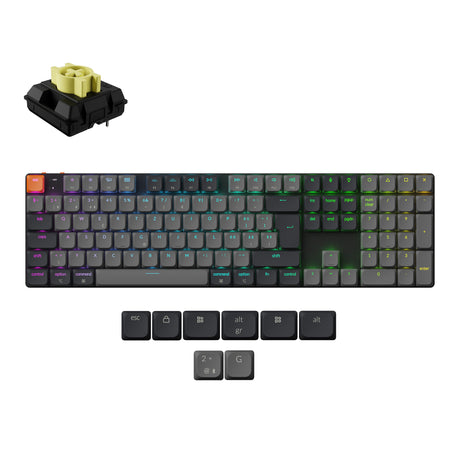
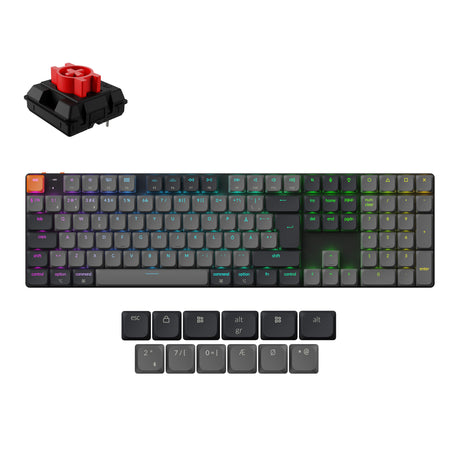
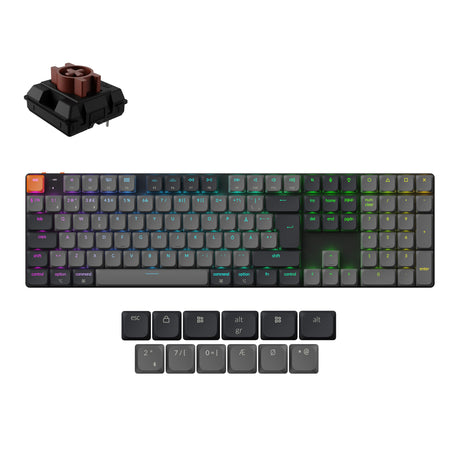
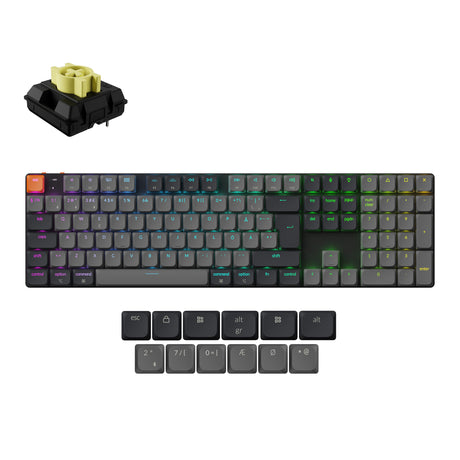


Keychron K QMK Series Wireless Mechanical Keyboard
A reliable everyday keyboard should feel comfortable from the first keystroke, work smoothly across different devices, and still give users enough freedom to customize the layout around their own habits. Keychron K QMK Series keyboards are designed for people who want a practical QMK wireless mechanical keyboard with modern customization, familiar Keychron typing comfort, and flexible layouts for work, study, creative projects, and daily desk setups.
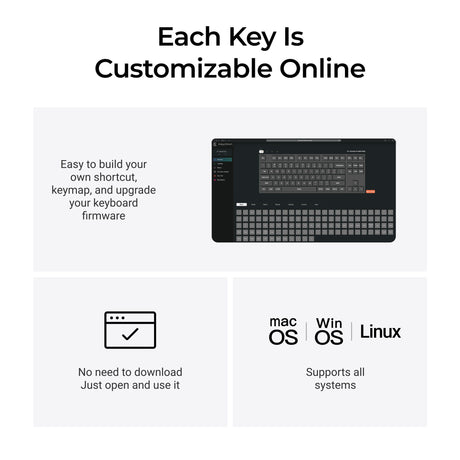
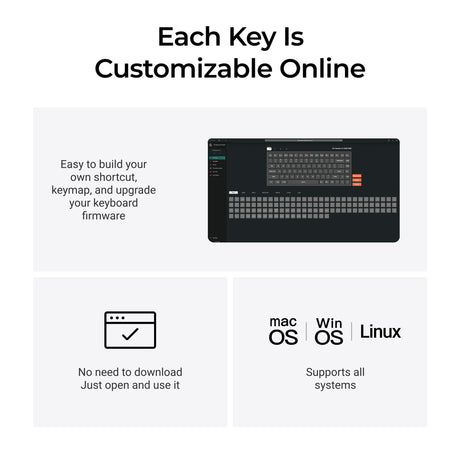
Unlike many basic mechanical keyboards that only offer a fixed layout and limited control, the Keychron K QMK Series brings QMK-powered customization to the classic K Series experience. With support for the Keychron Launcher web app, users can remap keys, create shortcuts, adjust layers, and personalize the keyboard in a way that better matches how they type, work, and move between Mac and Windows devices. For users who already know the broader Keychron K Series keyboard collection, the K QMK Series offers a more customizable mechanical keyboard experience while keeping the everyday usability and approachable design that make the K Series popular.
Customize Your Workflow With a QMK Mechanical Keyboard
A QMK mechanical keyboard gives users more control over the way each key behaves, which is especially useful for people who repeat the same actions throughout the day or move between different applications. With the Keychron K QMK Series, users can customize key functions through the Keychron Launcher, allowing the keyboard to become more than a standard input device and instead serve as a personalized productivity keyboard for office work, creative software, coding, writing, and daily shortcuts.
This level of customization can make a meaningful difference in everyday work. A designer may want easier access to creative software shortcuts, a developer may prefer a more efficient coding layout, a writer may want a cleaner typing flow, and an office user may want faster commands for spreadsheets, emails, or browser tabs. Because this customizable mechanical keyboard can be adjusted around different habits, the K QMK Series is suitable for both simple daily typing and more advanced workflows where key remapping, macros, and personalized layers can help users work faster and more comfortably.
You can explore the full Keychron K QMK Series collection to compare available layouts, slim mechanical options, wireless features, and model differences.
Designed for Everyday Work and Advanced Keyboard Customization
A great productivity keyboard should not only feel comfortable, but also adapt to the way different users work. Keychron K QMK Series keyboards are designed for people who want the familiar feel of a mechanical keyboard while gaining more control over layout, shortcuts, and daily commands through QMK support and the Keychron Launcher.
This makes the collection useful for many types of users, from students who need a comfortable keyboard for study sessions to professionals who rely on repeated shortcuts throughout the day. The keyboard can support writing, coding, research, editing, communication, and general office tasks while giving users the freedom to create a setup that feels more personal and efficient than a fixed standard keyboard.
If you want to compare this collection with other programmable Keychron keyboards, you can also explore the Keychron K Pro Series and Keychron K Max Series collections for more customization and wireless performance options.
Built as a Wireless Mechanical Keyboard for Daily Reliability
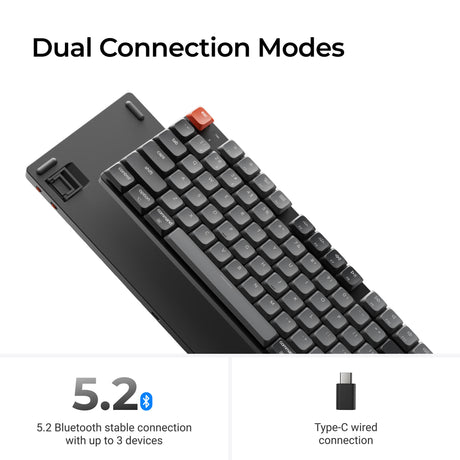
Modern desk setups often involve more than one device, and a wireless mechanical keyboard needs to support that kind of flexible workflow without making the setup feel complicated. Keychron K QMK Series keyboards are made for users who move between laptops, desktops, tablets, and different operating systems, while still wanting a clean, comfortable, and responsive mechanical keyboard experience.
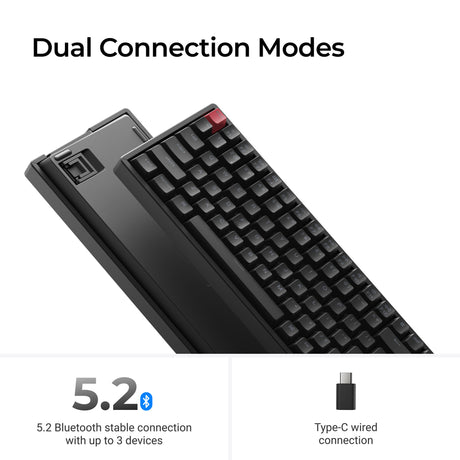
Wireless connectivity makes the keyboard easier to use in home offices, shared workspaces, compact desks, and portable setups, while wired mode gives users a dependable connection when they prefer a direct USB-C setup. This balance allows the keyboard to fit naturally into different routines, whether you are typing on a MacBook during the day, switching to a Windows desktop later, or keeping one keyboard connected to multiple devices for a more organized workspace.
Users who want to compare more wireless keyboard options can also browse the Keychron wireless keyboard collection to find different layouts, profiles, and connection styles across the wider Keychron lineup.
Designed as a Mechanical Keyboard for Mac and Windows Users
Keychron has built a strong reputation among Mac users because its keyboards are designed with Mac-friendly layouts and key functions, while still remaining practical for Windows users. The K QMK Series continues this approach by giving users a wireless mechanical keyboard for Mac and Windows setups, so the same keyboard can feel familiar on macOS and still remain useful when switching to a Windows device.
This cross-platform design is important for users who do not work on only one operating system. Many people now use a MacBook for creative work, a Windows PC for office software or gaming, and a tablet or secondary device for communication, which means a Mac and Windows mechanical keyboard that works comfortably across different systems can simplify the entire setup. With QMK customization and Keychron Launcher support, users can also fine-tune key behavior so the keyboard better fits the way they use each system.
If you are building a desk around a MacBook, an iMac, or a mixed Mac and Windows workflow, Keychron’s mechanical keyboard collection can help you compare more options beyond the K QMK Series.
Enjoy a Low-Profile Mechanical Keyboard Experience for Comfortable Typing
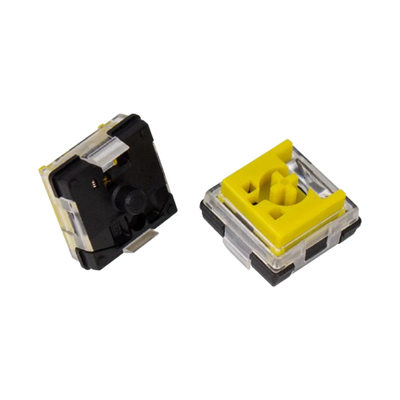
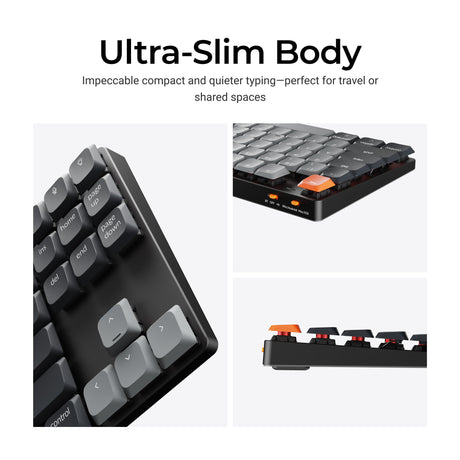
Many models in the Keychron K QMK Series are built around a slim mechanical keyboard experience, which makes them especially appealing for users who like the lower typing angle of a laptop keyboard but still want the tactile feel, durability, and response of mechanical switches. This low-profile mechanical keyboard design can feel more natural for long typing sessions because the keyboard does not require the same hand position as a taller traditional mechanical keyboard.
For students, writers, office workers, and laptop users, a slim wireless mechanical keyboard can make the transition from a built-in laptop keyboard feel easier while still offering a more satisfying typing experience. It also works well in minimal desk setups where users want a cleaner profile, more room around the keyboard, and a setup that feels light without giving up the character of a mechanical keyboard.
Users who prefer this lower-profile typing feel can also browse Keychron’s slim keyboard collection to compare more low-profile mechanical keyboards for laptop-style comfort and compact desk setups.
Choose a Keyboard Layout That Fits Your Desk and Typing Habits
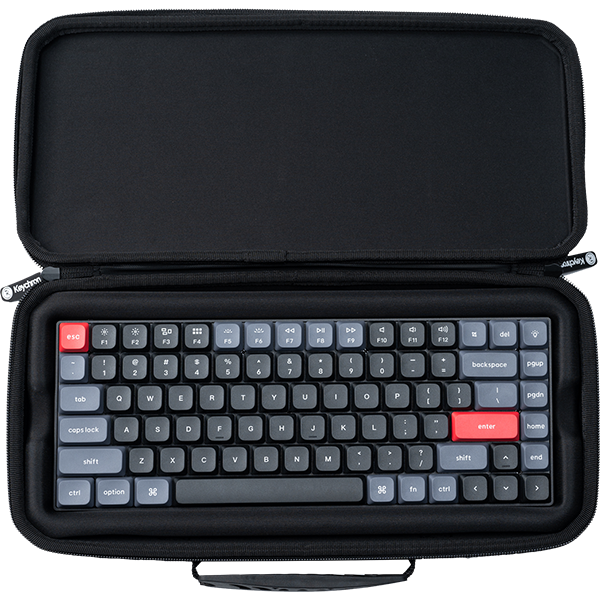
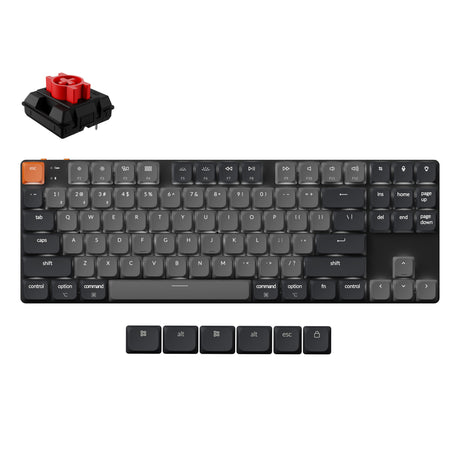
The Keychron K QMK Series includes different keyboard layout options so users can choose a mechanical keyboard that matches the way they work instead of forcing every setup into one size. A compact layout can keep useful function and navigation keys while saving desk space, which is helpful for users who want more room for a mouse, notebook, drawing tablet, or cleaner workspace.
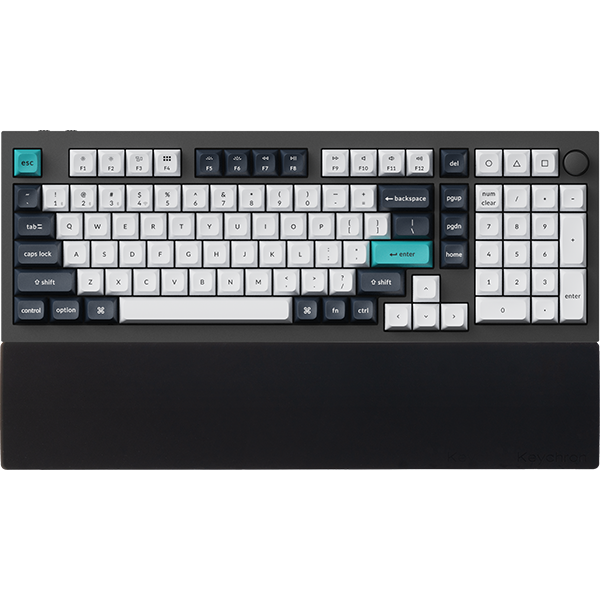
For users who rely on a larger set of keys, models with full-size or near full-size layouts can provide a more complete typing experience for spreadsheets, finance work, data entry, and daily office tasks. This layout variety makes the K QMK Series a strong collection for users who have different priorities, whether they care most about portability, desk space, productivity, or a familiar keyboard structure.
If you are still deciding between compact, tenkeyless, and full-size layouts, the broader Keychron keyboard collection can help you compare how different form factors fit different desk setups.
Customize the Feel With Hot-Swappable Mechanical Keyboard Options
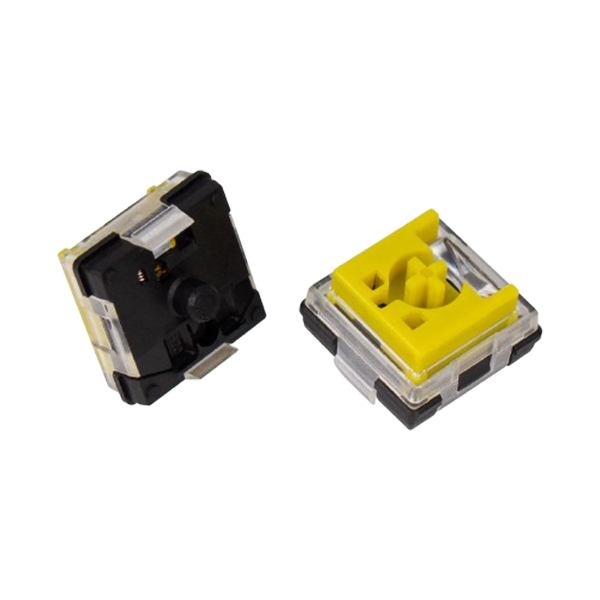
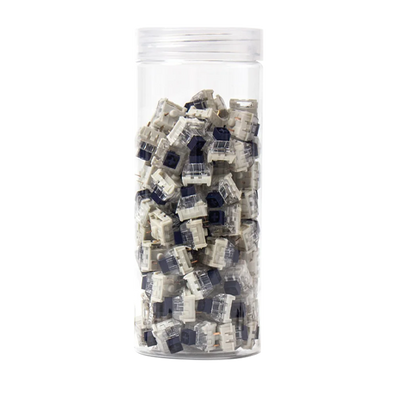
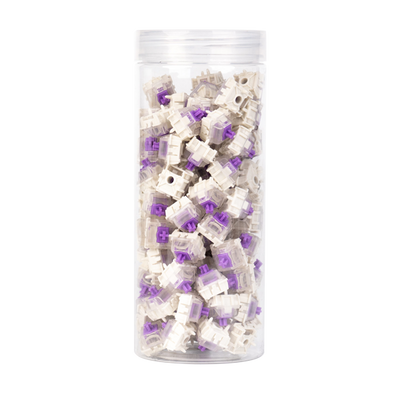
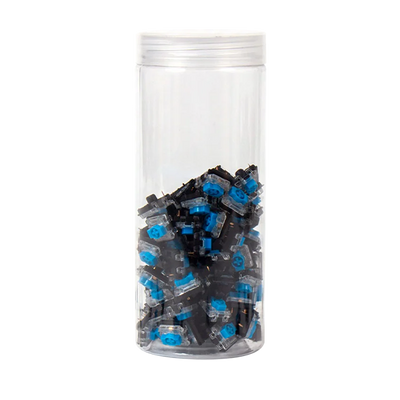
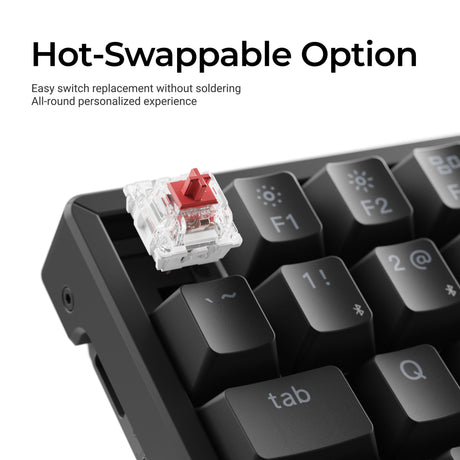
Some Keychron K QMK Series models offer hot-swappable options, which allow users to change compatible switches without soldering. This feature is helpful for users who are still exploring what kind of typing feel they prefer, because a hot-swappable mechanical keyboard can be adjusted over time instead of being locked into one switch style from the beginning.
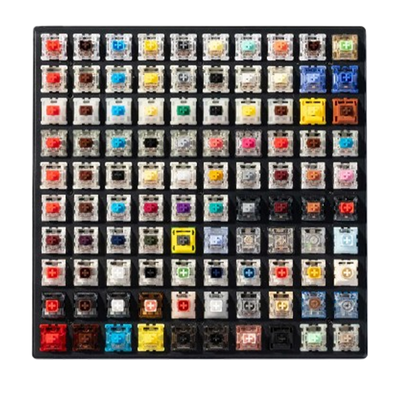
A user who wants smoother keystrokes may prefer linear switches, while someone who wants more noticeable feedback may choose tactile switches. For shared workspaces or late-night typing, users may also look for a switch that feels softer and more controlled. Hot-swappable support gives the keyboard a longer life because it allows the typing experience to evolve with the user’s preferences.
If switch feel is one of your main buying factors, browsing Keychron’s switch collection can also help you understand how different switch types change the sound, feedback, and overall typing experience.
Built for Long Typing Sessions and Everyday Productivity
A good productivity keyboard should not only be customizable but also comfortable enough to use for long periods. The Keychron K QMK Series is designed for people who spend hours typing, researching, writing, messaging, coding, editing, or managing daily tasks, and it offers a more refined typing experience than standard laptop keyboards or basic office keyboards.
Because the series combines wireless convenience, mechanical key feel, QMK customization, and multiple layout choices, it works well for users who want one keyboard to handle several roles throughout the day. It can be used as a home office keyboard in the morning, a study keyboard in the afternoon, a creative shortcut keyboard for editing work, or a casual gaming keyboard after work, which gives the collection broad appeal beyond a single use case.
Why Choose a Keychron K QMK Series Keyboard
The Keychron K QMK Series is a strong choice for users who want a wireless mechanical keyboard that feels approachable, customizable, and ready for everyday use. It brings together the convenience of wireless connectivity, the flexibility of QMK customization, the comfort of slim mechanical options, and the practicality of layouts that work across different desks and operating systems.
For users who are upgrading from a laptop keyboard, a basic office keyboard, or an older mechanical keyboard with limited customization, the K QMK Series offers a more modern way to type and work. It gives users the freedom to build shortcuts, adjust key behavior, choose a layout that fits their space, and enjoy a mechanical keyboard experience that feels suitable for both productivity and personal use.
If you want to compare the K QMK Series with other Keychron families, you can also explore the Keychron K Series, K Pro Series, and K Max Series collections to find the model that best matches your preferred level of customization, connectivity, and typing profile.
Frequently Asked Questions About Keychron K QMK Series Keyboards
What is the Keychron K QMK Series?
The Keychron K QMK Series is a collection of wireless mechanical keyboards that combines the familiar Keychron K Series typing experience with QMK customization and Keychron Launcher support. It is designed for users who want a practical QMK mechanical keyboard for everyday typing, productivity, Mac and Windows setups, and personalized key functions.
What makes the Keychron K QMK Series different from the standard K Series?
The main difference is that the K QMK Series adds deeper customization through QMK and the Keychron Launcher, allowing users to remap keys, create shortcuts, and adjust layers more easily. This makes the keyboard more flexible than a standard mechanical keyboard for productivity, creative work, coding, office tasks, and users who want more control over their layout.
Is the Keychron K QMK Series good for productivity?
Yes, the K QMK Series is a strong productivity keyboard choice because it combines mechanical typing comfort with customizable key functions, wireless convenience, and multiple layout options. It can help users create faster shortcuts, reduce repetitive actions, and build a keyboard setup that better matches daily work habits.
Are Keychron K QMK keyboards hot-swappable?
Some models in the Keychron K QMK Series offer hot-swappable versions, which allow users to change compatible switches without soldering. Since availability can vary by model and version, users should check the specific product page before purchasing if a hot-swappable mechanical keyboard is important to their setup.
Who should choose a low-profile mechanical keyboard from the K QMK Series?
A low-profile mechanical keyboard from the K QMK Series is a good choice for users who like the lower profile of laptop keyboards but want the improved feel and customization of a mechanical keyboard. It is especially useful for laptop users, students, office workers, compact desk setups, and anyone who types for long hours.