







































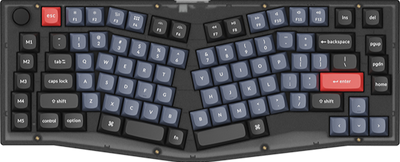
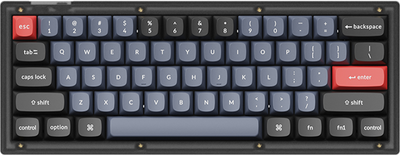
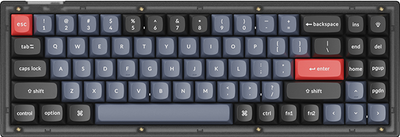
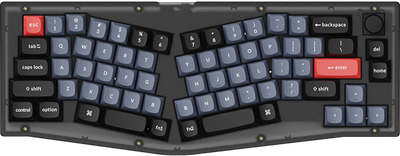








- Sale
-
- Sale
-
- Sale
-
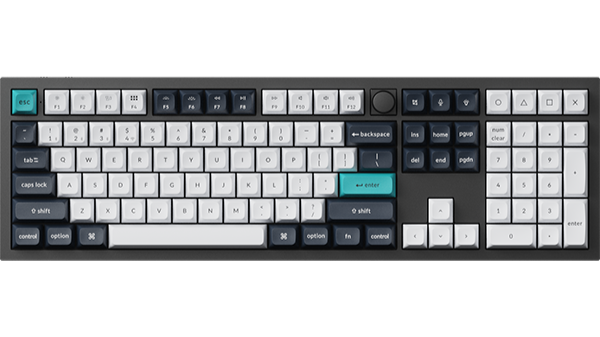
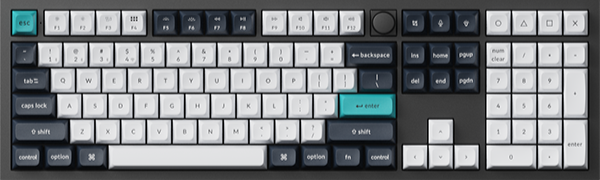
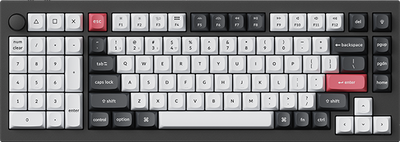
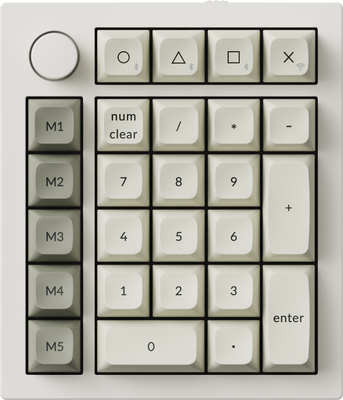
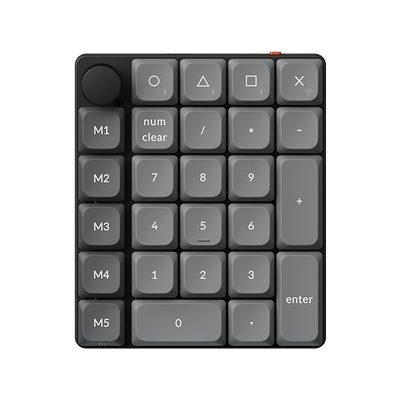
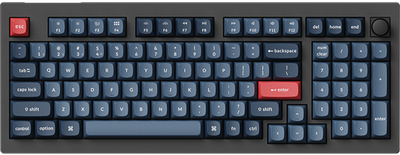
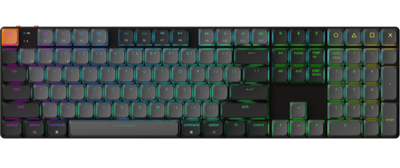
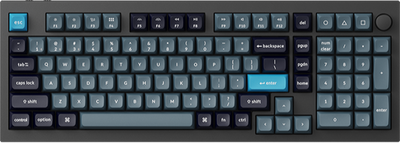
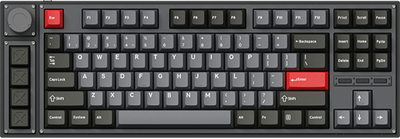
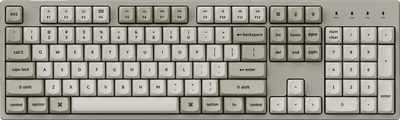
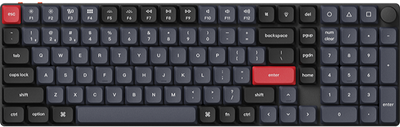
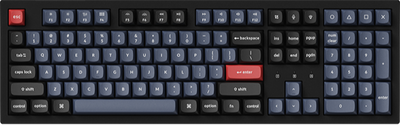
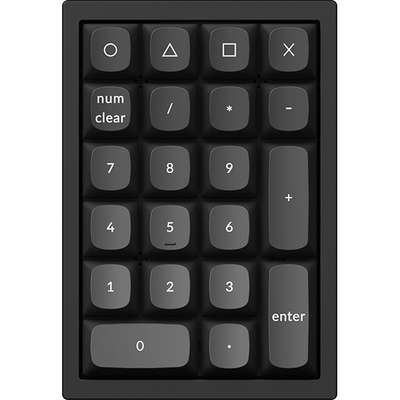
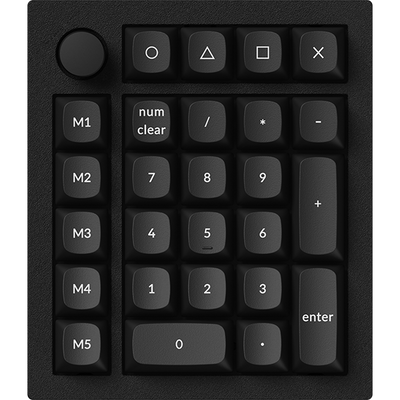
Keychron Q0 HE QMK Wireless Custom Number Pad
$139.99Unit price /Unavailable-
- Sale
-
- Sale
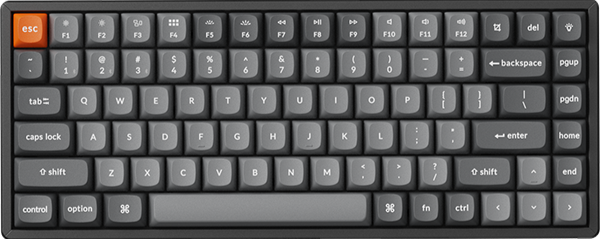
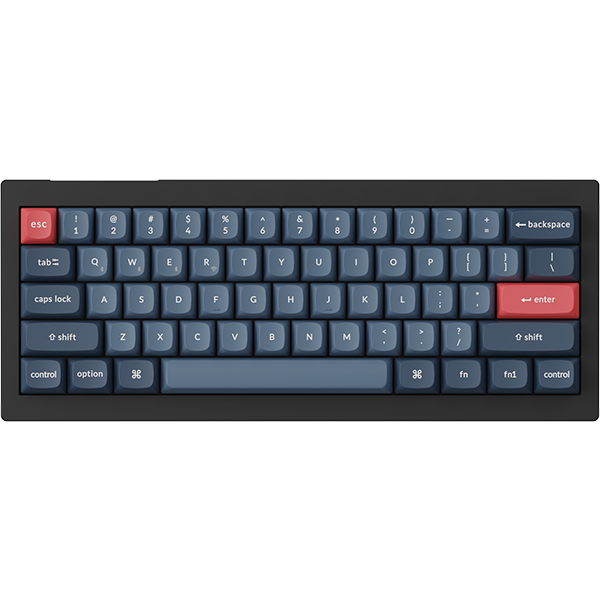
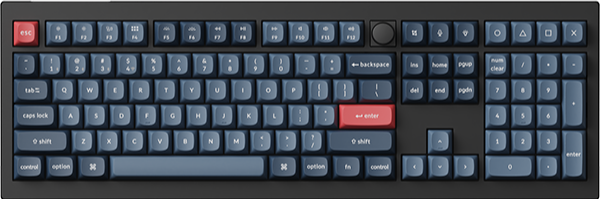
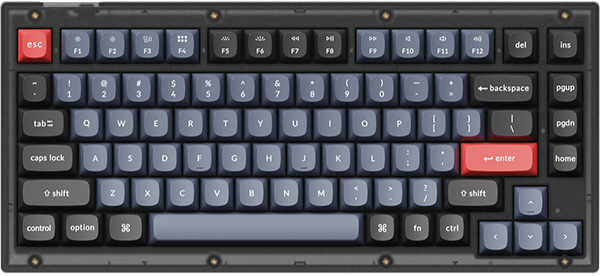
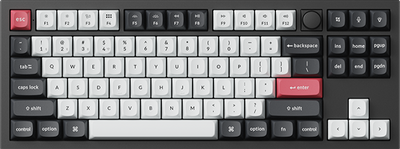
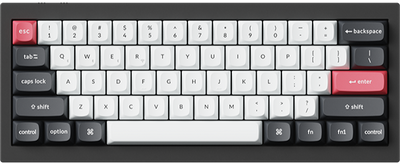
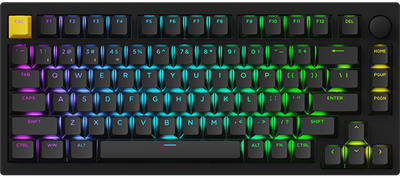
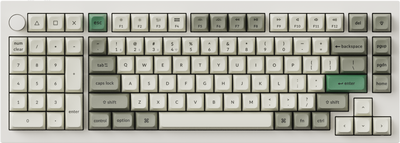
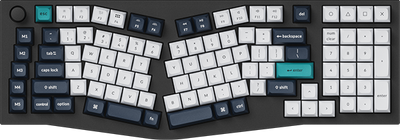
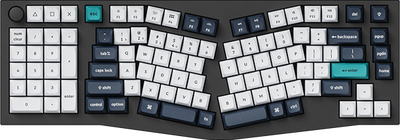
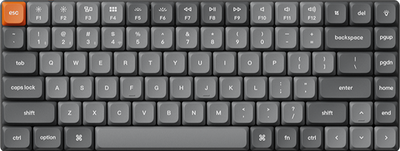
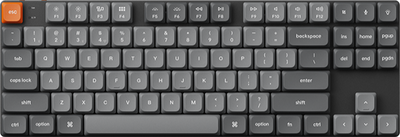
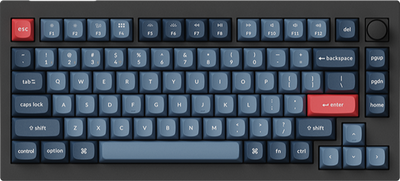
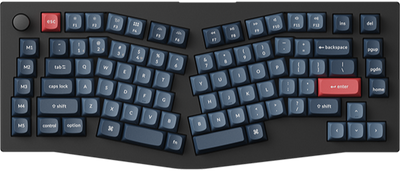
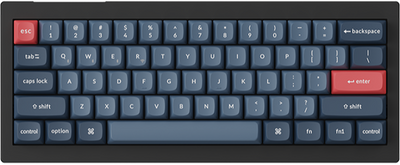
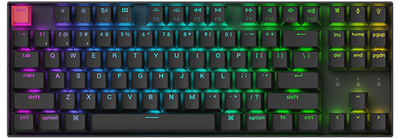
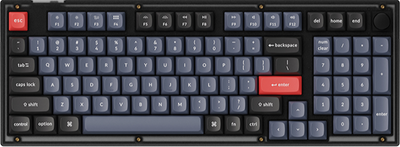
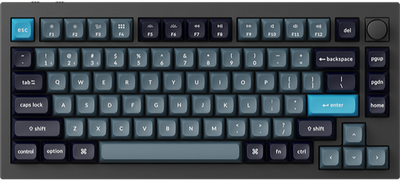
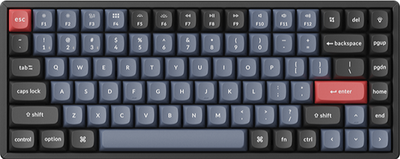
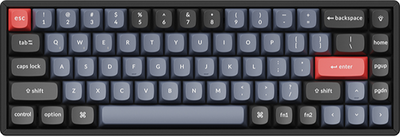
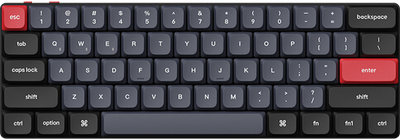
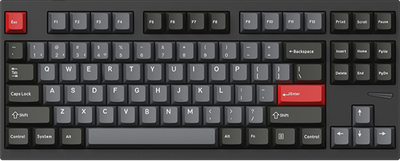
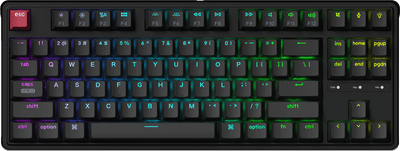
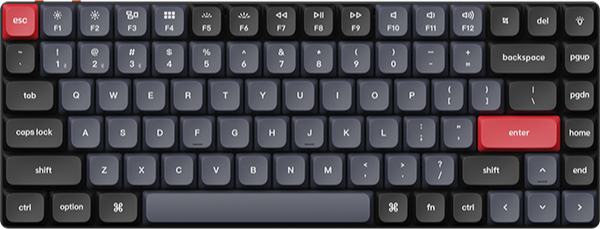
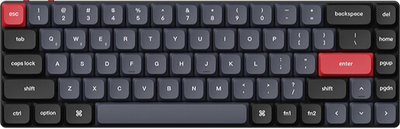
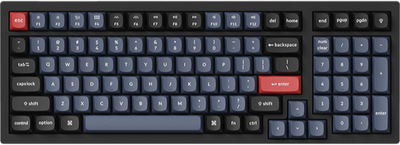
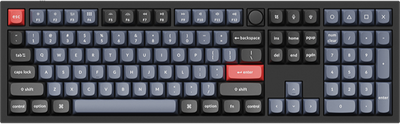
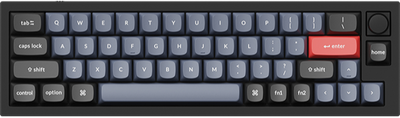
Keychron Q4 HE QMK Wireless Custom Keyboard
$219.99$239.99Unit price /Unavailable -
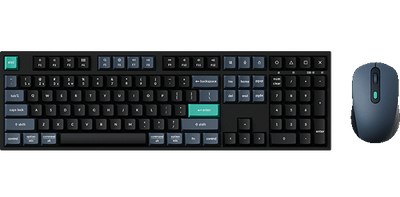
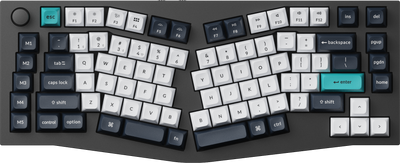
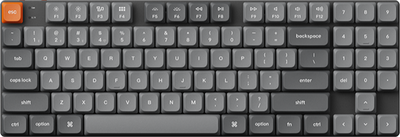
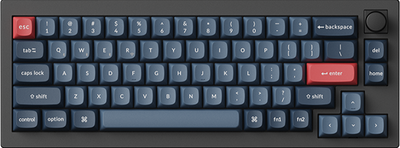
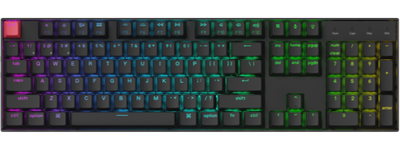
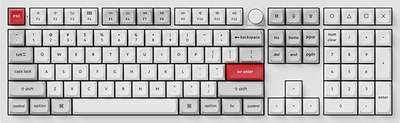
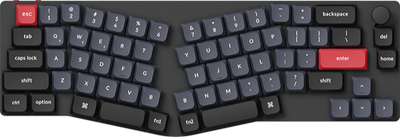
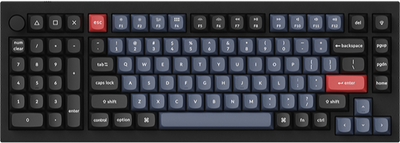
Keychron Q5 HE QMK Wireless Custom Keyboard ISO Layout Collection
$249.99Unit price /Unavailable-
- Sale
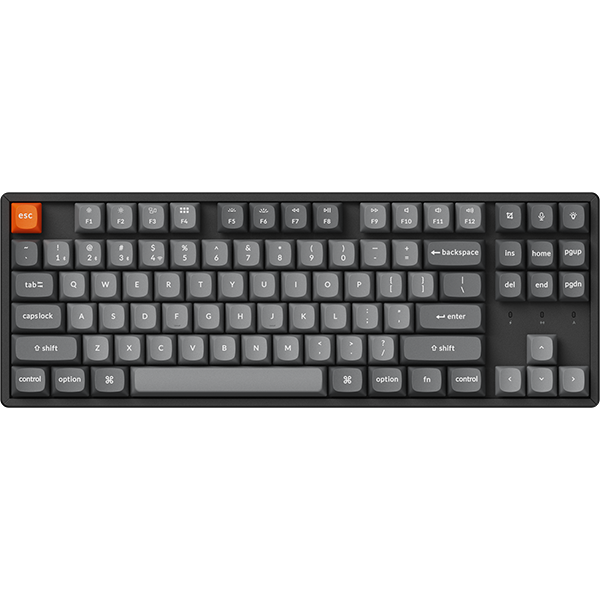
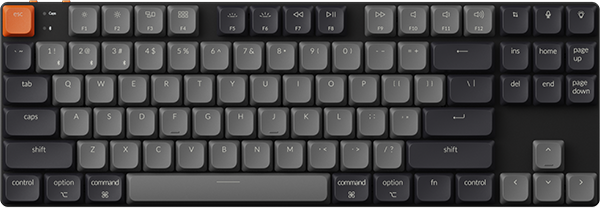
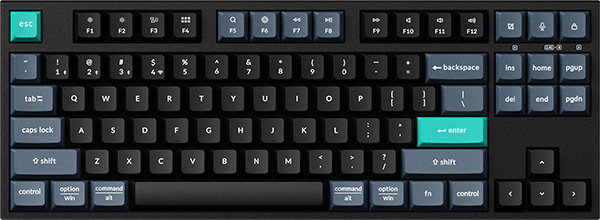
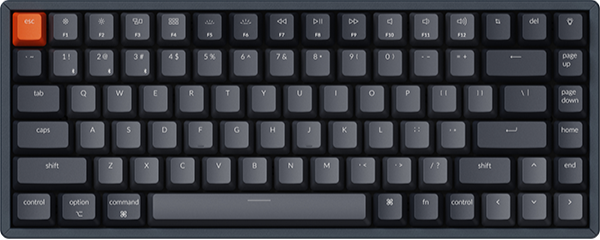
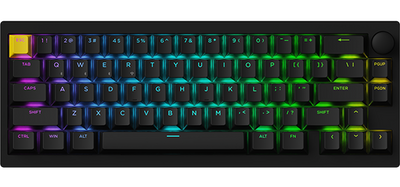
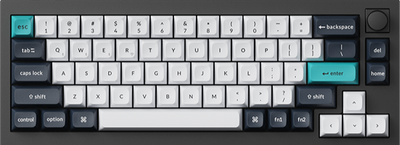
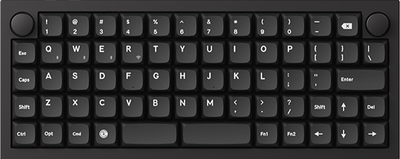
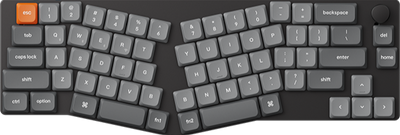
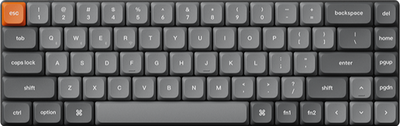
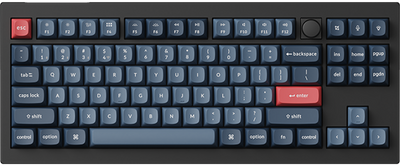
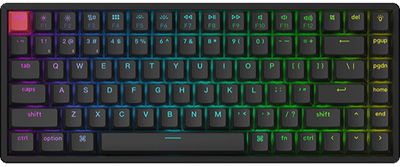
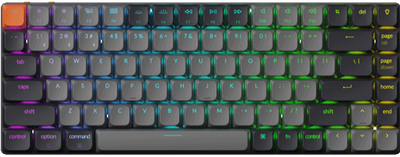
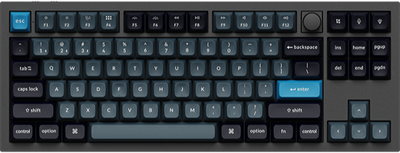
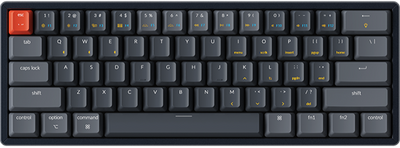
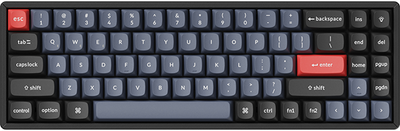
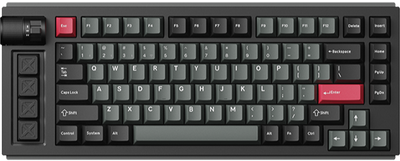
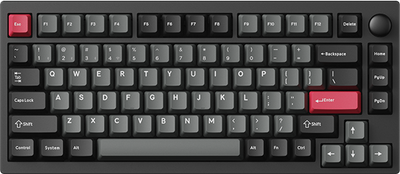
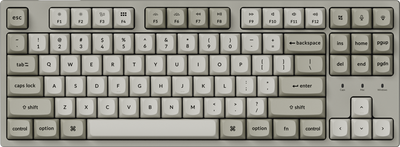
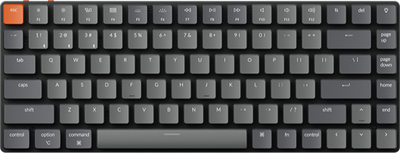
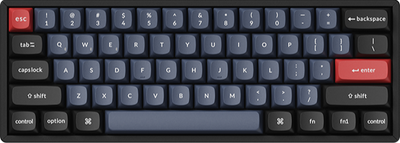
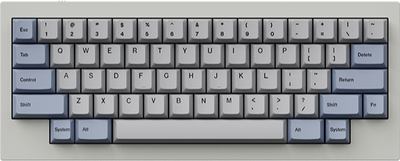
Keychron Q2 HE QMK Wireless Custom Keyboard
$219.99$239.99Unit price /Unavailable -
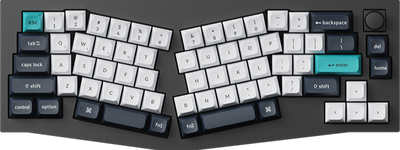
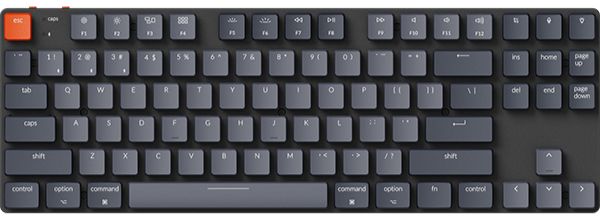
Keychron Q1 HE QMK Wireless Custom Keyboard (Japan JIS Layout)
$239.99Unit price /Unavailable-
- Sold outSale
-
- Sold out
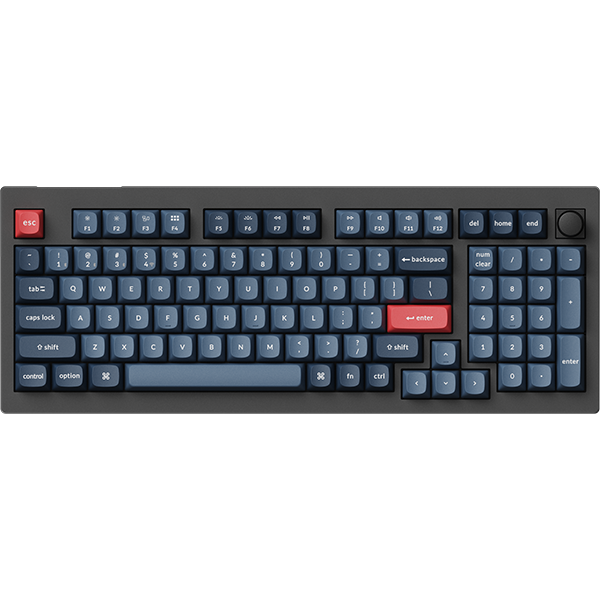
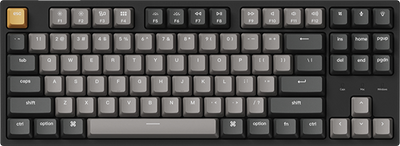
Keychron Q1 HE QMK Wireless Custom Keyboard - Copper Edition
$499.99Unit price /Unavailable -
- Sold out
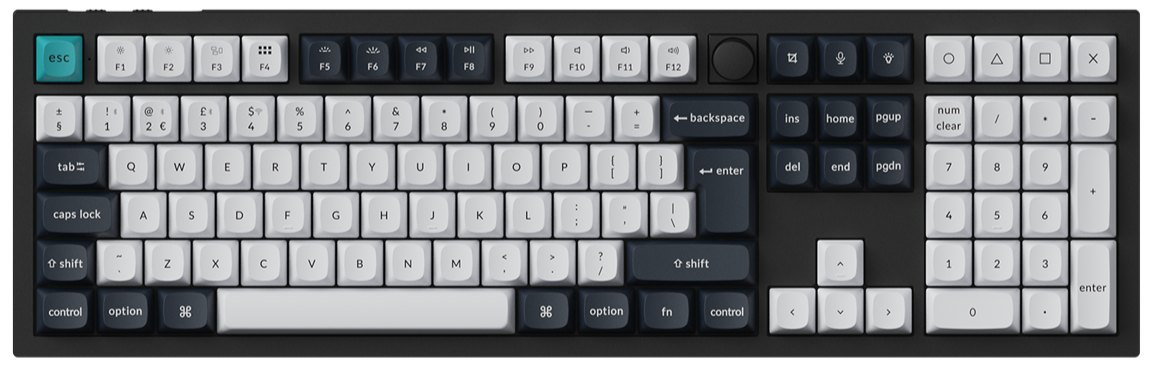
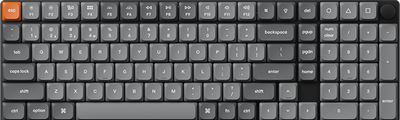
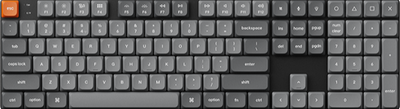
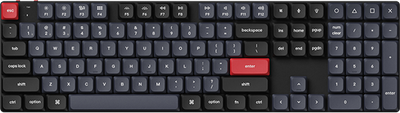
Keychron Q6 HE QMK Wireless Custom Keyboard ISO Layout Collection
$249.99Unit price /Unavailable -
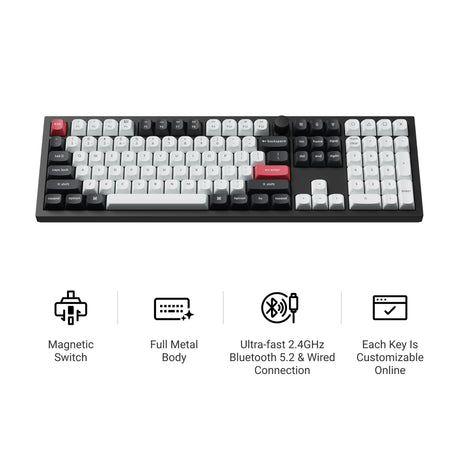
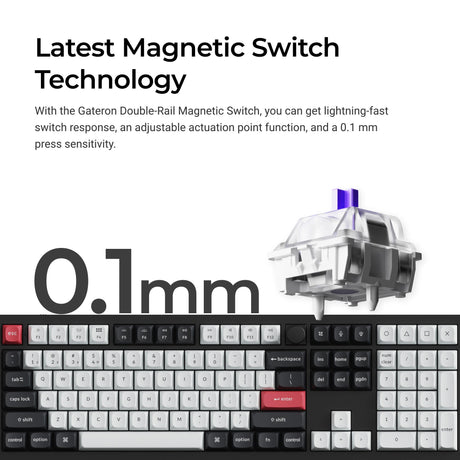
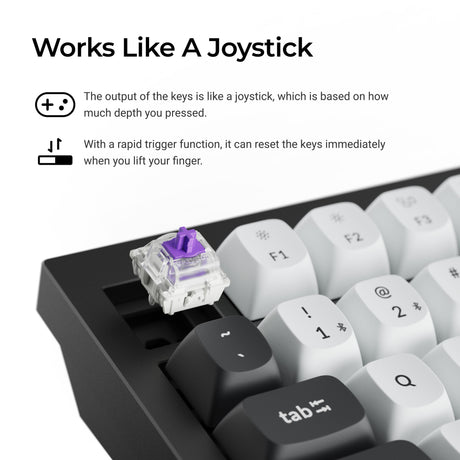
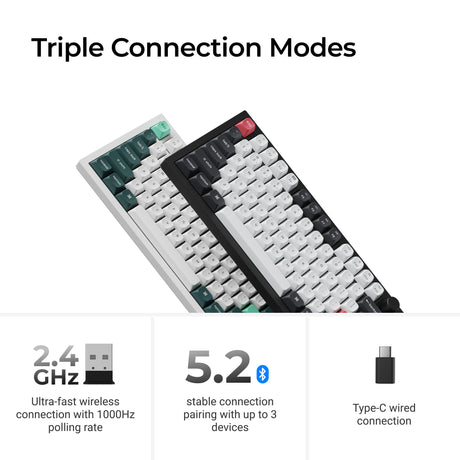
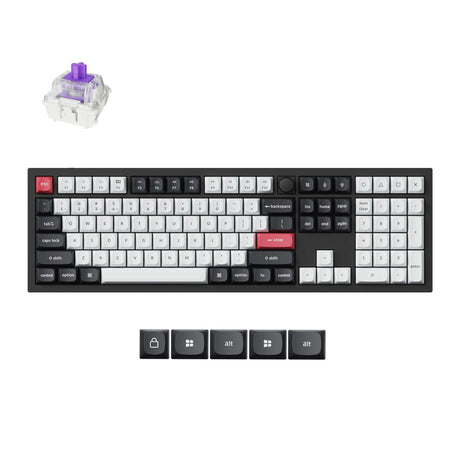
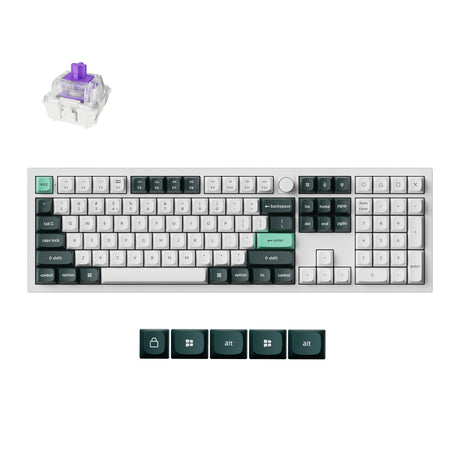
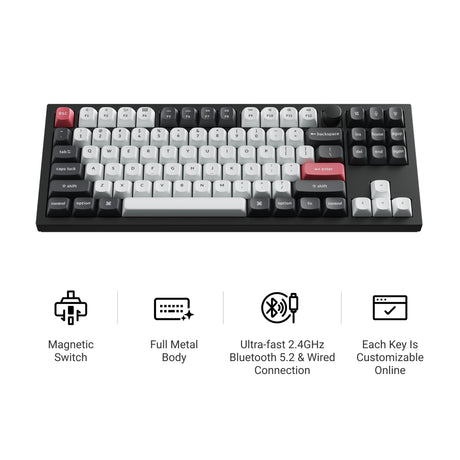
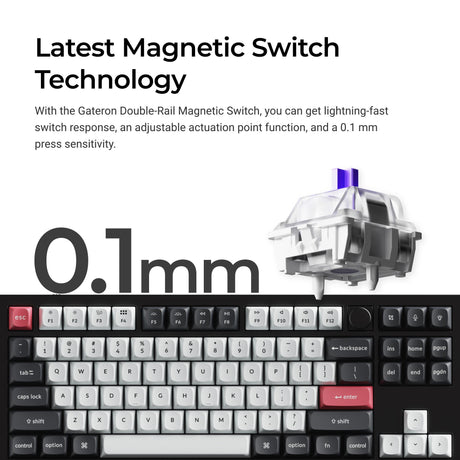
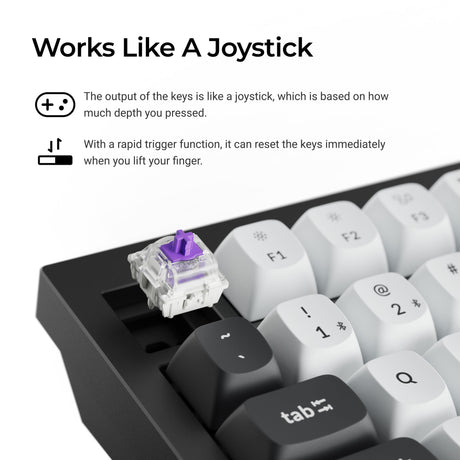
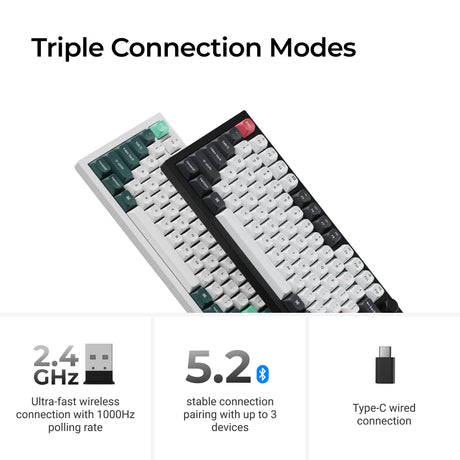

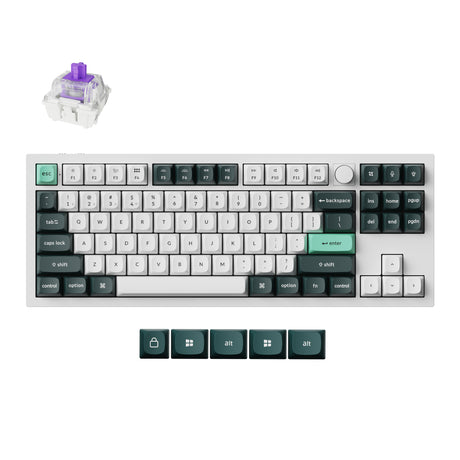
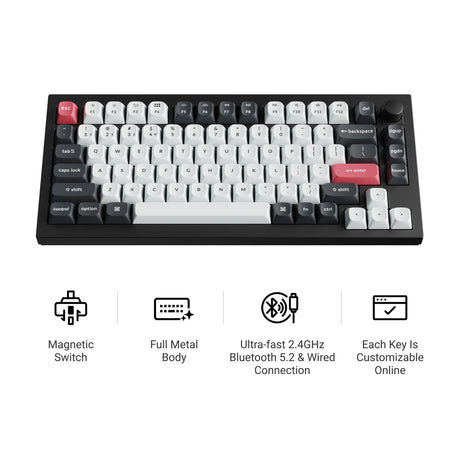
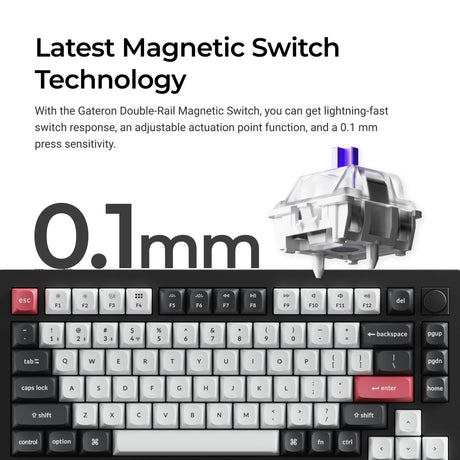
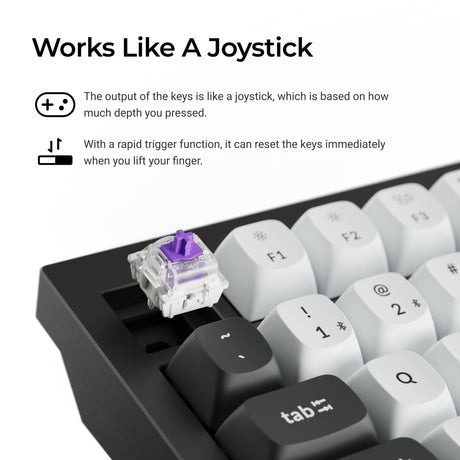

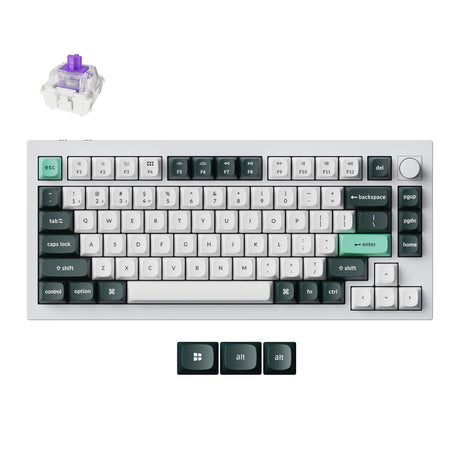
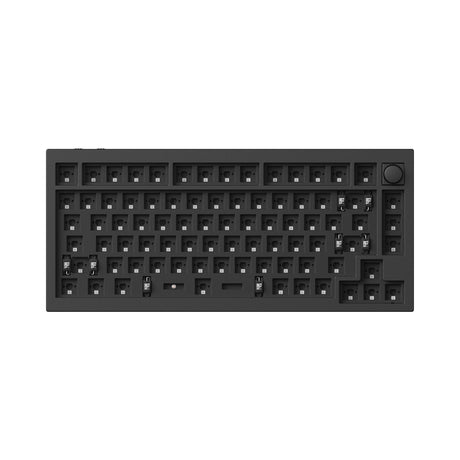
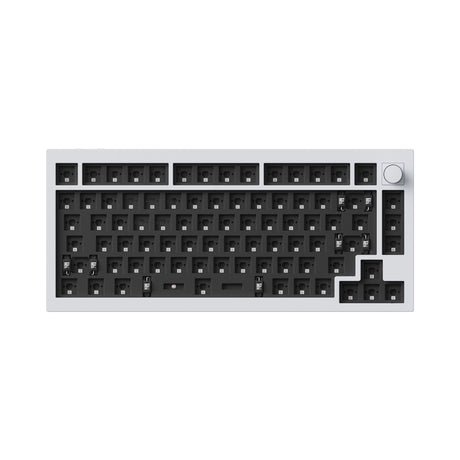

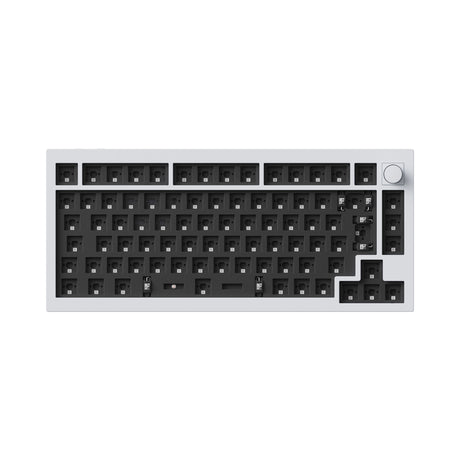


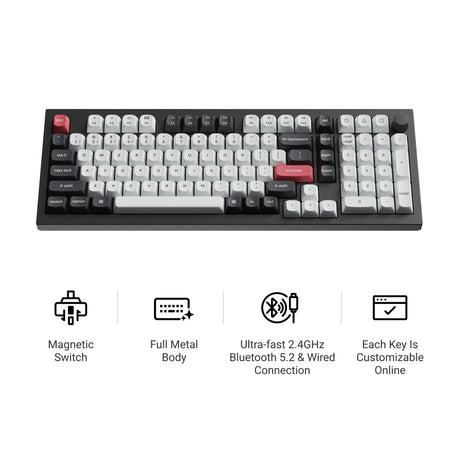
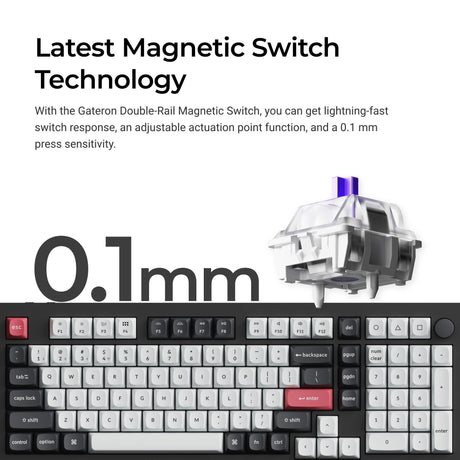
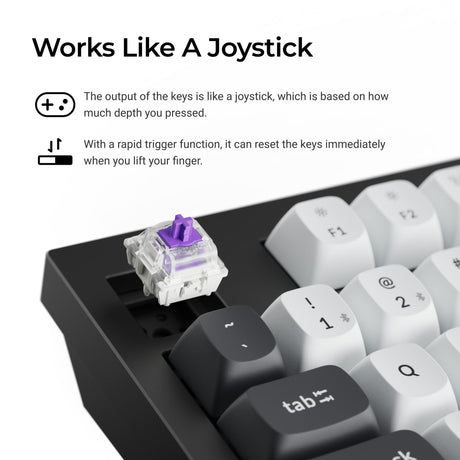
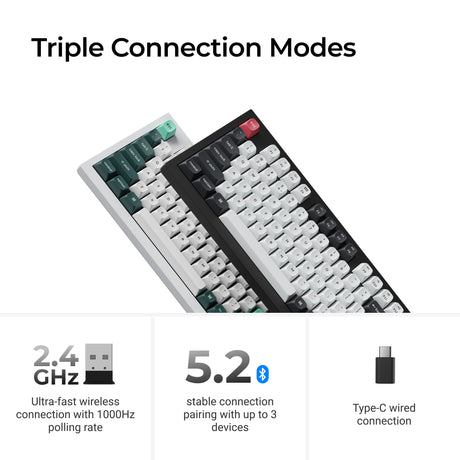
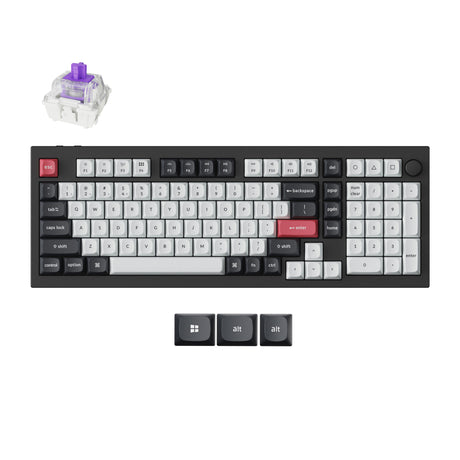
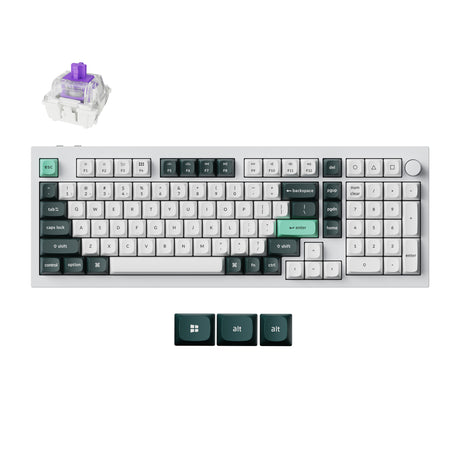
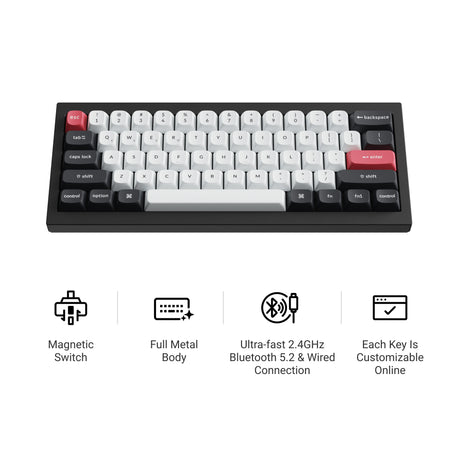
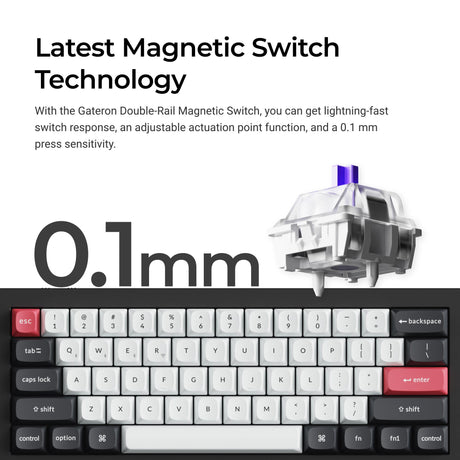
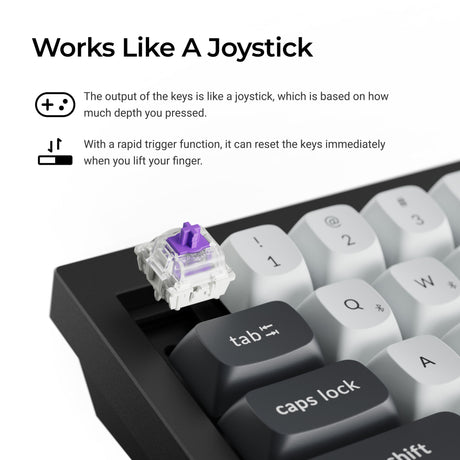
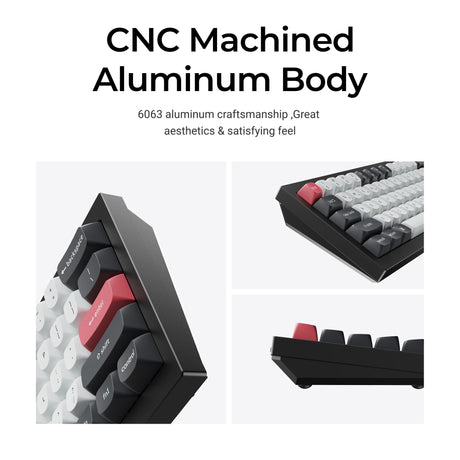
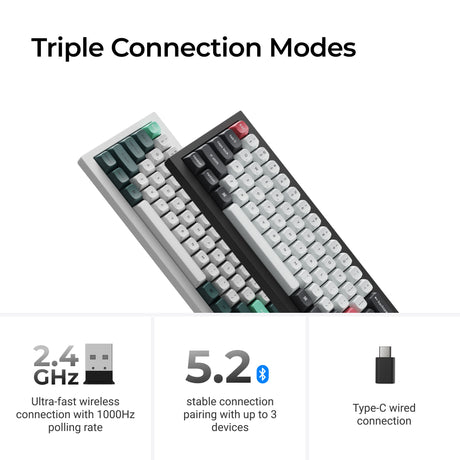
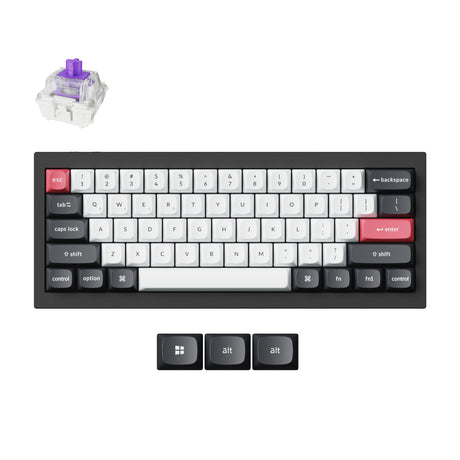
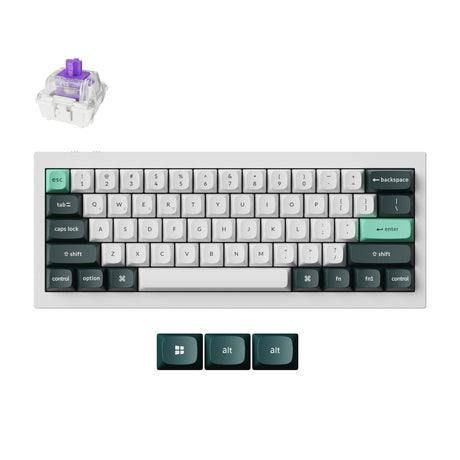
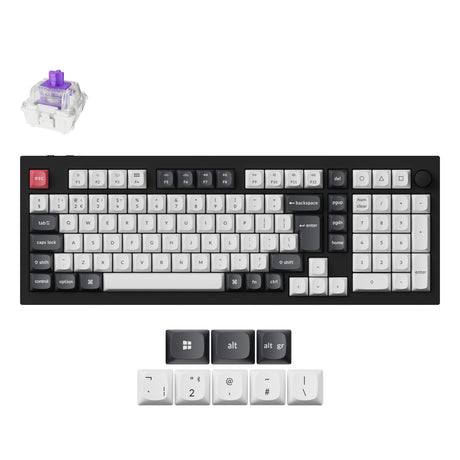
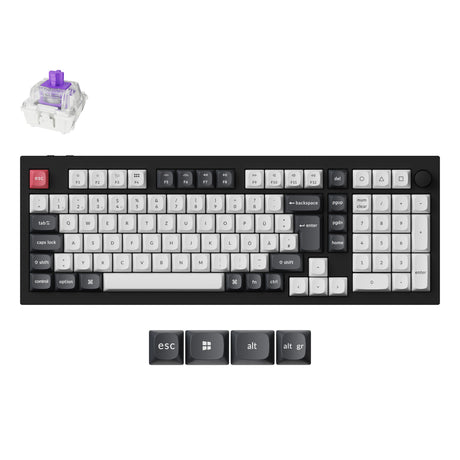
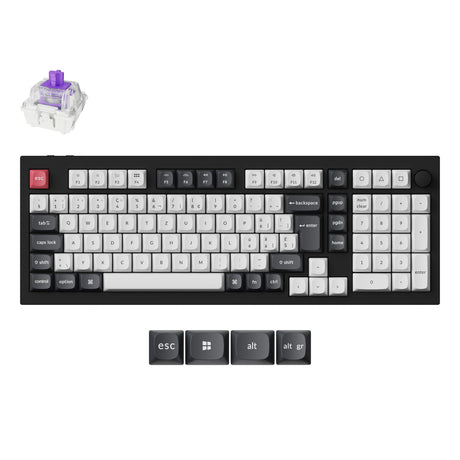
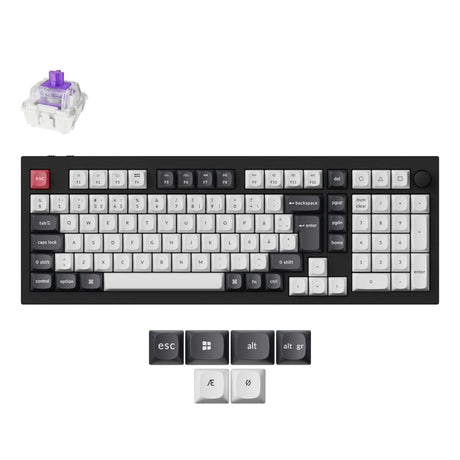
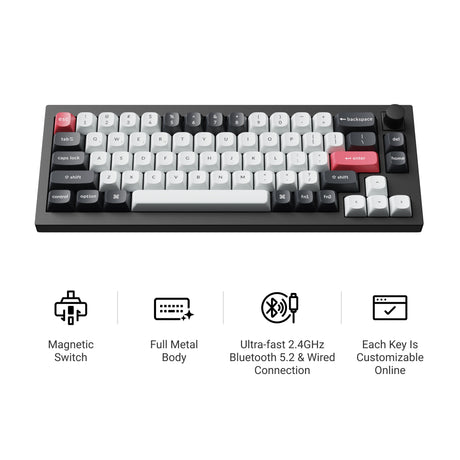
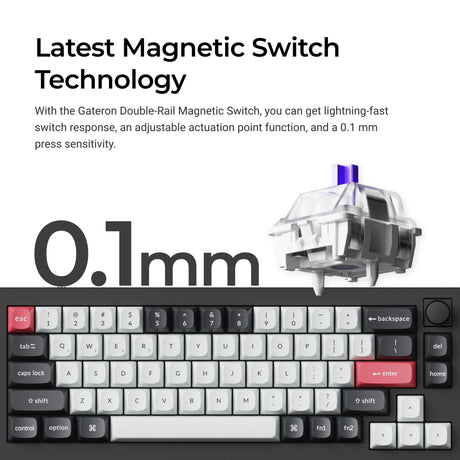
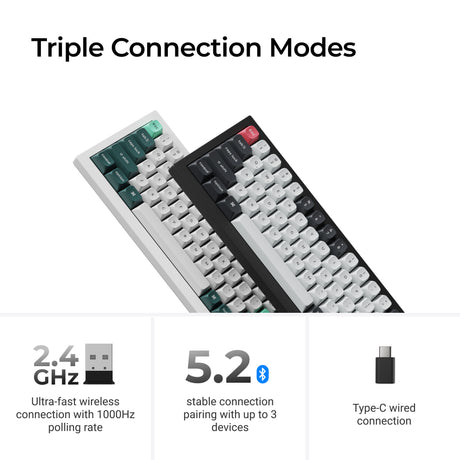
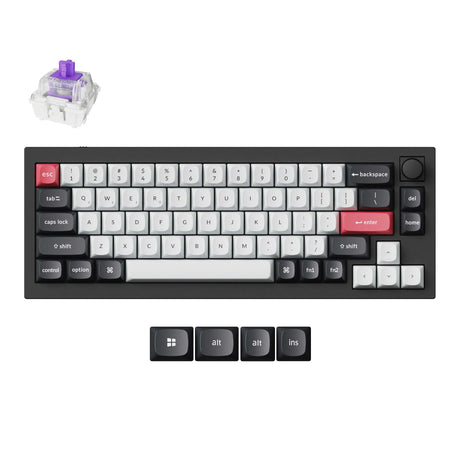
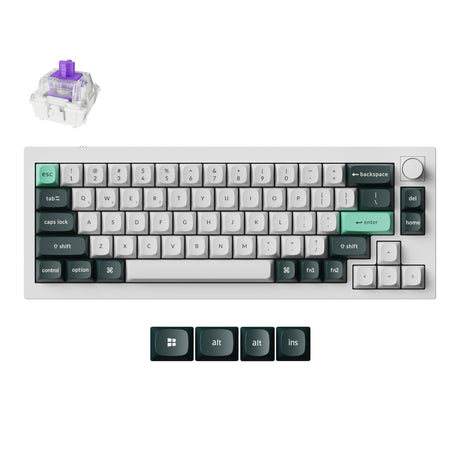
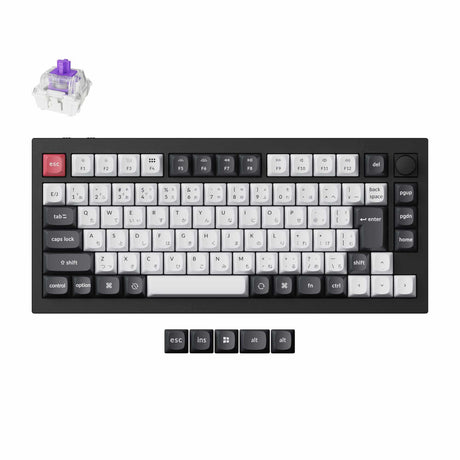
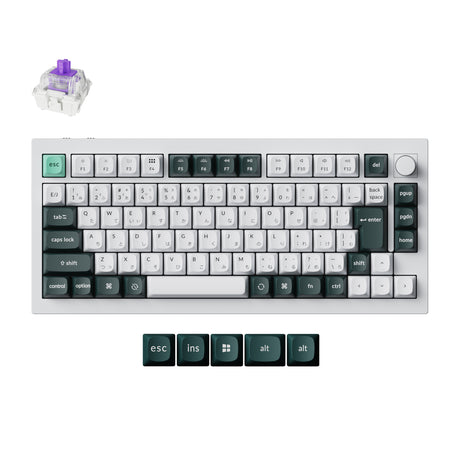
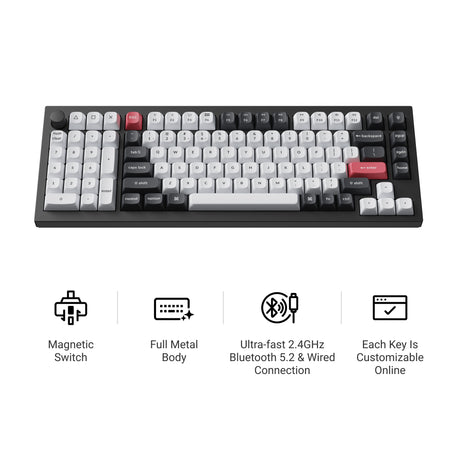
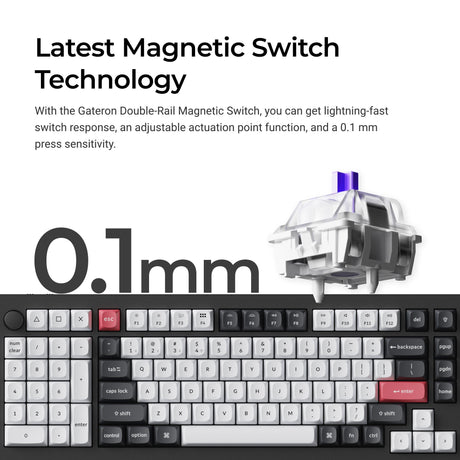
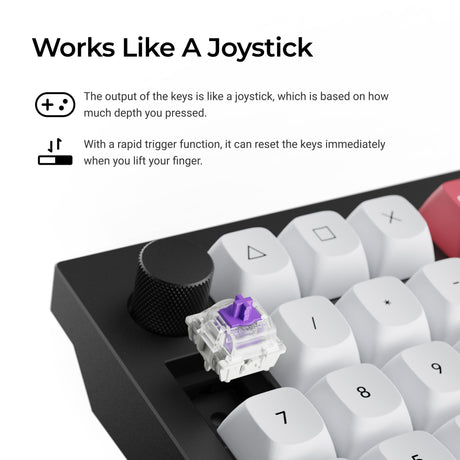
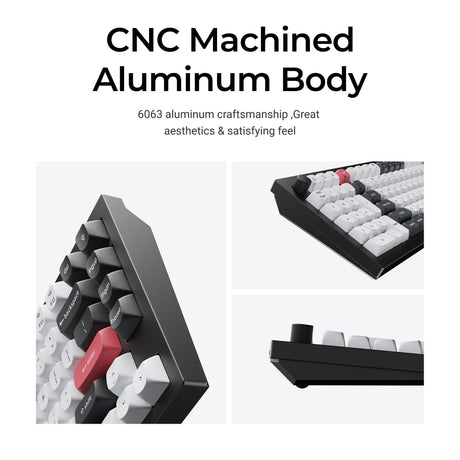
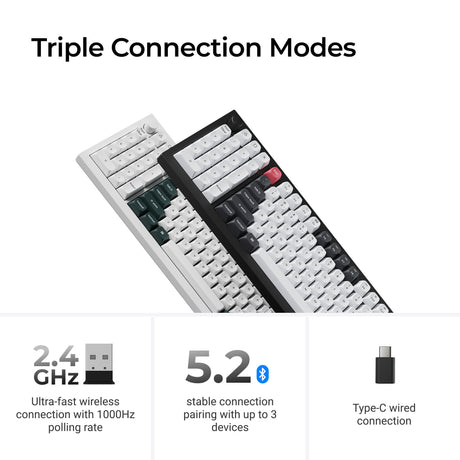
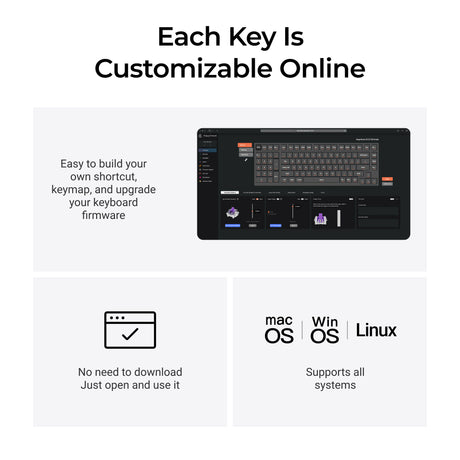
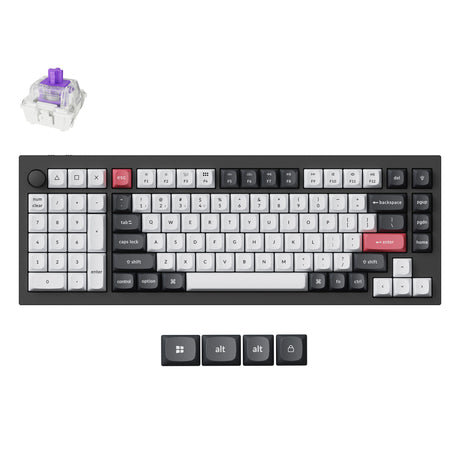
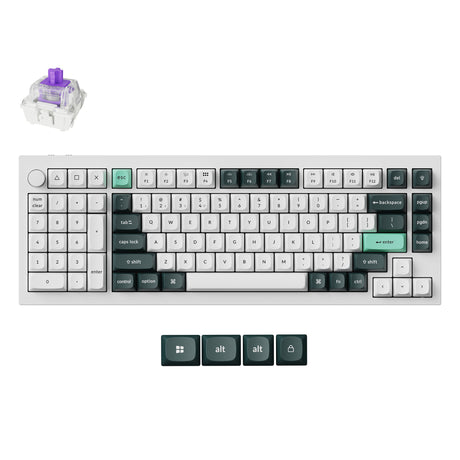
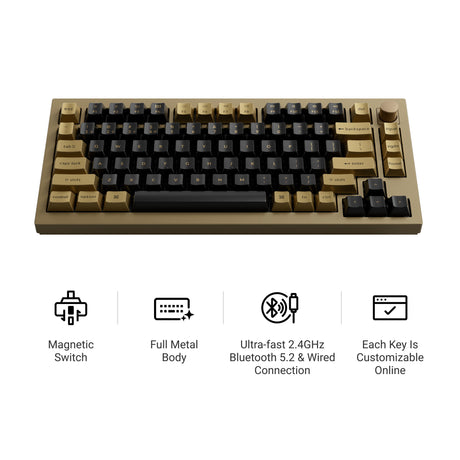
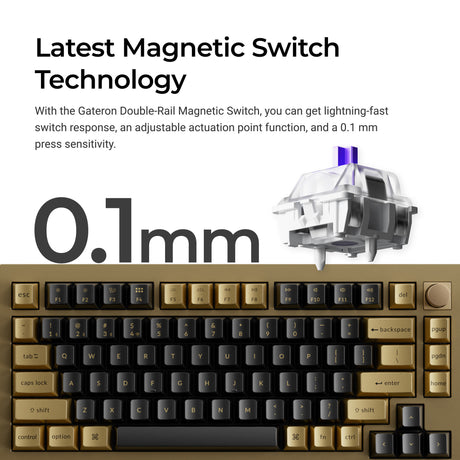

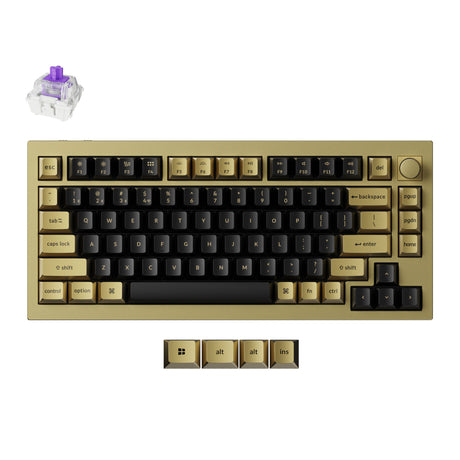
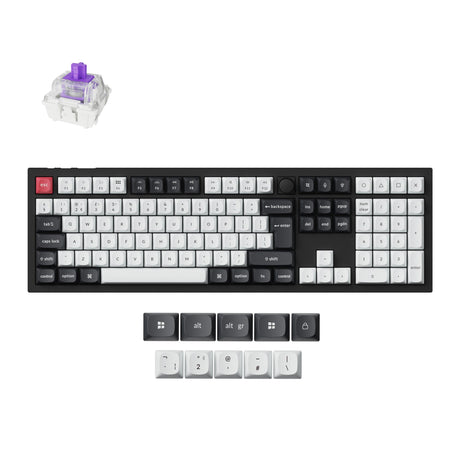
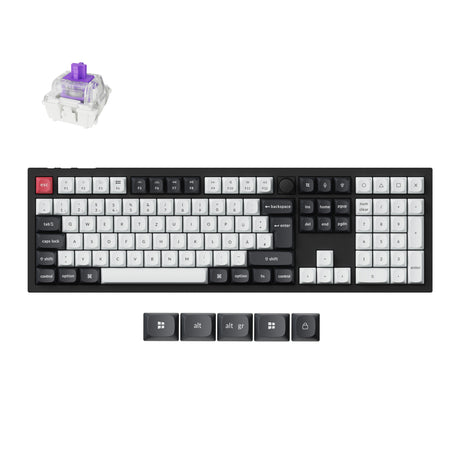
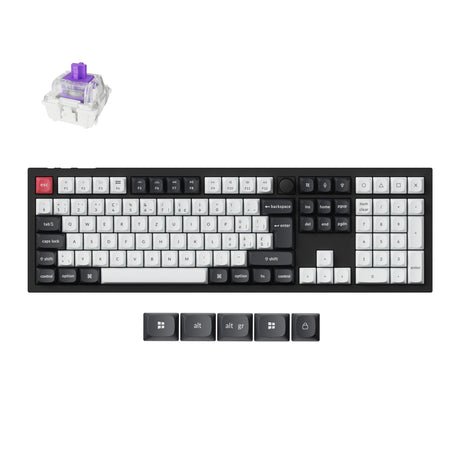

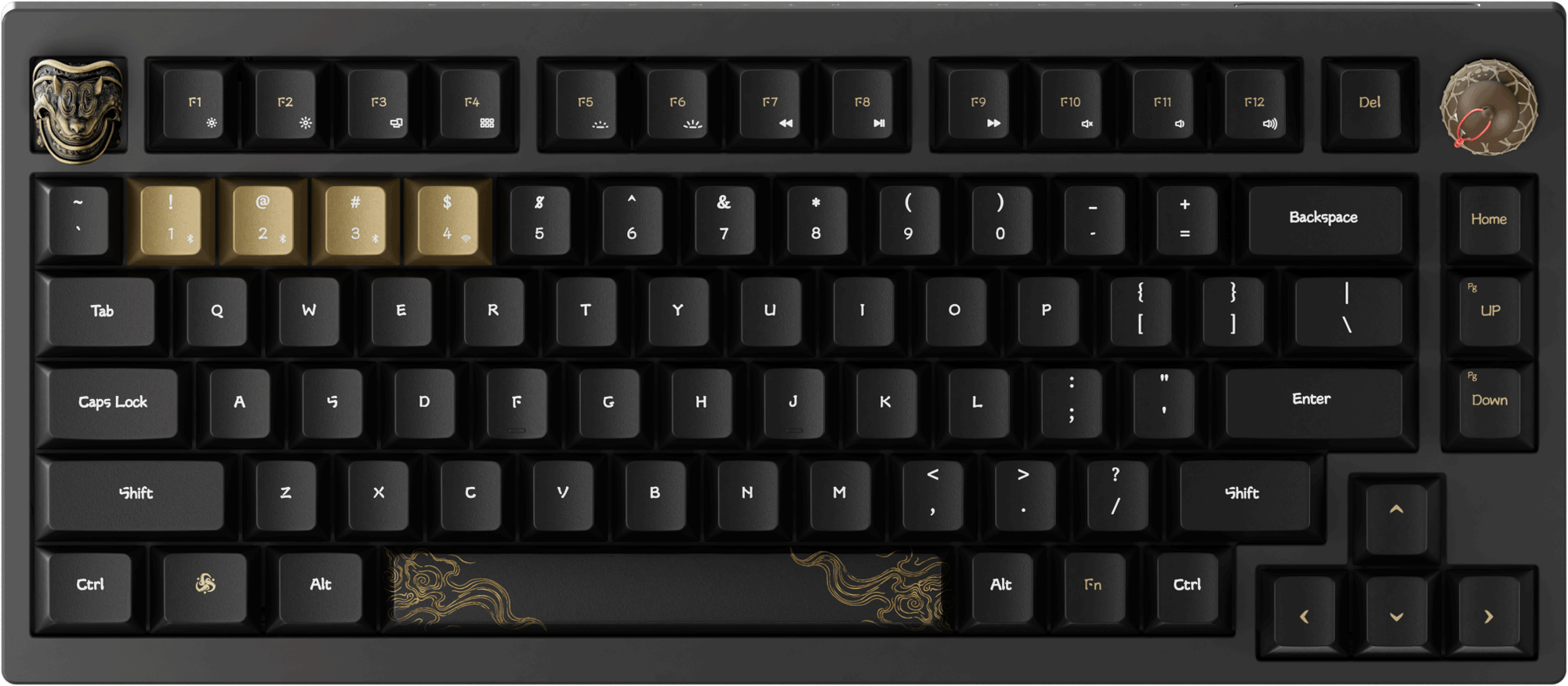
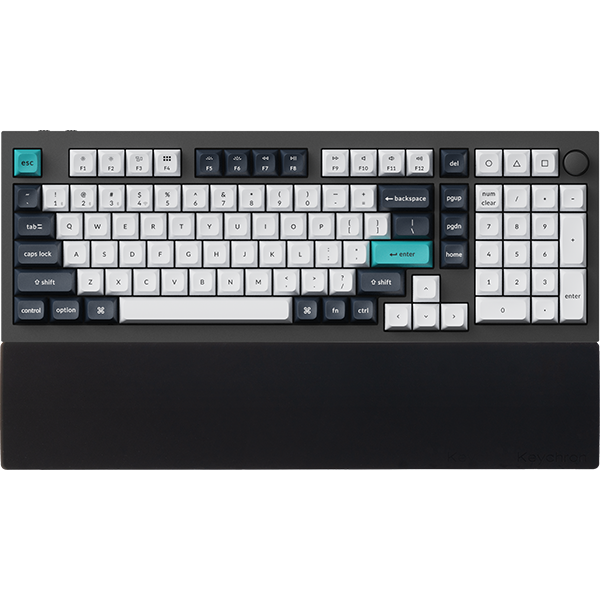
The Keychron Q HE Series is built for ultra-fast response and precise control. It uses an advanced magnetic switch system combined with adjustable actuation to deliver a highly responsive and consistent typing and gaming experience.
Each key can be tuned to respond exactly how you want it. Users can adjust actuation settings to improve speed or precision depending on their needs. The magnetic switch design provides smoother and more stable key detection compared to traditional switch systems. The keyboard is optimized for low-latency performance.
Whether gaming or working, every input feels immediate, stable, and accurate.
Ultra-Low Latency With Precise Input Control
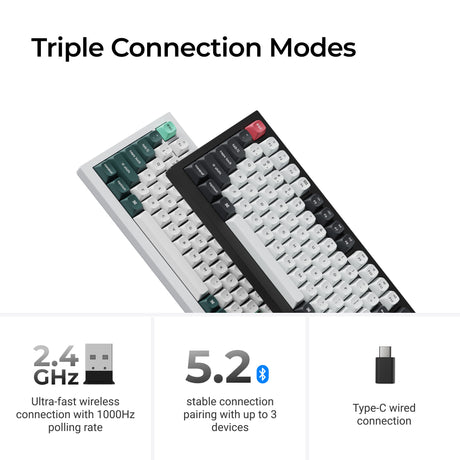
The Q HE Series is engineered to deliver extremely responsive input performance. It uses optimized signal processing and high polling rate support to ensure fast and accurate key registration.
It provides near-instant response through a high polling rate system. The keyboard remains stable even during fast-paced competitive gaming. It also ensures consistent key detection across all usage scenarios.
This makes it suitable for users who require both speed and precision.
Full Customization With Keychron Launcher
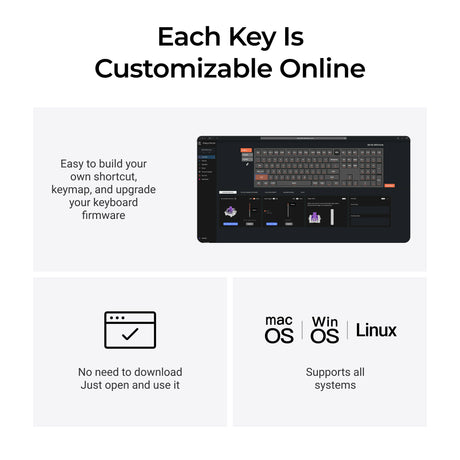
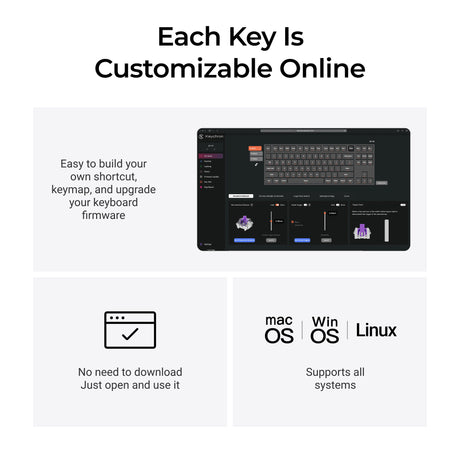
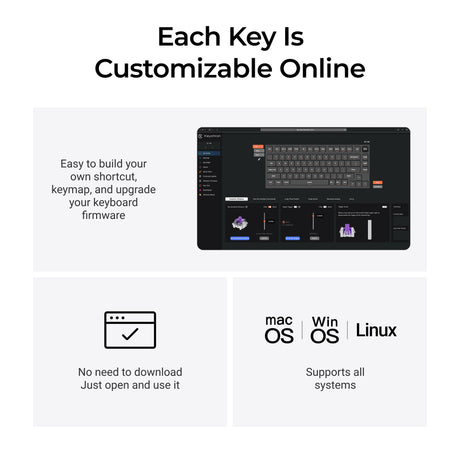
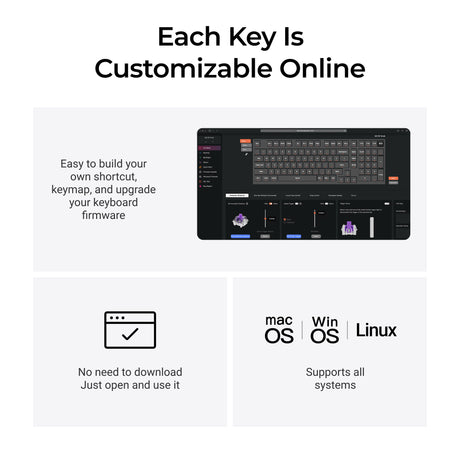
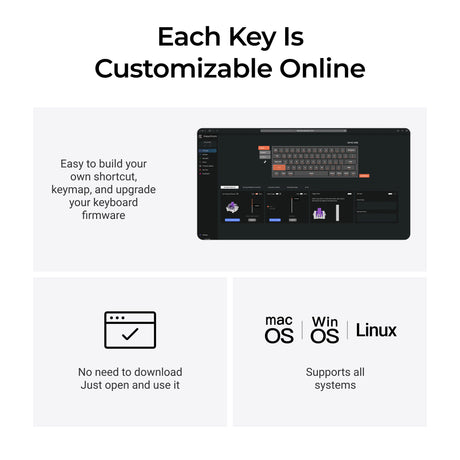
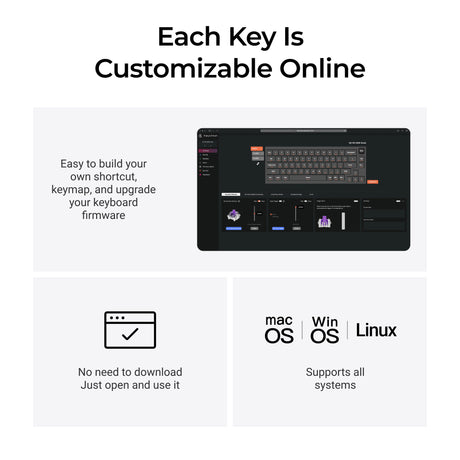
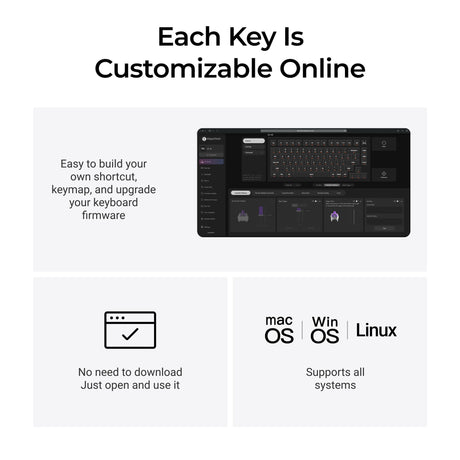
Users can fully customize the keyboard using Keychron Launcher, a web-based tool that runs directly in the browser without installation.
With Keychron Launcher, users can remap keys directly in the browser. They can also adjust actuation settings to fine-tune responsiveness. In addition, they can create macros and personalized layouts to improve workflow efficiency.
Everything can be configured instantly and easily.
Advanced QMK Support for Deep Customization
The Q HE Series supports QMK, which provides powerful customization options for advanced users.
Users can remap keys at a deep system level and create multiple layers for different tasks. They can also build complex macros to automate repetitive actions and improve efficiency. QMK allows full control over keyboard behavior.
Combined with Keychron Launcher, users get both simple and advanced customization options.
Premium Aluminum Build for Long-Term Use
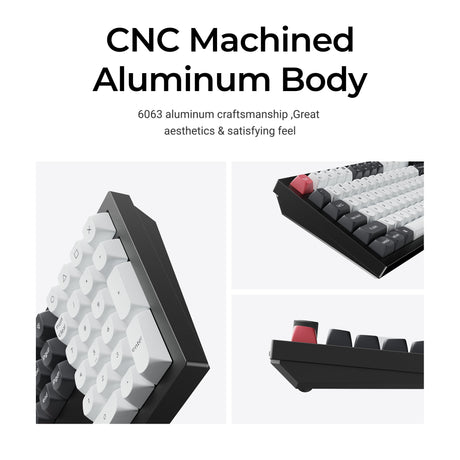
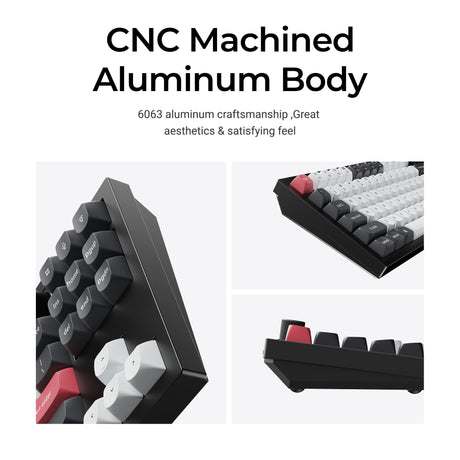
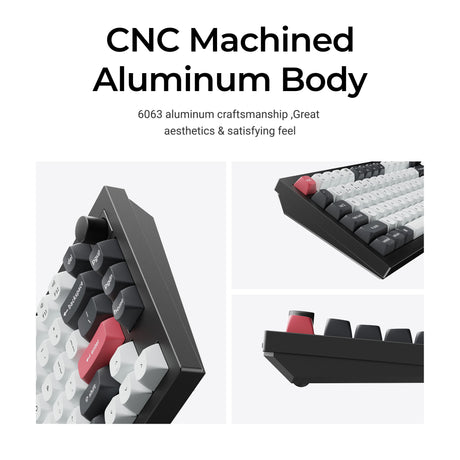
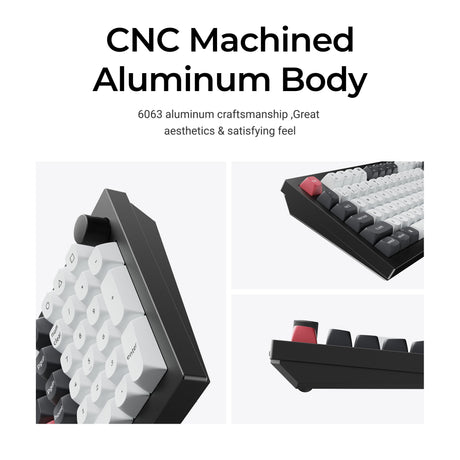
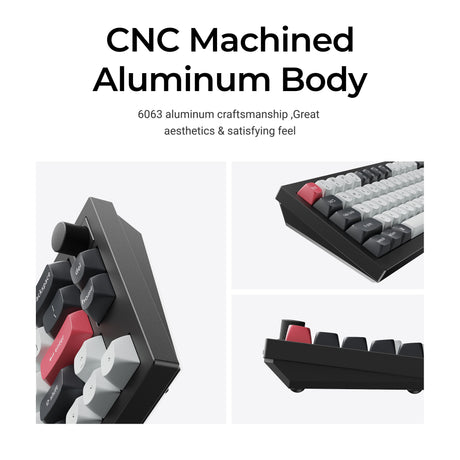
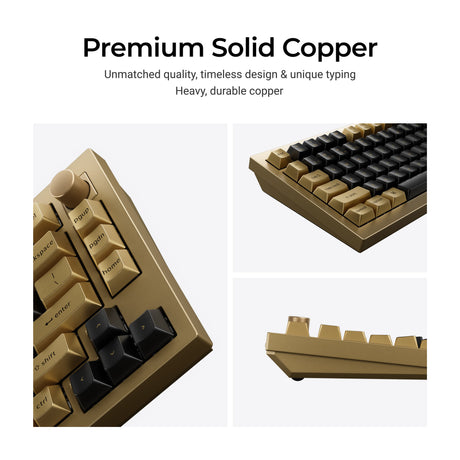
The Q HE Series features a CNC aluminum body that improves durability and stability while delivering a premium typing experience.
The aluminum structure increases long-term strength and reduces flex during use. It also provides a more solid and stable typing feel. The keyboard is designed for long-term use in both professional and gaming environments.
Performance Features for Competitive Users
The Q HE Series is designed for fast-paced environments where speed and precision are essential.
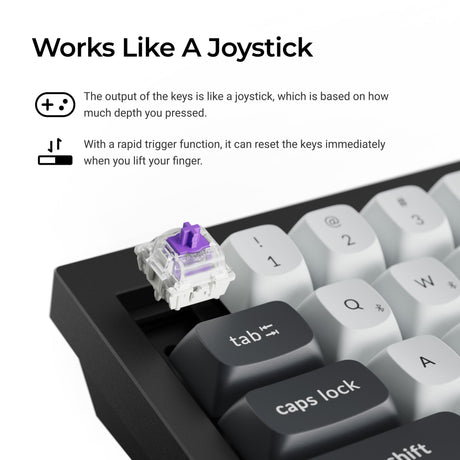
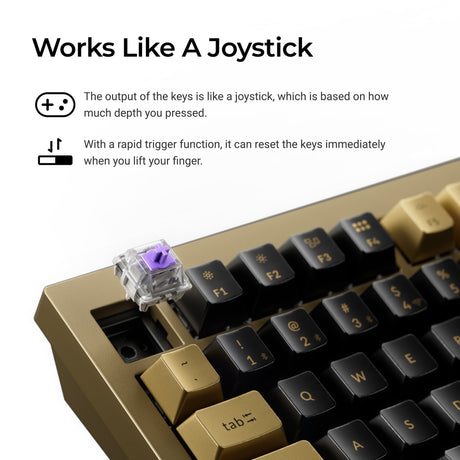
It supports fast key reset behavior that enables rapid repeated inputs. It also allows adjustable actuation per key for personalized control. The keyboard is optimized for FPS, MOBA, and productivity workflows.
Explore more: Keychron Q HE Series Collection.
Why Choose Keychron Q HE Series
The Q HE Series combines speed, precision, and flexibility into a single high-performance keyboard platform.
It features a magnetic switch system that delivers smooth and precise input control. It supports adjustable actuation for personalized tuning. With Keychron Launcher, users can customize settings directly in a browser. With QMK support, users can access deep system-level control.
Frequently Asked Questions on Keychron Q HE Series Keyboard
What makes magnetic switches different?
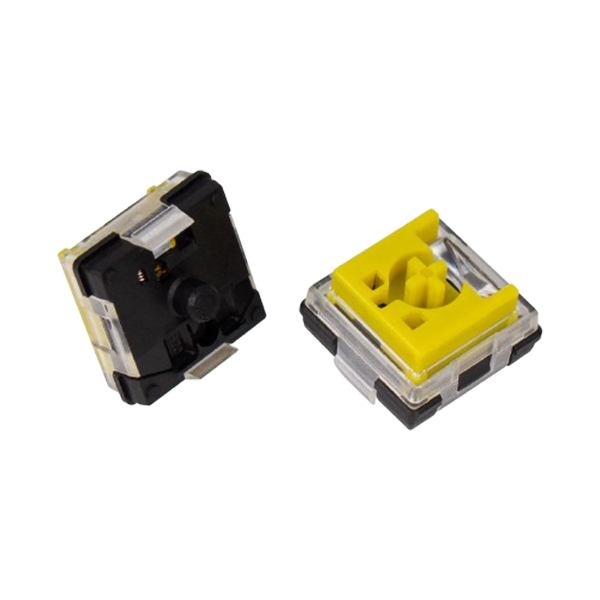
Magnetic switches use a contactless sensing method that improves consistency and reduces wear. This results in smoother and more precise key input over time.
What is Keychron Launcher?
Keychron Launcher is a web-based tool that allows users to customize keymaps, macros, and actuation settings directly in a browser without installation.
Do I need software to use the keyboard?
No software is required. Users can use Keychron Launcher in a browser, or use QMK for advanced customization.
Is it good for gaming?
Yes, it is designed for competitive gaming with fast response, high polling rate support, and precise input control.
Can I fully customize it?
Yes, users can remap keys, create macros, and configure advanced settings using Keychron Launcher or QMK.