


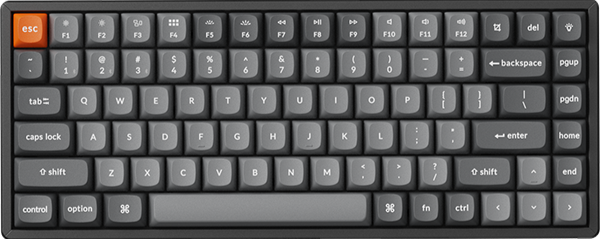


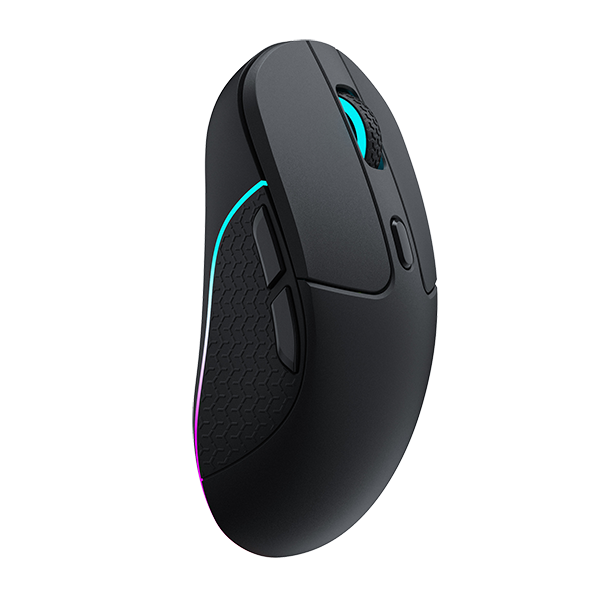

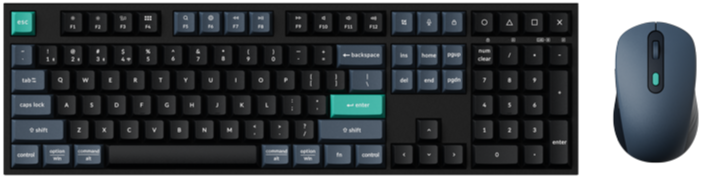
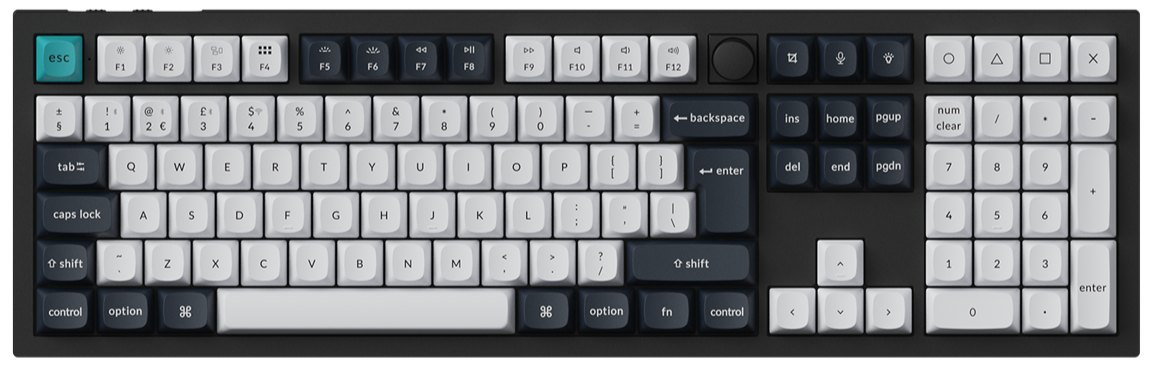



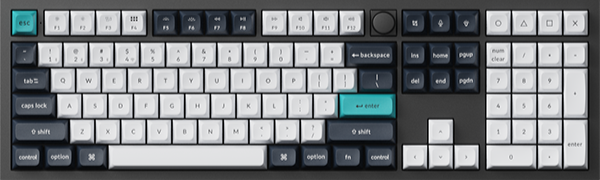
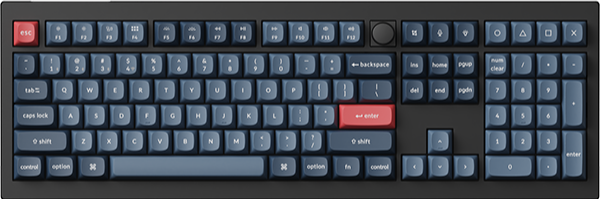
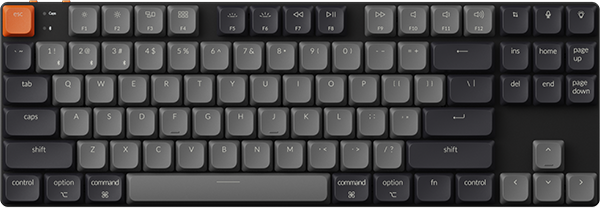
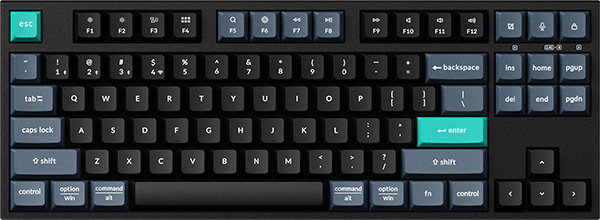
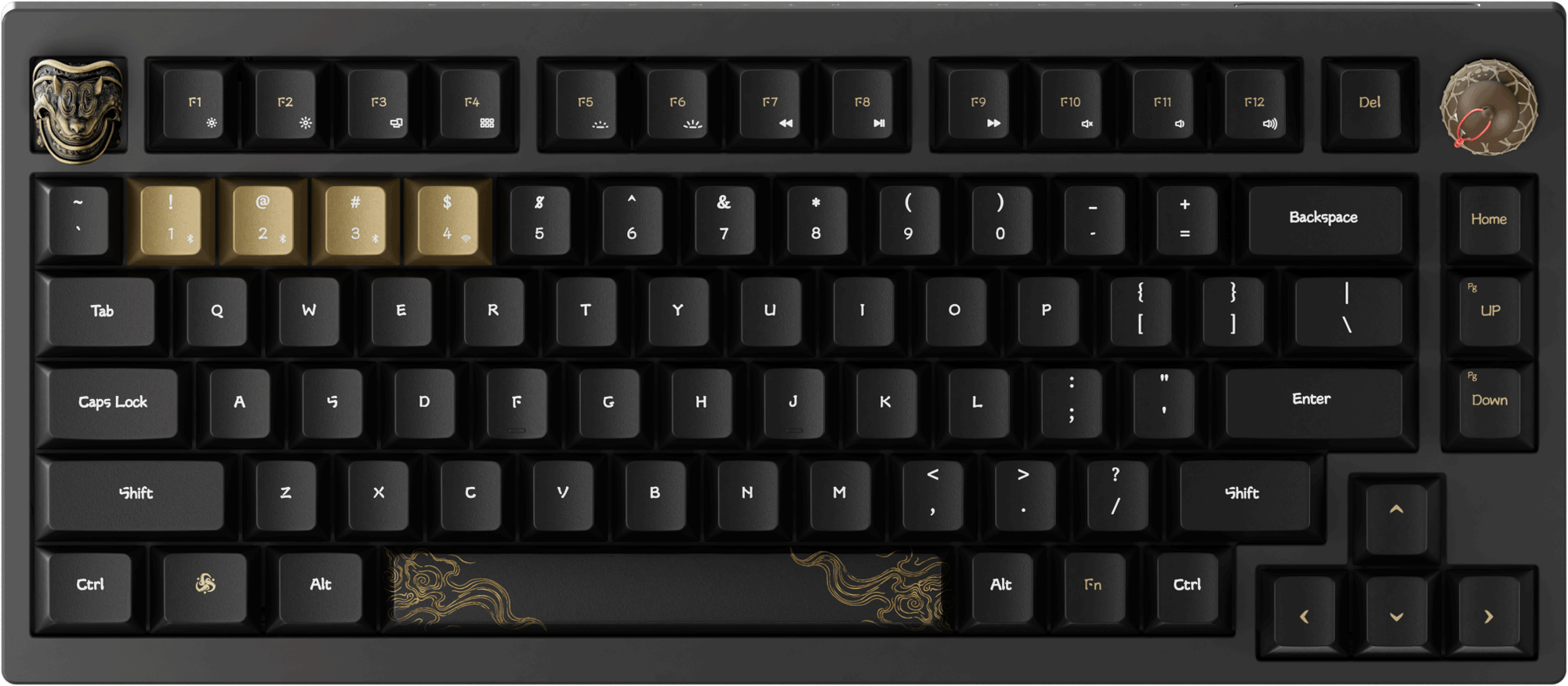


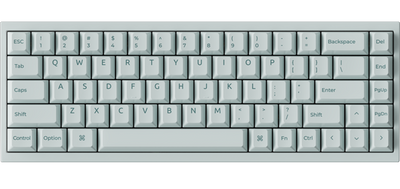


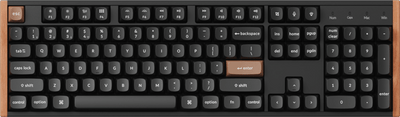
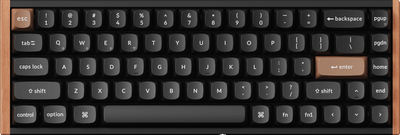
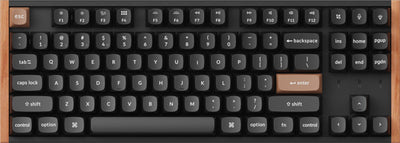
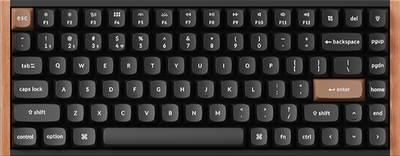

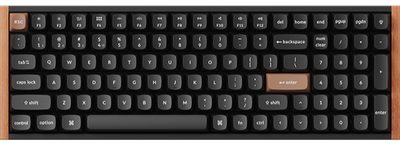

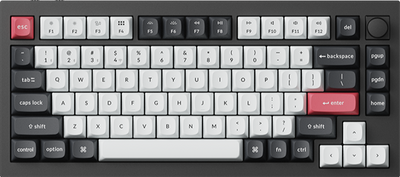

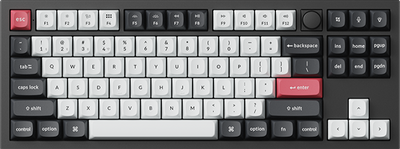
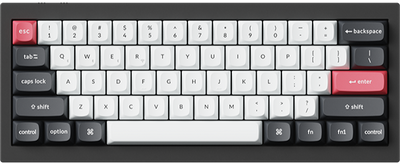
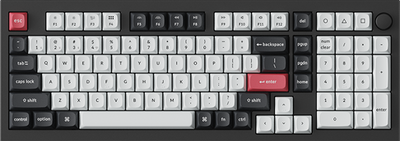
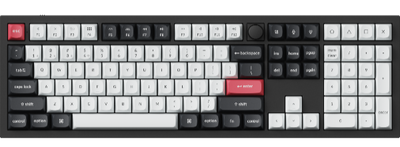
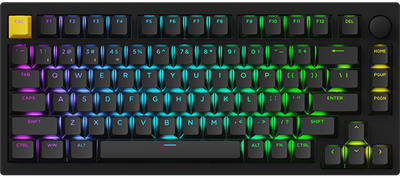
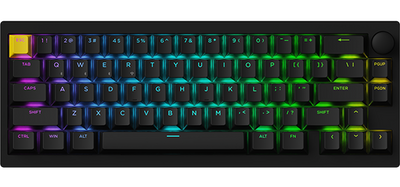
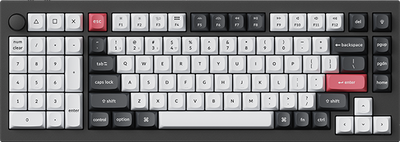

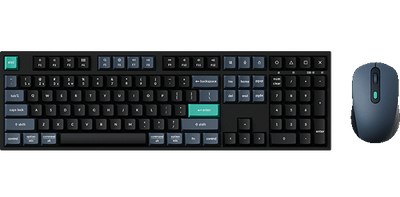
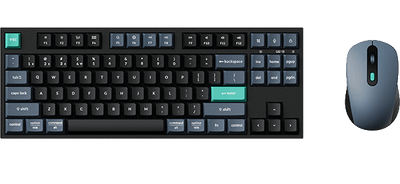
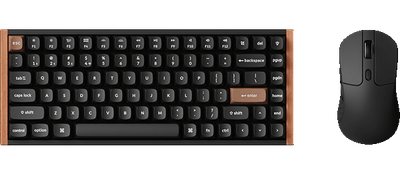
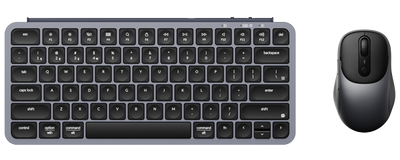
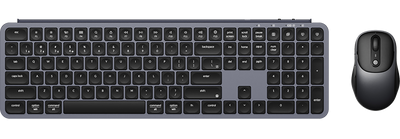
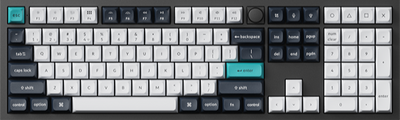
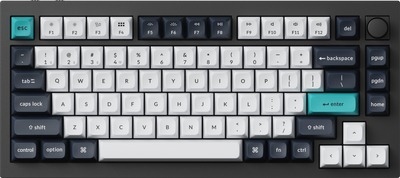
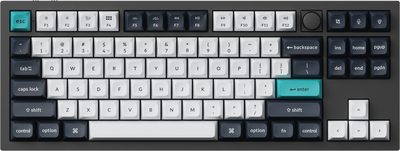
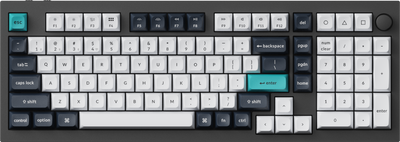
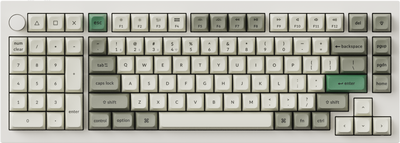
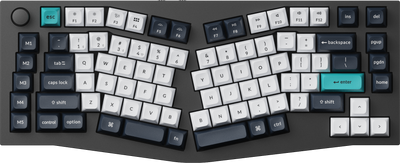
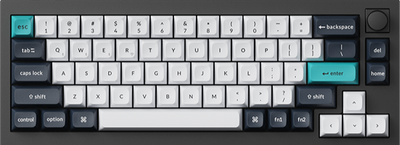
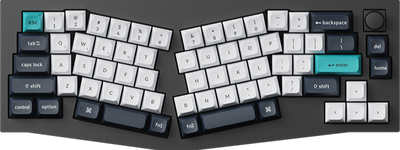
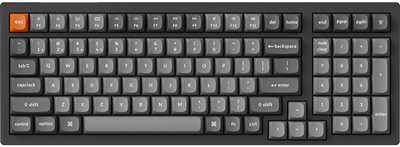
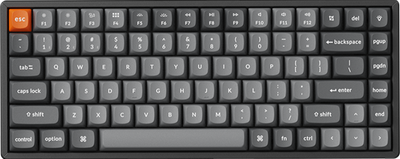
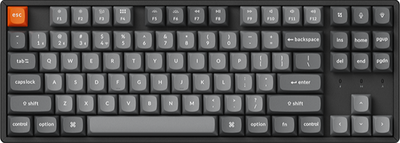
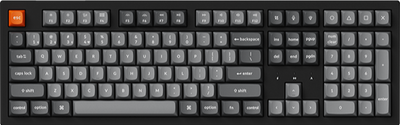
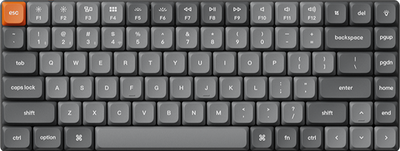

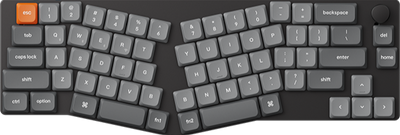
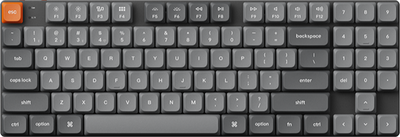
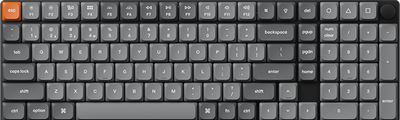
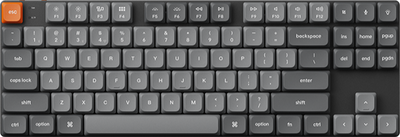
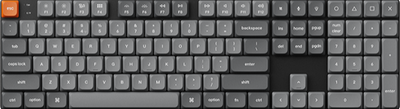
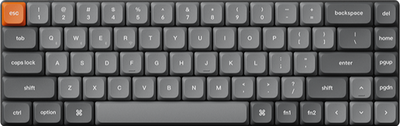
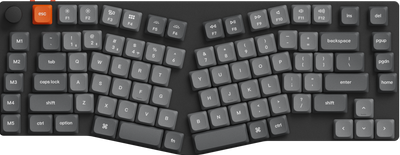
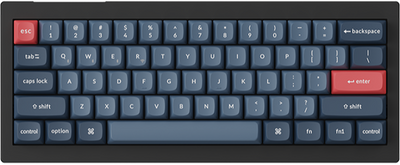
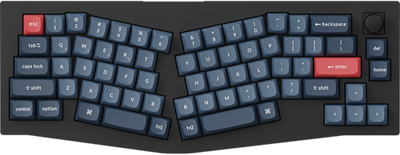
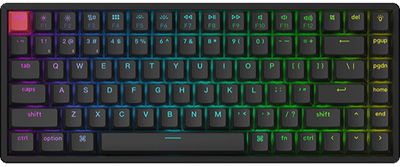
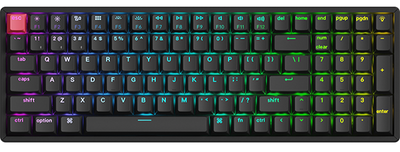
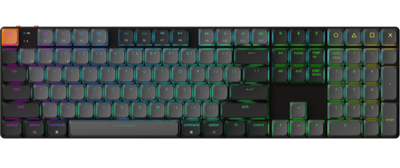
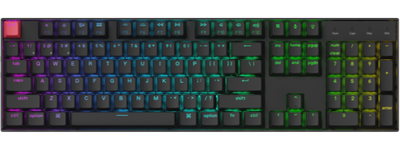
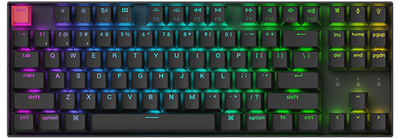
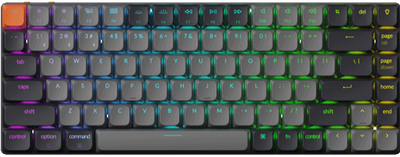


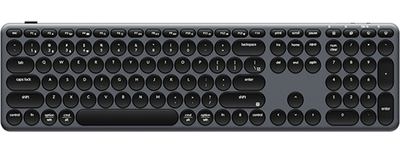
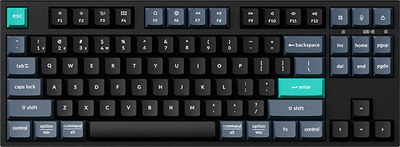
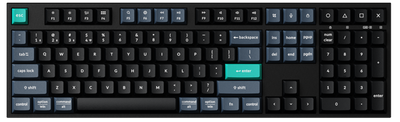


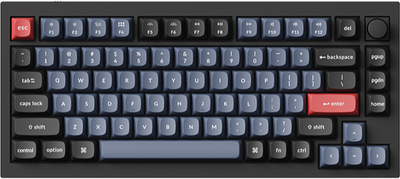
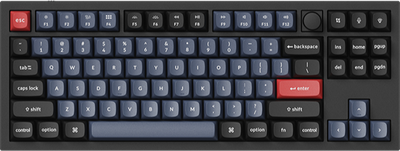
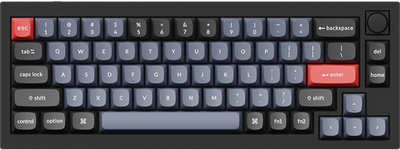
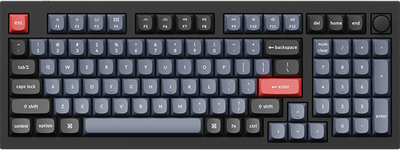
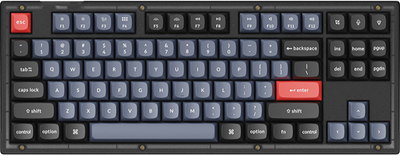
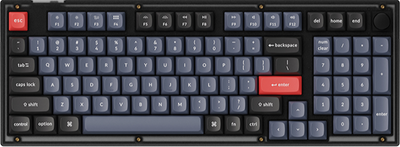
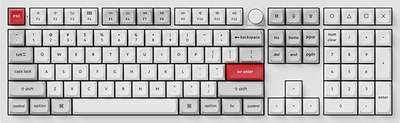
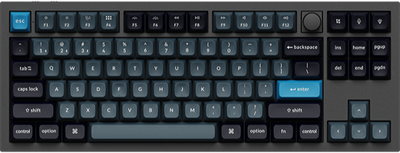
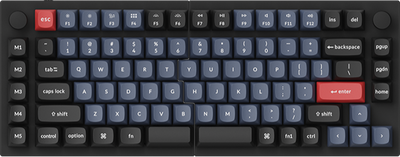
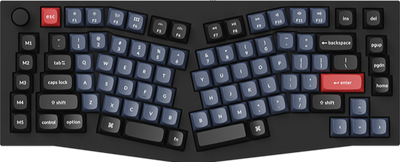
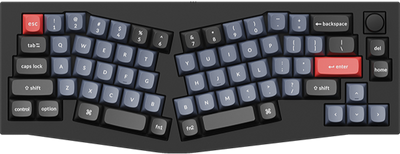
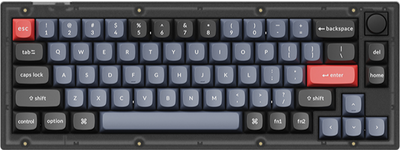
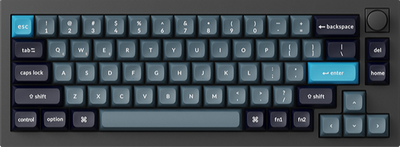
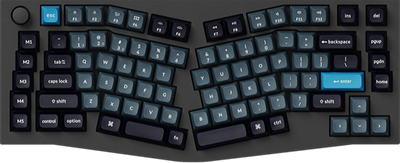
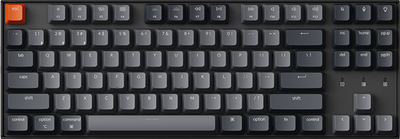
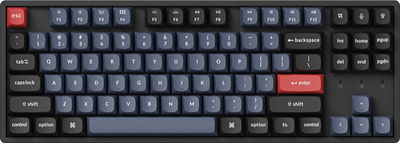
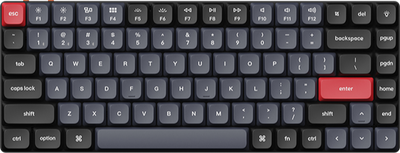
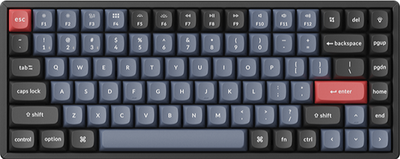
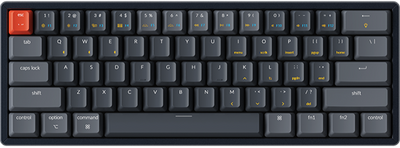
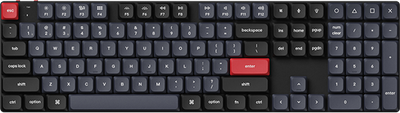
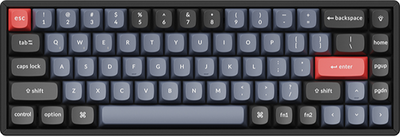
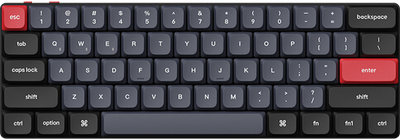
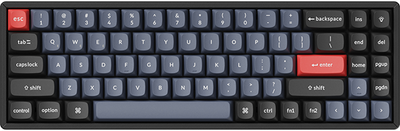
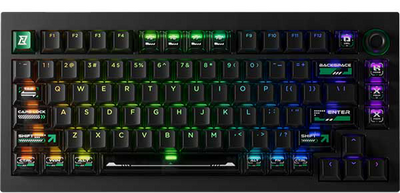

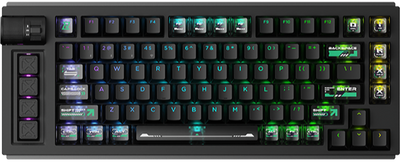
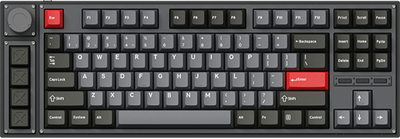
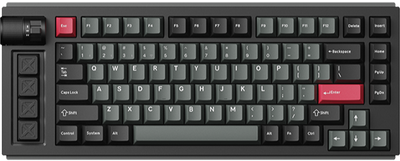
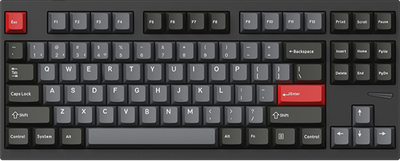
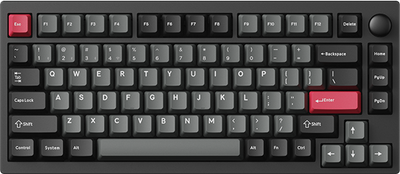
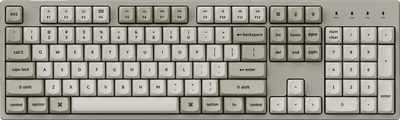
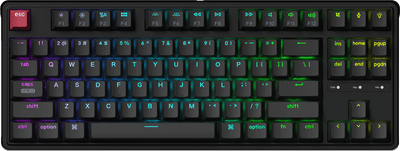
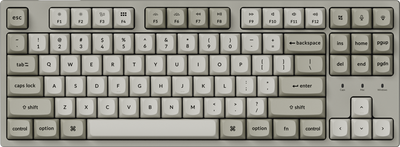
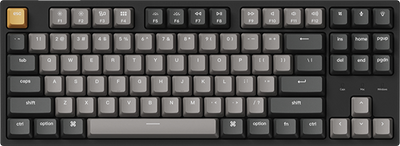
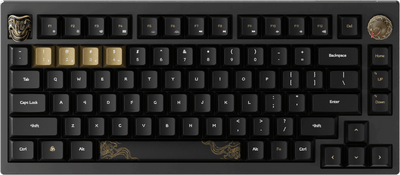
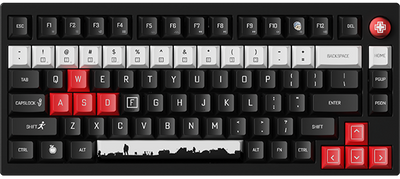
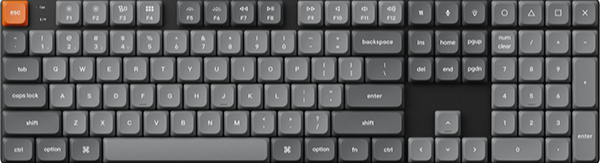
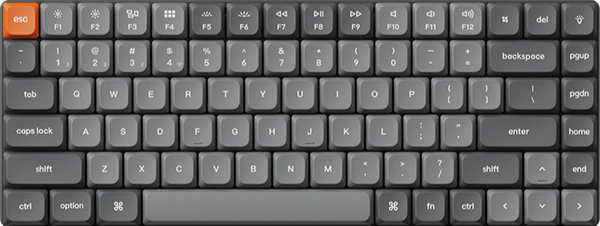
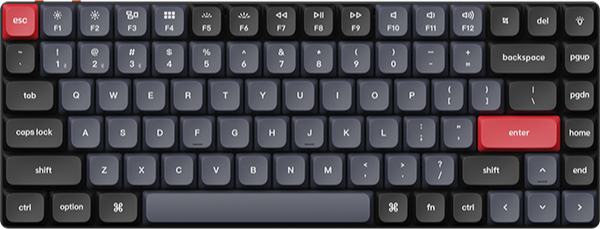
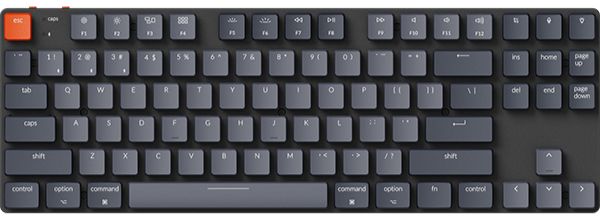
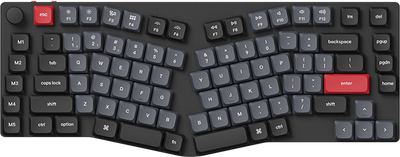
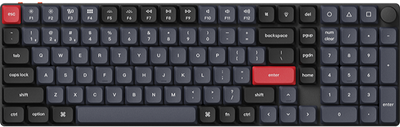
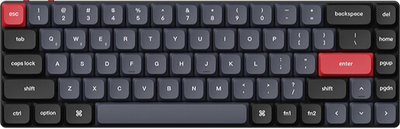
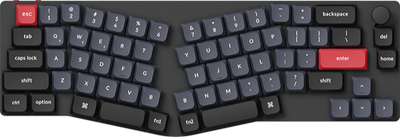
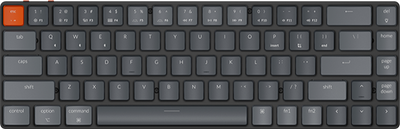
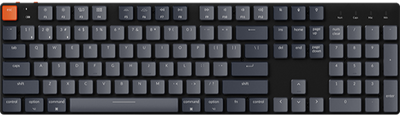
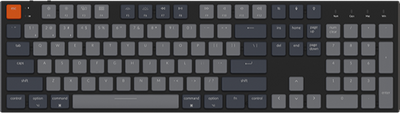
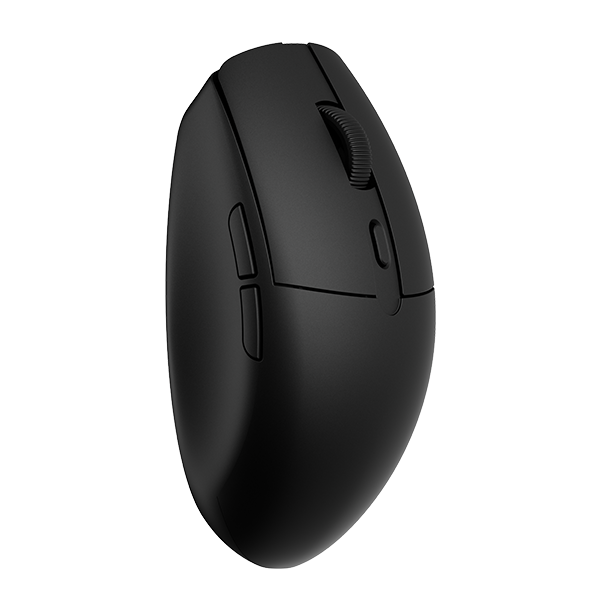















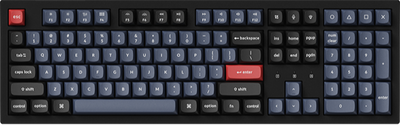
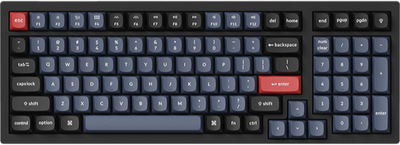
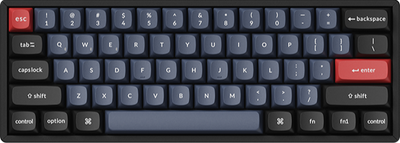
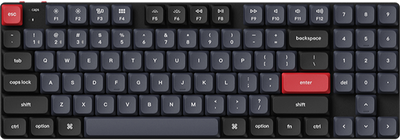

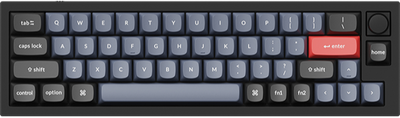
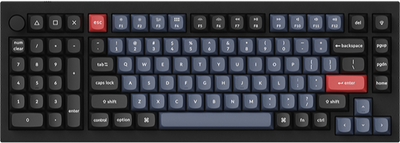
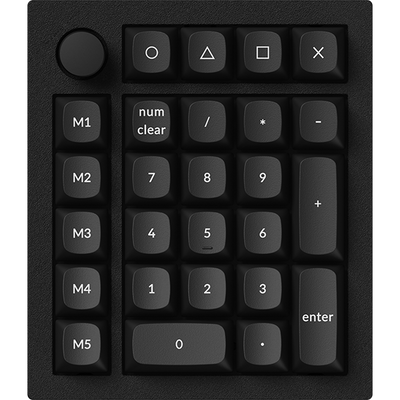
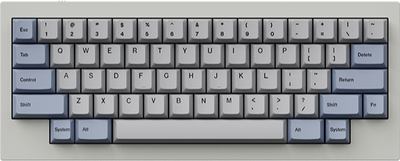
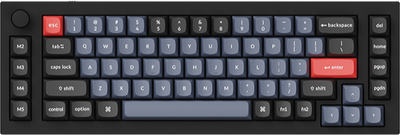
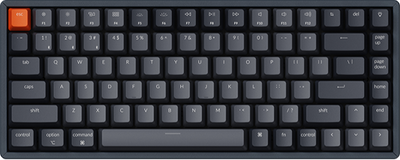
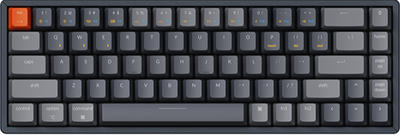
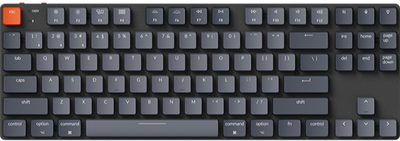

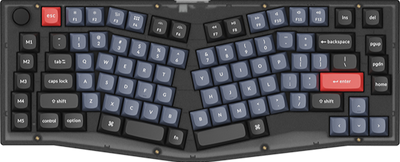
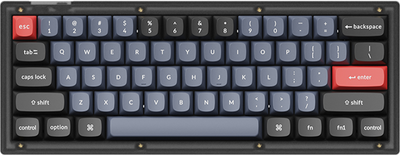
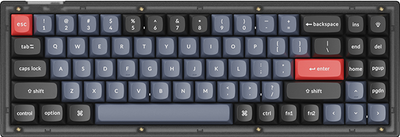
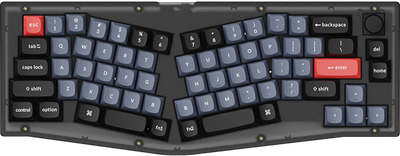










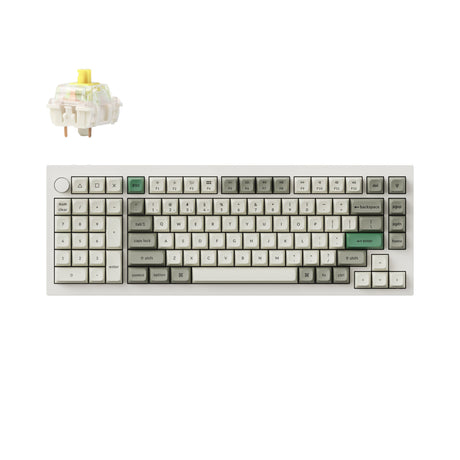
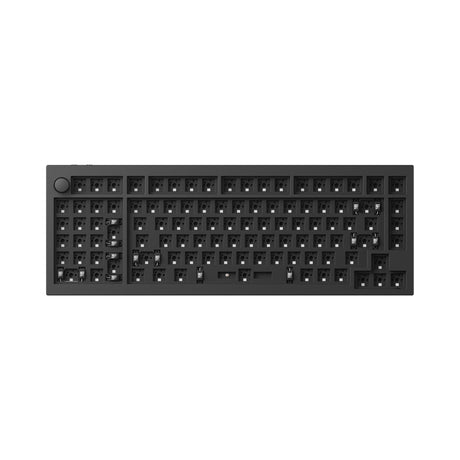
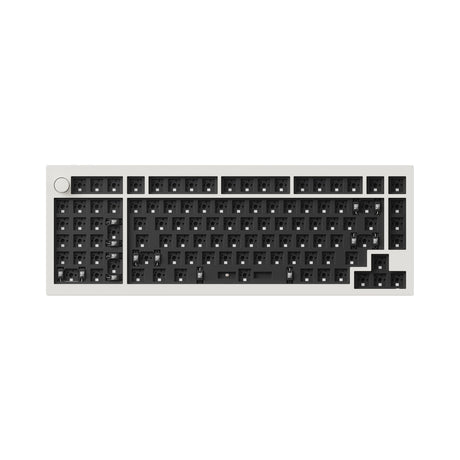
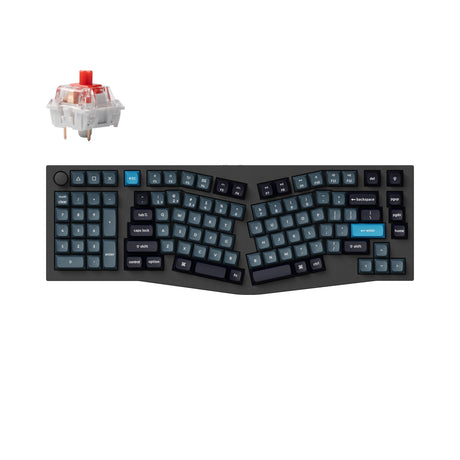
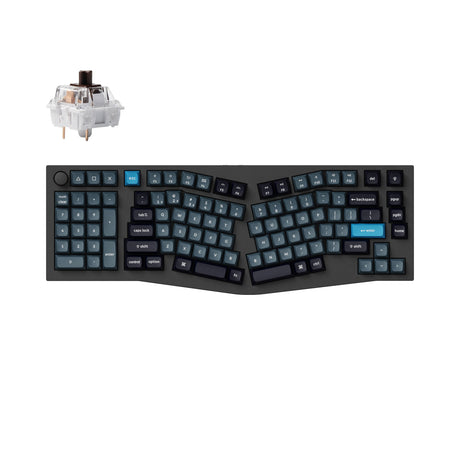
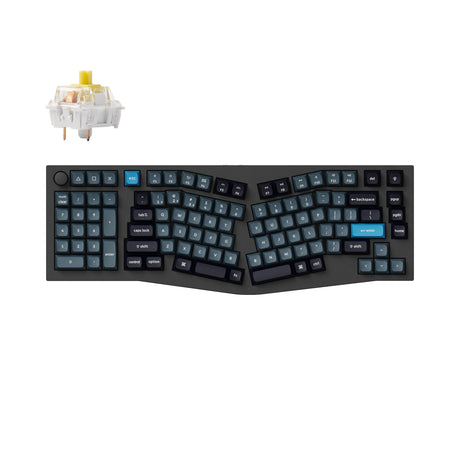
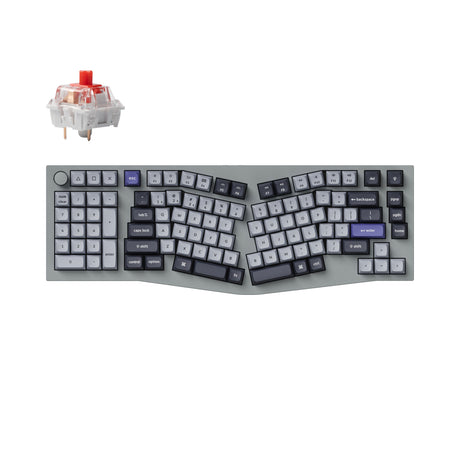
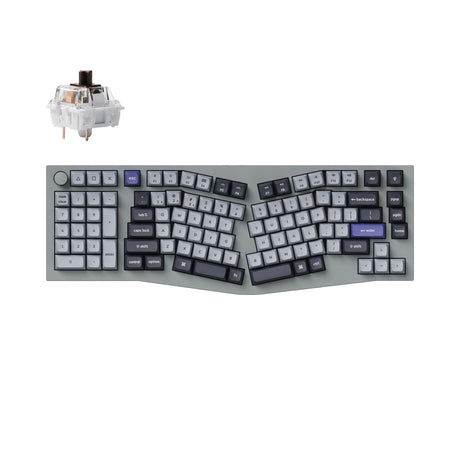
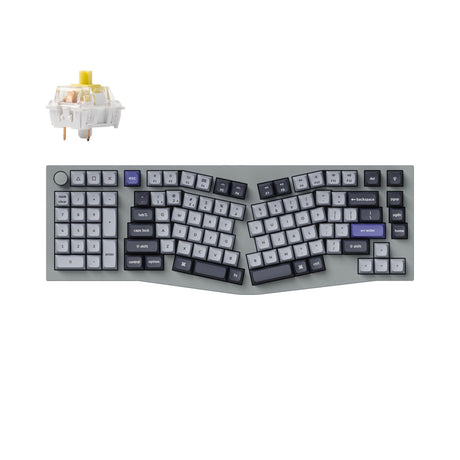
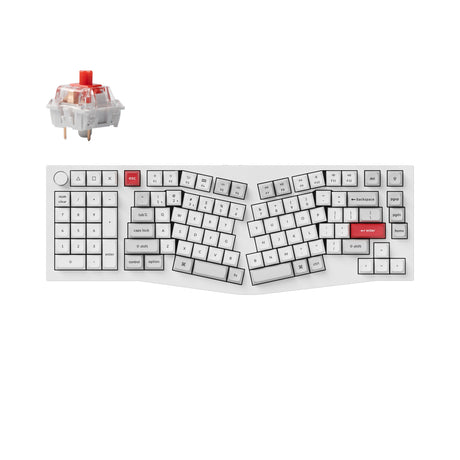
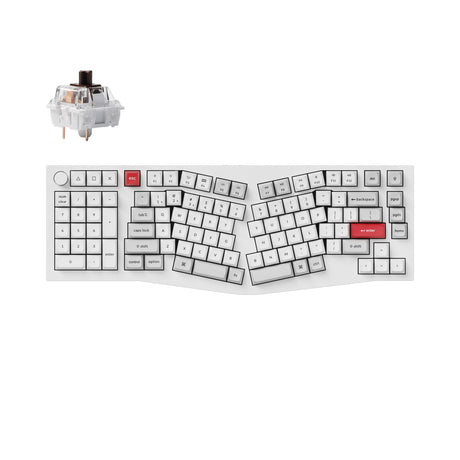
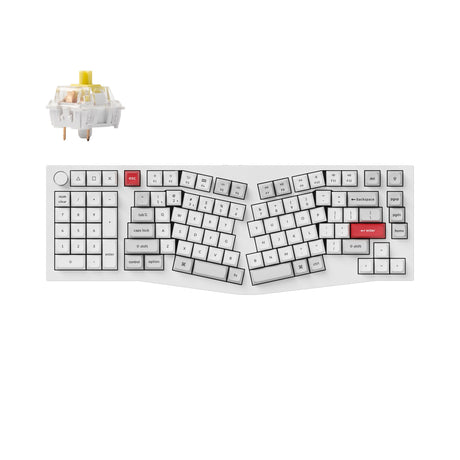
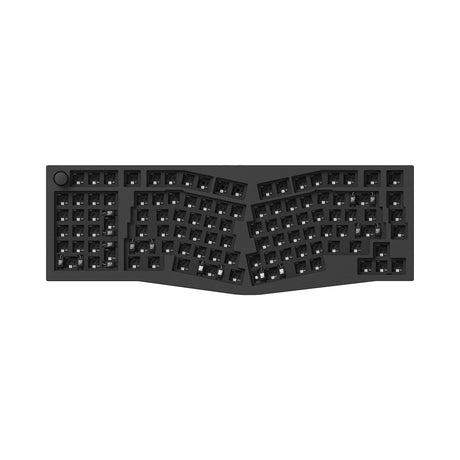
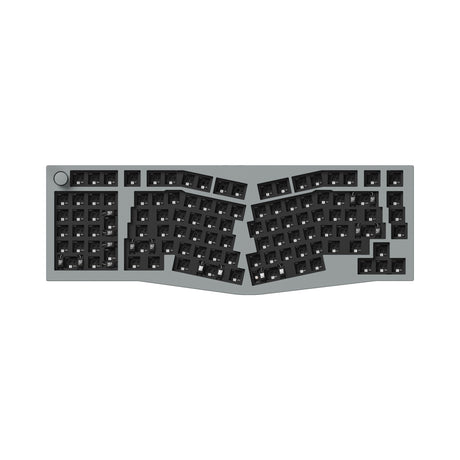
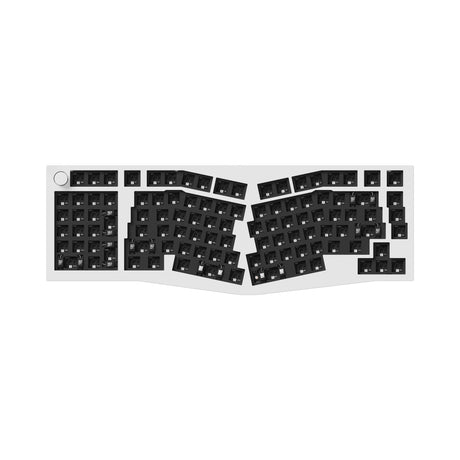
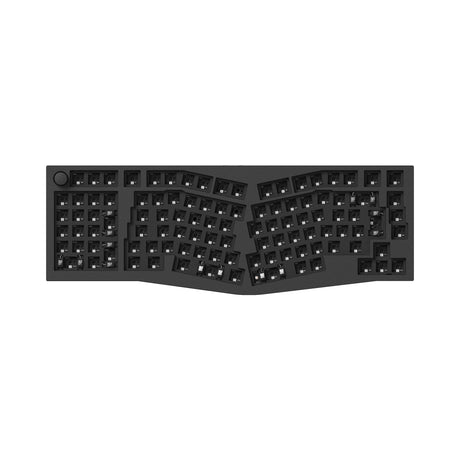
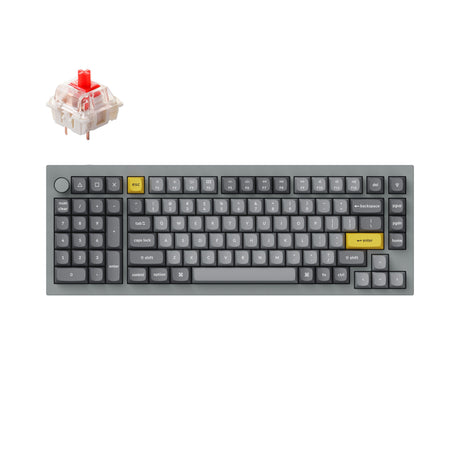
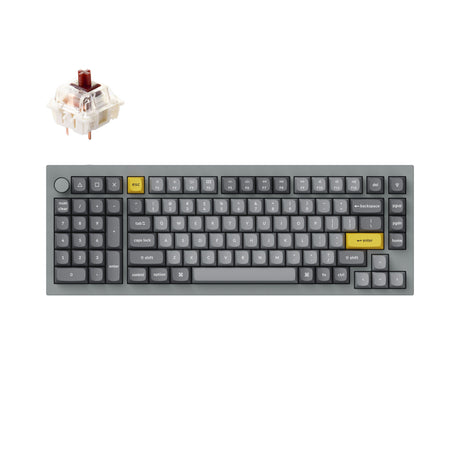
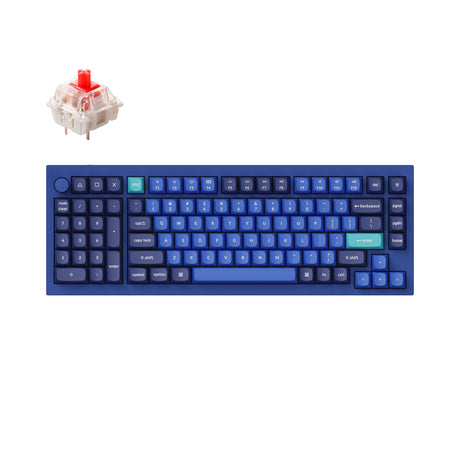
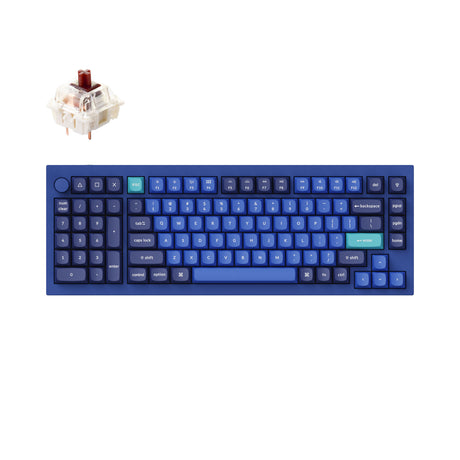
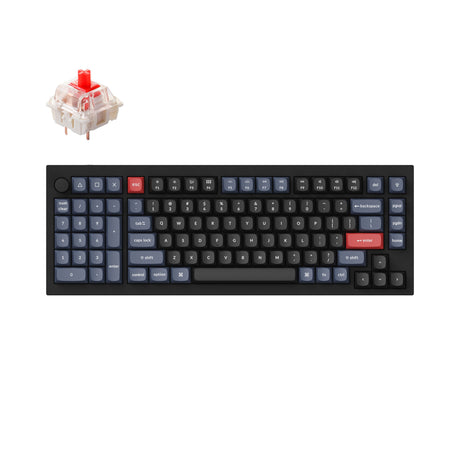
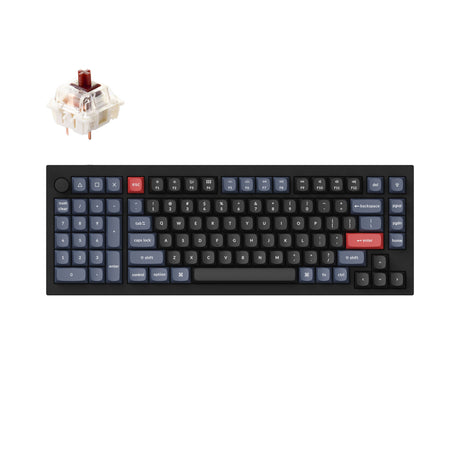
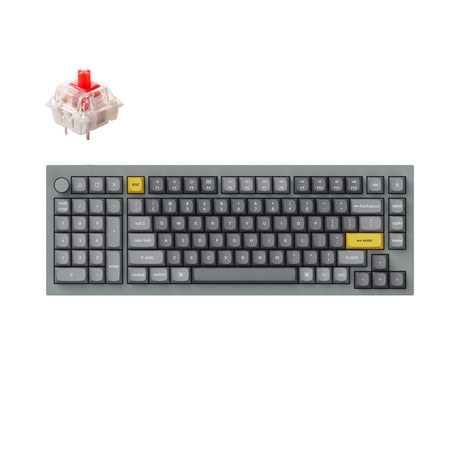
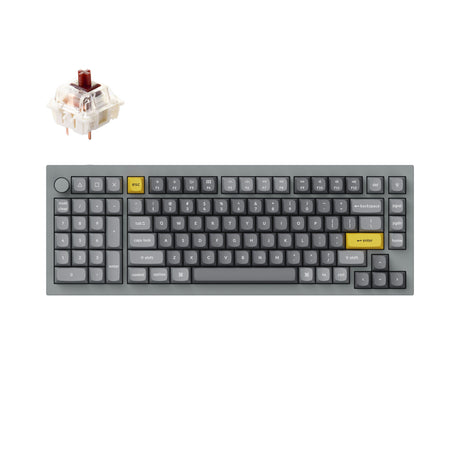
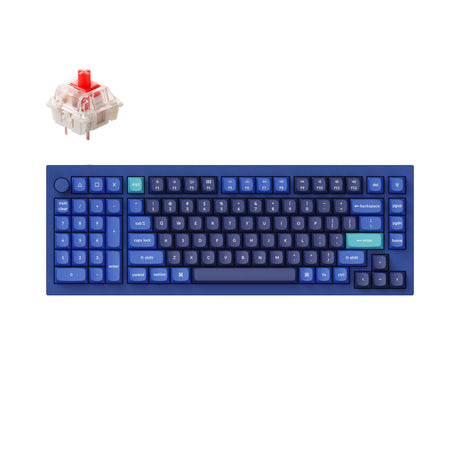
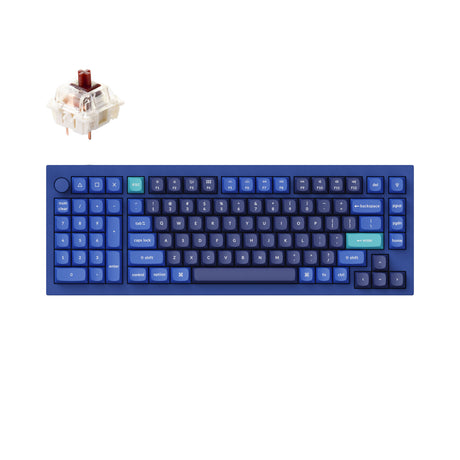
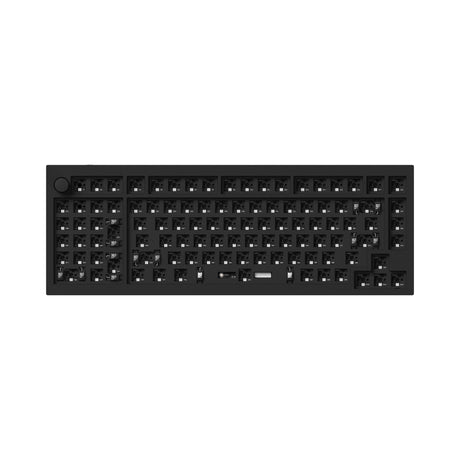
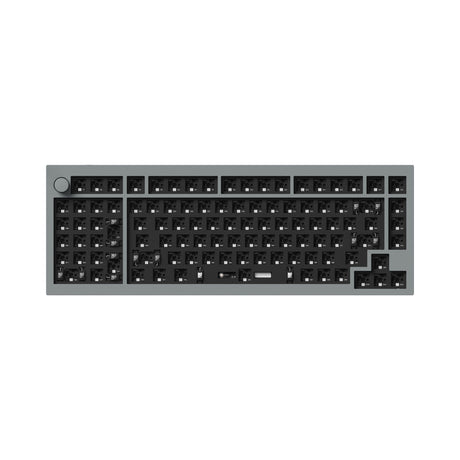
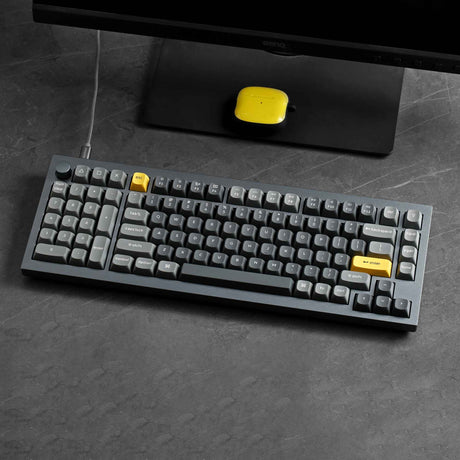
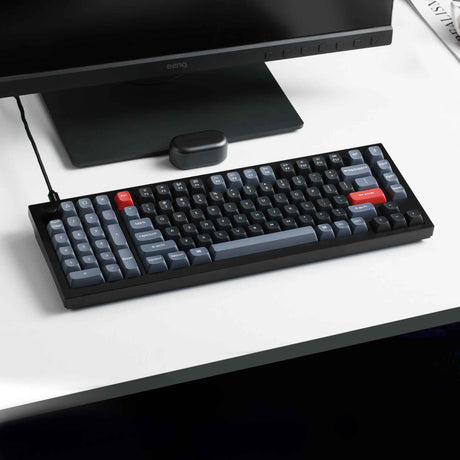
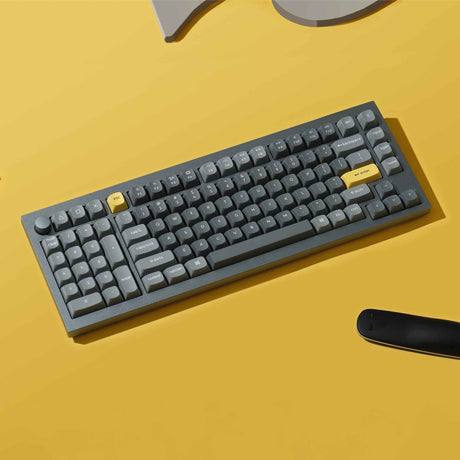
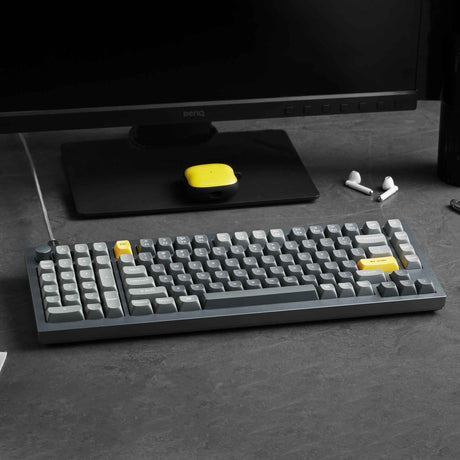
Keychron Southpaw Keyboards: Redefining Ergonomics and Efficiency
Why Choose a Southpaw Layout?
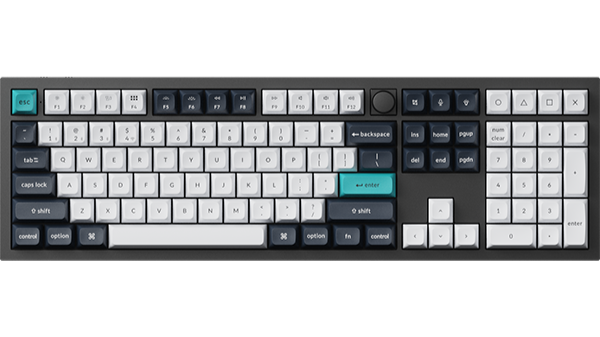
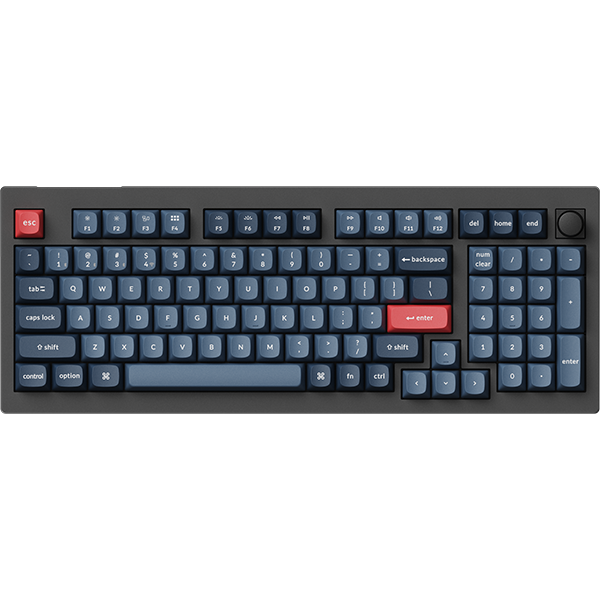
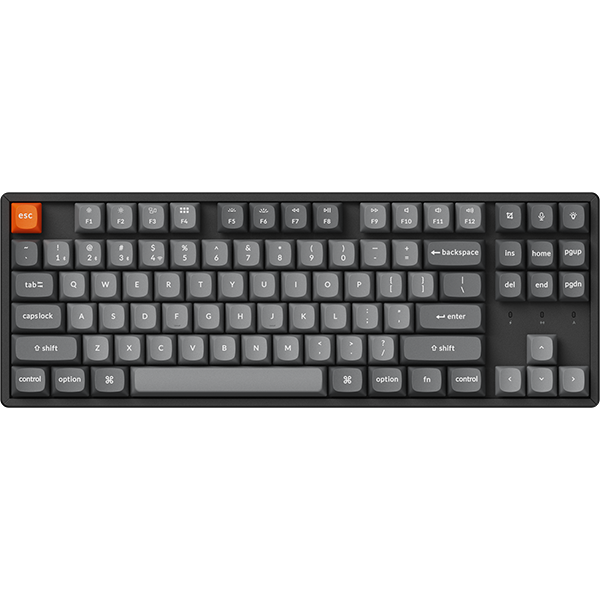
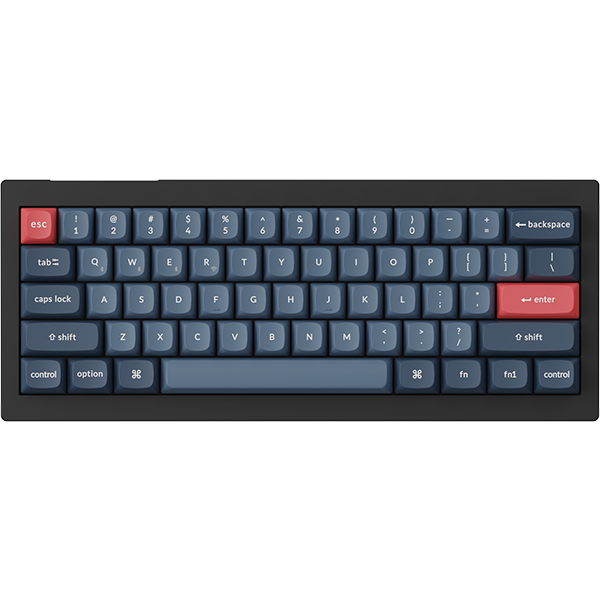
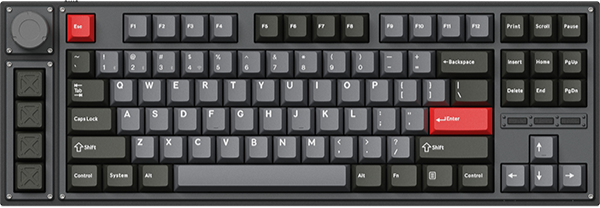
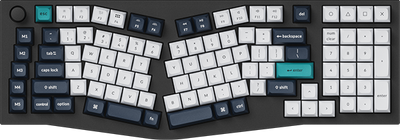
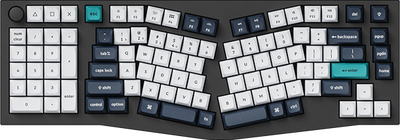
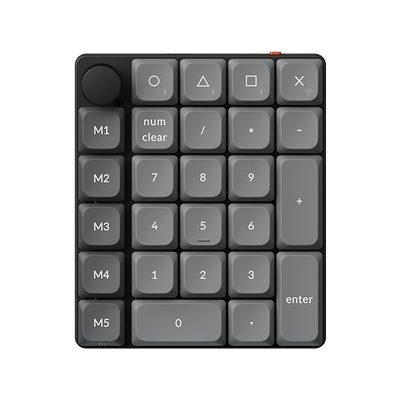
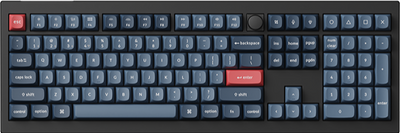
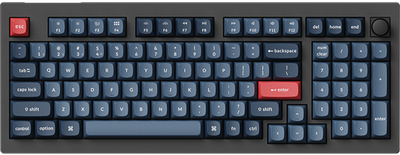
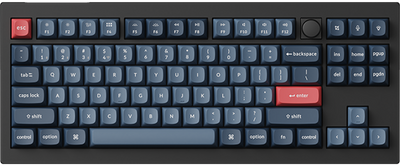
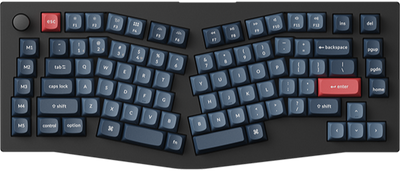
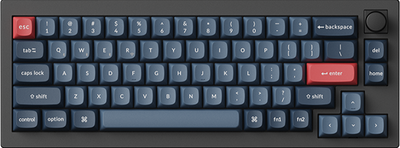
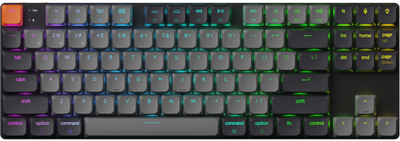
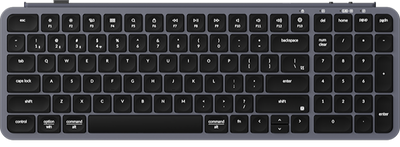
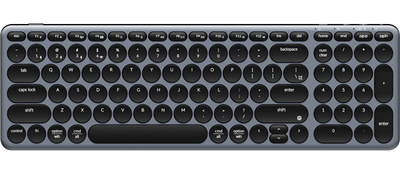
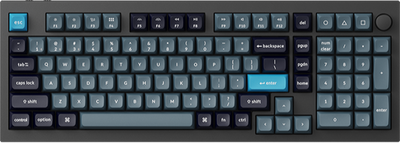
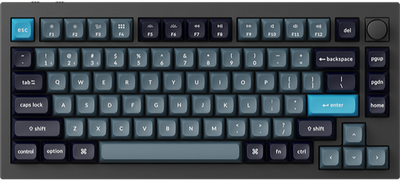
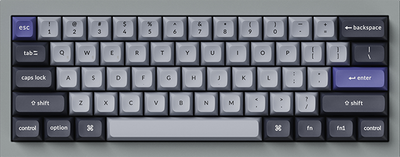
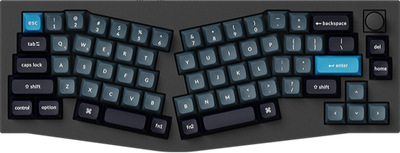
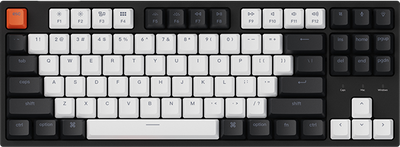
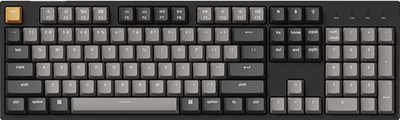
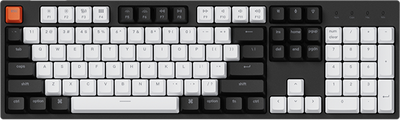
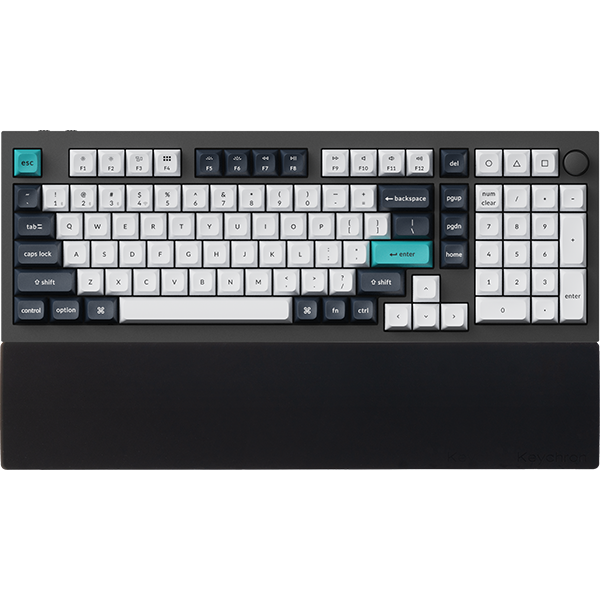
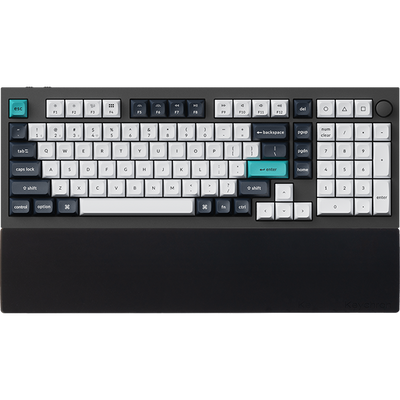
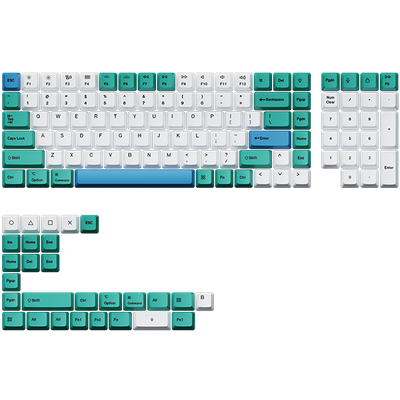
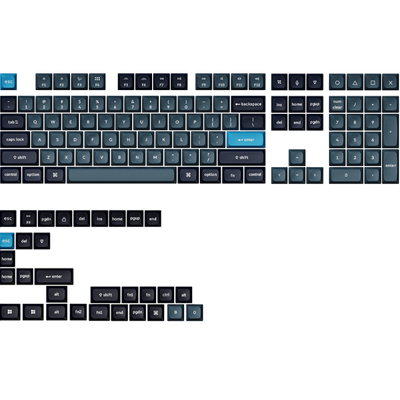
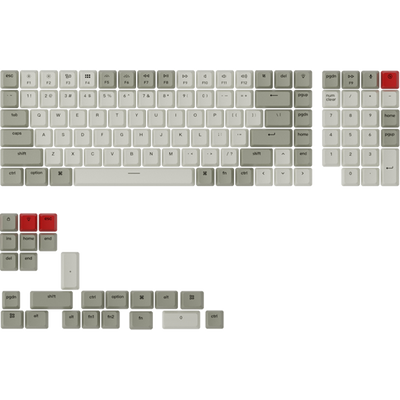
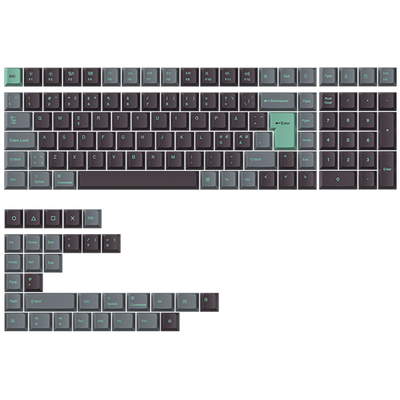
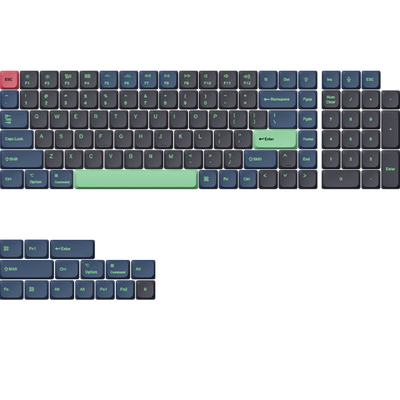
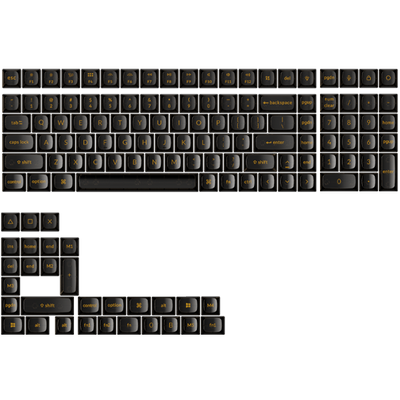
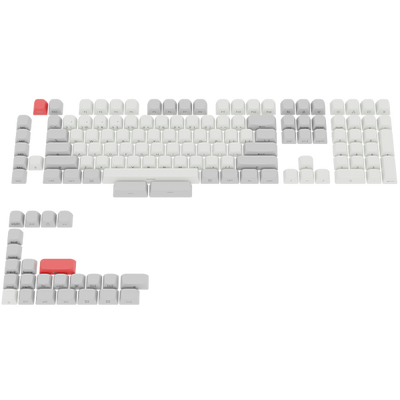
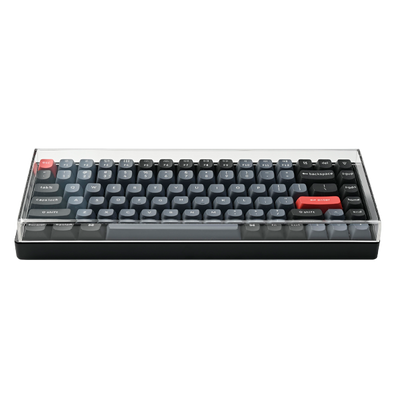
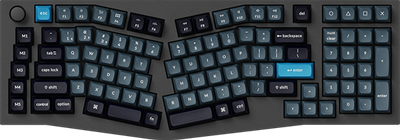
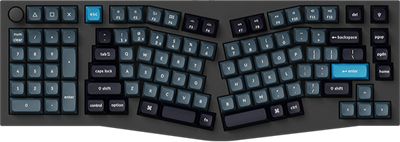
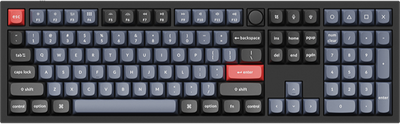
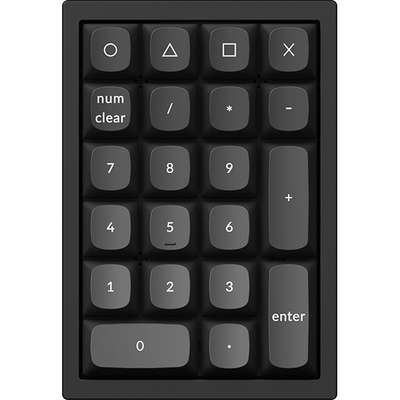
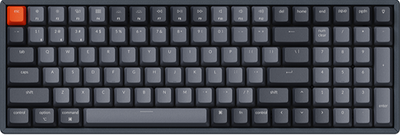
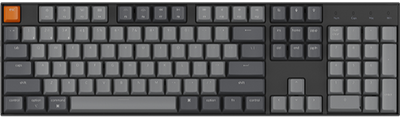
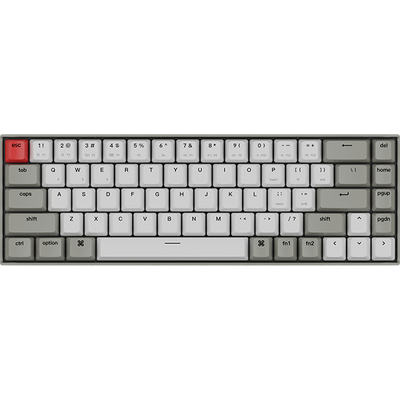
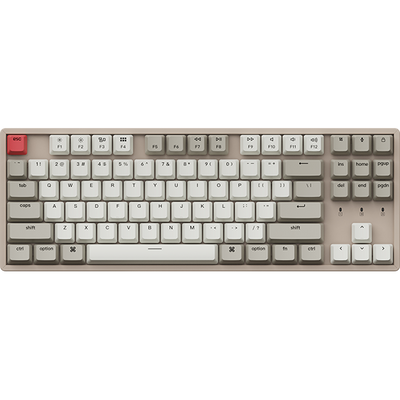
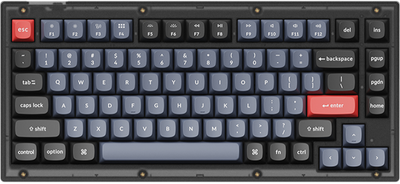
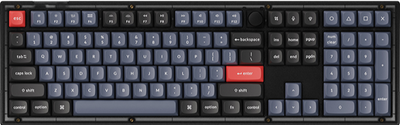
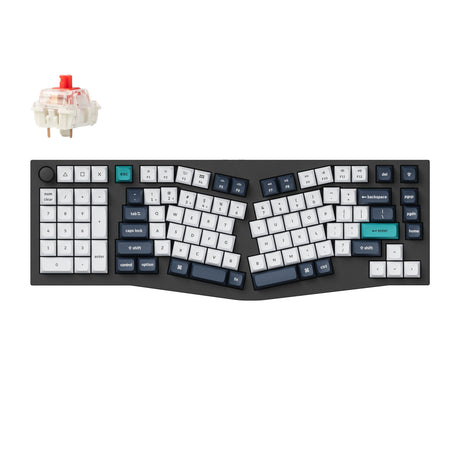
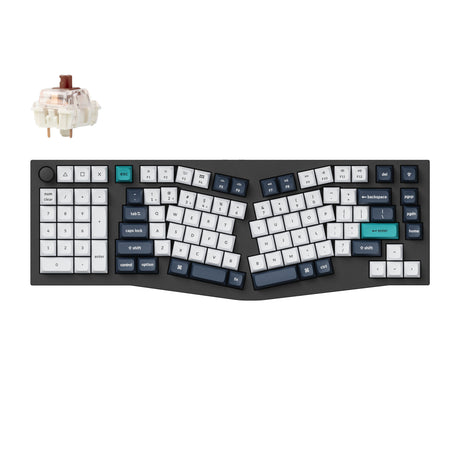
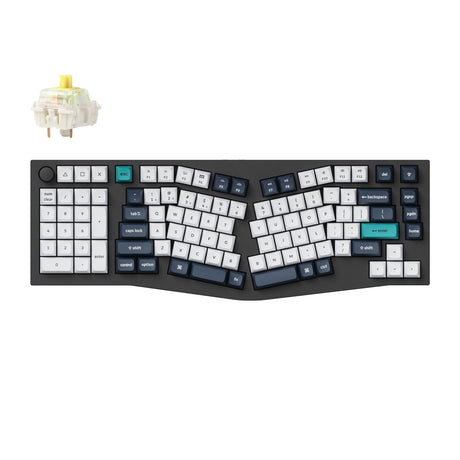
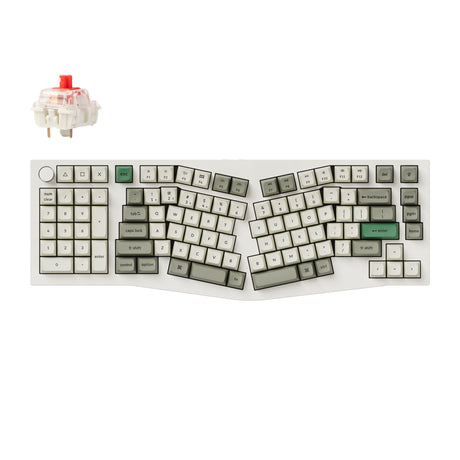
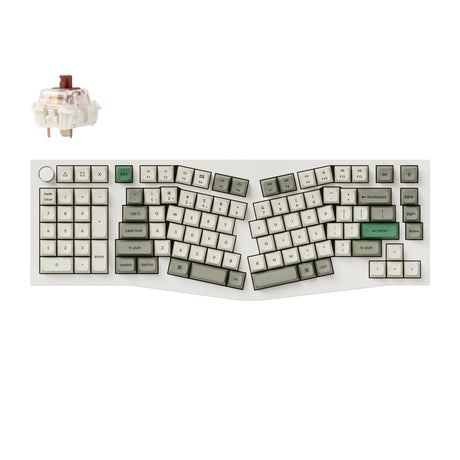
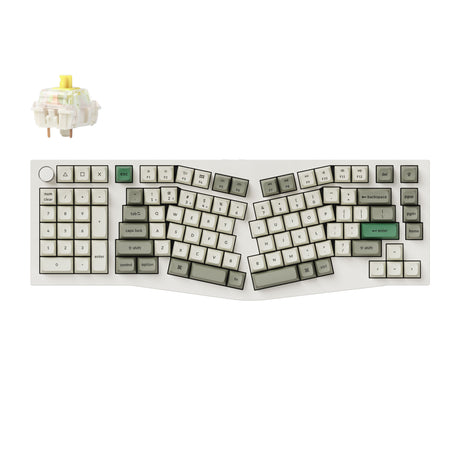
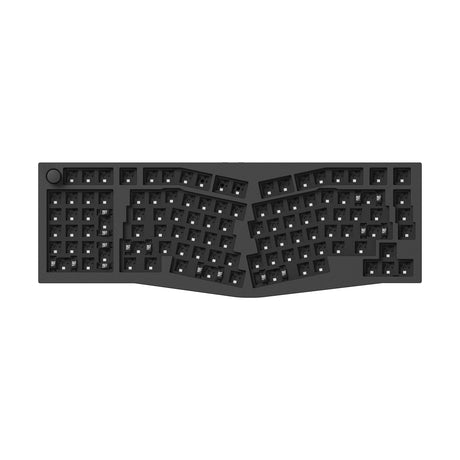
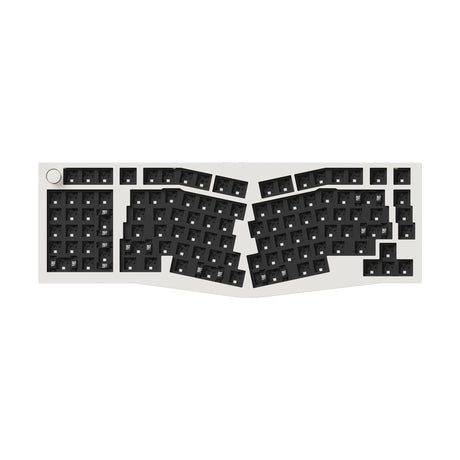
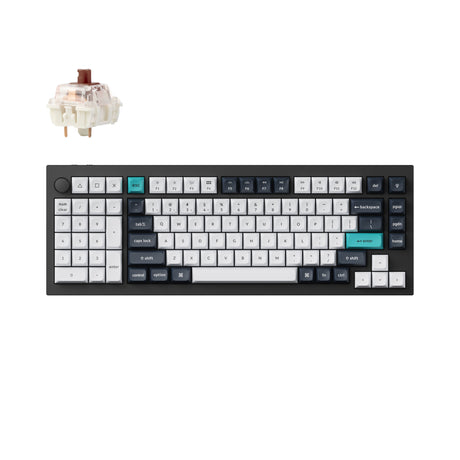
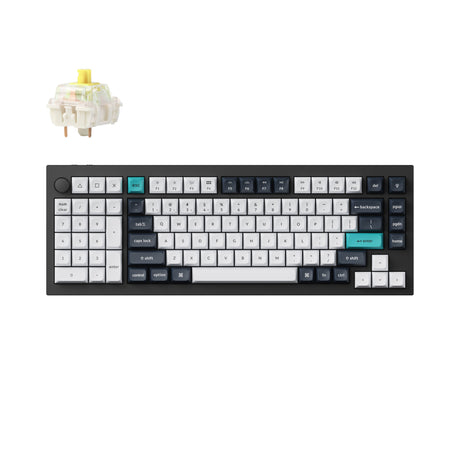
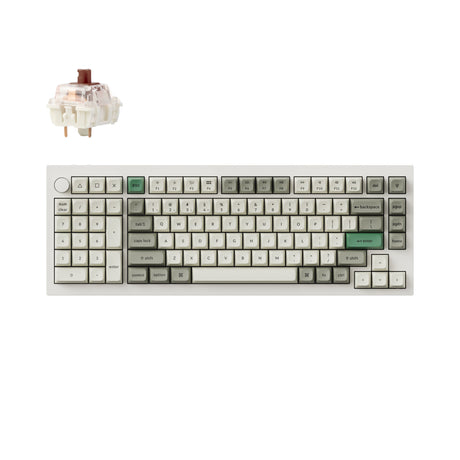
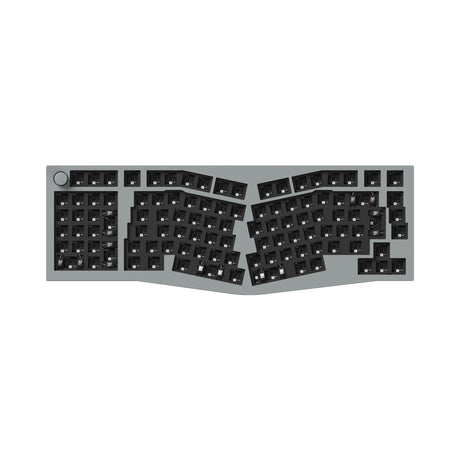
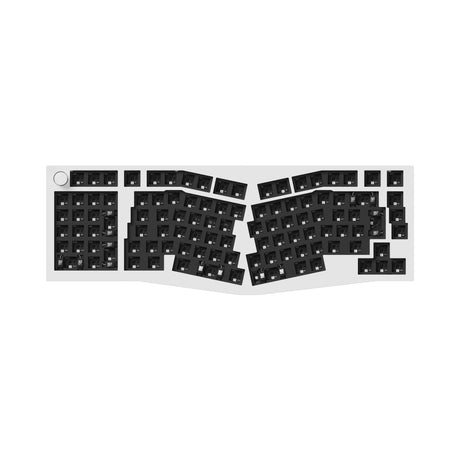
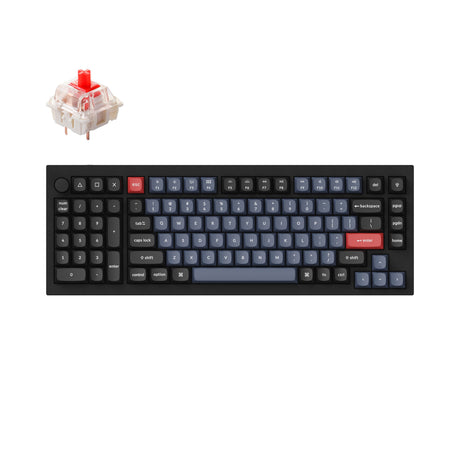
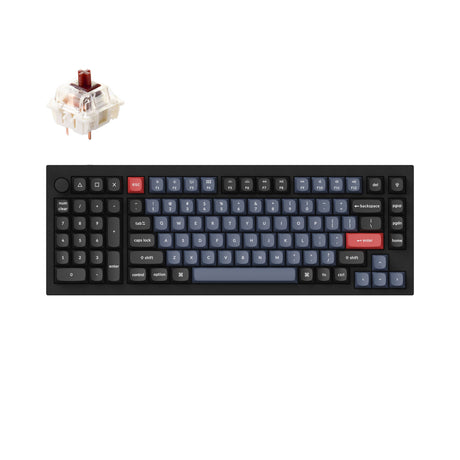
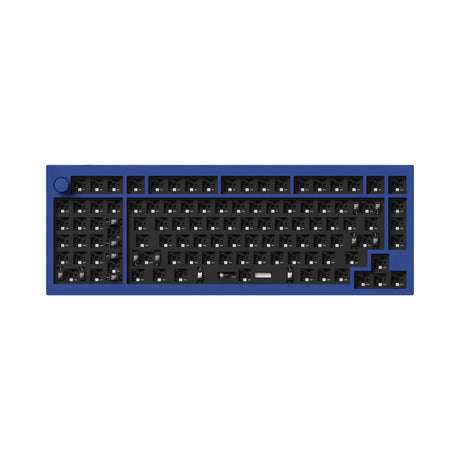
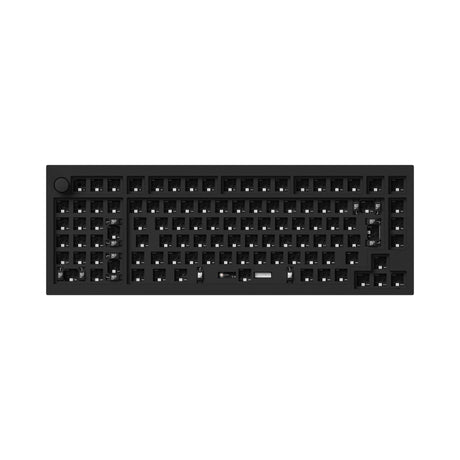
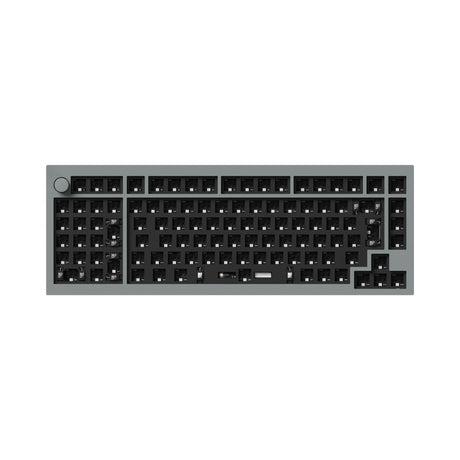
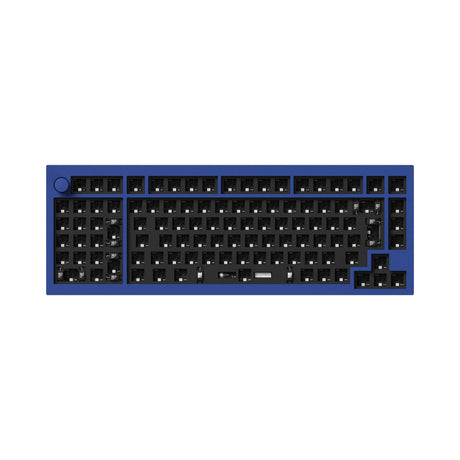
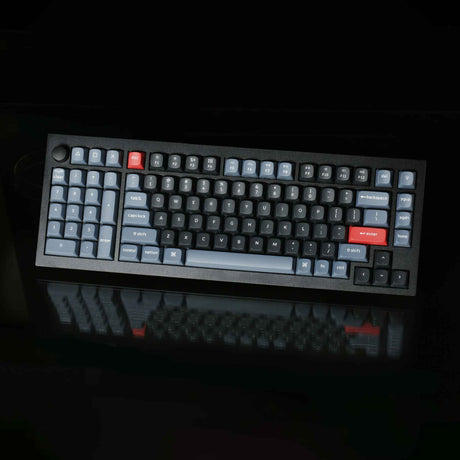
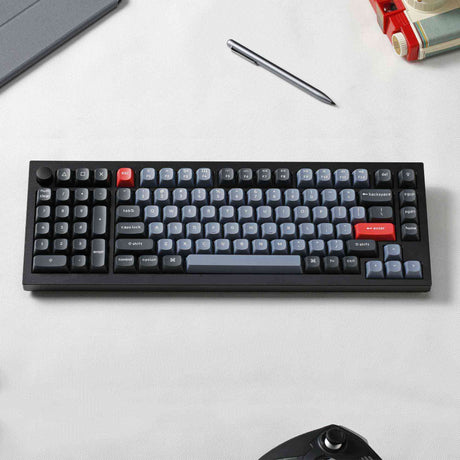
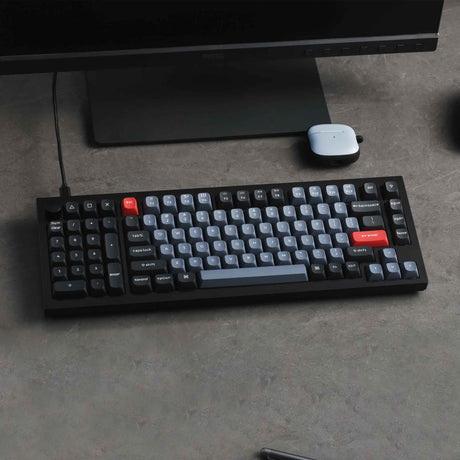
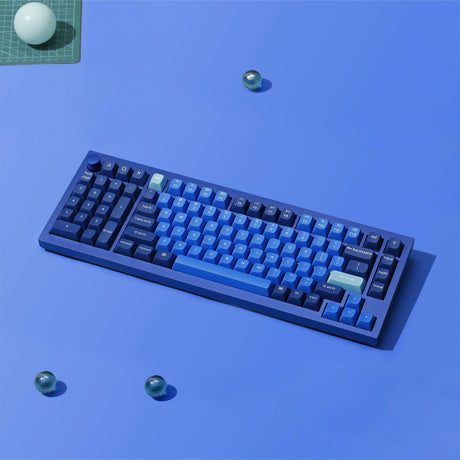
The Keychron Southpaw collection is designed for those who challenge the status quo of standard keyboard layouts. By moving the numeric keypad (numpad) to the left side, our keyboards offer a revolutionary advantage for both left-handed and right-handed users.
Ergonomic Benefits for Right-Handers
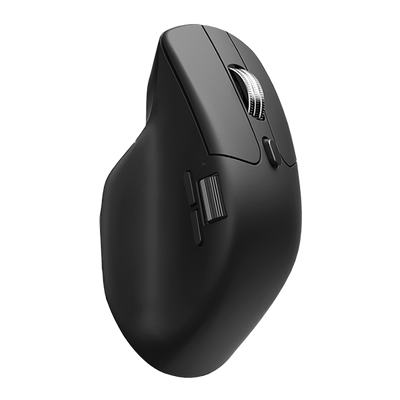
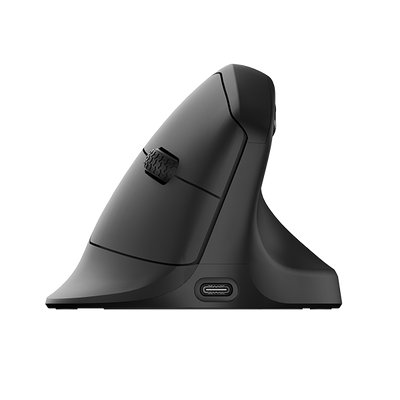
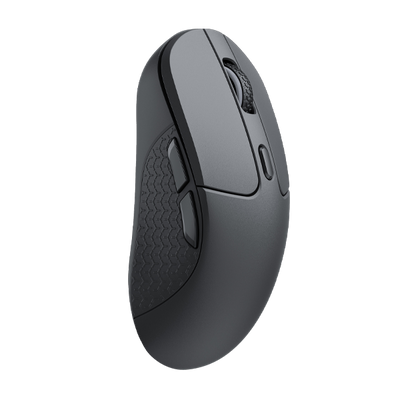
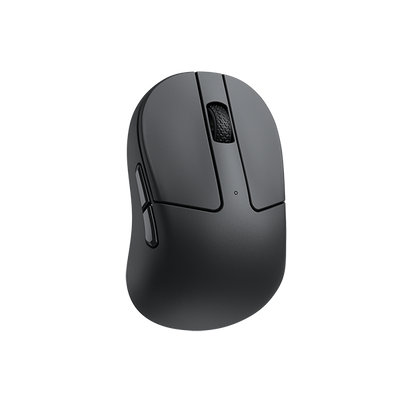
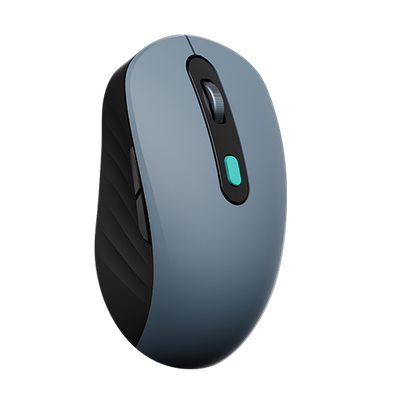
By shifting the numpad to the left, right-handed users can bring their mouse closer to their body. This reduces shoulder strain and creates a massive "landing strip" for mouse movement, which is essential for gaming and creative design.
Natural Comfort for Left-Handed Users
For too long, lefties have had to adapt to right-centric designs. The Keychron Southpaw series provides a natural, intuitive typing and data-entry experience for the left-handed community without compromise.
Premium Features of Keychron Southpaw Series
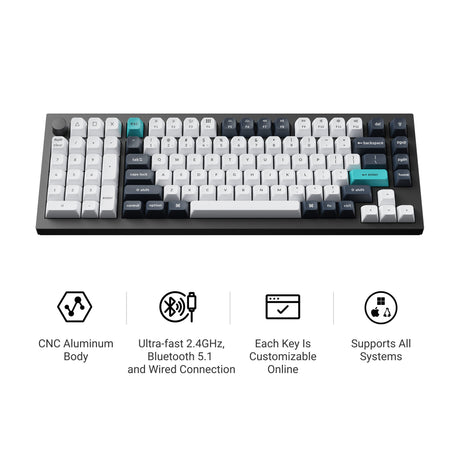
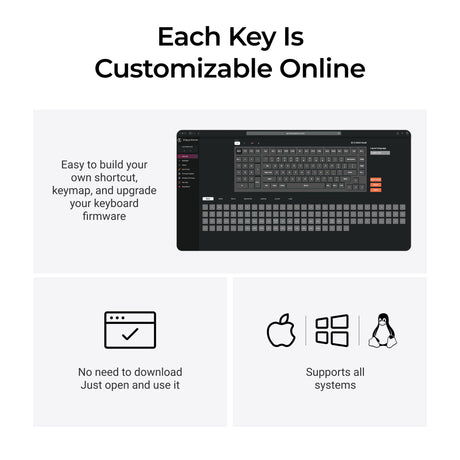
Full Customization: Most models support QMK/VIA, allowing you to remap every key on the left side.
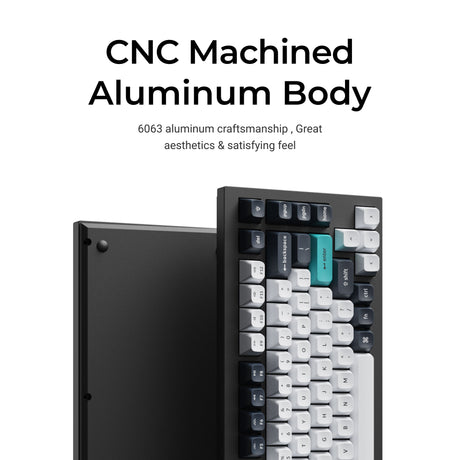
Build Quality: Featuring CNC aluminum bodies and gasket mount designs for a premium typing feel.
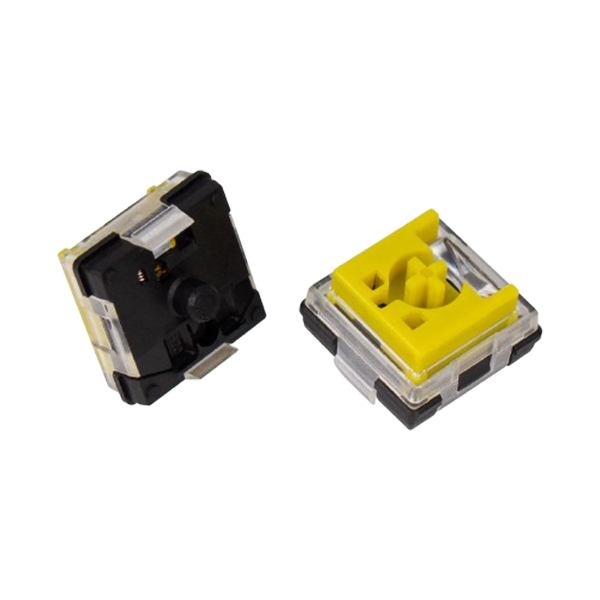
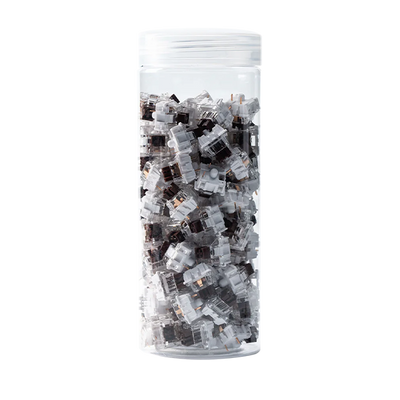
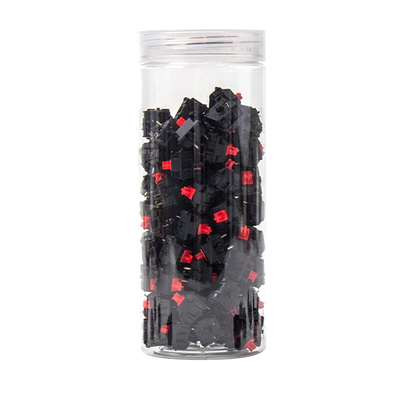
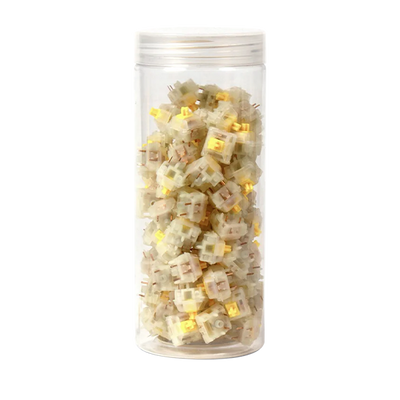
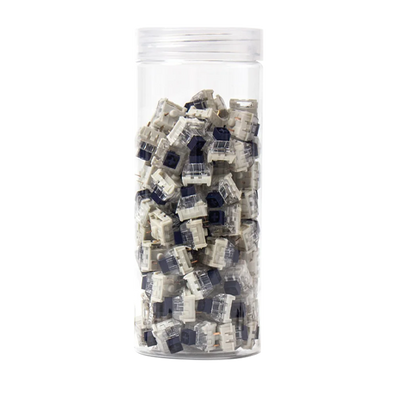
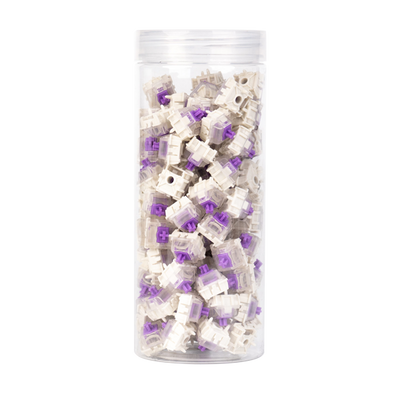
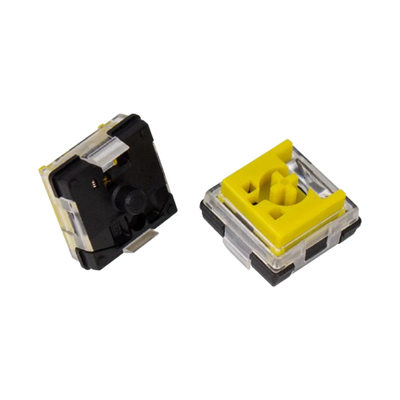
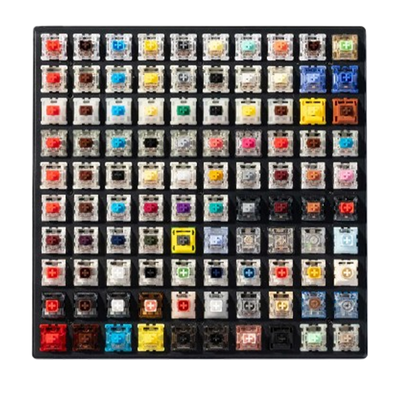
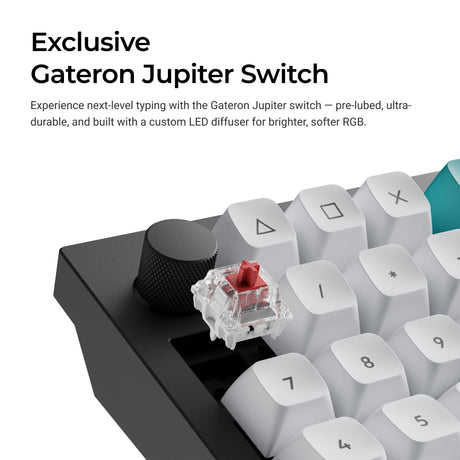
Hot-Swappable: Easily swap switches without soldering to find your perfect tactile response.
Southpaw Keyboards: Frequently Asked Questions
What is a Southpaw keyboard layout?
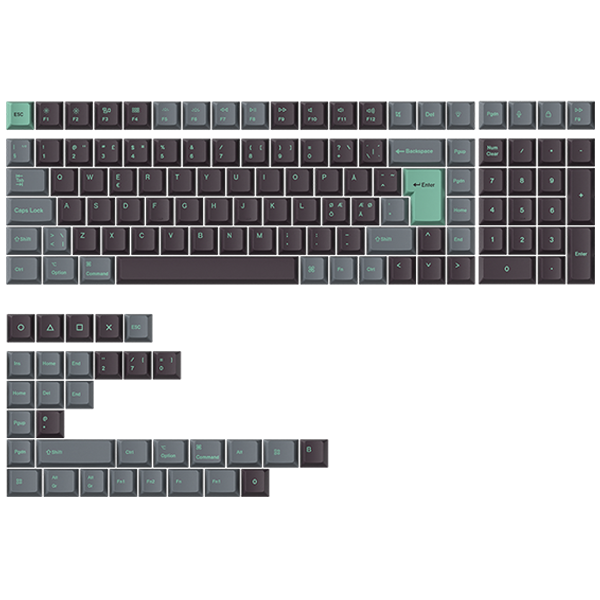
A Southpaw layout places the numeric keypad (numpad) on the left side of the keyboard. This design caters to left-handed users and provides right-handed users with more ergonomic mouse placement.
Can I use a Southpaw keyboard for Excel and productivity?
Absolutely. Many professionals prefer the Southpaw layout for Excel because it allows them to enter data with the left hand while simultaneously navigating cells with the mouse in the right hand, doubling efficiency.
Does Keychron Southpaw support macOS and Windows?
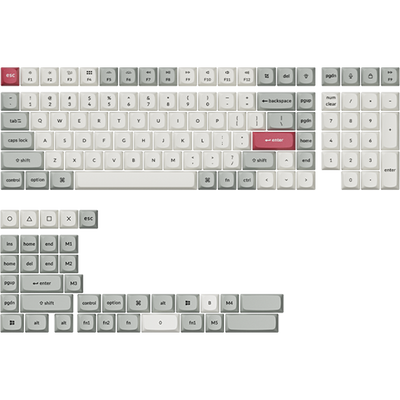
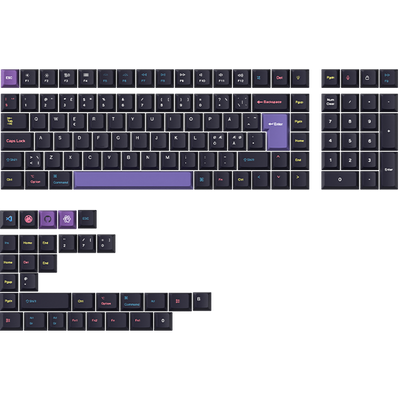
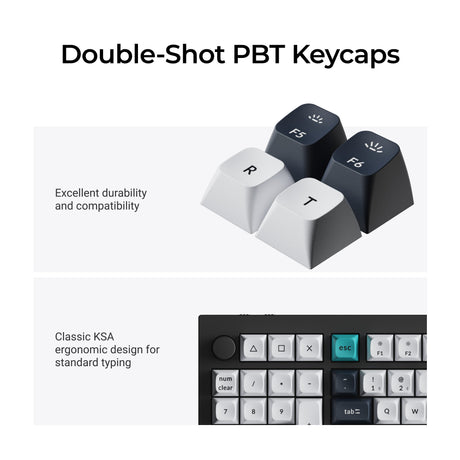
Yes! Every Keychron Southpaw keyboard includes a system toggle and extra keycaps, ensuring 100% compatibility with both macOS and Windows.
Is it hard to learn how to use a left-sided numpad?
Most users report a learning curve of about 1 to 2 weeks. Once the muscle memory is established, the ergonomic and workflow benefits far outweigh the initial adjustment period.