






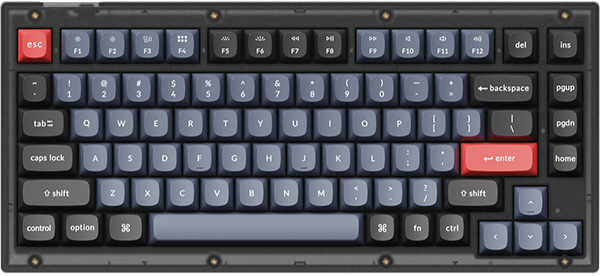
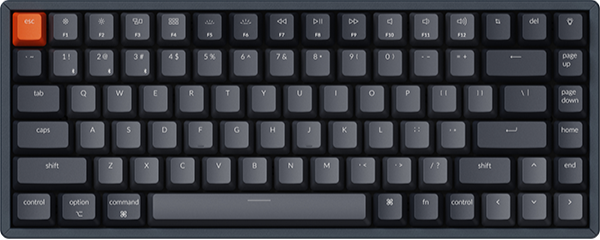
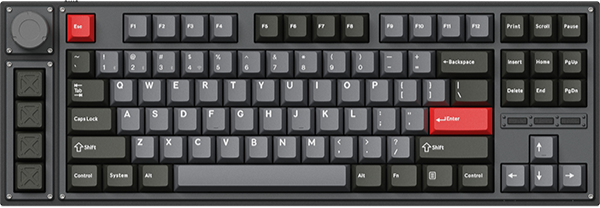

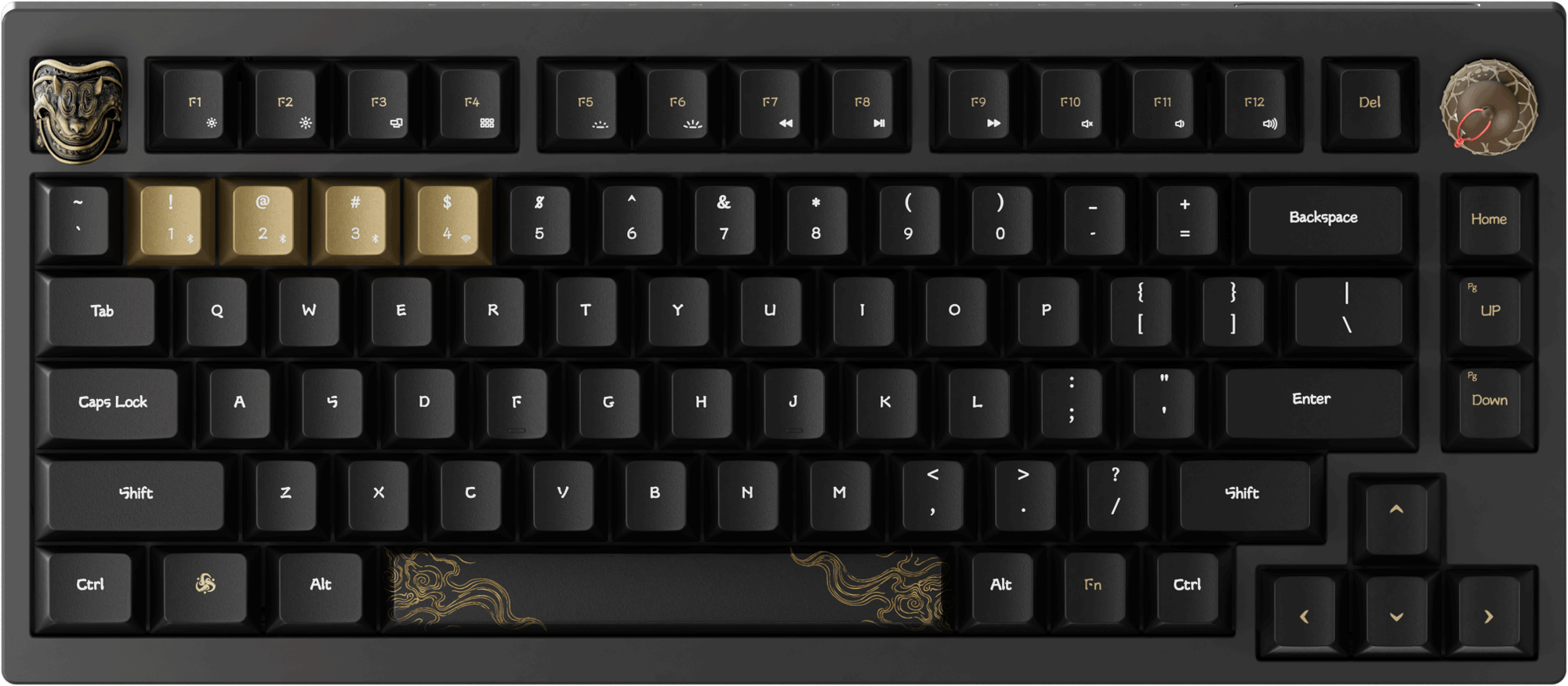














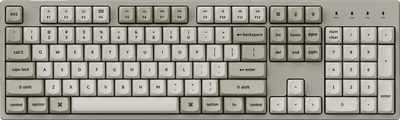



















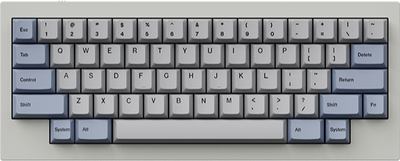
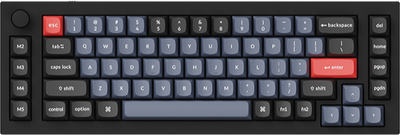
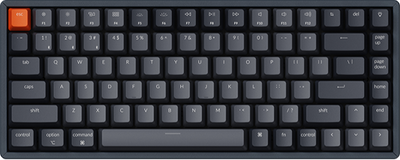
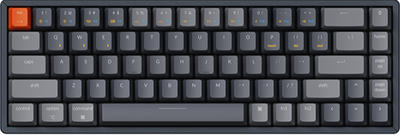









- Sold outSale
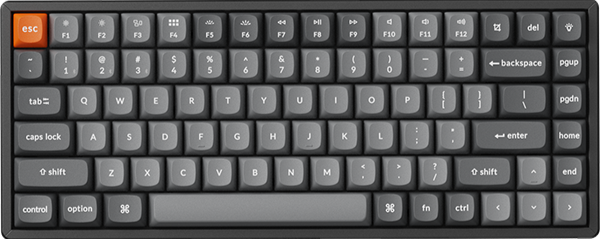
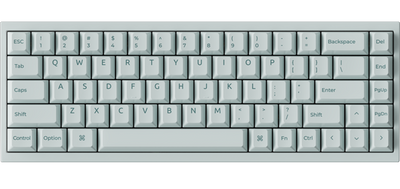
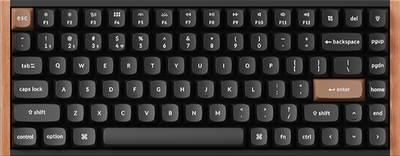
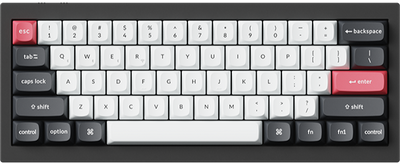
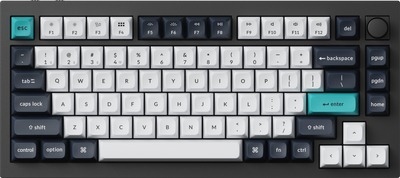
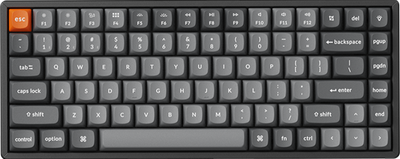
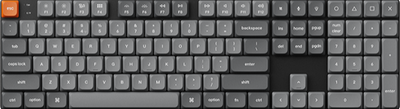
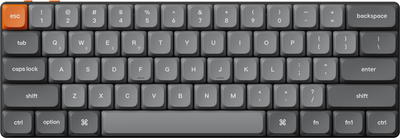
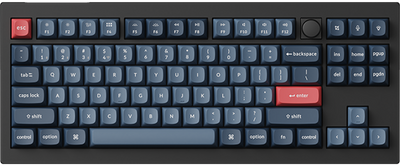
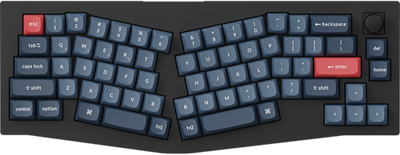
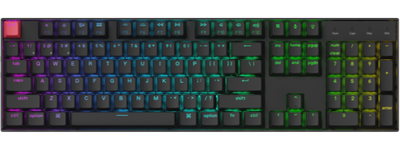
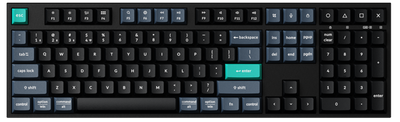
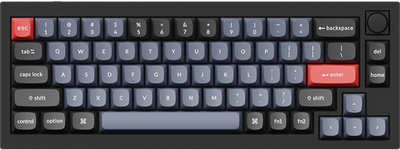
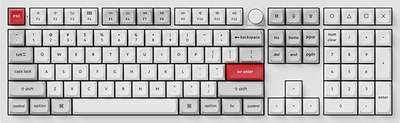
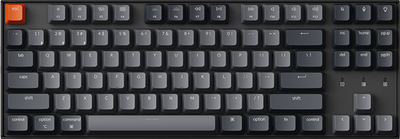
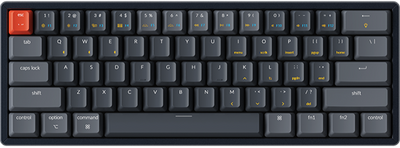
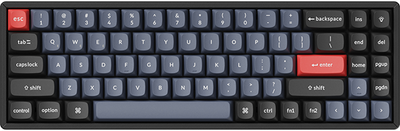
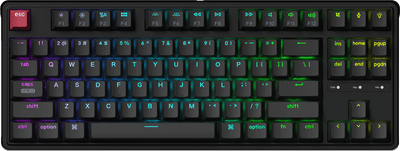
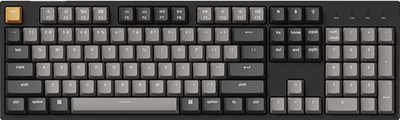
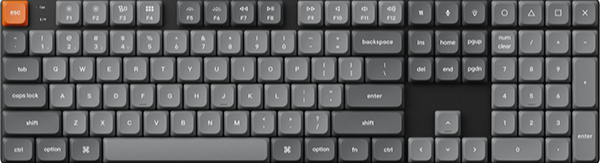
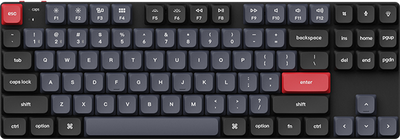
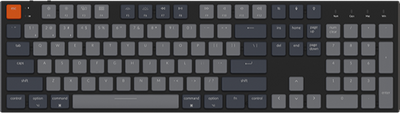
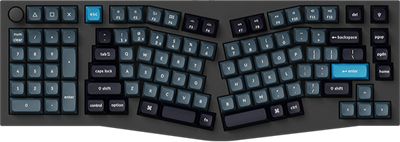
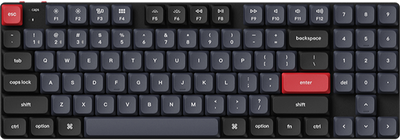
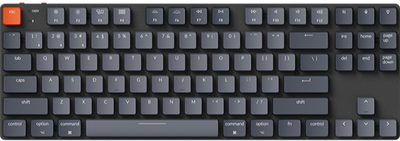
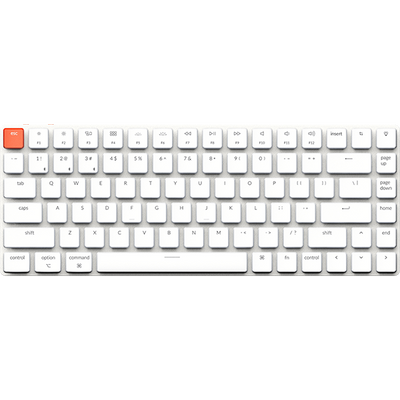
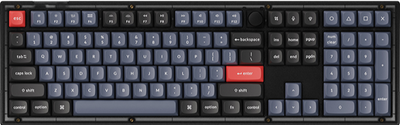
Keychron K1 QMK Wireless Mechanical Keyboard (Version 6)
From $52.49$74.99Unit price /Unavailable -
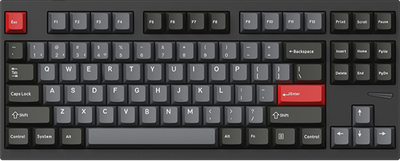
- Sale
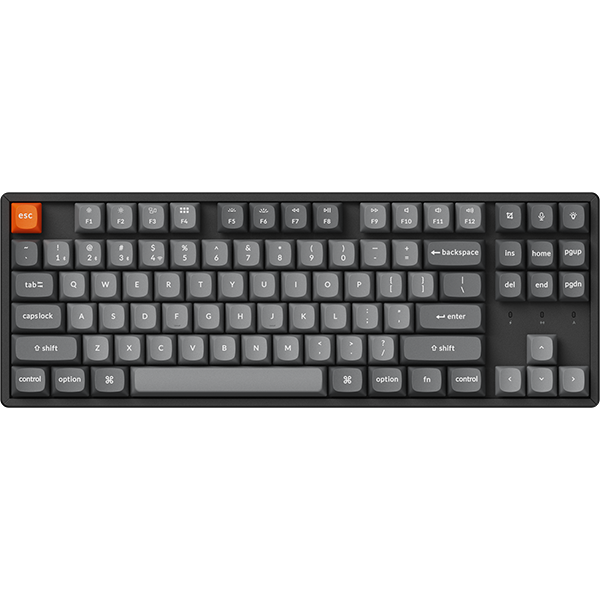
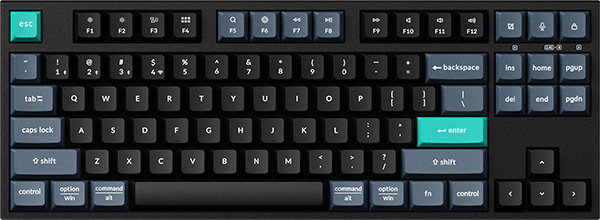
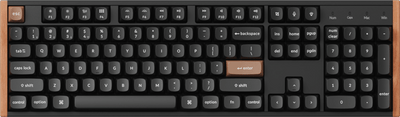
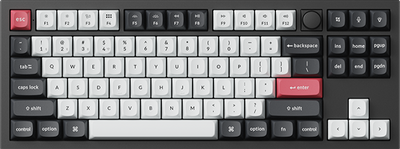
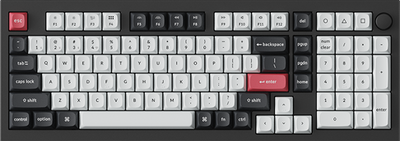
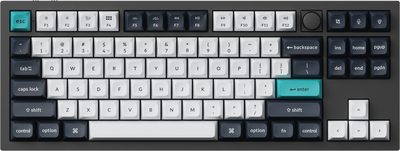
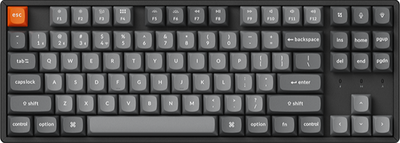
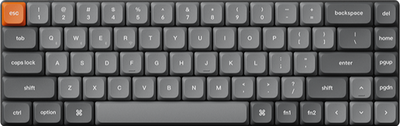
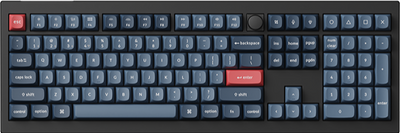
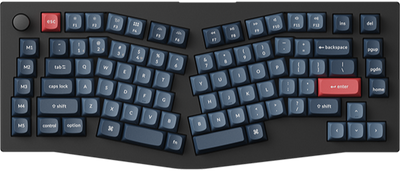
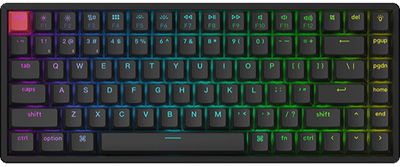
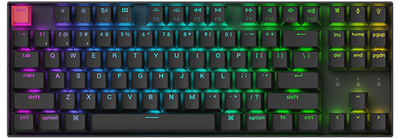
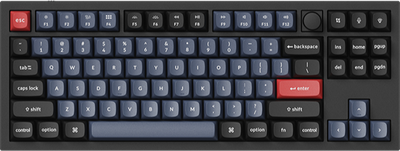
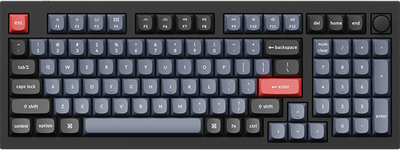
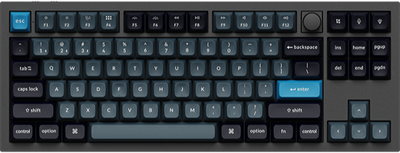
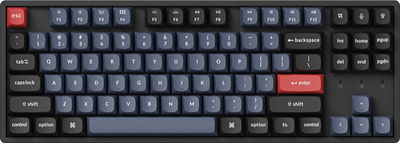
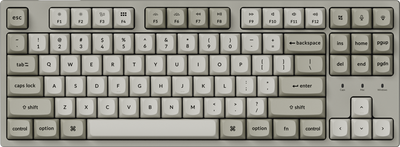
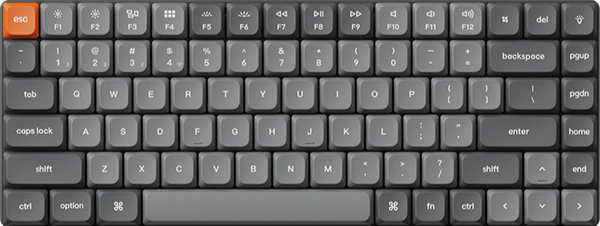
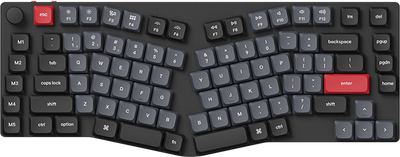
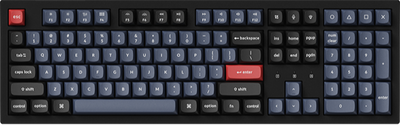
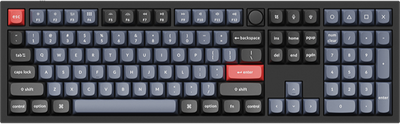
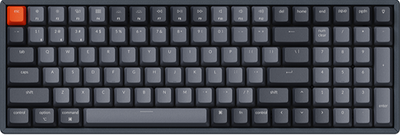
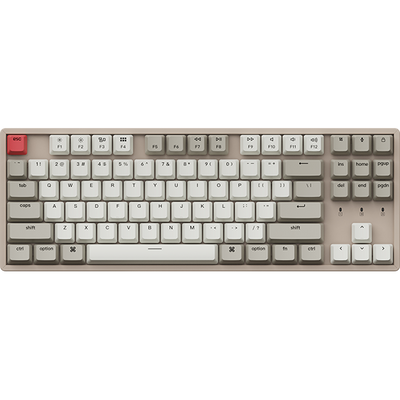
Keychron K8 QMK Wireless Mechanical Keyboard (Version 2)
From $62.99$89.99Unit price /Unavailable -
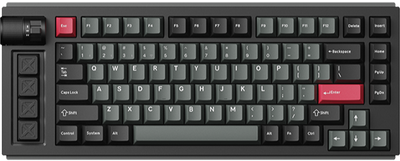
- Sold outSale
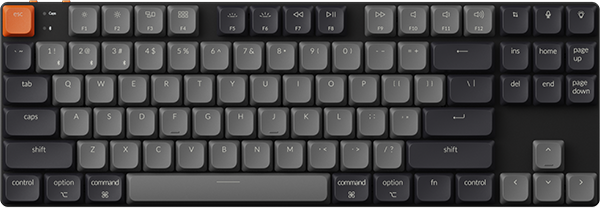
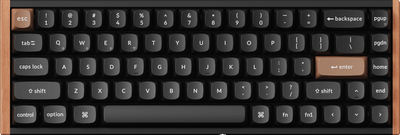
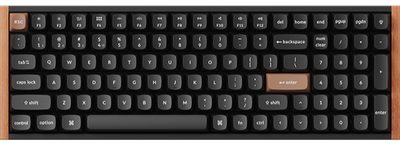
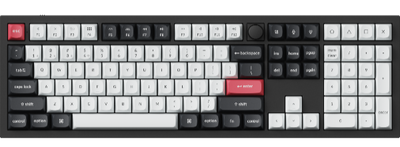
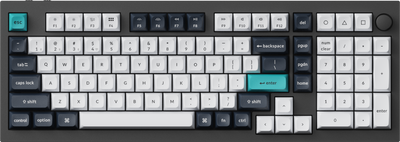
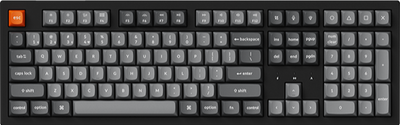
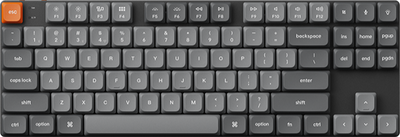
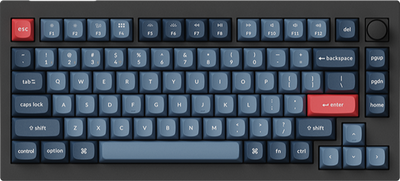
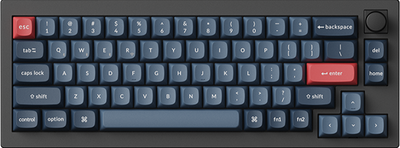
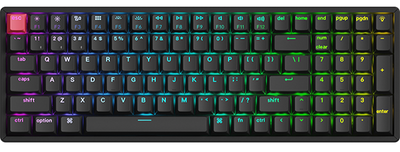
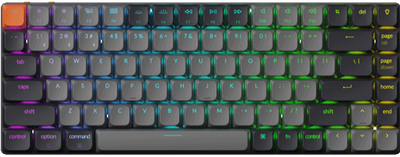
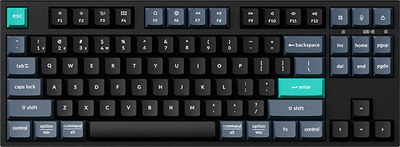
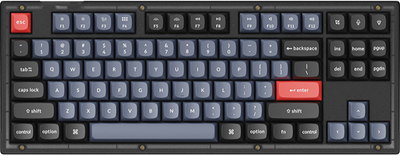
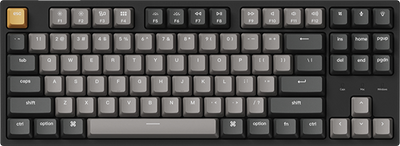
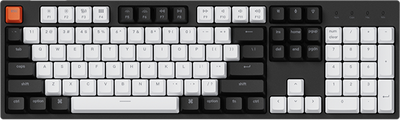
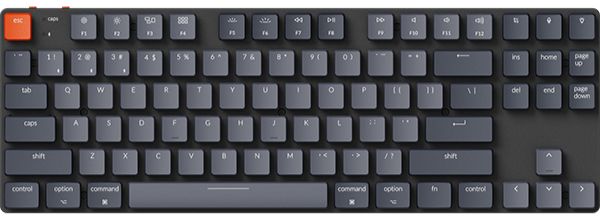
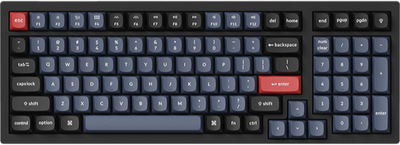
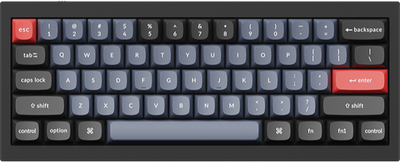
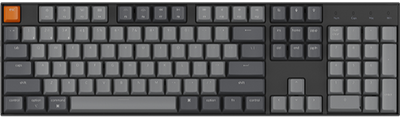
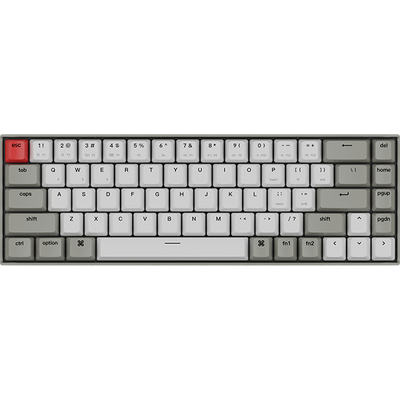
Keychron K3 QMK Wireless Mechanical Keyboard (Version 3)
From $59.49$84.99Unit price /Unavailable -
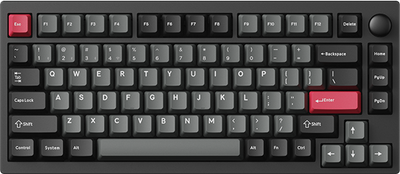
- Sale
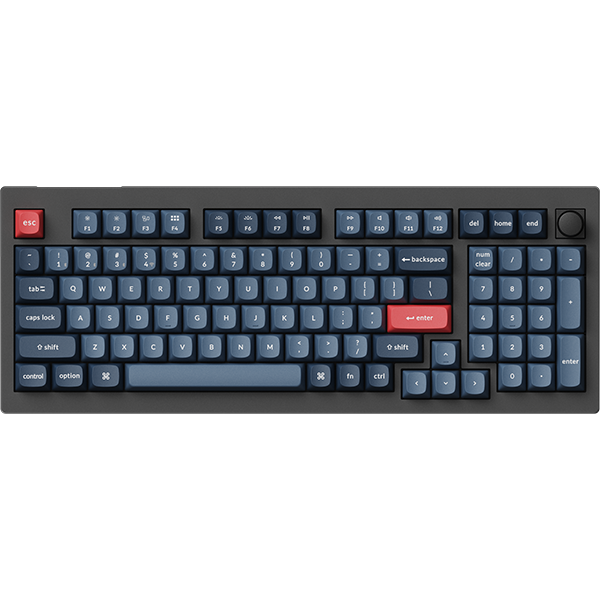
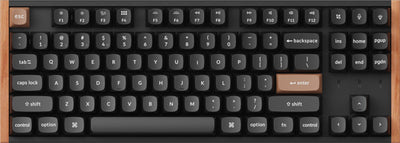
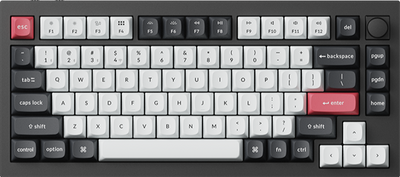
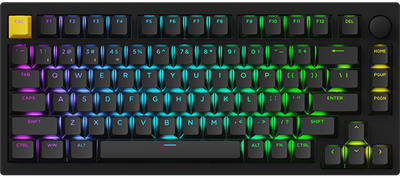
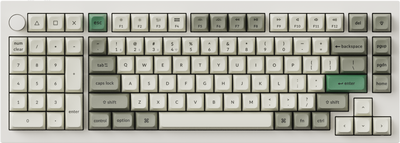
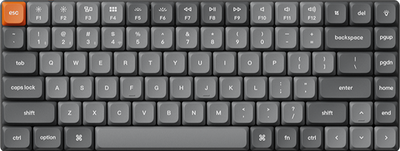
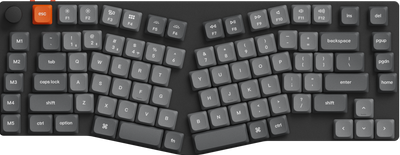
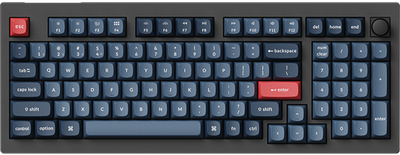
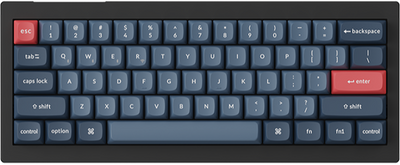
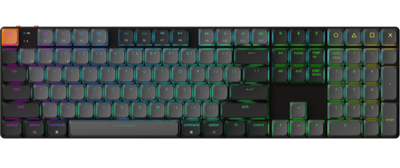
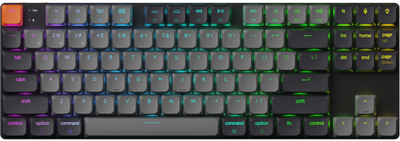
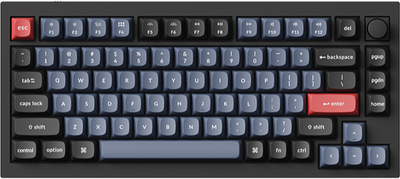
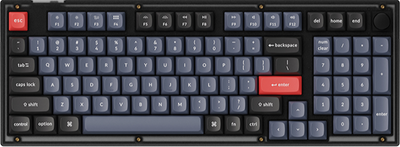
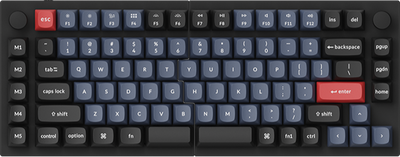
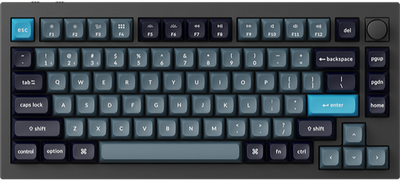
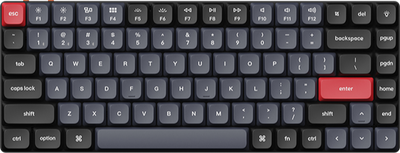
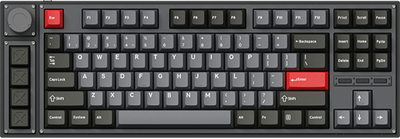
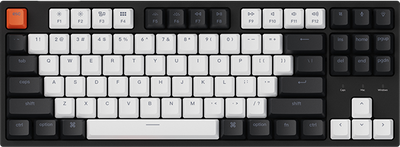
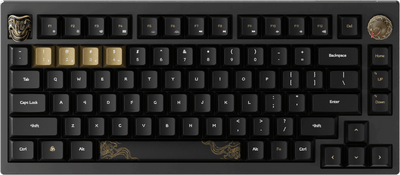
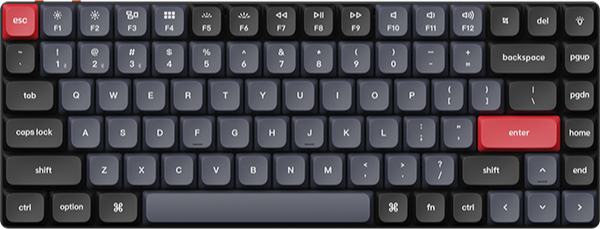
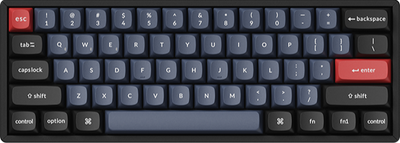
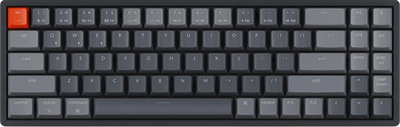
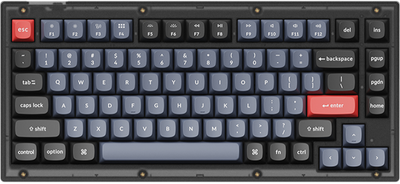
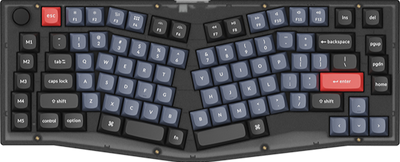
Keychron K1 Pro QMK/VIA Wireless Custom Mechanical Keyboard
From $66.49$94.99Unit price /Unavailable -
- Sale
-
- Sale
-
- Sale
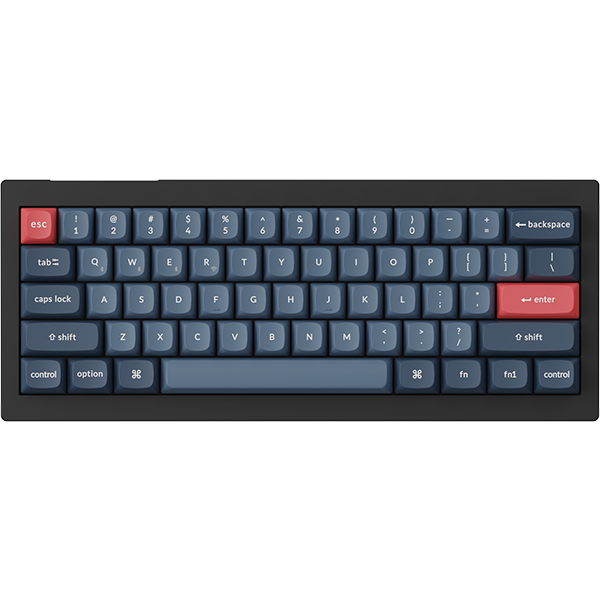
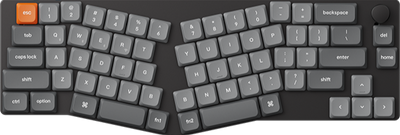
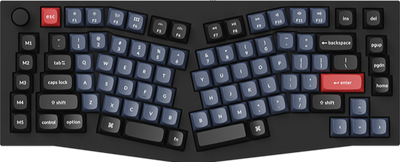
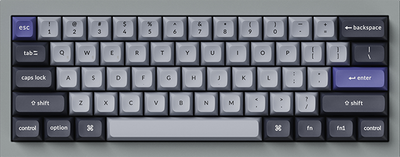
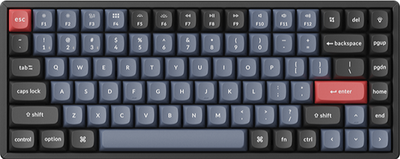
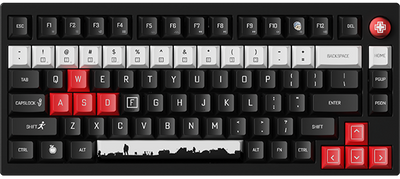
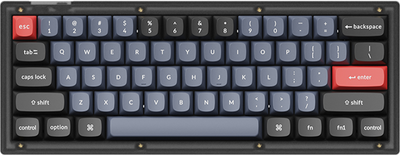
Keychron K6 Pro QMK/VIA Wireless Custom Mechanical Keyboard
From $62.99$89.99Unit price /Unavailable -
- Sold outSale
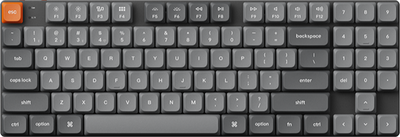
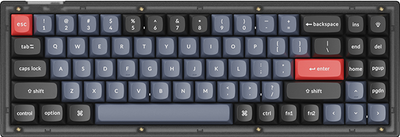
Keychron K7 Max QMK/VIA Wireless Custom Mechanical Keyboard
From $67.49$89.99Unit price /Unavailable -
- Sold outSale
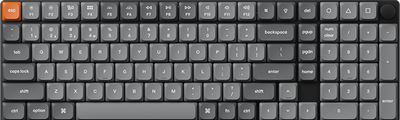
Keychron K9 Max QMK Wireless Custom Mechanical Keyboard
From $74.99$99.99Unit price /Unavailable -
- Sold outSale
-
- Sale
-
- Sold outSale
Keychron K2 QMK Wireless Mechanical Keyboard (Version 3)
From $62.99$89.99Unit price /Unavailable -
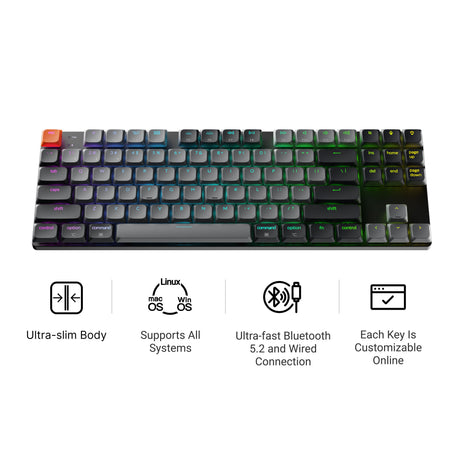
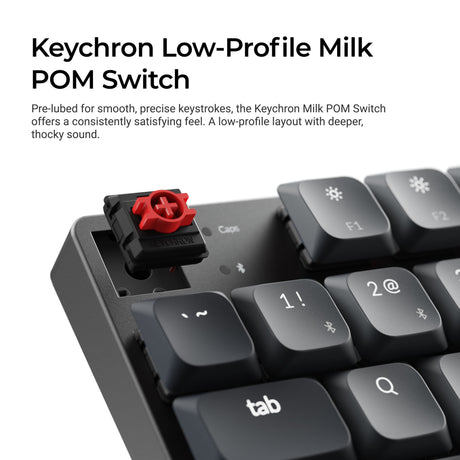
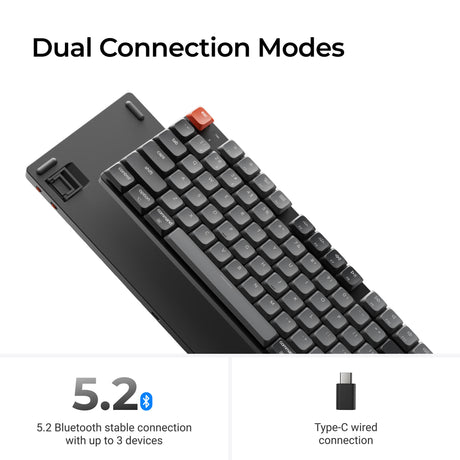
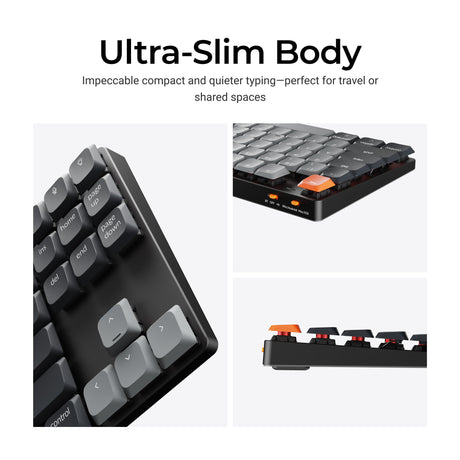

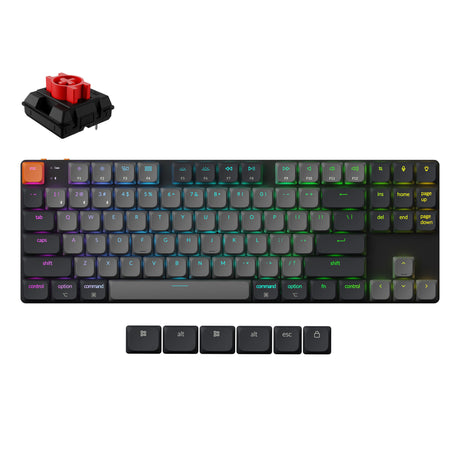
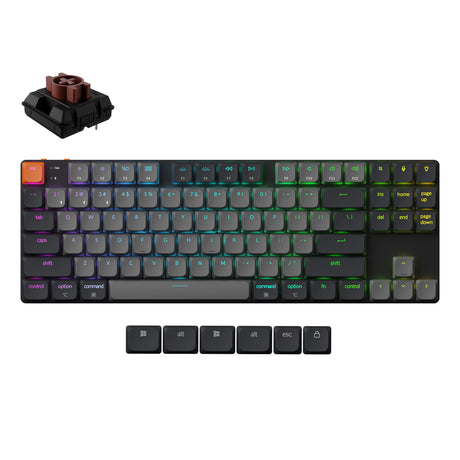
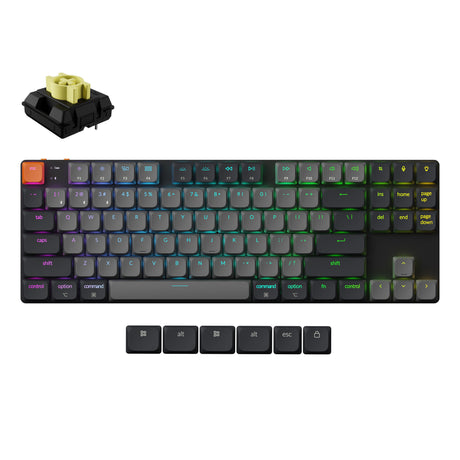


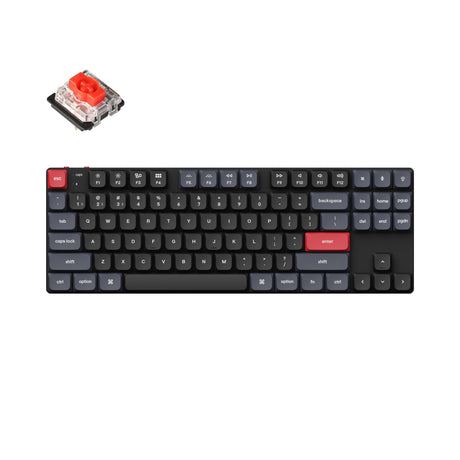
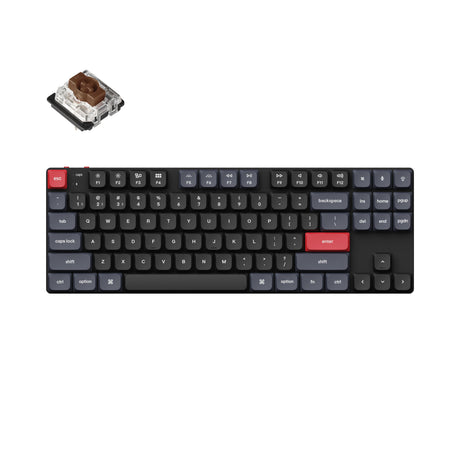
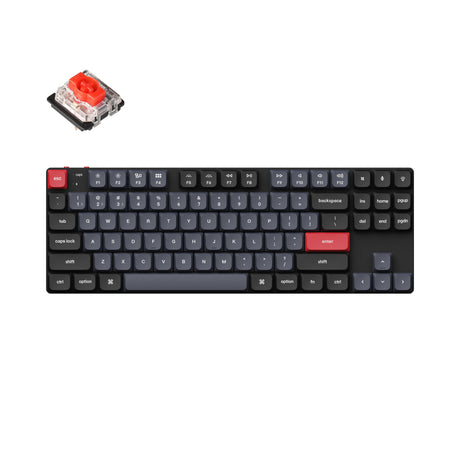
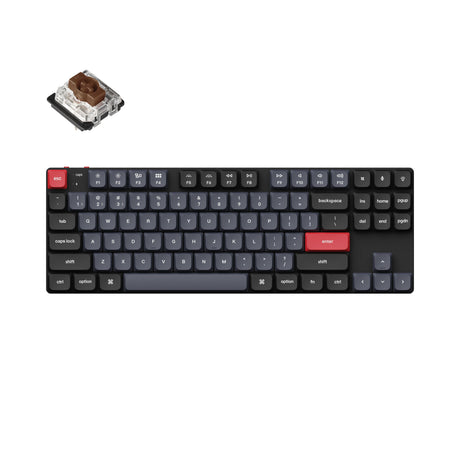
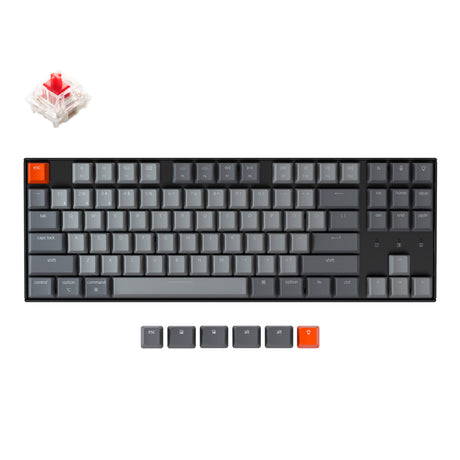
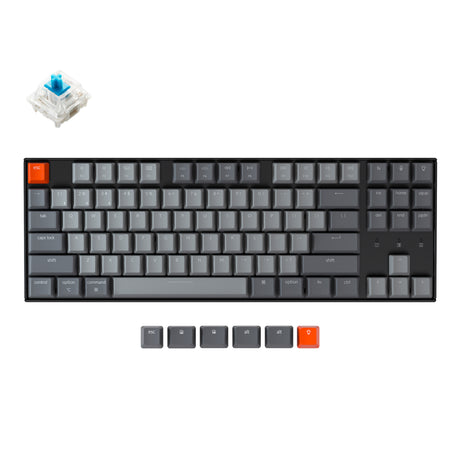
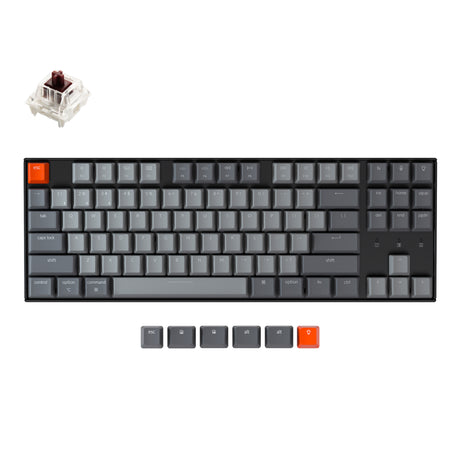
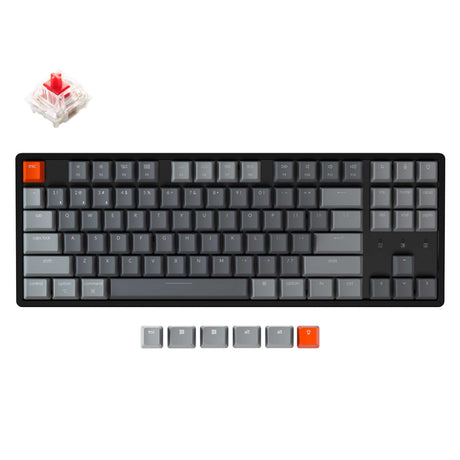
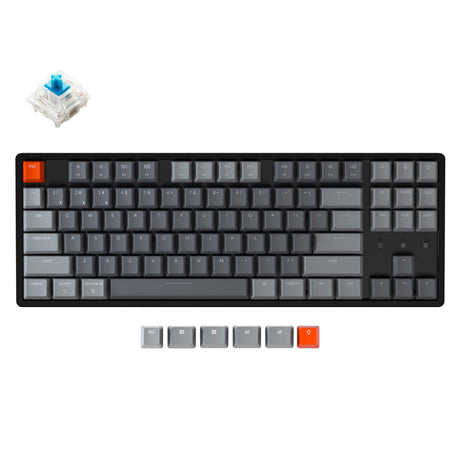
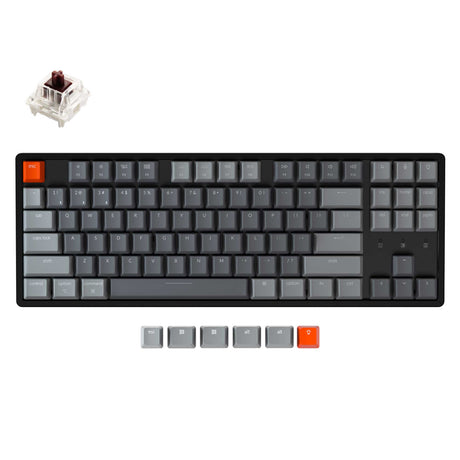
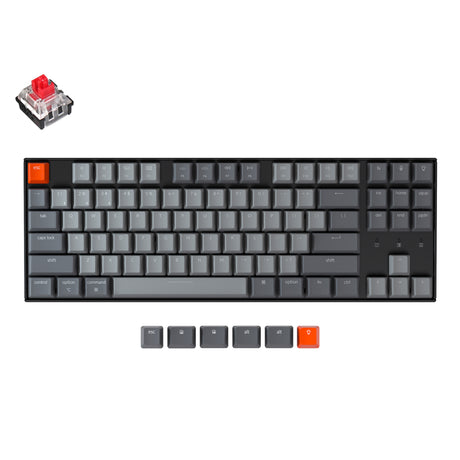
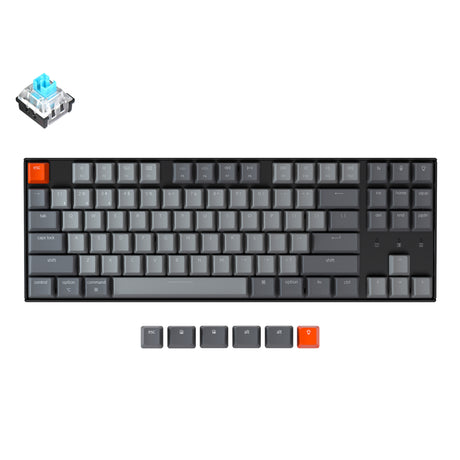
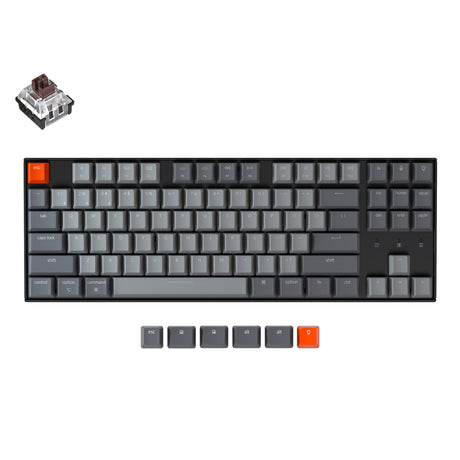
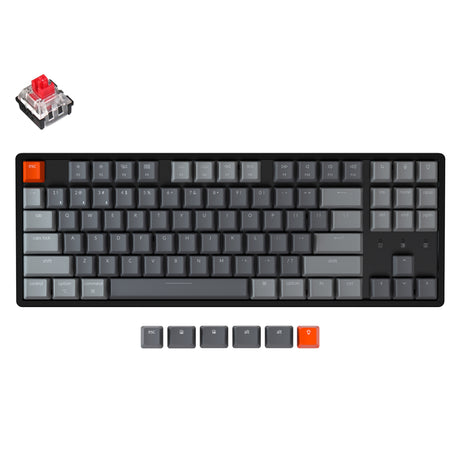
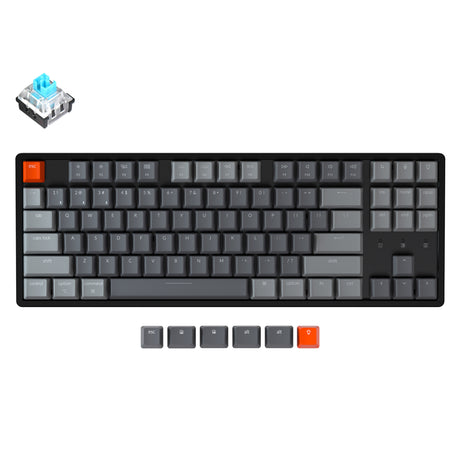
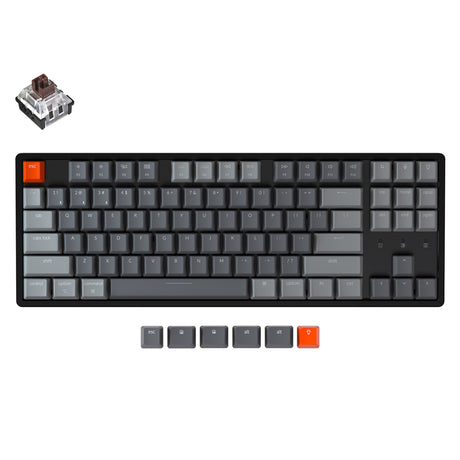

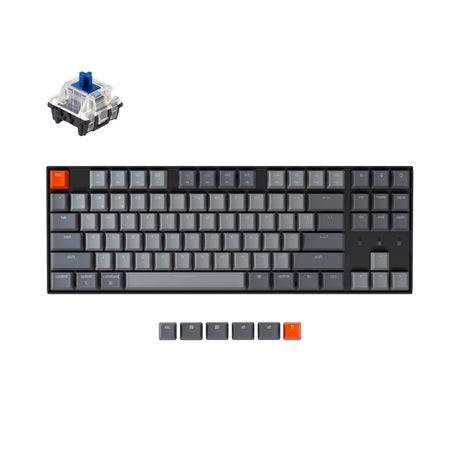


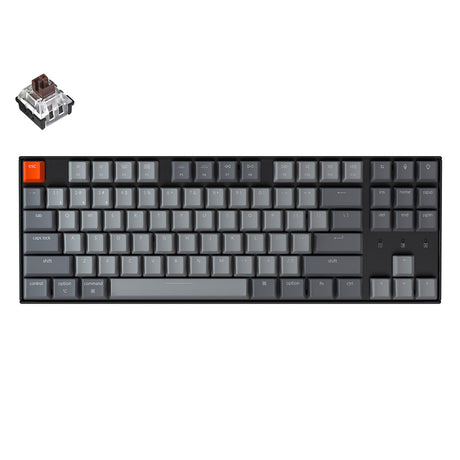
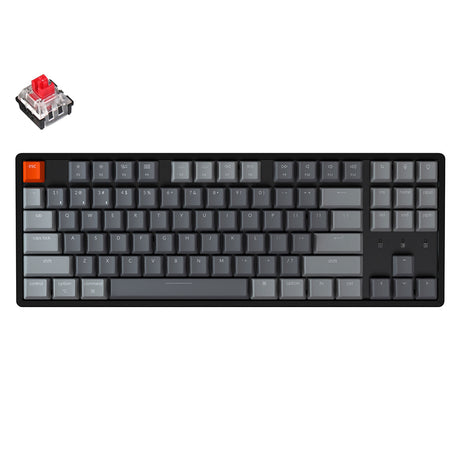
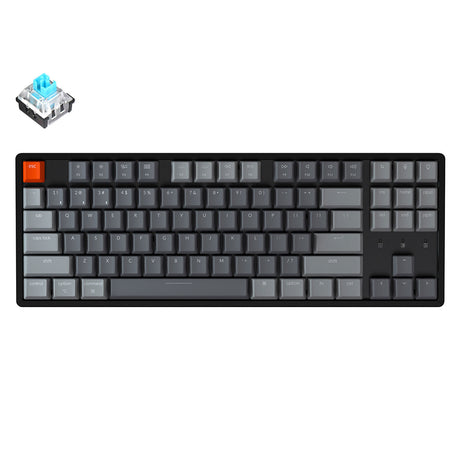
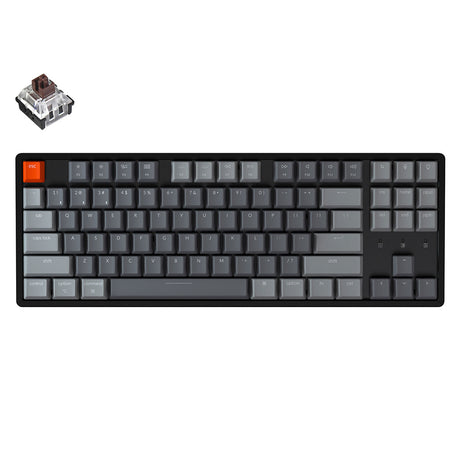
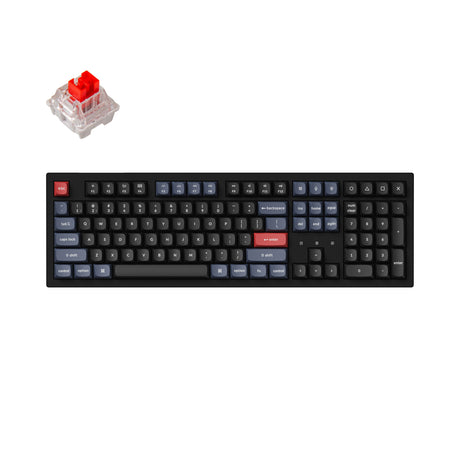
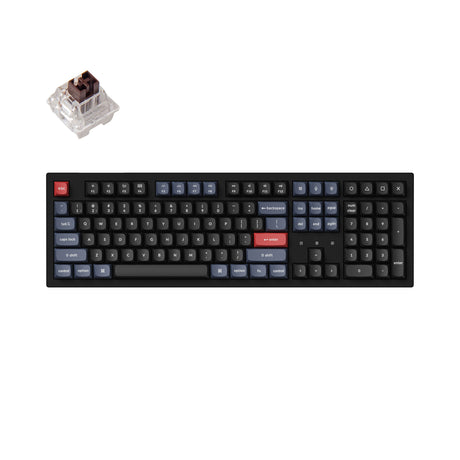
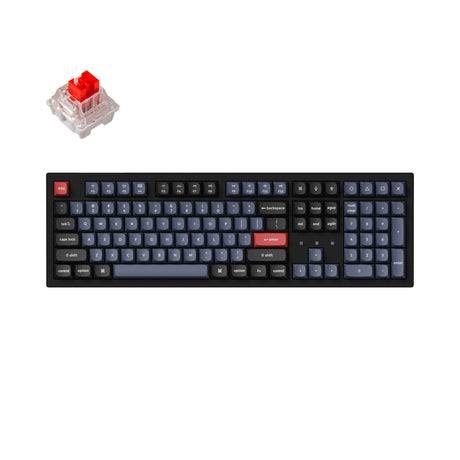
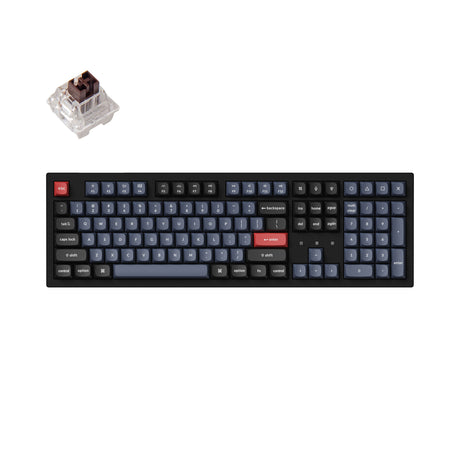
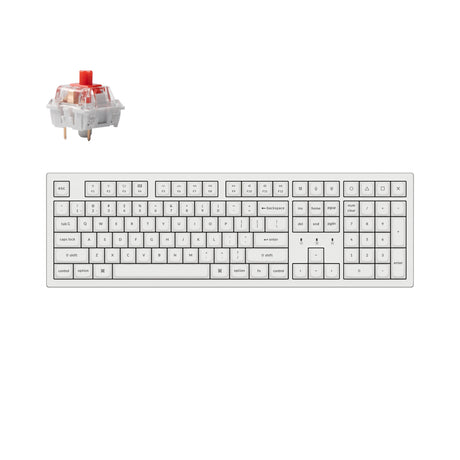
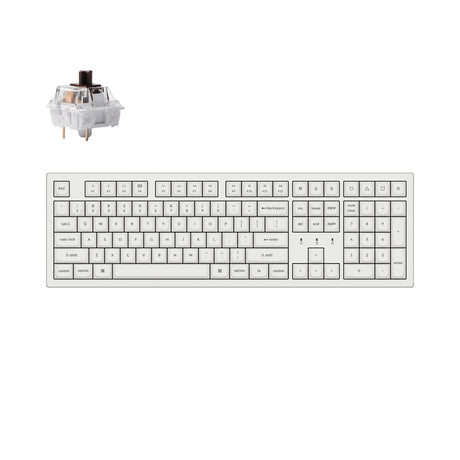
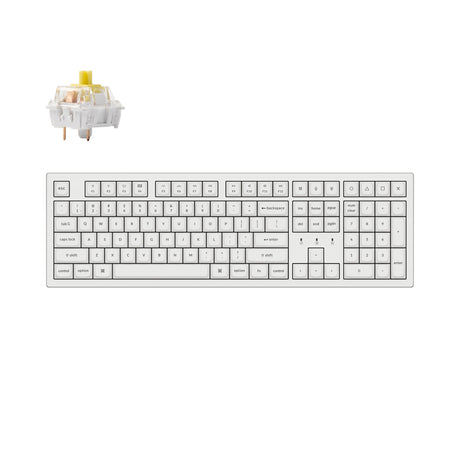
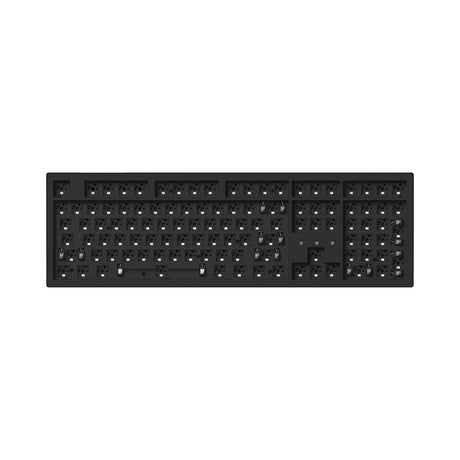
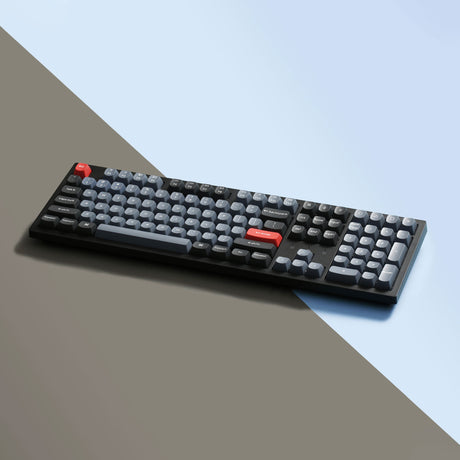
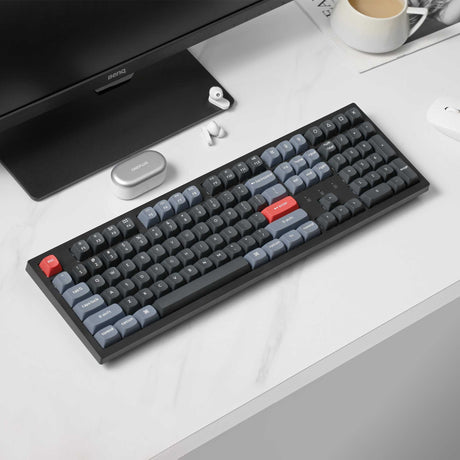
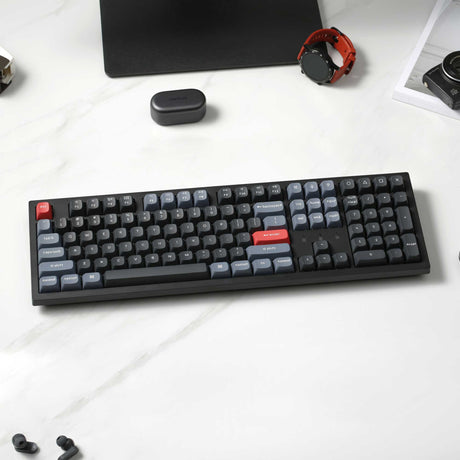
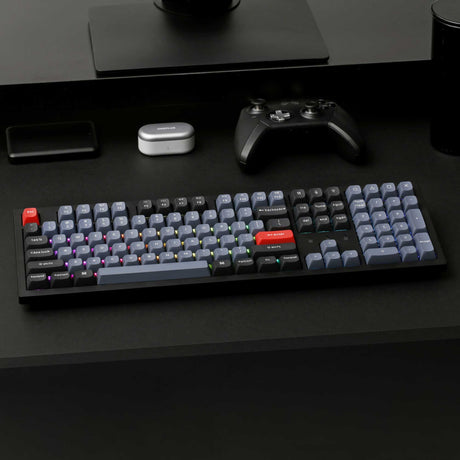
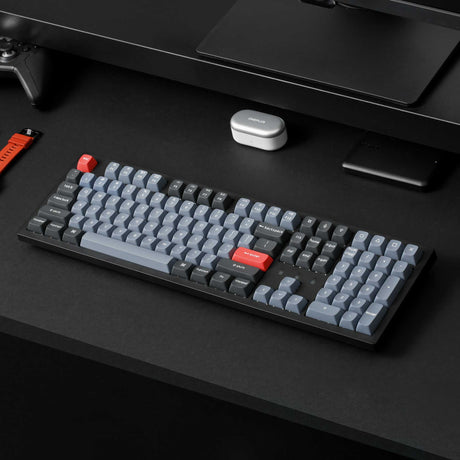
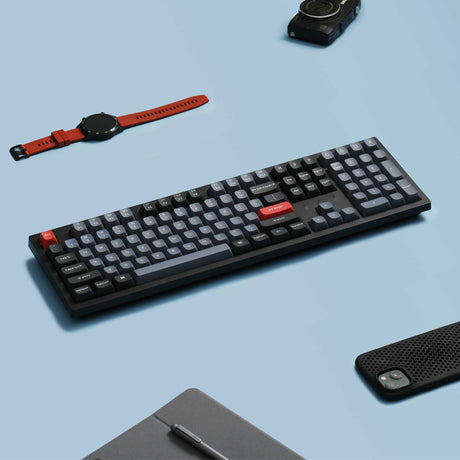
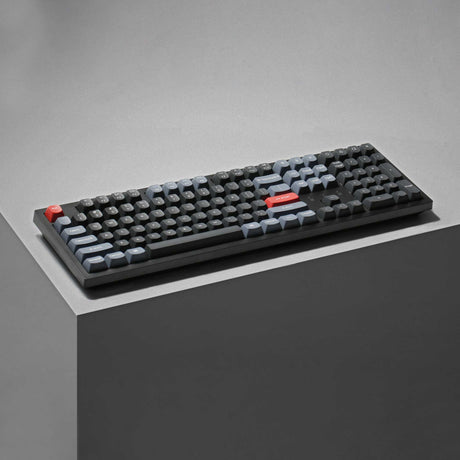
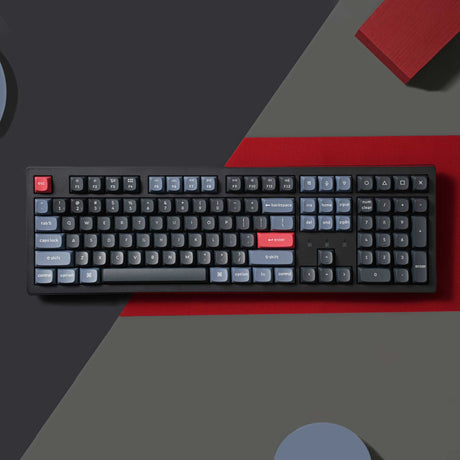
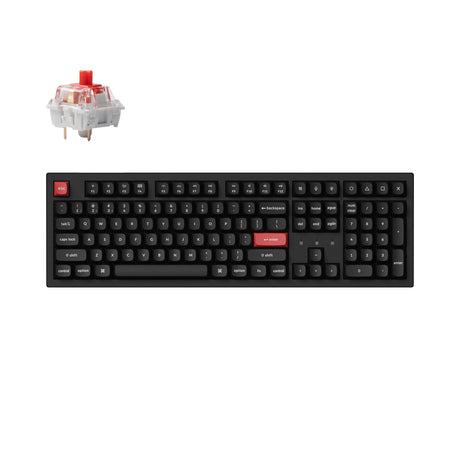
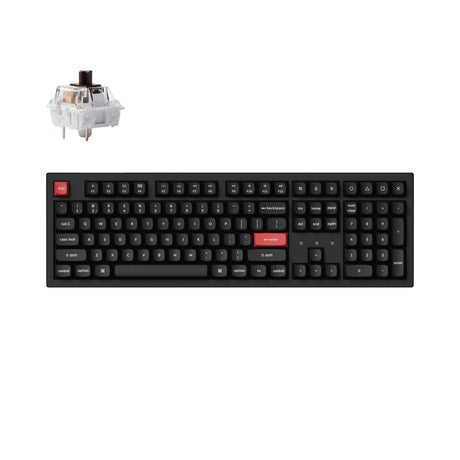
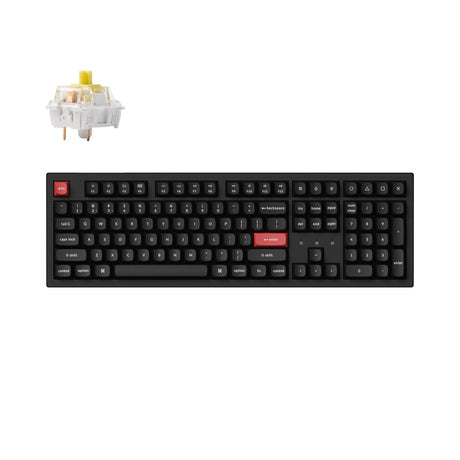
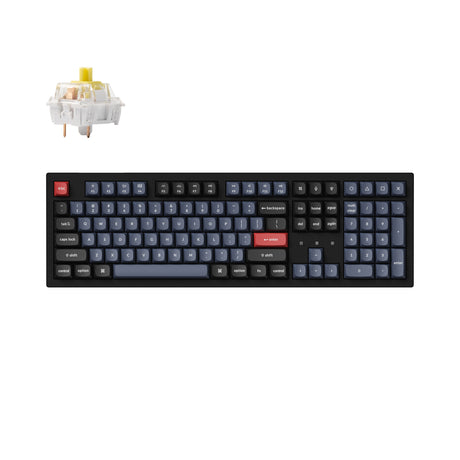
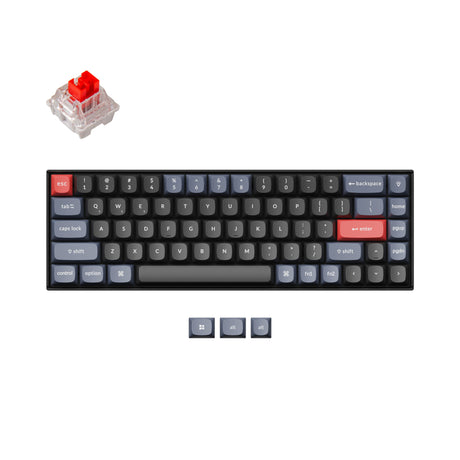
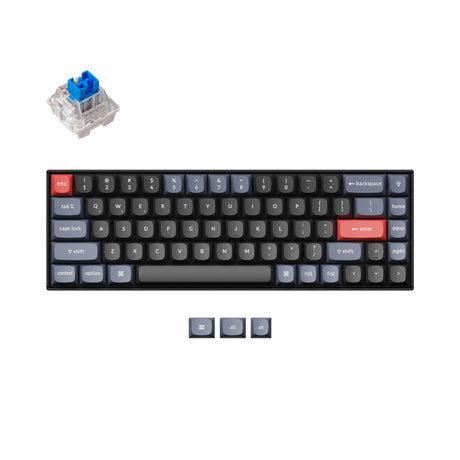
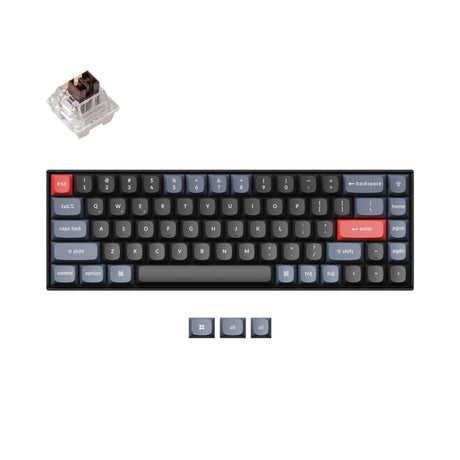
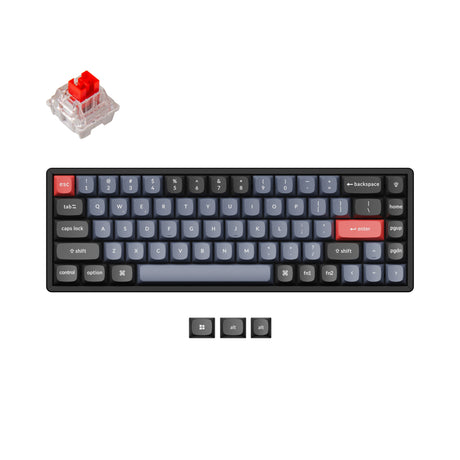
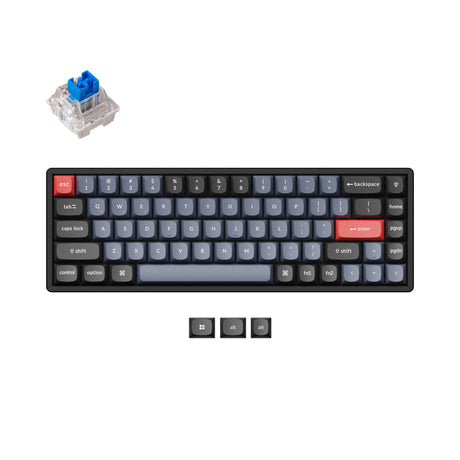
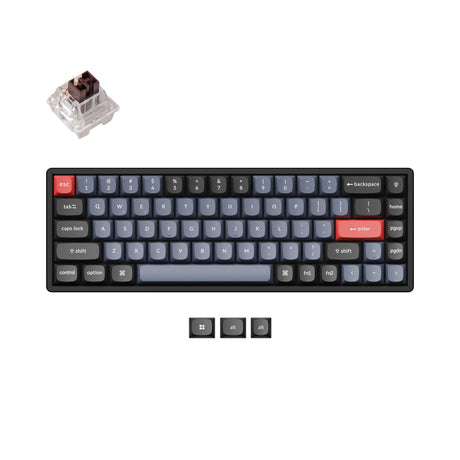
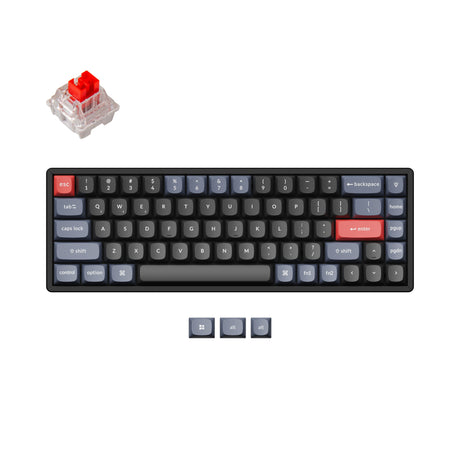
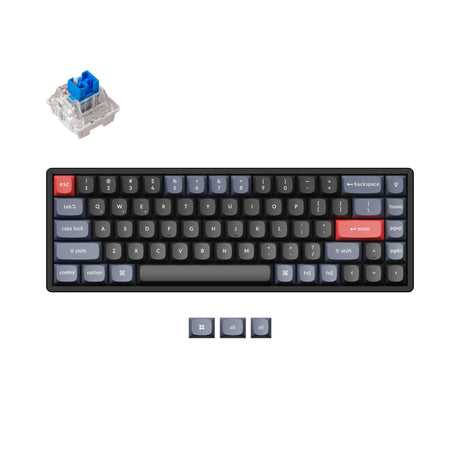
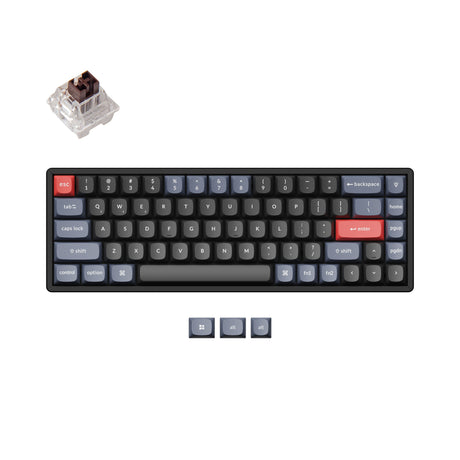


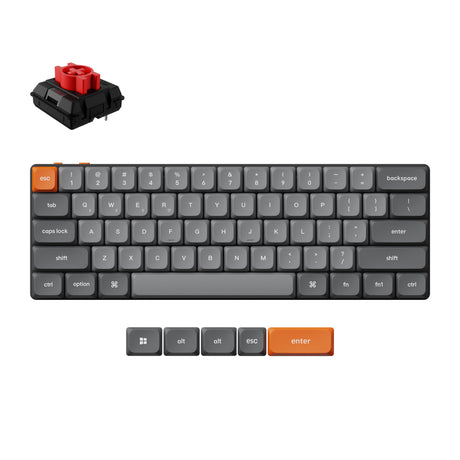
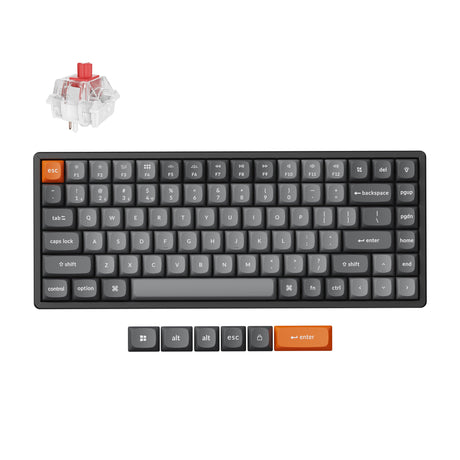
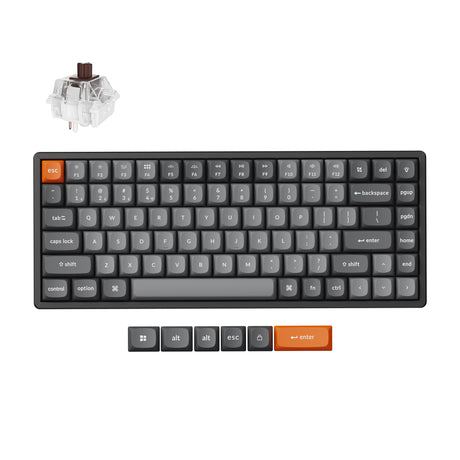
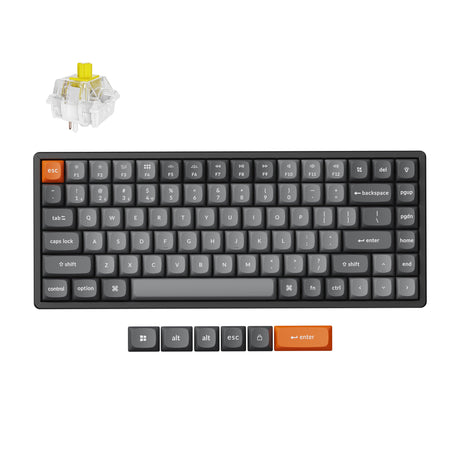
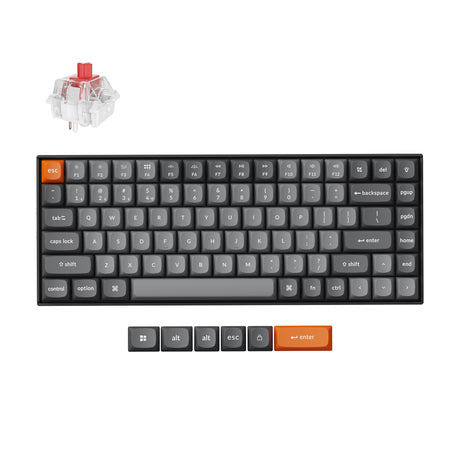
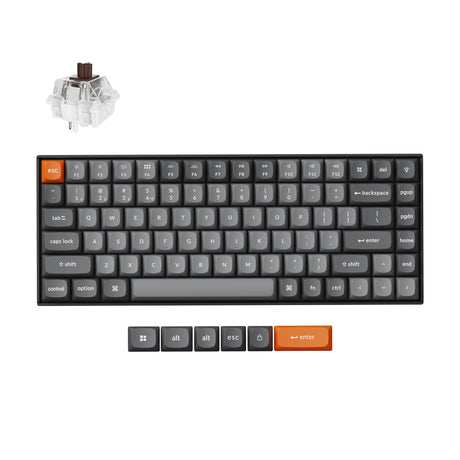
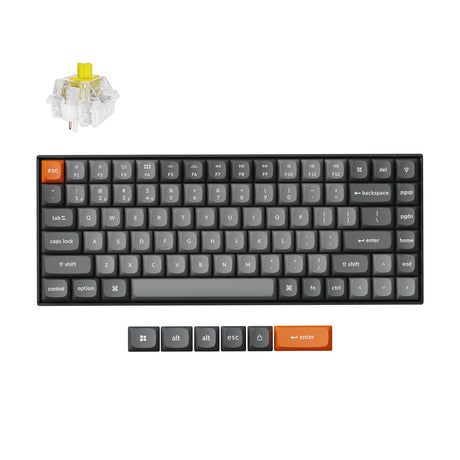
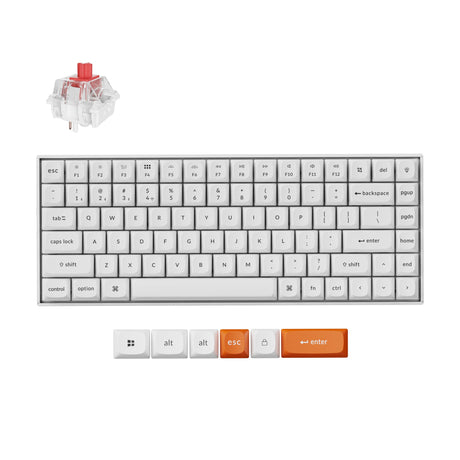
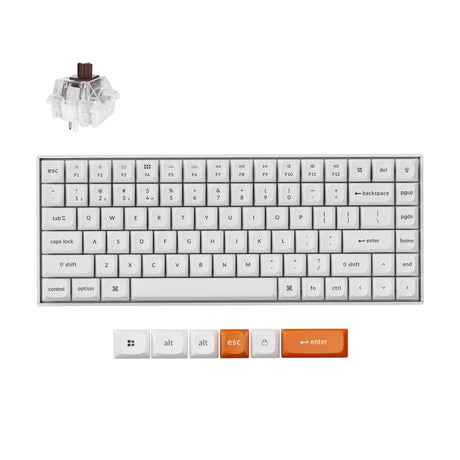
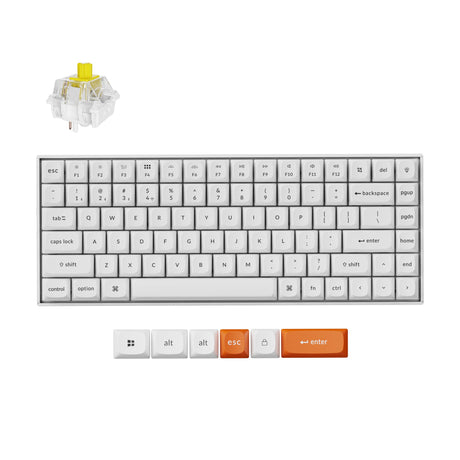
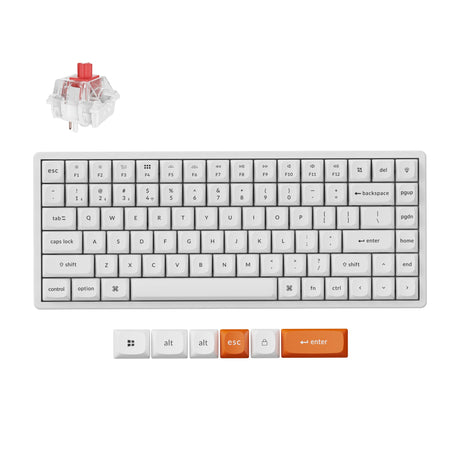
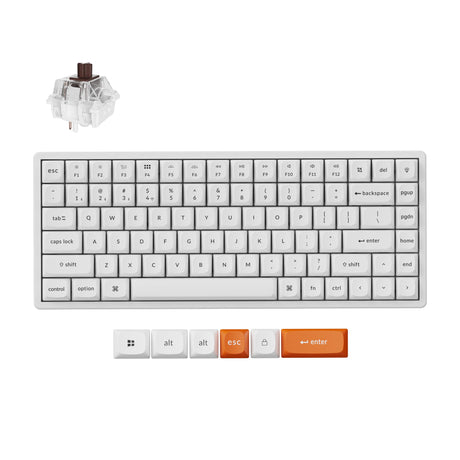
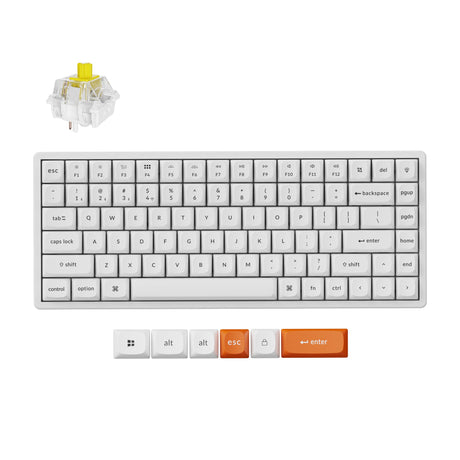
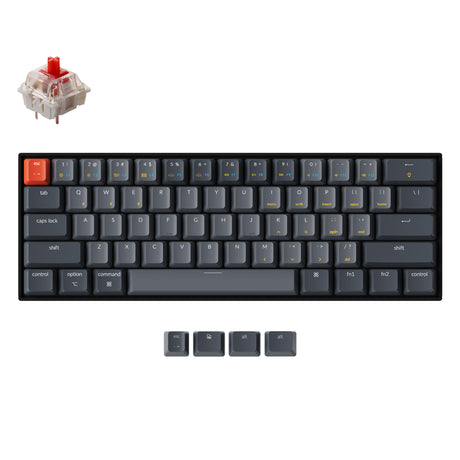
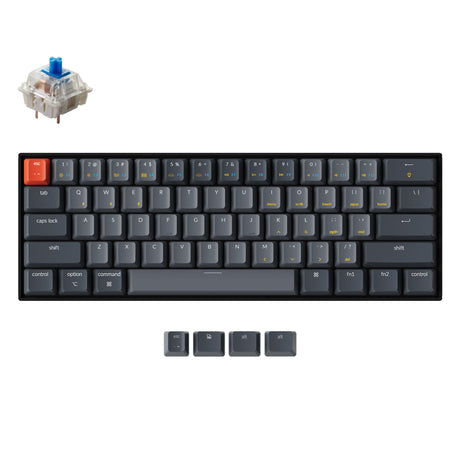
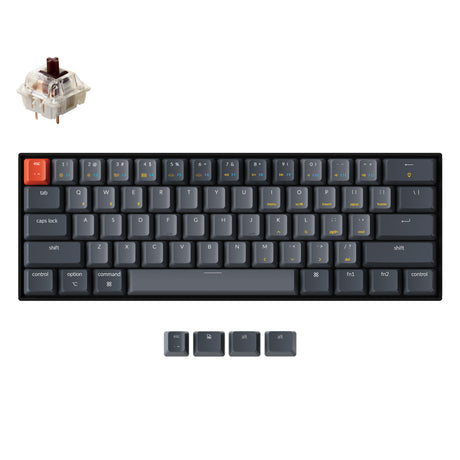
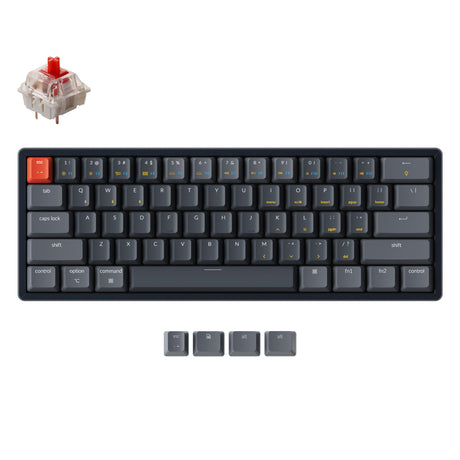
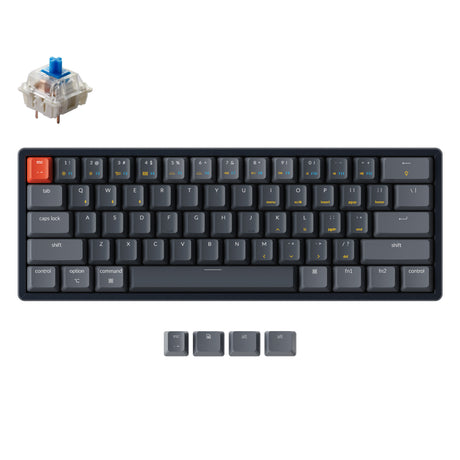
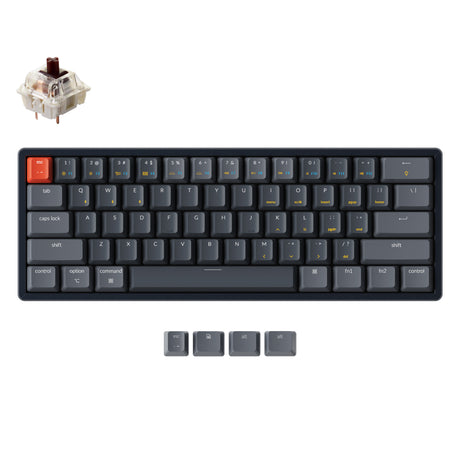

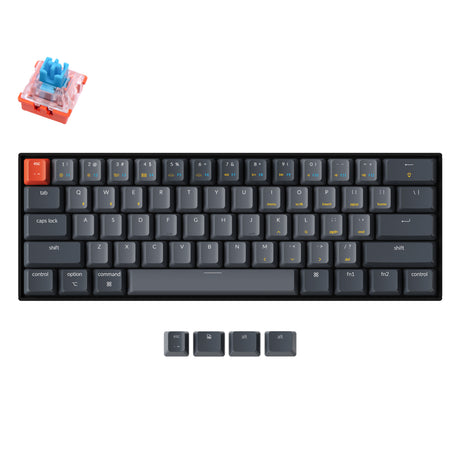
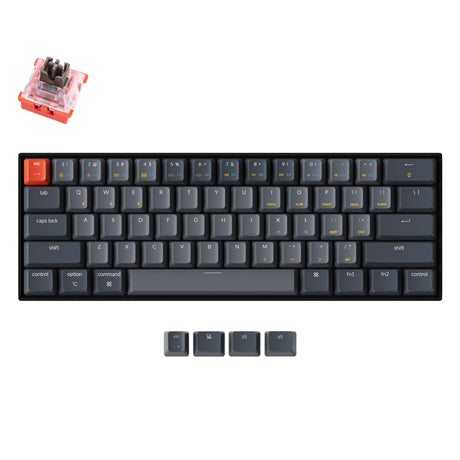


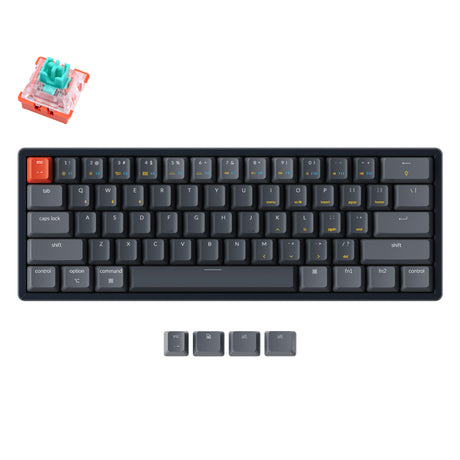
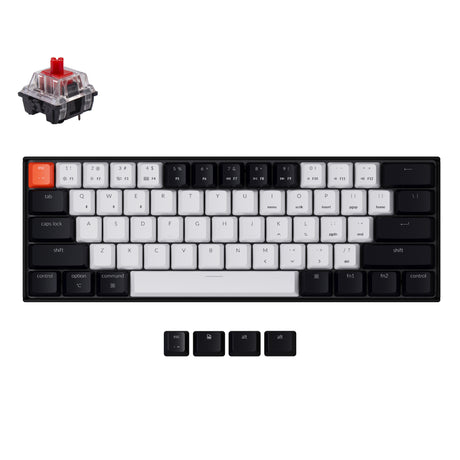
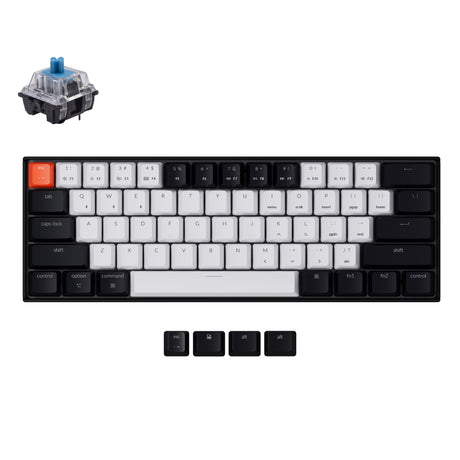
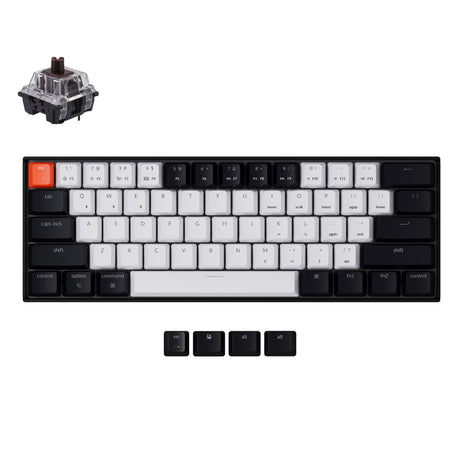
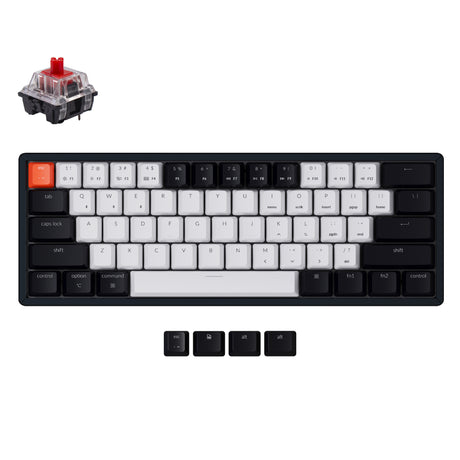
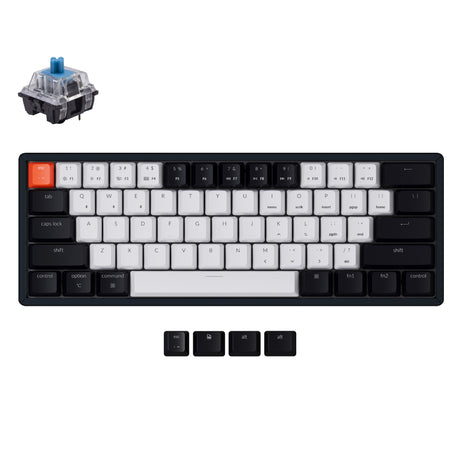
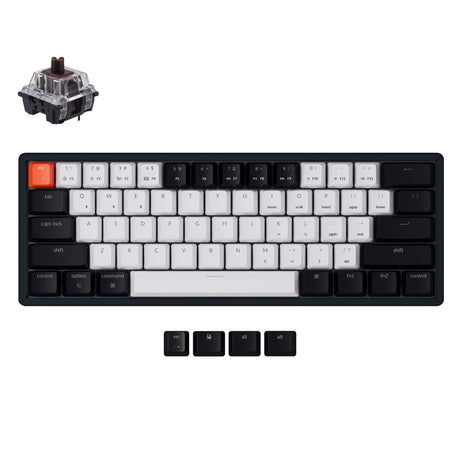
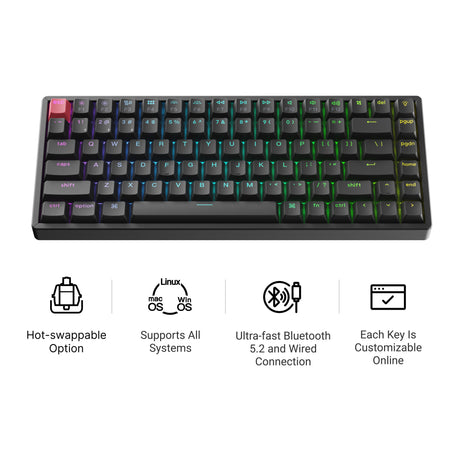
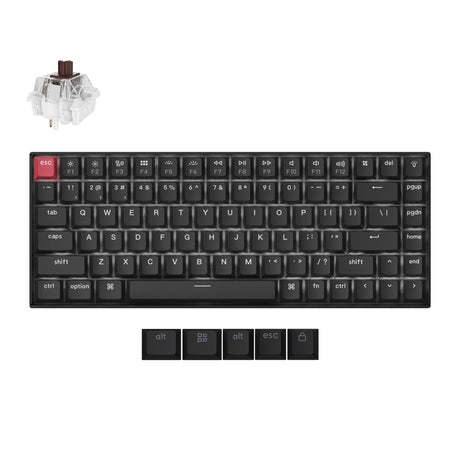
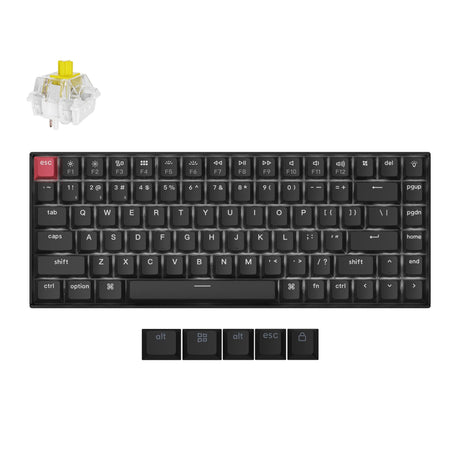
Wireless Mechanical Keyboard Collection | Keychron Keyboard for Mac, Gaming & Programming
pgrade your workspace with a premium Keychron keyboard designed for productivity, creativity, and gaming. Whether you need a wireless Mac keyboard, a compact office setup, or a low-latency mechanical keyboard for gaming, Keychron offers versatile solutions with advanced connectivity, ergonomic layouts, and customizable mechanical switches.
Explore the official collection here:
Why Choose a Keychron Wireless Mechanical Keyboard?
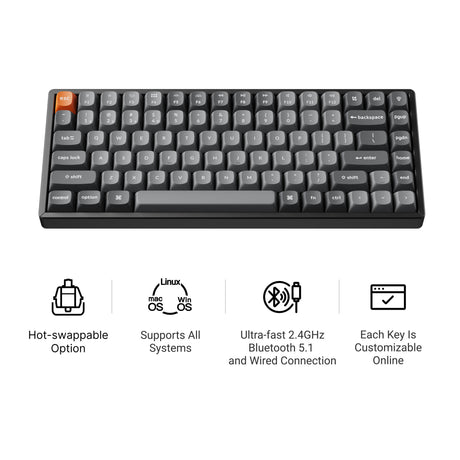
A modern wireless mechanical keyboard should offer more than portability. Keychron keyboards combine a premium typing feel, multi-device connectivity, Mac compatibility, and gaming-grade performance in a sleek package. Keychron's wireless lineup supports Bluetooth multi-device pairing, USB-C wired mode, and select models with 2.4 GHz ultra-low-latency wireless technology. Many models also include hot-swappable switches, customizable RGB lighting, and ergonomic typing angles.
Key Features & Advantages
Designed as the Perfect Wireless Keyboard for Mac
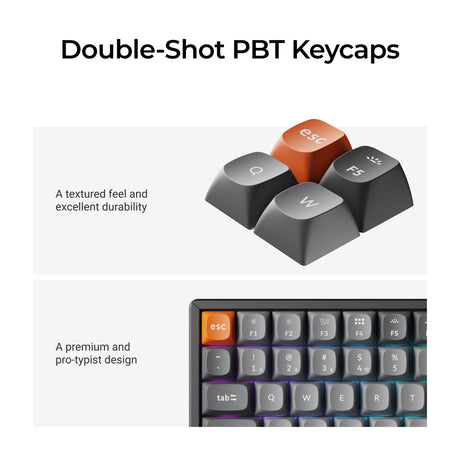
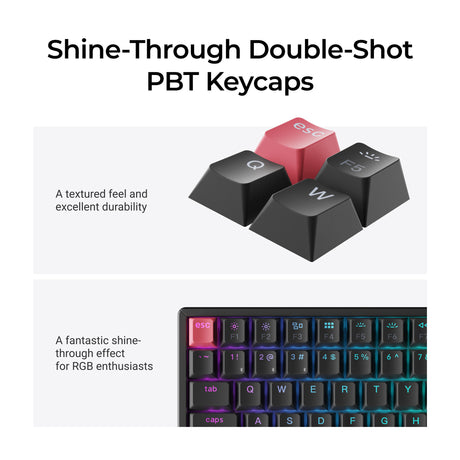
Unlike many generic keyboards, every Keychron keyboard is optimized for macOS while remaining fully compatible with Windows and Linux. You benefit from a native Mac multimedia key layout that works right out of the box. Extra Windows and Mac keycaps are included for easy switching. The keyboard supports OS switching with a simple toggle and is compatible with MacBook, iMac, iPad, and iPhone. Keychron is widely recognized for fully supporting Mac users without requiring additional software or modifications.
Mechanical Keyboard with 2.4GHz and Bluetooth
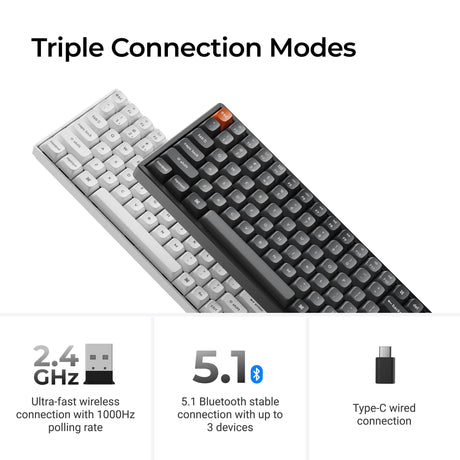
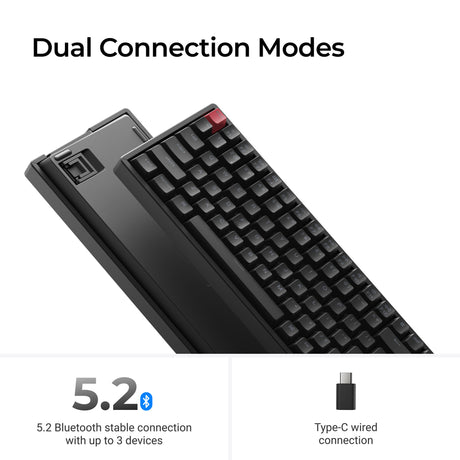
Modern users need flexible connectivity. Keychron keyboards support Bluetooth multi-device pairing for seamless switching. A USB-C wired mode is available for charging and stable connections. Selected models offer 2.4 GHz wireless connectivity for even lower latency. Quick device switching between laptop, tablet, and desktop makes Keychron ideal for remote work, multitasking, and hybrid offices. Newer Keychron Ultra series models even support up to 8000 Hz polling rates with 2.4 GHz wireless technology, delivering responsive gaming and professional use without wires.
Best Wireless Mechanical Keyboard for Programming
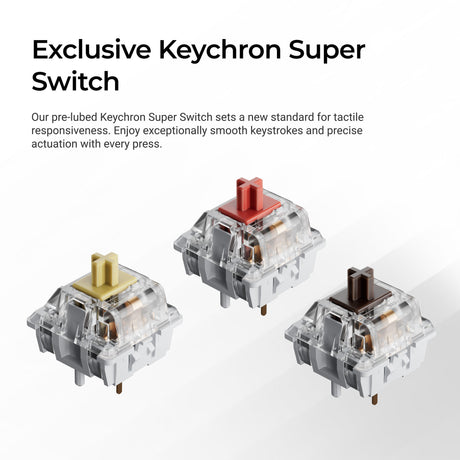
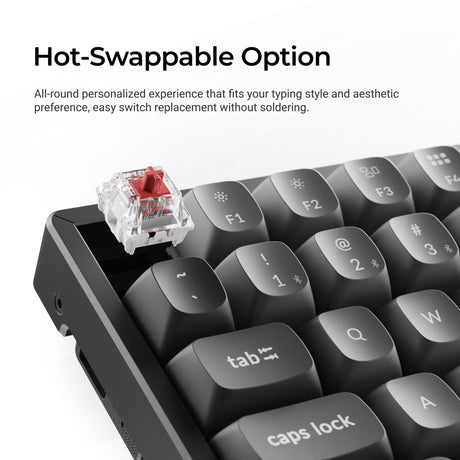
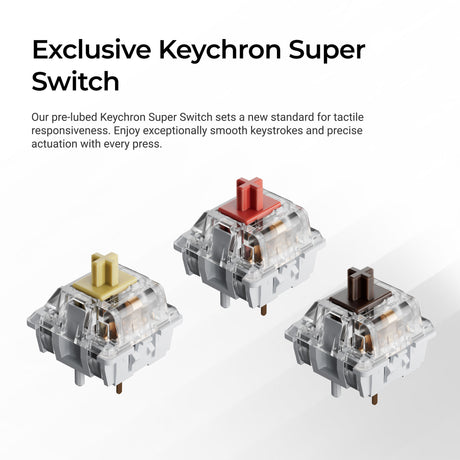
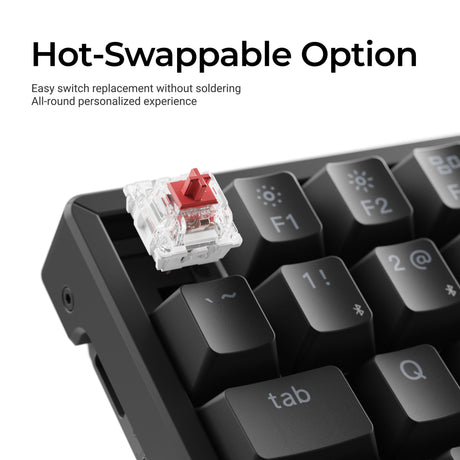
Programmers type for long hours, so comfort and reliability matter. Keychron provides tactile and linear switch options to suit personal preferences. Compact layouts save desk space for more mouse movement. Hot-swappable switches enable easy upgrades without soldering. Selected models offer QMK Launcher customization for advanced key mapping. Excellent typing acoustics and long battery life keep you productive through extended coding sessions. Ergonomic typing angles and customizable layouts help reduce fatigue.
Ergonomic Wireless Keyboard Experience
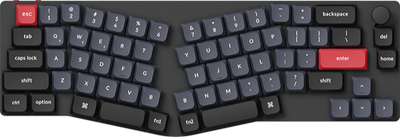
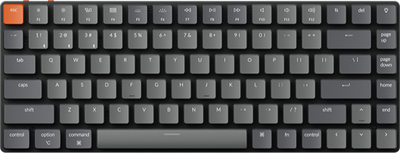
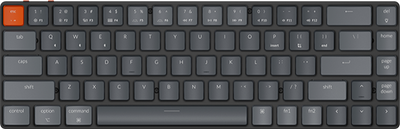
An ergonomic wireless keyboard enhances comfort and productivity during long sessions. Keychron keyboards feature adjustable typing angles and compact, space-saving layouts to keep desks tidy. Low-profile options improve wrist comfort during long typing. A sturdy aluminum or reinforced frame minimizes flex and movement. Optimized key spacing supports natural hand and finger positioning. Many users prefer compact layouts like 65%, 75%, and TKL formats to reduce hand movement while preserving essential function keys.
Low Latency Wireless Mechanical Keyboard for Gaming
Gamers need fast response and reliable connectivity. Keychron’s gaming-ready models offer 2.4 GHz wireless connectivity for lag-free performance. Ultra-fast polling rates ensure every keystroke is registered instantly. Mechanical switch options provide the tactile feedback gamers prefer. N-key rollover and anti-ghosting ensure accurate key presses during fast action. RGB backlighting adds visual feedback and customization for gaming setups. Wired and wireless dual modes give gamers flexibility. Some Ultra models support up to 8000 Hz polling rates for highly responsive gameplay.
FAQ – Common Questions About Keychron Wireless Keyboards
Can I use a Keychron wireless mechanical keyboard with both Mac and Windows?
Yes. Every keyboard includes dedicated keycaps and a switch to toggle between Mac and Windows layouts.
What is the difference between 2.4 GHz and Bluetooth?
2.4 GHz wireless (with a USB dongle) offers lower latency, perfect for gaming. Bluetooth is more convenient for connecting to a laptop, tablet, or phone.
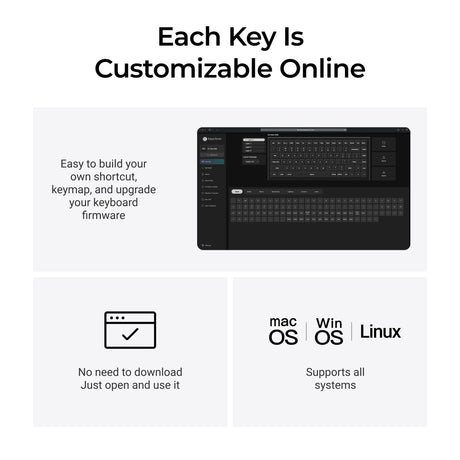
Is Keychron Launcher better than VIA?
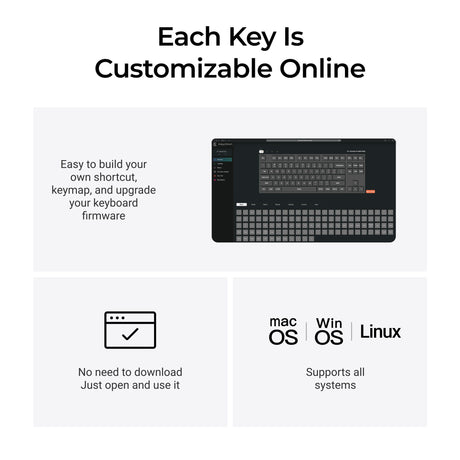
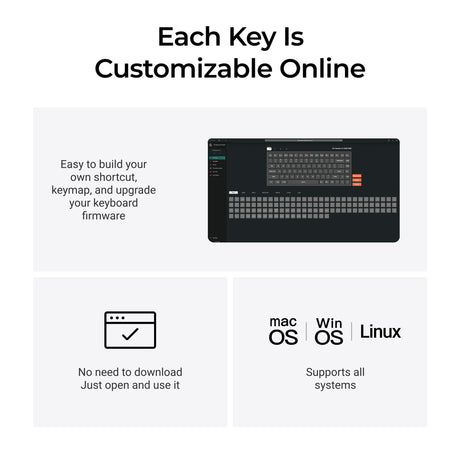
Both work well. Launcher is browser-based and does not require downloading an app; VIA is more established but needs a local utility.
Are Keychron keyboards ergonomic?
Keychron offers multiple ergonomic layouts and adjustable typing angles designed for long typing sessions. Compact layouts can also reduce hand movement and improve desk ergonomics