
































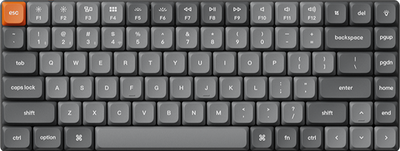

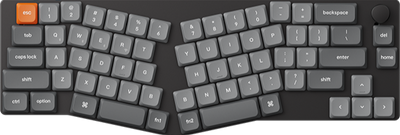
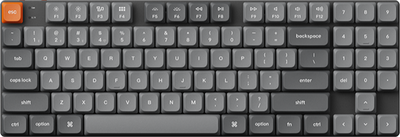
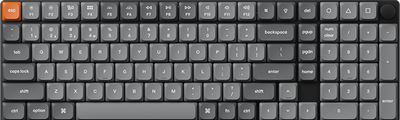
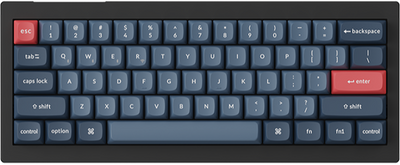
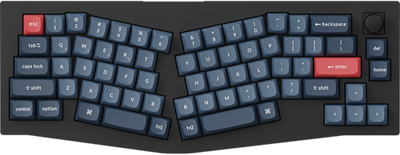
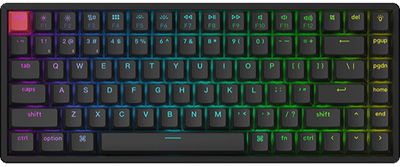
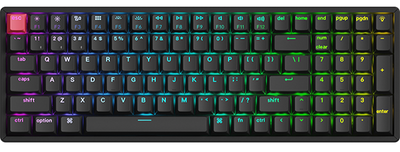









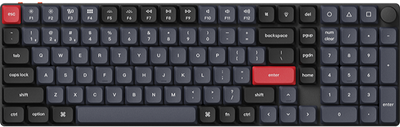
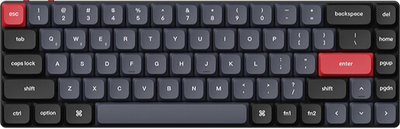
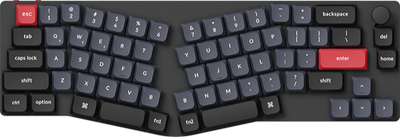
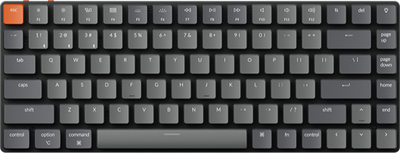



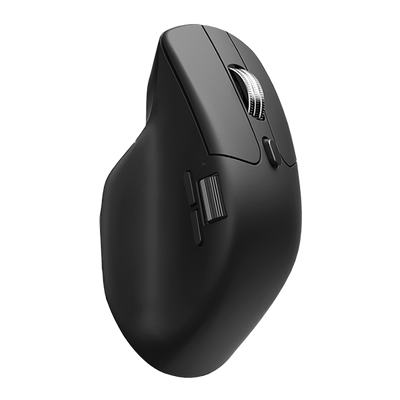
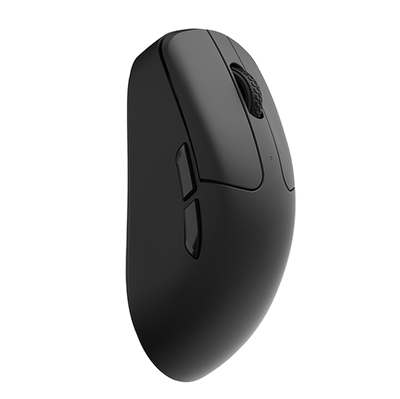
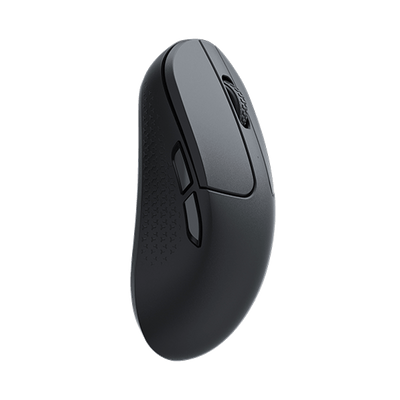
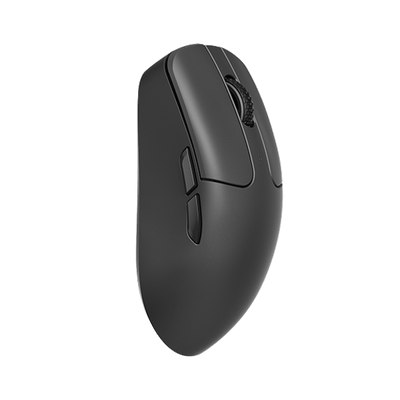


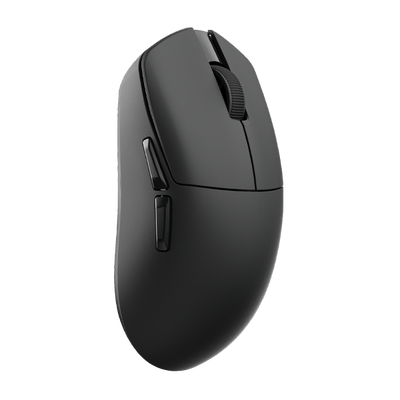




















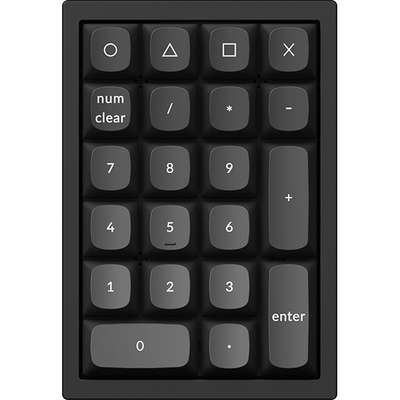
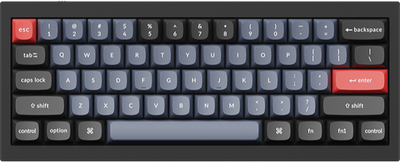









A New Species is Coming
Sign up to be the first to know
One Switch.
Two Click Personalities.

Freely switch between traditional Optical Mode and Linear Magnetic Mode in Keychron Launcher web app. Get non-contact reliability, no contact bounce, and a faster, cleaner trigger signal.
Dual Click Mode
Optical or magnetic
Non-Contact
No metal contact wear
No Debounce
Cleaner trigger signal
Choose Your Click Mode.
This is not just an optical switch with a magnet inside. It is a selectable dual-mode system: familiar optical triggering or magnetic triggering.
Optical Click Mode
Works like a traditional optical mouse switch: fast, reliable, and non-contact, with a familiar crisp click response.
Magnetic Click Mode
Switch to Magnetic Mode through the Keychron Launcher web app. Hall sensing preserves a crisp clicky mechanical feel while enabling adjustable actuation points and Rapid Trigger functionality.
Adjustable Actuation Point
Fine-tune trigger points in Magnetic Mode for faster response and personalized click behavior.
Rapid Trigger
In Magnetic Mode, dynamic reset detection enables faster repeated inputs and cleaner follow-up clicks during gameplay.
Long-Term Consistency
Non-contact trigger detection avoids aging double-click issues and preserves stable performance over time.
Cleaner Signal. Faster Trigger.

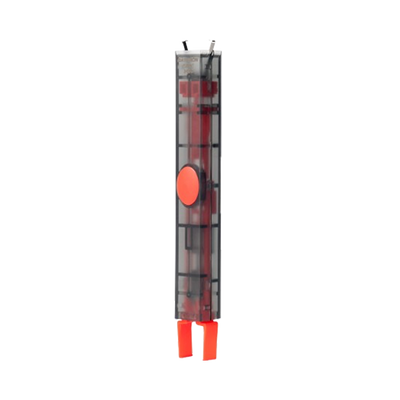
Traditional mechanical switches rely on metal contacts to both generate click feel and complete the electrical signal. When the contacts close, physical bouncing can occur, requiring debounce processing. In Magnetic Mode, the metal leaf spring is only responsible for tactile feedback. Trigger detection is handled entirely by Hall sensing, eliminating physical contact bounce from the signal path and producing cleaner, faster trigger behavior.

FAQs
Why combine optical and magnetic modes in one switch?
Optical Mode works like a traditional optical mouse switch. In Magnetic Mode, Hall sensing preserves the original clicky mechanical feel while enabling features like adjustable actuation points and Rapid Trigger (currently in development) for players seeking a more advanced gaming experience.
Does Magnetic Mode still feel clicky?
Yes. Unlike many magnetic switches that can feel overly linear, the Keychron MagOptic Switch is designed to preserve a defined clicky mechanical-style feel through the metal leaf spring structure in Magnetic Mode. Hall sensing handles trigger detection in the background, allowing advanced features without sacrificing crisp tactile feedback.
What is the advantage of Hall sensing in Magnetic Mode?
Hall sensing allows the switch to achieve cleaner trigger signals without traditional contact bounce. This enables features like Adjustable Actuation Point, with Rapid Trigger functionality currently in development.
Will it develop double-click issues over time?
Both Optical Mode and Magnetic Mode use non-contact trigger detection, reducing physical wear that can cause aging and double-click issues in traditional mechanical micro switches.
Can I switch between Optical Mode and Magnetic Mode?
Yes. You can freely switch between Optical Mode and Magnetic Mode in the Keychron Launcher web app. In Magnetic Mode, the Launcher web app also supports features like Adjustable Actuation Point, with Rapid Trigger currently in development.