
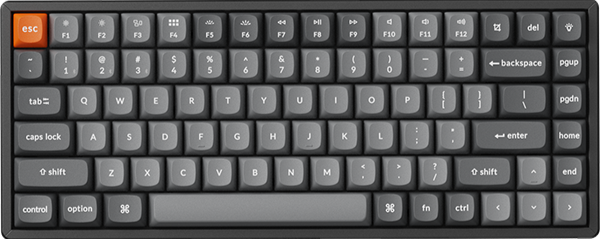


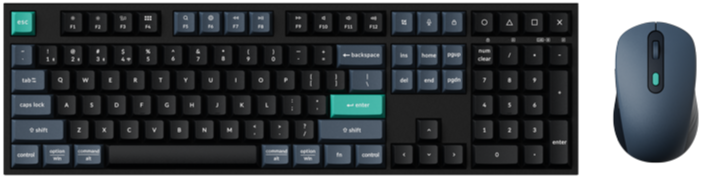
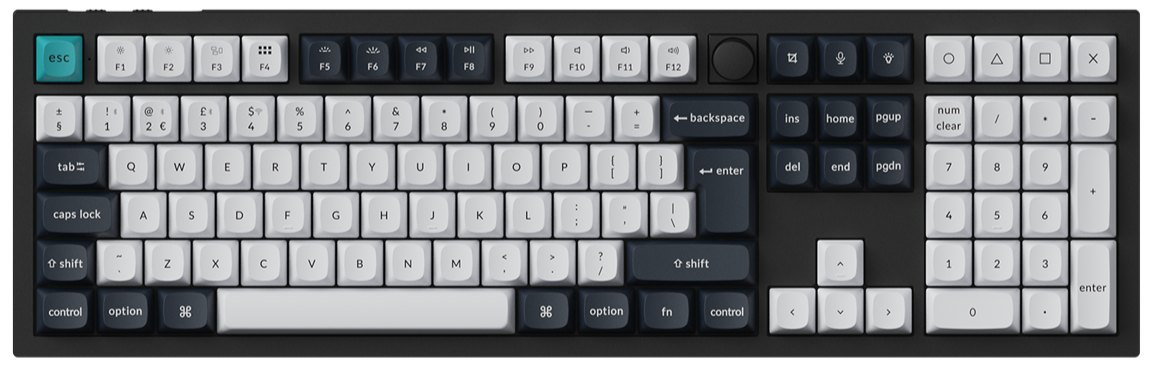
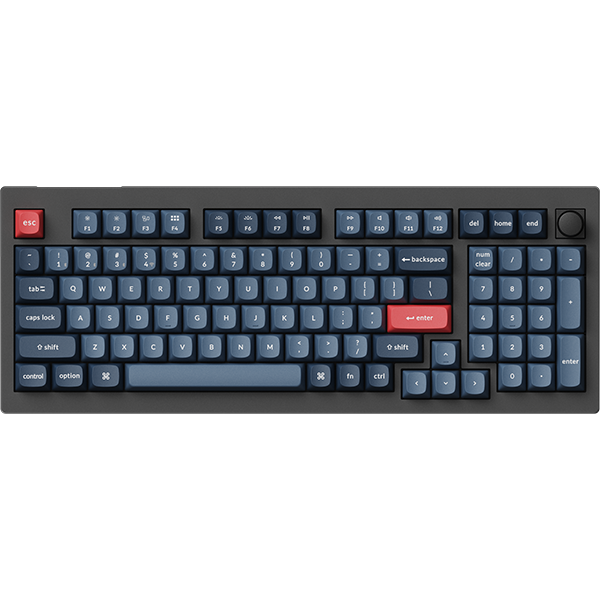
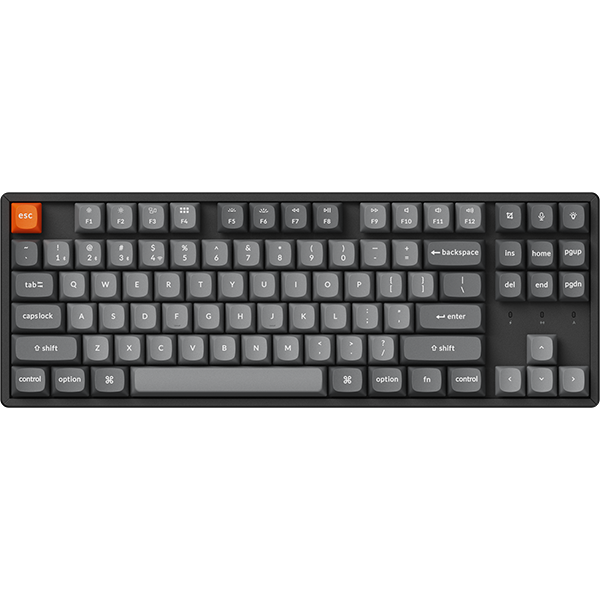

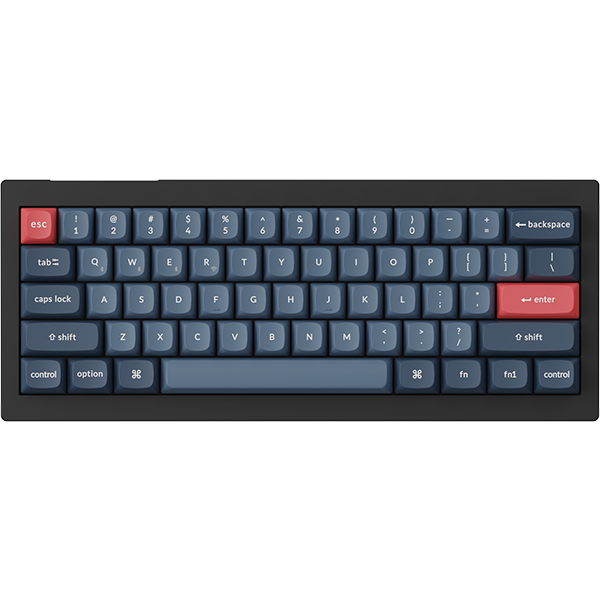



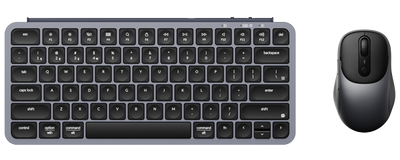
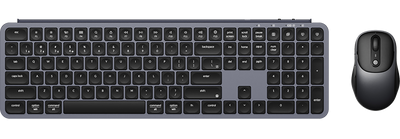
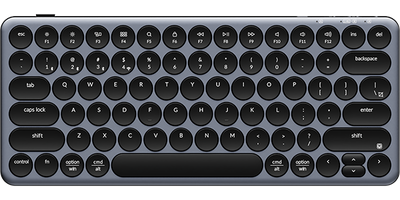
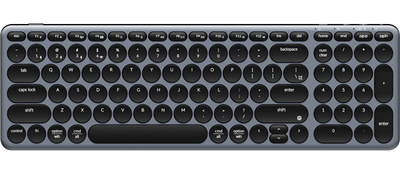
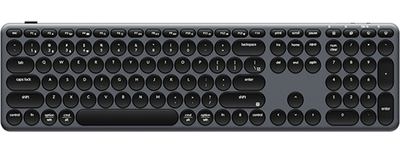
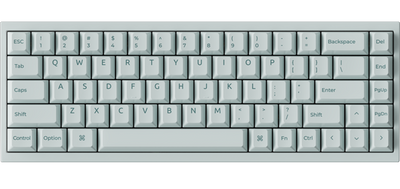


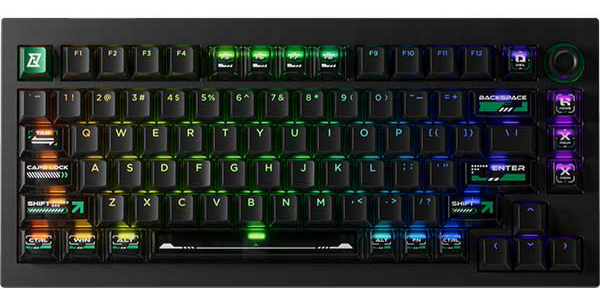
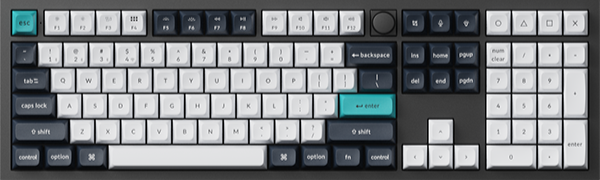
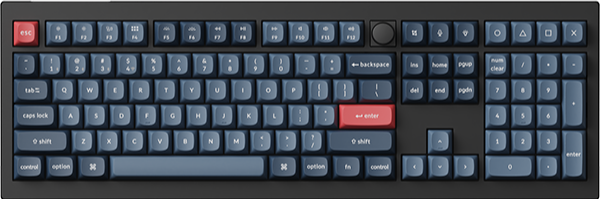
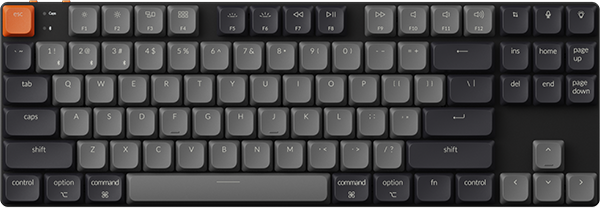
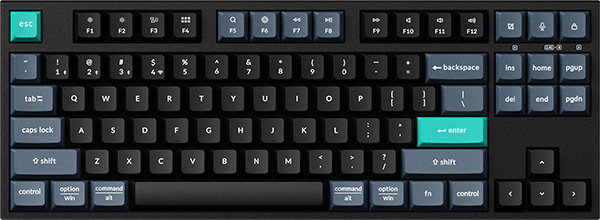
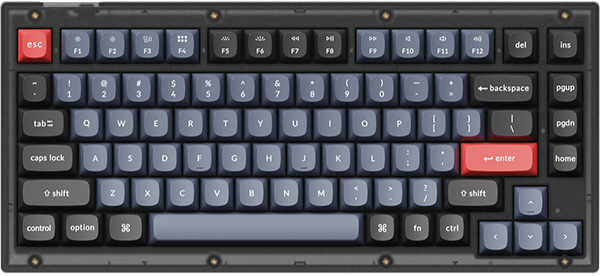
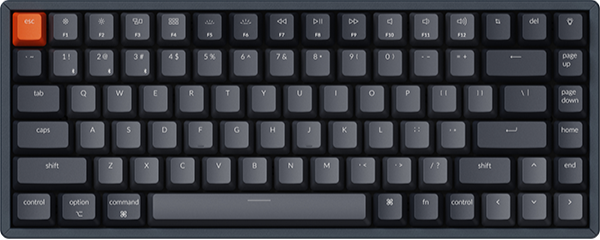
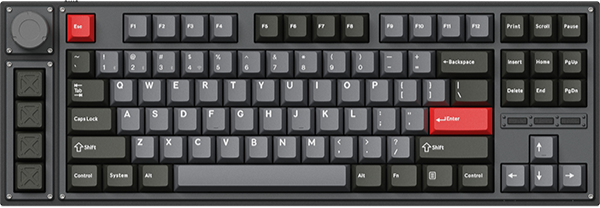
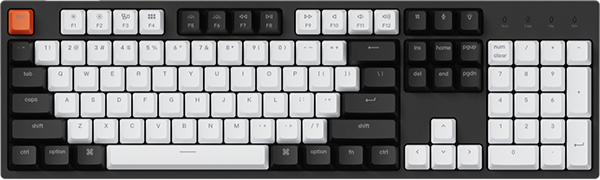
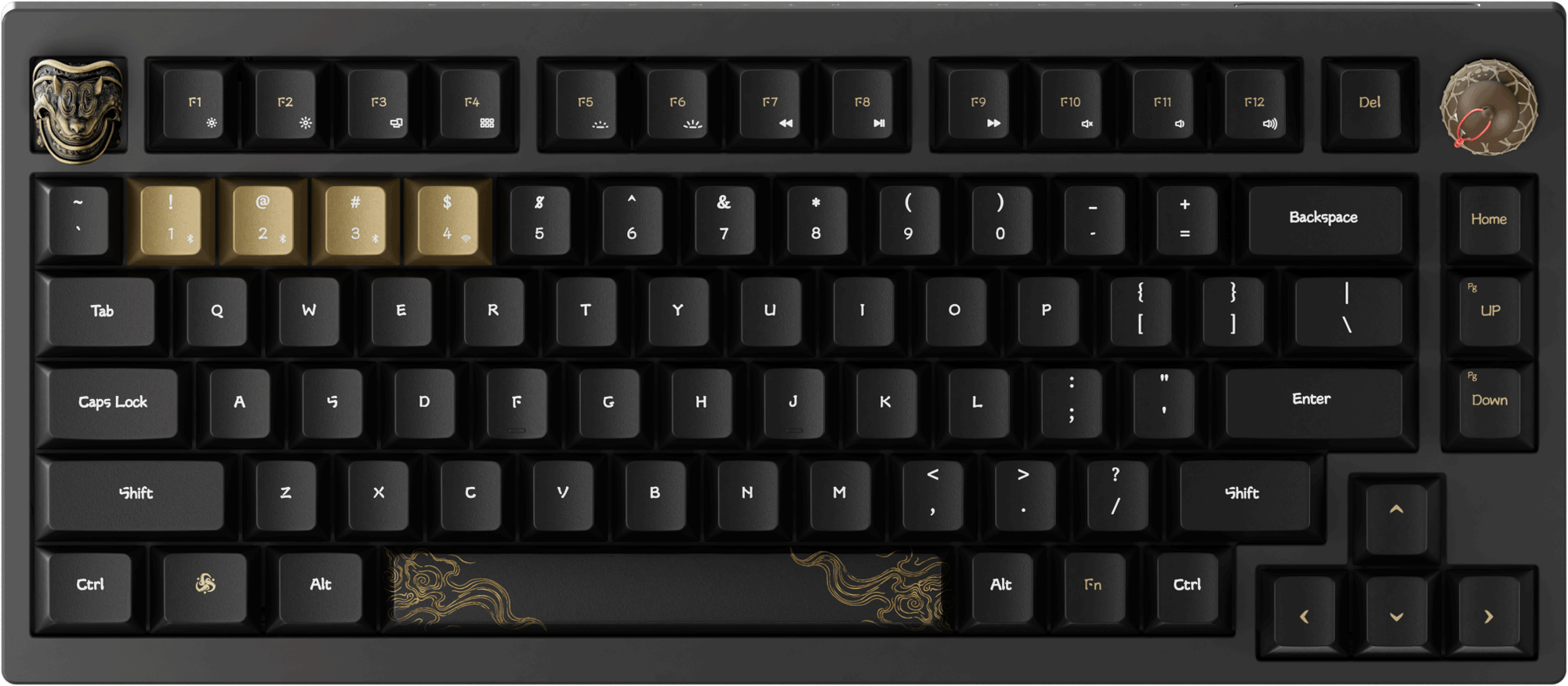


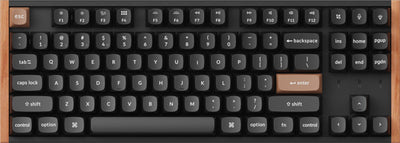
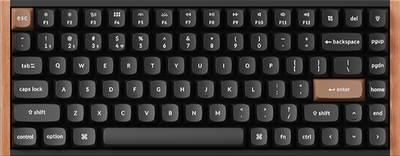
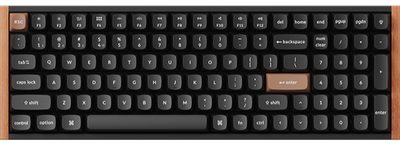
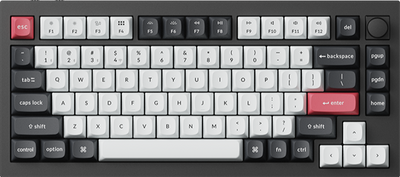
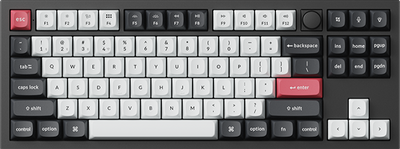
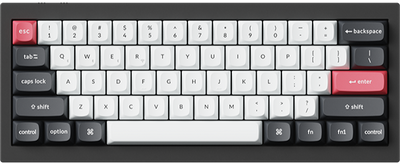
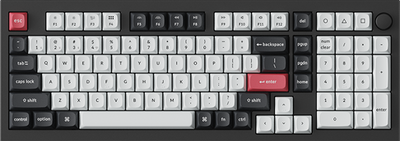
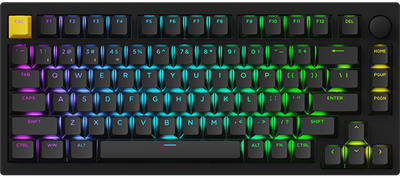
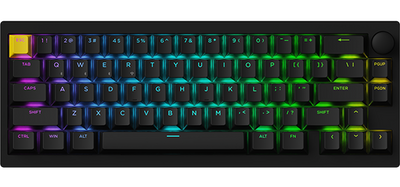
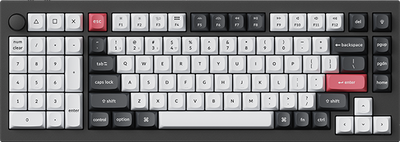
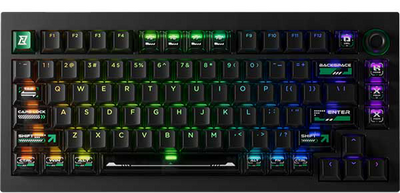
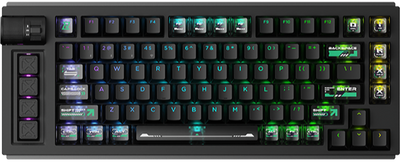

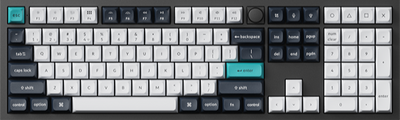
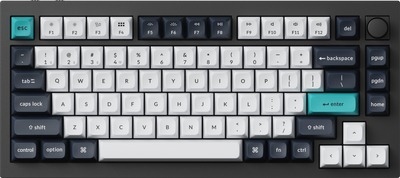
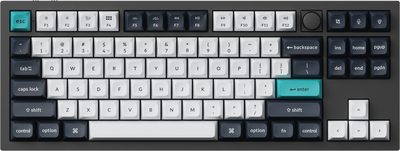
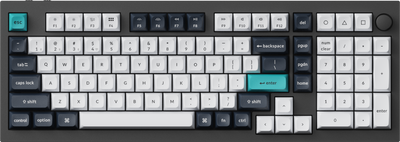
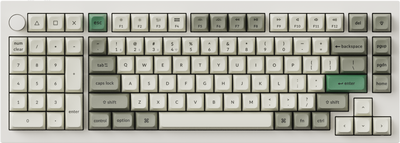
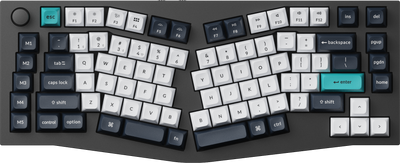
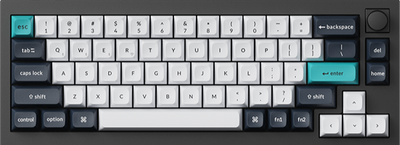
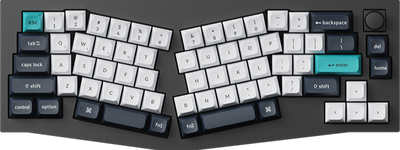
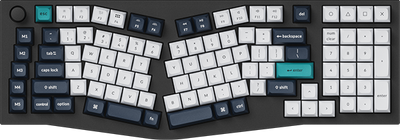
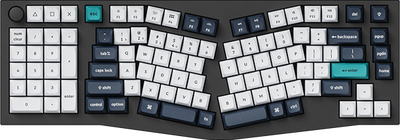
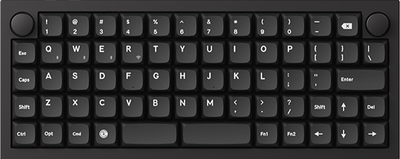
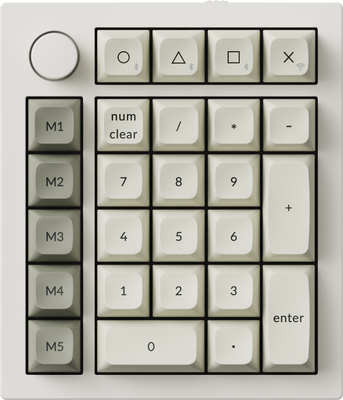
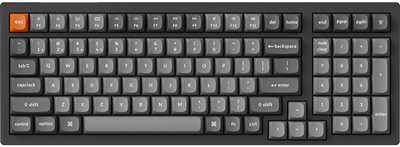
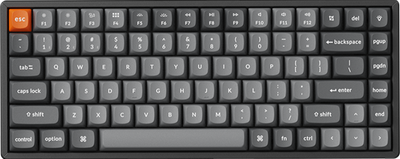
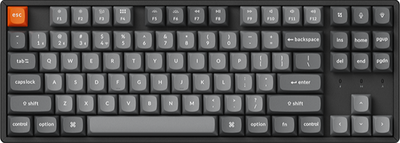
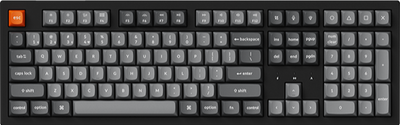
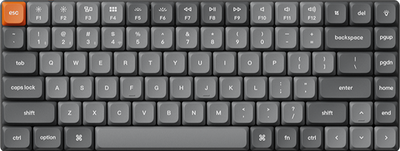
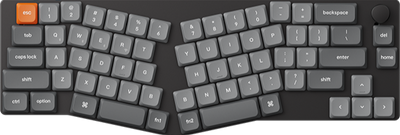
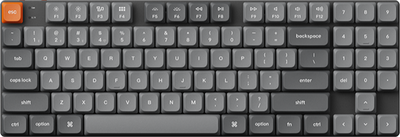
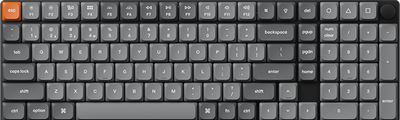
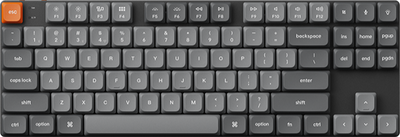
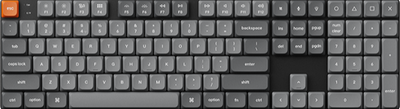
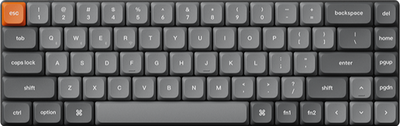
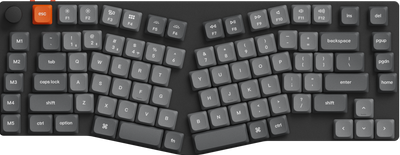
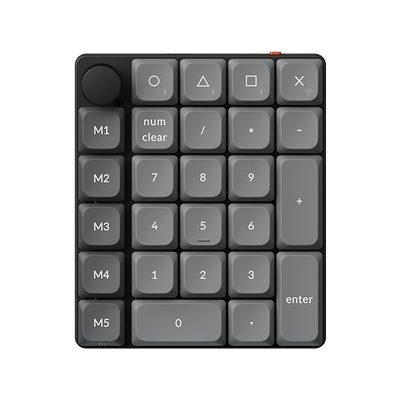
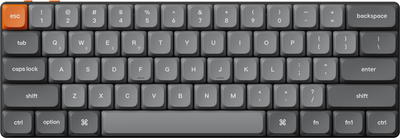
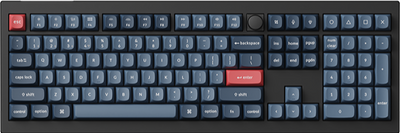
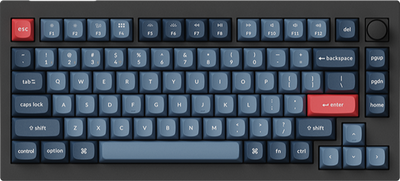
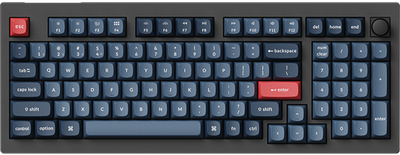
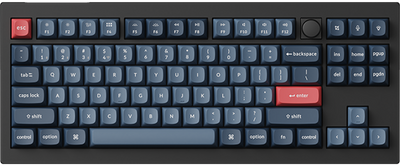
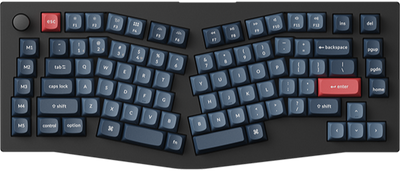
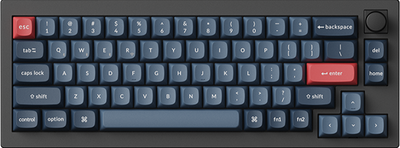
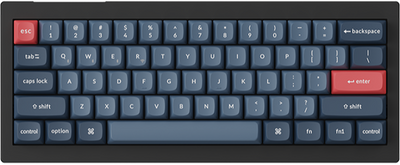
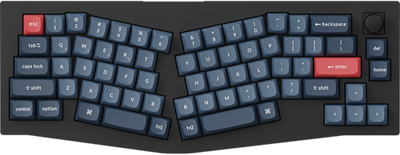
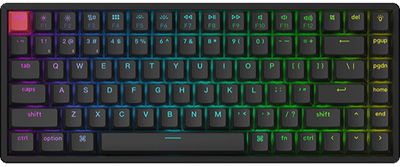
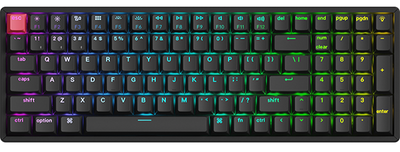
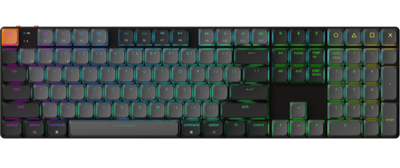
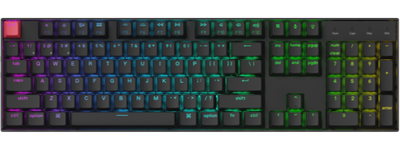
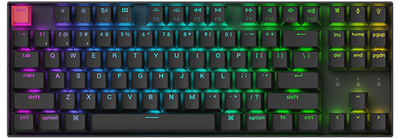
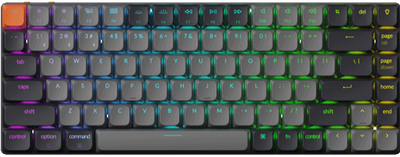
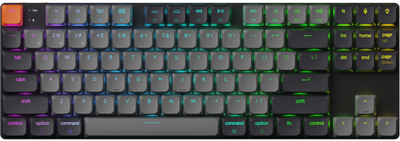
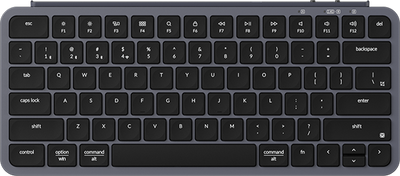
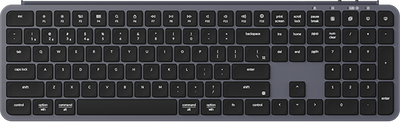
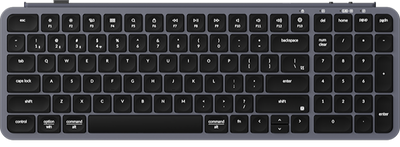
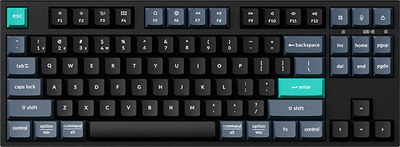
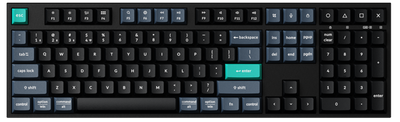
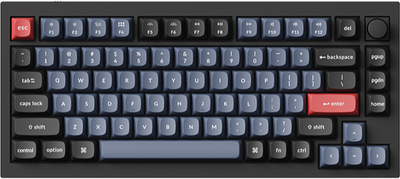
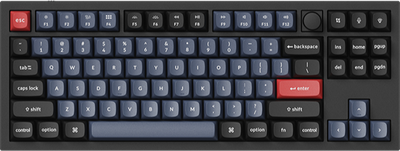
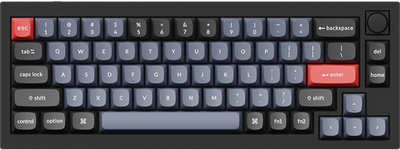
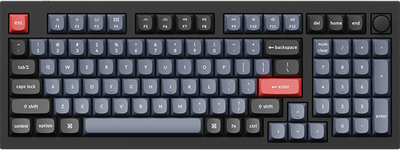
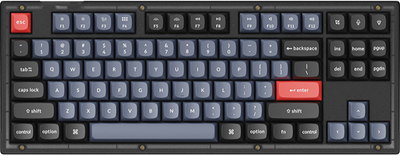
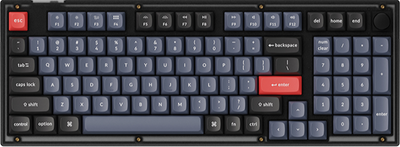
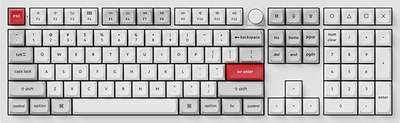
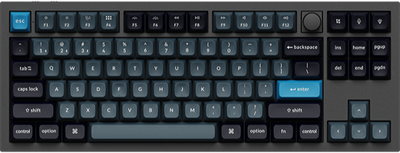
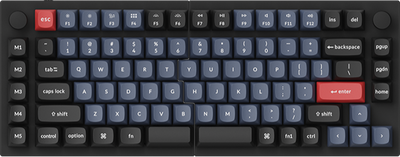
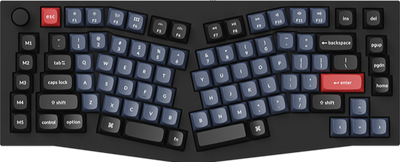
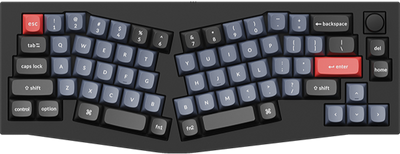
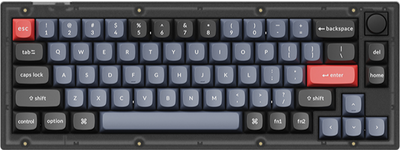
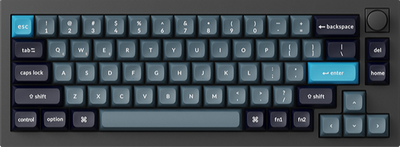
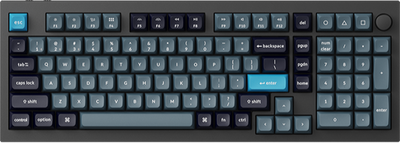
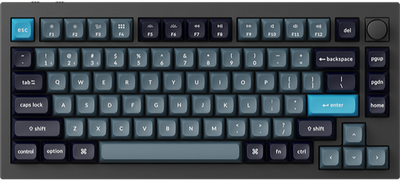
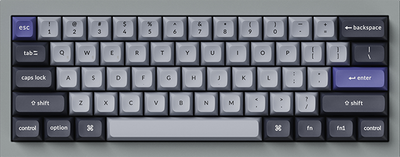
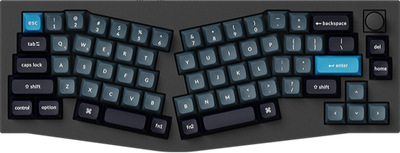
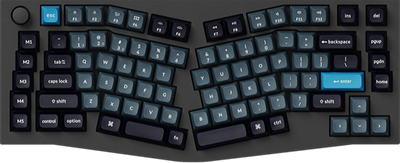
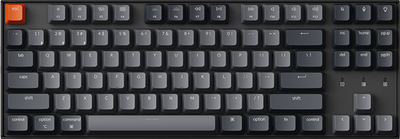
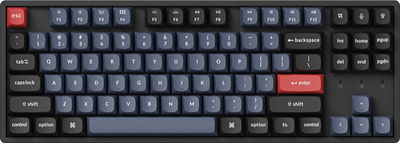
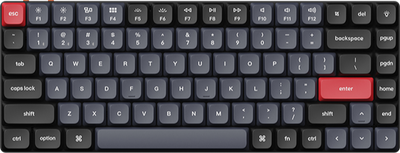
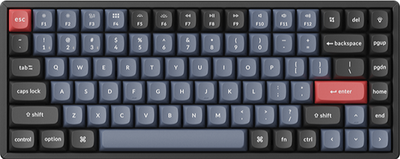
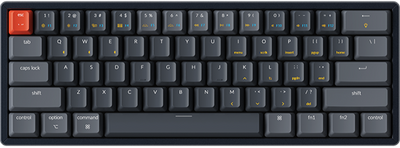
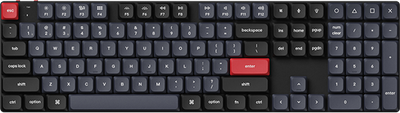
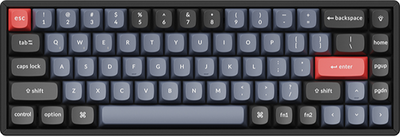
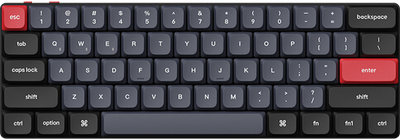
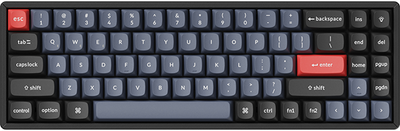
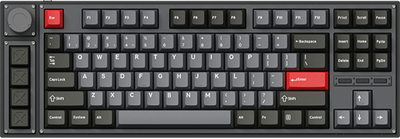
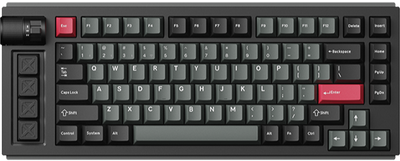
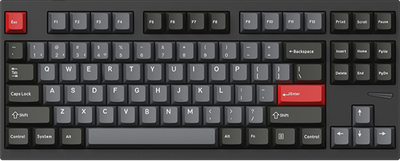
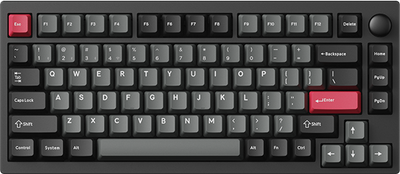
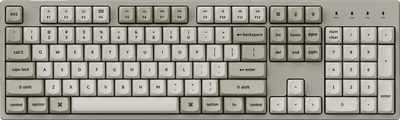
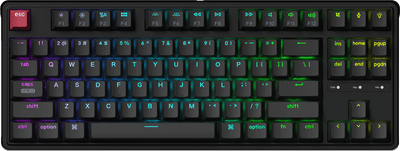
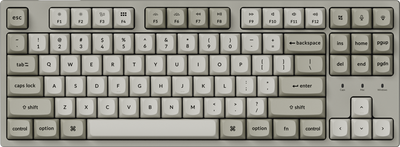
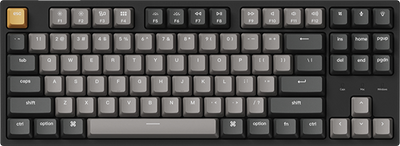
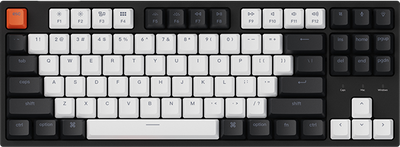
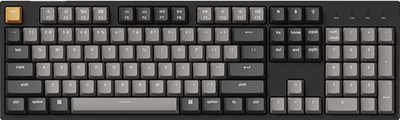
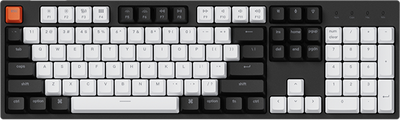
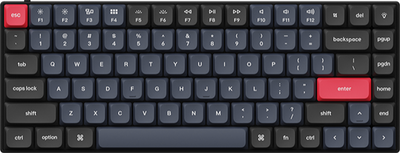
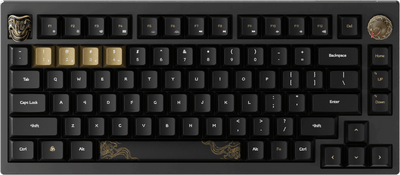
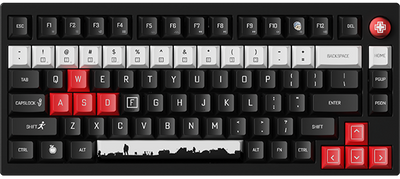
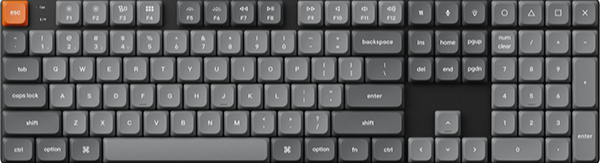
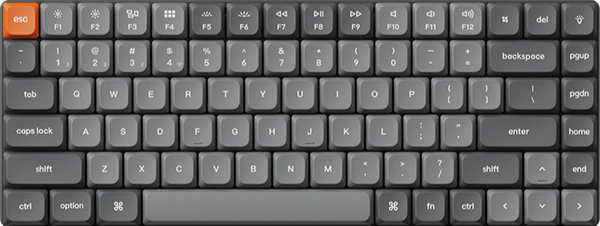
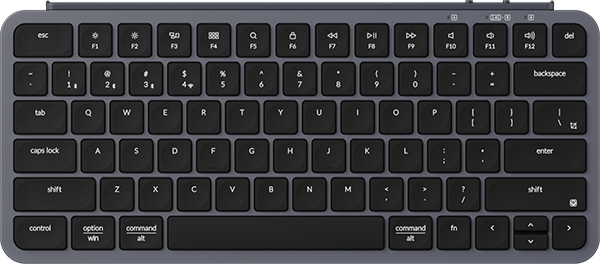
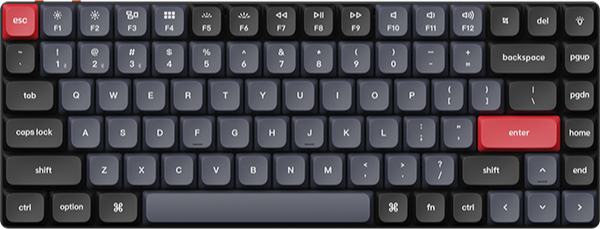
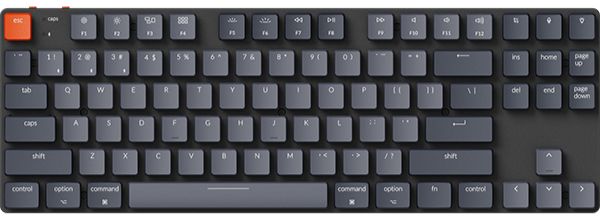

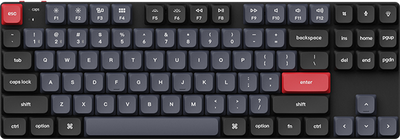
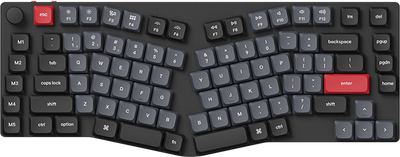
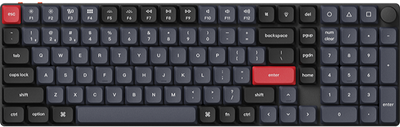
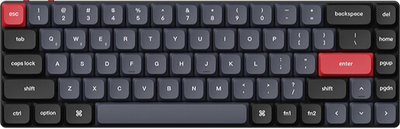
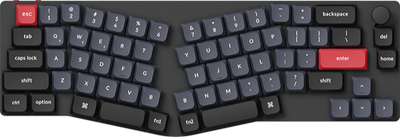
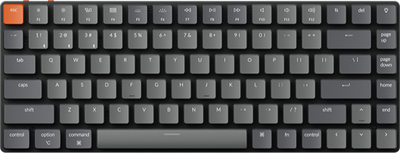
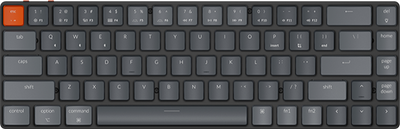
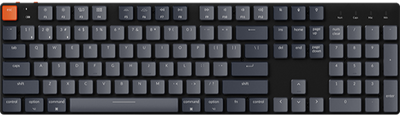
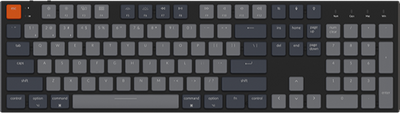


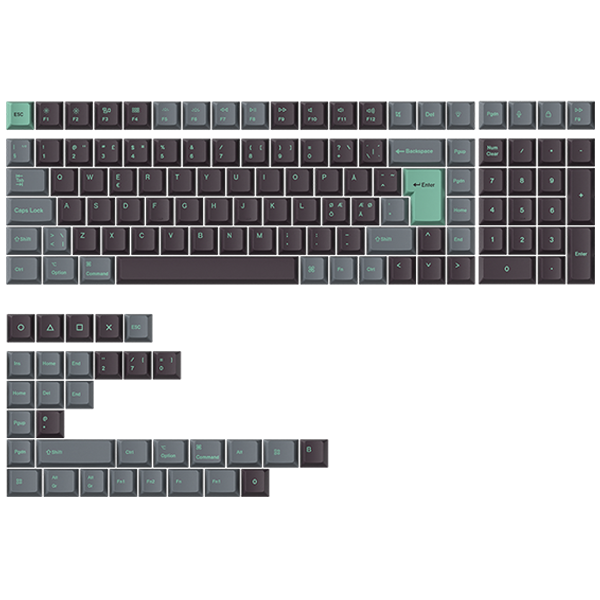
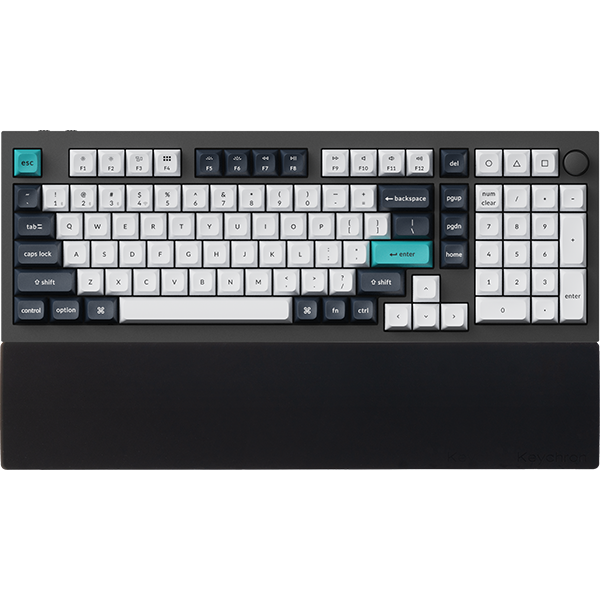
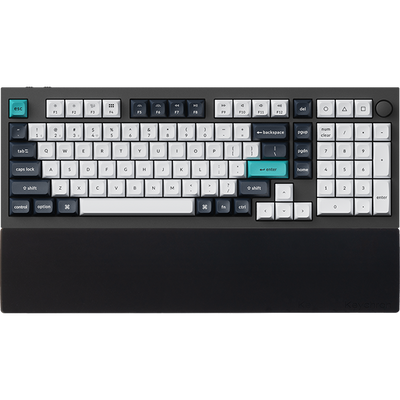


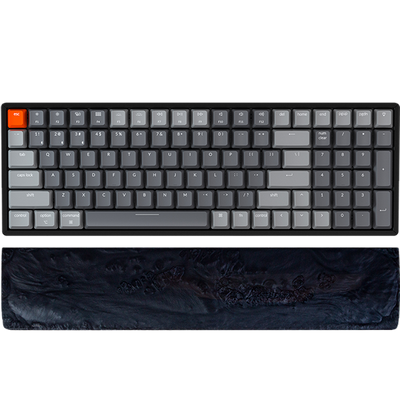
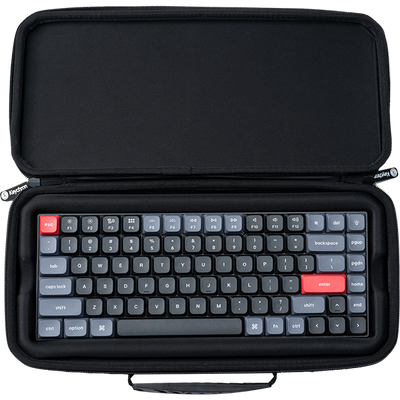
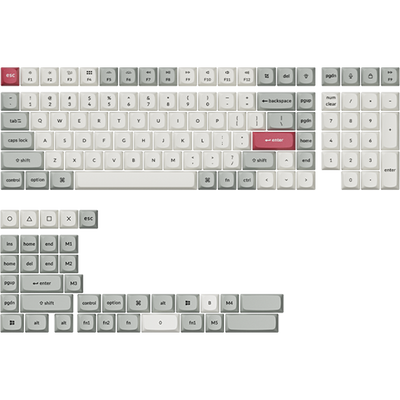
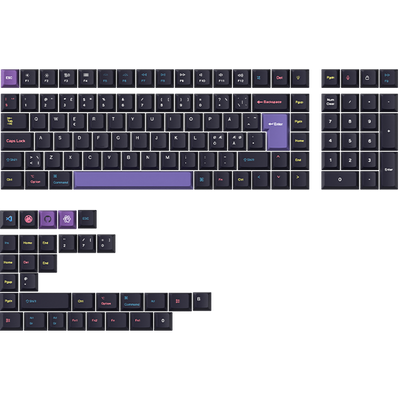
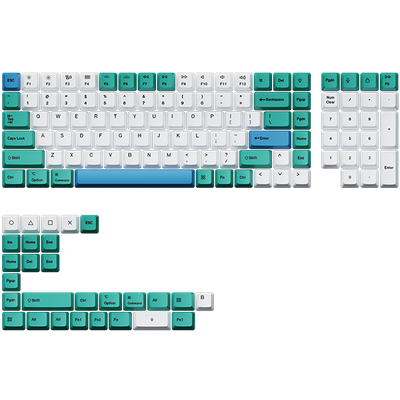
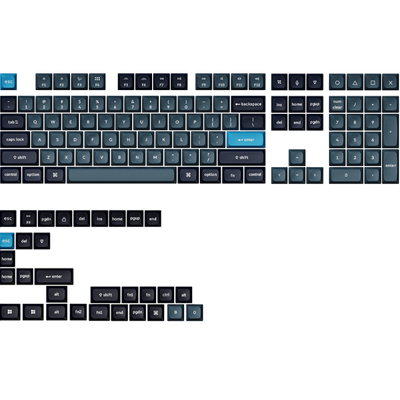
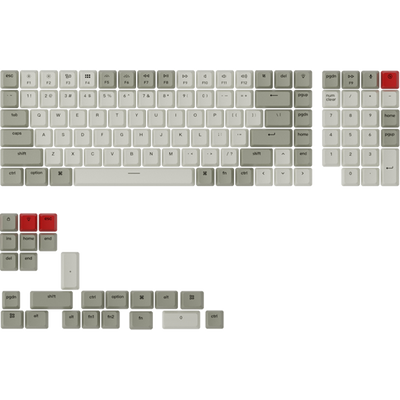
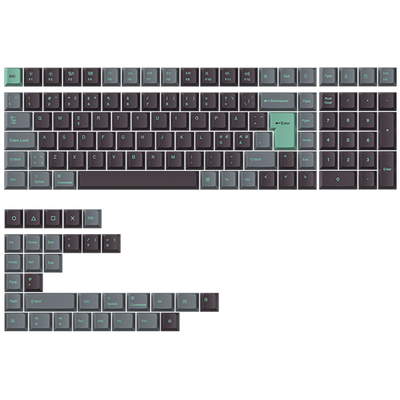
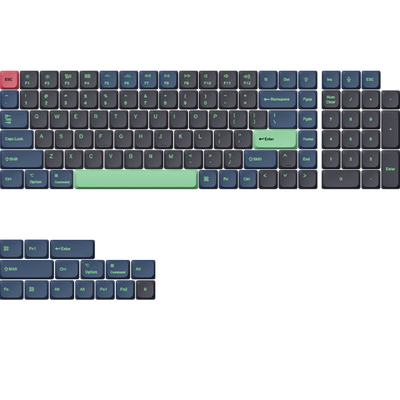
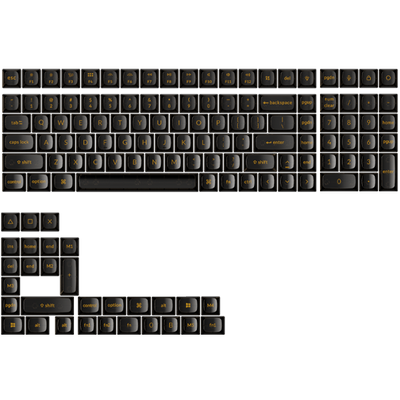
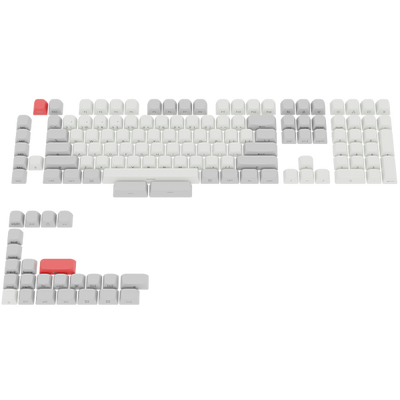







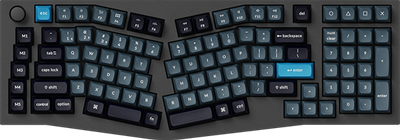
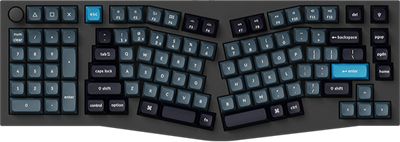

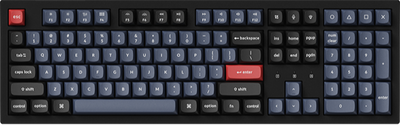
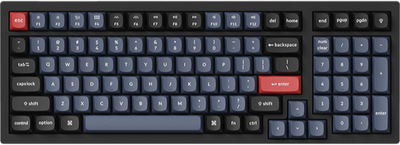
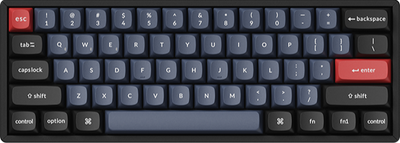
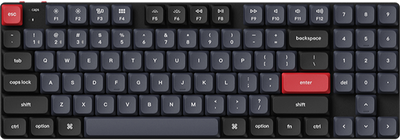

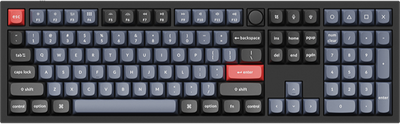
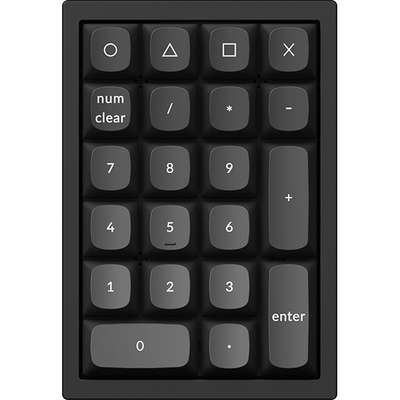
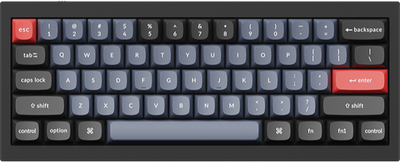
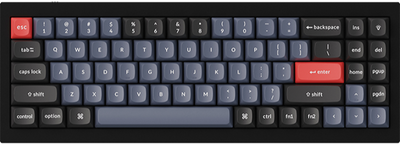
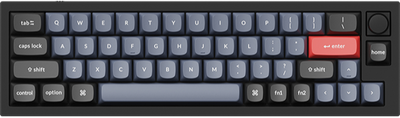
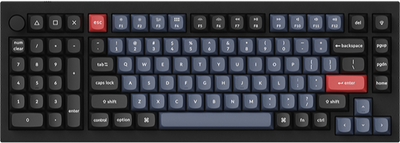
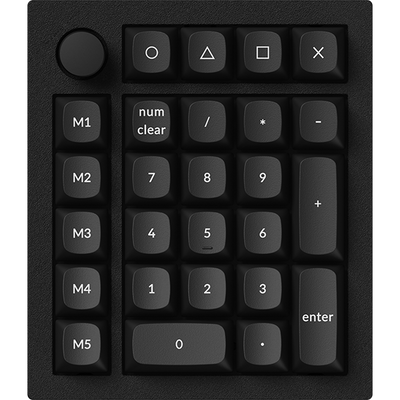
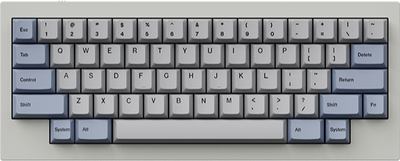
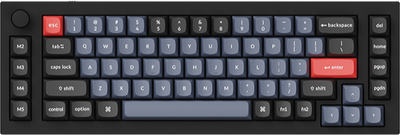
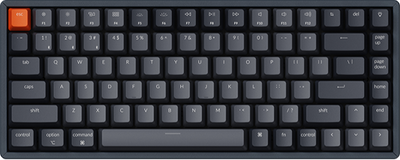
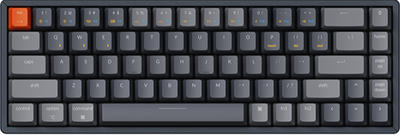
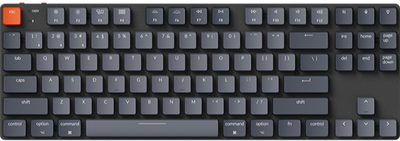
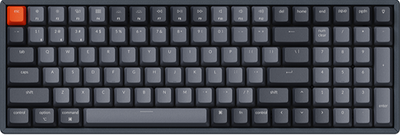
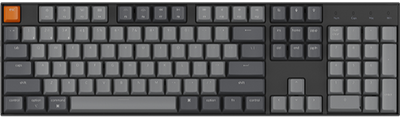
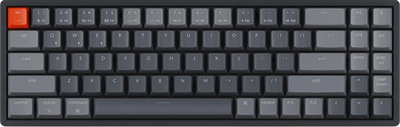
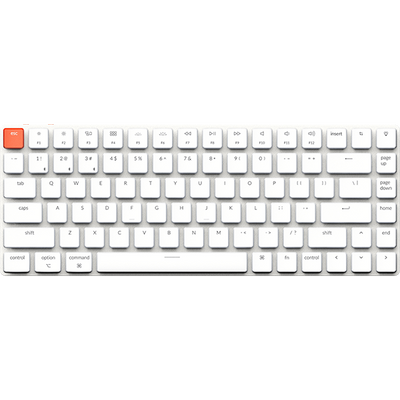
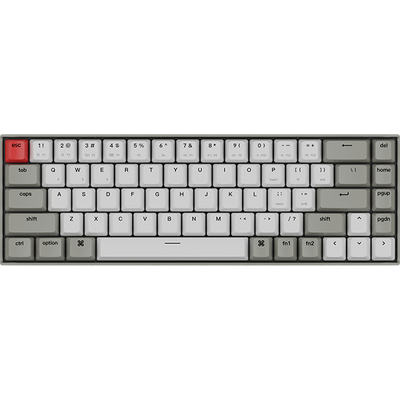
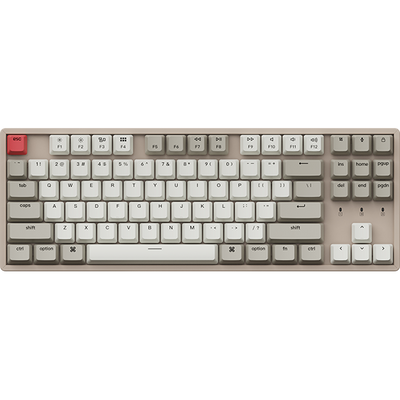

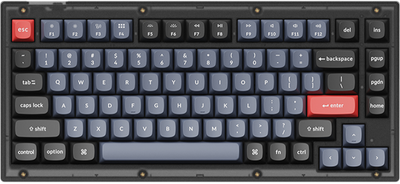
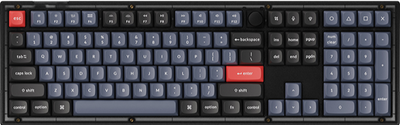
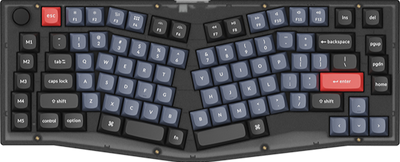
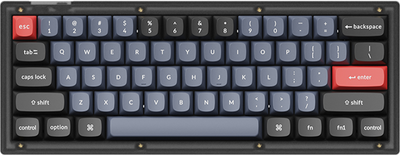








There are numerous keyboard layout standards worldwide, accommodating different languages, symbols, and user habits.
To reflect this, Keychron Launcher allows you to set the keyboard layout language, so you can see familiar symbols on the corresponding virtual keyboard while using our software.
To configure this setting, follow the steps below:
-
Connect the keyboard to the launcher. Click "Keymap" on the left side, and you will see the current language of the keyboard on the right side.

-
Click the current language, and a drop-down menu of system-supported languages will appear. Select the language you need.

Currently supported languages include English (US), Japanese, English (UK), Deutsch, Nordic, French, Swiss, Español, Italiano, Türkiye, українська, Português, čeština, slovenčina, magyar nyelv, Nederlands, 한국어, and slovenščina. More languages will be supported in future updates.