














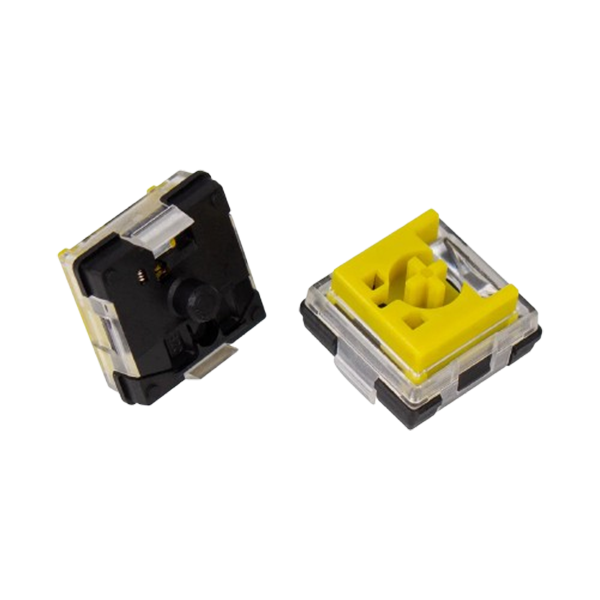










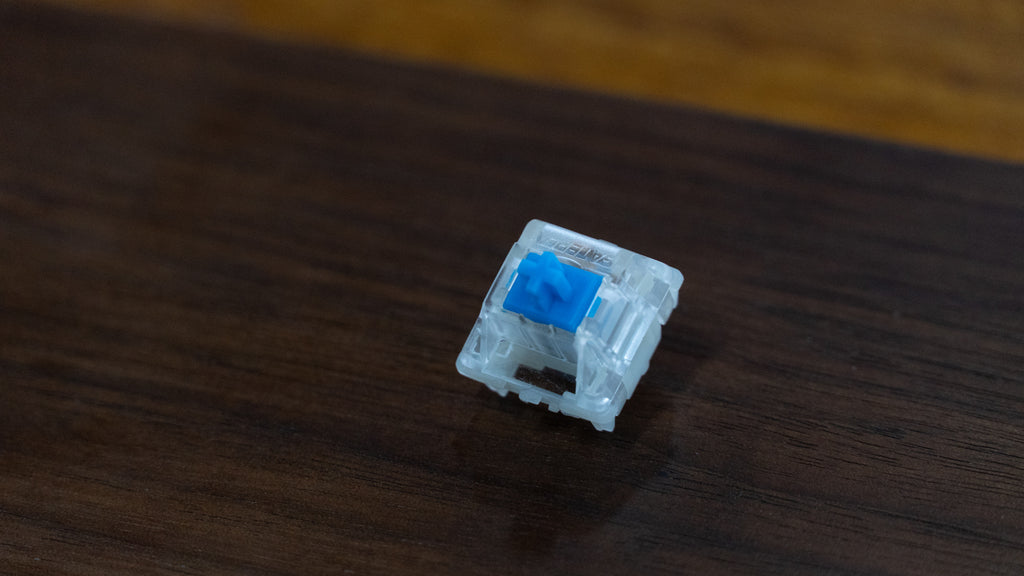
Gateron Blue Cap Switch
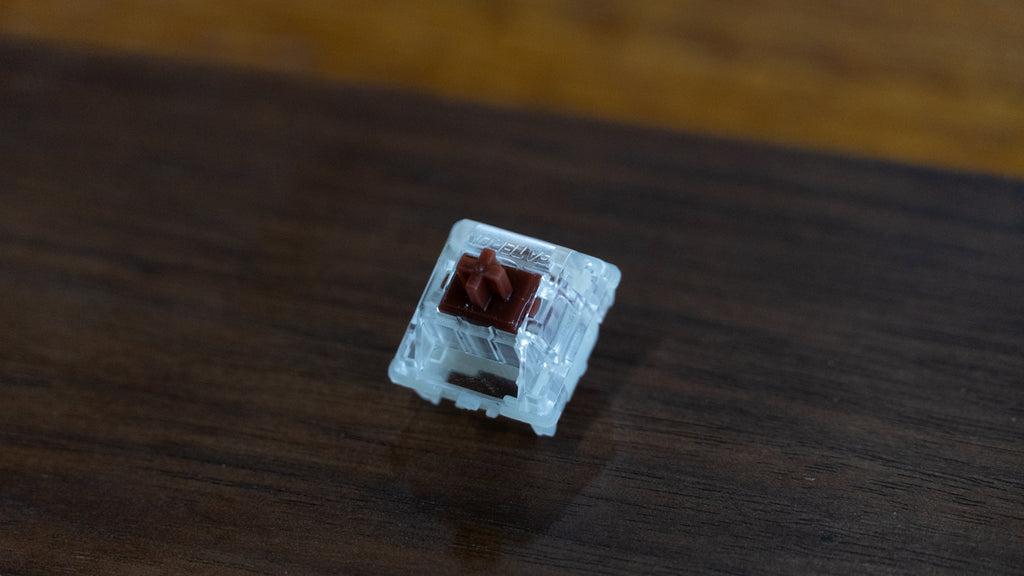
Gateron Brown Cap Switch
The Cap Wrapped Design

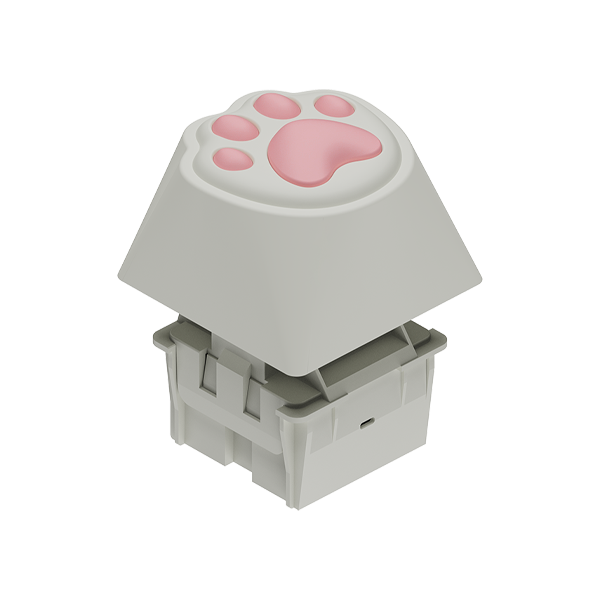
The center pole in the Cap Switch has a big hole (the right one is the cap blue switch). It is like a cap that wraps around the center mast of the bottom housing, unlike the traditional stem with the central pole inserted into the center mast.
Blue Cap Switch VS Traditional Blue Switch

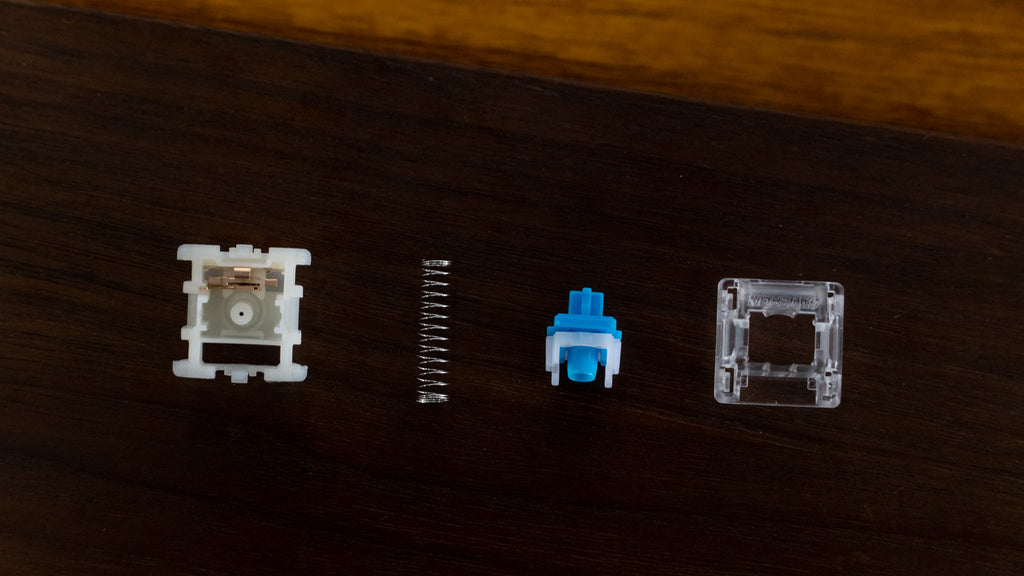
The blue cap switch has a milky bottom housing.
The Stem
 The center pole of the blue cap switch is shorter, but larger with a big hole in the center.
The Bottom Housing
The right one is the Cap Switch. The cap switch’s housing on the bottom has a hole, that goes through the center mast.
The Spring

The spring of the blue cap switch is longer and thicker.
The Top Housing

The blue cap switch's top housing is enclosed for the LED slot.
The Brown Switch VS The Brown Cap Switch
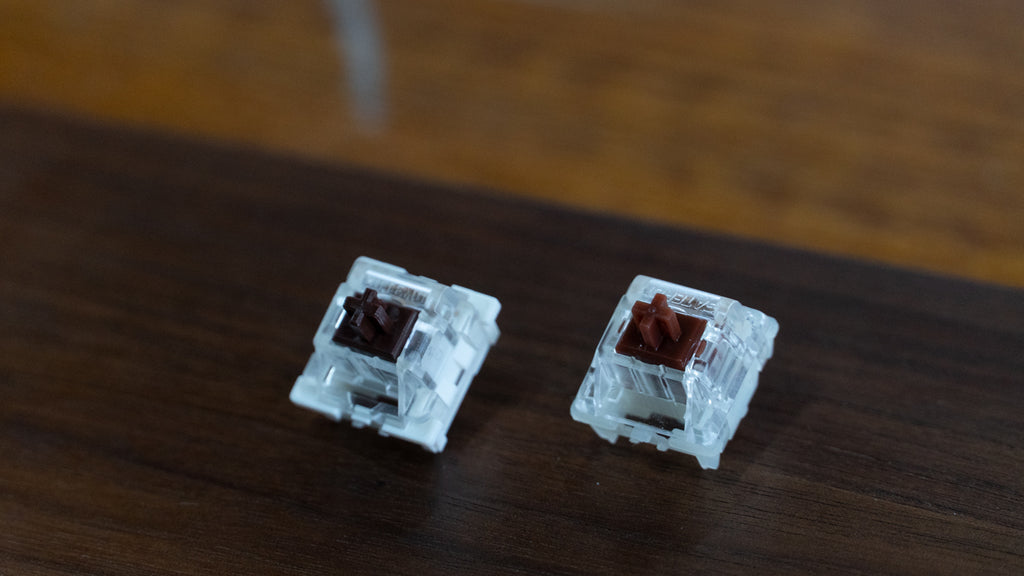

The Brown cap switch has a milky bottom housing.
The Stem

The Bottom Housing
The bottom housing of the brown cap switch is the same as the blue cap.
The Spring
 Same as the blue one, the brown cap switch’s spring is longer and thicker.
The Top Housing
 The top housing legs of the traditional brown switch differ from those of the brown cap switch, which has a four-legged design.
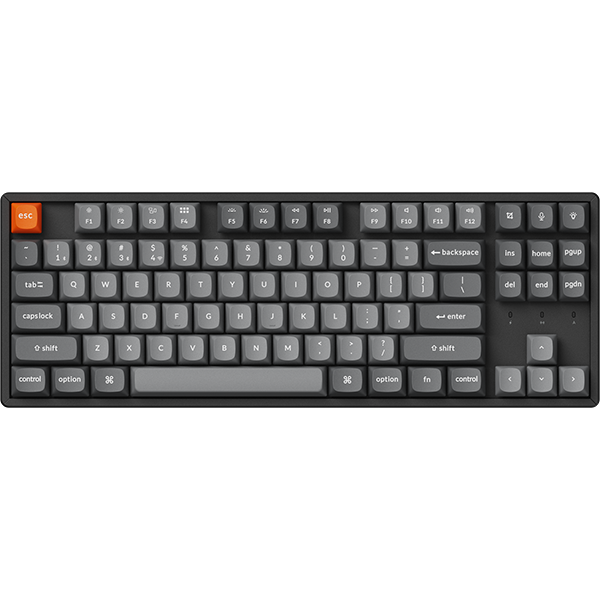
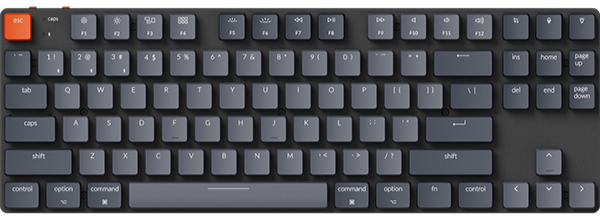
The Gateron Cap Switches can be adapted to Keychron K2, K2 (Hot-swappable) version, K4, K6 or K8 keyboards, purchase it in the link below if you like it:
https://www.keychron.com/products/gateron-cap-switch-set
Thanks for Reading! If you like the article and think it’s useful for you, please share it.