





















































Keychron Nape Pro Wireless Trackball Mouse
Keychron Nape Pro Wireless Trackball Mouse - is backordered and will ship as soon as it is back in stock.
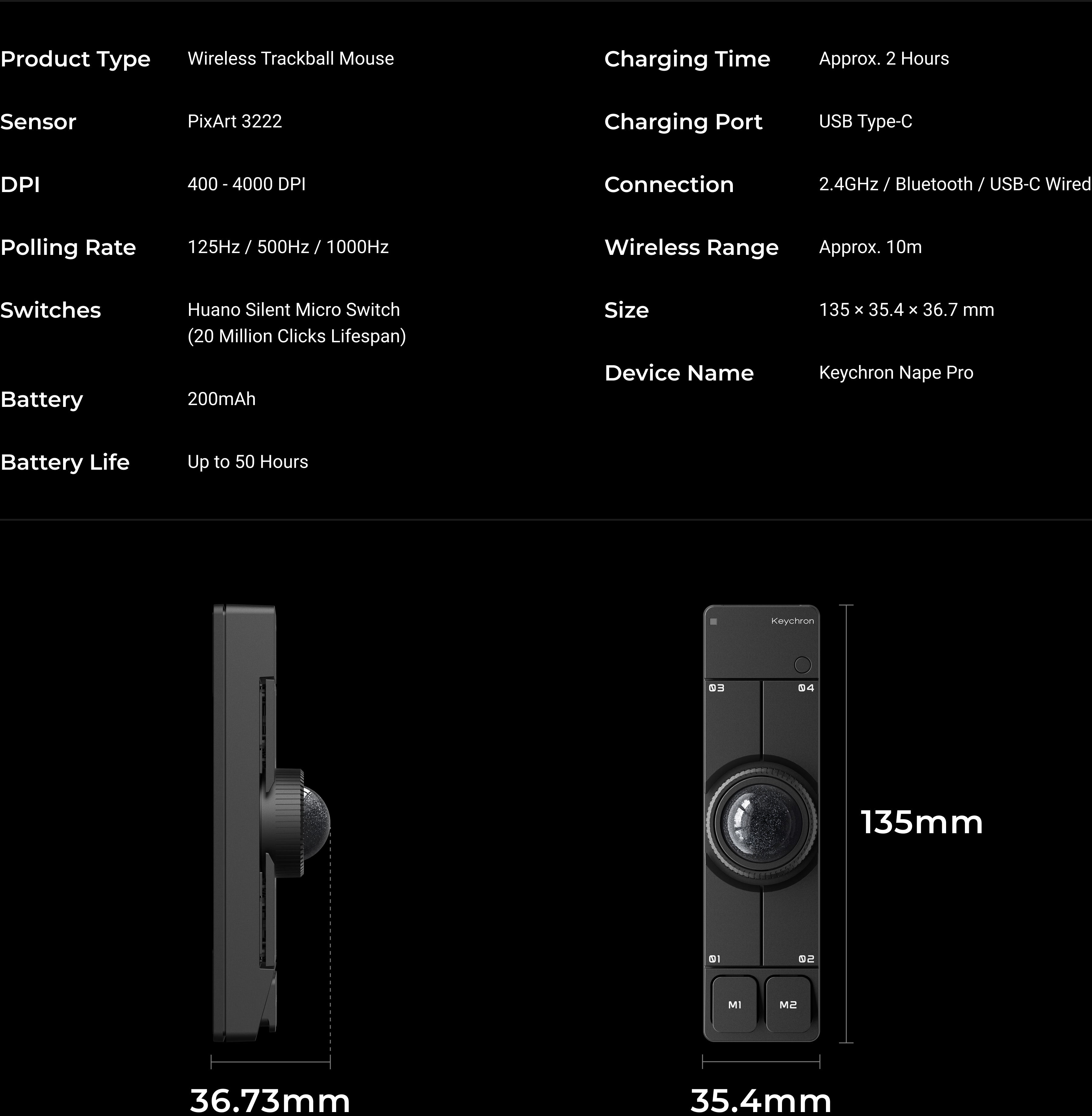
Equipped with a compact 25mm trackball, 6 customizable buttons, and an adjustable control dial, the Keychron Nape Pro brings versatile control to a keyboard-first workspace. Its below-keyboard design helps reduce hand movement while supporting 8-angle placement for different setups. With ZMK customization and tri-mode connectivity across 2.4 GHz, Bluetooth, and USB-C wired modes, Nape Pro delivers a more efficient and personalized input experience for work, creativity, and everyday control.
Shipping Update: Pre-sale orders are now shipping progressively.

Keychron Nape Pro Wireless Trackball Mouse - is backordered and will ship as soon as it is back in stock.
Shipping Update: Pre-sale orders are now shipping progressively.
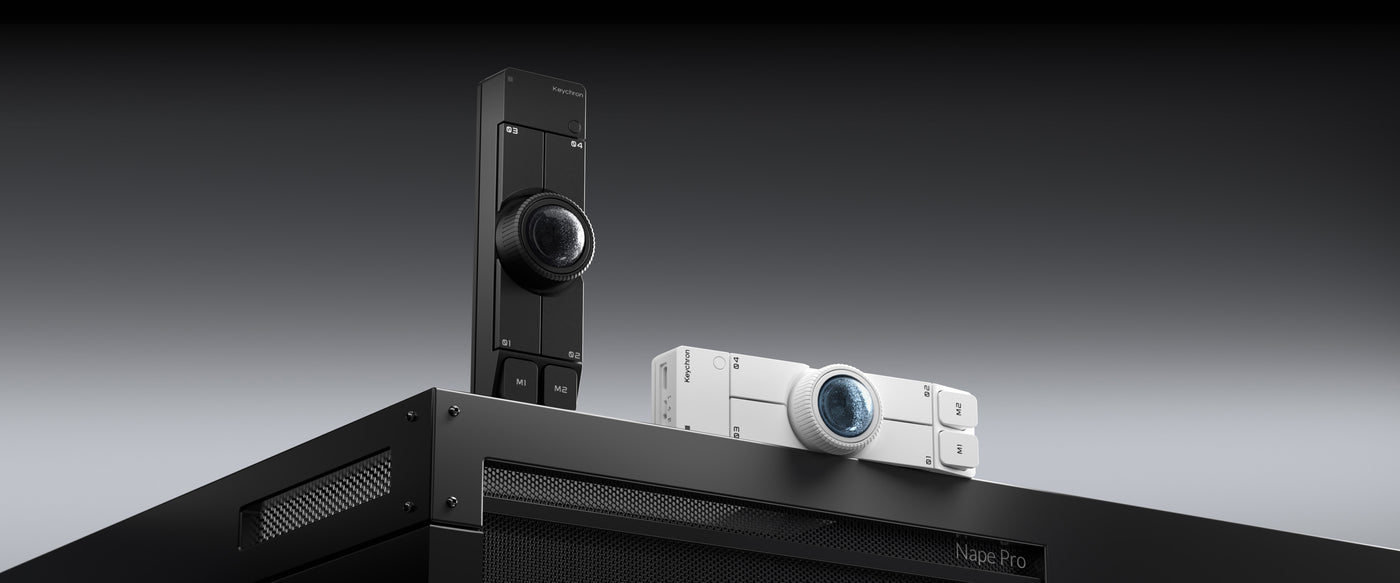
WIRELESS TRACKBALL MOUSE
Keychron Nape Pro
Recognized with the Best of CES 2026 – Best Mouse award from Tom's Hardware, the Keychron Nape Pro is a wireless trackball mouse co-developed with Gizmodo Japan. Designed to sit below or beside your mechanical keyboard, it works like a “trackpad” to minimize hand movement for cursor navigation.
Everything, including the trackball, is customizable on Keychron Launcher together with tri-mode connectivity across 2.4 GHz, Bluetooth, and USB-C wired modes. Nape Pro is designed to help you stay in your flow after a short learning curve.


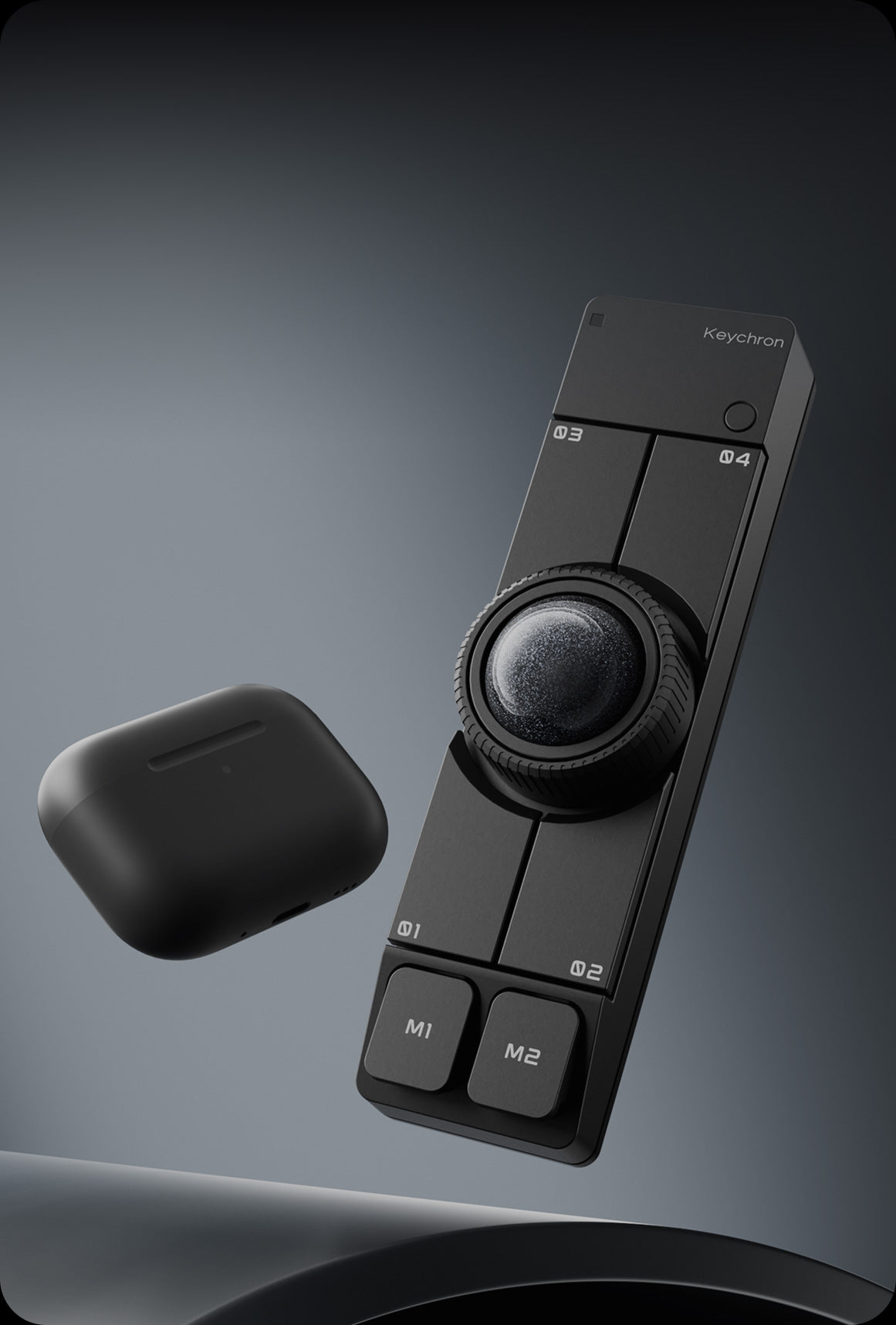


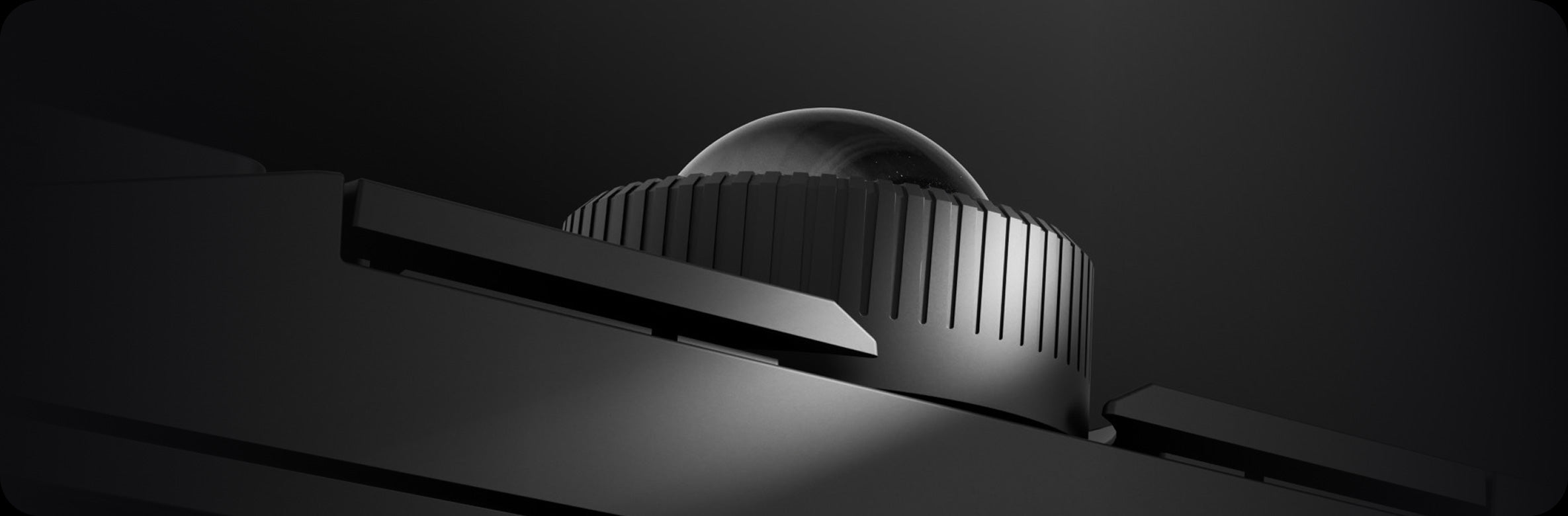

Multi-Scenario Control
Adaptable Control for Any Setup
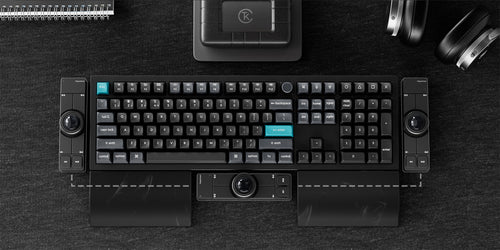
Keyboard Companion

Left-Hand Friendly

Macro Control Device

Presentation & Media Control
Below-Spacebar Design
Built for the Space Below Your Keyboard
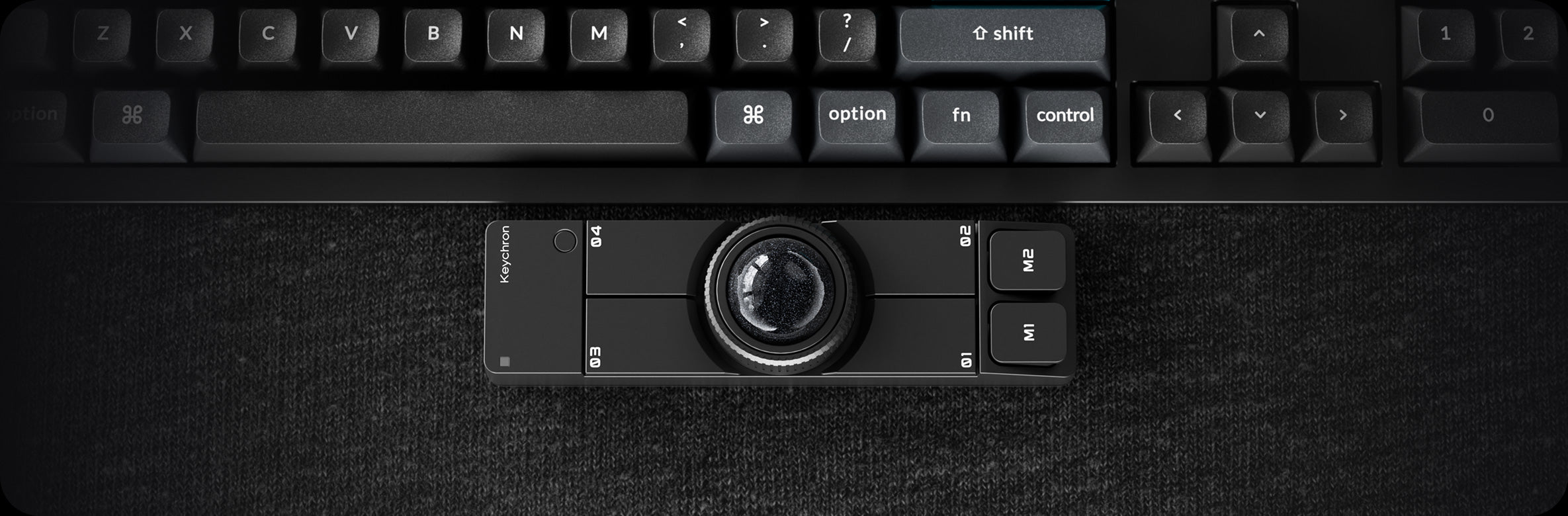
Designed to sit right below your spacebar, Nape Pro transforms the front edge of your keyboard into an active control area. Instead of placing the mouse beside your keyboard, it reclaims unused space and turns it into a compact, keyboard-integrated input zone for everyday control.
With thumb-based trackball control, navigation stays within your natural typing range — allowing precise cursor movement without lifting your hand or switching between input devices.


Home-Position Control
Less Reaching. More Flow.
With core cursor control placed within your natural typing range, Nape Pro keeps your hands anchored around the keyboard area. Cursor movement, scrolling, clicks, and shortcuts happen without leaving your typing position, creating a more continuous and efficient interaction flow for long hours of work.
This reflects an inclusive control design approach focused on reducing interaction barriers in everyday computing. Instead of requiring users to adapt to the device, Nape Pro is designed to adapt to how people naturally work across different environments, workflows, and setups.

CONNECTIVITY
2.4 GHz & Bluetooth


6 Custom Buttons
Your Shortcuts, Right at Your Fingertips
Set each button to do exactly what your workflow needs: mouse clicks, keyboard shortcuts, layer switching, or multi-step macros. From back and forward to copy, paste, undo, and app switching, your most-used actions are always ready under your fingertips.
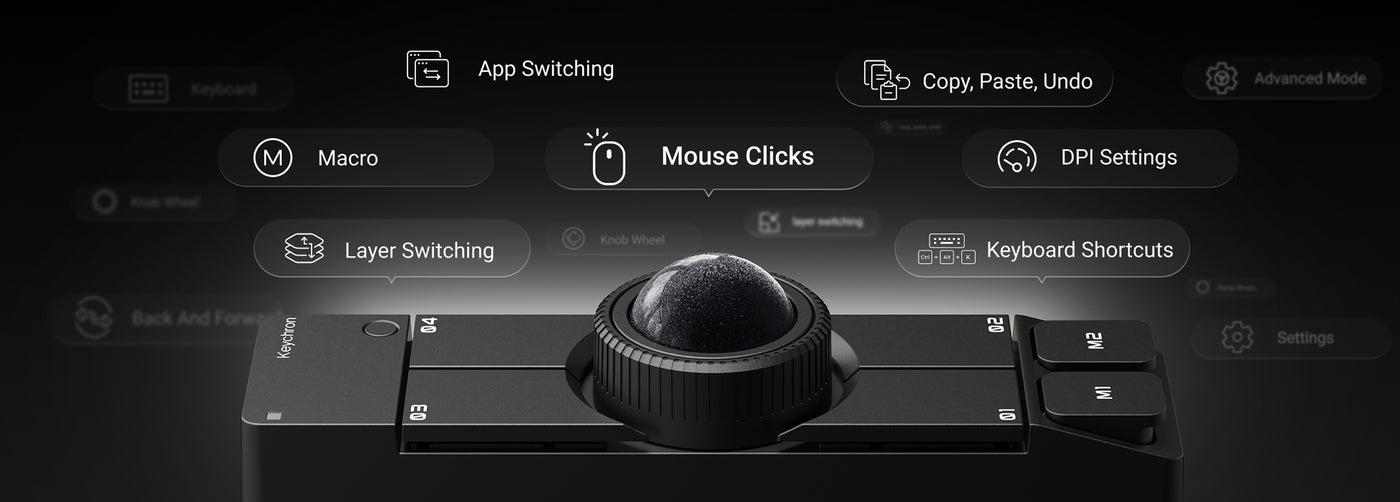
Programmable Control Dial
One Dial. More Ways to Control.
Scroll pages. Zoom in. Scrub timelines. Adjust volume. The programmable control dial adds fast, intuitive control to everyday tasks, working alongside the trackball and 6 custom buttons to create a compact command center for your keyboard-first workflow.


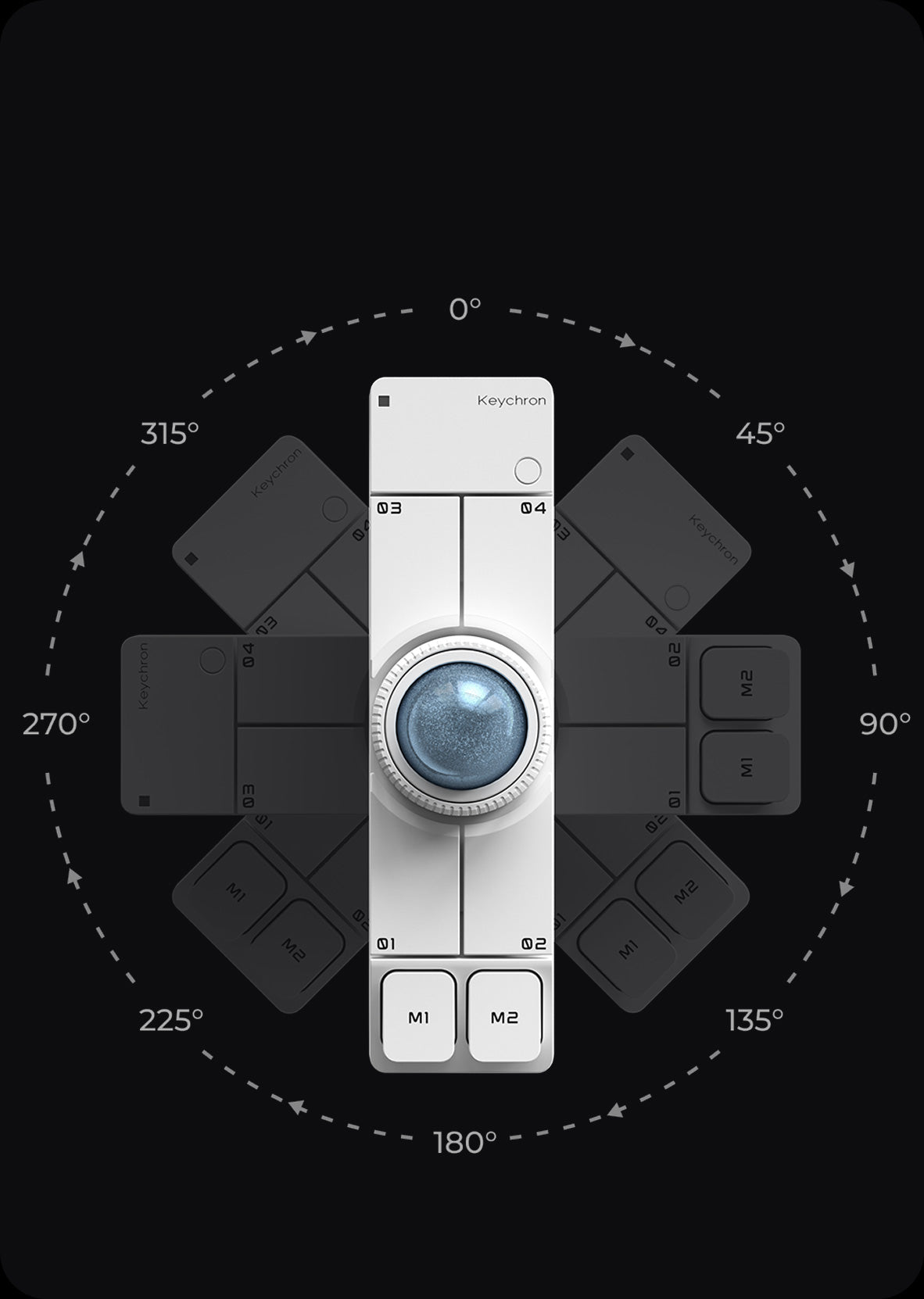
OctaShift 8-Angle Support
Place It Your Way. Control It Naturally.
With OctaShift, Nape Pro adapts to the way you work. Place it horizontally below your keyboard, vertically between a split keyboard, diagonally on either side, or next to a drawing tablet. Its 8-angle support keeps cursor movement natural after rotation, letting this wireless trackball mouse fit your hand position, desk layout, and workflow with ease.
Compact and Quiet
Fits Small Spaces. Works Quietly.
No mousepad. No wide desk movement. No distracting clicks. Nape Pro stays fixed in a compact footprint while the trackball handles cursor movement, saving space and keeping your setup clean. Silent clicks make it easier to work comfortably in offices, shared rooms, and studios, or late at night.
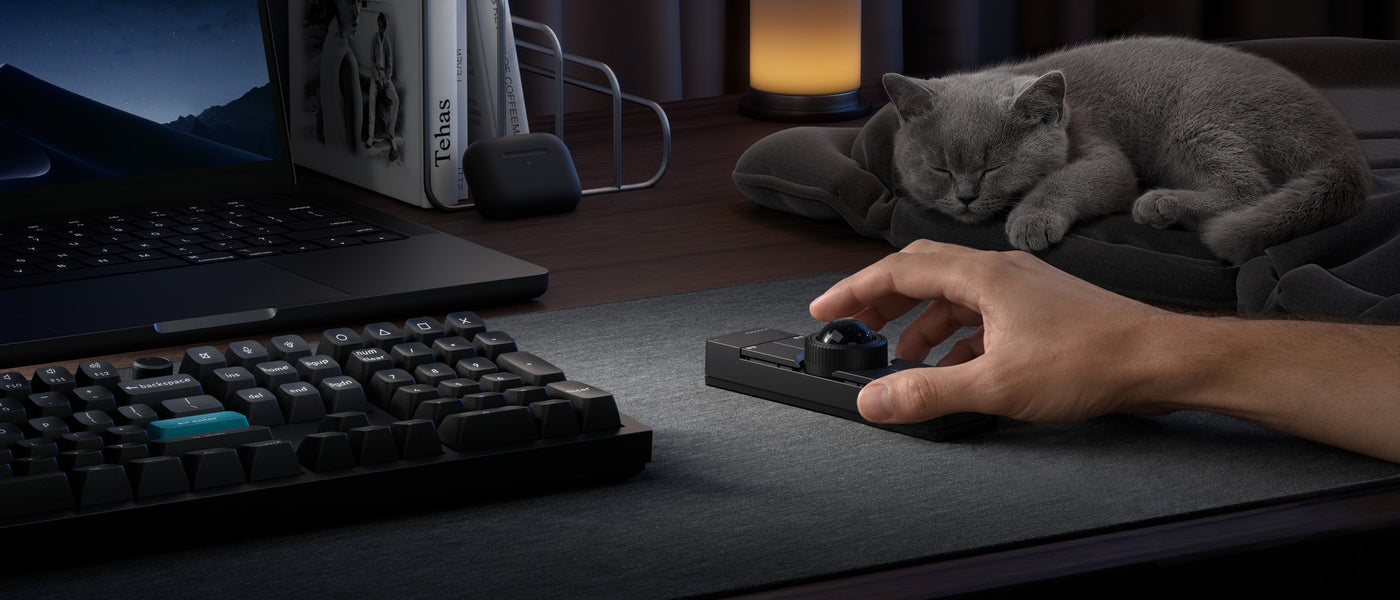
LAUNCHER WEB APP
More Customization on The Keychron Launcher
Powered by ZMK and supported by the Keychron Launcher web app, Nape Pro goes beyond a standard wireless trackball mouse. Remap buttons, assign shortcuts, and create macros to match the way you work. Once configured, your settings are saved directly to the device, so your personalized workflow stays with you across different computers.


Guide
What's In The Box?

specs
Accessories
Frequently Bought Together

Keychron Q0 Mini 8K Action Key

Keychron Big Kitty Paw Key

Keychron Desk Mat

Keychron Thunderbolt 5 Dock (14-in-1)
