





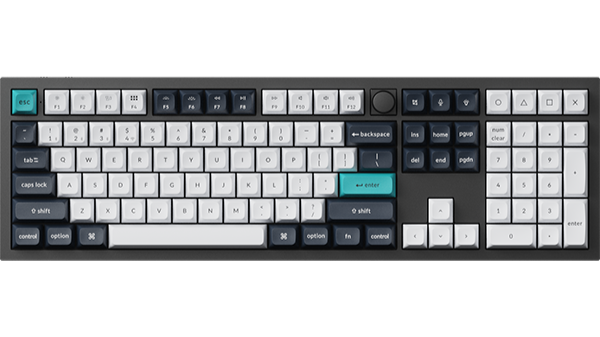
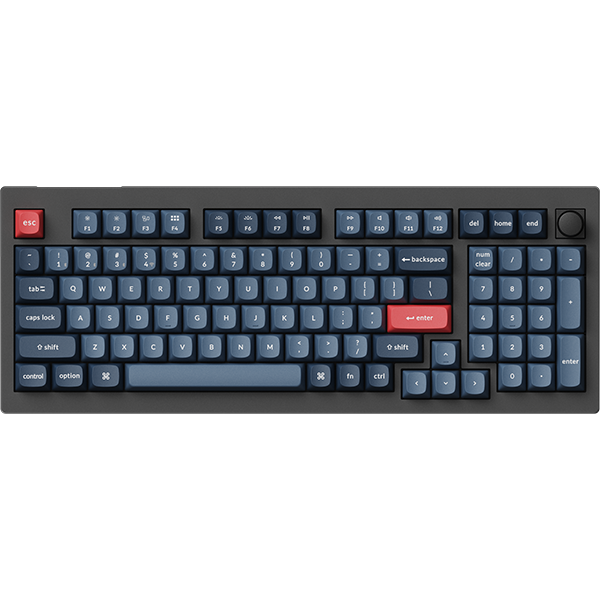
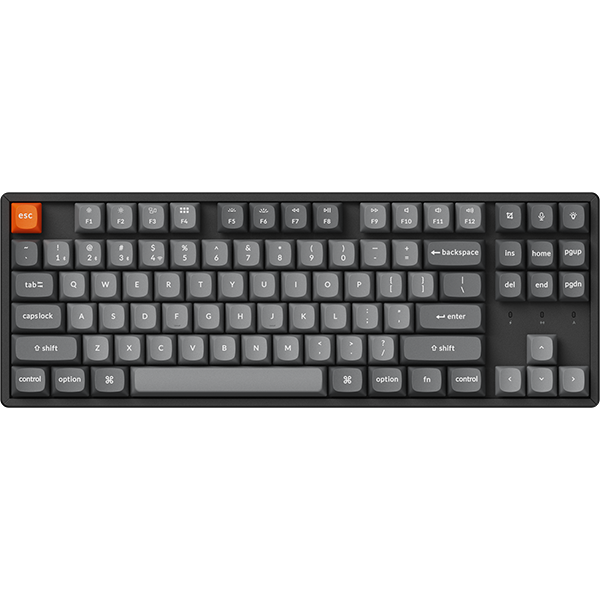

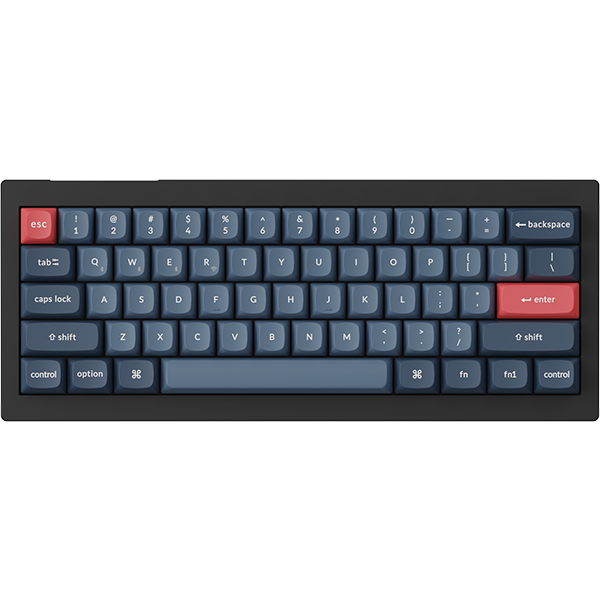


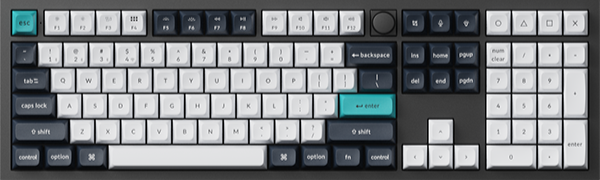
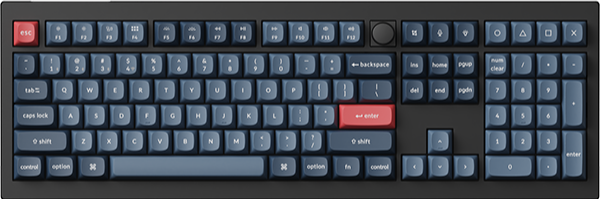
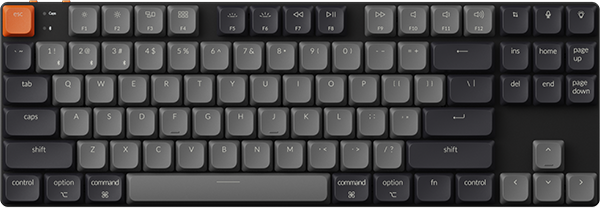
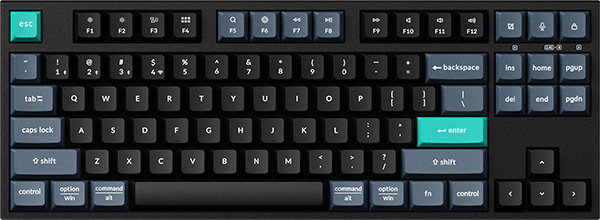
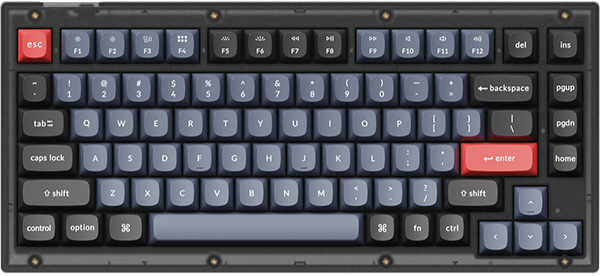
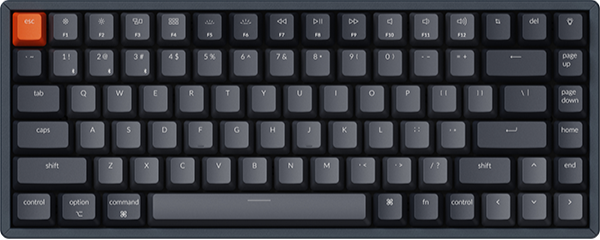
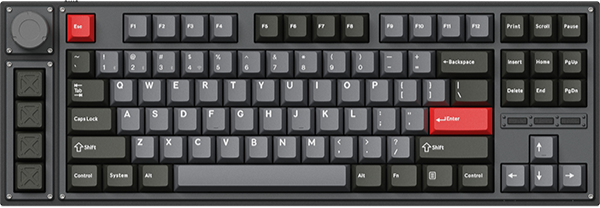
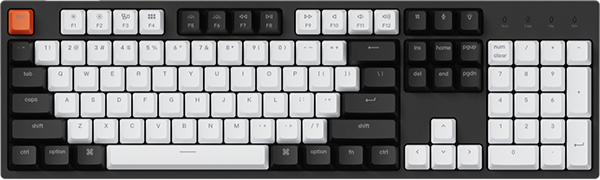







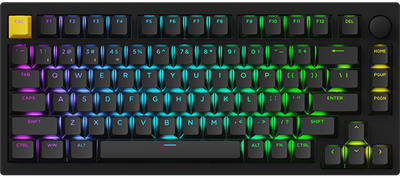
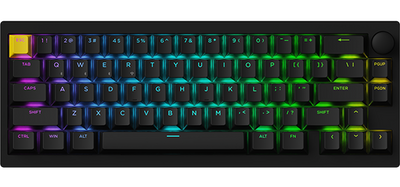
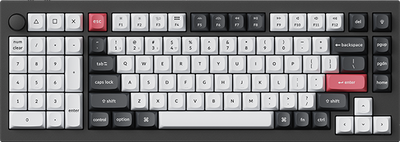

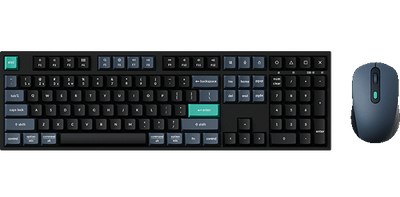
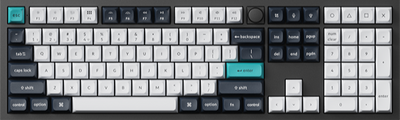
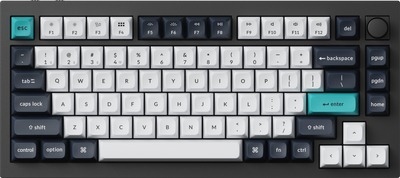
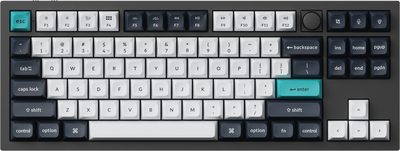
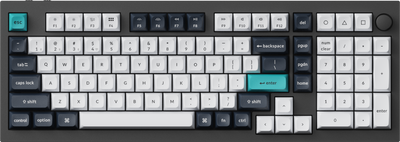
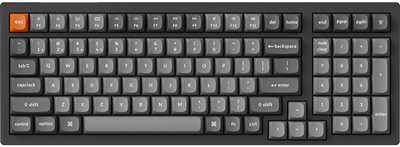
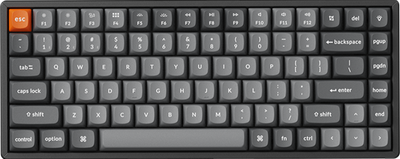
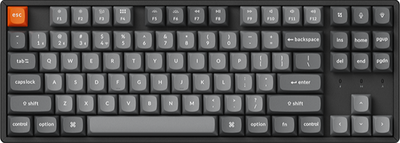
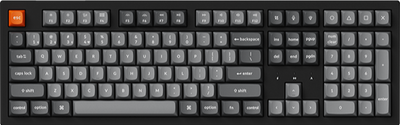
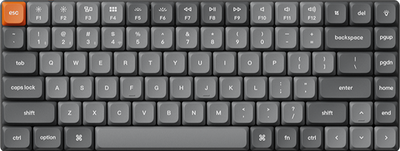

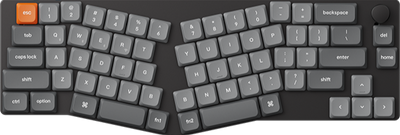
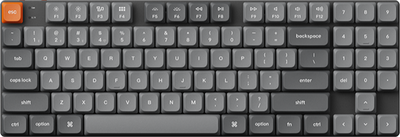
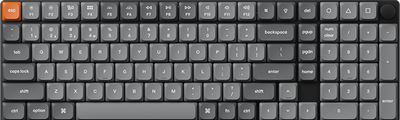
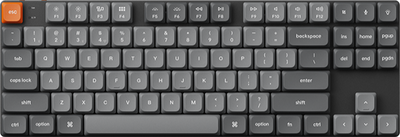
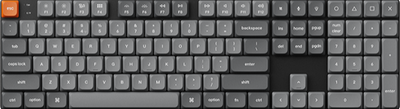
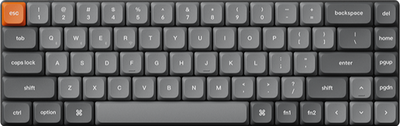
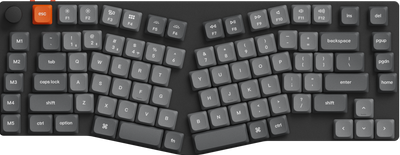
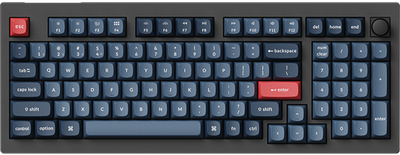
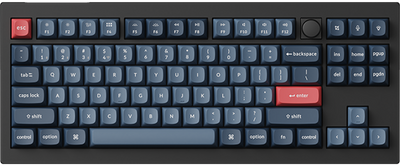
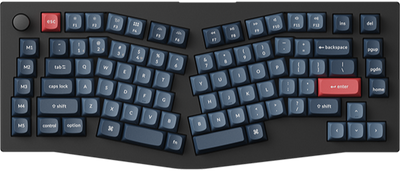
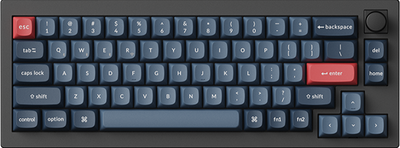




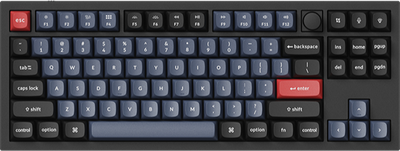
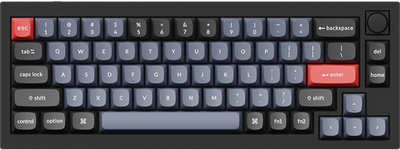
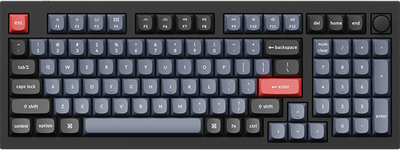
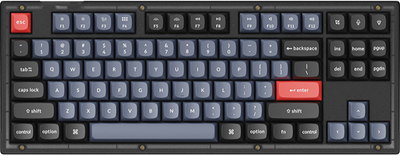
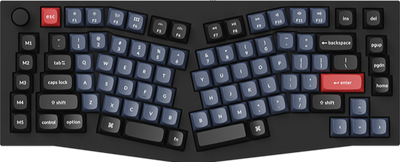
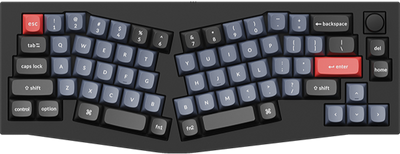
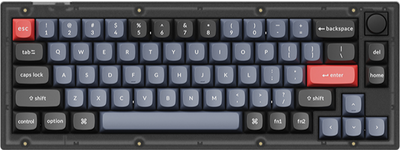
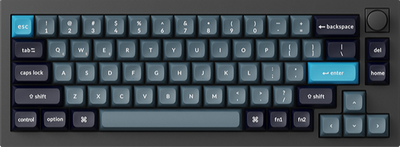
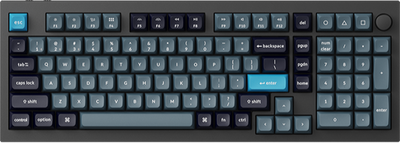
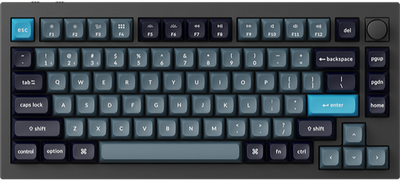
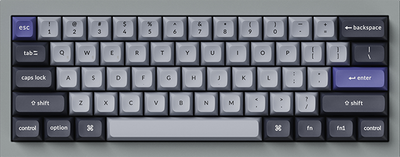
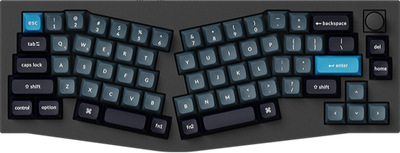
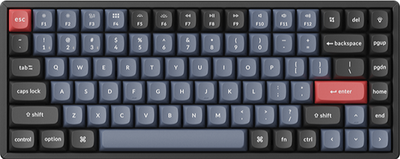
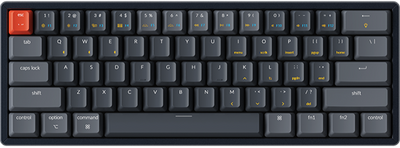
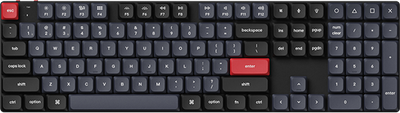
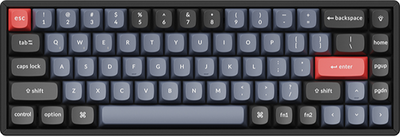

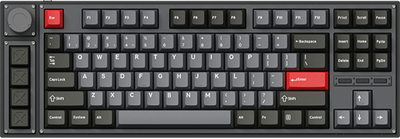
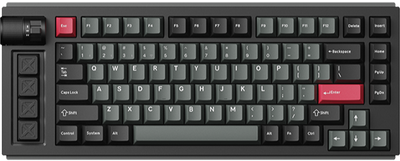
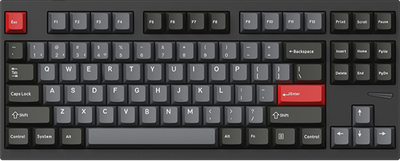
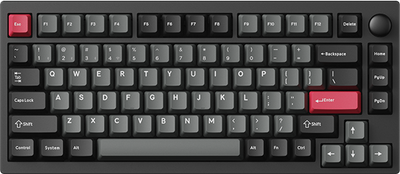
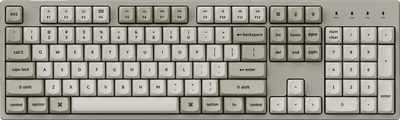
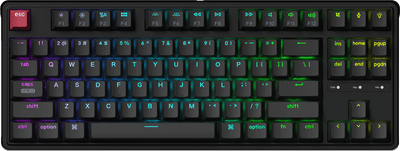
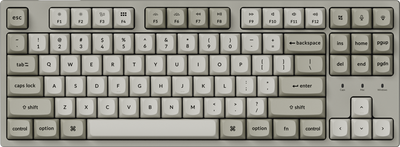
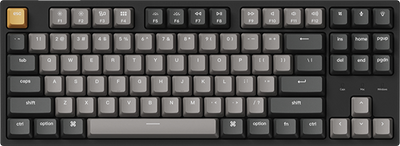
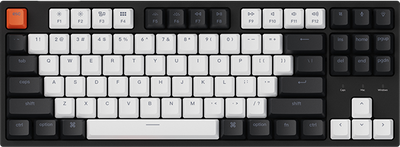
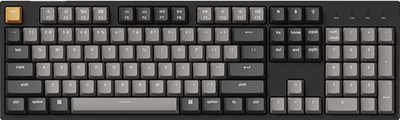
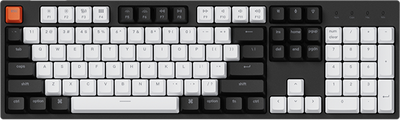
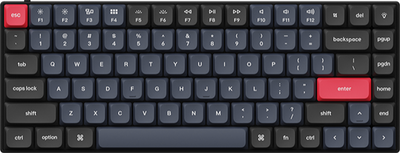
















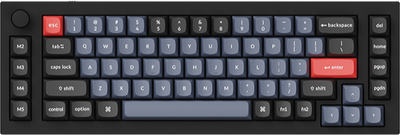
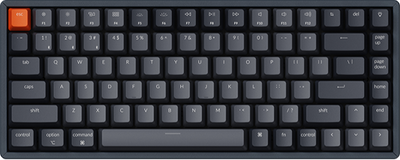
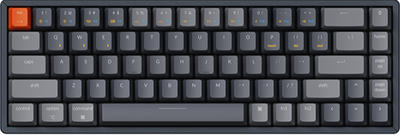
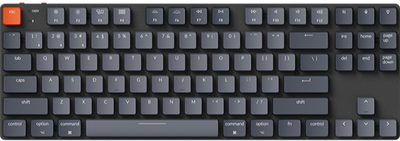









The HE profile can only be used to set HE features, such as actuation distance, rapid trigger, snap action, and gamepad analog.
The Launcher supports users in managing their own HE configuration files, enabling them to switch between multiple setting modes and manage these configurations overall.
If you want to manage your keyboard profile, including editing, renaming, keyboard calibration, importing, and exporting profiles, please follow this tutorial:
1.Use the latest version of Chrome/Opera/Edge browser to click here to open the launcher.
2.After establishing a physical connection using our dedicated connecting cable or 2.4 GHz receiver, click the 'Connect' button and select the keyboard of the corresponding model.
3.The system provides three default HE profiles for you: Default, Gaming, and Gamepad, corresponding to office, gaming, and controller simulation scenarios respectively.
If you want to quickly switch your profile, you can press "fn" + "P" + "Z / X / C" to switch to Profile 1 / 2 / 3.
The default Profile 1 / 2 / 3 corresponds to three scenarios: Profile 1 for normal typing, Profile 2 for shooting games, and Profile 3 for gamepad analog.
Some keyboards are also equipped with a physical switch next to the connection port for mode switching.
4.HE profile can also be managed. You can click '•••' to manage the profile: Rename, Import, or Export.
a.Rename: Rename your profile.
b.Import: Import your preconfigured profile to replace the current settings entirely.
c.Export: Export your current configuration file.

5.We also support one-click reset and keyboard calibration functions.

a.Click "Reset" to complete the profile reset with one click.
b.Click "Calibration" to bring up the operation tutorial, and follow the instructions to complete the calibration.
