




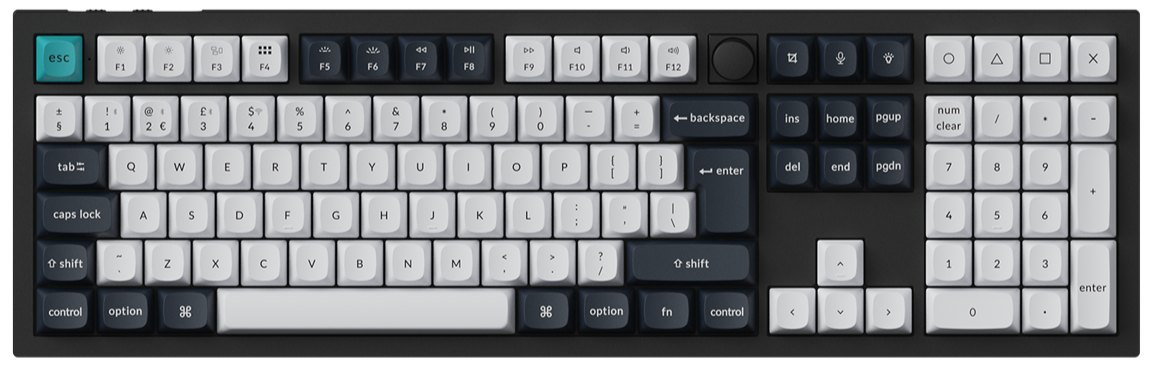







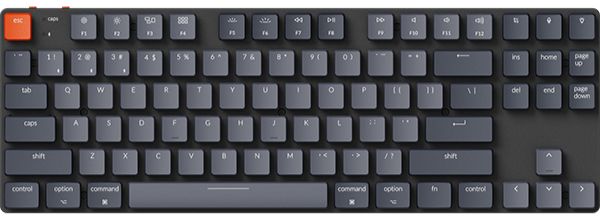












The HE keyboard supports the One Key Multiple Commands function, allowing users to configure a single key to output multiple different output results based on its actuation travel distance.
Below is a step-by-step guide on how to set up Snap Click:
1.Use the latest version of Chrome/Opera/Edge browser to click here to open the launcher.
2.After establishing a physical connection using our dedicated connecting cable or 2.4 GHz receiver, click the 'Connect' button on the Launcher and select the device you need to configure to connect to it.
Notice: Some product models support wired connection only.
3.After entering He Mode, click the "One Key Multiple Commands" module to configure the corresponding commands for multiple actuation travel segments of a single key.

4.Select the target key to be configured in the virtual keyboard (only one key can be selected at a time);
Match the corresponding actuation travel position and associated response key for the target key, and you can customize the specific depth of the actuation travel (supporting 0.01mm-level ultra-high precision adjustment);
Drag the trigger node slider in the actuation travel graph to customize the trigger timing of each response key, completing the precise binding between multiple actuation travel segments and commands.
Example:
Select the "A" key as the input key and the keys "A", "B", "C", and "D" as the output keys.
Definitions of the 4 Stages:
4.1 Trigger Key A: When the A key is pressed to 1.10mm, but hasn't reached the bottom-in distance of 3.25mm.
4.2 Trigger Key B: When the A key starts rebounding after bottom-in, but hasn't reached the 2.20mm bottom-out point.
4.3 Trigger Key C: When the A key reaches the 2.20mm bottom-out point, but hasn't reached the 1.10mm bounce-back point.
4.4 Trigger Key D: When the A key reaches the 1.10mm bounce-back point.
Currently, up to 4 output keys are supported per input key. The number of assignable response keys may be increased in future updates.
5.Currently, this feature supports a maximum of 20 multi-command keys, and users can add or delete the configured keys according to their usage needs.
Click the delete icon marked in the figure to delete the corresponding multi-command key configuration.
