




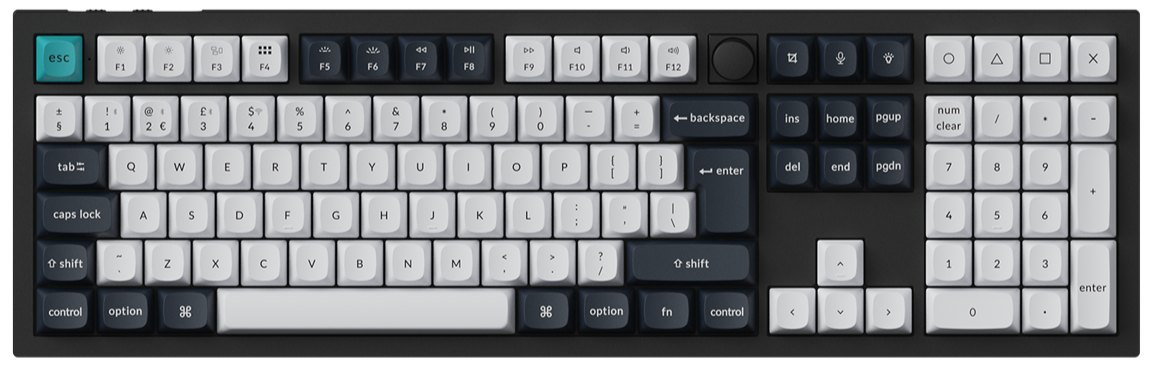
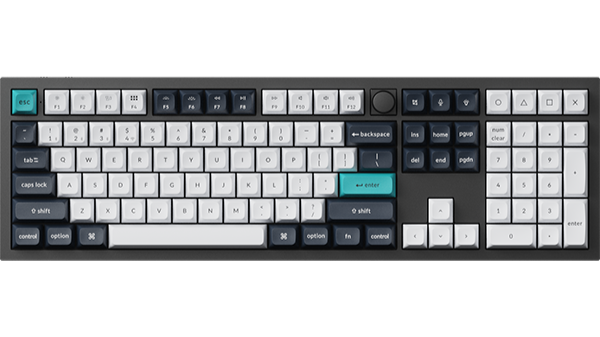
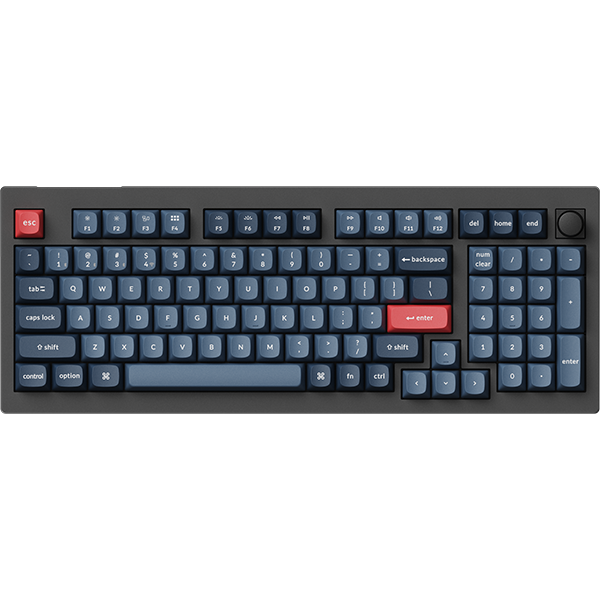
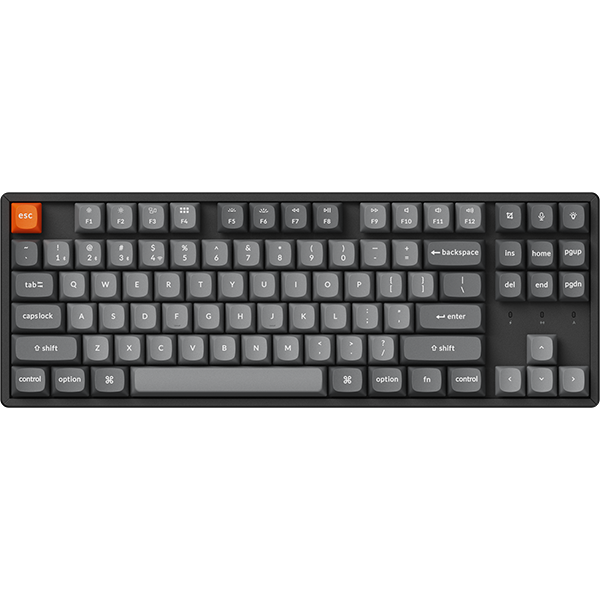

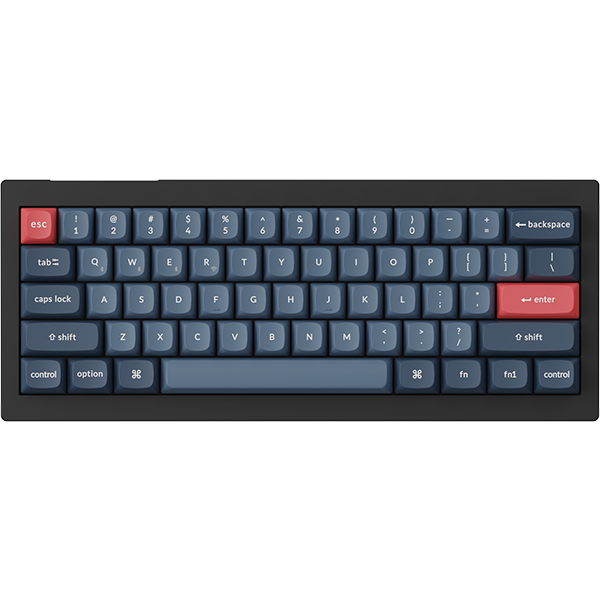








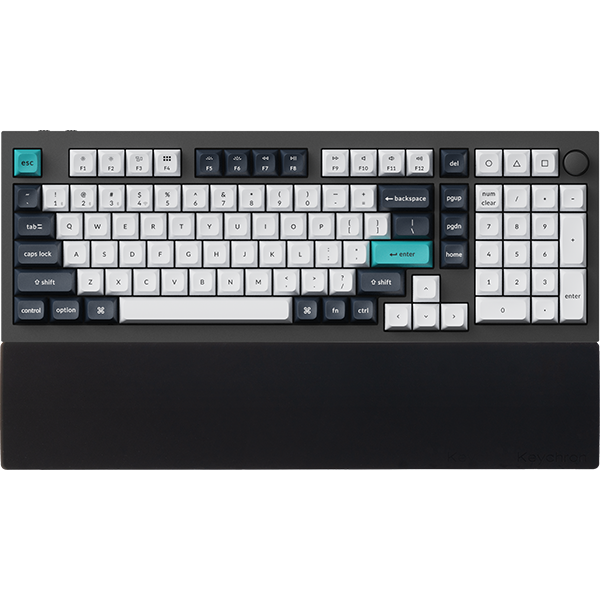










The HE keyboard supports the Long-Press Switch function. This feature allows you to trigger a key in quick succession with one press.
Users can assign a key to this mode: a single press and release of the key will activate continuous key output, pressing and rereleasing the same key again will stop the actuation.
Below is a step-by-step guide on how to set up the Long-Press Switch:
1.Use the latest version of Chrome/Opera/Edge browser to click here to open the launcher.
2.After establishing a physical connection using our dedicated connecting cable or 2.4 GHz receiver, click the 'Connect' button on the Launcher and select the device you need to configure to connect to it.
Notice: Some product models only support a wired connection
3.After entering HE Mode, click the "Long-Press Switch" function module to set the keys to Long-Press Switch mode.

4.Click the key to be set on the virtual keyboard (only one key can be set at a time), then click the "Open" button below to complete the setup.
5.Keys set to Long-Press Switch mode will all appear in the Keys Set section below, where users can view and delete them.
