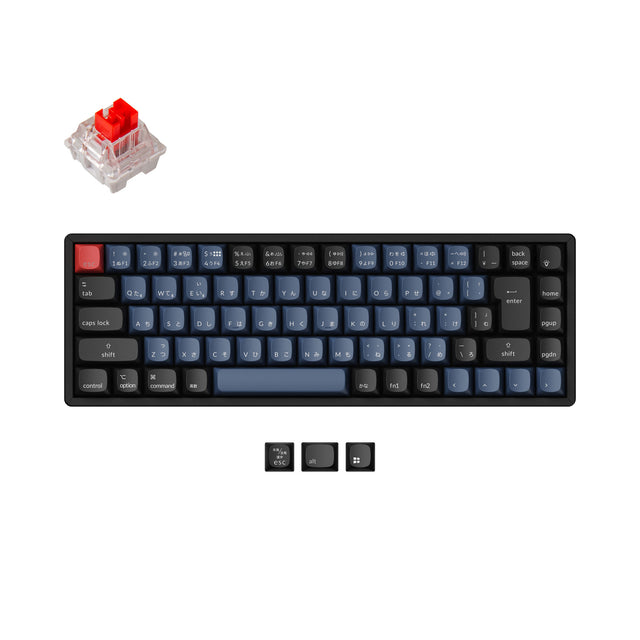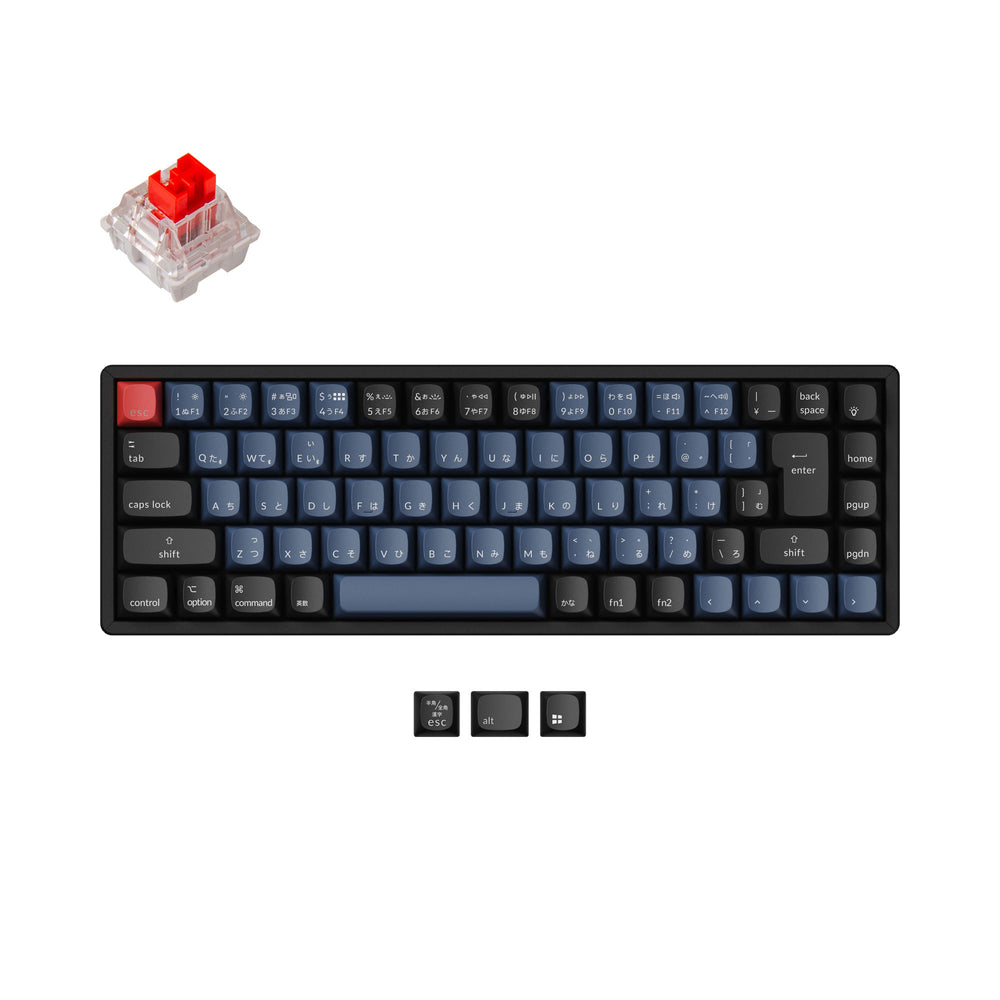
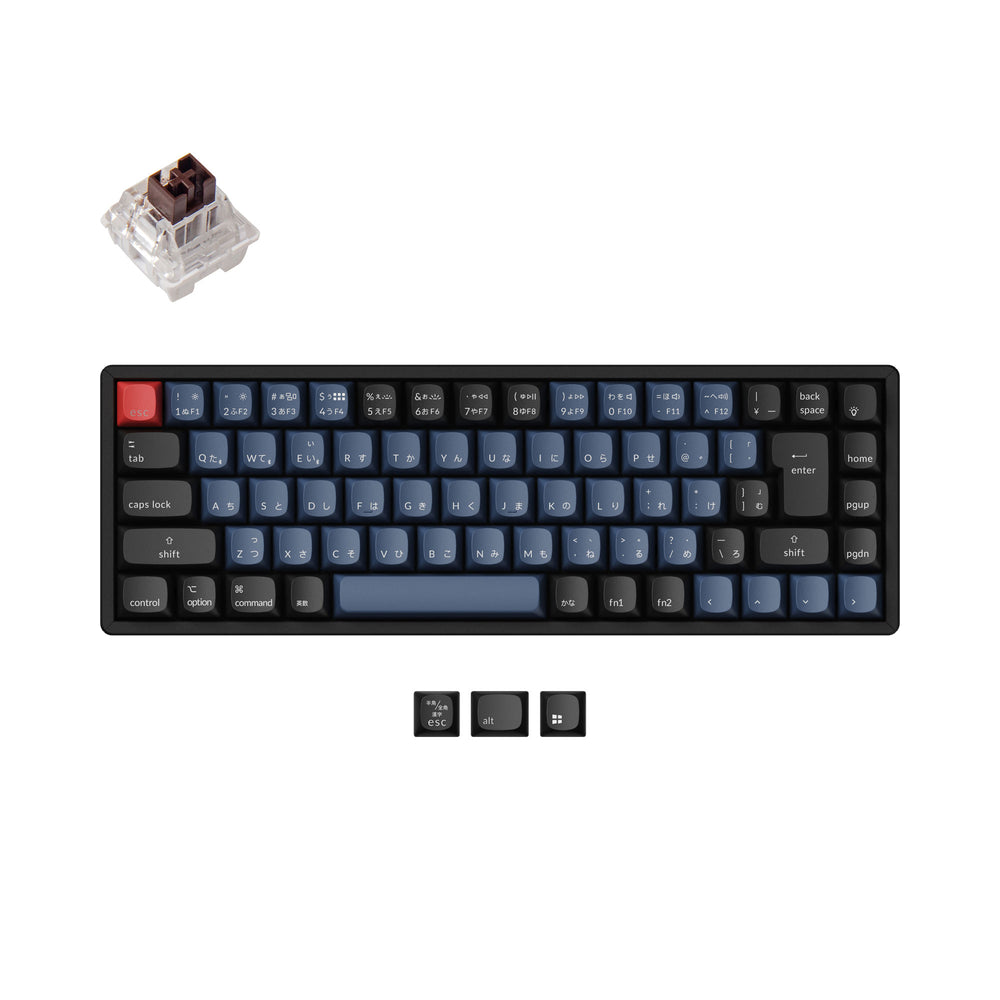
Keychron K6 Pro QMK/VIA Wireless Mechanical Keyboard (Japan JIS Layout)
Keychron K6 Pro QMK/VIA Wireless Mechanical Keyboard (Japan JIS Layout) - Fully Assembled (Hot-Swappable) / RGB Backlight Aluminum Frame / Japan-JIS / Keychron K Pro Brown is backordered and will ship as soon as it is back in stock.
No discount code can be used for the K6 Pro. Please drop your email on "Notify Me When Available" if the product model is out of stock.
Specifications
Specifications
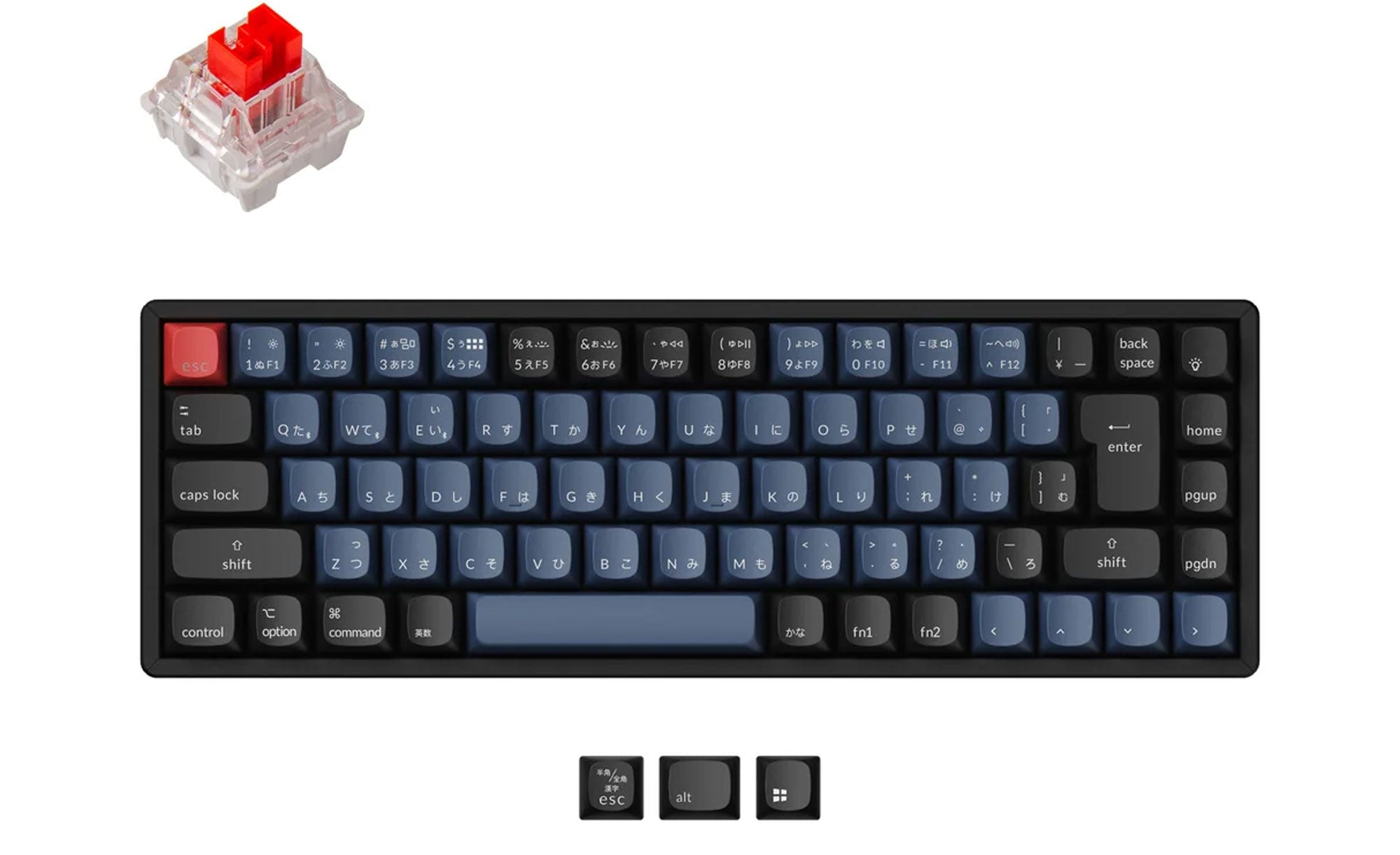
- Layout: 65%, JIS
- Connectivity: Bluetooth; 1000 Hz polling rate
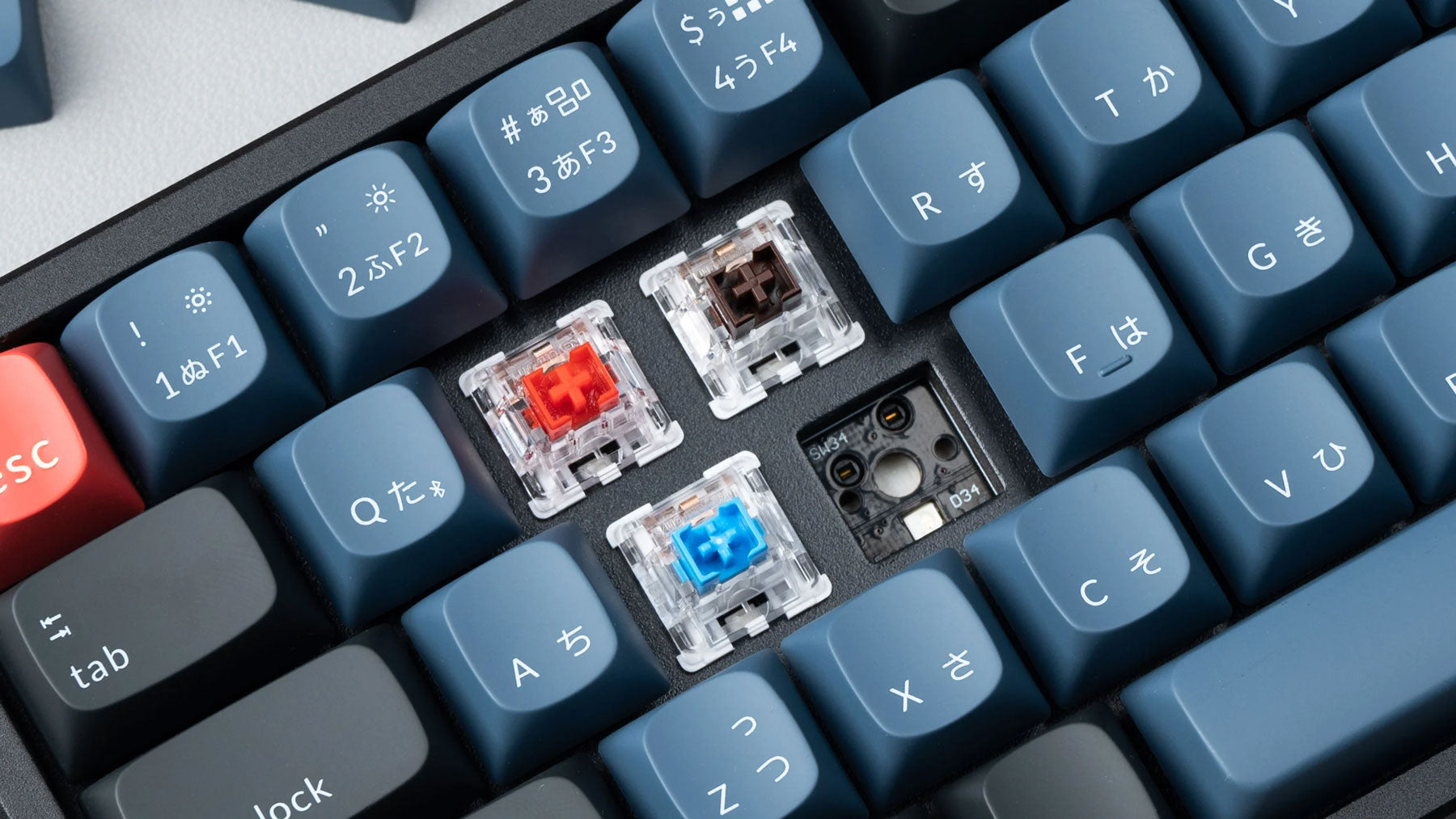
- Switches: Keychron K Pro Mechanical; hot-swappable
- Build: ABS+Aluminum frame, tray mount, Steel plate
- Keycaps: ABS (backlight shine-through)
- Battery: 4000 mAh, up to 310 hours
- Software: QMK firmware; Keychron Launcher web app for key remapping and macros; works with macOS, Windows, Linux
- Backlight: 22 types of RGB backlight options plus endless possibilities
- Weight: 890 g / 1.96 lbs
- Dimensions: 317 x 107 mm (12.48 x 4.21")
- N-key rollover: Yes for both wireless and wired modes
Product details
Product details
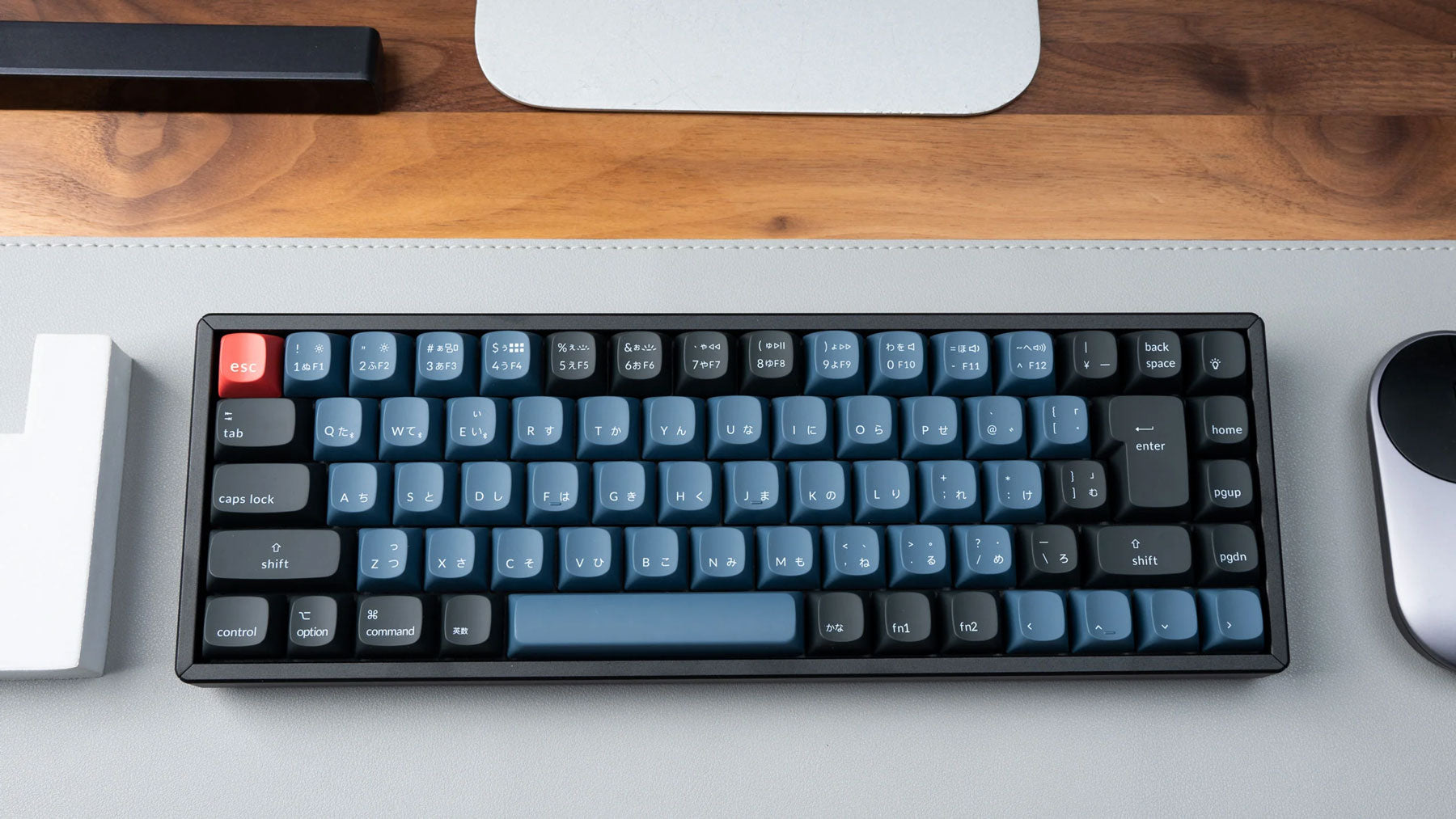
Keychron K6 Pro QMK Wireless Mechanical Keyboard (Japanese JIS Layout) allows anyone to master keyboard keys or macro commands through Keychron Launcher web app. All with extra keycaps suitable for both macOS and Windows devices, and users can hot-swap with any MX mechanical switch in a breeze.

Keychron K6 Pro QMK/VIA Wireless Mechanical Keyboard (Japan JIS Layout) - Fully Assembled (Hot-Swappable) / RGB Backlight Aluminum Frame / Japan-JIS / Keychron K Pro Brown is backordered and will ship as soon as it is back in stock.
All New K Series Keyboard is Launching!
K Ultra Series
- 8K Polling Rate
- ZMK Open-source
- 2.4 GHz Wireless
- Keychron Low-Profile Milk POM Switch
- Durable Double-shot PBT Keycaps
K HE Series
- Magnetic Switch
- 2.4 GHz Wireless
- QMK Launcher
- Wooden Frame
- Durable Double-shot PBT Keycaps
K Max Series
- 2.4 GHz Wireless
- QMK Launcher
- Slim Mechanical
- Hot-swappable
- Durable Double-shot PBT Keycaps
Keychron Classic K Pro Series Keyboard
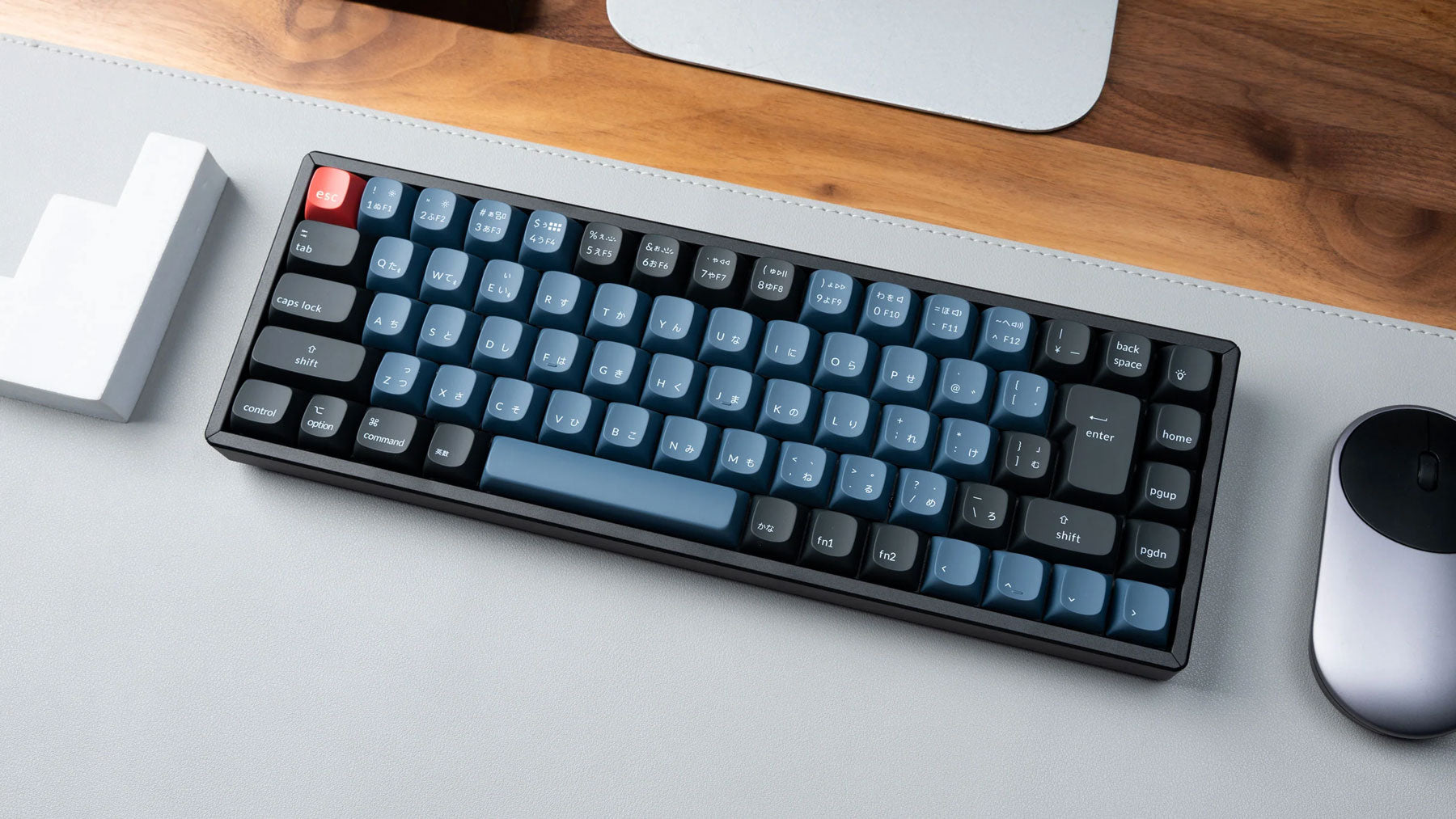
Keychron K6 Pro QMK/VIA Wireless Mechanical Keyboard (Japan JIS Layout)
Why Choose the K Pro Series


Program with QMK & Launcher.
The open-source QMK firmware means endless possibilities for key remapping, macros, shortcuts, and more. Now you can easily customize each key with the Keychron Launcher web app.

* Please use the latest version of Chrome / Opera / Edge browser to open the Launcher and connect the keyboard to your device via wired mode.

Anytime, Anywhere Access
Keychron Launcher is a web page configurator that you can use in the office, school, lab, or government department—anywhere with internet access. Configure your keyboard online anytime without the need to download or install files. No hassle, no trouble.

Compatible with All Platforms
As a web-based tool, Keychron Launcher supports all operating systems. Personalize and program your keyboard on Windows, macOS, Linux, and more. Enjoy unprecedented flexibility with compatibility across Chrome, Edge, and Opera browsers.

Safe Inputs
You type your password, contact, home address, and other sensitive privacy information on keyboards every day. Our keyboards use QMK open-source firmware, allowing the community to review the codes for safety and ensuring no hidden features, so you have complete control over your input security.

Always Up to Date
Keychron Launcher is continuously updated, ensuring you always have access to the latest version. There's no need to download updates or wait for installations.
Learn more about the Keychron K Series Keyoards such as the shortcuts, Launcher web app tutorial, factory reset, and more.

Need Help Choosing?
Find your perfect match. Filter by layout, switches, or connectivity to get your ideal setup.

Compare All Series
Select and compare models to see key differences in specs, features, and pricing side-by-side.
Learn more about the Keychron K Pro Series Keyoards such as the shortcuts, Launcher web app tutorial, factory reset, and more.

Need Help Choosing?
Find your perfect match. Filter by layout, switches, or connectivity to get your ideal setup.

Compare All Series
Select and compare models to see key differences in specs, features, and pricing side-by-side.