









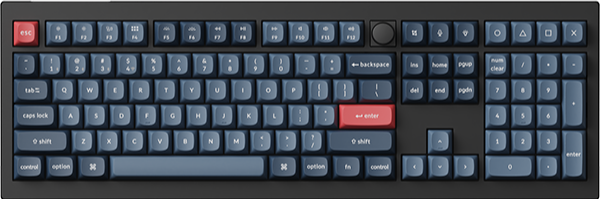
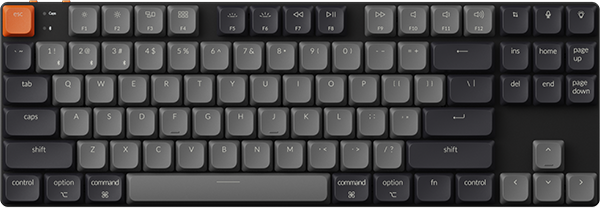
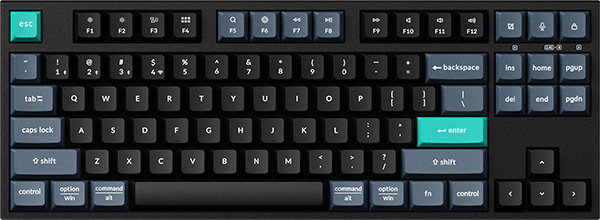
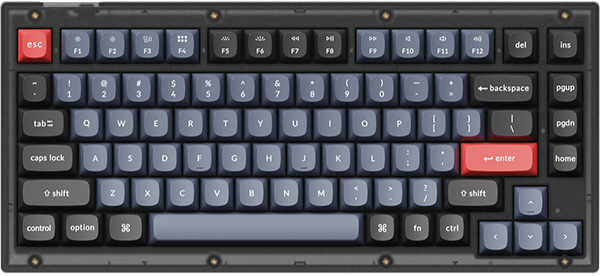
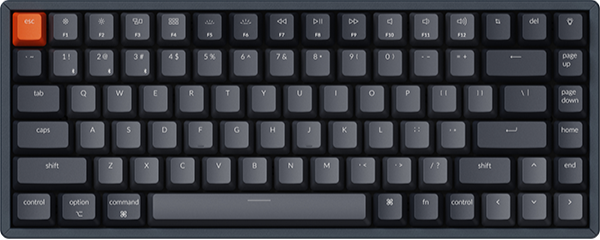
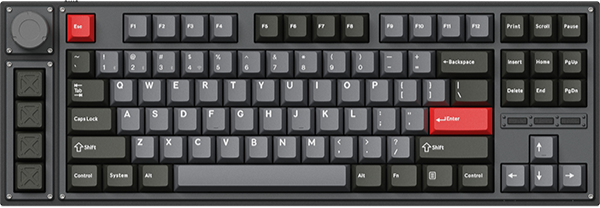

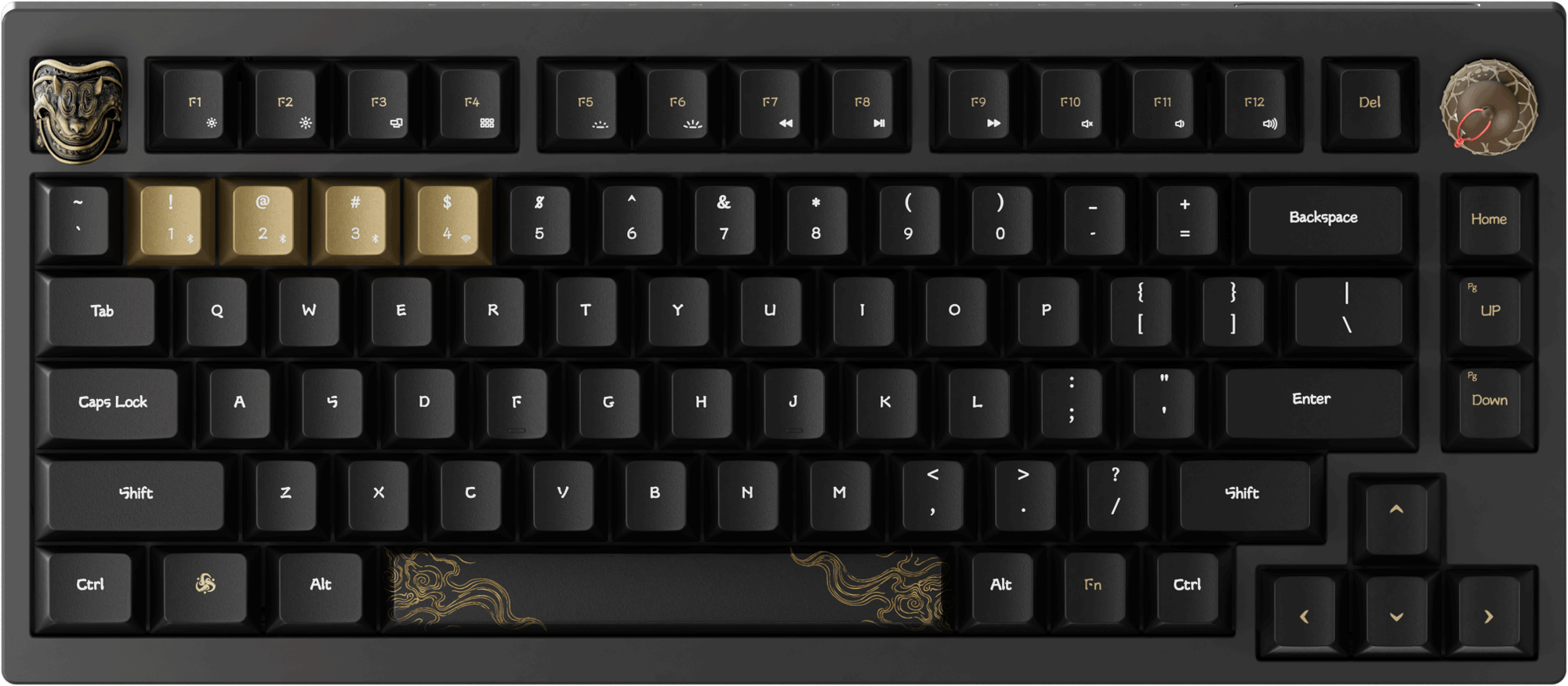


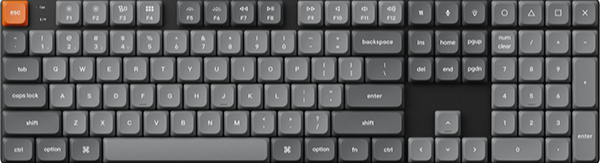
















If you’ve ever adjusted your laptop’s brightness, toggled Wi-Fi, or muted sound with a single keystroke, you’ve likely used Fn key combinations.
But have you ever wondered: How exactly do these key combinations communicate with your device to execute commands?
Let Keychron take us on a deep dive into the technical details and practical logic behind the Fn key combinations.
What Are Fn Key Combinations?
Let’s clarify the basics:
- In the default settings of most keyboards, the Fn key has no independent function on its own. It acts as a "modifier key" (similar to Ctrl, Shift, or Alt) that modifies the behavior of other keys when pressed simultaneously.
- They’re most common on laptops (to save space) but also appear on compact keyboards or mechanical keyboards for desktops.
Common Fn Key Combination
It is important to note that the Fn combination functions are generally similar across devices, but the specific key combinations required may vary.
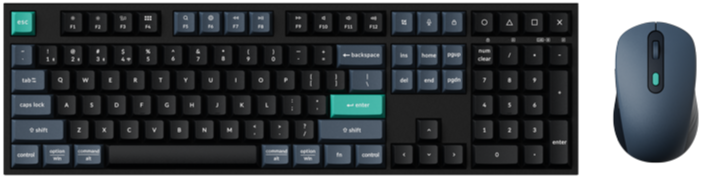
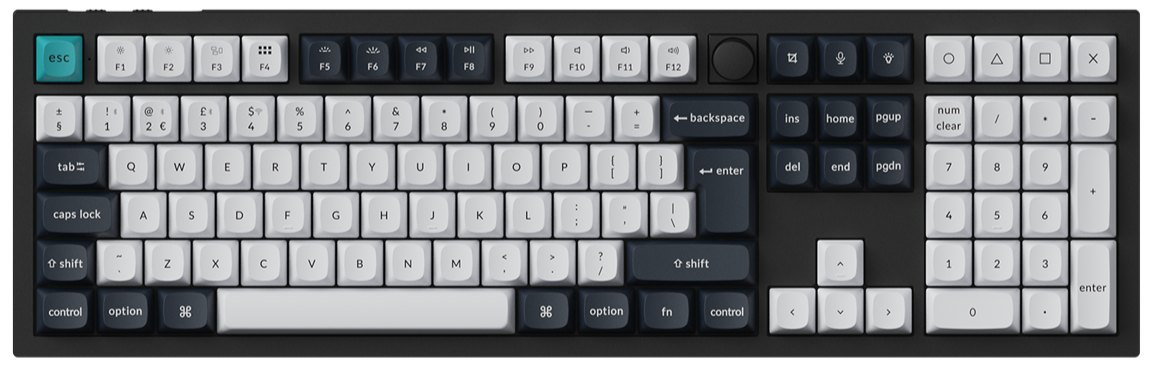
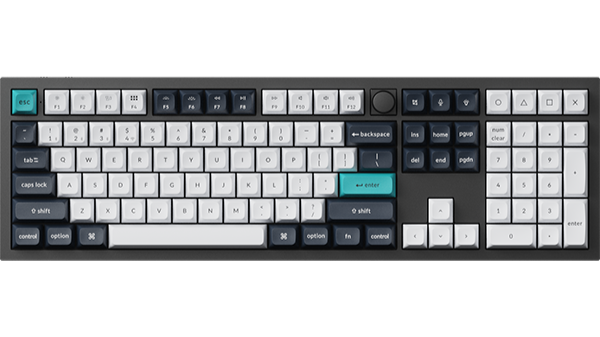
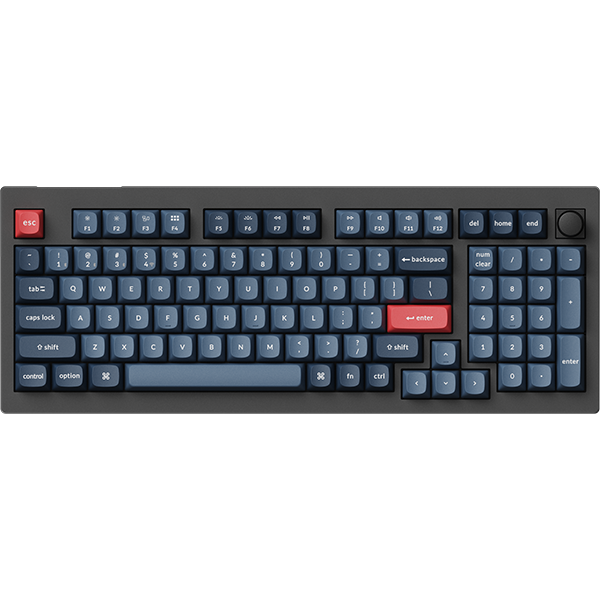
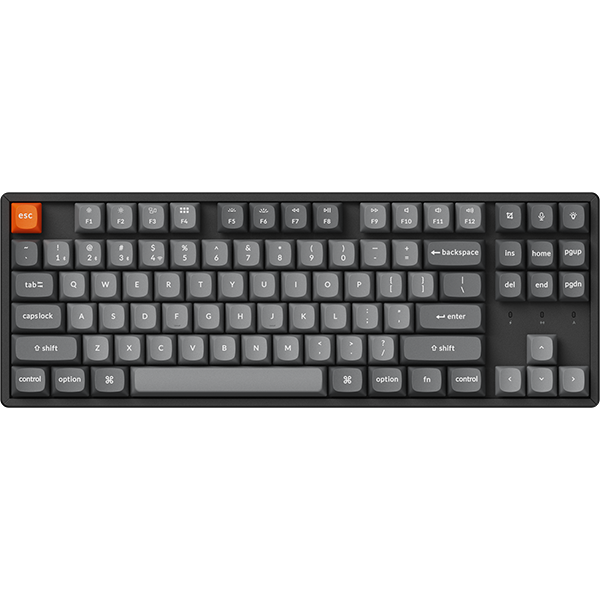
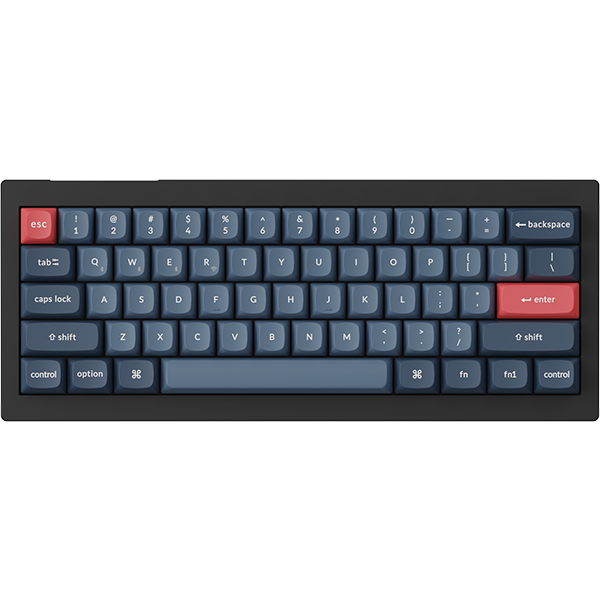
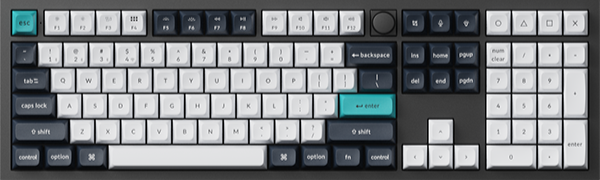
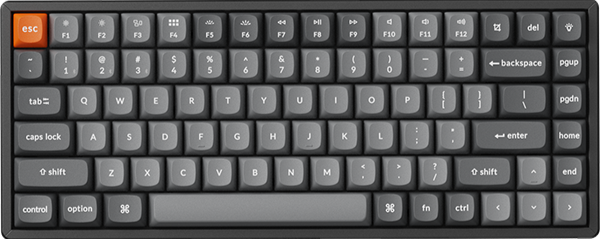
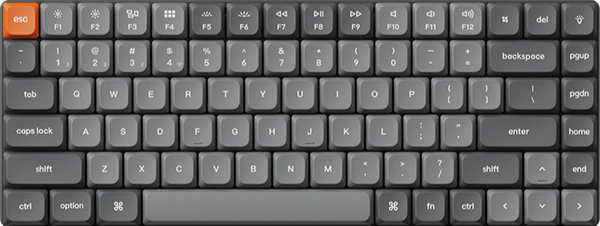
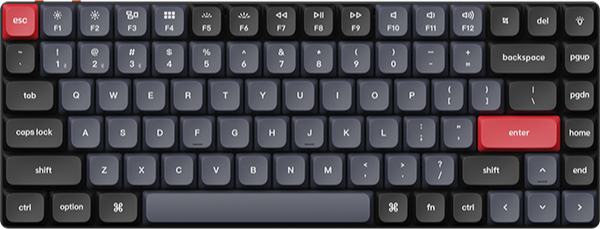
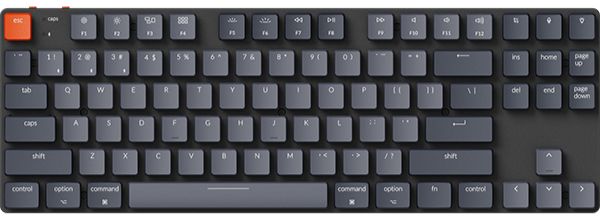
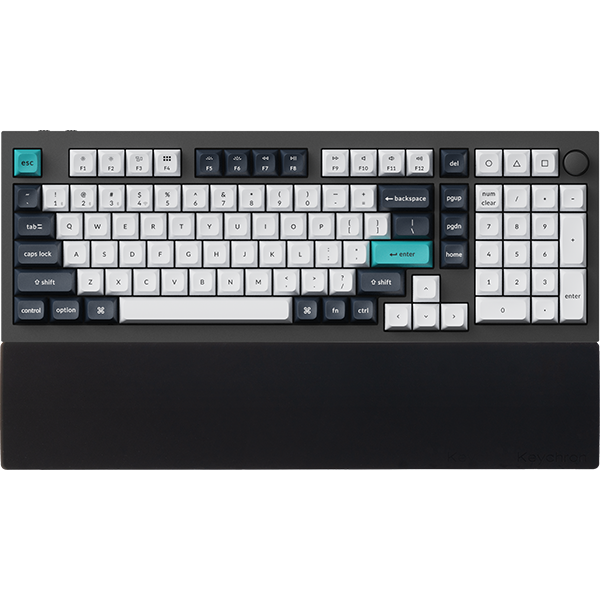
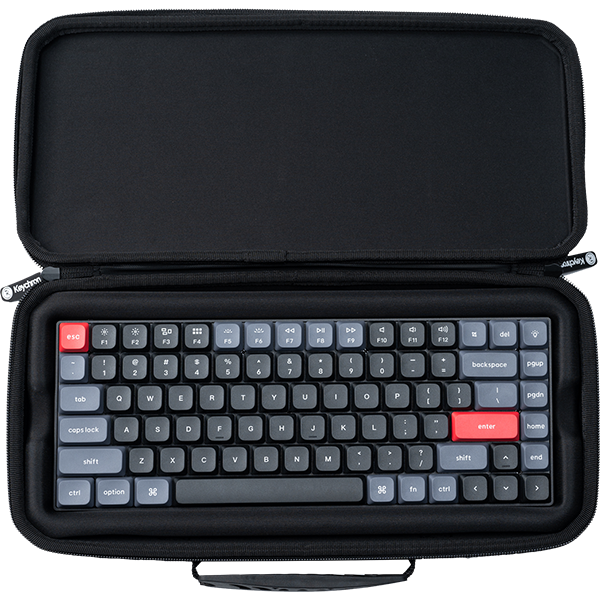
Below are the default key combinations for Keychron keyboards:
|
Combination
|
Typical Function
|
|
Fn+F1/F2
|
Brightness Down/Up
|
|
Fn+F3
|
Task View (Windows) / Mission Control (Mac)
|
|
Fn+F4
|
File Explorer (Windows) / Launchpad (Mac)
|
|
Fn+F5/F6
|
Decrease Backlight brightness Down/Up
|
|
Fn+F7
|
Previous track
|
|
Fn+F8
|
Play/Pause
|
|
Fn+F9
|
Next track
|
|
Fn+F10
|
Mute audio
|
|
Fn+F11/F12
|
Volume Down/Up
|
Core Working Mechanism: How Does the Fn Key Achieve So Many Functions?
In fact, the principle behind the Fn key combination functions involves the core concept of the Keyboard Function Layer. If you want to learn more about keyboard function layering, you can click here to view details.
Simply put: When you press the Fn key, the functions of the keyboard keys will change.

At this point, combining it with keys marked with icons (such as F1-F12, etc.) on the keyboard allows you to trigger preset auxiliary functions such as volume adjustment, brightness control, media playback, and shortcut key switching.
Can the Fn key combinations be changed?
Of course! Keychron allows users to customize keyboard functions according to their own habits, enabling the keyboard to serve their needs better.
Users can click to access the Launcher for direct modifications.
If you have any further questions about the Fn key combination, you can click here to view details. Additionally, Keychron welcomes all users to share their questions and feedback with us directly.