
























Please follow the steps below to disassemble the Q0 Mini 8K Action Key and find the reset button if you need to flash the firmware.
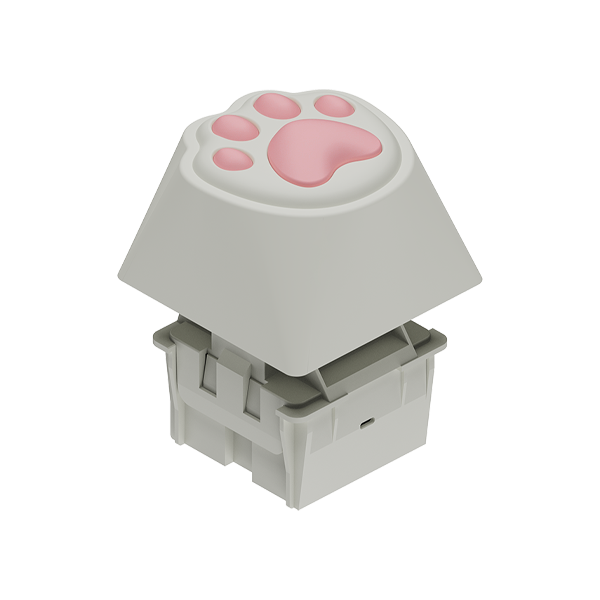
Step 1: Remove the keycap of the Q0 Mini 8K Action Key
Hold the base with one hand and the keycap with the other, then pull it upwards to remove the keycap.

Step 2: Disassemble the switch and the base. Please follow the detailed steps below.
1. Peel off the silicone bottom pad.
2. Prepare a screwdriver, and turn it counterclockwise to remove the two screws in the base’s bottom.
3. Disassemble the switch:
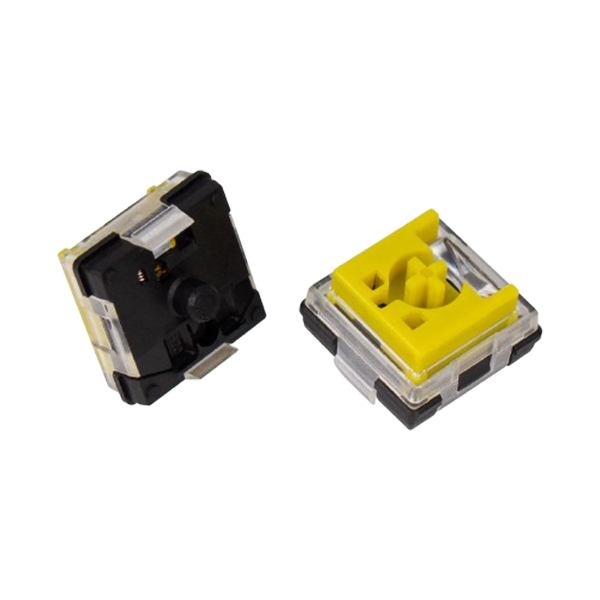
- (The switches on both sides have clips.) Press down on the clip on one side of the switch with your finger, then use your finger or a tool to pry that side out.
- Hold that side in place, then pull out the other side to fully remove the switch.
(Click to play the video below.)
4. You will find the reset button at the corner of the PCB in the switch's bottom.

Step 3: To reinstall the switch and base, align the Type-C port of the switch with the slot inside the base, and press the switch firmly into place. Then, secure the bottom screws and reattach the feetpad. (Click to play the video below.)