
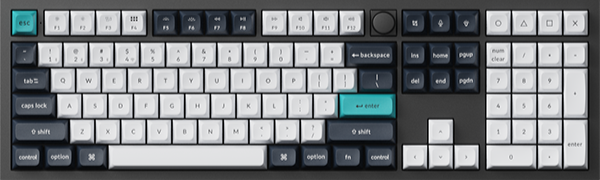
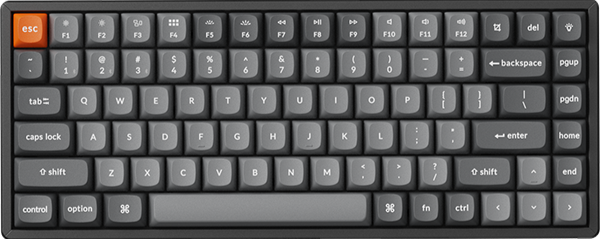
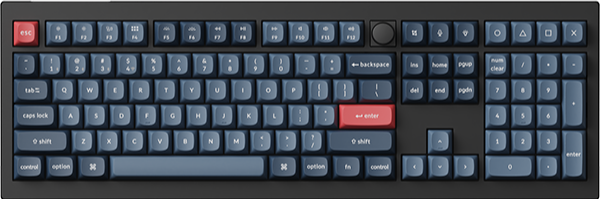

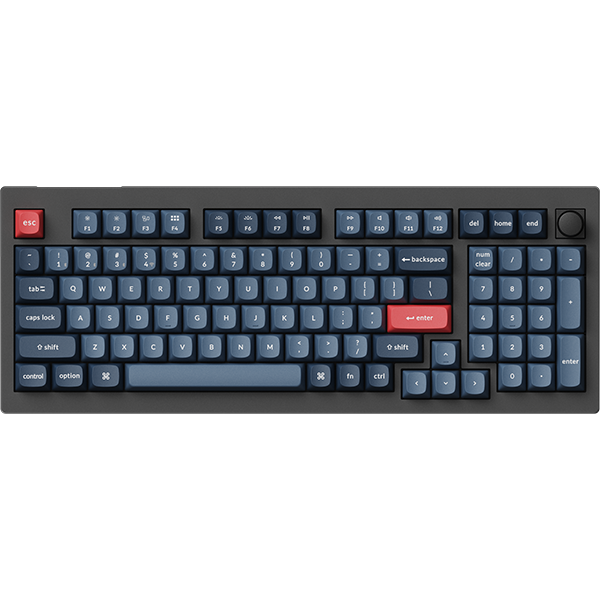
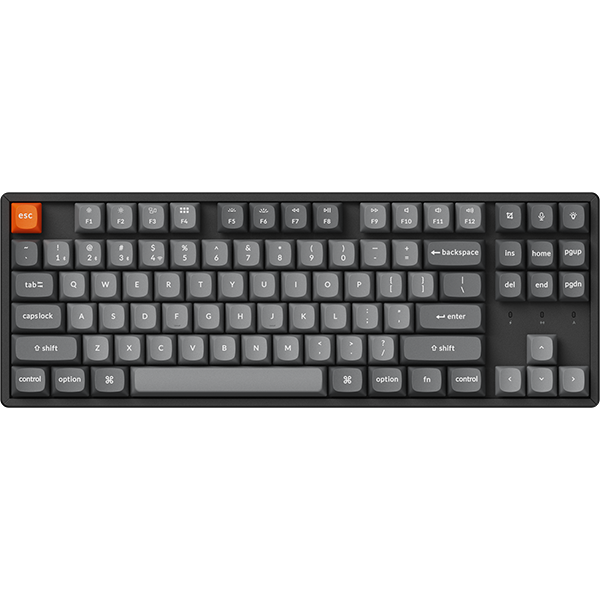

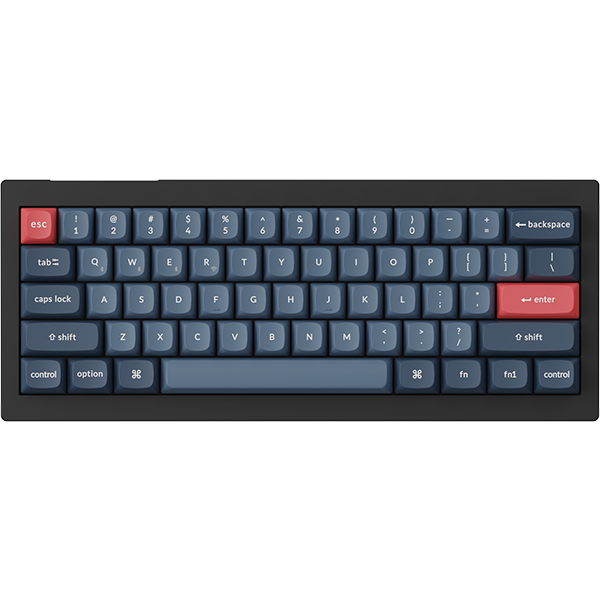



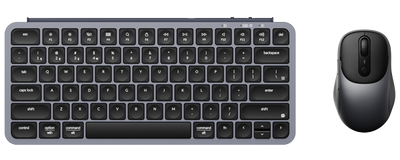
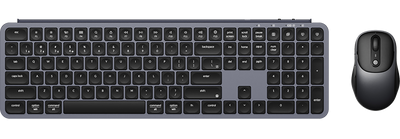
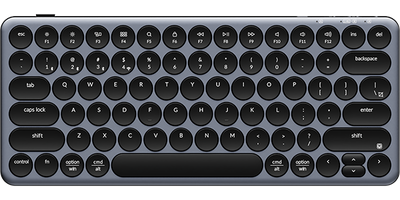
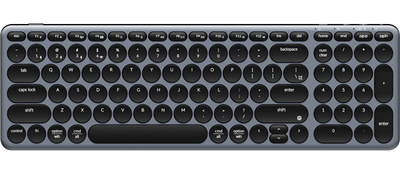
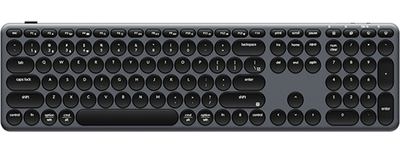
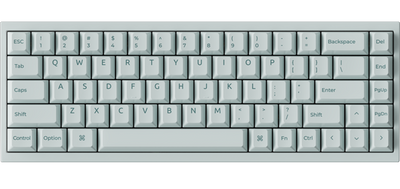
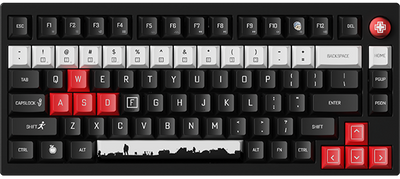
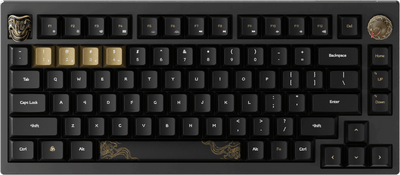


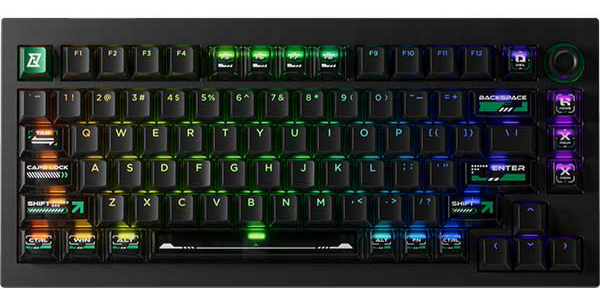
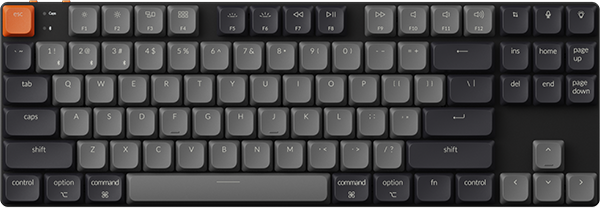
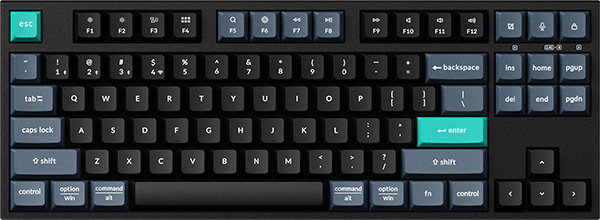
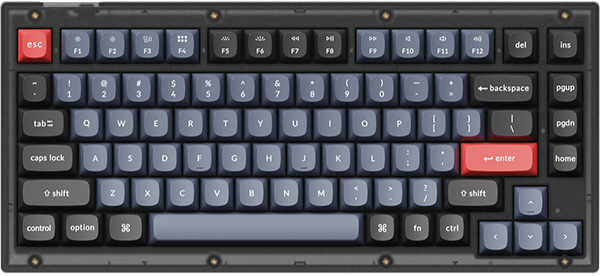
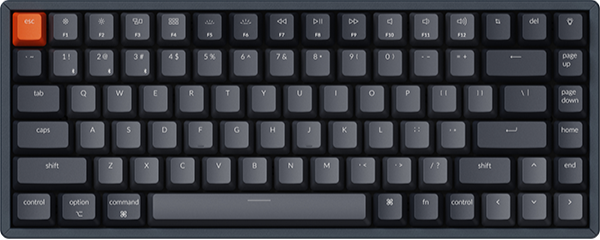
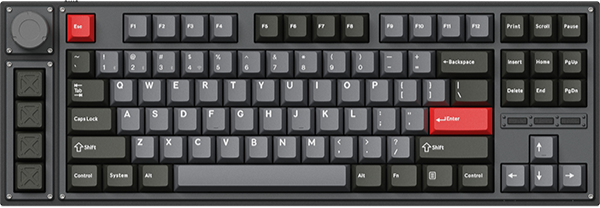
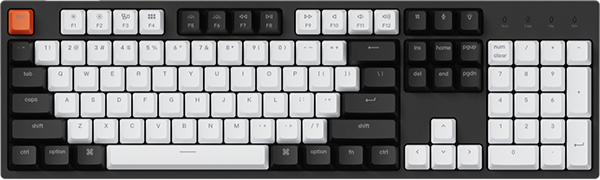
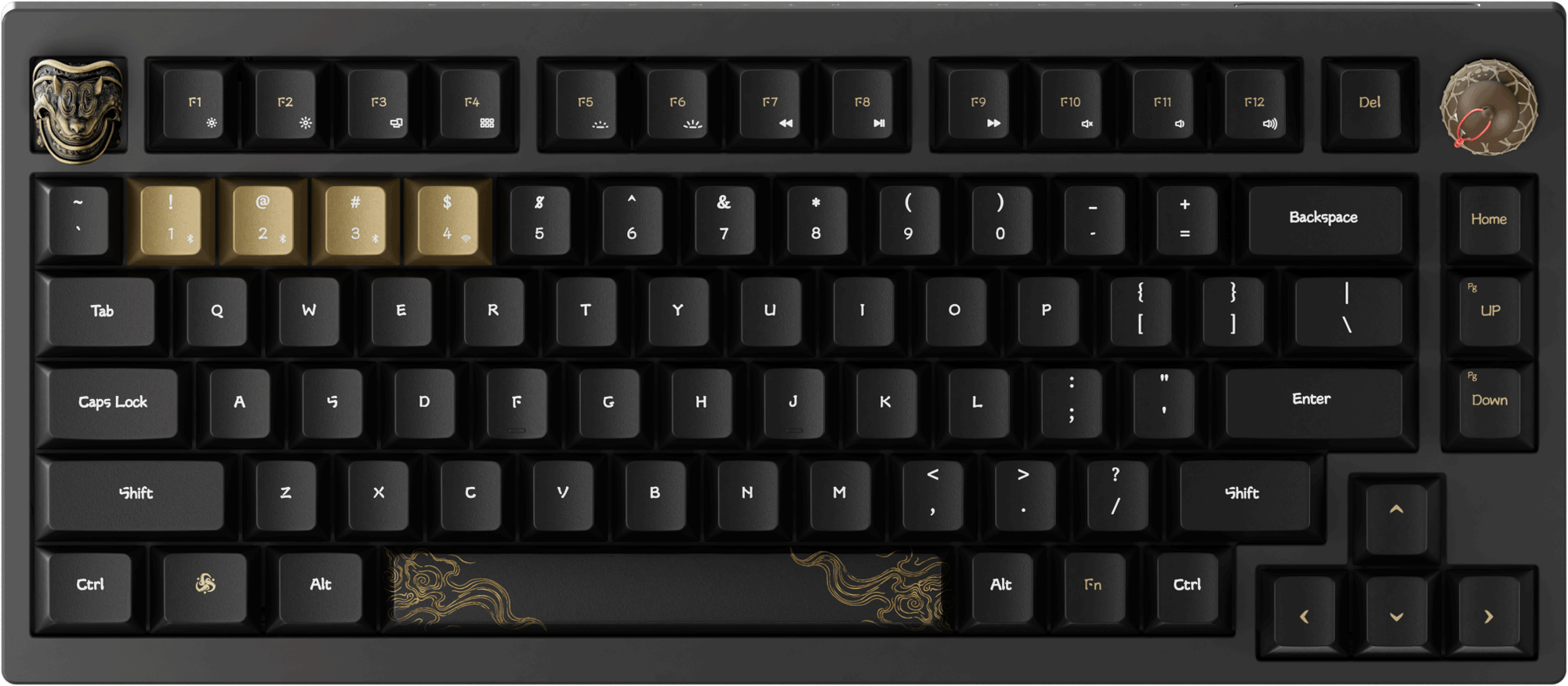


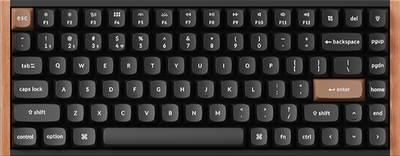
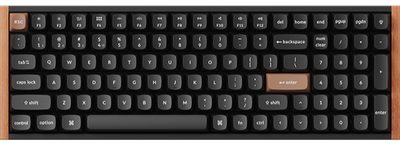
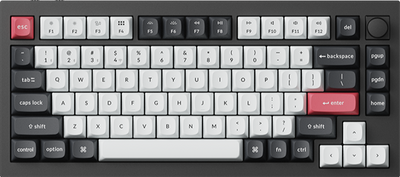
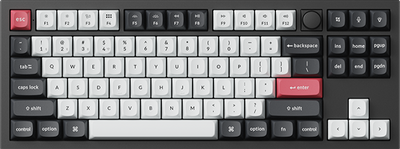
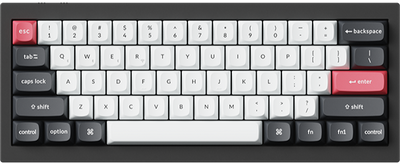
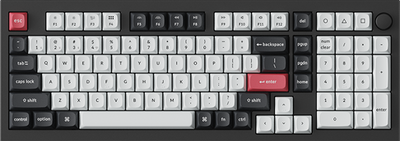
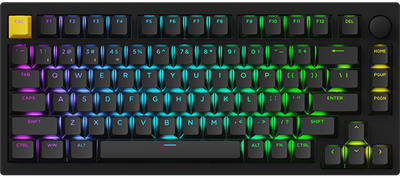
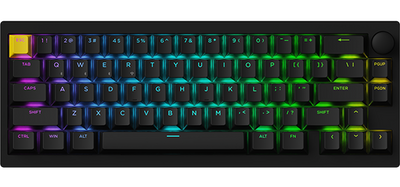
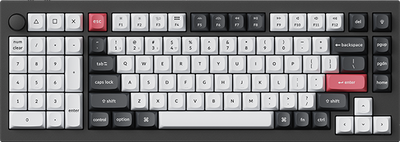
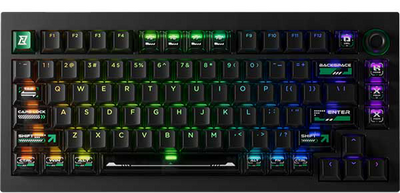
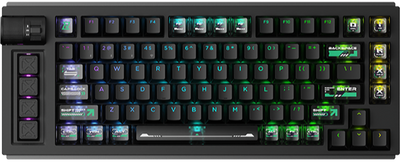

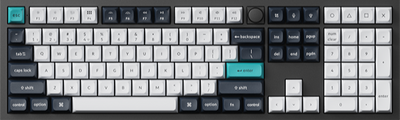
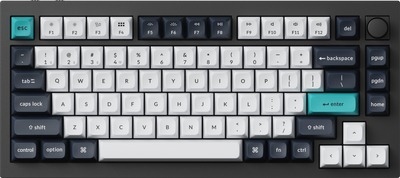
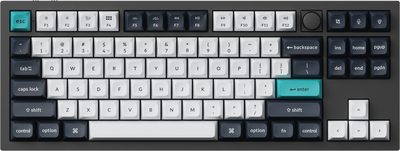
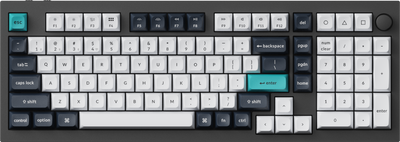
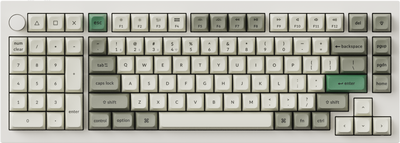
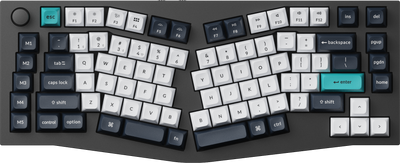
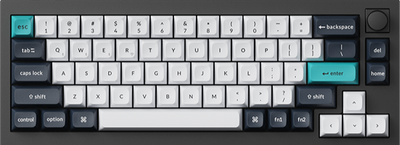
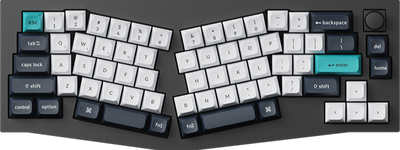
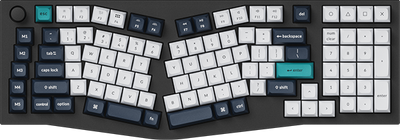
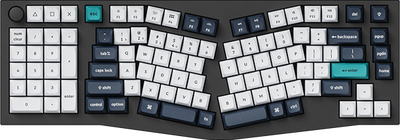
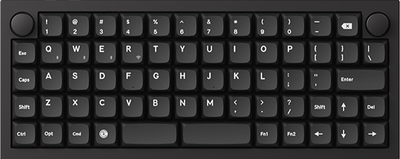
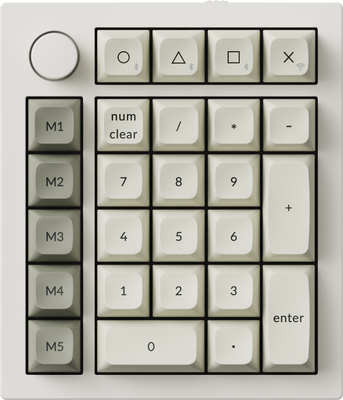
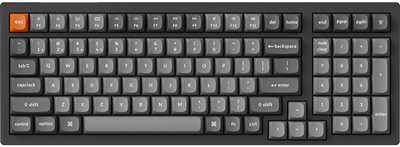
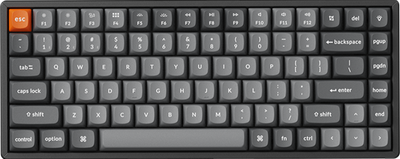
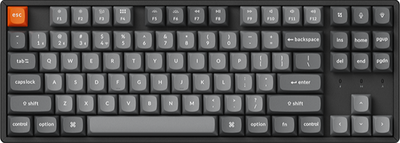
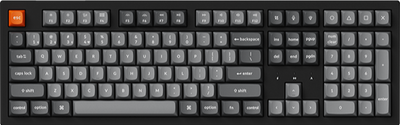
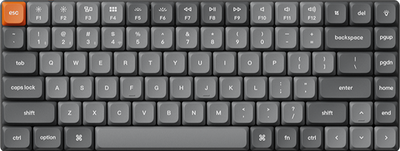
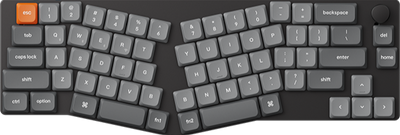
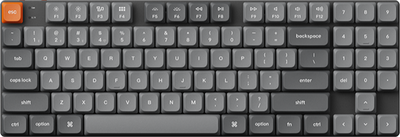
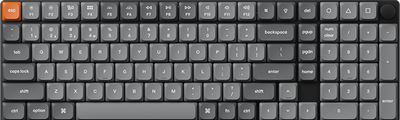
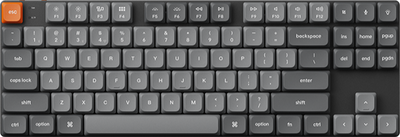
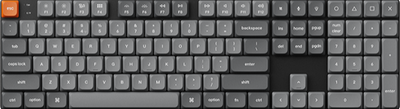
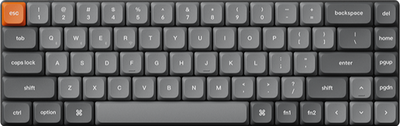
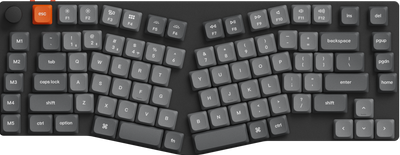
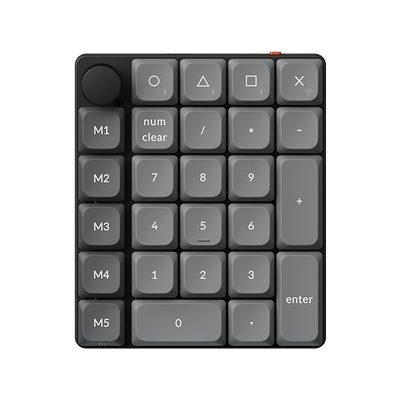
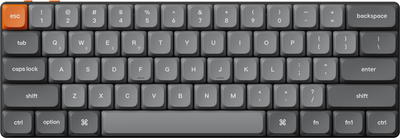
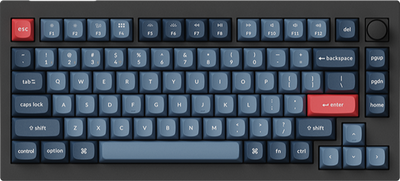
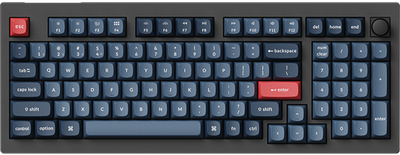
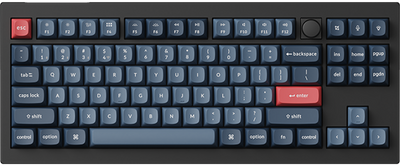
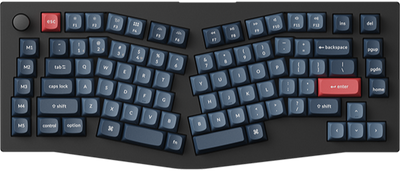
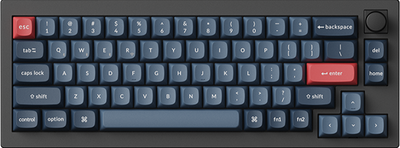
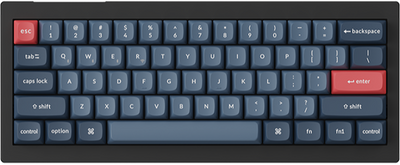
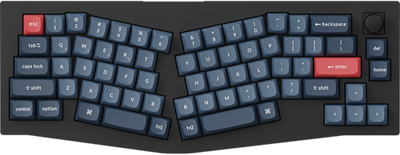
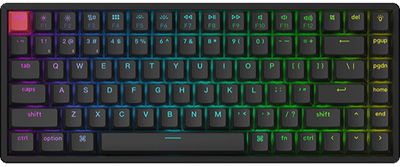
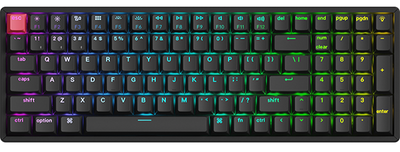
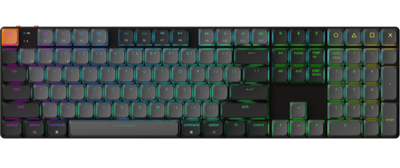
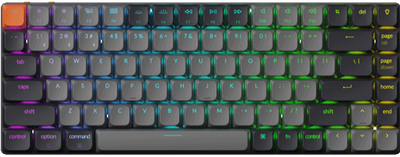
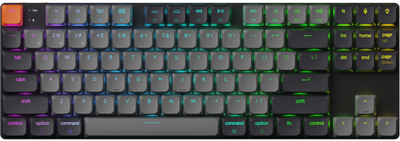
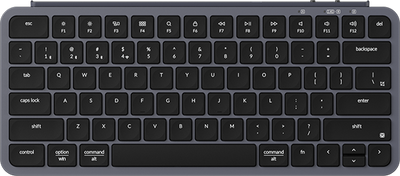
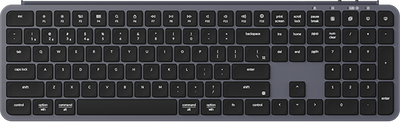
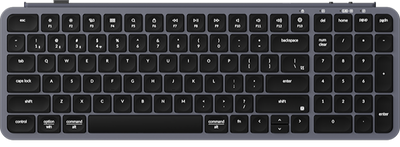
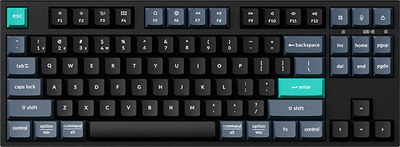
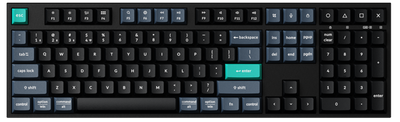
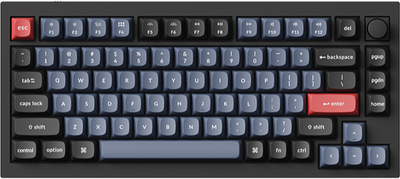
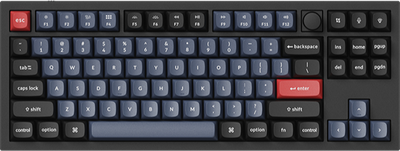
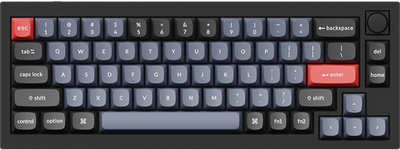
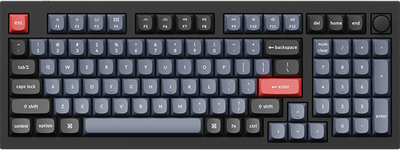
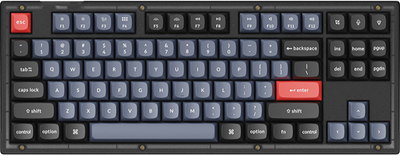
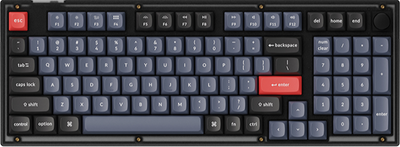
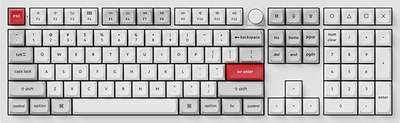
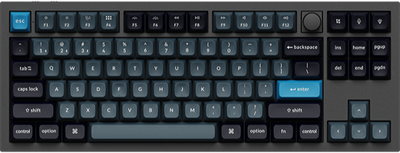
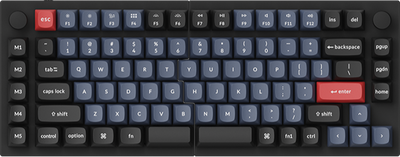
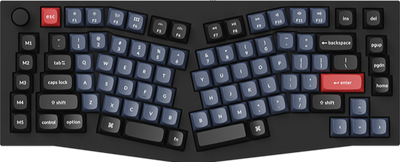
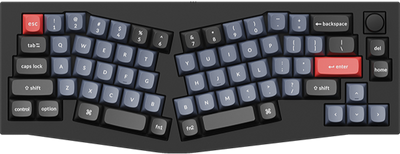
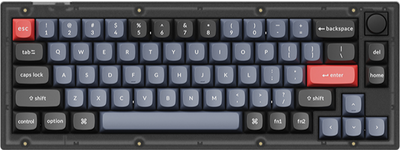
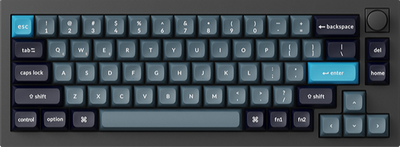
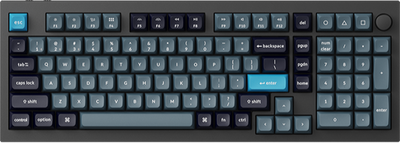
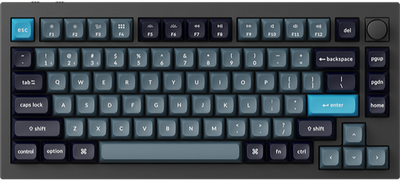
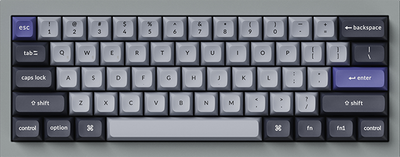
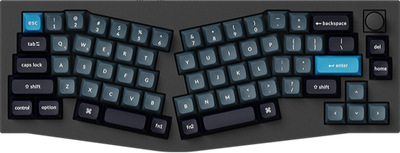
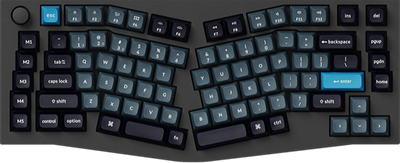
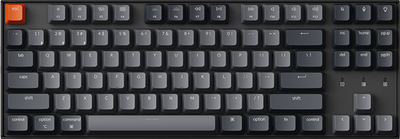
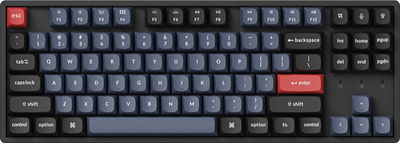
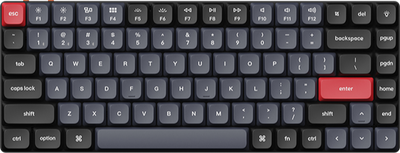
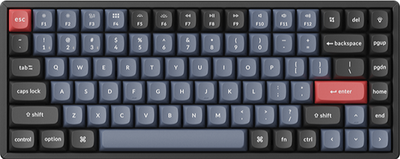
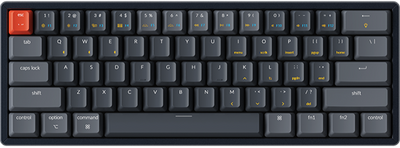
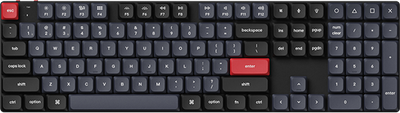
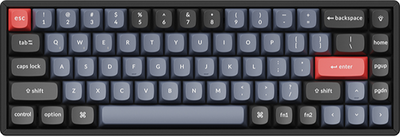
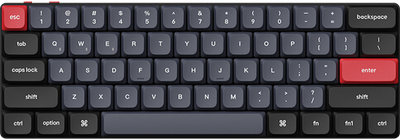
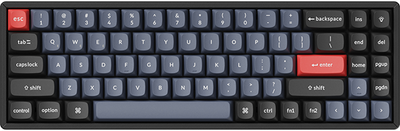
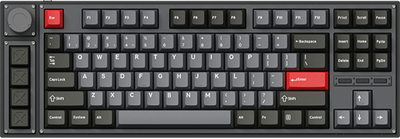
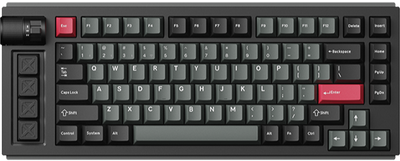
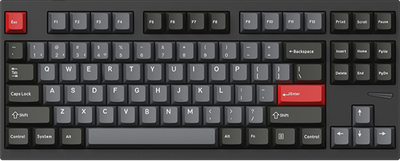
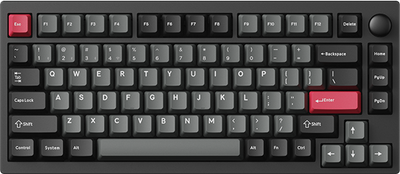
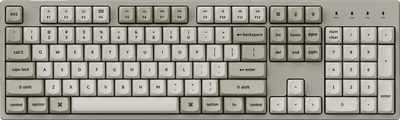
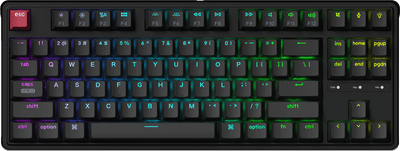
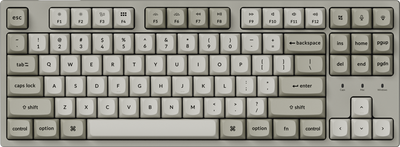
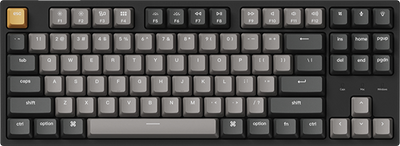
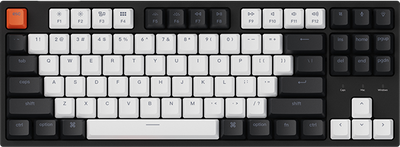
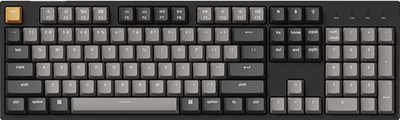
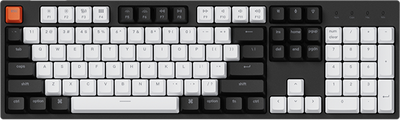
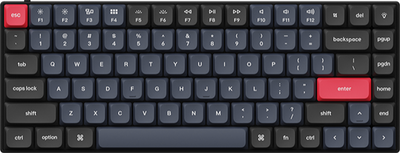
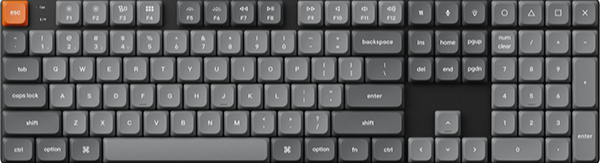
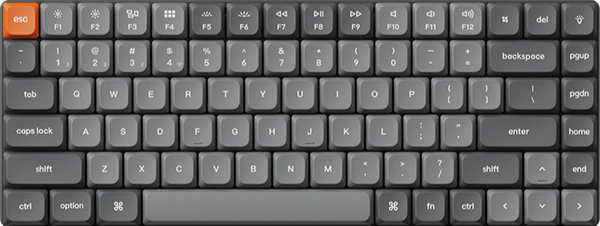
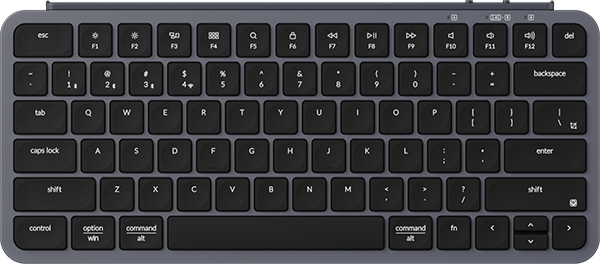
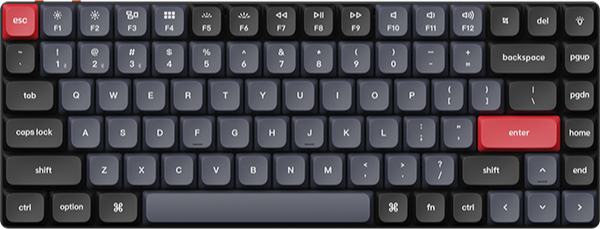
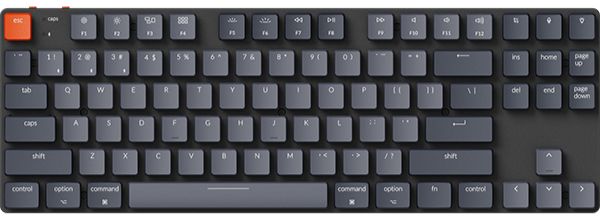

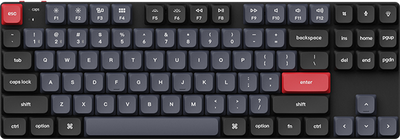
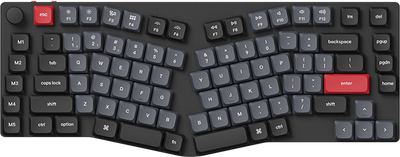
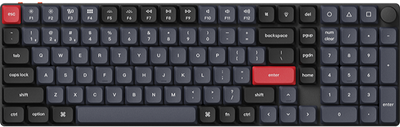
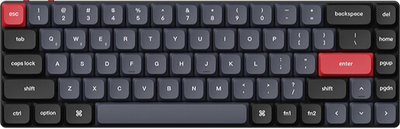
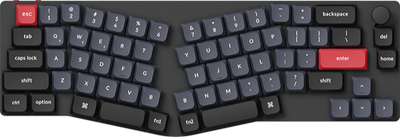
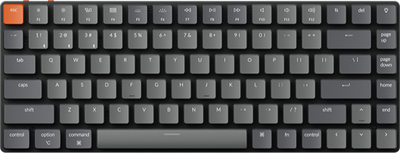
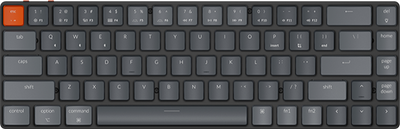
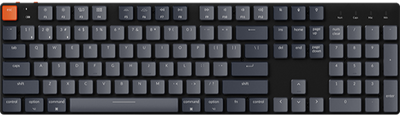
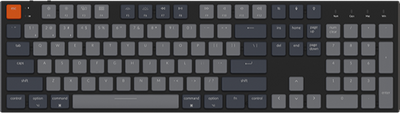


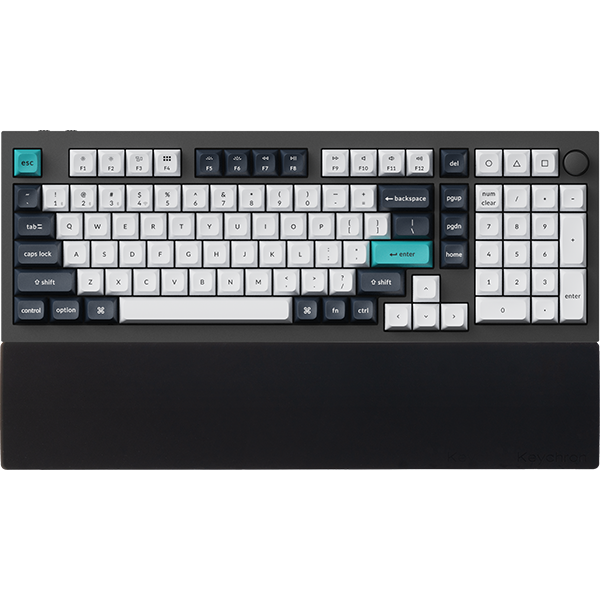
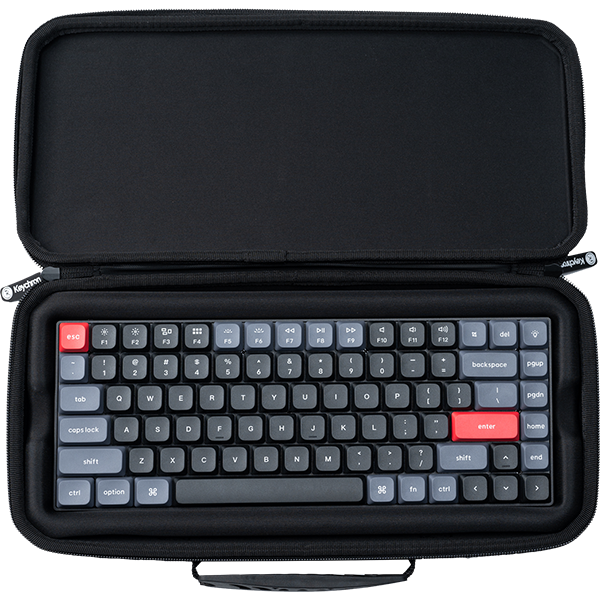
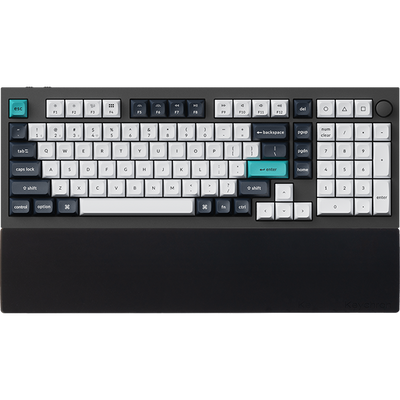


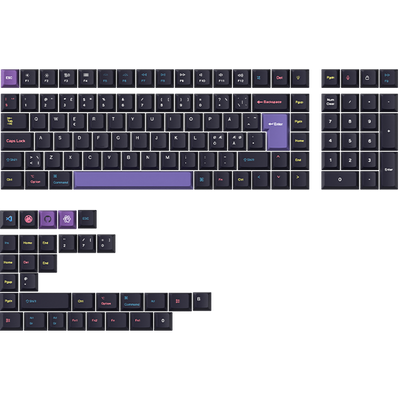
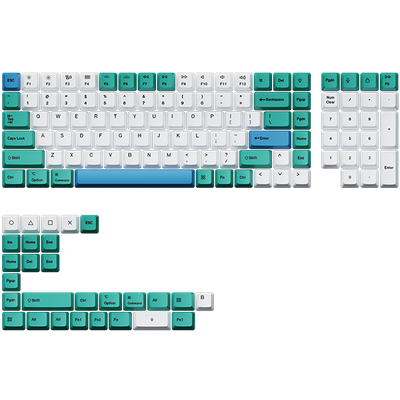
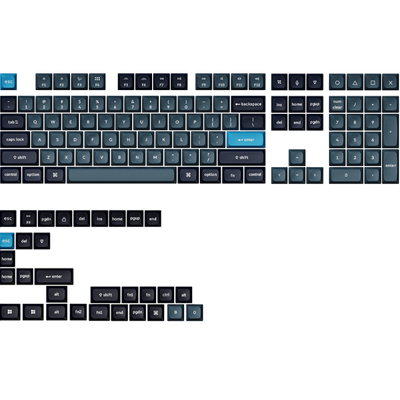
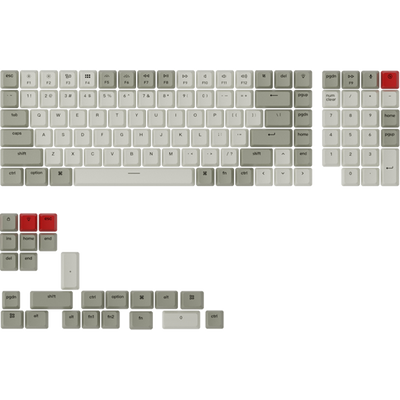
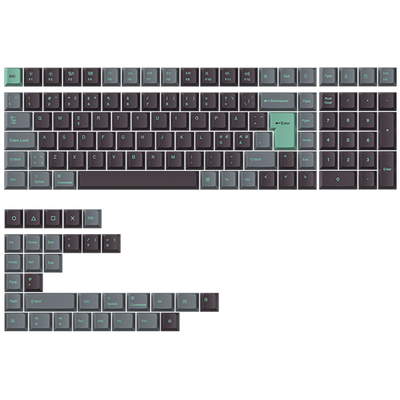
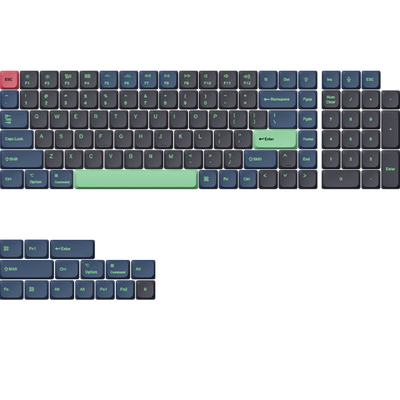
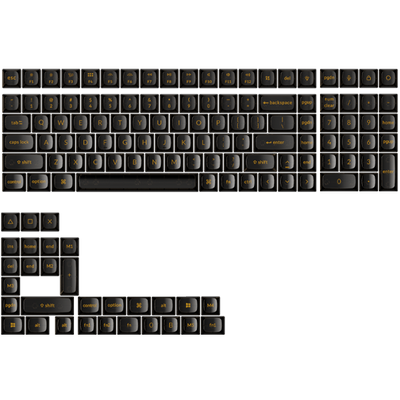
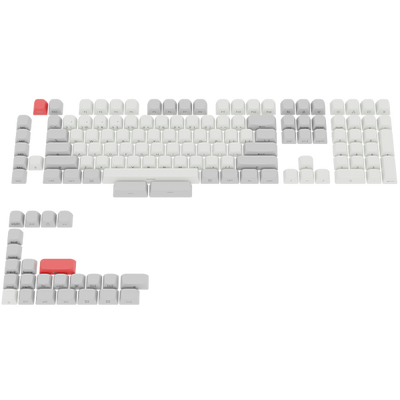







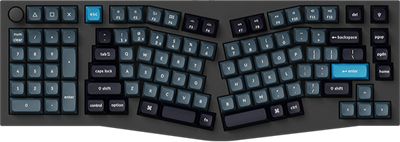

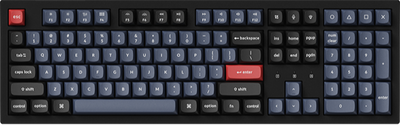
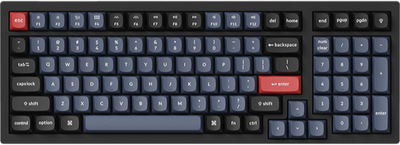
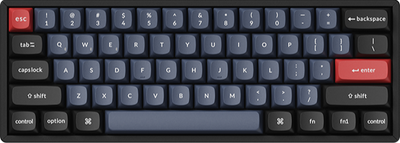
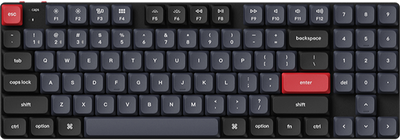

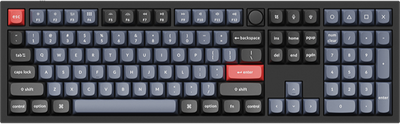
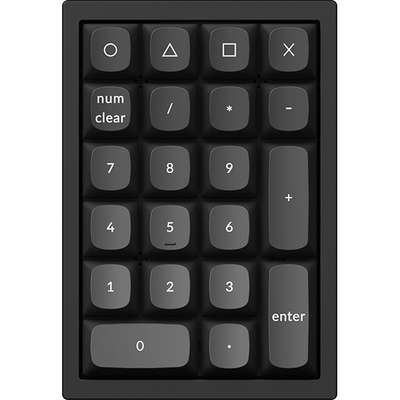
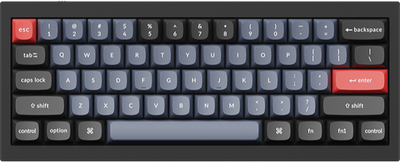
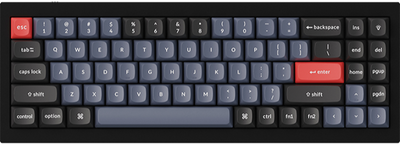
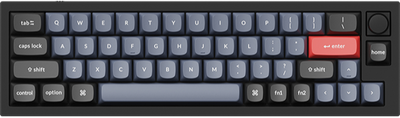
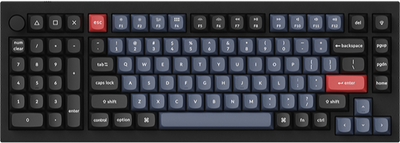
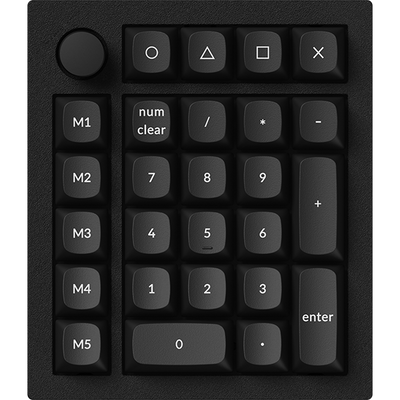
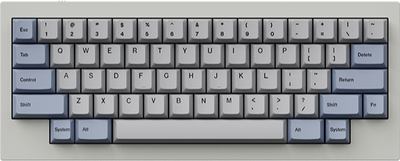
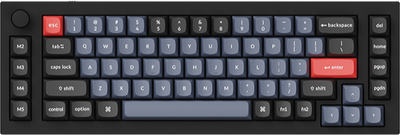
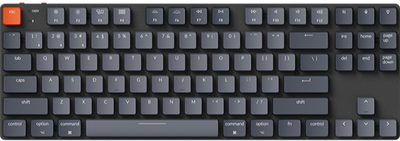
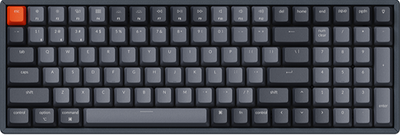
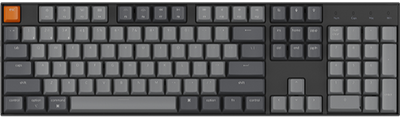
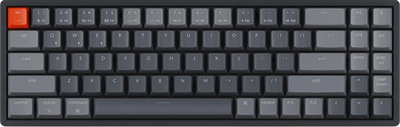
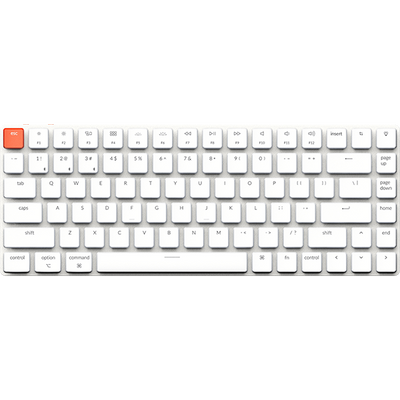
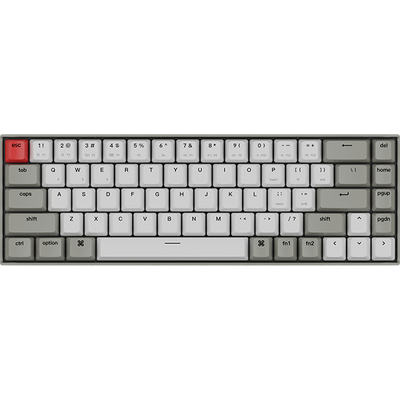
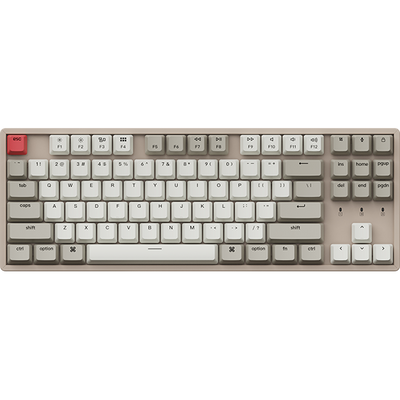

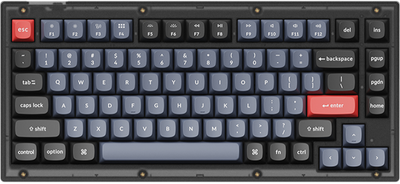
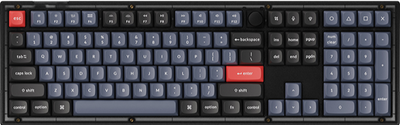
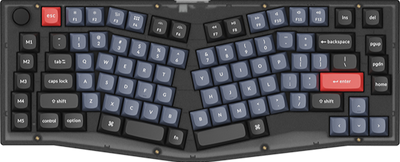
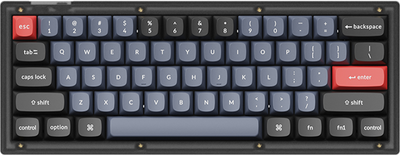
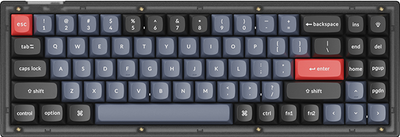








Keychron Launcher is a free web application designed to support the personalized customization of your Keychron keyboard functions. It offers a variety of features, including remapping individual keys or the entire keyboard, creating custom macro commands, setting up shortcut keys, and configuring function layers, among others. Additionally, the Launcher supports keyboard firmware flashing functionality for seamless updates.
This guide will walk you through the steps to reconfigure the key function mapping of your Keychron keyboard that supports QMK/ZMK.
-
Use the latest version of Chrome/Opera/Edge browser to click the link and open the launcher.
-
After establishing a physical connection using our dedicated connecting cable or 2.4 GHz receiver, click the 'Connect' button on the Launcher and select the device you need to configure to connect to it.
Notice: Some product models only support a wired connection.
-
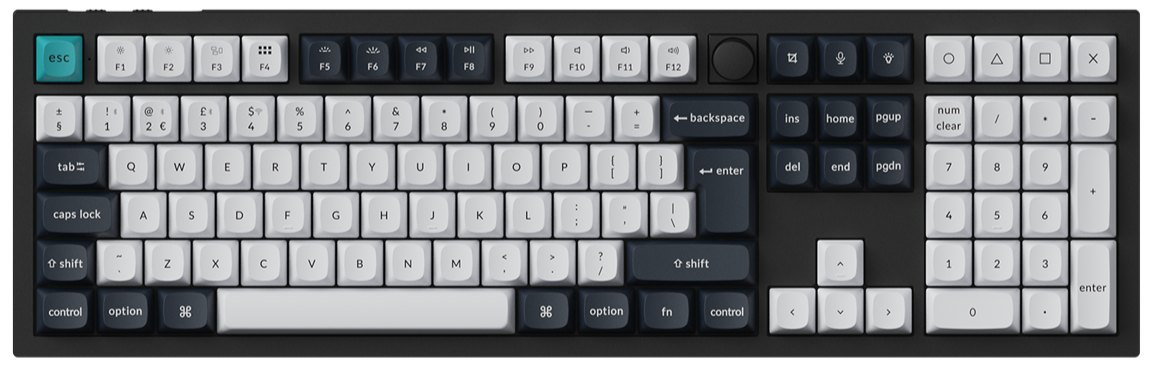
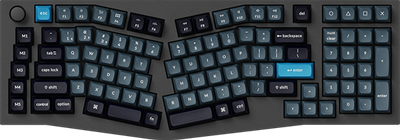
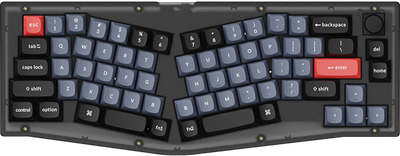
Click "Keymap" on the left, then click the key you want to set on the virtual keyboard in the interface. When the key turns red, it means the key has been selected. You can then click the target key function you want to remap in the function section below to complete the setup.

-
Basic: Including common keyboard keys like letters(A-Z), numbers(0-9), symbols, function keys, control keys, modifier keys, and navigation keys.

-
Media: Including media control keys (like volume adjustment, playback management, and device interaction) for quick audio/video operation.

-
Macro: Including preset macros in the application. For detailed macro settings, click here to learn more.

-
Special Key: Including modifiers, locks (Num/Caps/Scroll), system controls (Power/Sleep/Wake), mouse emulation, media/audio toggles, text editing (Cut/Copy/Paste), navigation, and regional input switches.

-
Lighting: Including controls for RGB toggling, adjusting lighting modes, and modifying hue, saturation, brightness, and effect speed (ES) of the keyboard's backlighting.

-
Custom: Including modifier keys (LOpt/Ropt, LCmd/RCmd), device controls (BT connections, 2.4G, battery check), shortcuts (Task/Files/SShot), voice assistants, and profile switching (PROF1-3).

-
Layer: Including Fn key combinations, and multiple layer control modes (MO/TG/TT/OSL/TO/DF) for switching or toggling between different keyboard function layers. For more detailed settings about layers, click here to learn more.

-
-
We not only support users in configuring individual key mappings for separate keys, but also allow users to upload their own keymap files for overall modifications.Meanwhile, the application enables the resetting of current key mappings and the exporting of keymap files.
