




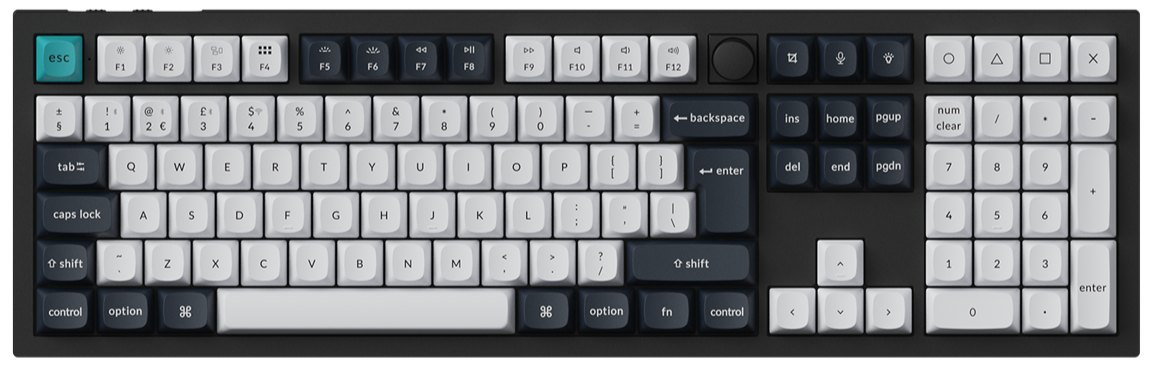
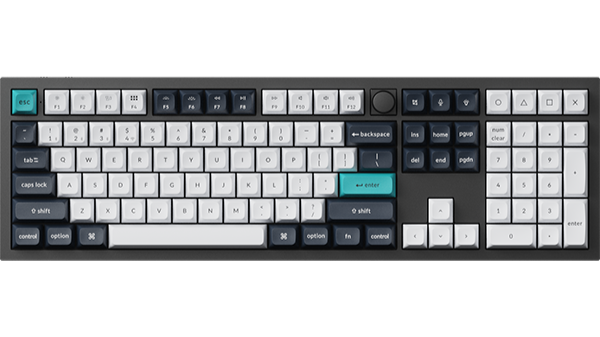
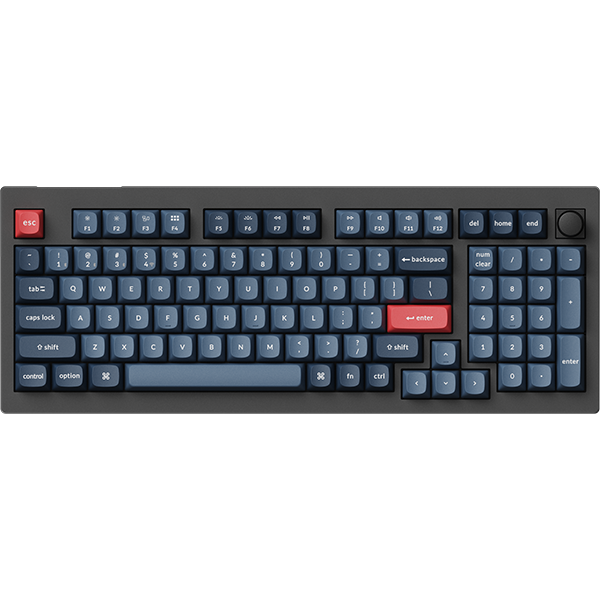
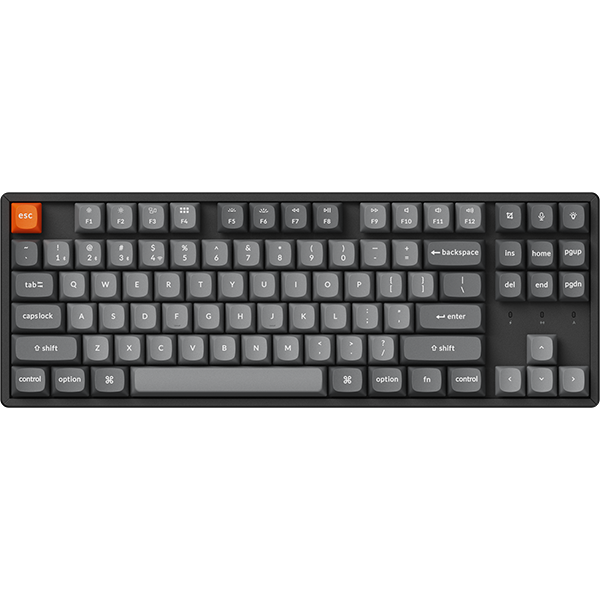

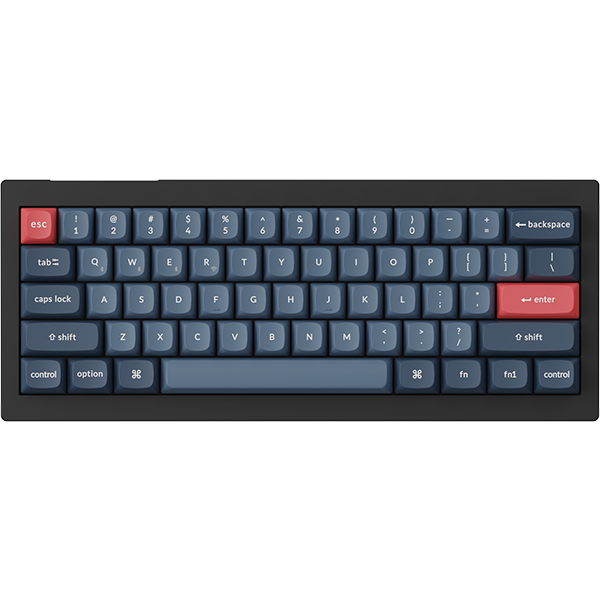


















Quick Start allows users to open computer applications or web pages with one click by setting shortcut keys.
However, it should be noted that the Quick Start feature requires the Keychron Assistant software to be installed first.
Below is a step-by-step guide on how to use Quick Start:
1.Use the latest version of Chrome/Opera/Edge browser to click here to open the launcher.
2.After establishing a physical connection using our dedicated connecting cable or 2.4 GHz receiver, click the 'Connect' button on the Launcher and select the device you need to configure to connect to it.
Notice: Some product models support wired connection only.
3.Click the Quick Start option in the left-side function bar, then click On to enable Keychron-Assistant for using the Quick Start feature.
If you have not downloaded Keychron-Assistant, you can click here to view the download instructions

4.You can set shortcut keys via the Quick Start feature to open applications or web pages; click the Create button for the corresponding function to create a shortcut entry, then proceed with the relevant configuration.

5. Quick Start Application:
Select the application you want to open quickly in the application basket on the right, and set a shortcut key for it.
After completing the selection, click Submit to save the settings. A toast notification will appear once the setup is successful.
If the application you want to set up is not found, you can manually add it in Assistant.

6.Quickly open a web page:
Enter the URL of the website you want to open, configure a shortcut key for it, and click Submit to save the settings once the configuration is complete.
Install and Open Keychron Assist
Click "Quick Start" on the left, then click the "Download" button in the right column to download the Keychron Assist application, which is essential to this feature.
Here is the download and installation tutorial: How to Download and Install Keychron Assist.