




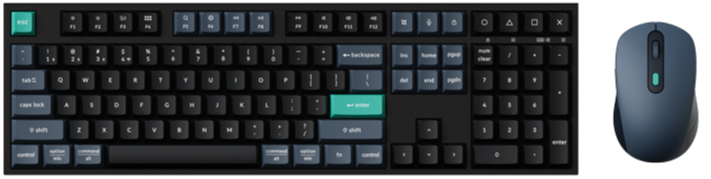
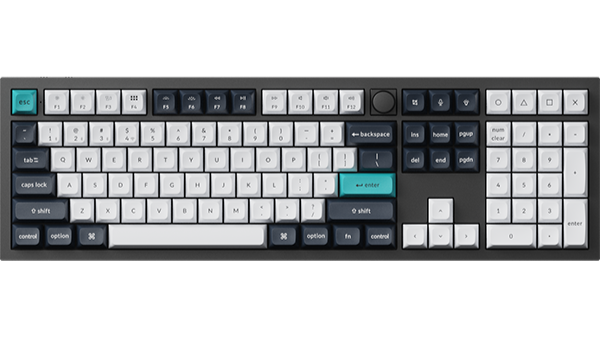
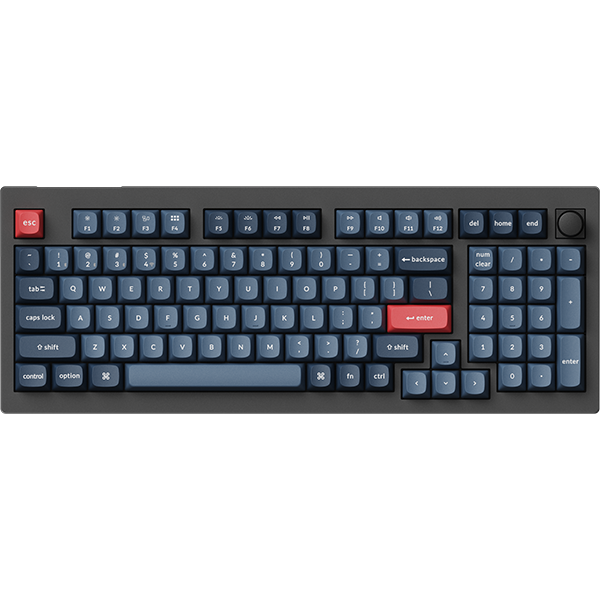
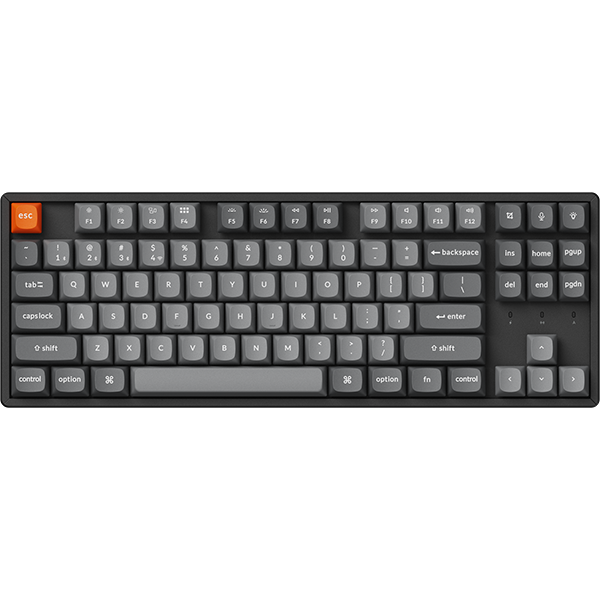

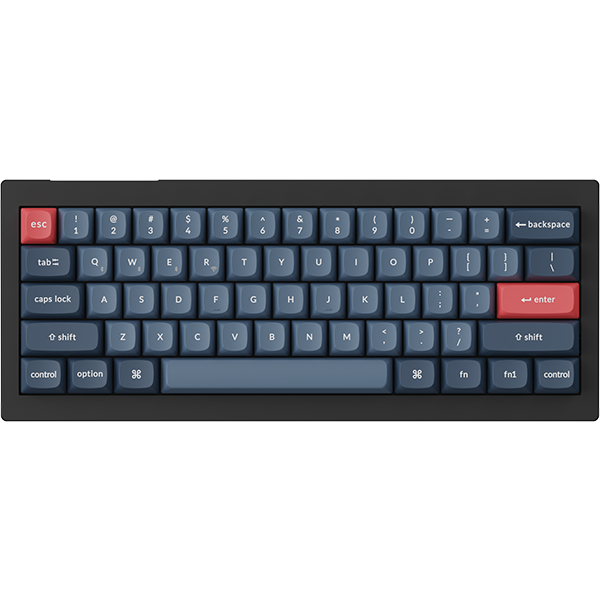


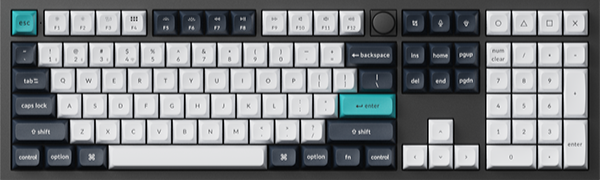
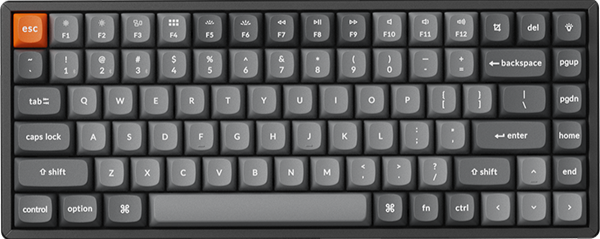
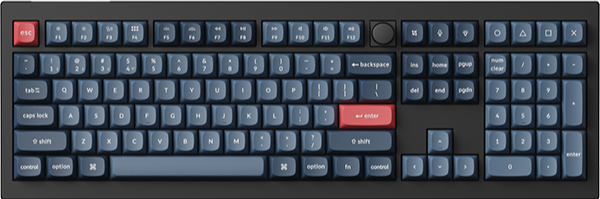
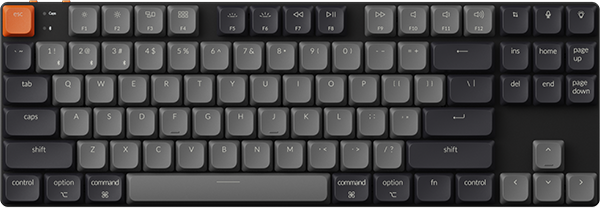


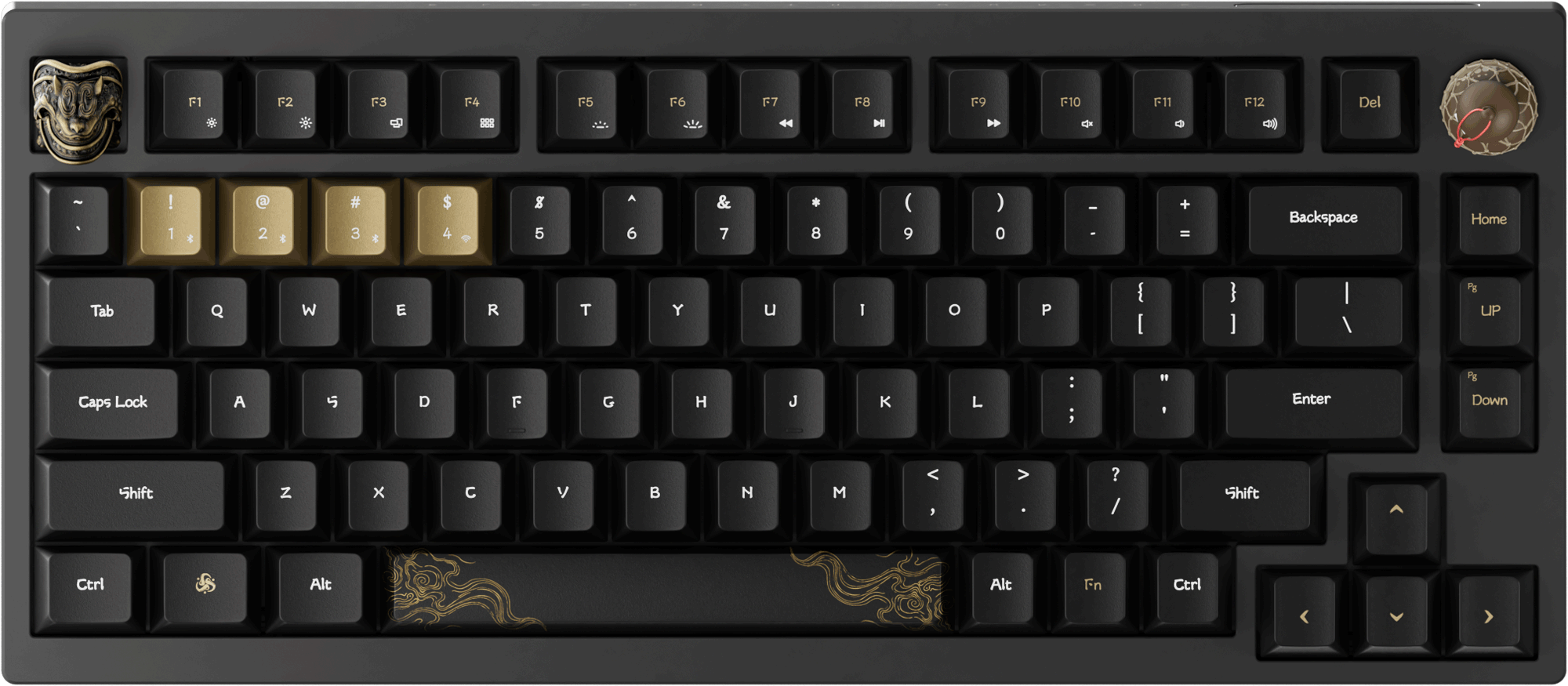


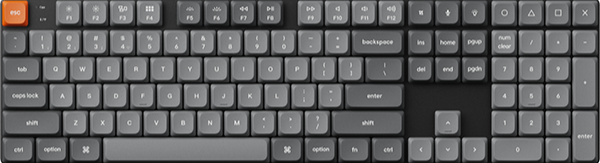

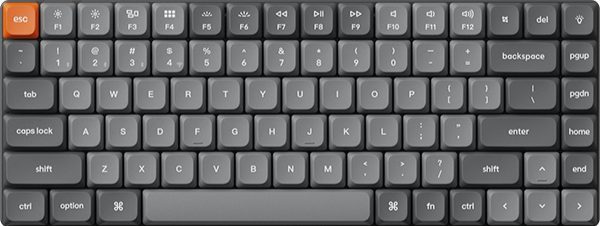
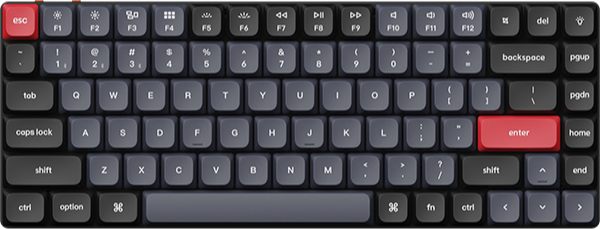












The Keychron V1 Max and the Keychron V6 Max share the same switches, battery, and wireless connections in two layouts. The V1 Max is a 75% board, and the V6 Max is full-size with a number pad. The best one for a home office depends on your desk width and on whether you type numbers on a number pad.
Key takeaways
- Narrow desk, or a mouse that needs room: the V1 Max is worth it. It is 328.5 mm wide, which is 119.4 mm less than the V6 Max.
- Number entry most days: the V6 Max is worth it for its number pad, as long as you have about 45 cm of free desk width.
- Switches, battery, and software: not a reason to pick one over the other. Both use the same Gateron Jupiter switches, the same 4000 mAh battery, and the same QMK firmware.
- 8000 Hz polling in the 75% size: look at the V1 Ultra 8K, the newer board in the same footprint.
75% or full-size: what the layout changes at a home office desk
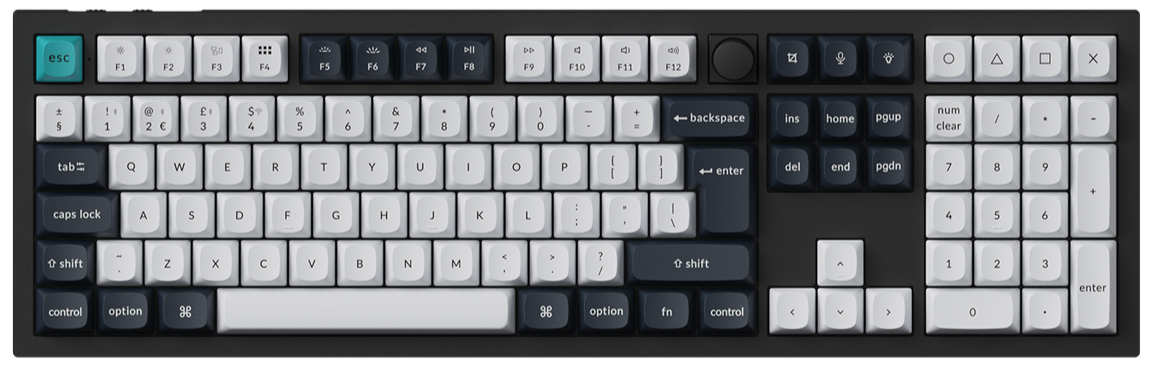
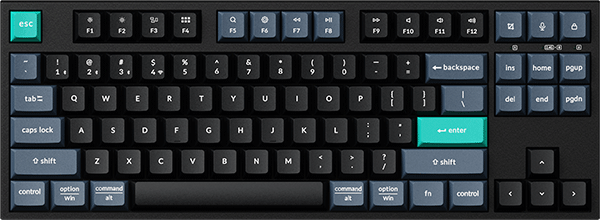
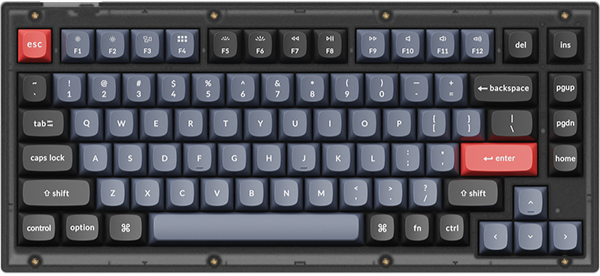
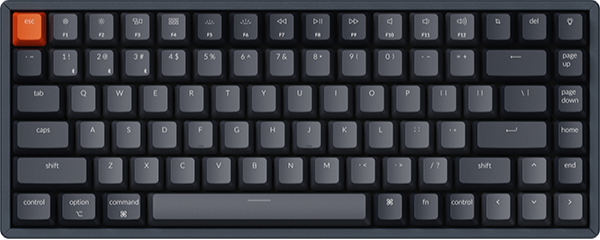
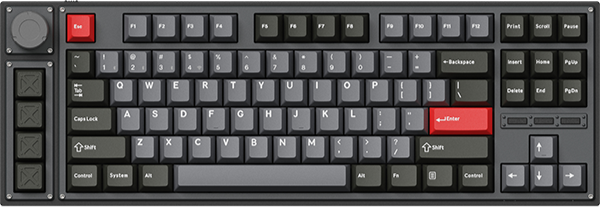
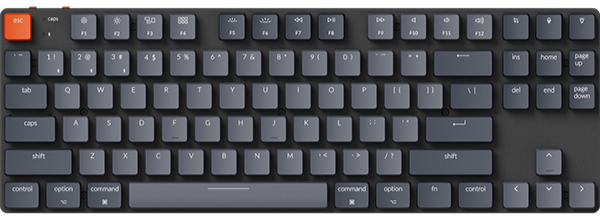
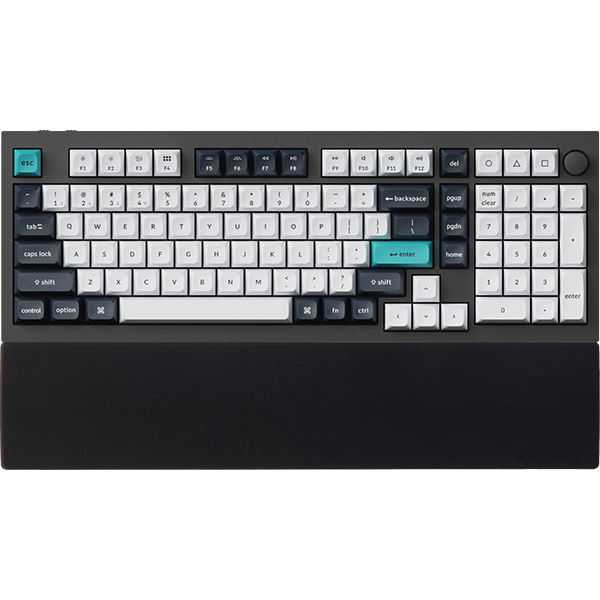
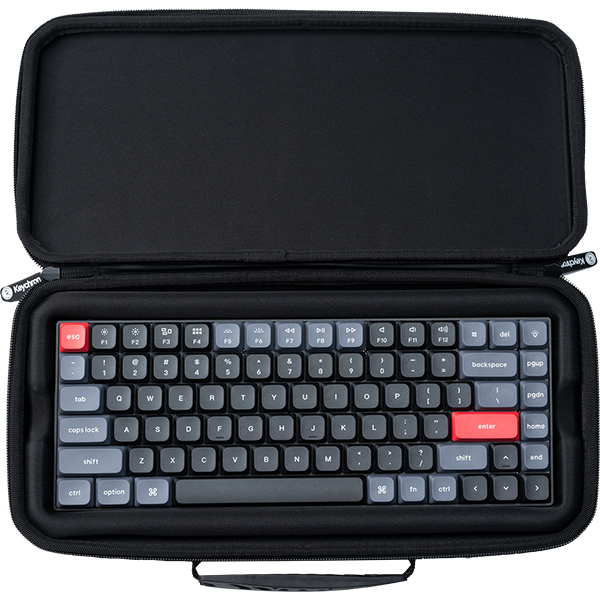
On the V1 Max, the letters, the number row, the function row, and the arrow keys sit in one block, and Delete sits at the end of the top row next to the knob. Page Up, Page Down, and Home run down the right edge under it. The full-size V6 Max has a six-key block with Insert, Home, Page Up, Delete, End, and Page Down, then a number pad with four extra keys above it.
What changes in daily use
Width is the part you feel first. The V1 Max measures 328.5 mm across, and the V6 Max measures 447.9 mm. On the V1 Max, that 119.4 mm stays free for your mouse. Depth is nearly the same, at 148.7 mm and 149 mm.
Keys are the second part. There is no number pad on the V1 Max, and no dedicated Insert or End key. If your work is mostly writing, email, and video calls, you may not reach for them. If you fill in spreadsheets or invoices with one hand on a number pad, that pad is the reason to go full-size.
Check: measure the free width where the keyboard will sit, leaving your mouse in its usual spot. You need about 33 cm for the V1 Max and about 45 cm for the V6 Max.
Worth it if your desk is shared with a laptop stand, a notebook, or a wide mouse pad: go 75%. Skip it if you enter numbers on a number pad most days: go full-size.
What the two V Max boards share
The parts below are the same on both boards, so you can choose by layout alone:
- Three connections: a 2.4 GHz receiver, Bluetooth 5.1 with up to three devices, and a USB Type-C cable.
- Polling rate: 1000 Hz on the receiver and on the cable, and 90 Hz over Bluetooth.
- Battery: 4000 mAh, with up to 190 hours of wireless use with the backlight off (lab test), or up to 100 hours with RGB at the lowest brightness.
- Build: an ABS plastic body, with a gasket mount design and a PC plate that together reduce acoustic resonance.
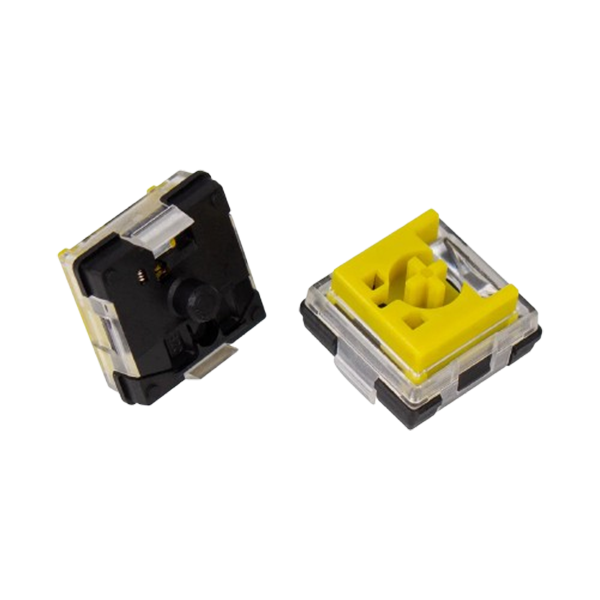
- Switches and keycaps: Gateron Jupiter Red, Brown, or Banana under OSA profile double-shot PBT keycaps, on hot-swappable sockets that take most 3-pin and 5-pin MX mechanical switches.
Both also have a system toggle for macOS and Windows, and both ship with keycaps for the two systems. Each box has a Type-A receiver and a Type-C receiver, so a laptop with only USB-C ports needs no adapter for the wireless mode.

What changes in daily use
With Bluetooth holding up to three devices, you can keep a work laptop and a personal computer paired to the same board. The receiver gives you 1000 Hz without a cable.
Both boards run QMK firmware and work with Keychron Launcher, a web app for key remapping and macros. Open it in the latest Chrome, Opera, or Edge with the keyboard connected by cable. Our Launcher guide walks through it.
Keychron V1 Max: Best for a narrow desk at 328.5 mm wide
View the V1 Max on keychron.com →
This is the 75% board of the pair. In the Fully Assembled Version, it weighs 770 g ± 10 g, and it keeps a knob in the top right corner.

What changes in daily use
At 770 g, it is 340 g lighter than the V6 Max, which helps when you move it aside to use the desk for paper. The arrow keys sit at the bottom right, below Enter. One r/MechanicalKeyboards owner who picked the V1 Max as a first mechanical keyboard, then fitted their own switches and keycaps, called the result "just beautiful."
Pick: Fully Assembled Knob in Carbon Black with Gateron Jupiter Red for a linear switch, or with Gateron Jupiter Brown or Gateron Jupiter Banana for a tactile one. Our post on linear and tactile switches covers how the three differ.
Worth it if you want the V Max connections and switches in 328.5 mm of desk width. Skip it if you need a number pad built in, because the V6 Max has one.
Keychron V6 Max: Best for number entry with a full number pad
View the V6 Max on keychron.com →
The full-size V6 Max is 447.9 mm wide and weighs 1110 g ± 10 g in the Fully Assembled Version. Its two receivers store in a magnetic slot at the top right corner of the case.

What changes in daily use
If you type figures by touch, the number pad keeps them under your right hand. The six-key block gives Insert, Home, End, Delete, Page Up, and Page Down a key each. You can assign the four extra keys above the number pad in Launcher, like every other key on the board.
Plan the desk around the extra width. Your mouse sits further to the right than it would beside a 75% board.
Pick: Fully Assembled Knob in Carbon Black with Gateron Jupiter Red, Gateron Jupiter Brown, or Gateron Jupiter Banana.
Worth it if you use a number pad most days and have about 45 cm of free width. Skip it if that width is not there, because the V1 Max saves 119.4 mm.
Original, Max, or Ultra 8K: how the 75% V board changed
Three of the 75% V boards share the same 148.7 x 328.5 mm footprint. The original Keychron V1 connects by cable only. The Max added wireless and a gasket mount. The Ultra 8K is the newer wireless board with a higher polling rate. A fourth 75% V board, the Keychron V1 8K, is wired with an 8000 Hz polling rate.
| V1 | V1 Max | V1 Ultra 8K | |
|---|---|---|---|
| Connection | Type-C cable | 2.4 GHz, Bluetooth 5.1, Type-C cable | 2.4 GHz, Bluetooth 5.3, Type-C cable |
| Polling rate | 1000 Hz | 1000 Hz (2.4 GHz and wired), 90 Hz (Bluetooth) | 8000 Hz (wired and 2.4 GHz), 125 Hz (Bluetooth) |
| Mount and plate | Tray mount, steel plate | Gasket mount, PC plate | Gasket mount, PC plate |
| Switches | Keychron K Pro | Gateron Jupiter | Keychron Silk POM Switch |
| Firmware | QMK | QMK | ZMK |
| Weight | 970 g ± 10 g | 770 g ± 10 g | 770 g ± 10 g |
All three are hot-swappable, and all three work with the Launcher web app. The weight figures for the V1 and the V1 Max are for the Fully Assembled Version.
What changes in daily use
Moving from the V1 to the V1 Max lets you type without a cable. Together, the gasket mount and PC plate reduce acoustic resonance, and the listed weight drops by 200 g. Moving from the Max to the Ultra 8K changes the polling rate, the firmware, and the rated battery life.
Worth it if you are on a V1 and want wireless: the V1 Max is the direct step. Skip it if your V1 never leaves its cable and you like its steel plate.
Keychron V1 Ultra 8K: Best for 8000 Hz on the receiver and cable
View the V1 Ultra 8K on keychron.com →
On the 2.4 GHz receiver and on the cable, the V1 Ultra 8K supports an 8000 Hz polling rate. It runs ZMK firmware and is rated for up to 660 hours of wireless use with the backlight off, or up to 200 hours with RGB at the lowest brightness. Bluetooth is version 5.3, at 125 Hz, with up to three devices.

What changes in daily use
If your day is mostly typing, the rated battery life is the change you will meet first. The switches are pre-lubed Keychron Silk POM with a POM housing and stem. Its sound layers are sound absorbing foam, two PET films, EPDM foam, and bottom case acoustic foam. Our 8K polling rate guide shows how to set the rate.
Pick: Fully Assembled Knob in Black with Keychron Silk POM Switch - Brown or Keychron Silk POM Switch - Banana.
Worth it if you also play games on the same desk and want 8000 Hz without a cable. Skip it if you want QMK firmware, which is what the V1 Max runs.
Which is the best for your home office?
The small desk. Your keyboard shares the surface with a laptop, a notebook, and a mouse. Pick the V1 Max.
The numbers desk. Your right hand lives on the number pad for spreadsheets or bookkeeping. Pick the V6 Max, and measure for 45 cm first.
The work-and-play desk. You type all day and play in the evening on the same board. For the 8000 Hz polling rate in the 75% size, go with the V1 Ultra 8K. The full-size counterpart is the V6 Ultra 8K.
Frequently asked questions
What is the difference between the Keychron V1 and V1 Max?
Connection is the main one. The V1 uses a Type-C cable only, and the V1 Max adds a 2.4 GHz receiver and Bluetooth 5.1, with a 4000 mAh battery. The mount also changes, from a tray mount with a steel plate on the V1 to a gasket mount with a PC plate on the V1 Max. The two share the 75% layout, the footprint, QMK firmware, and hot-swappable sockets.
Does the Keychron V1 Max work with VIA?
Yes. Our V and V Max firmware and JSON page has a keymap JSON file for the knob version ANSI V1 Max. With the keyboard connected by cable, load it in the Design tab in VIA. The same page has one for the V6 Max. You can also remap in the Launcher web app with no file to load.
How do I connect the Keychron V1 Max to Bluetooth?
Slide the toggle on the V1 Max to BT. Hold Fn + 1 for 4 seconds, then choose the keyboard in the Bluetooth list on your device. The V1 Max User Guide has the full manual.
Shop the products in this guide


References & Citations
- V1 Max layout, size, weight, connections, polling rate, battery, switches, and options, and the upgrade block naming the V1 8K. (Keychron V1 Max product page)
- V6 Max layout, size, weight, receivers, polling rate, battery, switches, and options. (Keychron V6 Max product page)
- V1 connection, mount, plate, switches, and weight. (Keychron V1 product page)
- V1 Ultra 8K polling rate, firmware, battery, switches, sound layers, and the V series differences chart (V 8K column: wired, QMK, 8000 Hz). (Keychron V1 Ultra 8K product page)
- V1 Max quick start guide and manual, including the Bluetooth pairing steps. (Keychron V1 Max User Guide)
- Knob version ANSI keymap JSON files for the V1 Max and V6 Max, and the VIA steps (cable connection, Design tab). (Firmware and JSON files of the V and V Max series)
- Gateron Jupiter Red, Brown, and Banana switch types. (Gateron Jupiter Switch Set product page)