
























IN THIS ARTICLE
You searched for the Q11 and found two of them. The Keychron Q11 vs Q11 Ultra 8K choice looks close on the product pages: both are 75% split keyboards with a metal body, a knob on each half, and the same key layout. The connection is where they part.
The best one depends on whether you want a cable between the two halves, how you connect to your computer, and which firmware you want. The Keychron Q11 is wired and links its halves with a bridge cable. The Keychron Q11 Ultra 8K syncs its halves wirelessly and adds 2.4 GHz and Bluetooth.
Key takeaways
- One desk, always plugged in: pick the Q11. It runs QMK firmware, works with VIA, and either half can be used on its own.
- Nothing between the halves: pick the Q11 Ultra 8K. The halves pair with each other wirelessly, so the space between them is free for a notebook or a mug.
- More than one computer: the Q11 Ultra 8K connects over 2.4 GHz, Bluetooth with up to three devices, or a Type-C cable. The Q11 is Type-C wired only.
- Same key layout on both: each has a knob on each half and M1 to M5 keys, so choose by connection and firmware.
What both split keyboards share
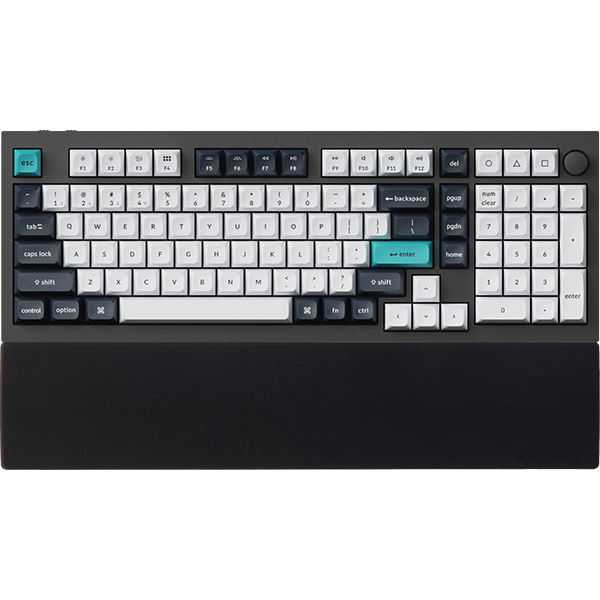
One thing up front. Both boards are a regular 75% layout cut down the middle. The letters sit where your fingers already expect them, and you can push the halves together and type on them as one keyboard.

- Layout: 75%, with a knob on each half and M1 to M5 macro keys on the left half
- Size: about 345 mm by 134 mm
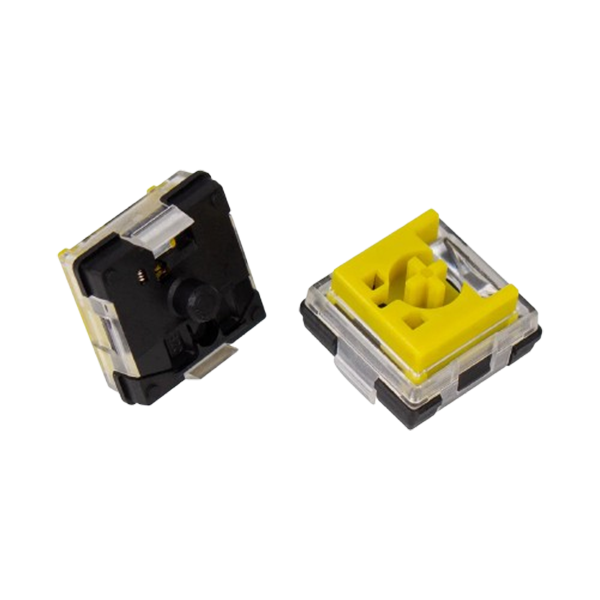
- Switch sockets: hot-swappable, for 3-pin and 5-pin MX mechanical switches
- Lighting: south-facing RGB LEDs
- Systems: a Mac and Windows toggle, with keycaps for both in the box
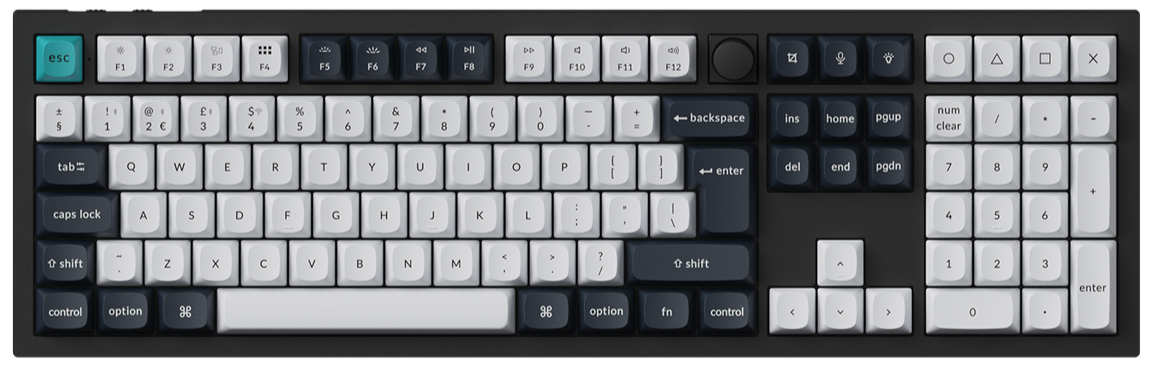
Neither layout has a dedicated End key. If you use End often, assign it to one of the M keys on the Keymap page of Keychron Launcher, our web app for remapping keys. Launcher opens in the latest Chrome, Opera, or Edge with the keyboard connected by cable.
Splitting the board lets you set each half in line with your shoulders. Our post on why a split keyboard is good for you covers the posture side. This guide is about choosing between the two.
Keychron Q11: Best for a wired desk with QMK and VIA
View the Q11 on keychron.com →
Pick the Q11 if your keyboard stays plugged in and you want QMK firmware.
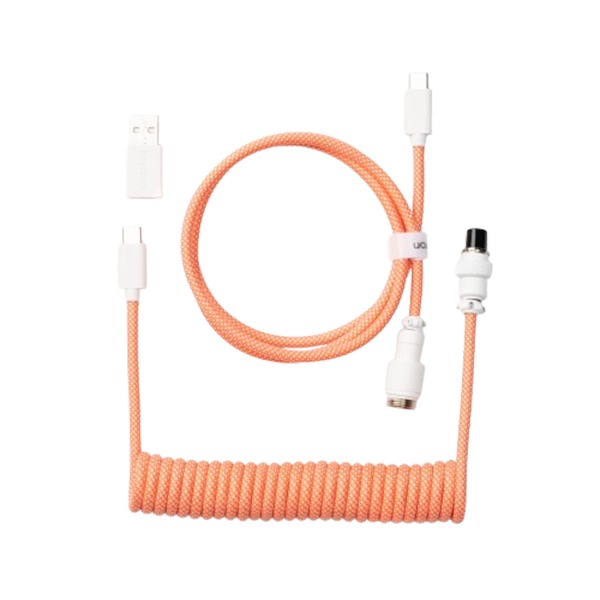
The Q11 connects to your computer with a Type-C cable. A Type-C to Type-C bridge cable, included in the box, links the left half to the right. The polling rate is 1000 Hz.

You can also use the left half or the right half on its own. If you want only the left half next to your mouse for a game, the Q11 can do that.
One r/ErgoMechKeyboards user recommended the Q11 for its standard layout in three words: "Nothing to learn."
Option to pick: Fully Assembled Knob, then Carbon Black - A with Keychron Super Red or Keychron Super Brown, or Carbon Black - B with Gateron G Pro Red or Gateron G Pro Brown. In both switch lines, Red is linear and Brown is tactile.
Keychron Q11 Ultra 8K: Best for a split with no cable between the halves
View the Q11 Ultra 8K on keychron.com →
Pick the Q11 Ultra 8K if you want the middle of your desk clear, or a wireless link to your computer.
The two halves talk to each other over a 2.4 GHz wireless sync. The left half carries the mode toggle and connects to your computer by the 2.4 GHz receiver, Bluetooth, or a Type-C cable.

A few things work differently from a one-piece wireless keyboard:
- Pairing the halves: switch the right half on and hold fn1 + 7 for 4 seconds. Then set the left half's mode toggle to 2.4 GHz or Bluetooth, or connect its cable. The halves connect automatically.
- Charging: each half has its own battery. In wired mode, only the left half is powered and charged over USB, and the right half is charged separately.
- The right half: it works only when it is paired with the left half.
- Battery: up to 160 hours at 8000 Hz over 2.4 GHz with the backlight off.
The board supports an 8000 Hz polling rate over 2.4 GHz and cable, and 125 Hz over Bluetooth. A higher polling rate means the keyboard reports to the computer more often. It does not change how fast you type. Our 8K polling rate guide shows where to set it in Launcher.
One r/Keychron owner wrote after the first day: "it’s so nice to separate the halves however I like."
Option to pick: Fully Assembled Knob in Black or White, with Keychron Silk POM Switch - Red, Brown, or Banana. Red is linear. Brown and Banana are tactile.
The differences side by side
These are the main spec rows where the two boards differ.
| Q11 | Q11 Ultra 8K | |
|---|---|---|
| Link between the halves | Type-C bridge cable | 2.4 GHz wireless sync |
| Connection to the computer | Type-C wired | 2.4 GHz, Bluetooth 5.3, Type-C wired |
| Polling rate | 1000 Hz | 8000 Hz (wired and 2.4 GHz), 125 Hz (Bluetooth) |
| Battery | None (wired) | 4000 mAh, up to 160 hours (8K, 2.4 GHz, backlight off) |
| Firmware | QMK | ZMK |
| Mount | Tray mount | Gasket mount, PC plate |
| Keycaps | OSA double-shot PBT | KSA double-shot PBT |
| Weight | 1186 ± 10 g (Fully Assembled Version) | 1724 g ± 10 g |
Mount. The Q11 is a tray mount with sound-absorbing foam. The Q11 Ultra 8K is a gasket mount with a PC plate, and it adds IXPE foam, a PET film, a latex bottom pad, and bottom case acoustic foam.
Weight. The Q11 Ultra 8K is the heavier board. If the keyboard travels between home and the office, the Q11 is the lighter one to carry.

Remapping keys on each board
Both boards remap in Keychron Launcher, opened in the latest Chrome, Opera, or Edge with the keyboard connected by cable. What sits under it differs.
- Q11: QMK firmware. You can remap keys and set up macros in Launcher or in VIA, and the QMK source code for the board is public if you build your own firmware.
- Q11 Ultra 8K: ZMK firmware. You remap keys, set up macros, and set the backlight in Launcher, including Per-key RGB and Mix RGB.

On the Q11 Ultra 8K, you make every change through the left half, and it syncs to the right half automatically. Firmware updates are the exception: each half takes its own.
Both boards hold four layers, two for Mac and two for Windows. If the system toggle is set to Windows, edit layer 2, because layer 0 is the Mac layer. Our Keychron Launcher guide walks through the Keymap page.
The best split keyboard for each desk
The desktop PC that never moves. Get the Q11. One cable runs to the tower, and one bridge cable runs between the halves.
The desk with something in the middle. Get the Q11 Ultra 8K. With no cable between the halves, a notebook, a drawing tablet, or a trackpad can sit there.
The work laptop and the personal one. Get the Q11 Ultra 8K. Bluetooth holds up to three devices, and the 2.4 GHz receiver can stay in the desktop.
The QMK keymap you already built. Stay with the Q11. It keeps QMK firmware and VIA.
Games in the evening. Either works. Choose the Q11 if a cable is fine, and the Q11 Ultra 8K if you want its 8000 Hz support over 2.4 GHz or cable.
If you already own a Q11, the move to the Q11 Ultra 8K makes sense when the bridge cable is the part you would change. If the cables never bothered you, your Q11 already has the same layout.
Another Keychron fits better if
You want the angle without two pieces. The Keychron K15 Max is a 75% Alice layout on one low-profile body. The letter keys sit in two angled groups, and there are no two halves to position or sync. It connects over 2.4 GHz, Bluetooth, or a cable.
You are still deciding on a split at all. Browse the split keyboards collection and compare the shapes first.
FAQ
Does the Q11 Ultra 8K need a cable between the two halves?
No. The halves pair with each other wirelessly. Hold fn1 + 7 on the right half for 4 seconds, then set the left half's mode toggle to 2.4 GHz or Bluetooth, or connect its cable, and they connect automatically.
Is the Keychron Q11 wireless?
No. The Q11 connects to your computer with a Type-C cable, and a bridge cable links its two halves. For 2.4 GHz and Bluetooth, choose the Q11 Ultra 8K.
Can you use one half on its own?
On the Q11, yes: either half can be used alone. On the Q11 Ultra 8K, the right half works only when it is paired with the left half.
Shop the gear


References & Citations
- Wired connection, bridge cable, use of either half alone, 1000 Hz polling rate, QMK and VIA, tray mount, switch and color options, weight, and size. (Keychron Q11 product page)
- Wireless sync between the halves, connection modes, polling rates, battery, ZMK firmware, gasket mount, sound layers, switch and color options, weight, and size. (Keychron Q11 Ultra 8K product page)
- Pairing the two halves, charging in wired mode, the right half's dependence on the left, layers, and firmware updates per half. (Keychron Q11 Ultra 8K User Manual)
- Box contents with the Type-C to Type-C bridge cable, the key layout, layers, and VIA. (Keychron Q11 User Manual)
- Where to set the polling rate of a Keychron 8K keyboard in Launcher. (Boost Your Performance with 8K Polling Rate on Keychron)
- Layout, body, and connection modes of the one-piece Alice alternative. (Keychron K15 Max product page)