




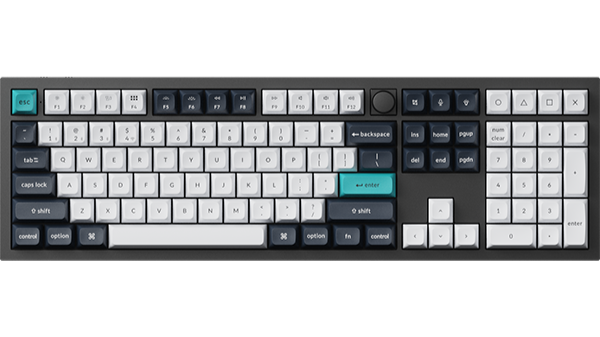
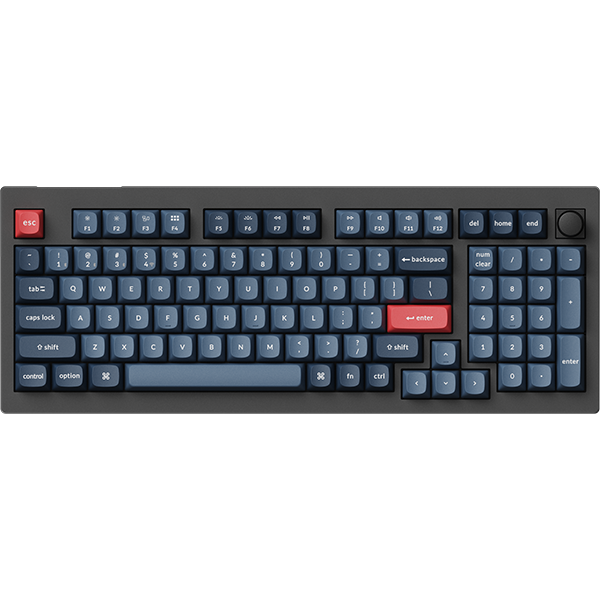
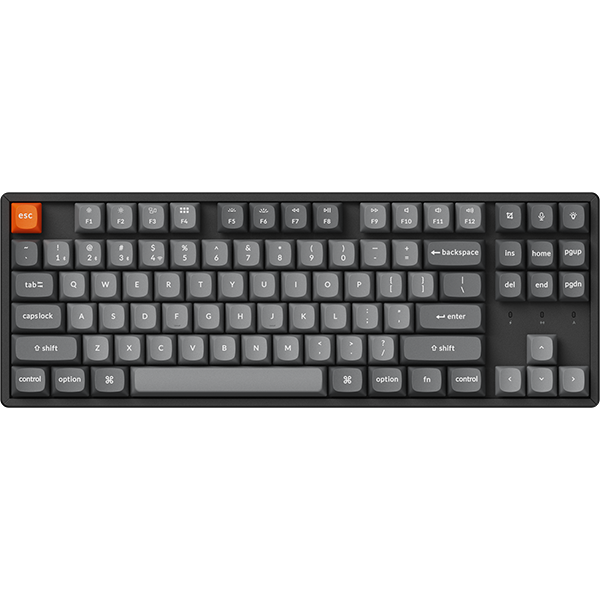

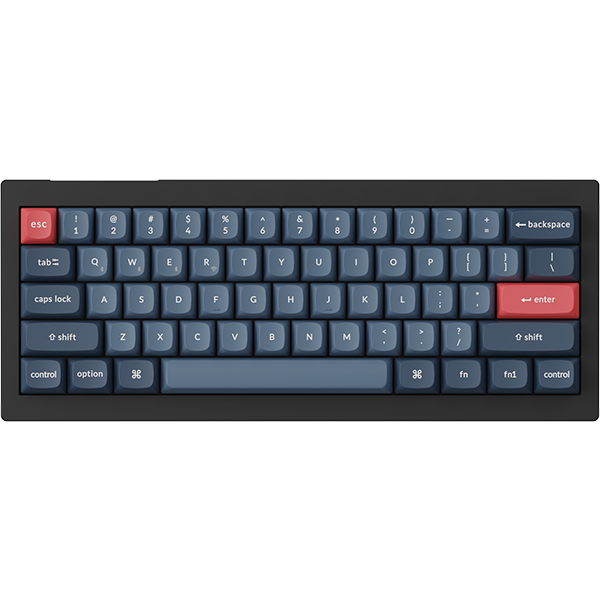


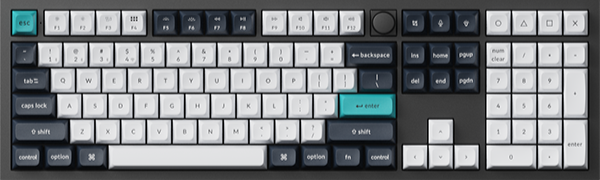
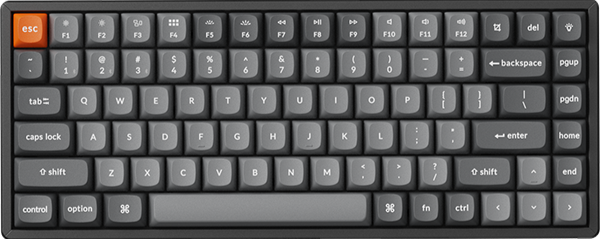
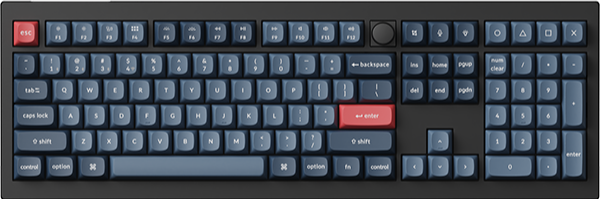
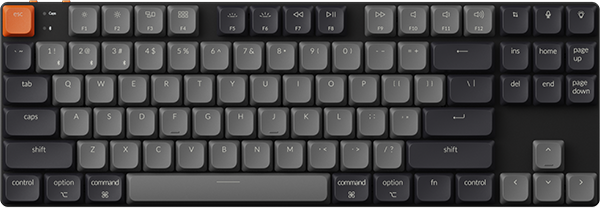
















How To Program Backlight Keys On Launcher
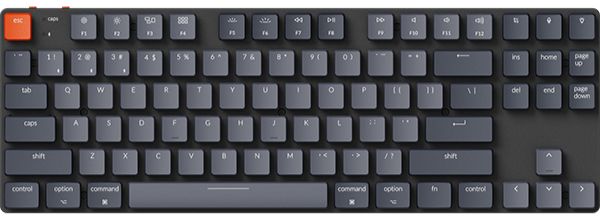
Keychron keyboards support a variety of stunning backlight effects. Users can switch between them using our default shortcuts, such as "Fn+Q", or customize the relevant shortcuts for Backlight effects in our Launcher as previously mentioned.
Below is a step-by-step guide on how to set up Backlight Keys:
1. Use the latest version of Chrome/Opera/Edge browser to click here to open the launcher.
2. After establishing a physical connection using our dedicated connecting cable or 2.4 GHz receiver, click the 'Connect' button on the Launcher and select the device you need to configure to connect to it.
Notice: Some product models only support a wired connection.
3. Click “Keymap” on the left, then select "Lighting" to view the relevant backlight settings.

4. Select the backlight function you need and assign the corresponding shortcut key to it.
How to access Launcher?
Please click here to open the Launcher.