


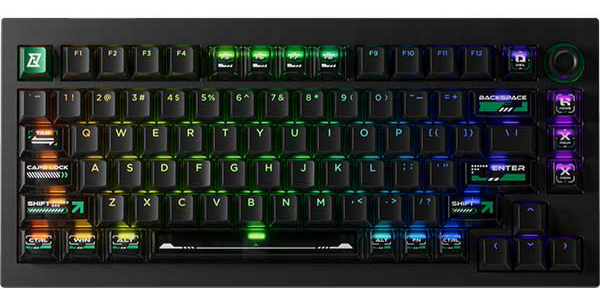
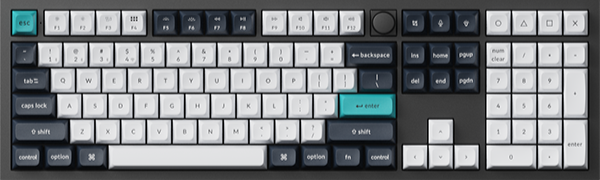
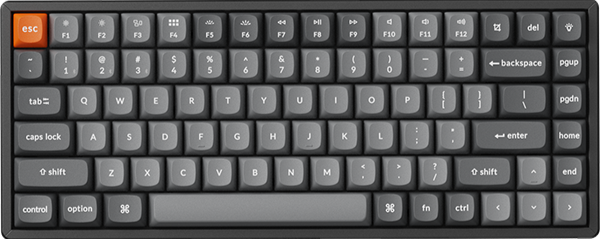
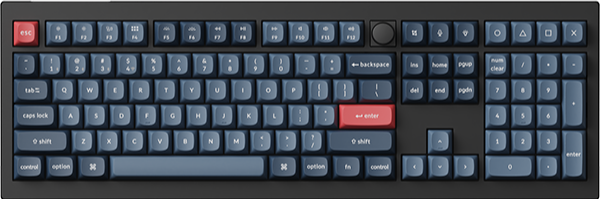
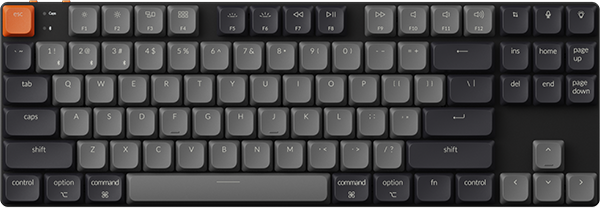
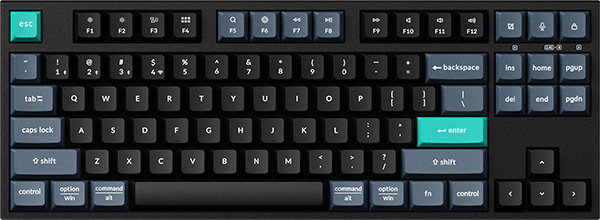


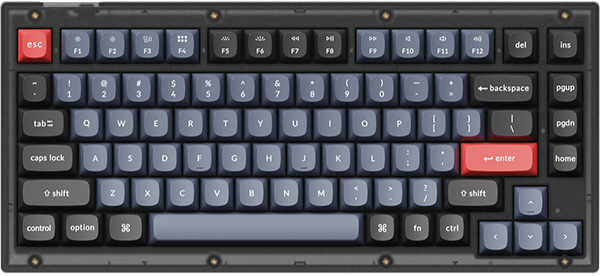

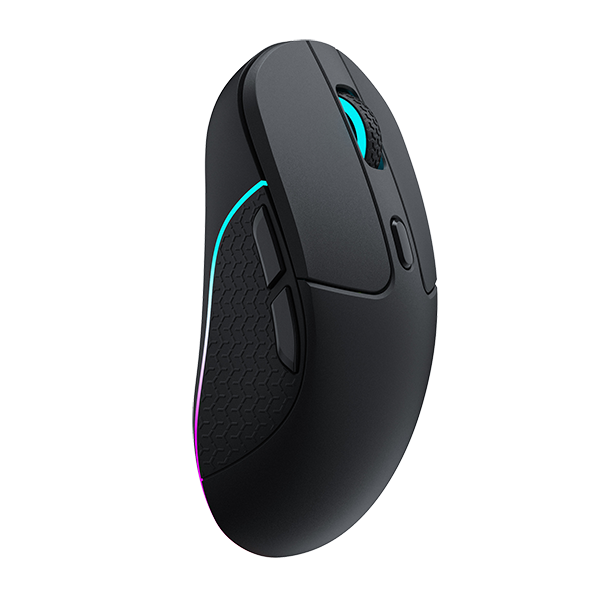









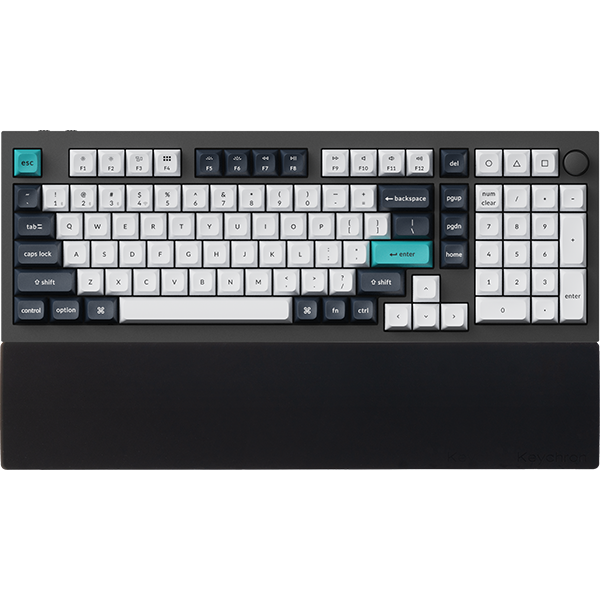

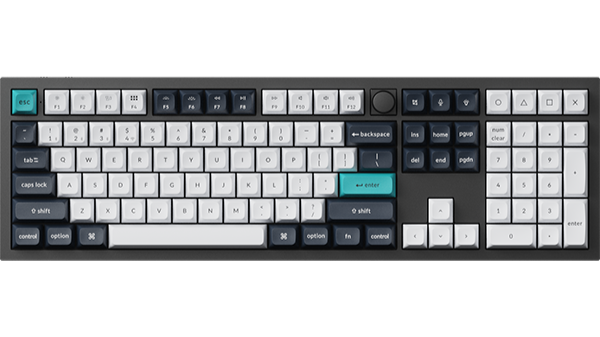
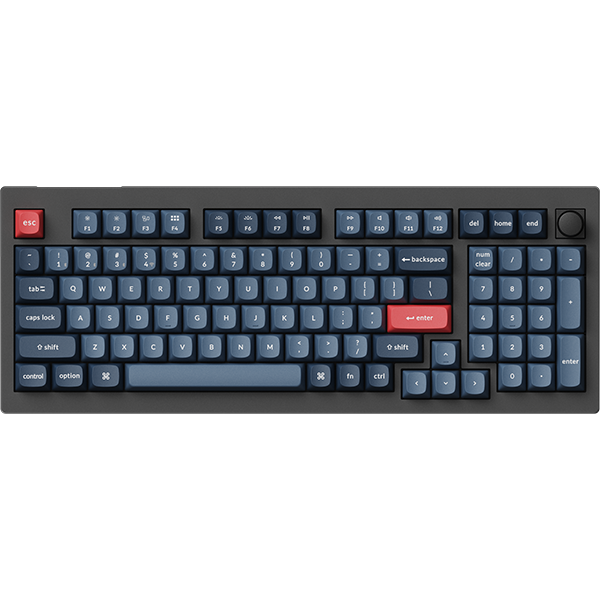
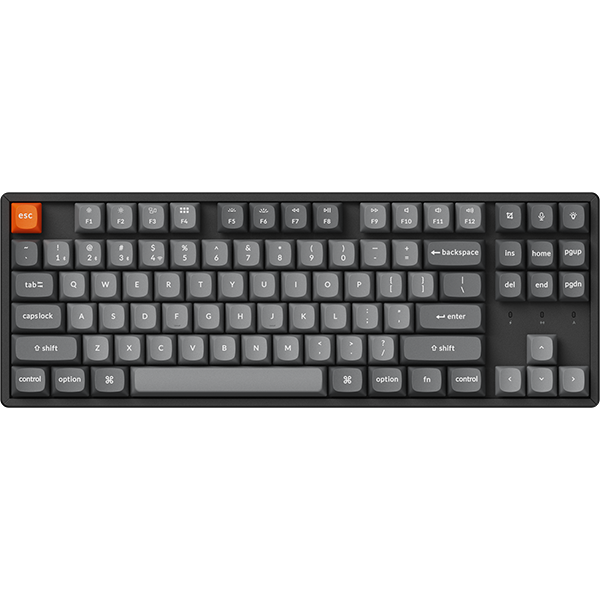

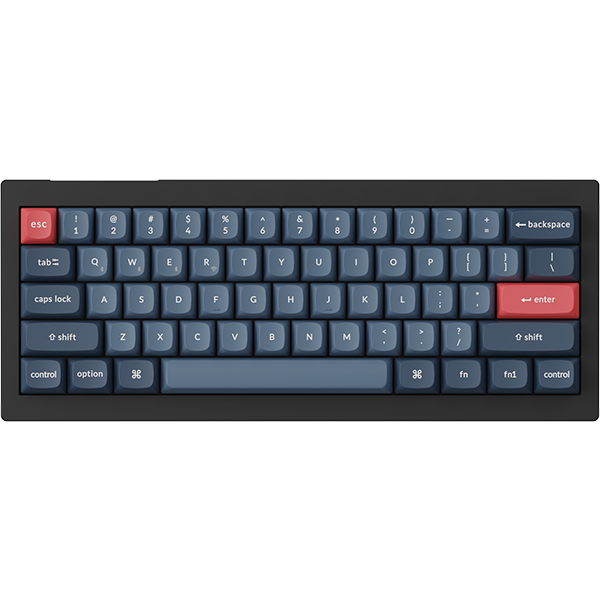


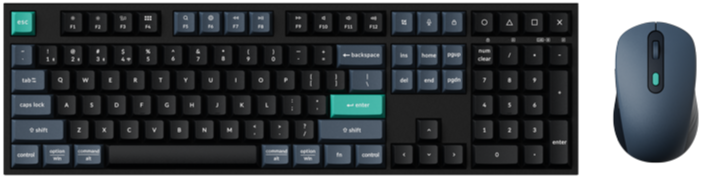
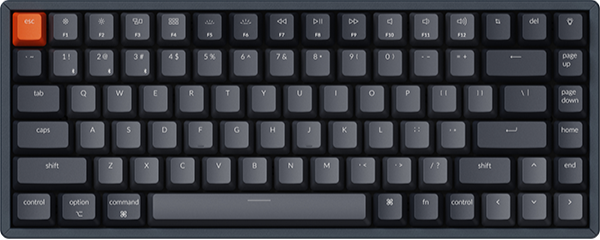
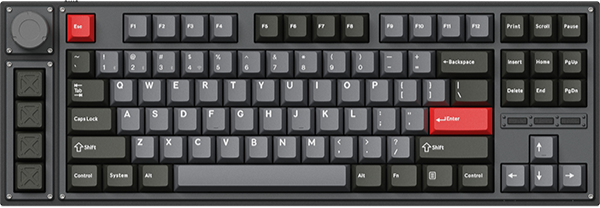
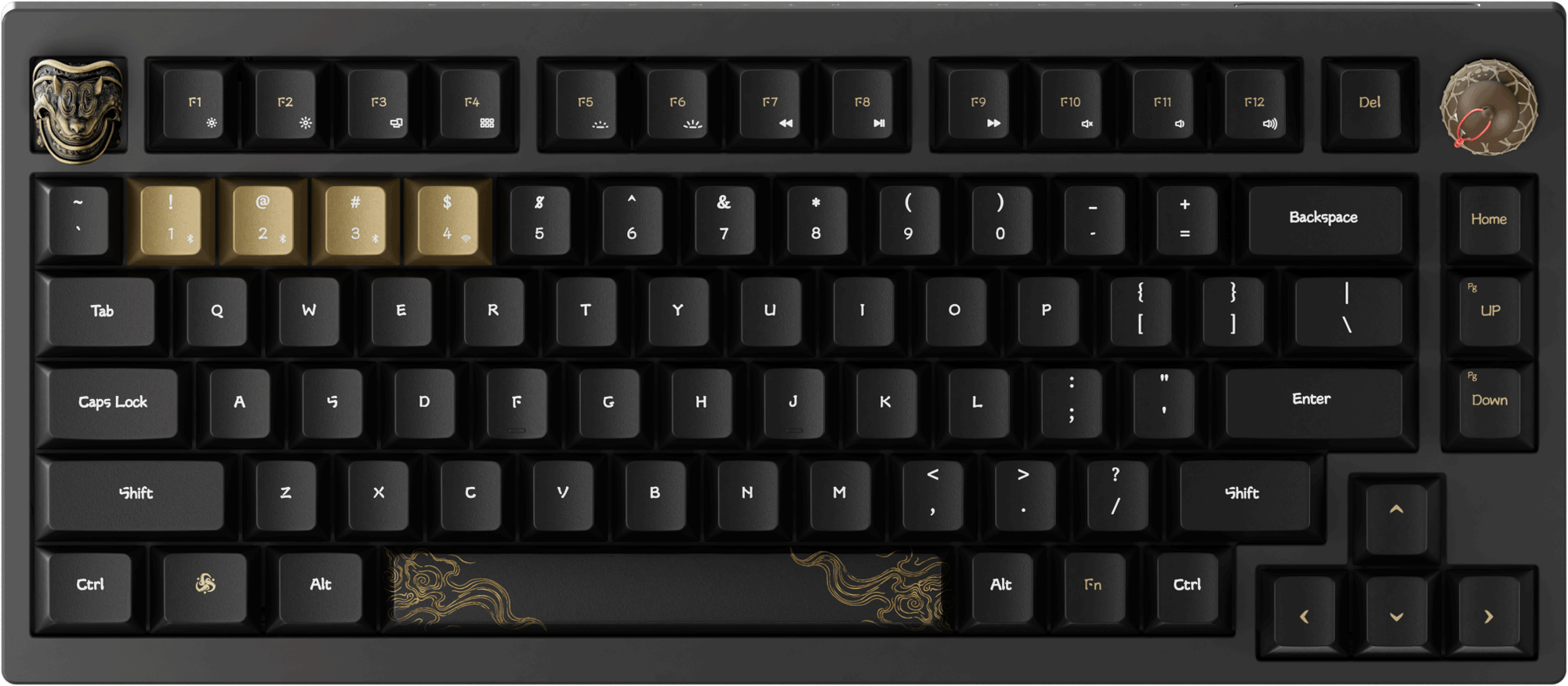














To reduce keyboard power consumption, Keychron equips its keyboards with a sleep mode and an automatic backlight timeout. Users can customize these settings according to their preferences.
Below is a step-by-step guide on how to set up Auto Sleep Mode and Backlight Off Starting Time:
1.Use the latest version of Chrome/Opera/Edge browser to click here to open the launcher.
2.After establishing a physical connection using our dedicated connecting cable or 2.4G receiver, click the 'Connect' button on the Launcher and select the device you need to configure to connect to it.
Notice: Some product models only support a wired connection.
3.Click "Advance Mode" in the left-side function bar.

4.You can adjust the time according to your needs by entering the time manually or clicking the "▲" and "▼" buttons next to the corresponding time, then clicking "Submit" to complete the setup successfully.
The time follows the hour:minute: second format.
Supported ranges:
Hours: 0–12
Minutes: 0–12
Seconds: 0–12
The starting time of the auto backlight off must be less than the starting time of the auto sleep mode.