




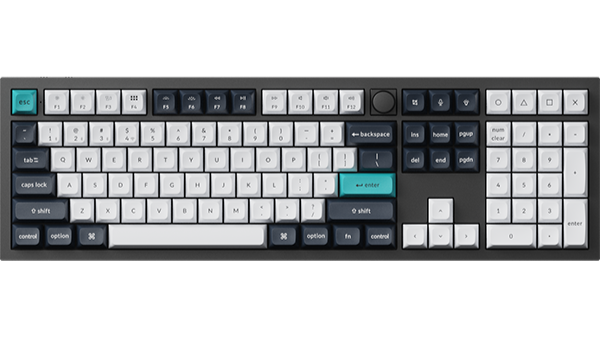
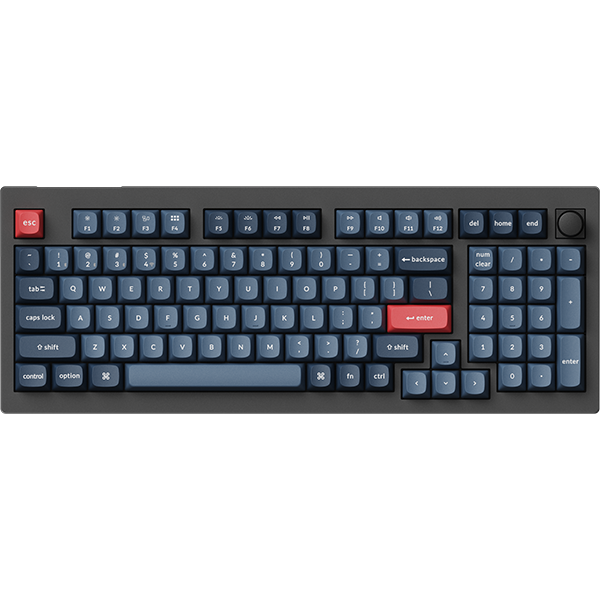
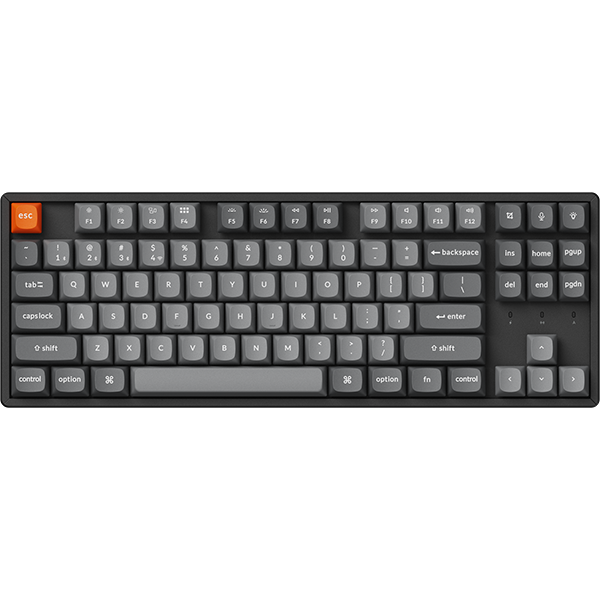

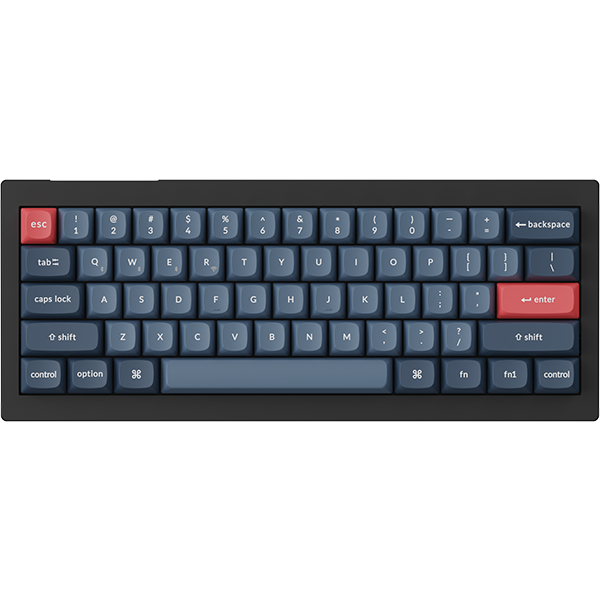



















IN THIS ARTICLE
- What ultra-slim actually measures
- The trade-off between width, keys, and battery
- What it means on your desk
- How the Mac layout and the three connections work
- Keychron B1 Pro: Best for a 75% Mac layout at 296 mm wide
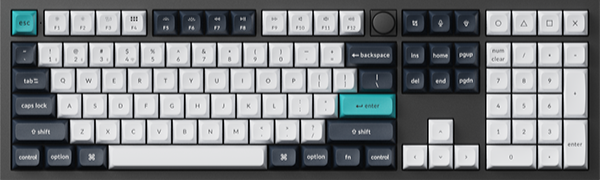
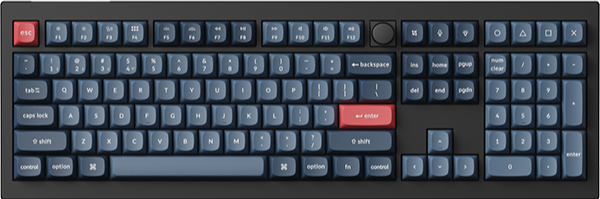
- Keychron B6 Pro: Best for a full-size layout with a number pad
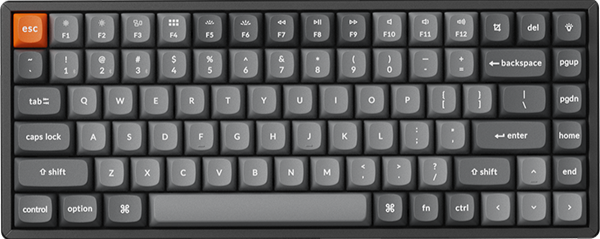
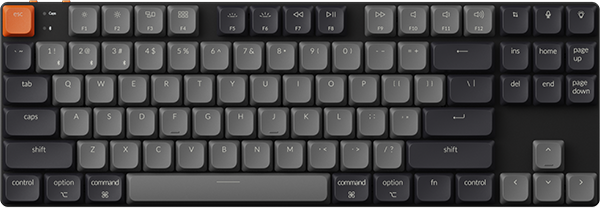
- Keychron B11 Pro: Best for a foldable layout that folds to 196.3 x 143 mm
- Who should pick a slim B Pro board, and who should not
- Frequently asked questions
Up to 1200 hours on one charge is the headline battery figure for the Keychron B1 Pro. Its full-size sibling, the B6 Pro, carries the same rating, so battery life will not choose between them. The B1 Pro suits a Mac desk where width matters more than a number pad. The best pick depends on three things: your free desk width, whether you type on a number pad, and whether the keyboard travels in a bag.
This guide covers three slim B Pro boards. Each one has a scissor mechanism under its keys, a Mac layout, and three ways to connect.
The short version
What ultra-slim actually measures
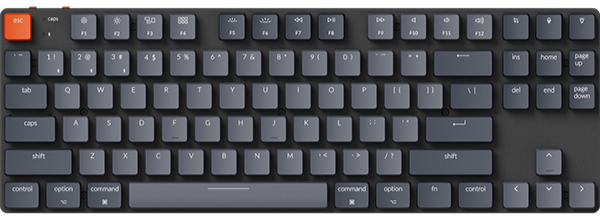
The spec sheet says ultra-slim. On your desk, it means 5.2 mm at the front edge and 14.5 mm at the rear on the B1 Pro and the B6 Pro. The typing angle on both is 3.2°.

Under each key sits a scissor mechanism in place of a mechanical switch. It gives a clear pressure point in a flat, space-saving design, with quieter operation for shared spaces. The keycaps are concave, shaped to fit your fingertips.
The B1 Pro weighs 425 g, with an ABS body and ABS keycaps.
Rule of thumb: slim is a height you can check with a ruler, and on the B1 Pro and B6 Pro it is 5.2 mm at the front.
The trade-off between width, keys, and battery
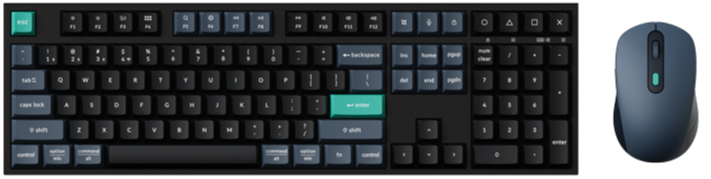
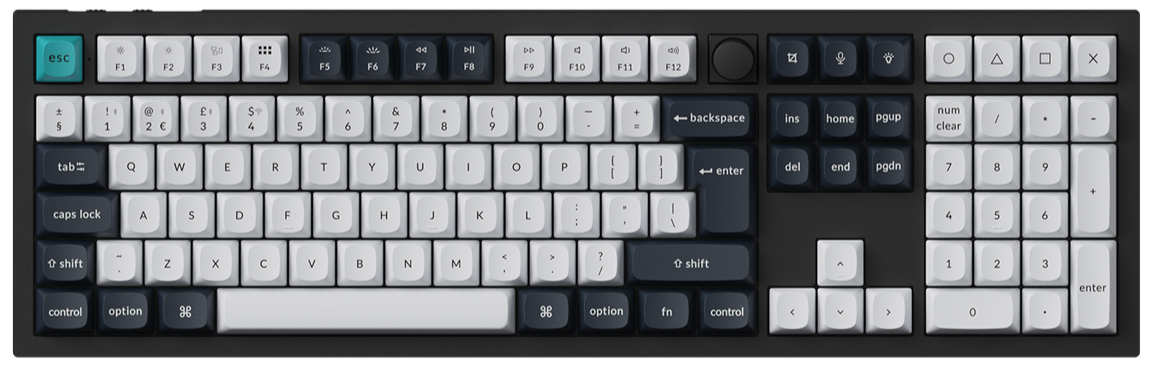
Width buys keys. In 296 mm, the B1 Pro fits 77 keys and has no number pad. With the number pad included, the B6 Pro has 109 keys and needs 429 mm.
The foldable board has the smaller battery: 250 mAh in the B11 Pro, rated for 138 hours of wireless use (lab test). An 800 mAh battery sits in the B1 Pro and in the B6 Pro, rated for up to 1200 hours.
Some things stay the same whichever one you choose. All three connect over a 2.4 GHz receiver, Bluetooth, or a USB Type-C cable, and all three have the Mac layout.
Rule of thumb: decide on the number pad first, then measure the desk.
What it means on your desk
| Model | Layout | Size in mm | Weight in g | Battery in mAh | Rated wireless time | Color options |
|---|---|---|---|---|---|---|
| B1 Pro | 75%, 77 keys | 296 x 130 | 425 | 800 | Up to 1200 hours | Space Gray, Ivory White, Retro Blue, Retro Red |
| B6 Pro | 100%, 109 keys | 429 x 130 | 623 | 800 | Up to 1200 hours | Space Gray, Ivory White, Retro Blue, Retro Red |
| B11 Pro | 65% Alice, foldable | 392.6 x 143 open, 196.3 x 143 folded | 258 ± 10 | 250 | 138 hours (lab test) | Space Gray |
For the B1 Pro and B6 Pro, up to 1200 hours is approximately 8 months at 5 hours of daily use. It is a lab-test figure, so it varies with actual use.
Check: measure the free width where the keyboard will sit, leaving your mouse in its usual spot. You need about 30 cm for the B1 Pro (296 mm), 43 cm for the B6 Pro (429 mm), and 40 cm for the open B11 Pro (392.6 mm).
How the Mac layout and the three connections work
All three boards have a Mac layout and stay compatible with Windows. On the B1 Pro, the two keys left of the space bar read option and command, with win and alt printed underneath. A system toggle tells the keyboard which computer it is talking to. It is printed Mac / Win at the top right corner of the B1 Pro and B6 Pro, and MAC / WIN at the top left corner of the B11 Pro.

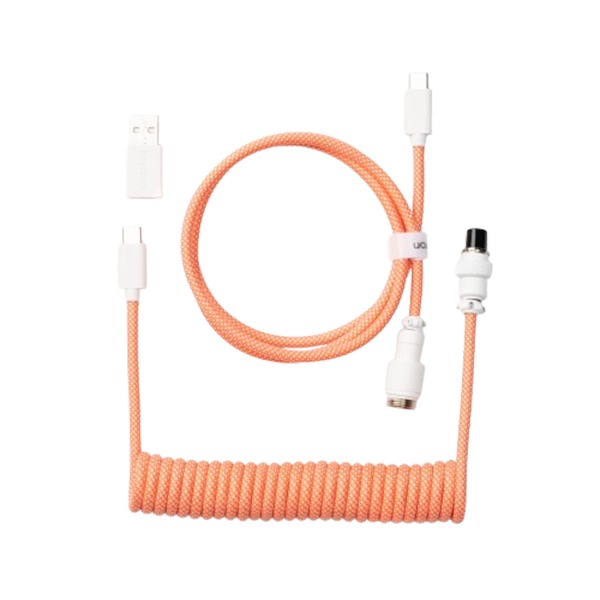
A second toggle picks the connection. Each board pairs with up to three Bluetooth devices and comes with a Type-A 2.4 GHz receiver. If your MacBook has USB-C ports only, use the Type-A to Type-C adapter from the box.
Polling rate is how many times a second the keyboard reports to your computer. On the receiver and the cable, all three report at 1000 Hz. Over Bluetooth, the B1 Pro and B6 Pro report at 90 Hz, and the B11 Pro reports at 125 Hz.
To pair the B1 Pro or B6 Pro, slide the mode toggle to the Bluetooth position, hold fn + 1 for 4 seconds, and choose the keyboard in your device's Bluetooth list. Hold fn + 2 or fn + 3 for 4 seconds to pair a second and a third device. After that, a short press of fn + 1, fn + 2, or fn + 3 switches between them. Our B1 Pro key combinations page lists the rest.
Remapping happens in the Keychron Launcher web app, where you can change keys and record macros. For the B1 Pro and B6 Pro, open it in the latest Chrome, Edge, or Opera with the keyboard connected by cable. Both keep four layers: 0 and 1 for Mac, 2 and 3 for Windows. With the system toggle in the Win position, layer 2 is the active one, so make your Windows changes there.
On the B1 Pro and B6 Pro, hold fn + X + L for 4 seconds to switch the top row between multimedia keys and function keys.
Rule of thumb: set the system toggle before you judge the layout.
Keychron B1 Pro: Best for a 75% Mac layout at 296 mm wide
View the B1 Pro on keychron.com →
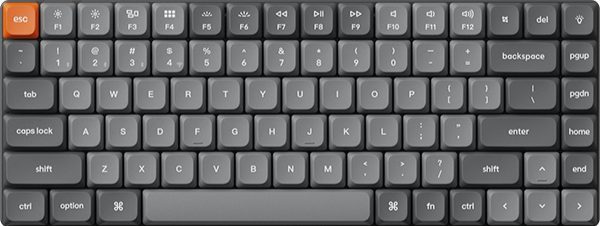
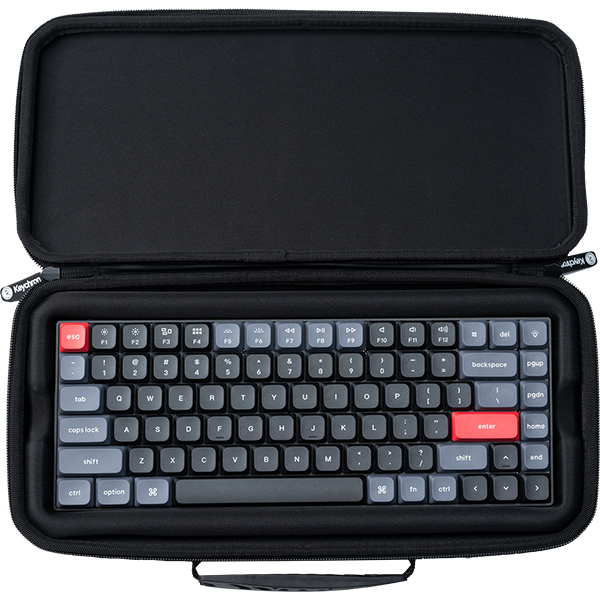
A function row and arrow keys fit into the 296 x 130 mm body of the B1 Pro. It has 77 keys and weighs 425 g. If your desk is shared with a laptop, a notebook, and a mouse, this is the narrowest of the three when open.

The box holds the keyboard, a Type-C cable, the receiver, the adapter, and a silicone skin. The skin is washable and reusable, and it guards the keys against spills and dust. You can keep typing while the board charges, and fn + shift brings up emojis.
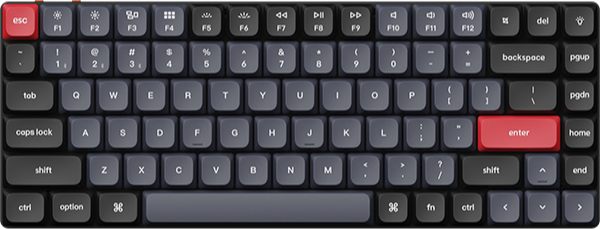
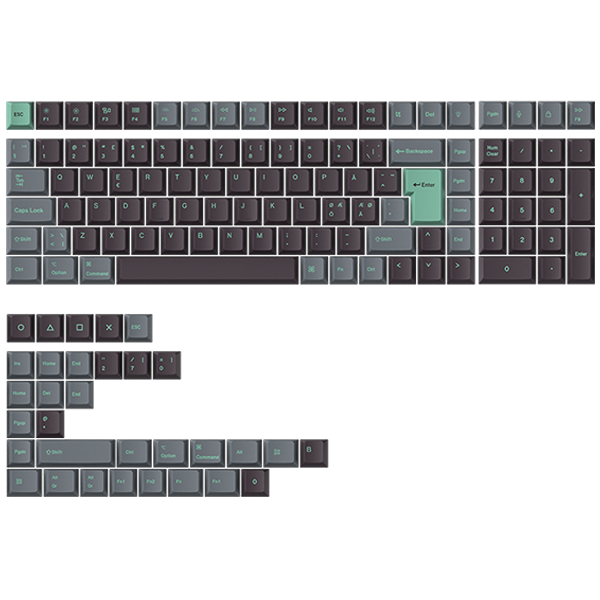
Pick: color is the only option, so choose Space Gray, Ivory White, Retro Blue, or Retro Red. For a French, Nordic, Hungarian, German, UK, or Swiss layout, go to the B1 Pro ISO Layout Collection.
Keychron B6 Pro: Best for a full-size layout with a number pad
View the B6 Pro on keychron.com →
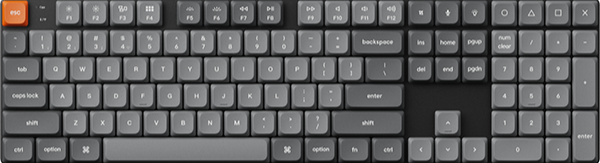
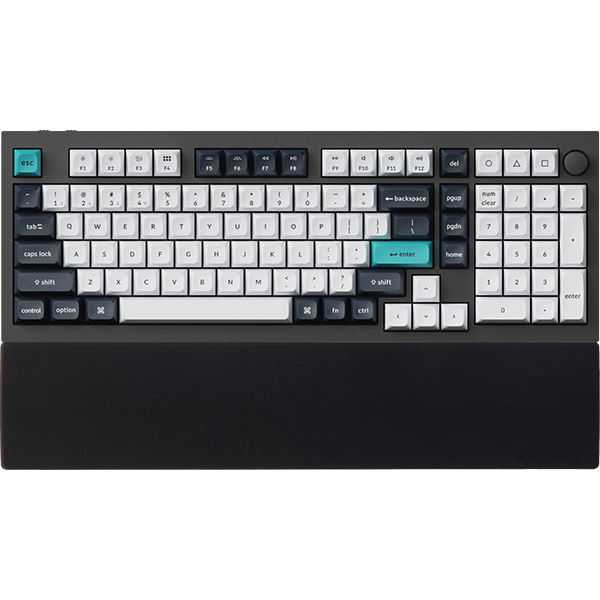
With 109 keys in a 100% layout, the B6 Pro adds a number pad, and 17 of its keys are multimedia keys against 12 on the B1 Pro. It measures 429 x 130 mm and weighs 623 g. Front height, rear height, and typing angle match the B1 Pro at 5.2 mm, 14.5 mm, and 3.2°.

Battery, box contents, toggles, and pairing keys are the same as on the B1 Pro, silicone skin included. If you enter figures on a number pad most days, the extra width earns its place.
Pick: Space Gray, Ivory White, Retro Blue, or Retro Red. As on the B1 Pro, color is the only choice to make.
Keychron B11 Pro: Best for a foldable layout that folds to 196.3 x 143 mm
View the B11 Pro on keychron.com →
A split-fold Alice layout in a 65% size sets the B11 Pro apart from the other two. It opens to 392.6 x 143 mm and folds inward to 196.3 x 143 mm. A Hall effect sensor powers the keyboard off when you fold it, then powers it on and reconnects when you unfold it.

It weighs 258 g ± 10 g, and the back cover is a matte black, leather-like PU material. Bluetooth is version 5.3 here, against 5.2 on the other two. The 250 mAh battery is rated for 138 hours of wireless use (lab test).
Pick: Space Gray, the one color it comes in.
Who should pick a slim B Pro board, and who should not
A slim B Pro board is worth it if you work on a Mac and want Mac legends without swapping keycaps. It also fits if you move between a laptop, a tablet, and a phone: each board pairs with up to three Bluetooth devices and has a 2.4 GHz receiver as well. And if you share a room, the scissor mechanism offers quieter operation for shared spaces.
Look elsewhere if you want mechanical switches or backlit keys. These three are non-backlit. The Keychron K3 Max is a low-profile mechanical keyboard with White Backlight and RGB Backlight versions, and it connects by receiver, Bluetooth, or cable. Our best keyboard for MacBook guide has more mechanical picks for a Mac.
If you remember one thing: the three share the same key type and Mac layout, so buy the shape that fits your desk or your bag.
Frequently asked questions
Is the Keychron B1 Pro a mechanical keyboard?
No. Each key on the B1 Pro uses a scissor mechanism, which gives a clear pressure point in a flat, space-saving design, with quieter operation for shared spaces. If you want mechanical switches in a slim body, the Keychron K3 Max is a low-profile mechanical keyboard.
Does the Keychron B1 Pro work with Mac and Windows?
Yes. It has a Mac layout and works with macOS, iOS, Windows, Android, and Linux. Slide the system toggle at the top right corner to Mac or Win to match your computer. In Launcher, you can set separate keymaps for Mac and Windows.
How long does the Keychron B1 Pro battery last?
It is rated for up to 1200 hours on one charge, approximately 8 months at 5 hours of daily use (lab test, so it varies with actual use). The battery is 800 mAh, and a full charge takes around 2.5 hours.
Shop the gear


References & Citations
- B1 Pro layout, size, weight, heights, battery, connections, polling rate, Mac layout, and colors. (Keychron B1 Pro product page)
- B6 Pro layout, key count, size, weight, battery, and colors. (Keychron B6 Pro product page)
- B11 Pro foldable Alice layout, folded and open size, weight, battery, and Bluetooth polling rate. (Keychron B11 Pro product page)
- B1 Pro box contents, toggles, Bluetooth pairing keys, layers, and Launcher requirements. (Keychron B1 Pro user manual)
- B6 Pro box contents, toggles, pairing keys, and layers. (Keychron B6 Pro user manual)
- B11 Pro toggle labels and position. (Keychron B11 Pro user manual)
- K3 Max low-profile mechanical switches, backlight versions, and connections. (Keychron K3 Max product page)