























IN THIS ARTICLE
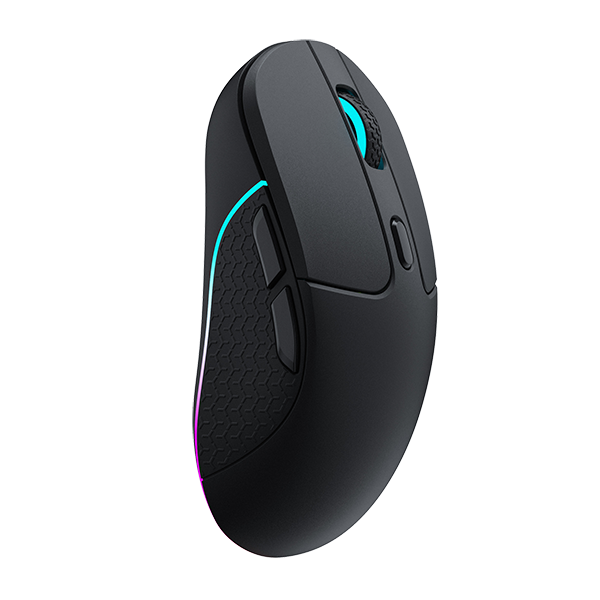
A rapid trigger mouse changes when a repeated click on the same button can count again in Valorant and CS2. The button resets after a release distance you set, instead of at one fixed point, so fast taps on some one-shot weapons can register without a full lift. Held sprays change little until you let go, and your aim, crosshair and tracking sensor stay as they were.
Quick answer
- If you tap-fire one shot per click: the next tap can count before the button travels all the way back. On the Keychron G6 HE, choose Magnetic Mode and move Rapid Trigger down from Off one step at a time.
- If stray shots go off while you hold an angle: a light touch from your resting finger is less likely to count as a click. In Magnetic Mode, move Actuation Settings one step deeper.
- If you hold the button to spray: nothing resets while the button is down. Your actuation step sets when the first shot counts.
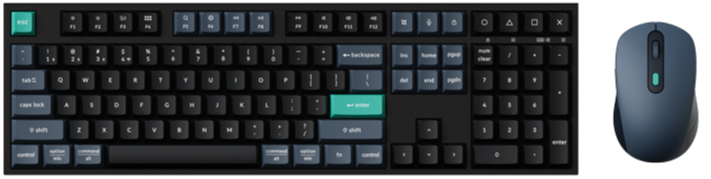
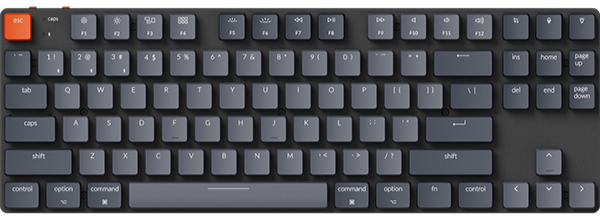
- If you want the same on your movement keys: the K10 HE and the K2 HE are two of our magnetic keyboards with Rapid Trigger.
What does a rapid trigger mouse change in Valorant and CS2?
Short answer: It changes when a press counts and when the button is ready to count again. Your aim and your crosshair stay the same.
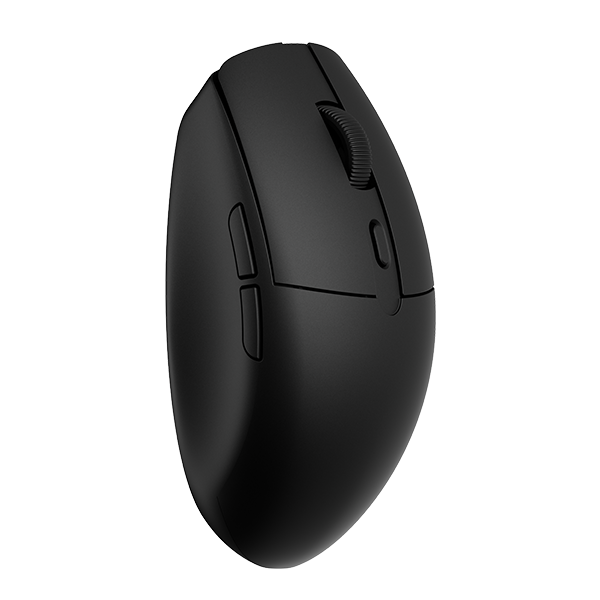
The five situations below use the G6 HE. Rapid Trigger and the adjustable actuation point work in Magnetic Mode, so that is the mode for the first four. The advice is the same in both games.
Tap-firing one-shot weapons
Some weapons fire one shot per click, such as the Sheriff in Valorant or the Desert Eagle in CS2. You tap the left button again and again, and each tap needs the button to reset first.
With a fixed reset, the button has to travel back past one set point before the next tap can count. With Rapid Trigger, the button resets after the release distance you set. Lifting by that release distance is enough, so the next tap can count without a full lift.
The game still decides how often the weapon can fire. Rapid Trigger changes when the button is ready for the next press, and the fire rate stays where the game puts it.
Holding an angle with a finger resting on the button
You wait on an angle with your finger on the left button. On a shallow actuation step, a little pressure from a tense finger can fire a shot you did not mean.
This is a job for Actuation Settings. Move the slider one step deeper, and a light touch is less likely to count as a click. Nothing has fired yet, so Rapid Trigger plays no part here.
A deeper step only moves the point where a press counts. You still choose the moment to shoot.
Spraying with the button held
You hold the left button down for a spray. The button stays pressed, so there is no reset, and Rapid Trigger has nothing to do until you let go.
The actuation step still matters, because it sets when the first shot counts. If you fire in short bursts, each burst starts with a new press. Between bursts, Rapid Trigger decides when the button is ready again.
Recoil and the spray pattern come from the game. Neither setting touches them.
Scoping with right click
In both games, some weapons scope with the right button. On the G6 HE, the Optical / Magnetic choice applies to both main buttons.
After you change Actuation Settings to stop stray left clicks, try your scope with right click too, so you know how it feels before a match.
Everyday clicks and new players
If you are new to FPS games, or want nothing to tune, use Optical Mode. It has one fixed trigger point and works like a traditional optical mouse switch. Actuation Settings and Rapid Trigger belong to Magnetic Mode, so neither applies here.
Start in Optical Mode. Switch to Magnetic Mode once you know which click you want to make faster.
| Situation in Valorant or CS2 | What you do | G6 HE setting | What changes |
|---|---|---|---|
| Tap-firing one-shot weapons | Tap left click fast | Magnetic, Rapid Trigger down from Off one step at a time | The button resets after the release distance you set, so the next tap can count without a full lift |
| Holding an angle | Rest a finger on left click | Magnetic, Actuation Settings one step deeper | A light touch from the resting finger is less likely to count as a click |
| Spraying | Hold left click down | Magnetic, your usual actuation step | The actuation step sets when the first shot counts. Rapid Trigger acts only after you let go |
| Scoping | Press right click | The same Optical / Magnetic mode as left click | Try your scope after any change to Actuation Settings |
| Everyday clicks, new players | Click as usual | Optical | One fixed trigger point, with nothing to tune |
What a rapid trigger mouse leaves alone:
- Aim and tracking, because Rapid Trigger does not change the tracking sensor.
- Crosshair placement, which is still up to you.
- Recoil and fire rate, which the game sets.
- The click itself. Every counted click starts with a press of your finger.
Check: Change one setting at a time, then play a few rounds before you change the next.
How does Rapid Trigger reset a mouse button?
Short answer: It reads where the button is, so the reset point moves with the button.
Every click has two points. The actuation point is the depth where a press counts as a click. The reset point is where the button must return before the next press can count. With a fixed reset, that point stays in one place. Turn Rapid Trigger on, and the button resets after the release distance you set. Keychron describes this as dynamic reset detection for faster repeated inputs.

An illustration, not a measurement. Depths and timing are schematic, and no value in it comes from a spec sheet.
Most mouse switches work on or off, with metal contacts or a light beam, so they have one fixed point. Moving the points needs a sensor that reads how far the button has travelled. Hall effect, TMR and inductive sensing can all do that. The click feel is a separate matter. Some designs play a vibration from a motor, and others keep a physical leaf spring.
The G6 HE uses our MagOptic Switch (optical + Hall effect / magnetic switch). Optical Mode reads a light beam at one fixed point. In Magnetic Mode a Hall sensor reads the press, and the metal leaf spring only gives the feel. Our MagOptic Switch explainer covers both modes in more detail.
Check: On the G6 HE, Rapid Trigger and the adjustable actuation point need Magnetic Mode.
How do you set rapid trigger on the Keychron G6 HE?
View the G6 HE on keychron.com →
Short answer: In Keychron Launcher, open MagOptic Mode, choose Magnetic, then set Actuation Settings and Rapid Trigger.
- Open the Launcher. Go to launcher.keychron.com in the latest Chrome, Opera or Edge. Connect the G6 HE by cable or over the 2.4 GHz receiver.
- Choose Magnetic. Click MagOptic Mode. In Mouse Button Trigger Settings, pick Magnetic on the Optical / Magnetic toggle.
- Set Actuation Settings. The slider has 12 steps within a total click travel of 0.65 mm ± 0.07 mm. Easy to trigger is at the top, Hard to trigger lower down, and Deep at the bottom. Start in the green recommend marks.
- Set Rapid Trigger. This slider reads Off at the top and Deep at the bottom. It sets how far the button moves to release and retrigger. Move it down from Off one step at a time.
- Test it. Press the button and watch the Live travel panel. Then play a few rounds.

Starting points by game situation:
- Tap-firing: Actuation Settings in the recommend marks, then Rapid Trigger down from Off one step at a time.
- Stray shots on an angle: Actuation Settings one step deeper, then try your scope with right click.
- Spraying: keep your usual actuation step, since Rapid Trigger only matters between bursts.
- New to FPS games: stay in Optical Mode for now.
Settings save to the mouse, so they go with the G6 HE to another computer. Our G6 HE settings guide covers how each step lines up with the click you feel.
Check: If shots fire before you mean them to, move Actuation Settings one step deeper.
Do you need rapid trigger on your keyboard as well?
Short answer: Only if you want it on your movement keys. The mouse setting covers clicks.
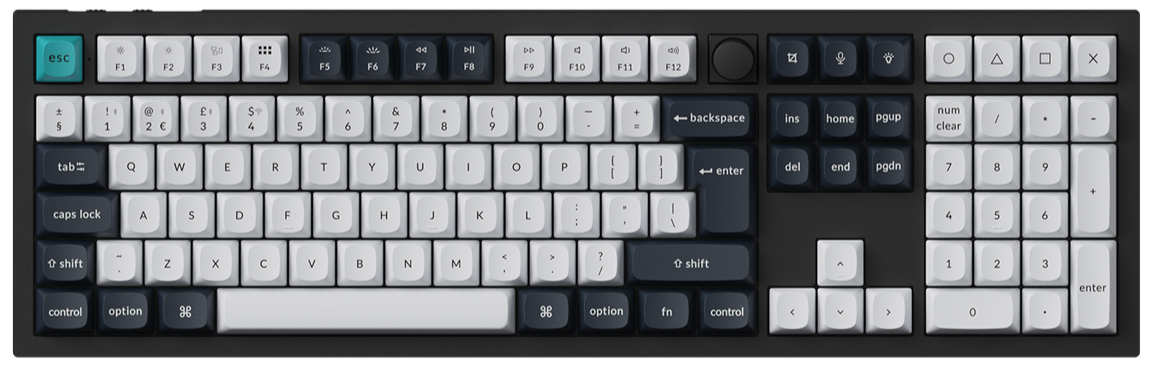
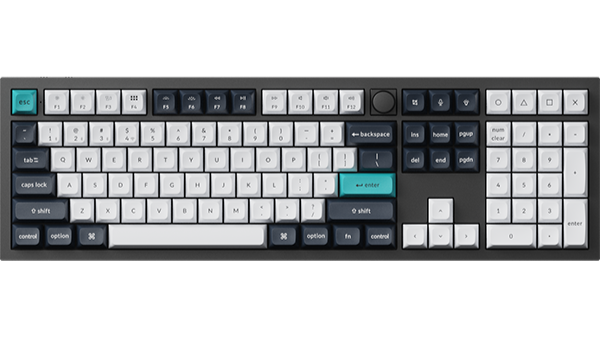
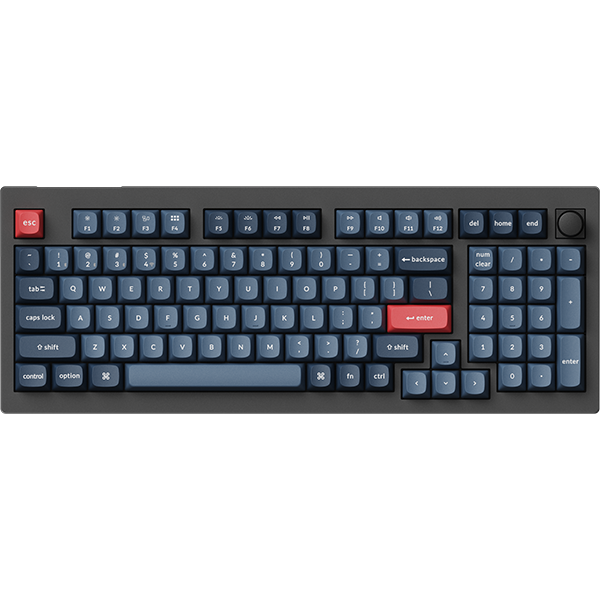
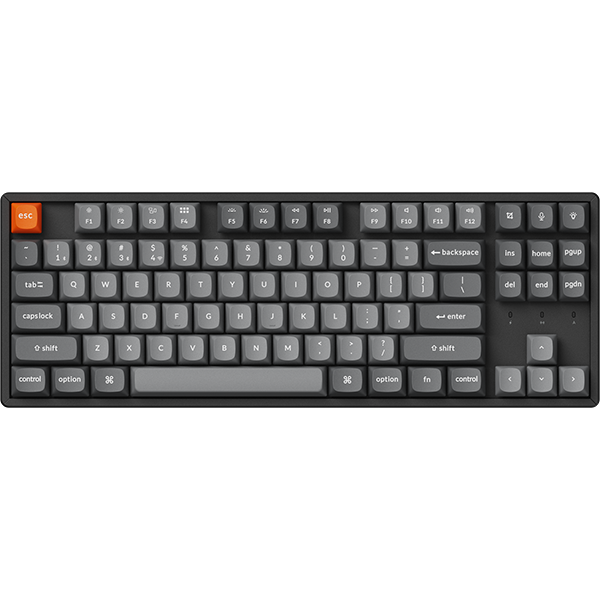
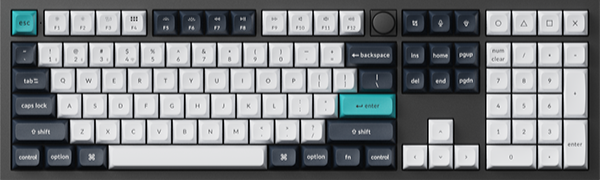
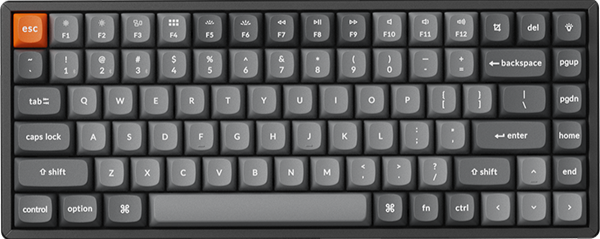
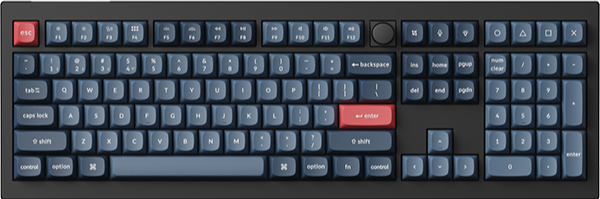
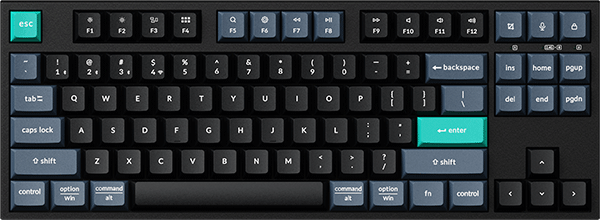
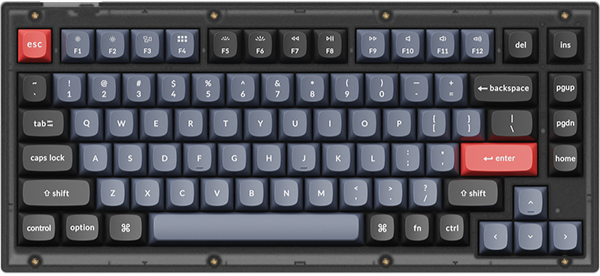
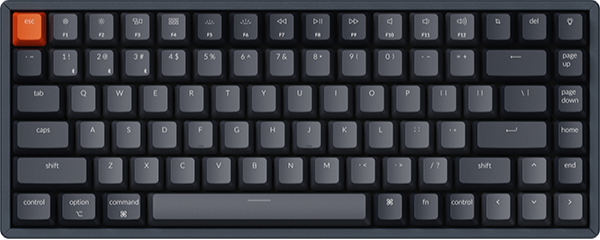
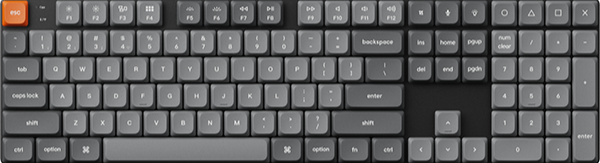
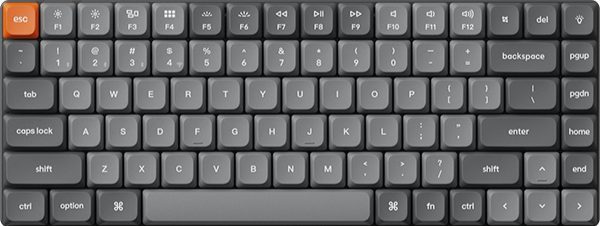
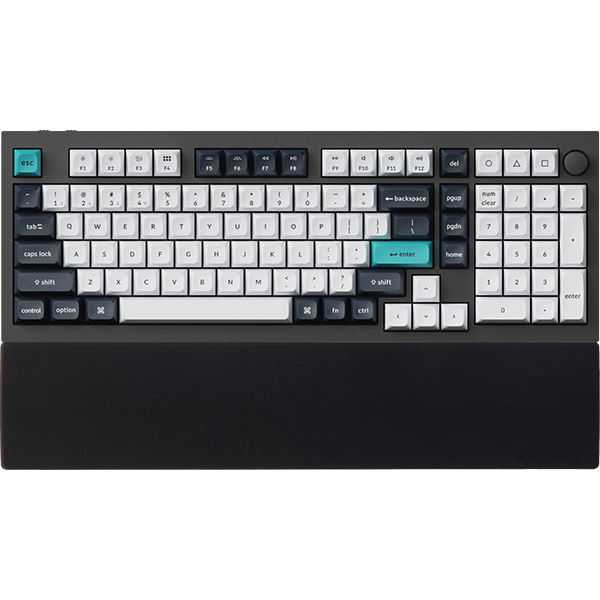
You can turn on Rapid Trigger for keys such as W, A, S and D on the K10 HE and K2 HE. Each key then activates and resets by how far it travels, which can matter when you let go of a key to stop moving. The K10 HE is full size, with adjustable actuation from 0.2 to 3.8 mm on the Gateron Double-Rail Magnetic Nebula Switch and 0.2 to 3.3 mm on the Keychron Ultra-fast Lime Magnetic Switch. The K2 HE is a 75% board with the Gateron Double-Rail Magnetic Nebula Switch Version 2 or Version 1, adjustable from 0.2 to 3.8 mm. You set both in Keychron Launcher in the latest Chrome, Opera or Edge, with the keyboard connected by cable.
Check: The actuation range depends on the switch, so pick the switch on the product page first.
Frequently asked questions
Does rapid trigger on a mouse actually help?
It can help when you press the same button again and again, such as tap-firing some one-shot weapons. The next press can count without a full lift. For held sprays and single clicks, the actuation point matters more than Rapid Trigger.
Is a rapid trigger mouse considered cheating?
No setting clicks for you. Every click still needs a press from your finger. Actuation Settings change where a press registers, and Rapid Trigger changes where a release resets. If you play in an organized league, check its rules on device settings first.
Is adjustable actuation pointless without haptic feedback?
No. There is no vibration motor in the G6 HE. It keeps a physical leaf spring, so you still feel a snap on every press. Adjustable actuation changes where the press counts. A shallow step can make the click count just before you feel the snap.
References & Citations
- MagOptic Switch, 0.65 mm ± 0.07 mm total click travel, 12-step adjustable actuation point, Rapid Trigger support, and the Launcher browser and connection requirements. (Keychron G6 HE product page)
- MagOptic Mode in Keychron Launcher: Optical and Magnetic Mode, 12 actuation steps, 12 Rapid Trigger steps, and the advice to start moderate and adjust one level at a time. (How to Customize the G6 HE in Keychron Launcher)
- Optical Mode works like a traditional optical mouse switch; in Magnetic Mode the leaf spring gives the feel, Hall sensing handles detection, and dynamic reset detection enables faster repeated inputs. (Keychron MagOptic Switch page)
- How the two MagOptic modes read a press, and why the switch is not a haptic mouse. (MagOptic Switch Explained)
- Rapid Trigger and adjustable actuation ranges for the Gateron Double-Rail and Keychron Ultra-fast Lime magnetic switches. (Keychron K10 HE product page)
- Rapid Trigger and 0.2 to 3.8 mm adjustable actuation on a 75% layout. (Keychron K2 HE product page)