























IN THIS ARTICLE
- What is an actuation point on a keyboard?
- Is actuation point the same as actuation force?
- How does a magnetic keyboard let you change the actuation point?
- What is the difference between actuation point and rapid trigger?
- What is the best actuation point for gaming and for typing?
- Does actuation point matter on a mouse?
- Frequently asked questions
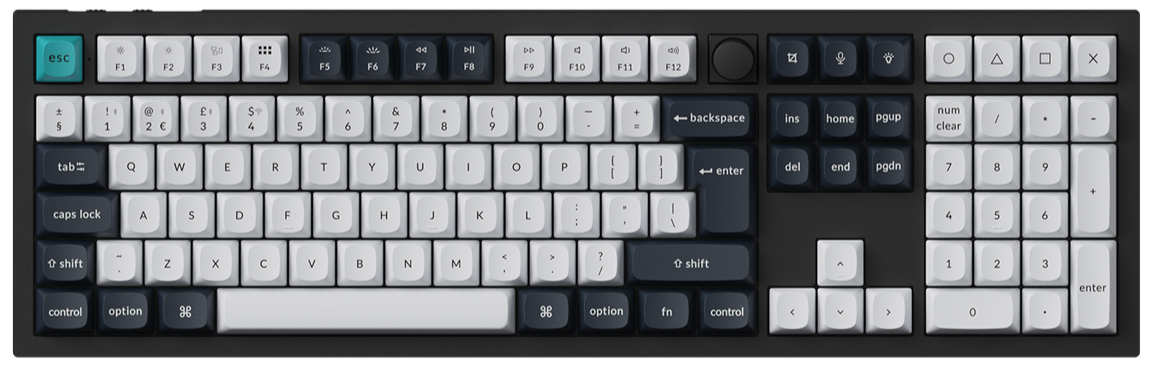
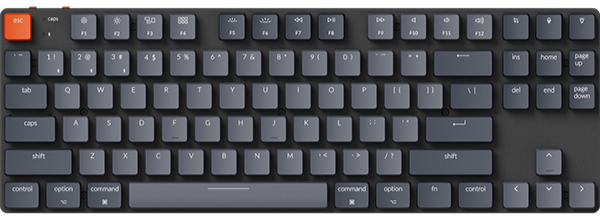
Every key you press has a depth where the keyboard decides the press counts, and that depth is the actuation point. On a Gateron Jupiter Red switch it sits about 2.0 mm into a key travel of up to 4.0 mm. On a magnetic keyboard such as the Keychron K10 HE, you set it yourself for each key.
Quick answer
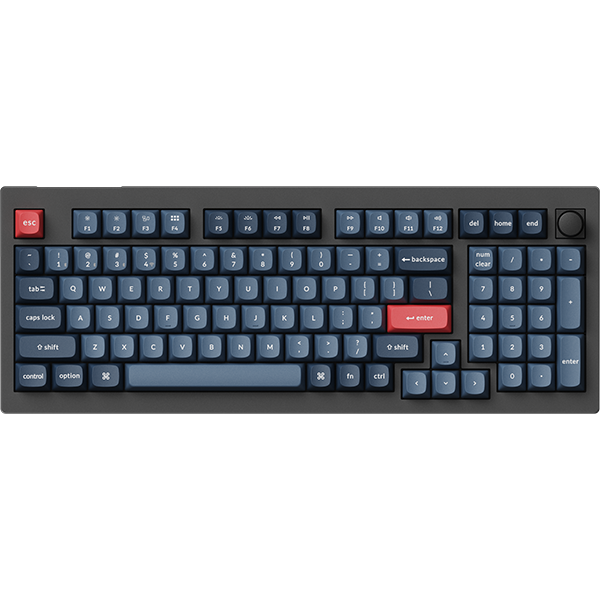
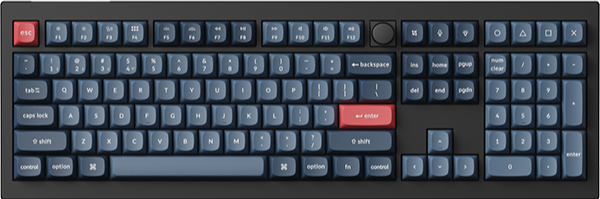
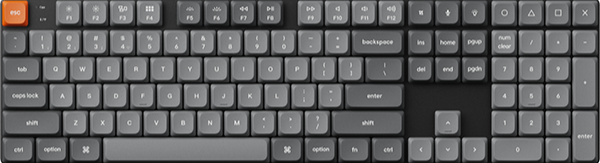
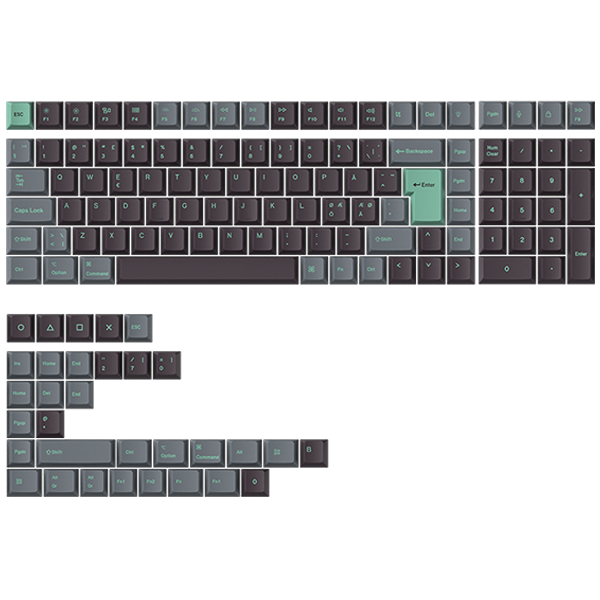
- If you want to set the depth per key: pick a magnetic keyboard such as the K10 HE, full size, 0.2 to 3.8 mm with the Gateron Double-Rail Magnetic Nebula Switch on the Special Edition, Black - Dark Brown Esc/Enter.
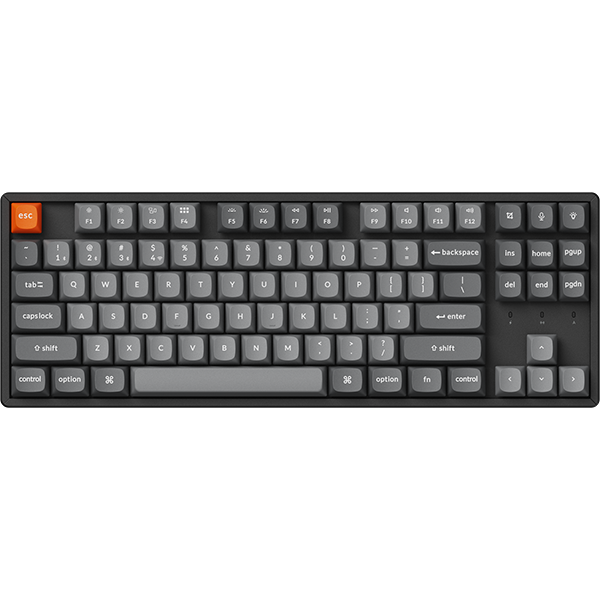
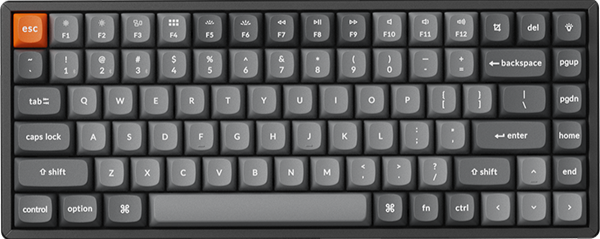
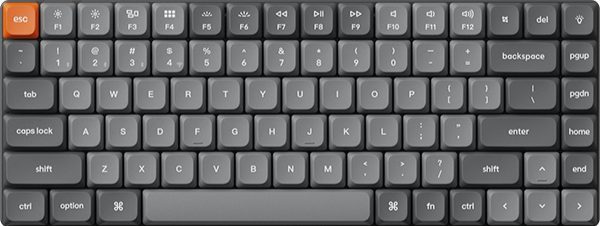
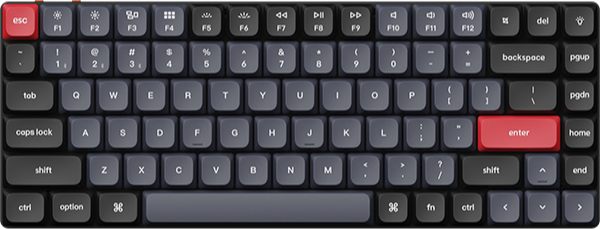
- If you want per-key depth on a smaller desk: pick the K2 HE, a 75% board with a 0.2 to 3.8 mm range on the Gateron Double-Rail Magnetic Nebula Switch Version 2.
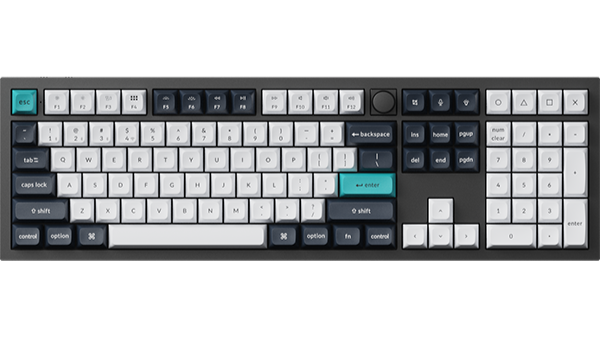
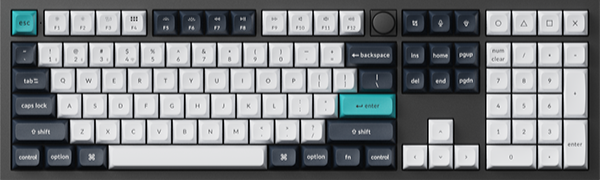
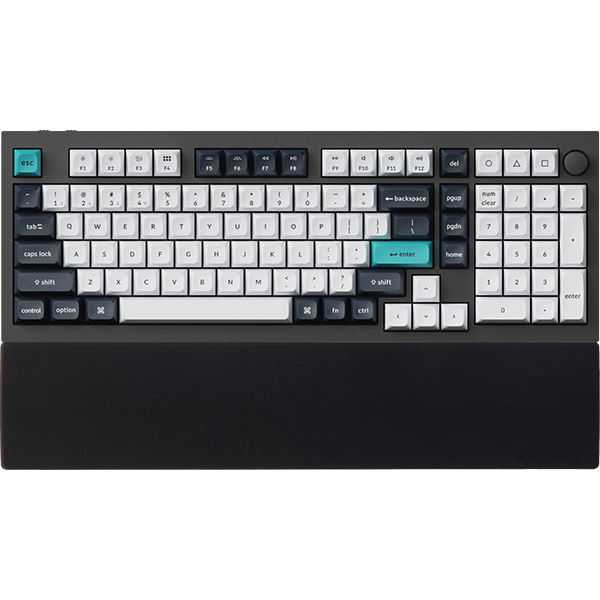
- If one fixed point suits you: pick a mechanical keyboard such as the Q6 Max. Its Fully Assembled versions use Gateron Jupiter switches rated 2.0 ± 0.6 mm pre-travel.
- If you want keys to reset after a release distance you set: turn on Rapid Trigger in Keychron Launcher on the K10 HE or K2 HE.
What is an actuation point on a keyboard?
Short answer: It is how far you press a key before the keyboard registers the keystroke.
A key moves down from rest until it stops. Somewhere on that path, the switch sends the signal. That spot is the actuation point, measured in millimeters from the top.
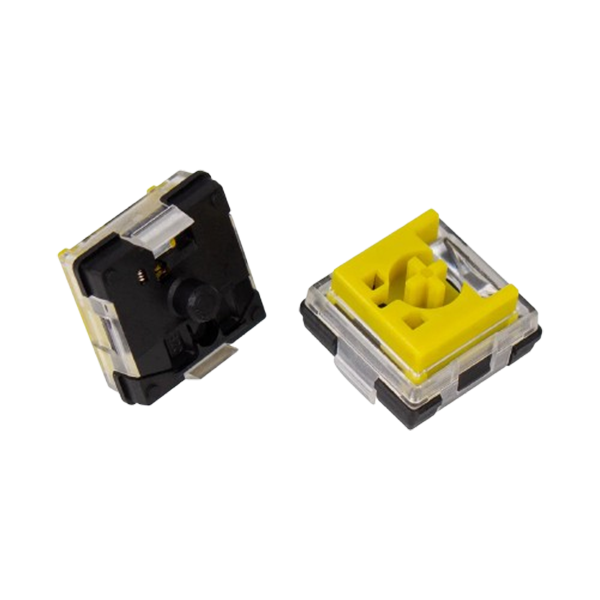
Switch spec sheets call this distance pre-travel. The full distance down to where the key stops is total travel. These are the Gateron Jupiter Switch Set specs, for the switches in the Q6 Max Fully Assembled Knob and Fully Assembled Knob (Side-Printed Keycaps):
- Pre-travel: 2.0 ± 0.6 mm on the Gateron Jupiter Red, Brown and Banana.
- Total travel: 4.0 mm max on the Red and Brown, 3.4 mm max on the Banana.
On the Red and Brown, the key registers about halfway down. You do not have to press to the bottom for the keystroke to count.

An illustration, not a measurement. The 2.0 mm and 4.0 mm max figures are the Gateron Jupiter Red spec, and 0.2 to 3.8 mm is the Gateron Double-Rail magnetic switch range on the K10 HE and K2 HE.
Check: before you buy, look for pre-travel or actuation point in the switch specs.
Is actuation point the same as actuation force?
Short answer: No, the actuation point is a depth in millimeters, and actuation force is a weight in grams-force (gf).
Actuation force is how hard you push to reach the actuation point. The Gateron Jupiter specs list it as Operation Force. Bottom-out is where the key stops, at the end of its total travel.
| Term | What it measures | Unit | Gateron Jupiter figures (Q6 Max) | What it changes for you |
|---|---|---|---|---|
| Actuation point (pre-travel) | How far the key moves before it registers | mm | 2.0 ± 0.6 mm on Red, Brown and Banana | How early a press counts |
| Actuation force (Operation Force) | How hard you press to reach that point | gf | 45 ± 15 gf Red, 55 ± 15 gf Brown, 59 ± 10 gf Banana | How light or firm the key feels |
| Bottom-out (total travel) | Where the key stops | mm | 4.0 mm max Red and Brown, 3.4 mm max Banana | How far your finger goes on a full press |
Two switches can list the same pre-travel and still feel different. The Jupiter Red and Brown both list 2.0 ± 0.6 mm pre-travel. The Red is linear at 45 ± 15 gf, and the Brown is tactile at 55 ± 15 gf. Our guide to linear, tactile and clicky switches explains that difference in feel.
Check: if keys feel too light, compare the force. If keys register too early, compare the depth.
How does a magnetic keyboard let you change the actuation point?
Short answer: A magnetic switch measures how far the key has moved, so the keyboard can register at any 0.1 mm step in the switch's range.
Inside a mechanical switch, the parts set the point. To change it, you change the switch.
On the K10 HE and K2 HE, a magnet moves with each key and magnetic sensors measure the depth. Because the depth is measured, you choose the point in software. Our magnetic keyboard explainer covers how the sensor reads a press.
The range depends on the switch:
- K10 HE, Gateron Double-Rail Magnetic Nebula Switch: 0.2 to 3.8 mm in 0.1 mm increments.
- K10 HE, Keychron Ultra-fast Lime Magnetic Switch: 0.2 to 3.3 mm with 0.1 mm sensitivity.
- Gateron Double-Rail Magnetic Nebula Switch Version 2 on the K2 HE: 0.2 to 3.8 mm with 0.1 mm sensitivity.
For the 0.2 to 3.8 mm range on the K10 HE, choose Special Edition, Black - Dark Brown Esc/Enter, Gateron Double-Rail Magnetic Nebula Switch.
To set the point, follow these steps:
- Open Keychron Launcher. Use the latest Chrome, Opera or Edge, with the keyboard connected in wired mode.
- Select keys in HE Mode. Press the keys, or click them on the virtual keyboard.
- Set the distance. Move the actuation distance bar, or type a value. The setting saves automatically.
- Test it. Use Trigger Demo and Test Keys to see when each key registers.
Our HE Mode guide shows each screen.
Check: the range depends on the switch, so read the Switches option on the product page.
What is the difference between actuation point and rapid trigger?
Short answer: The actuation point decides when a key first counts, and Rapid Trigger decides when it resets and fires again.
With a fixed reset, a pressed key has to rise back above the actuation point before it can fire again. A lift that stays below that point does not reset it.
Rapid Trigger works after the actuation point. Turn it on for the keys you want in Launcher, then set two distances for each key:
- (Press) Actuation Distance: how far the key must go down to fire again.
- (Release) Reset Distance: how far the key must come up to reset.
A key then resets after the reset distance you set, instead of at one fixed point. In Basic Mode, the two distances are the same. In Advanced Mode, you set them separately.

An illustration, not a measurement. No product values are shown; you set both distances per key in Keychron Launcher.
The actuation point sets the first press. Rapid Trigger sets the resets and presses after it.
The K10 HE and K2 HE both list Rapid Trigger. A mechanical board such as the Q6 Max uses the fixed points of its switches.
Check: if you tap and release the same keys quickly, such as movement keys in games, try Rapid Trigger on those keys first.
What is the best actuation point for gaming and for typing?
Short answer: No single number suits everyone, so set shallow points for fast actions and deeper points where you want fewer accidental presses.
The K10 HE and K2 HE let you set each key on its own. One way to split it:
- Game keys: a shallower point on movement and action keys makes them register earlier in the travel.
- Letter keys: a deeper point means a light touch is less likely to count as a press.
- Keys you rarely want by accident: a deeper point on keys such as Caps Lock works the same way.
To find your numbers, work in small steps:
- Start with one group of keys, such as W, A, S and D.
- Move them 0.1 mm at a time.
- Check the result in Test Keys before you play or type.
You can keep typing and gaming setups apart. Launcher has three default HE profiles: Default, Gaming and Gamepad.
Check: if you rest your fingers on the keys while typing, start with a deeper point on the letters.
Does actuation point matter on a mouse?
Short answer: Yes, the same idea applies to mouse buttons.
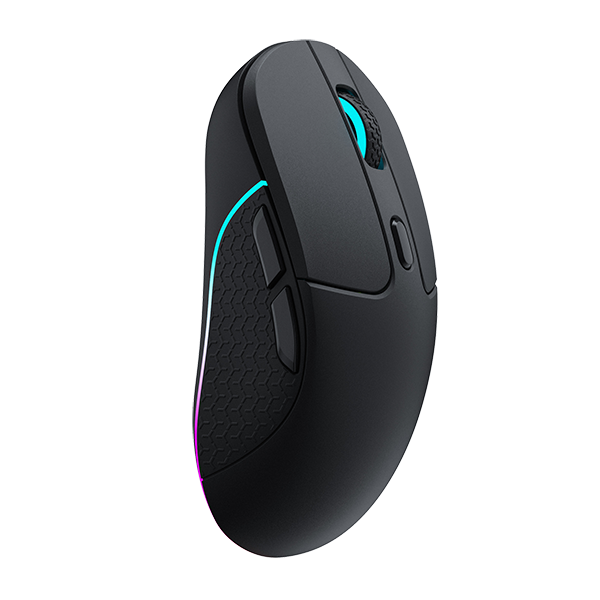
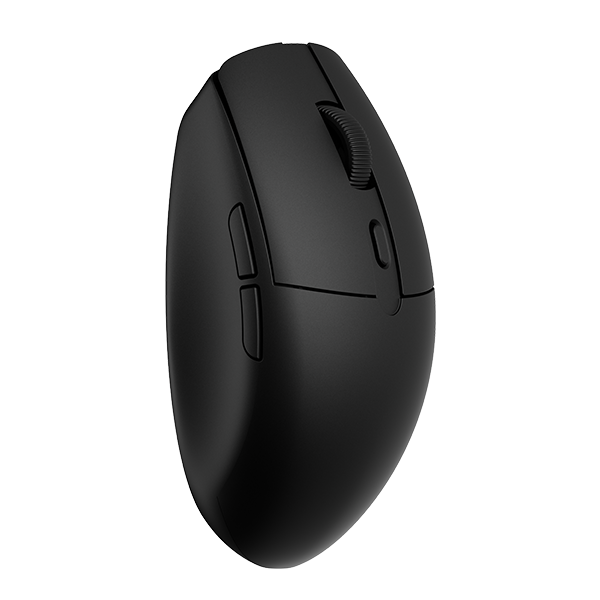
For mouse buttons, the actuation point is the depth at which a press registers as a click. Our mouse actuation point guide explains it for mouse buttons.
Check: read the mouse guide for clicks. This page covers keyboard keys.
Frequently asked questions
Is a lower actuation point better?
It depends on the key. A shallow point makes a key register earlier in its travel. A deeper point makes stray presses less likely. The K10 HE and K2 HE let you set each key differently.
Can you change the actuation point on a mechanical keyboard?
Not in software. The switch sets the point. A hot-swappable board such as the Q6 Max takes almost any 3-pin or 5-pin MX style mechanical switch, including ones with a different pre-travel spec. With a magnetic keyboard such as the K2 HE, you set the point per key in Launcher.
How do I choose an actuation point?
Start with what you want to avoid. If keys register when you rest your fingers on them, go deeper. If game keys register later than you want, go shallower. Change 0.1 mm at a time and test each change in Test Keys.
References & Citations
- K10 HE adjustable actuation 0.2 to 3.8 mm (Gateron Double-Rail) in 0.1 mm increments and 0.2 to 3.3 mm (Keychron Ultra-fast Lime), Rapid Trigger, magnetic sensors that measure actuation depth, Launcher browser and wired-mode note. (Keychron K10 HE product page)
- K2 HE adjustable actuation 0.2 to 3.8 mm with 0.1 mm sensitivity and Rapid Trigger. (Keychron K2 HE product page)
- Gateron Jupiter Red, Brown and Banana operation force, pre-travel and total travel. (Gateron Jupiter Switch Set)
- Q6 Max switch options (Gateron Jupiter Banana, Brown, Red) and hot-swap with almost all 3-pin and 5-pin MX style mechanical switches. (Keychron Q6 Max product page)
- Actuation Distance definition, how keys are selected and set in HE Mode, Rapid Trigger press and reset distances, Basic and Advanced Mode, Trigger Demo and Test Keys. (How to use HE mode on Keychron Launcher)
- The three default HE profiles: Default, Gaming and Gamepad. (How to manage your HE profile on Launcher)
- How a magnetic switch reads a press with a magnet and a sensor. (Magnetic keyboards explained)
Browse Keychron magnetic keyboards →·Browse the Keychron blog →