




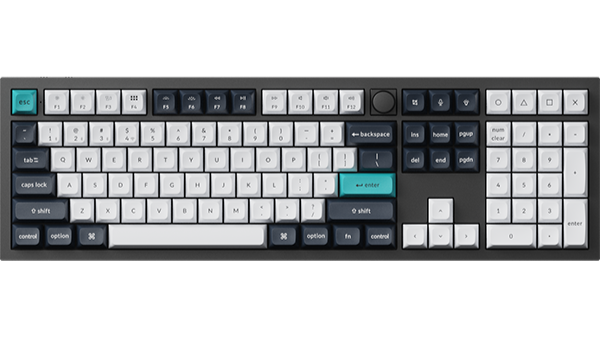
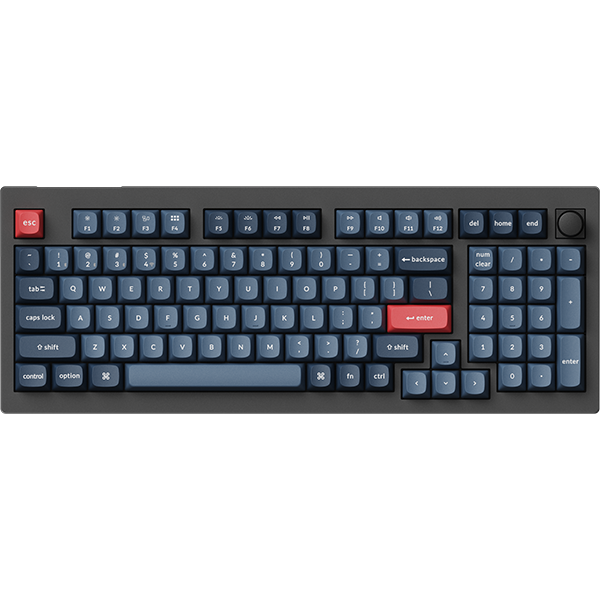
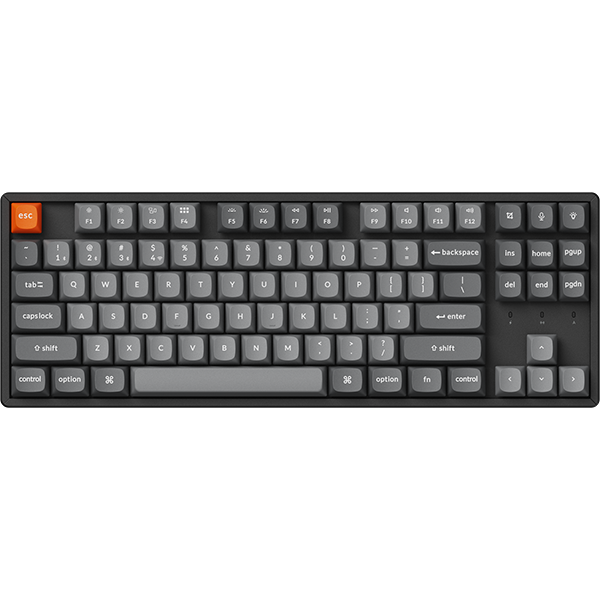

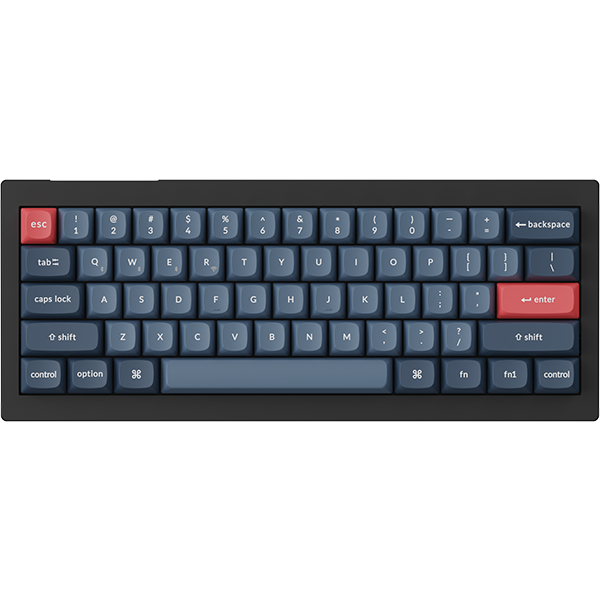



















IN THIS ARTICLE
- The three picks at a glance
- What Mac-first means on these three
- How to choose a keyboard for a MacBook
- Keychron K2 HE: Best for most MacBook desks
- Keychron K3 Max: Best for a low-profile board
- Keychron K10 HE: Best for a full desk with the number pad
- Which one should you get
- Frequently asked questions
Your MacBook sits on a stand, the screen is finally at eye level, and the built-in keyboard is now out of reach. Here are three Keychron keyboards for MacBook users, one for each kind of desk, chosen because they come out of the box set up for macOS.
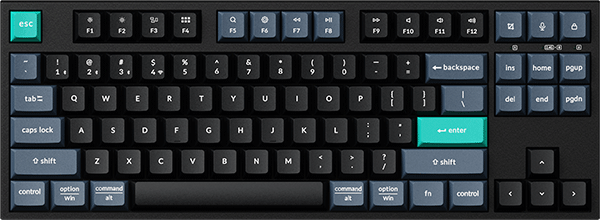
The short version
- Most MacBook desks: the K2 HE. A 75% board with magnetic switches you tune in a browser, wood side panels on the Special Edition, and a toggle for Mac or Windows.
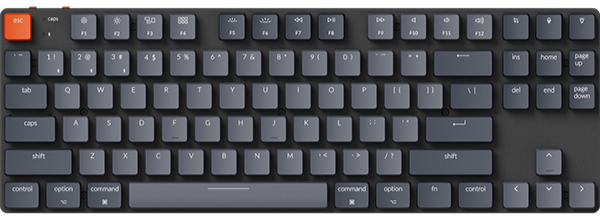
- You want a low-profile board: the K3 Max. The lowest of the three at 17 mm tall at the front with keycaps on, the closest in height to the laptop keyboard, 75% layout.
- Numbers all day: the K10 HE. Full size with the number pad, magnetic switches and a system toggle like the K2 HE.
- A shared desk is fine. All three keep a layout for macOS and one for Windows, and both keycap sets are in the box.
The three picks at a glance
Model names link to each product page. Battery figures are rated maximums from lab tests and vary with use.
| Model | Layout | Width | Connection | Switch | Battery | Best for |
|---|---|---|---|---|---|---|
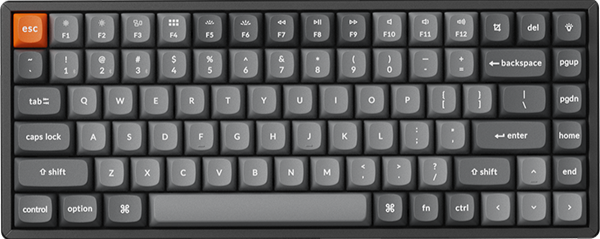
| K2 HE | 75% | 320.5 mm (Special Edition), 316.4 mm (Standard Version) | 2.4 GHz, Bluetooth (up to 3 devices), wired | Gateron Double-Rail Magnetic Nebula Switch Version 2, hot-swappable | Up to 110 hours | Most MacBook desks |
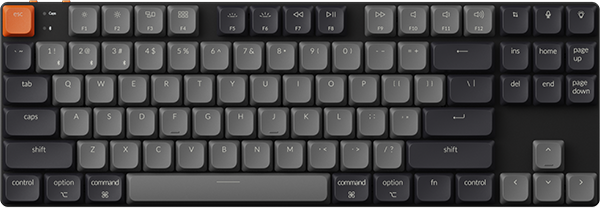
| K3 Max | 75%, low profile | 306 mm | 2.4 GHz, Bluetooth (up to 3 devices), wired | Low Profile Gateron Mechanical Red, Blue, Brown or Banana, or Low Profile Keychron Mechanical Red (varies by colour); hot-swappable on the (Hot-swappable) backlight versions | Up to 73 hours, backlight off | A low-profile board |
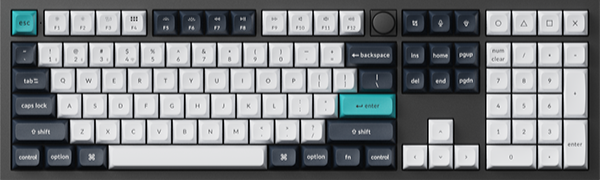
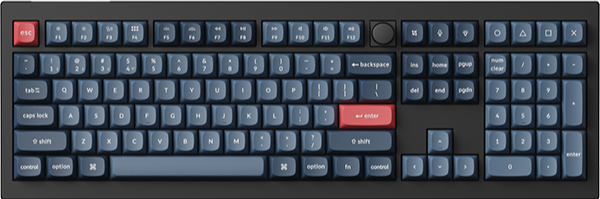
| K10 HE | 100% | 444.6 mm (Special Edition), 440.2 mm (Standard Version) | 2.4 GHz, Bluetooth, wired | Keychron Ultra-fast Lime Magnetic Switch or Gateron Double-Rail Magnetic Nebula Switch, hot-swappable | Up to 120 hours | Number pad work |
What Mac-first means on these three
One thing up front. Almost any keyboard will type letters on a MacBook. What it needs is the right legends, the right function row and a layout that stays put, and that is where these three start.
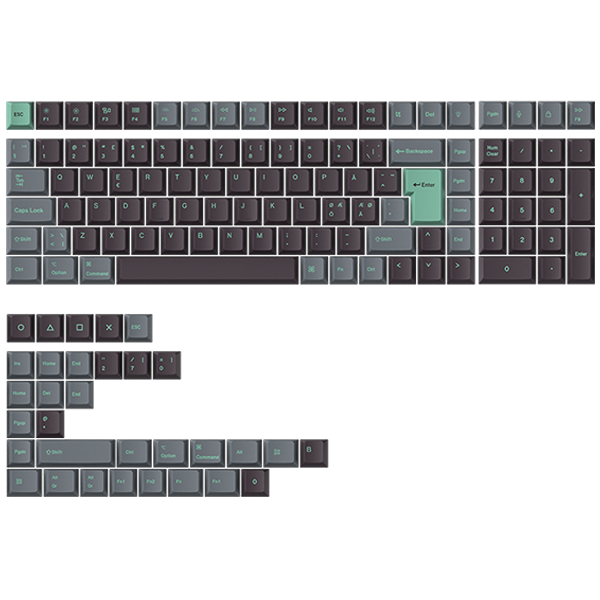
- Mac keycaps in the box. Each board comes with a keycap set for macOS and one for Windows, so the keys under your thumbs read the way macOS does.
- A function row that does Mac jobs. The default row on all three carries the screen brightness, media and volume legends you know from the laptop.
- One layout for each system. All three run QMK firmware, and in Launcher there are two layers for Mac and two for Windows, with Layer 0 as the Mac base. On the K2 HE and K10 HE a system toggle on the body picks the saved layout; on the K3 Max you set up a keymap for each system in the app.
- Set up in a browser, not an installer. Launcher is a free web app that opens in the latest Chrome, Opera or Edge on macOS, with the keyboard on the cable.
How to choose a keyboard for a MacBook
Choose the layout around your desk, then the height, then the switch. The connection is the same story on all three.
Layout first. A 75% board such as the K2 HE or K3 Max keeps the function row and the arrows and drops the number pad, so the mouse sits closer to your hand. A 100% board such as the K10 HE keeps the number pad. Measure the free width where the keyboard will sit, leaving the mouse its usual spot: about 32 cm for the K2 HE, 31 cm for the K3 Max and 45 cm for the K10 HE.
Keep the number pad if you enter figures every day, and go 75% if you never touch it.
Height second. With keycaps on, the K3 Max stands 17 mm tall at the front. The K2 HE stands 30.1 mm in the Special Edition and 30.2 mm in the Standard Version, and the K10 HE 32.94 mm and 33.4 mm. One K3 Max owner in a coding thread put it this way: "The k3 max isn't as flat and has more travel than MacBook keyboards. But for me switching between them is no issue". (r/Keychron)
Connection. All three connect over a 2.4 GHz receiver, over Bluetooth to up to three devices, or over the cable. Polling rate, how many times a second the keyboard reports to the computer, is 1000 Hz over 2.4 GHz and cable on all three; on Bluetooth it is 125 Hz on the K2 HE and K10 HE and 90 Hz on the K3 Max. Battery is rated at up to 110 hours on the K2 HE, up to 120 hours on the K10 HE and up to 73 hours with the backlight off on the K3 Max, each a lab figure.
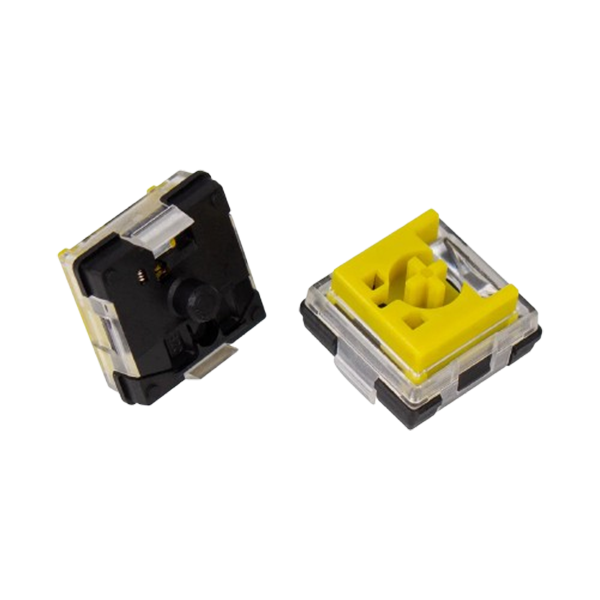
Switch last. The K2 HE and K10 HE use magnetic switches, which read how far a key is pressed (our magnetic keyboard explainer covers how). So in Launcher's HE Mode you set how far each key must travel before it registers: 0.2 to 3.8 mm in 0.1 mm steps on the Gateron Double-Rail Magnetic Nebula Switch, 0.2 to 3.3 mm on the Keychron Ultra-fast Lime Magnetic Switch. One setting worth trying for typing: set the letters deeper, so a light brush of a key no longer counts as a press. On the K3 Max, the low-profile Gateron switches are 31% slimmer than normal-profile switches, and there is no actuation setting to make.
Rule of thumb: on the K3 Max, many all-day typists prefer Low Profile Gateron Mechanical Brown if they want to feel each key, and Low Profile Gateron Mechanical Red for a light, smooth press.
Keychron K2 HE: Best for most MacBook desks
View the K2 HE on keychron.com →

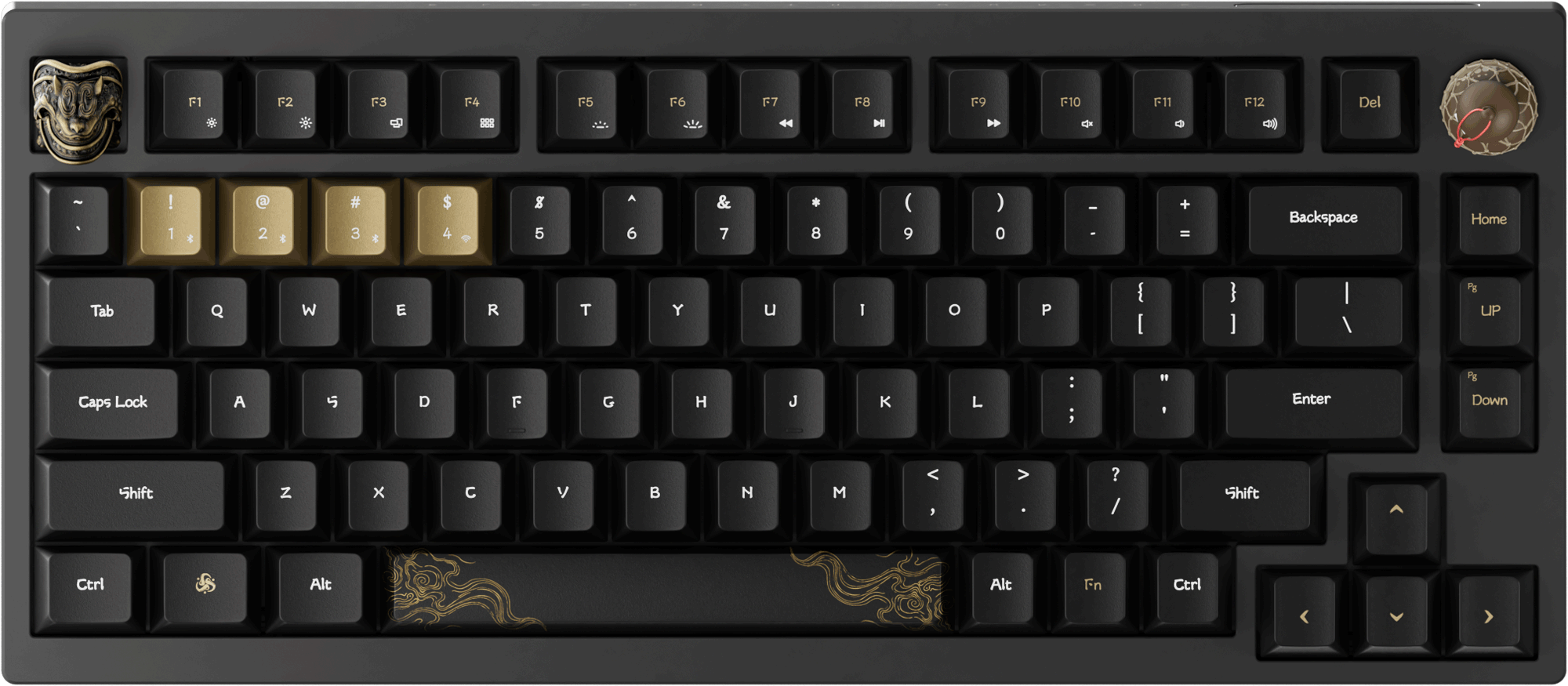
The Keychron K2 HE is a 75% board with magnetic switches, and it is one of our best sellers. The Special Edition weighs 965 g and pairs an aluminum frame with wood side panels, light wood on the white board and dark wood on the black one. We built it with Mac users in mind, and it shows: keycaps for macOS and for Windows come in the box, the system toggle swaps between a saved layout for each, and Bluetooth 5.2 pairs with up to three devices. It also won a 2025 CES Innovation Award.
If your desk has room for a mouse beside a 32 cm board, start with the K2 HE. On the product page choose Special Edition, then White or Black, then Gateron Double-Rail Magnetic Nebula Switch Version 2. For lit legends, choose Standard Version, Black, with the same switch; its keycaps are shine-through, and the Special Edition's are not.
One owner answering a thread about Mac and Windows remapping wrote that the K2 HE "came with Mac and Windows key caps, there is also a switch for Win or Mac". (r/Keychron)
Also in the K HE line: the K3 HE is the slim 75% version with low-profile magnetic switches, if you want adjustable keys at a lower height.
Keychron K3 Max: Best for a low-profile board
View the K3 Max on keychron.com →

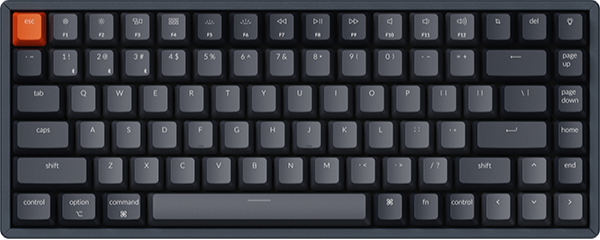
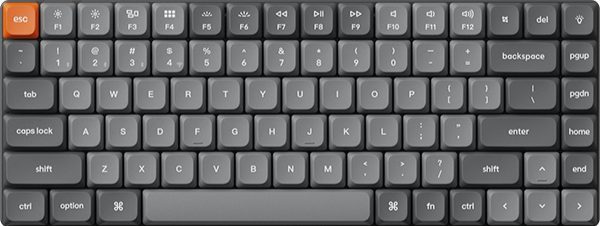
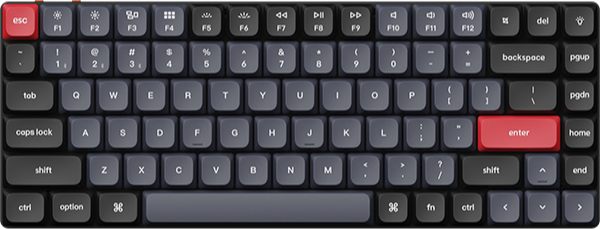
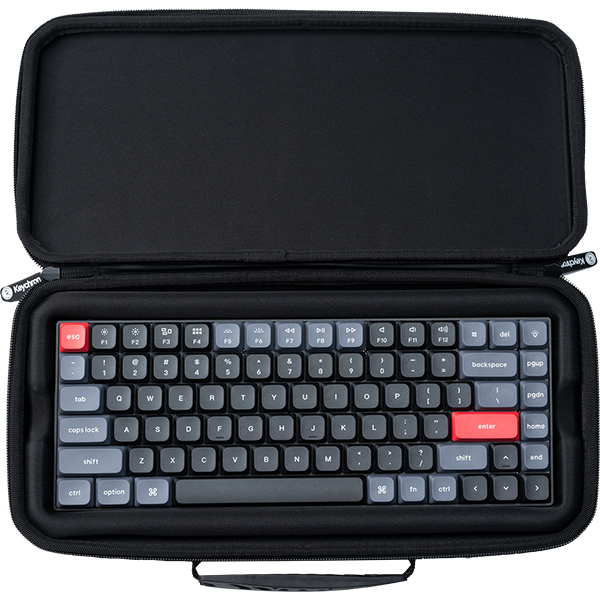
The Keychron K3 Max is a 75% board with 84 keys in an ABS and aluminum frame, 306 mm wide and 525 g. Its low-profile Gateron switches are 31% slimmer than normal-profile switches, and the board stands 17 mm tall at the front with keycaps on. It has a Mac layout that stays compatible with Windows: the function row does the same media and system jobs as the one on the laptop, keycaps for both systems come in the box with additional Esc and Enter keys, and Launcher keeps a keymap for each. Among low-profile boards it is one of our best sellers.
If you want the lowest board of the three, the closest in height to the laptop keyboard, get the K3 Max. Choose Black, then RGB Backlight (Hot-swappable), then Low Profile Gateron Mechanical Brown. Hot-swappable means you can pull the switches later and fit other Gateron or Keychron low-profile mechanical switches. For a lighter desk, White Gray with White Backlight and Low Profile Gateron Mechanical Brown sits well beside a silver laptop; that version is not hot-swappable.
A K3 Max owner in a thread about low-profile keyboards for Mac wrote: "I use K3 Max for my mac as a daily driver. Excellent keyboard." (r/Keychron)
Also in the K Max line: the K5 Max (100%, 424 mm wide, 720 g) is the full-size low-profile version with the number pad.
Keychron K10 HE: Best for a full desk with the number pad
View the K10 HE on keychron.com →

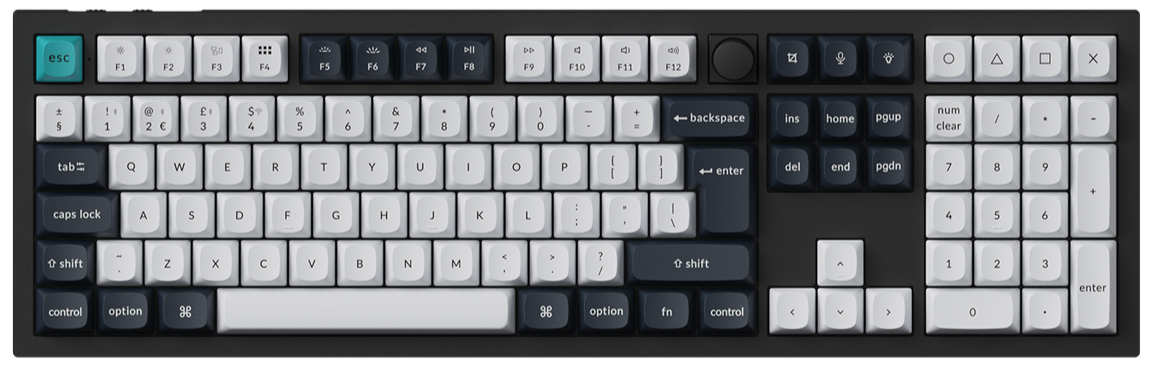
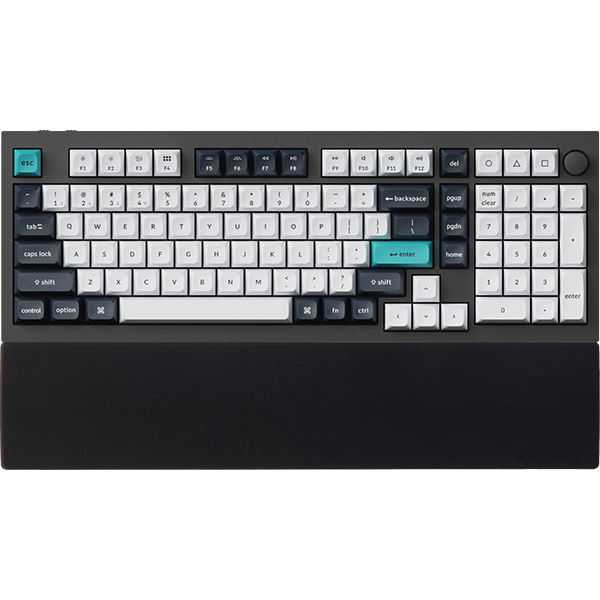
When your day runs through spreadsheets, invoices or any column of figures, the Keychron K10 HE puts a full number pad under your right hand. It is the full-size board in the same K HE line as the K2 HE: magnetic switches, a system toggle with both keycap sets in the box, Bluetooth 5.2 for three devices, and an aluminum frame with wood sides on the Special Edition, which weighs about 1310 g. It is one of our best sellers.
Take the K10 HE when the number pad earns its desk space. Choose Special Edition, then White or Black - Dark Brown Esc/Enter, then Keychron Ultra-fast Lime Magnetic Switch, the softer of the two switches with a deeper sound. Black - Dark Brown Esc/Enter also comes with the Gateron Double-Rail Magnetic Nebula Switch, which has a smoother, more stable double-rail structure. Each switch version takes only its own kind of switch, so pick the one you want to keep.
In a thread asking about the K10 HE for a non-gamer, an owner wrote: "I am typing this from my K10 HE and I really like it". (r/Keychron)
Also in the K HE line: the K4 HE (96%, 373 mm wide) keeps the number pad in a tighter layout for a narrower desk.
Which one should you get
Most MacBook desks: the K2 HE, Special Edition with Gateron Double-Rail Magnetic Nebula Switch Version 2.
A low-profile board: the K3 Max, RGB Backlight (Hot-swappable) with Low Profile Gateron Mechanical Brown.
Numbers all day: the K10 HE, Special Edition with Keychron Ultra-fast Lime Magnetic Switch.
Another Keychron fits better if you want a knob and a full aluminum case: the Q1 Max is a 75% board, 327.5 mm wide, with Gateron Jupiter mechanical switches and the same Mac and Windows setup. If you are still between the two magnetic boards, our K10 HE vs K2 HE typing piece goes deeper, and the Keyboard Finder covers the rest of the range.
Frequently asked questions
Do Keychron keyboards work with a MacBook out of the box?
The three in this guide do. Each ships with macOS keycaps and a Mac layout and connects over Bluetooth, the 2.4 GHz receiver or the cable. Nothing needs installing; Launcher runs in a browser if you want to remap keys.
Can I use one keyboard with a MacBook and a Windows PC?
Yes. Pair one computer over Bluetooth and the other over the receiver; on the K2 HE and K10 HE the system toggle swaps between a layout saved for each system, and the K3 Max keeps a keymap for each. The Windows keycaps are in the box if you want those legends.
Are magnetic keyboards good for daily typing?
Yes. The Gateron Double-Rail Magnetic Nebula and Keychron Ultra-fast Lime switches on these two boards are linear, so they feel much like a smooth linear mechanical switch, and in HE Mode you set how far each key must travel before it registers, so letters can sit deeper to avoid stray presses. If you prefer a bump you can feel, the K3 Max with Low Profile Gateron Mechanical Brown is the pick.
Shop the gear


References & Citations
- K2 HE layout, width, height, connections, polling rates, battery rating, switch versions, Mac and Windows keycaps and the system toggle. (Keychron K2 HE product page)
- K3 Max height, width, weight, typing angles, battery rating, Bluetooth devices, Mac layout and function row, low-profile switch compatibility. (Keychron K3 Max product page)
- K10 HE layout, width, height, connections, battery rating, the two switch options and their actuation ranges, Mac and Windows keycaps and the system toggle. (Keychron K10 HE product page)
- Launcher is a free web app for Chrome, Opera or Edge with two layers for Mac and two for Windows; Layer 0 is the Mac base and Layer 2 the Windows base. (How to use Launcher to program your keyboard)
- Actuation Distance is the minimum distance a key must be pressed to send a signal; keys are selected on the virtual keyboard and the value set per key. (How to use HE Mode on Keychron Launcher)
- How a magnetic switch reads a press, linked instead of repeated here. (Magnetic keyboard explained)
- A K3 Max owner on using it with a Mac every day; the K2 HE and K10 HE remarks are linked in place. (r/Keychron, low-profile keyboard for Mac thread, April 2026)