




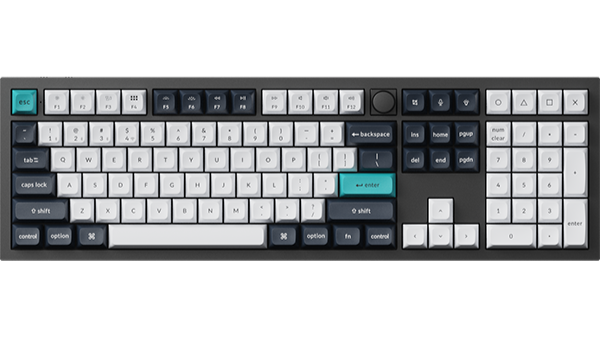
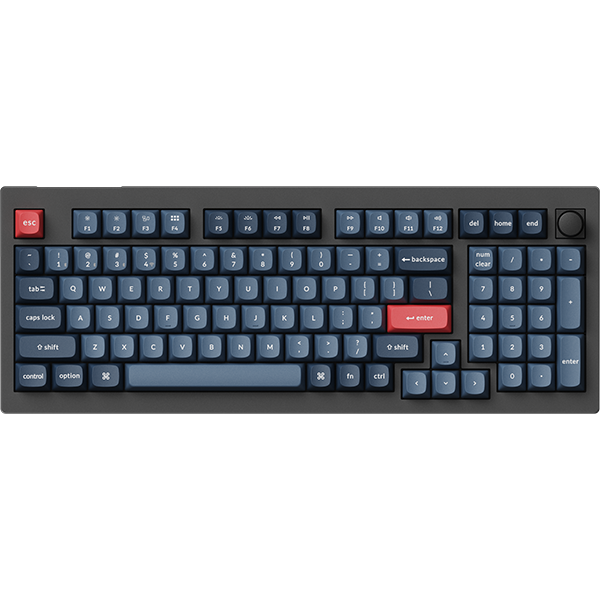
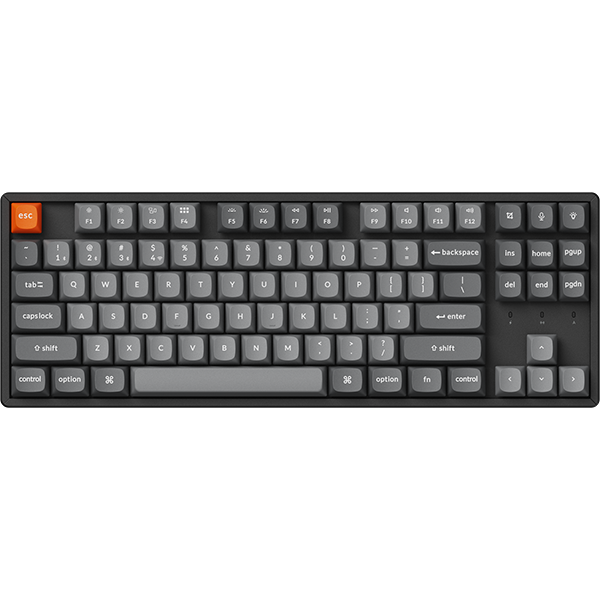

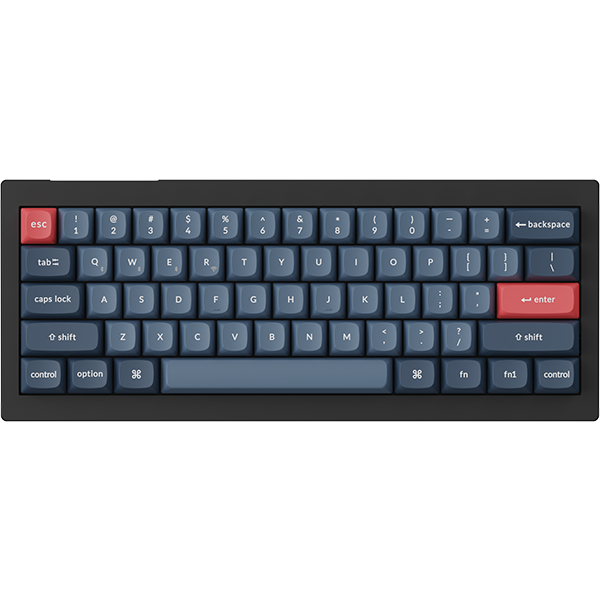


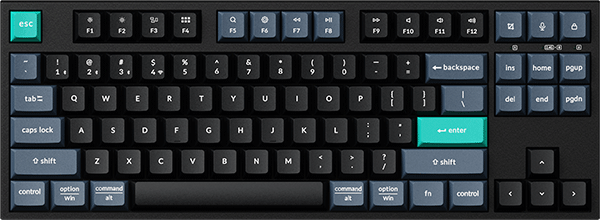

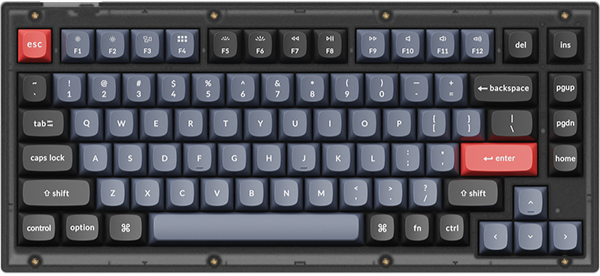
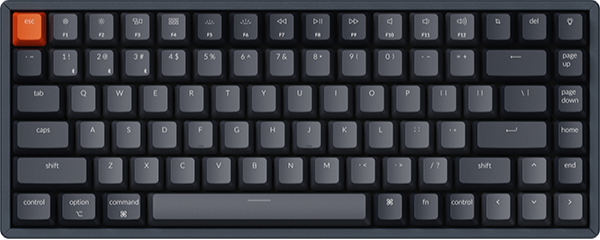
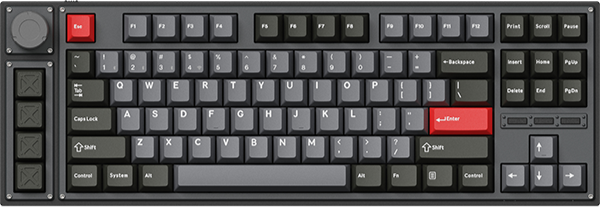




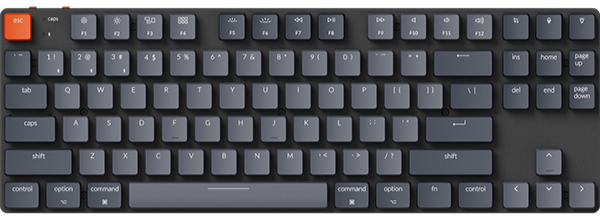


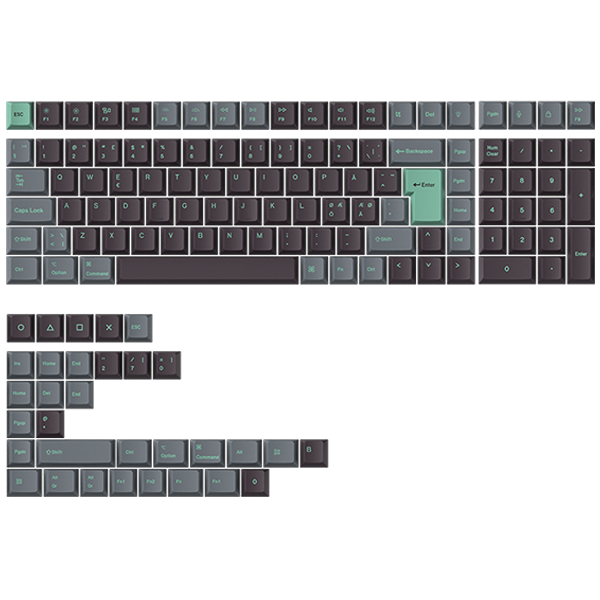
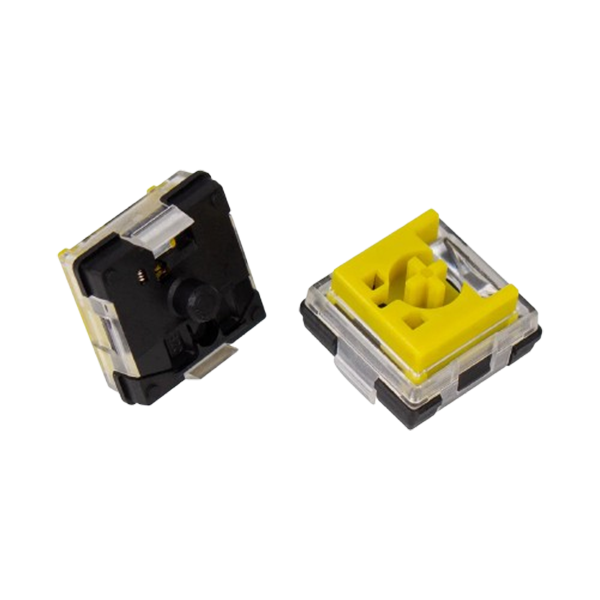
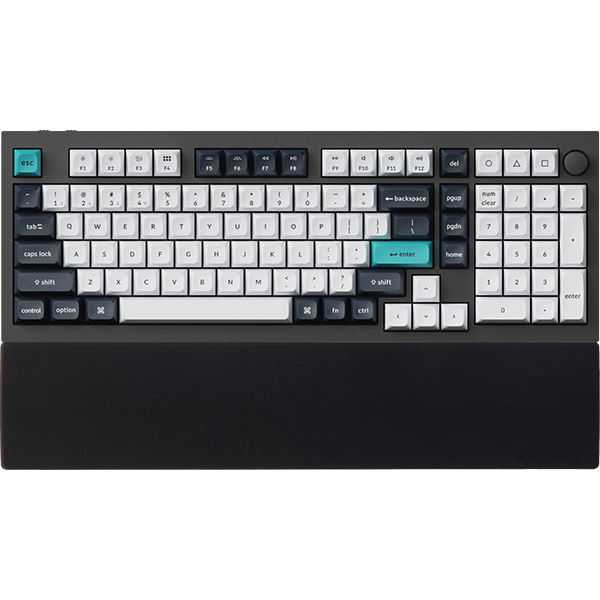

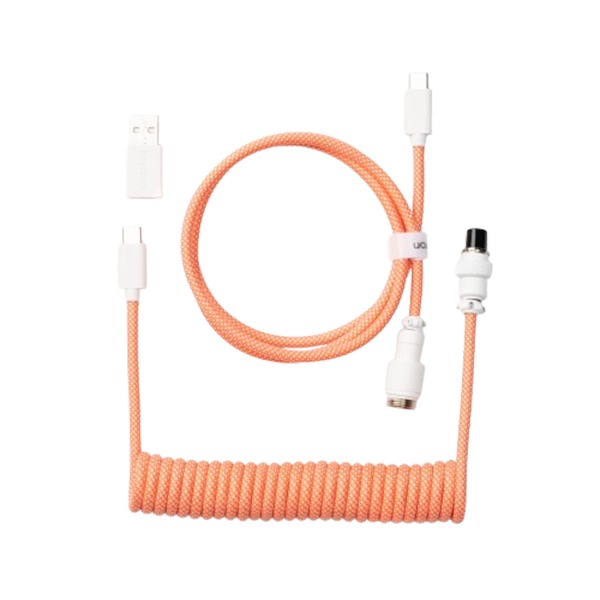
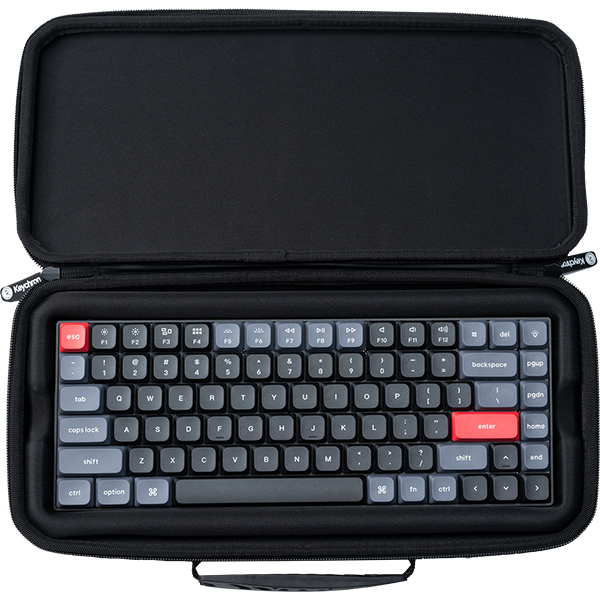









The K3 Pro and the K3 Max both list a 1000 Hz polling rate, and that shared number hides the real difference. Choose Max for 2.4 GHz wireless, and Pro if Bluetooth and a cable are all you need. On the K3, the Max also adds acoustic foam inside. Ultra and HE answer other questions: Ultra raises the polling rate to 8000 Hz on the receiver and cable, and HE swaps the mechanical switch for a magnetic one.
The short version
- Cable or Bluetooth most days: the K3 Pro covers both, and it is rated for around 100 hours over Bluetooth with the backlight off (lab test).
- You want a 2.4 GHz receiver: pick the K3 Max, which reports at 1000 Hz on the receiver and on the cable.
- You want 8000 Hz on the receiver or cable, or per-key actuation: pick the K3 Ultra 8K for the first and the K3 HE for the second.
What the polling rate spec actually measures
Polling rate is how many times a second the keyboard reports to your computer. The spec sheet says 1000 Hz on both boards. On your desk, it depends on the connection.
On the K3 Pro, you get 1000 Hz over the USB Type-C cable and 90 Hz over Bluetooth. Add the 2.4 GHz receiver of the K3 Max and that path also runs at 1000 Hz, while its Bluetooth stays at 90 Hz.
So the gap between them is one connection, and that connection is the receiver. A polling rate changes how often a press is reported. It does not change your aim or how a switch feels.
Rule of thumb: if you will never plug in a receiver, polling rate will not separate these two.
The trade-off between Max and Pro
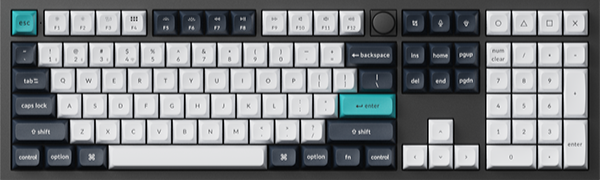
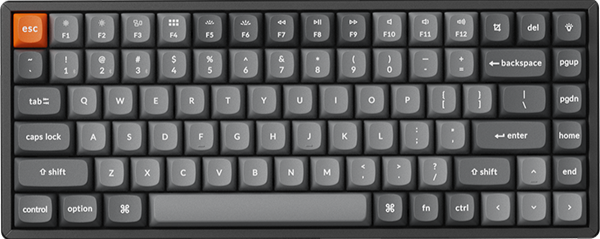
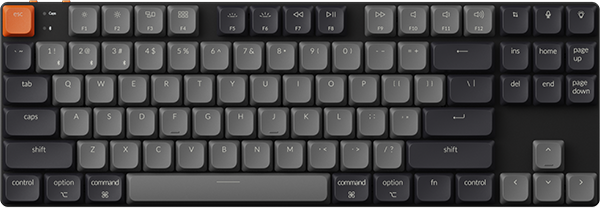
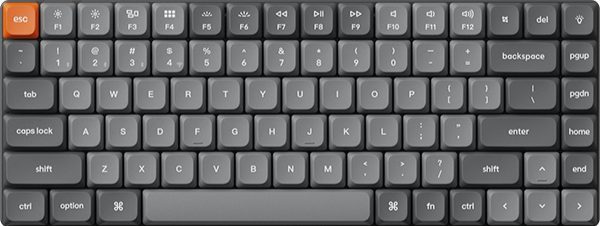
On the K3 pair, a lot is shared. Both are 84-key, 75% boards at 306 x 116 mm and 525 g. Both run QMK firmware and remap in the Keychron Launcher web app, opened in the latest Chrome, Opera, or Edge with the keyboard connected by cable.
The Max adds the receiver, and on the K3 pair it adds foam. Inside the K3 Max, IXPE acoustic foam is there for quieter keystrokes, and latex foam supports the switches. On the 96% pair, the K4 Max lists IXPE, PET, and EPDM foam, and the K4 Pro lists sound-absorbing foam and a silicone bottom pad.
On each pair below, the Pro lists more rated hours: its figure is for Bluetooth, and the Max pages give one wireless figure, both with the backlight off (lab test).
Rule of thumb: pick the Max when you will use the receiver, and the Pro when Bluetooth and a cable cover your day.
What it means on your desk
| Model | Connections | Polling rate in Hz (2.4 GHz / cable / Bluetooth) | Rated battery in hours | Firmware |
|---|---|---|---|---|
| K3 Pro | Bluetooth, cable | — / 1000 / 90 | Around 100 | QMK |
| K3 Max | 2.4 GHz, Bluetooth, cable | 1000 / 1000 / 90 | Around 73 | QMK |
| K4 Pro | Bluetooth, cable | — / 1000 / 90 | Around 260 | QMK |
| K4 Max | 2.4 GHz, Bluetooth, cable | 1000 / 1000 / 125 | Around 190 | QMK |
| K10 Pro | Bluetooth, cable | — / 1000 / 90 | Around 260 | QMK |
| K10 Max | 2.4 GHz, Bluetooth, cable | 1000 / 1000 / 90 | Around 190 | QMK |
| K3 Ultra 8K | 2.4 GHz, Bluetooth, cable | 8000 / 8000 / 125 | Up to 550 | ZMK |
| K3 HE | 2.4 GHz, Bluetooth, cable | 1000 / 1000 / 125 | Up to 55 | QMK |
The Pro and Max hours are lab-test results with the backlight off, and the Pro figures are for Bluetooth. At 8000 Hz with the backlight off, the K3 Ultra 8K is rated for up to 550 hours. For the K3 HE, the up to 55 hours is a lab-test result.
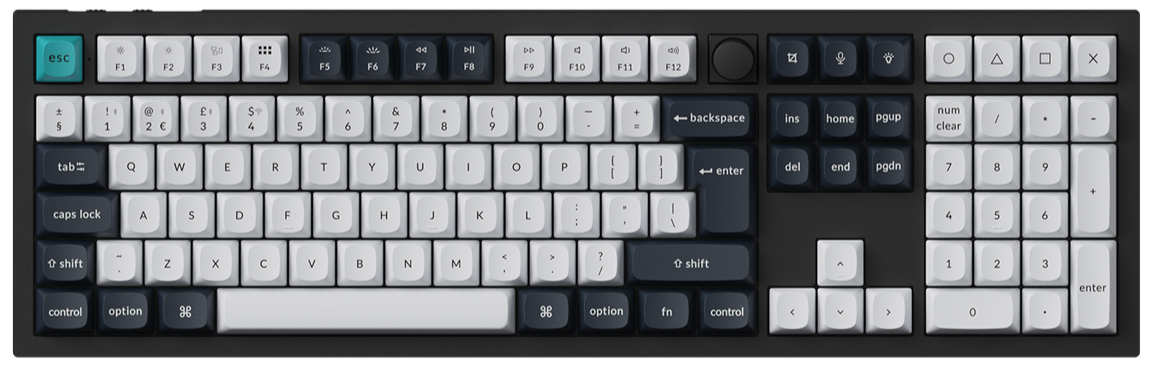
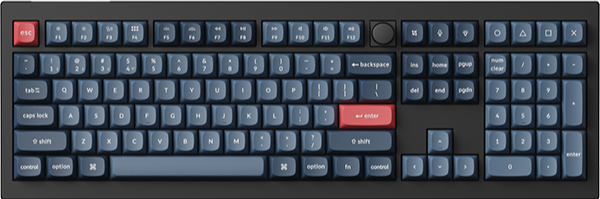
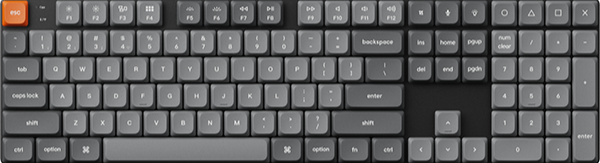
Those model numbers mark the layout: K3 is 75%, K4 is 96%, and K10 is 100%. The K3 boards are low-profile, and the K4 and K10 boards are normal-profile. Pick the size first, then the tier.
Keychron K3 Max: Best for 2.4 GHz on a low-profile 75%
View the K3 Max on keychron.com →
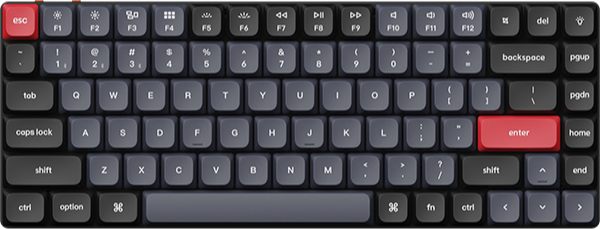
With a 2.4 GHz receiver, Bluetooth to up to three devices, and a USB Type-C cable, the K3 Max has three ways to connect. Rated wireless use is around 73 hours with the backlight off (lab test).

The (Hot-swappable) backlight versions take Gateron and Keychron low-profile mechanical switches, so check its page before buying others. For a number pad in the same tier, the normal-profile K4 Max and K10 Max are in the table above.
Pick: Black with RGB Backlight (Hot-swappable) and Low Profile Gateron Mechanical Red or Low Profile Gateron Mechanical Brown. Those two let you change switches later without soldering. For a light-colored board, choose White Gray with White Backlight and Low Profile Gateron Mechanical Brown or Low Profile Keychron Mechanical Red. That White Backlight version is not one of the (Hot-swappable) options.
Keychron K3 Pro: Best for Bluetooth and cable use
View the K3 Pro on keychron.com →
Bluetooth to up to three devices or a USB Type-C cable is how the K3 Pro connects. Rated use is around 100 hours over Bluetooth with the backlight off (lab test).

A Pro is enough if your board stays on a cable, or if you switch between a laptop, phone, and tablet over Bluetooth. You keep QMK and Launcher either way.
Pick: Black, White Backlight, and Brown. That Brown option is not one of the (Hot-Swappable) versions. For a hot-swappable Pro, the normal-profile K4 Pro, a 96% board, comes as Black - Fully Assembled (Hot-Swappable) with RGB Backlight and K Pro Brown, or White - Fully Assembled (Hot-Swappable) with White Backlight or RGB Backlight and K Pro Red or K Pro Banana.
Keychron K3 Ultra 8K: Best for 8000 Hz on the receiver and cable
View the K3 Ultra 8K on keychron.com →
Over 2.4 GHz and the cable, the K3 Ultra 8K reaches 8000 Hz, and over Bluetooth it reports at 125 Hz. ZMK firmware replaces QMK here, and you remap in the same Launcher web app. Rated battery is up to 550 hours at 8000 Hz with the backlight off.

Its Keychron Milk POM switches are hot-swappable, and the frame is natural wood and metal. At 320.62 x 126 mm, it is a little larger than the K3 Max.
Pick: Fully Assembled in Black with Keychron Milk POM Brown or Keychron Milk POM Banana, or in White with Keychron Milk POM Red, Keychron Milk POM Brown, or Keychron Milk POM Banana.
Keychron K3 HE: Best for adjustable actuation and Rapid Trigger
View the K3 HE on keychron.com →
Keychron Ultra-Fast Lime Low-Profile Magnetic Switches give each key on the K3 HE its own actuation point from 0.2 to 2.9 mm, in 0.1 mm steps. With Rapid Trigger, a key resets after a release distance you set, instead of at one fixed point.

You set both in Launcher's HE Mode. It reports at 1000 Hz on 2.4 GHz and the cable, and it is rated for up to 55 hours of wireless use (lab test). It takes the Keychron Ultra-Fast Lime Low-Profile Magnetic Switch for hot-swapping, and our magnetic keyboard explainer covers how these switches work.
Pick: Fully Assembled, White, with the Keychron Ultra-Fast Lime Low-Profile Magnetic Switch.
Who should care about each tier, and who should not
If you play games wirelessly over a receiver, or you want one receiver in a desktop and Bluetooth for a tablet, the Max earns its place. If you remap keys for programming, both tiers run QMK and Launcher, so remapping should not decide it. If you carry the board, the K3 boards are the slim option in this table.
If your keyboard lives on a cable or your devices pair over Bluetooth, a 2.4 GHz receiver would go unused, and the Pro covers both connections. Ultra suits you if 8000 Hz is on your list, and HE suits you if you plan to open the settings and tune each key.
If you remember one thing: buy the connection you will actually use.
Frequently asked questions
Does Keychron Pro have 2.4GHz wireless?
Not on the K Pro boards in this guide: Bluetooth and USB cable are the connections on the K3 Pro, K4 Pro, and K10 Pro. For 2.4 GHz, pick the K3 Max, K4 Max, or K10 Max. If you are looking at another Pro line, check that model's page, because the connections differ.
Is the Keychron Max better for gaming than the Pro?
For wireless play, the Max gives you 1000 Hz over its 2.4 GHz receiver. On a cable, the K3 Pro and K3 Max both report at 1000 Hz, so the polling rate is the same. Polling rate changes how often a press is reported, and it does not change your aim.
Do Keychron Pro and Max work with VIA and Keychron Launcher?
Yes. You can remap the Pro and Max boards in this guide in the Keychron Launcher web app, opened in the latest Chrome, Opera, or Edge with the cable connected. They also have keymap JSON files for VIA on our firmware and JSON page. Our QMK vs VIA vs Launcher guide explains the difference.
Shop the products in this guide


References & Citations
- K3 Pro connection, polling rate, battery, size, and software. (Keychron K3 Pro product page)
- K3 Max connection, polling rate, battery, foam, size, and options. (Keychron K3 Max product page)
- K3 Ultra 8K polling rate, battery, firmware, switches, and size. (Keychron K3 Ultra 8K product page)
- K3 HE switches, actuation range, Rapid Trigger, polling rate, and battery. (Keychron K3 HE product page)
- K4 Pro connection, polling rate, battery, foam, and options. (Keychron K4 Pro product page)
- K10 Max connection, polling rate, and battery. (Keychron K10 Max product page)
- Firmware and keymap JSON files for K Pro and K Max keyboards. (Firmware and JSON files of K Pro and K Max)