
























IN THIS ARTICLE
- What Keychron software actually is
- The trade-off of a browser app
- What it means on your desk
- Keychron K10 HE: Best for tuning actuation key by key
- Keychron Q6 Max: Best for a QMK board with a knob to remap
- Keychron G6 HE: Best for a mouse you tune in the same browser tab
- Who should care, and who should not
- FAQ
Yes, Keychron has software, and the main one is not a download. Keychron Launcher is a free web app at launcher.keychron.com. You open it in the latest Chrome, Opera, or Edge, connect your keyboard or mouse, and change keys, macros, and lighting from the browser tab.
The spec sheet says "Launcher web app." On your desk, it means there is no installer to hunt for. Which Keychron software you need depends on the device you own and what you want to change on it. Two smaller tools, Keychron Assistant and Keychron Engine, are downloads.
The short version
- Keys, macros, lighting, and firmware: open Keychron Launcher in the latest Chrome, Opera, or Edge. It covers the K10 HE, the Q6 Max, and the G6 HE, the three devices in this review.
- One key that opens an app or a web page: that is Quick Start in Launcher, and it needs Keychron Assistant, a download for macOS and Windows.
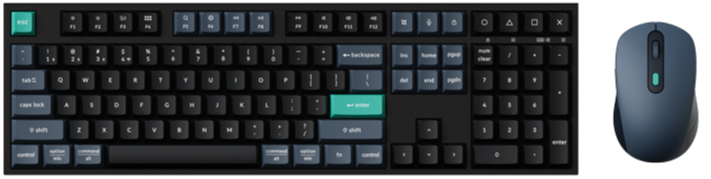
- A wireless mouse such as the M3: Launcher works in the browser, and Keychron Engine is the installable option for Windows and macOS.
What Keychron software actually is
Keychron software is mostly one web page. Launcher is the settings tool for the Keychron keyboards and mice that list it on their product pages, and it runs in a browser tab.
- Where: launcher.keychron.com, free to use.
- Browser: the latest Chrome, Opera, or Edge.
- Systems: macOS, Windows, and Linux.
- Connection: the cable for the K10 HE and Q6 Max, and the cable or the 2.4 GHz receiver for the G6 HE.
- What it changes: key and knob functions, macros, lighting, mouse buttons, DPI, polling rate, and firmware.
The other names you will run into are smaller tools.
| Software | What it is | Runs on | Use it for |
|---|---|---|---|
| Keychron Launcher | Web app | Latest Chrome, Opera, or Edge | Keys, macros, lighting, mouse settings, firmware updates |
| Keychron Assistant | Download, companion to Launcher | macOS, Windows | Quick Start |
| Keychron Engine | Download for the wireless mice its page names (M1 Wireless, M3, M3 Mini) | Windows, macOS | Buttons, DPI, polling rate, macros, RGB |
| Firmware page | File library | keychron.com | Firmware and JSON files by series |
Check: find the Software line in the specs on your product page, or the Launcher section further down. If it names Keychron Launcher, start there.
Rule of thumb: if the product page says Launcher, you do not need to download anything to remap a key.
The trade-off of a browser app
A web app has no installer and no updater. You always open the current version, and it works on macOS, Windows, and Linux. That is what you gain.
Two conditions come with it. The first is the browser. Launcher lists the latest Chrome, Opera, and Edge only, so keep one of the three around for setup days.
The second is the connection. For the K10 HE and Q6 Max, plug in the cable before you click Connect. For the G6 HE, the cable or the 2.4 GHz receiver both work. Firmware updates on all three need the cable. On the G6 HE, keep it connected until the update finishes.
One more detail for Windows. Before your first keyboard firmware update, Launcher may ask you to install the QMK Toolbox driver. The prompt appears in the firmware update steps.
Rule of thumb: set up a keyboard on the cable in Chrome, Opera, or Edge, then go back to the connection you use every day.
What it means on your desk
The menu on the left of Launcher changes with the device you connect.
On a keyboard
With the K10 HE or Q6 Max connected, the menu includes Keymap, Macro, Backlight, and Firmware Update. Keymap is where most people start. Click a key on the on-screen keyboard, pick its new function from the tabs below, and the change is done when the on-screen key shows it.
Layers give each key more than one job. Many Keychron QMK keyboards have four layers, two for Mac and two for Windows, and the system toggle on the keyboard decides which pair is active. Our Launcher guide walks through remapping, macros, and firmware screen by screen.
On a magnetic keyboard
A magnetic board adds HE Mode to that menu. Actuation Distance is how far you press a key before it sends a signal, and you set it per key. Rapid Trigger changes the reset: a key resets after a release distance you set, instead of at one fixed point.

The HE Mode how-to has the step-by-step version.
On a mouse
Connect the G6 HE, and the menu includes MagOptic Mode, Customize, DPI Settings, Polling Rate, and Advanced. Customize is the button map. Select a button on the on-screen mouse, then give it a function from tabs such as Basic Buttons, Shortcut Keys, Key Combinations, Multimedia Keys, and Macro.

A key combination pairs modifier keys with a regular key. Our mouse button how-to covers each tab.
Quick Start and Keychron Assistant
Quick Start opens an app or a web page from a shortcut you choose. It is the Launcher feature in this review that needs a download. Click Quick Start in the left menu, and Launcher offers the Keychron Assistant download for macOS or Windows. The install steps take you through both systems.
Keychron K10 HE: Best for tuning actuation key by key
View the K10 HE on keychron.com →
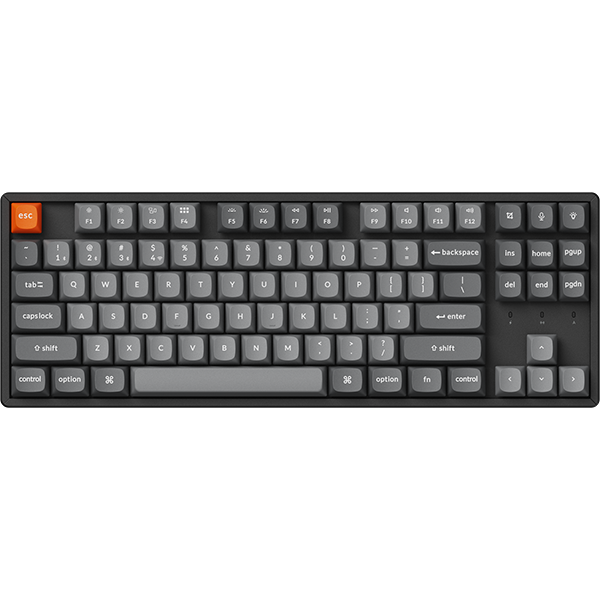
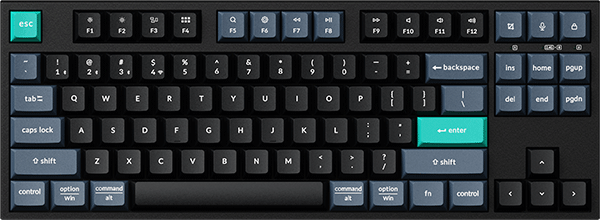
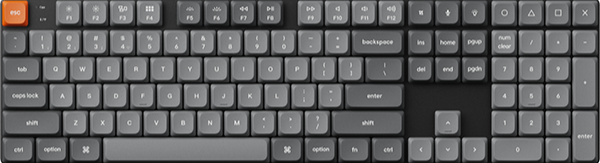
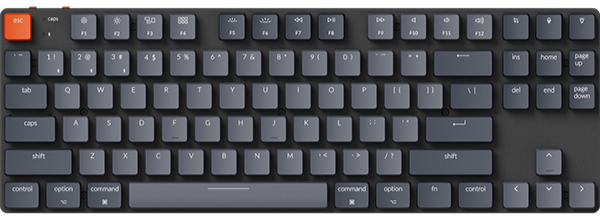
The K10 HE is a full-size magnetic keyboard, and it is the device here that opens HE Mode in Launcher. Actuation runs from 0.2 to 3.8 mm with the Gateron Double-Rail switch and from 0.2 to 3.3 mm with the Keychron Ultra-fast Lime switch, both in 0.1 mm steps. Dynamic Keystrokes can put up to four actions on one key by press depth.
It connects over 2.4 GHz, Bluetooth, or cable, at 1000 Hz on the cable and 2.4 GHz. The system toggle keeps two layouts on the keyboard, one for Mac and one for Windows.
The option to pick: Standard Version in Black, then the switch. Choose Keychron Ultra-fast Lime Magnetic Switch for a softer feel and a deep, thocky sound, or Gateron Double-Rail Magnetic Nebula Switch for the wider 0.2 to 3.8 mm range. Special Edition adds the wood frame. Pick it in White with either switch, or in Black - Orange Esc/Enter or Black - Dark Brown Esc/Enter with Keychron Ultra-fast Lime Magnetic Switch.
Keychron Q6 Max: Best for a QMK board with a knob to remap
View the Q6 Max on keychron.com →
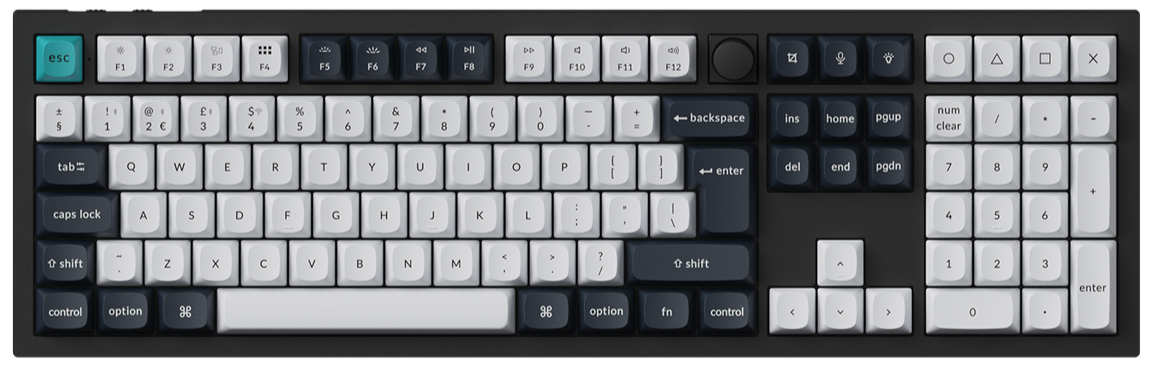
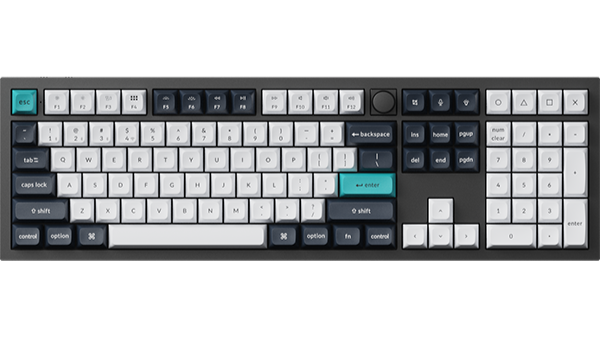
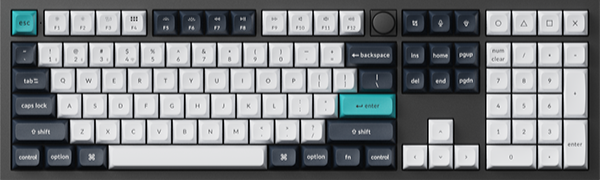
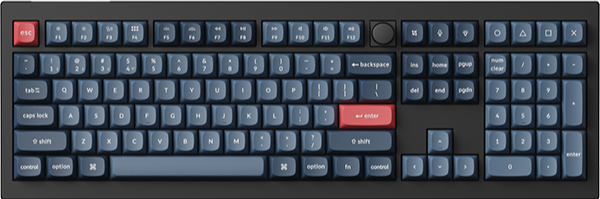
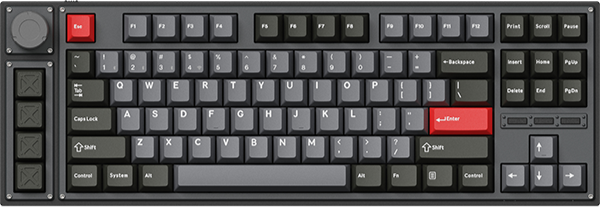
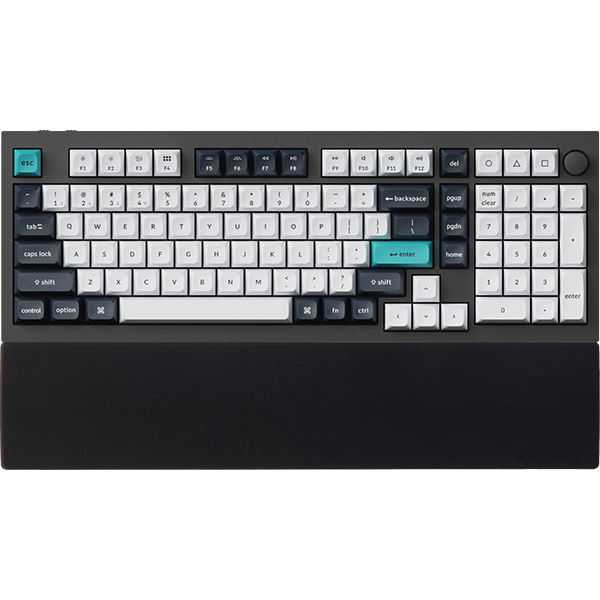
The Q6 Max is a full-size mechanical keyboard on QMK firmware, with a knob, a gasket-mounted aluminum case, and hot-swappable Gateron Jupiter switches. In Launcher, you get Keymap, Macro, Backlight, and Firmware Update, and Launcher remaps the knob as well as the keys.
It connects over 2.4 GHz, Bluetooth to up to three devices, or cable, at 1000 Hz on the cable and 2.4 GHz. If you already work in VIA, our QMK, VIA, and Launcher comparison explains where each tool fits.
The option to pick: Fully Assembled Knob in Carbon Black with Gateron Jupiter Brown or Gateron Jupiter Red. For a white board, pick Shell White with Gateron Jupiter Banana or Gateron Jupiter Red.
Keychron G6 HE: Best for a mouse you tune in the same browser tab
View the G6 HE on keychron.com →
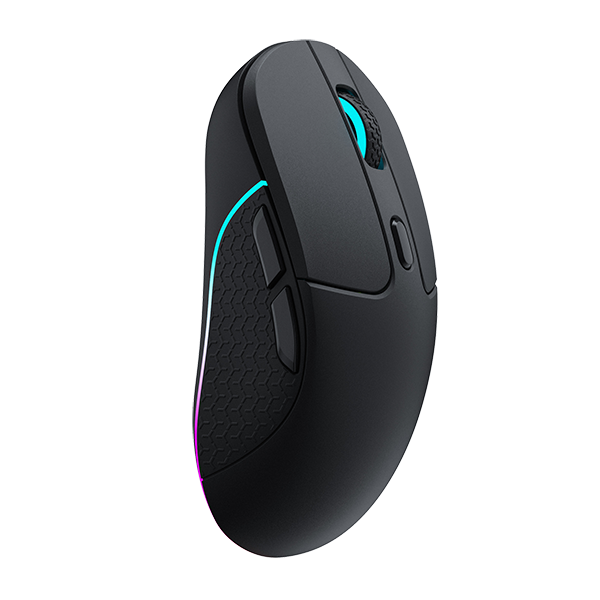
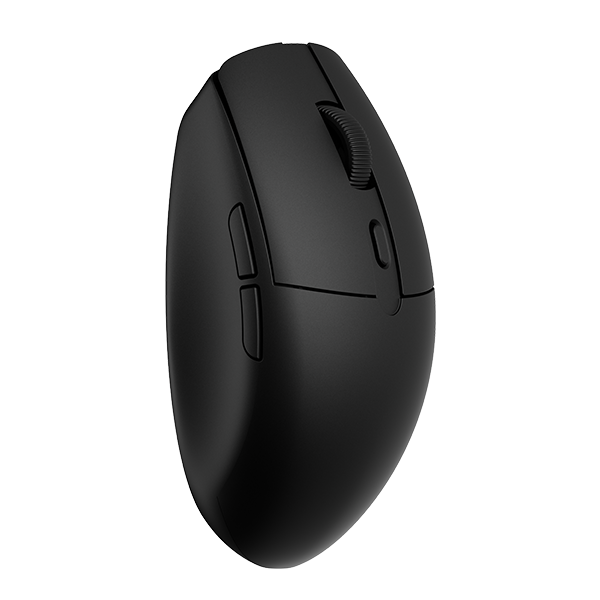
The G6 HE is an ultralight wireless mouse with MagOptic switches, which combine optical and magnetic sensing. The same Launcher page that remaps your keyboard sets its buttons, DPI, polling rate, actuation points, Rapid Trigger, and macros. The sensor is a PixArt 3955 with DPI up to 40,000, and polling goes up to 8,000 Hz in both wired and 2.4 GHz wireless modes.
Launcher connects to it over the cable or 2.4 GHz, so the receiver you already play on is enough for a settings change. The G6 HE is set up in Launcher, and Keychron Engine is for the mice its own page names.
The option to pick: Swappable Battery Version with PixArt 3955 (8K Polling Rate), in Black, White, Frosted Mint, Frosted Lavender, Frosted Pink, or Frosted Smoke. It includes the TurboLink 8K, a receiver and spare-battery charging dock with four customizable buttons for shortcuts, macros, or app launches.
Who should care, and who should not
Worth it if you plan to change anything: a Caps Lock you never use, a screenshot shortcut on one key, a different DPI step, or how deep a key fires. Launcher is the reason those changes do not require an install, and it is the same tool across all three devices here.
Skip it if you are happy with the keys as they ship. The K10 HE and Q6 Max already switch between Mac and Windows layouts with the system toggle on the keyboard.
If you remember one thing: check the product page for the word Launcher, then open the web app before you look for a download.
FAQ
Does Keychron have software?
Yes. Keychron Launcher is a free web app at launcher.keychron.com for keys, macros, lighting, mouse settings, and firmware updates. Keychron Assistant adds Quick Start, and Keychron Engine is a downloadable app for the wireless mice its page names: the M1 Wireless, M3, and M3 Mini. The G6 HE is set up in Launcher.
Is Keychron software free?
Yes for Launcher, which is free to use. It runs in the latest Chrome, Opera, or Edge, and there is nothing to install for keys, macros, and lighting.
Does Keychron software work on Mac?
Yes. Launcher runs on macOS, Windows, and Linux in a supported browser. Keychron Assistant has macOS and Windows versions, and Keychron Engine has Windows and macOS versions.
Shop the gear


References & Citations
- Launcher is a free web app for remapping keys and knobs, macros, lighting, and firmware updates, opened in the latest Chrome, Opera, or Edge. (How To Use Launcher To Program Your Keyboard)
- Keychron Assistant is a companion tool for Launcher that provides Quick Start, with macOS and Windows installs. (How to Download and Install Keychron Assist)
- Keychron Engine downloads for Windows and macOS, the wireless mice it names, and what it sets. (Learn More How to Use Keychron Mouse Software)
- Firmware and JSON files by series, and the note that keyboard firmware is updated through Launcher. (Keychron Firmware page)
- Mouse button functions in Launcher: the Customize screen and its tabs, including key combinations of modifier keys with a regular key. (How to Set Mouse Customize Buttons on Launcher)
- K10 HE actuation ranges per switch, Dynamic Keystrokes, polling rate, and the wired-mode note for Launcher. (Keychron K10 HE product page)
- G6 HE sensor, DPI, polling rate, TurboLink 8K, and the Launcher settings list with wired or 2.4G connection. (Keychron G6 HE product page)