




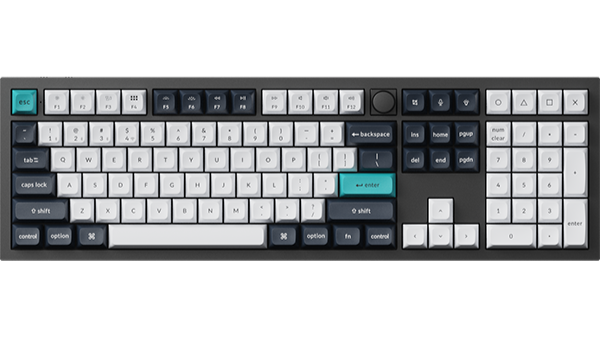
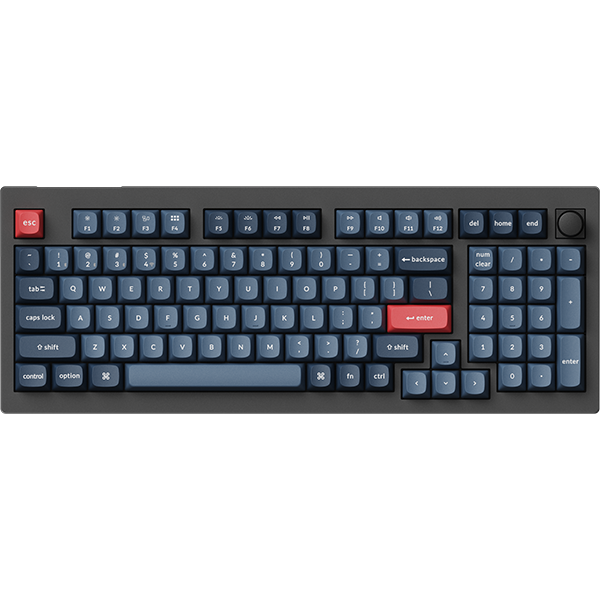
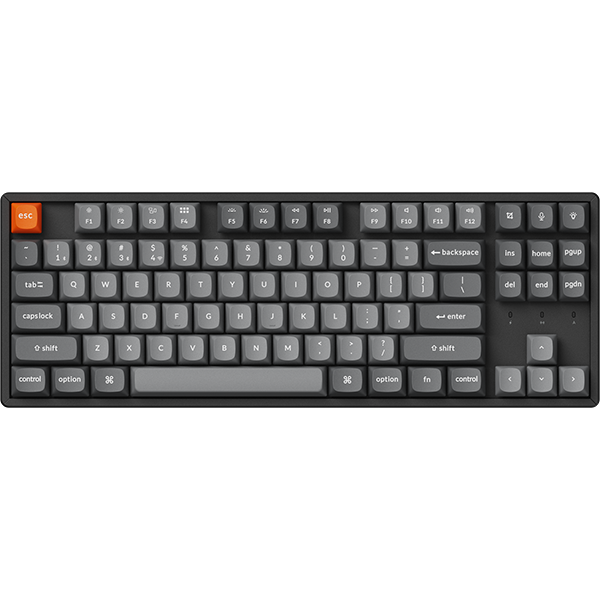

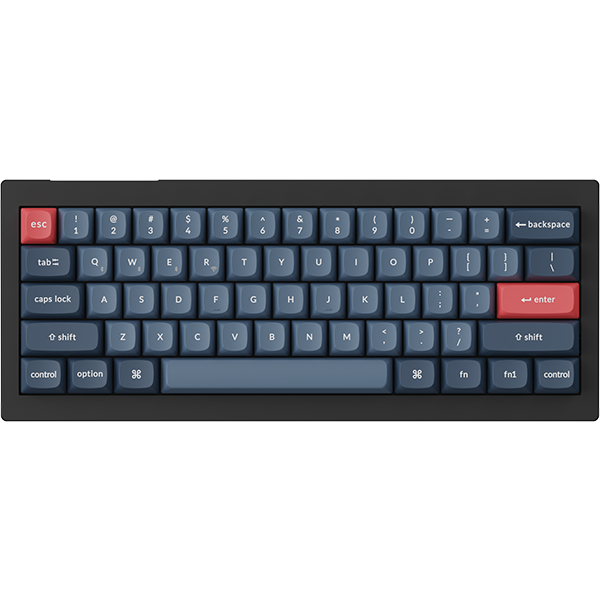


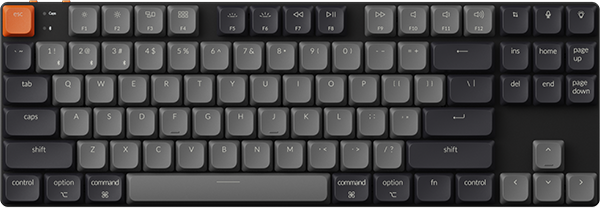
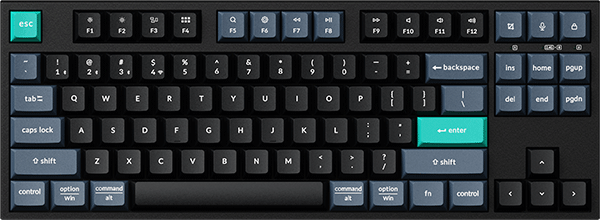

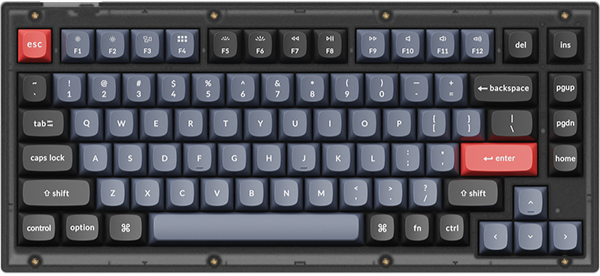
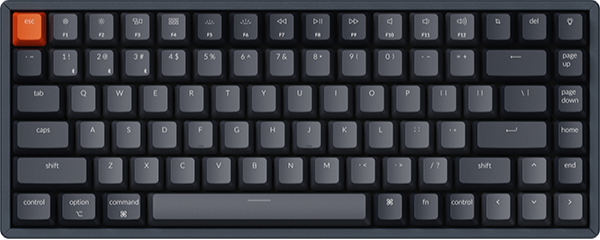
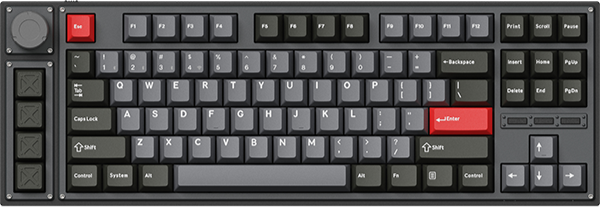

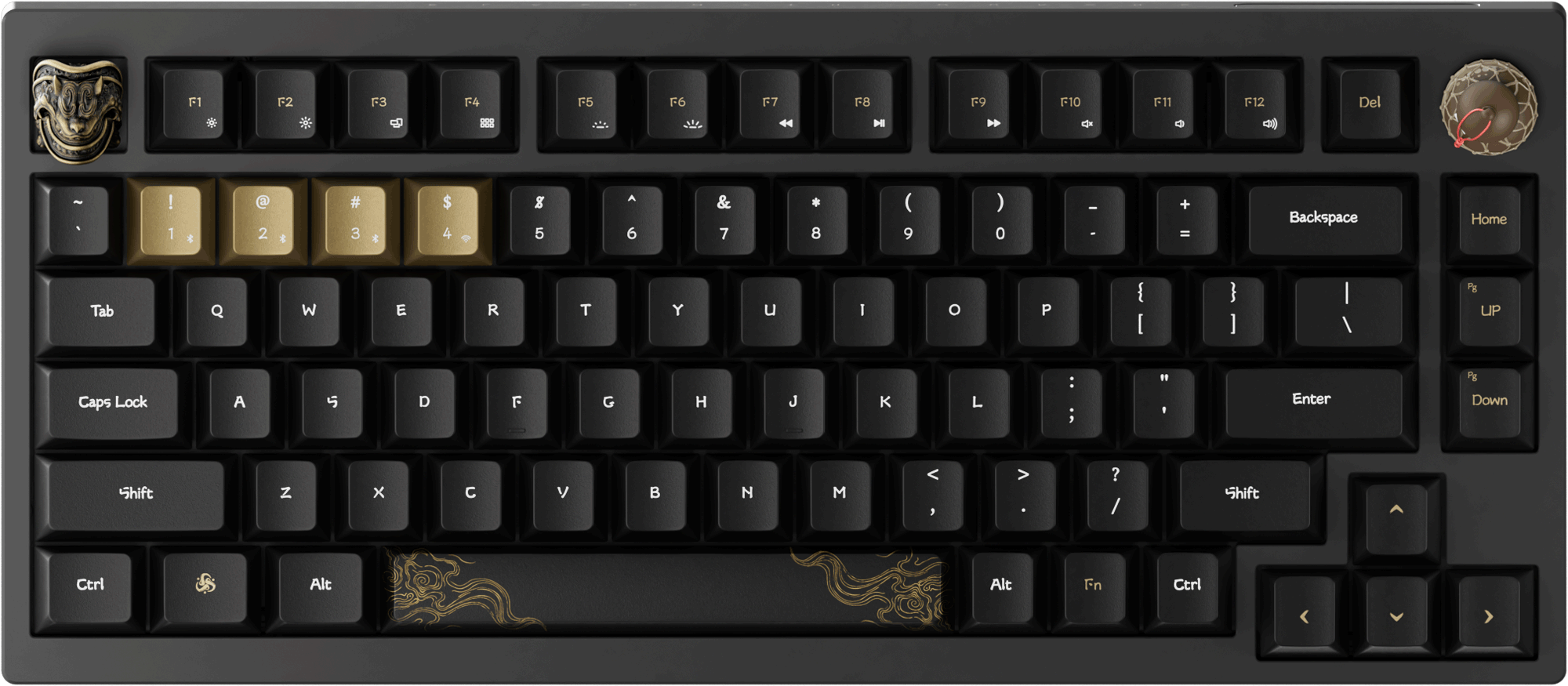


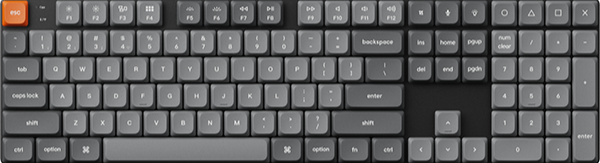

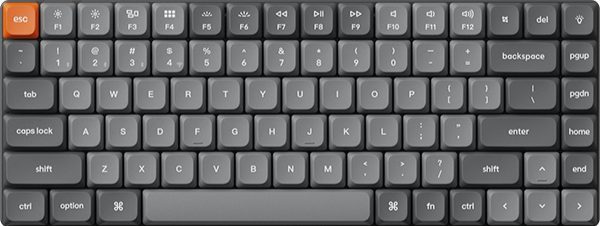
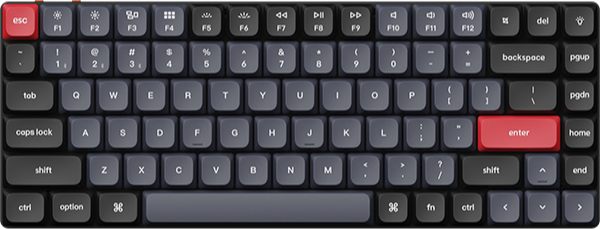
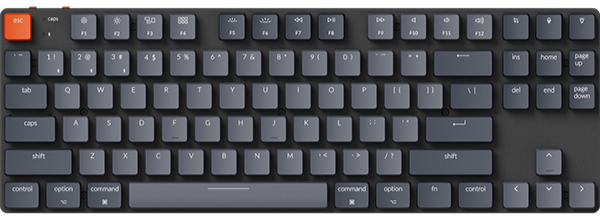












The Keychron K3 Max and the Keychron K3 HE are both low-profile 75% wireless keyboards, and this page covers which one fits travel, office work, or gaming. The best pick depends on where you type and whether you want mechanical or magnetic switches. The K3 Max also comes as the K3 Max SE and as an All-Wood Special Edition, so you have four boards to choose from.
Quick answer
- If you carry it in a bag: pick the K3 Max. It measures 306 x 116 mm and weighs 525 g.
- If it stays on an office desk: pick the K3 Max SE for wooden side frames and hot-swappable Keychron Milk POM switches.
- If you want a wood body: pick the K3 Max All-Wood Special Edition, which is built from walnut wood.
- If you play games: pick the K3 HE for Rapid Trigger and an actuation point you set from 0.2 to 2.9 mm.
Which low-profile 75% keyboard is the best for travel, office, or gaming?
Short answer: Pick the K3 Max for travel, the K3 Max SE for an office desk, and the K3 HE for gaming.
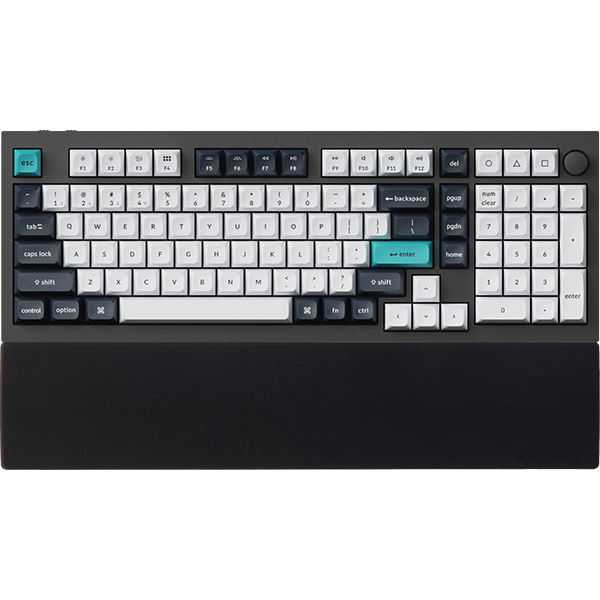
A lot is shared across the four boards. Each one has a 75% layout and double-shot PBT keycaps. Each one connects by 2.4 GHz receiver, by Bluetooth to up to three devices, or by USB Type-C cable. All four report at 1000 Hz on the receiver and on the cable, and all four run QMK firmware. The table lists what differs.
| Model | Switches | Frame | Size and weight | Rated wireless hours | Bluetooth polling rate |
|---|---|---|---|---|---|
| K3 Max | Gateron or Keychron low-profile mechanical | ABS and aluminum | 306 x 116 mm, 525 g | Around 73 | 90 Hz |
| K3 Max SE | Keychron Milk POM low-profile mechanical | ABS and wood | 318.62 x 126 mm, 566 g ± 10 g | Up to 120 | 125 Hz |
| K3 Max All-Wood Special Edition | Keychron Milk POM low-profile mechanical | Walnut wood | 319.15 x 126.55 mm, 580 g ± 10 g (Fully Assembled Version) | Up to 86 | 125 Hz |
| K3 HE | Keychron Ultra-Fast Lime Low-Profile Magnetic Switch | Aluminum and wood | 318.62 x 126 mm, 575 g | Up to 55 | 125 Hz |
The K3 Max figure is with the backlight off, and the K3 Max and K3 HE figures are lab-test results. Actual hours vary with backlight and use.
Check: measure the bag sleeve or the desk space the keyboard will use. You need about 31 cm of width for the K3 Max and about 32 cm for the other three.
Mechanical or magnetic switches: which should you choose?
Short answer: Choose mechanical if you want to pick a switch feel and type, and choose magnetic if you want to set the actuation point yourself.
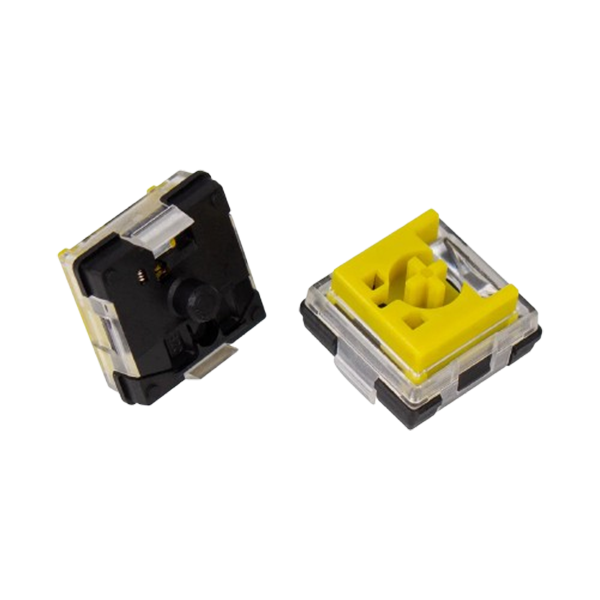
The three Max boards use low-profile mechanical switches. Adjustable actuation and Rapid Trigger are not part of these boards. You choose the feel when you order, and the options are linear, tactile, or clicky, depending on the board.
Magnetic switches sit under the keys of the HE board. A magnetic sensor measures how far each key travels, so you can set the actuation point for every key. Our magnetic keyboard explainer covers how the sensing works.
Check: decide whether you will open the settings and tune your keys. If you will not, choose by switch feel and frame among the three Max boards.
Keychron K3 Max: Best for travel at 306 x 116 mm and 525 g
View the K3 Max on keychron.com →
Short answer: The K3 Max has the smallest footprint and the lowest listed weight of the four boards.
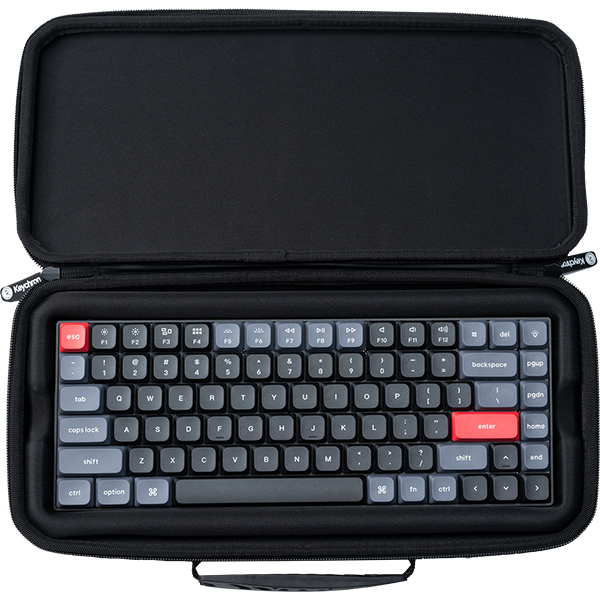
With keycaps on, height is 17 mm at the front and 22 mm at the rear. Rated wireless use is around 73 hours with the backlight off (lab test). Bluetooth pairs with up to three devices, so one keyboard can serve your laptop, tablet, and phone. The Keychron Travel Pouch comes in a size that lists the K3 Max.

Inside, IXPE acoustic foam is there for quieter keystrokes, and latex foam supports the switches. You remap keys in Keychron Launcher, a web app for remapping keys and recording macros. Open it in the latest Chrome, Opera, or Edge with the keyboard connected by cable. Shortcuts and the factory reset are in the K3 Max User Guide.
Pick: Black with RGB Backlight (Hot-swappable) and Low Profile Gateron Mechanical Red or Low Profile Gateron Mechanical Brown. Red is linear, and Brown sits between linear and clicky. On that version, you can change switches without soldering, and it takes Gateron and Keychron low-profile mechanical switches. For a light-colored board, choose White Gray with White Backlight and Low Profile Gateron Mechanical Brown or Low Profile Keychron Mechanical Red. For a clicky switch, choose Black with RGB Backlight and Low Profile Gateron Mechanical Blue. The White Gray picks and the Blue pick are not (Hot-swappable) versions.
Check: read the Backlight option before you add to cart. Only the option marked (Hot-swappable) lets you change switches later.
Keychron K3 Max SE: Best for an office desk with wooden side frames
View the K3 Max SE on keychron.com →
Short answer: The K3 Max SE keeps the three connections and adds wooden side frames and Keychron Milk POM switches, and its page lists up to 120 hours of wireless use.
Here is what changes against the standard board:
- Frame: ABS with wooden side frames, on an aluminum plate.
- Switches: Keychron Milk POM, and every version is hot-swappable.
- Foam: EPDM acoustic foam for quieter typing, plus bottom case acoustic foam.
- Size: 318.62 x 126 mm and 566 g ± 10 g, so it is a little larger and heavier.

Over Bluetooth, the SE reports at 125 Hz, and the standard board reports at 90 Hz. The 2.4 GHz receiver and the cable stay at 1000 Hz. Keycaps for both macOS and Windows are in the box.
Pick: Black with Keychron Milk POM Red for a linear switch, or with Keychron Milk POM Brown or Keychron Milk POM Banana for a tactile one.
Check: the SE comes in Black. If you want a light-colored board, look at the White Gray K3 Max or the White K3 HE.
Keychron K3 Max All-Wood Special Edition: Best for a walnut wood body
View the K3 Max All-Wood on keychron.com →
Short answer: The K3 Max All-Wood Special Edition puts the K3 Max connections in a solid walnut wood body.
The plate is aluminum, and the switches are hot-swappable Keychron Milk POM. Inside, you get IXPE acoustic foam and latex foam. Rated wireless use is up to 86 hours. Over Bluetooth, it reports at 125 Hz.

Size is 319.15 x 126.55 mm. Weight is 580 g ± 10 g for the Fully Assembled Version, which is about the same as the SE and the K3 HE.
Pick: All-Wood with Keychron Milk POM Red for a linear switch, or with Keychron Milk POM Brown for a tactile one.
Check: this edition has two switch options. If you want Keychron Milk POM Banana, choose the SE.
Keychron K3 HE: Best for gaming with Rapid Trigger
View the K3 HE on keychron.com →
Short answer: The K3 HE lets you set each key's actuation point from 0.2 to 2.9 mm, with 0.1 mm sensitivity, and it adds Rapid Trigger.
With Rapid Trigger, a key resets after a release distance you set, instead of at one fixed point. You can also assign up to four actions to one key by press depth, and Analog Mode sends variable input in place of on and off. You set the actuation point and Rapid Trigger in Launcher's HE Mode, opened in the latest Chrome, Opera, or Edge with the keyboard connected by cable. The four-action keys and Analog Mode are set in the Launcher web app too. These settings change when a press registers and resets. Your aim stays as it was.

The frame is aluminum and wood. With keycaps on, front height is 22.0 mm. Its page lists up to 55 hours of wireless use (lab test). For hot-swapping, it takes the Keychron Ultra-Fast Lime Low-Profile Magnetic Switch, and its page has the full compatibility note. The same travel pouch size lists the K3 HE.
Pick: Fully Assembled in White with the Keychron Ultra-Fast Lime Low-Profile Magnetic Switch.
Check: plan to spend time in HE Mode. If you will leave every key at one setting, a Max board covers you.
Keychron K3 Max vs K3 HE: which is the best for you?
Short answer: The K3 Max is the best for carrying and for mechanical switches, and the K3 HE is the best if you will tune your keys for games.
On the 2.4 GHz receiver and on the cable, polling rate does not separate them, because both report at 1000 Hz. Over Bluetooth, the K3 Max reports at 90 Hz and the K3 HE at 125 Hz. Four more points differ:
- Switch: mechanical on the K3 Max, and magnetic with adjustable actuation on the K3 HE.
- Size and weight: 306 x 116 mm and 525 g, against 318.62 x 126 mm and 575 g.
- Front height with keycaps: 17 mm on the K3 Max and 22.0 mm on the K3 HE.
- Wireless hours: around 73 with the backlight off (lab test), against up to 55 (lab test).
If Bluetooth and a cable are all you need, the K3 Pro has those two connections without the receiver. Our Keychron Max vs Pro guide compares the tiers.
Check: name the one place you will type most. A bag points to the K3 Max, an office desk to the SE, and a gaming desk to the K3 HE.
Frequently asked questions
What is the difference between the Keychron K3 Max and K3 Max SE?
The SE has wooden side frames, Keychron Milk POM switches that are hot-swappable on every version, and EPDM foam. It is rated for up to 120 hours of wireless use. The standard K3 Max is smaller at 306 x 116 mm and 525 g. It comes with Gateron or Keychron low-profile mechanical switches.
Does the Keychron K3 Max work with Mac and Windows?
Yes. It has a Mac layout and stays compatible with Windows, and keycaps for both systems are in the box. Keychron Launcher runs in a browser on macOS, Windows, and Linux.
Can you remap keys on the Keychron K3 Max with VIA?
Yes. Our firmware and JSON page has a keymap JSON file for the K3 Max that you load in VIA. You can also remap in the Launcher web app with no file to load, and our Keychron Launcher guide walks through it.
Shop the products in this guide


References & Citations
- K3 Max size, weight, height, connections, polling rate, battery, foam, and options. (Keychron K3 Max product page)
- K3 Max SE frame, switches, foam, size, polling rate, and battery. (Keychron K3 Max SE product page)
- K3 Max All-Wood Special Edition body, switches, size, weight, and battery. (Keychron K3 Max All-Wood Special Edition product page)
- K3 HE switches, actuation range, Rapid Trigger, size, height, and battery. (Keychron K3 HE product page)
- Keymap JSON file for the K3 Max and the VIA steps. (Firmware and JSON files of K Pro and K Max)
- HE Mode settings in Keychron Launcher. (How to use HE mode on Keychron Launcher)
- K3 Max shortcuts, Launcher tutorial, and factory reset. (Keychron K3 Max User Guide)