
























IN THIS ARTICLE
- Which Q Series line is the best: three lines side by side
- How to read a Keychron Q Series model name
- Keychron Q6 Max: Best for mechanical switches with QMK and VIA
- Keychron Q6 Ultra 8K: Best for 8000 Hz polling over a wireless receiver
- Keychron Q6 HE: Best for setting how deep each key fires
- Who should pick what
- FAQ
You searched for the Keychron Q Series and found names like Q1 Max, Q6 Ultra 8K, and Q3 HE. Each name has two parts. The number is the size of the board, and the word after it is the line, which decides the switches, the connection speed, and the firmware.
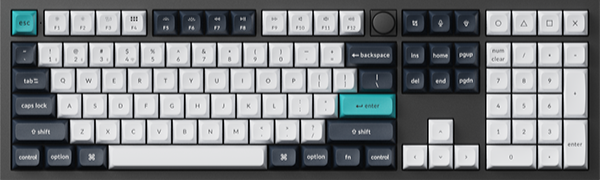
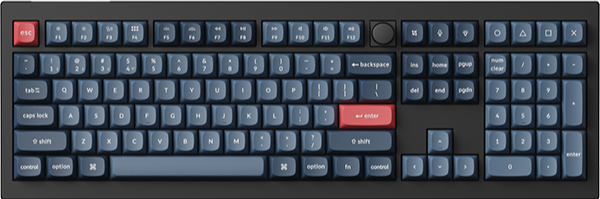
The best Q Series keyboard for you depends on the line you want and the size your desk has room for. For the full-size boards, take the Q6 Max for mechanical switches with QMK firmware, the Q6 Ultra 8K for 8000 Hz polling, and the Q6 HE for magnetic switches with adjustable actuation.
Key takeaways
- Typing first, with QMK and VIA: the Q Max line. The Q6 Max has hot-swappable Gateron Jupiter mechanical switches and 1000 Hz polling over 2.4 GHz and the cable.
- Fast games on a wireless receiver: the Q Ultra 8K line. The Q6 Ultra 8K supports 8000 Hz polling over 2.4 GHz and the cable once you set it in Launcher, and it runs ZMK firmware.
- Work by day, games at night: the Q HE line. On the Q6 HE, each key's actuation point adjusts from 0.2 to 3.8 mm.
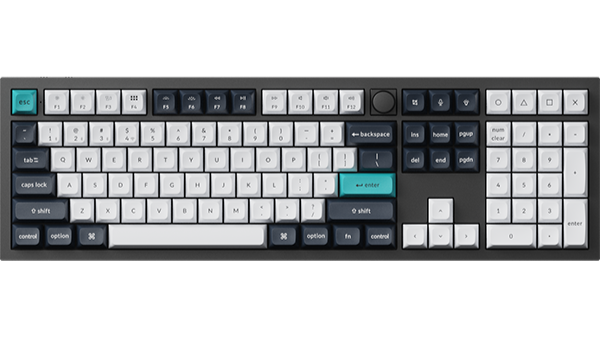
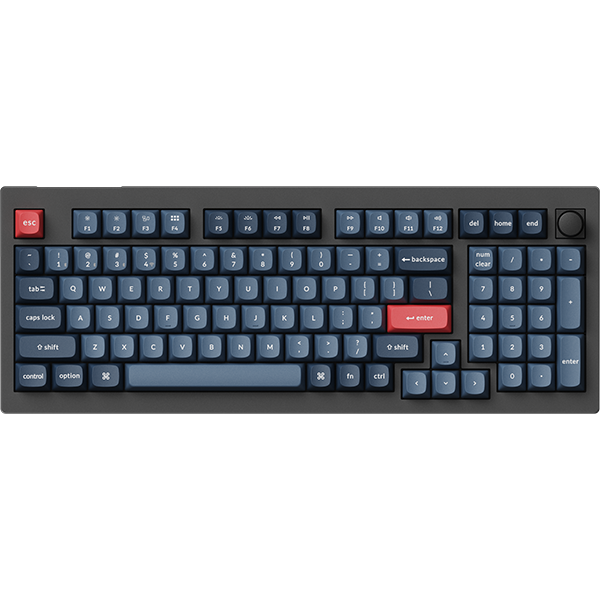
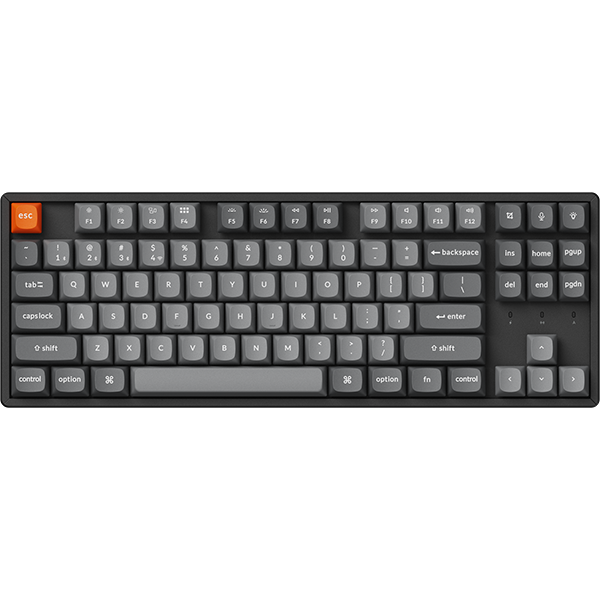
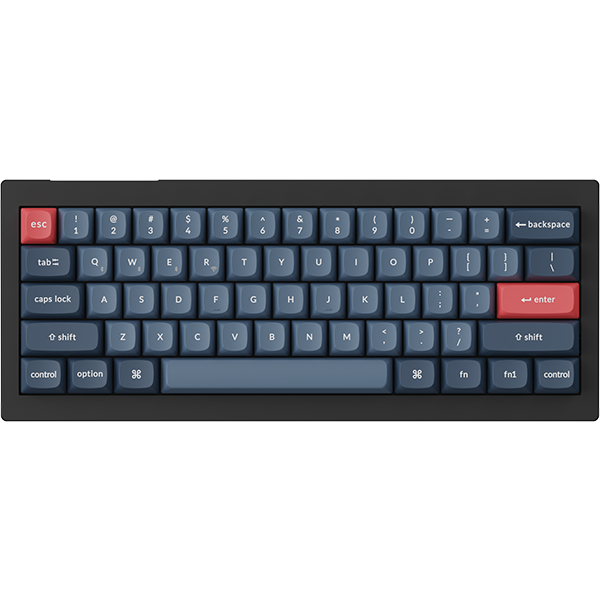
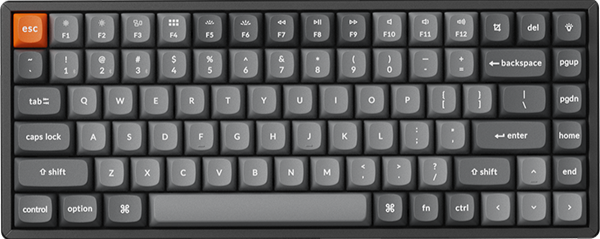
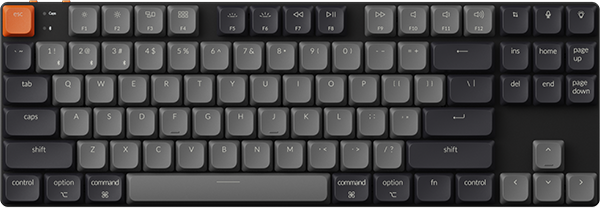
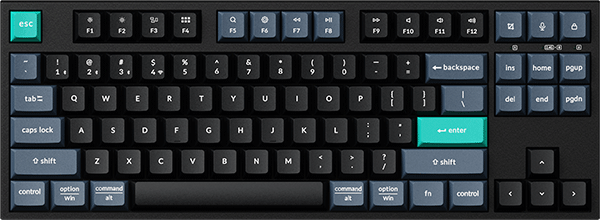
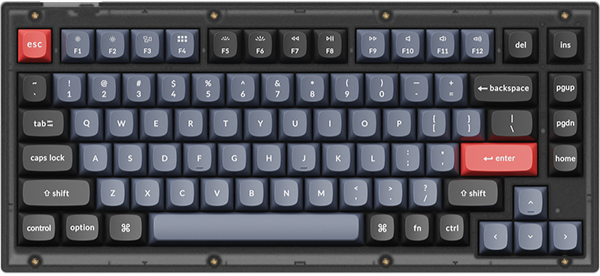
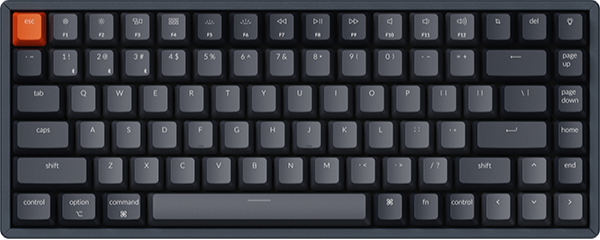
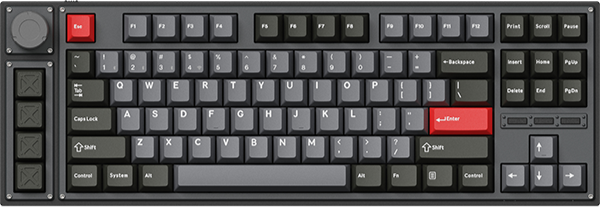
- Size comes from the number: Q1 is 75%, Q3 is tenkeyless, Q5 is 96%, and Q6 is full size. A Q6 is 446 mm long, so allow about 45 cm of desk width.
Which Q Series line is the best: three lines side by side
The three Q6 boards share a metal body, a gasket mount, hot-swappable switches, and three ways to connect. They differ in switch type, polling rate, and firmware, and those three points stay the same on the Q1 to Q6 boards of each line. Battery and weight change with size, so check each product page for those.
| Q6 Max | Q6 Ultra 8K | Q6 HE | |
|---|---|---|---|
| Line | Q Max | Q Ultra 8K | Q HE |
| Product page | Q6 Max | Q6 Ultra 8K | Q6 HE |
| Switches | Gateron Jupiter, mechanical | Keychron Silk POM, mechanical | Gateron Double-Rail Magnetic Nebula |
| Connection | 2.4 GHz, Bluetooth, cable | 2.4 GHz, Bluetooth, cable | 2.4 GHz, Bluetooth, cable |
| Polling rate | 1000 Hz on 2.4 GHz and cable, 90 Hz on Bluetooth | 8000 Hz on 2.4 GHz and cable, 125 Hz on Bluetooth | 1000 Hz on 2.4 GHz and cable, 90 Hz on Bluetooth |
| Firmware and app | QMK, Keychron Launcher | ZMK, Keychron Launcher | QMK, Keychron Launcher |
| Battery | Up to 180 hours (backlight off) | Up to 660 hours (backlight off) | Up to 100 hours (backlight off) |
| Plate | PC | PC | Aluminum |
| Weight | 2184 g ± 10 g (Fully Assembled) | 2238 g ± 10 g | 2178 g ± 10 g (Fully Assembled) |
Keychron Launcher is our web app for remapping keys and building macros. Open it in the latest Chrome, Opera, or Edge with the keyboard connected by cable.
Three more Q names turn up in the same search. Our Q HE 8K boards, such as the Q6 HE 8K, are wired magnetic keyboards with 8000 Hz polling. In the Q Pro line, boards such as the Q1 Pro connect over Bluetooth and a cable, and our Max vs Pro guide covers that choice. Then there are the original Q boards, which are wired and run QMK.
How to read a Keychron Q Series model name
The number tells you the layout, and it means the same thing in each of the three lines. Pick the row for your desk first, then the column for your line.
| Model | Layout | Q Max | Q Ultra 8K | Q HE |
|---|---|---|---|---|
| Q1 | 75% | Q1 Max | Q1 Ultra 8K | Q1 HE |
| Q2 | 65% | Q2 Max | — | Q2 HE |
| Q3 | 80%, tenkeyless | Q3 Max | Q3 Ultra 8K | Q3 HE |
| Q4 | 60% | — | — | Q4 HE |
| Q5 | 96% | Q5 Max | Q5 Ultra 8K | Q5 HE |
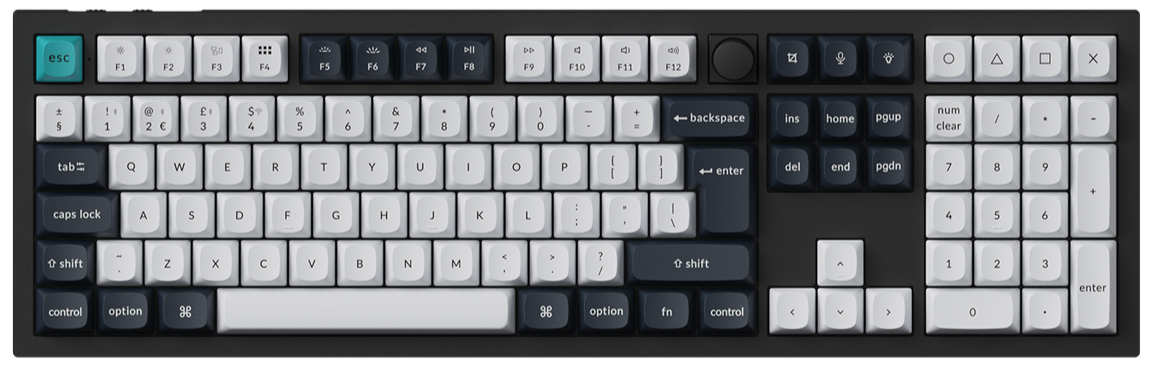
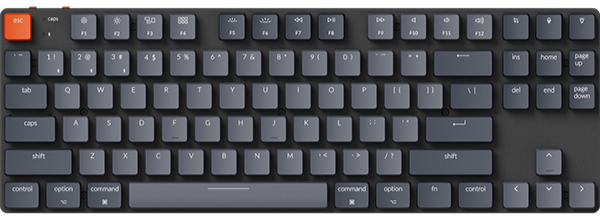
| Q6 | 100%, full size | Q6 Max | Q6 Ultra 8K | Q6 HE |
This table covers Q1 to Q6. Each line's collection page lists more model numbers, and the Layout line on each product page gives the size. One example is the Q11 Ultra 8K, a split 75% board that our Q11 comparison covers.
Check: measure the free width where the keyboard will sit, leaving your mouse in its usual spot. The three Q6 boards are 446 mm long. If you have less, our Q Max size comparison and Q5 comparison cover the smaller boards.
Keychron Q6 Max: Best for mechanical switches with QMK and VIA
View the Q6 Max on keychron.com →
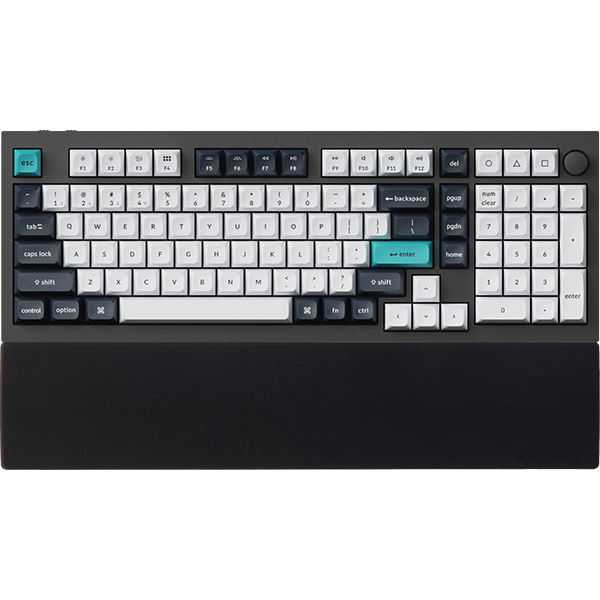
Our full-size Q Max board is the Q6 Max, one of our best sellers. It connects over a 2.4 GHz receiver, Bluetooth 5.1 for up to three devices, or the cable. Polling is 1000 Hz on 2.4 GHz and the cable, and 90 Hz on Bluetooth.

What changes in daily use. The Q6 Max runs QMK firmware, so you can remap keys and build macros in VIA or in Launcher. You can pull any switch and push in almost any 3-pin or 5-pin MX style mechanical switch without soldering. The battery is rated for up to 180 hours with the backlight off and up to 100 hours at the lowest RGB brightness.
The body is 6063 aluminum, and the Fully Assembled version weighs 2184 g ± 10 g. Silicone pads between the top and bottom cases cut resonance between the metal parts, and acoustic foams such as IXPE, PET, and latex sit inside. One r/MechanicalKeyboards owner uses one for work and calls it "a very nice keyboard".
Worth it if you type most of the day and want mechanical switches you can change later. Skip it if you want 8000 Hz polling, which is the Q6 Ultra 8K, or an adjustable actuation point, which is the Q6 HE.
Pick: Fully Assembled Knob in Carbon Black or Shell White, with Gateron Jupiter Red, Gateron Jupiter Brown, or Gateron Jupiter Banana.
Keychron Q6 Ultra 8K: Best for 8000 Hz polling over a wireless receiver
View the Q6 Ultra 8K on keychron.com →
With the Q6 Ultra 8K, you get support for an 8000 Hz polling rate over 2.4 GHz and the cable. You switch it to 8000 Hz in Launcher, and our 8K polling rate guide shows where the setting is. Bluetooth 5.3 pairs with up to three devices at 125 Hz.

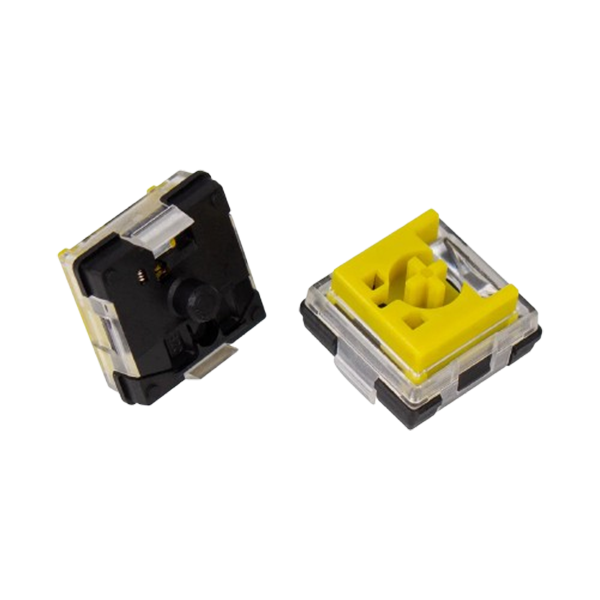
What changes in daily use. The battery is rated for up to 660 hours with the backlight off and up to 200 hours at the lowest RGB brightness. The firmware is ZMK, and you still remap keys in Launcher with the cable connected. The pre-lubed Keychron Silk POM switches have a POM housing and stem, and they are hot-swappable with almost any 3-pin or 5-pin MX style mechanical switch.
The 8000 Hz setting changes how often the board reports. It does not change a game's fire rate or your aim.
Worth it if you play fast games on the 2.4 GHz receiver and want the longest battery rating of these three boards. Skip it if you want per-key actuation and Rapid Trigger. Those need the magnetic switches of the Q6 HE.
Pick: Fully Assembled Knob in Black or White, with Keychron Silk POM Switch - Red, Keychron Silk POM Switch - Brown, or Keychron Silk POM Switch - Banana.
Keychron Q6 HE: Best for setting how deep each key fires
View the Q6 HE on keychron.com →
In the Q HE line, the full-size board is the Q6 HE. Its Gateron Double-Rail Magnetic Nebula switches do not rely on physical contact. Magnets tell the board how far each key has traveled, so you choose the depth where a press counts. Our magnetic keyboard explainer covers how that works.

What changes in daily use. Set the letter keys deeper, and a press that stops short of that depth does not register. Set W, A, S, and D shallower, and those keys fire earlier in their travel. The range is 0.2 to 3.8 mm. Rapid Trigger adds the release side: a key resets after a release distance you set, instead of at one fixed point.
You set the actuation distance and Rapid Trigger in Launcher's HE Mode, opened in the latest Chrome, Opera, or Edge with the keyboard connected by cable. The HE Mode guide walks through each panel. Two more features come with the magnetic switches: Dynamic Keystrokes, which put up to four actions on one key, and an Analog Mode for racing and sports games.
The battery is rated for up to 100 hours with the backlight off. For replacements, the Q6 HE is compatible with Gateron Double-Rail magnetic switches only.
Worth it if one board has to cover long typing days and evening games. Skip it if you want to try many kinds of mechanical switches. That is the Q6 Max.
Pick: Fully Assembled Knob in Carbon Black or Shell White. Both come with the Gateron Double-Rail Magnetic Nebula Switch.
Who should pick what
You type all day and like to tune your board. Choose the Q Max line: the Q6 Max with a number pad, or the Q1 Max if your desk is narrow.
You play on a 2.4 GHz receiver and want 8000 Hz. Choose the Q Ultra 8K line: the Q6 Ultra 8K, or the tenkeyless Q3 Ultra 8K for more mouse room.
You want adjustable actuation and Rapid Trigger. Choose the Q HE line: the Q6 HE, or the 75% Q1 HE that our Q1 HE vs Q1 Max comparison covers.
You are still deciding between the three full-size boards. Our Q6 Max vs Q6 Ultra vs Q6 HE comparison goes deeper on that one choice.
FAQ
What is the difference between Keychron Q Max and Q Ultra 8K?
Mainly polling rate, firmware, and switches. On the Q6 boards, the Q6 Max polls at 1000 Hz over 2.4 GHz and the cable, runs QMK, and comes with Gateron Jupiter switches. Its sibling, the Q6 Ultra 8K, supports 8000 Hz over the same two connections, runs ZMK, and comes with Keychron Silk POM switches.
Which Keychron Q Series keyboard is full size?
The Q6. In the three lines compared in this guide, it comes as the Q6 Max, the Q6 Ultra 8K, and the Q6 HE. Each has a 100% layout with a number pad and a knob.
Is the Keychron Q Series wireless?
It depends on the line. You can connect the Q6 Max, Q6 Ultra 8K, and Q6 HE over 2.4 GHz, Bluetooth, or a cable. Boards in the Q Pro line, such as the Q1 Pro, use Bluetooth or a cable. Our Q HE 8K boards and the original Q boards are wired.
Shop the gear


References & Citations
- Q6 Max switches, connections, polling rates, battery ratings, QMK and VIA, body, foams, weight, and selector options. (Keychron Q6 Max product page)
- Q6 Ultra 8K polling rates, battery ratings, ZMK firmware, Keychron Silk POM switches, weight, and the Q Ultra, Q Max, and Q Pro series differences. (Keychron Q6 Ultra 8K product page)
- Q6 HE magnetic switches, 0.2 to 3.8 mm actuation range, Rapid Trigger, Dynamic Keystrokes, Analog Mode, connections, battery rating, and plate. (Keychron Q6 HE product page)
- Layouts and connections of the Q Max boards by model number. (Keychron Q Max Series collection)
- Layouts of the Q Ultra 8K boards by model number. (Keychron Q Ultra 8K Series collection)
- How to switch a Keychron 8K keyboard to 8000 Hz in Launcher. (8K polling rate on Keychron)
- Layouts of the Q HE boards by model number. (Keychron Q HE Series collection)